
In the fast-evolving world of decentralized finance (DeFi), understanding how to manage token approvals in crypto wallets is non-negotiable for anyone serious about safeguarding their digital assets. Token approvals are the backbone of seamless dApp interactions, but they also represent one of the most overlooked security risks in Web3. If mishandled, these permissions can open the door to wallet drainers and malicious actors, making it crucial to review your approval habits and adopt robust security measures.
What Are Token Approvals? The Mechanics Behind Wallet Permissions
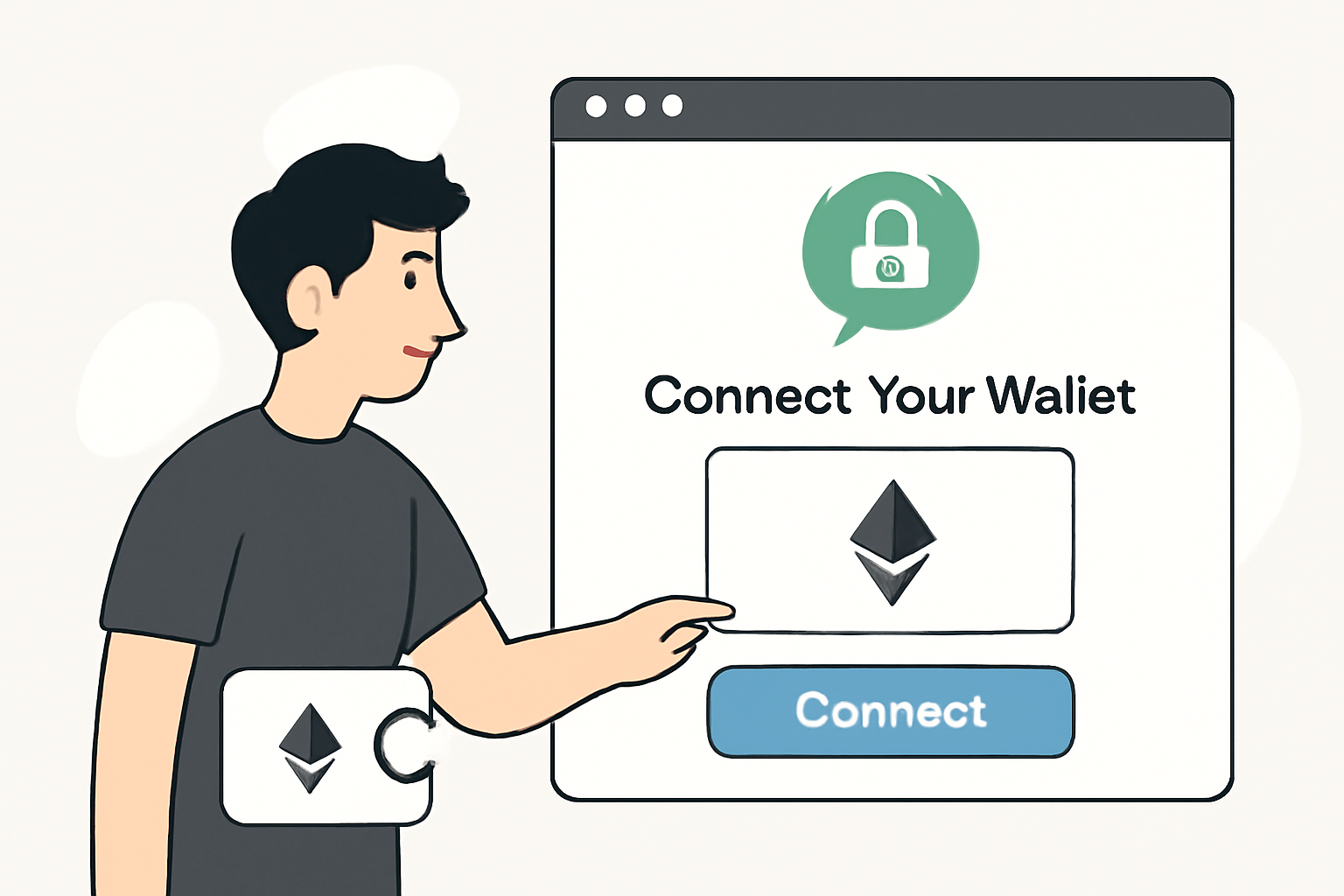
Whenever you connect your wallet to a dApp and initiate a transaction involving tokens or NFTs, you’re prompted to grant an approval. This approval authorizes the smart contract (or dApp) to access and transfer a specified amount of your tokens on your behalf. The process typically involves three functions: approve, allowance, and transferFrom, which together enable automated asset management without requiring constant manual confirmation (source). While this system streamlines user experience, it is precisely these automated permissions that bad actors exploit.

The current DeFi landscape offers little native transparency for tracking or revoking these permissions. Most mainstream wallets either bury approval management deep within menus or rely on third-party tools for oversight (source). As a result, many users are unaware of lingering or excessive approvals, until it’s too late.
The Hidden Risks: Unlimited Approvals and Malicious Contracts
The most common pitfall is granting unlimited or “infinite” token approvals. This means a dApp can move any amount of your tokens at any time, until you manually revoke access. If the dApp’s code is compromised or if you’ve interacted with a fraudulent project, attackers can drain your assets in seconds (source). Disconnecting from a dApp does not revoke these permissions, they remain active until explicitly removed (source).
Case in point: In 2024 alone, multiple high-profile exploits could have been prevented had users regularly reviewed and revoked unnecessary token approvals. Even reputable projects are not immune to bugs or vulnerabilities that can be weaponized against inattentive users.
Essential Security Tips for Managing Token Permissions
Best Practices for Secure Token Approval Management
- Limit Approval Amounts: Always specify the exact amount of tokens needed for a transaction instead of granting unlimited or 'infinite' approvals. This minimizes potential losses if a dApp is compromised.
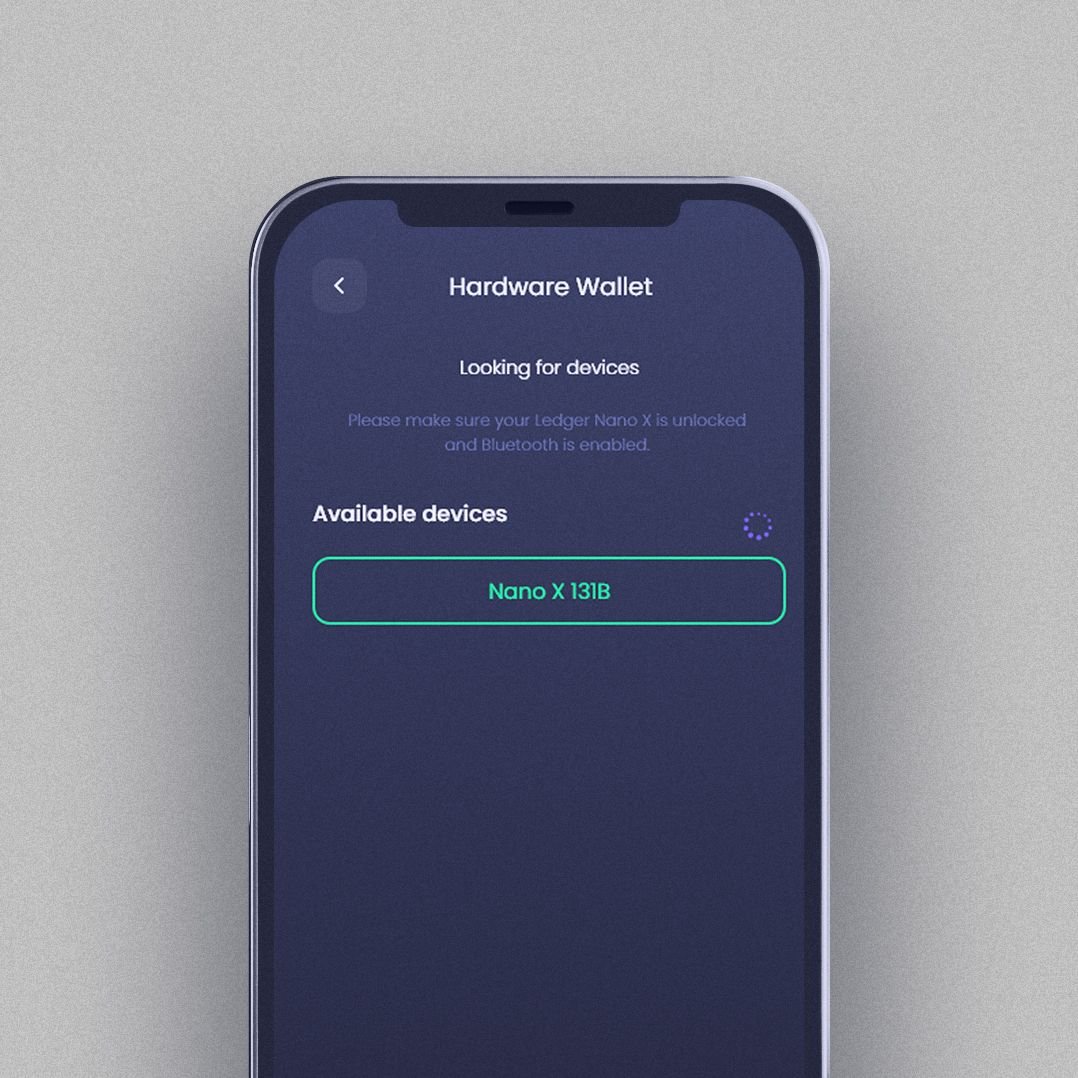
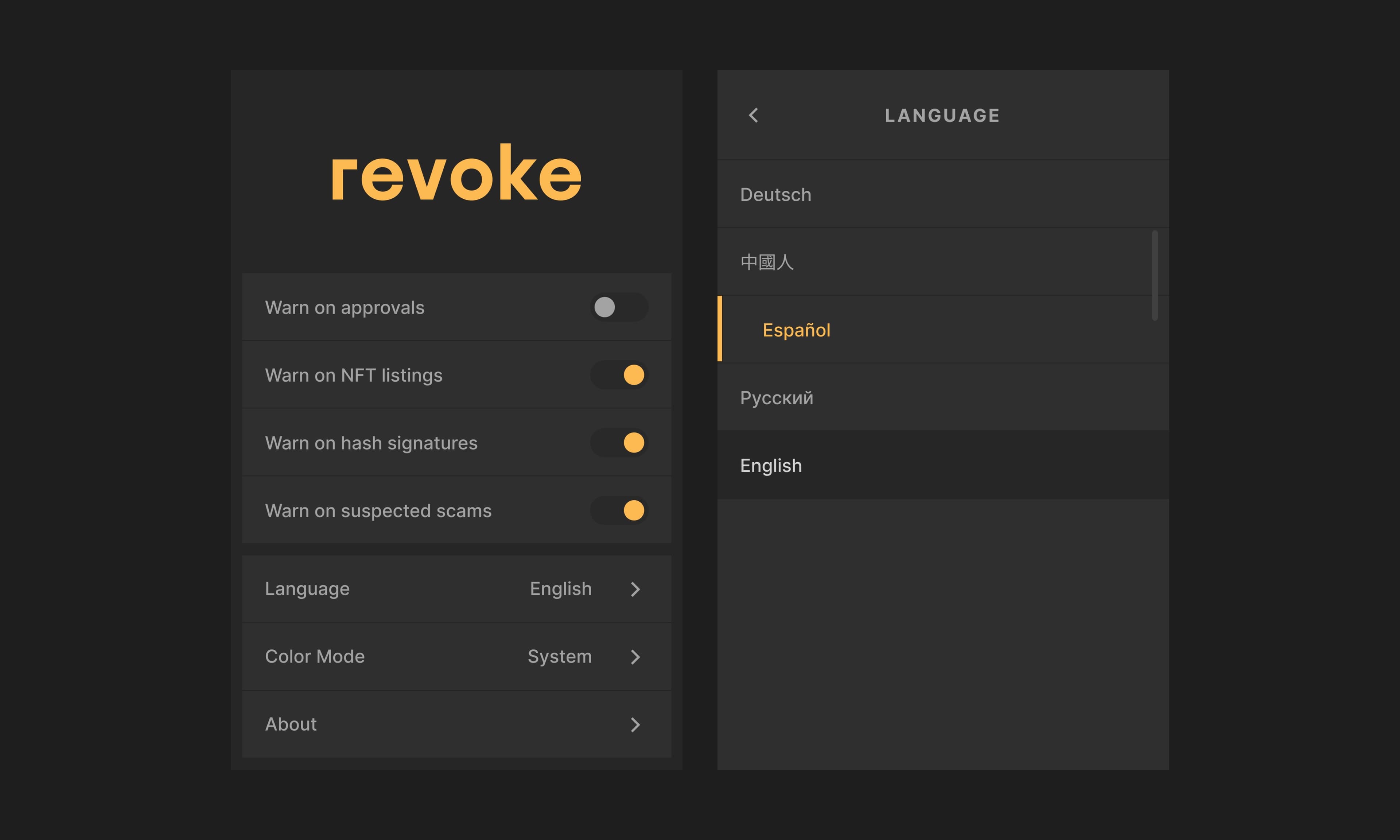
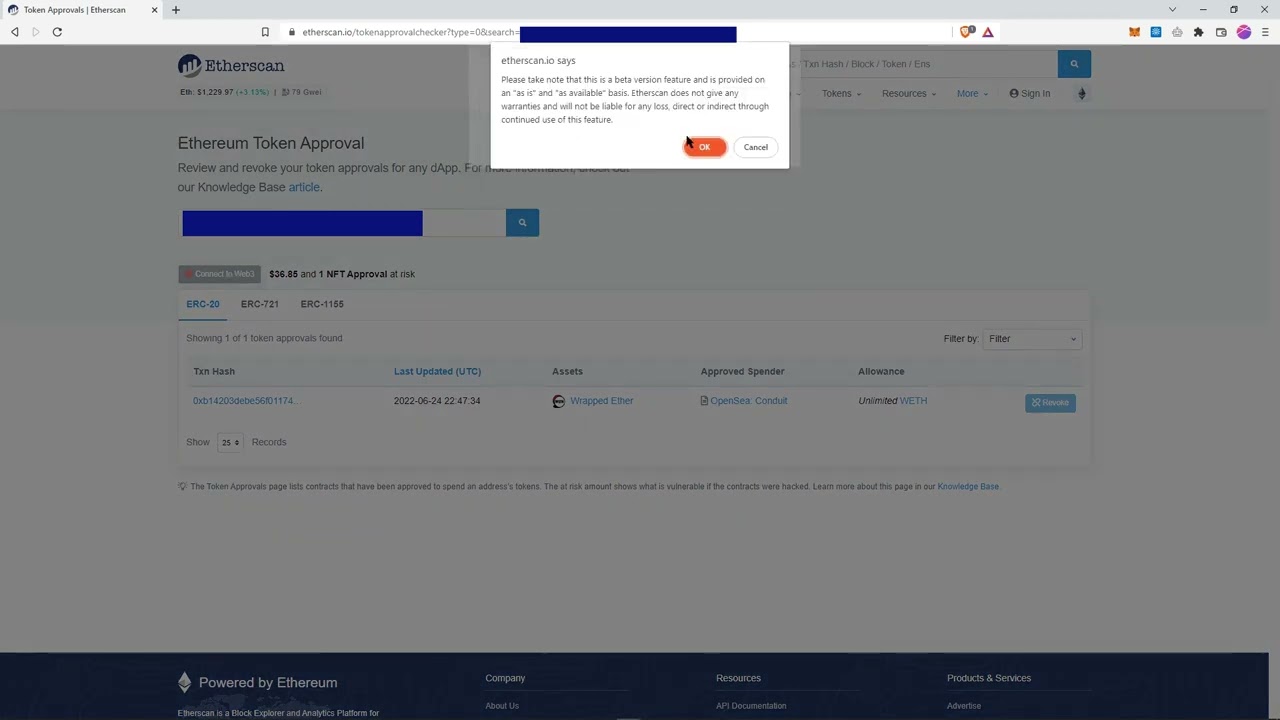
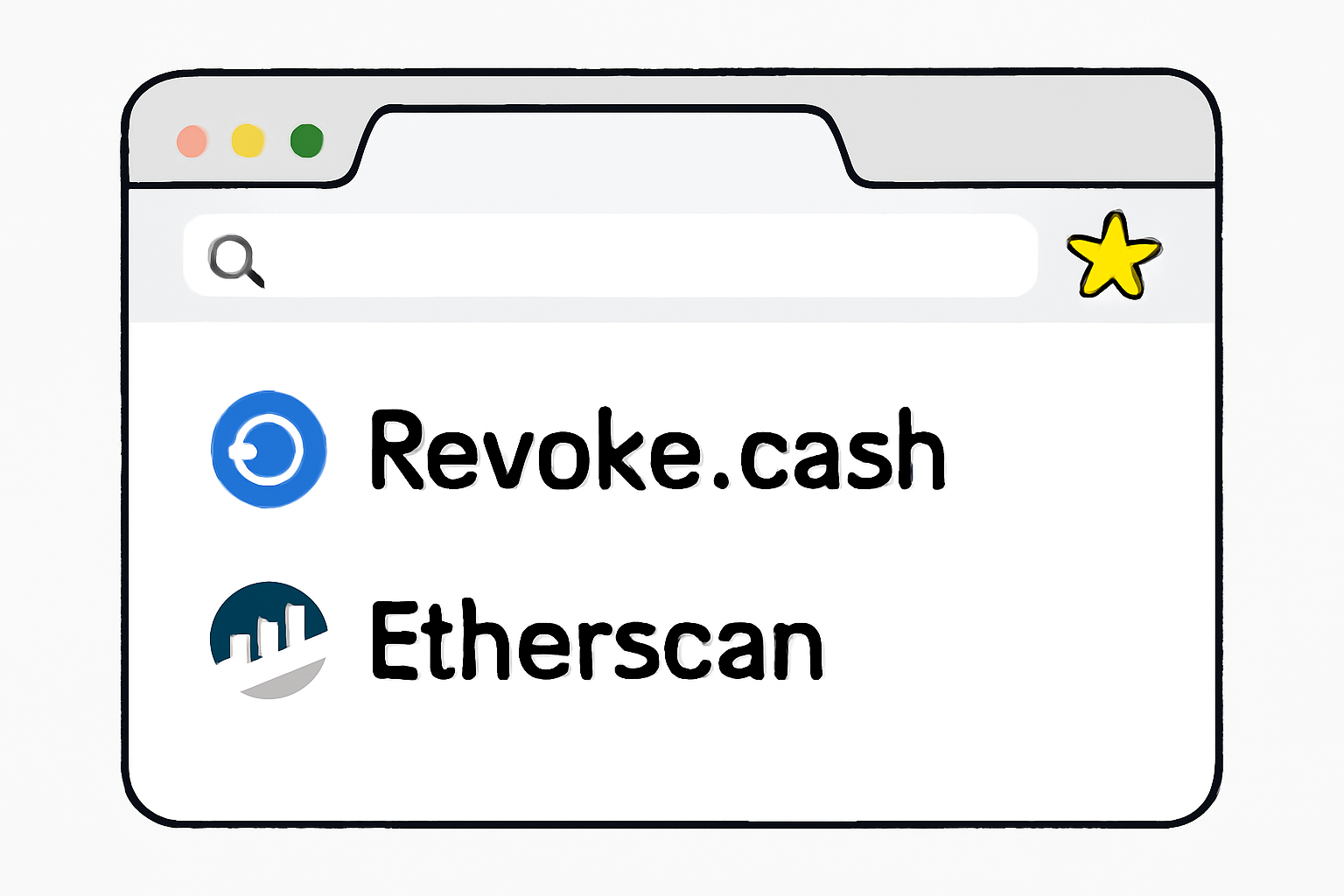
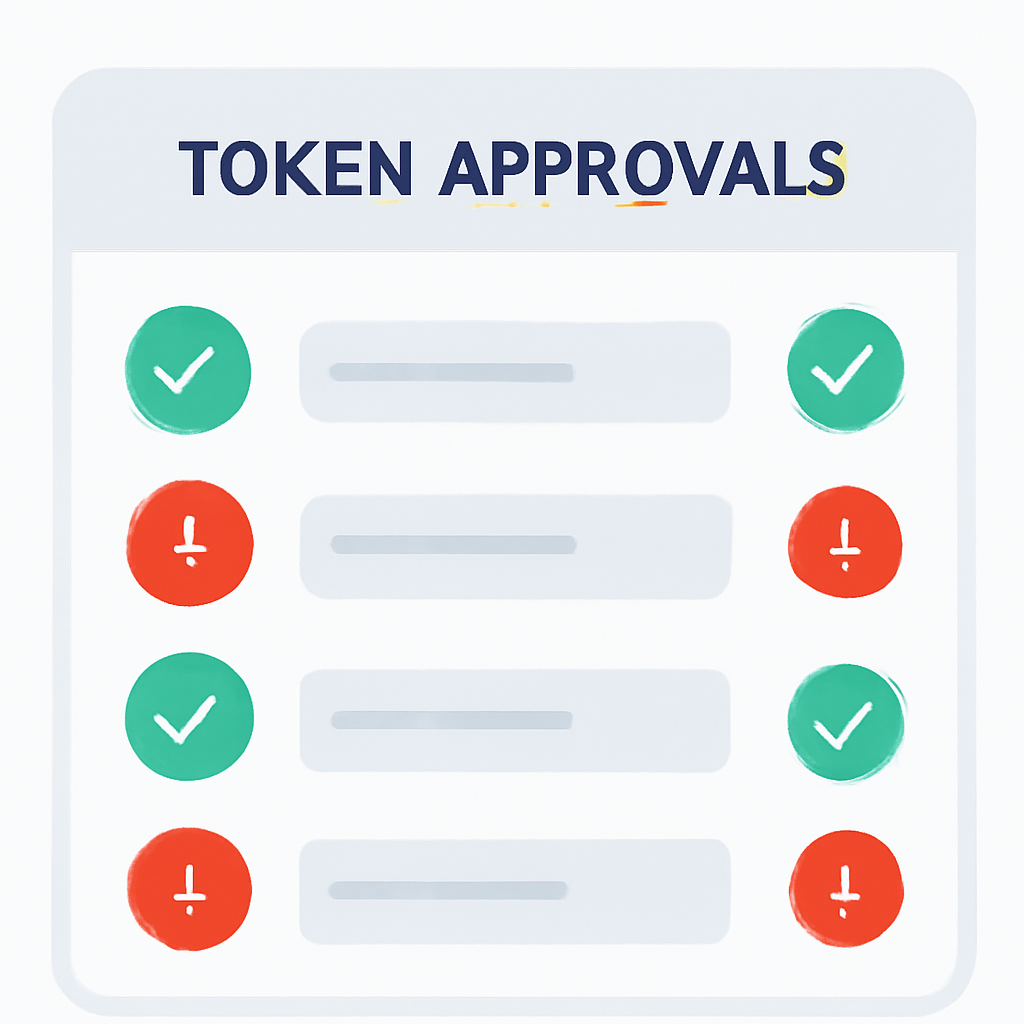
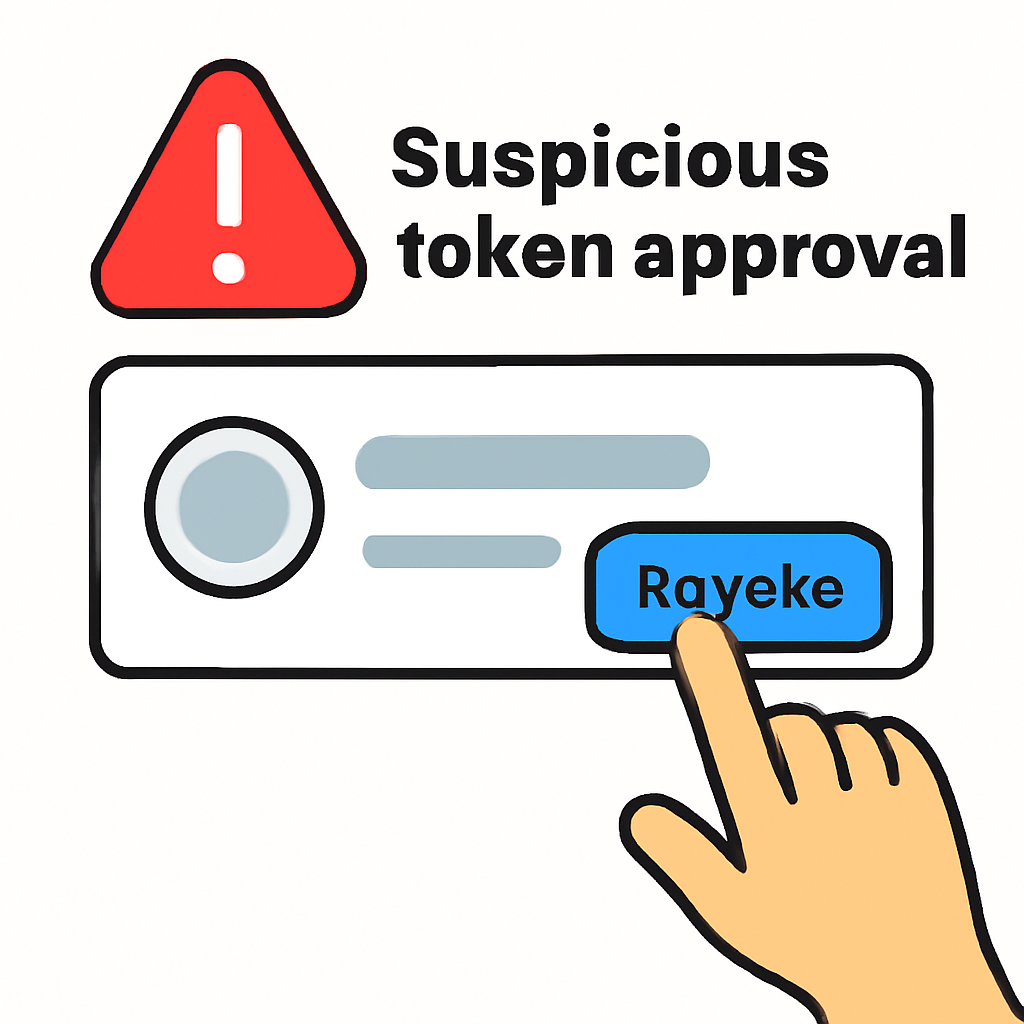
- Regularly Review and Revoke Approvals: Periodically check your active token approvals and revoke any unnecessary or unfamiliar permissions. Use trusted tools like Revoke.cash and Etherscan's Token Approval Checker for this process.
- Use Trusted dApps Only: Interact exclusively with reputable and well-established dApps. Research the dApp's history, community feedback, and any past security incidents before granting approvals.

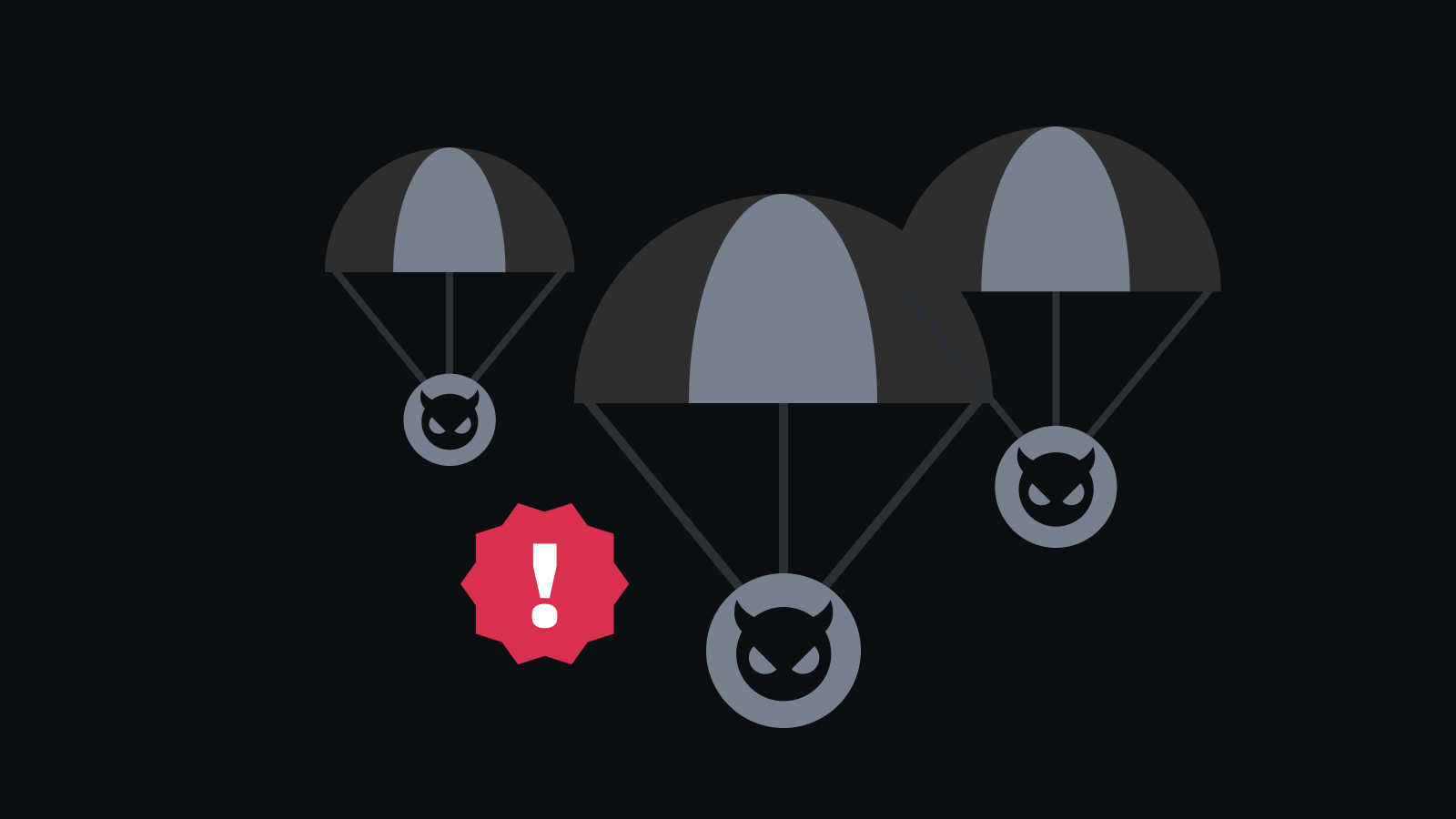
- Be Cautious with Airdrops and Unknown Tokens: Avoid interacting with unsolicited airdrops or unknown tokens, as these can be vectors for phishing attacks or scams.
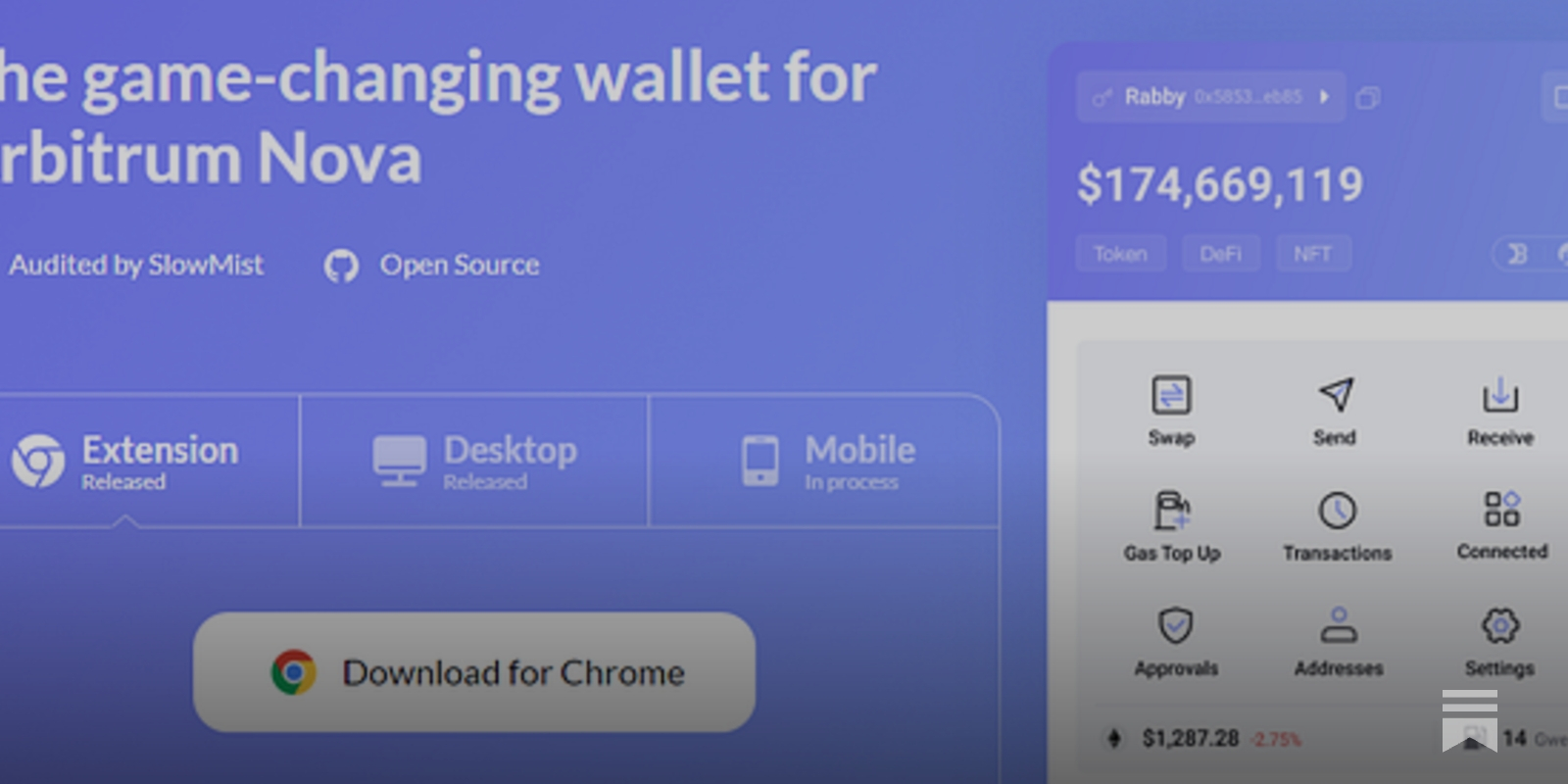
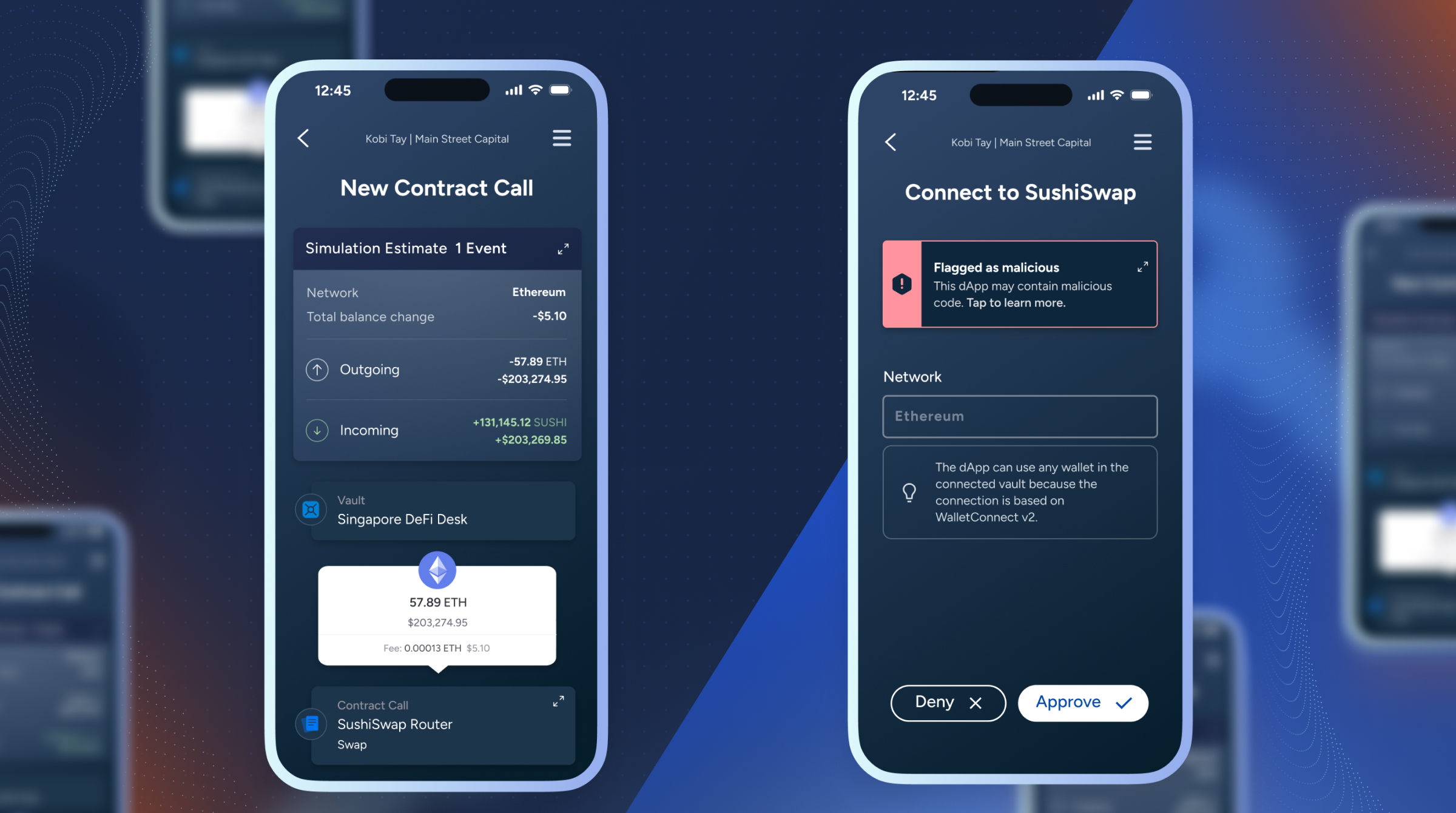
- Utilize Wallets with Transaction Previews: Choose wallets like Rabby or Phantom that offer detailed transaction previews, allowing you to review permissions before confirming.
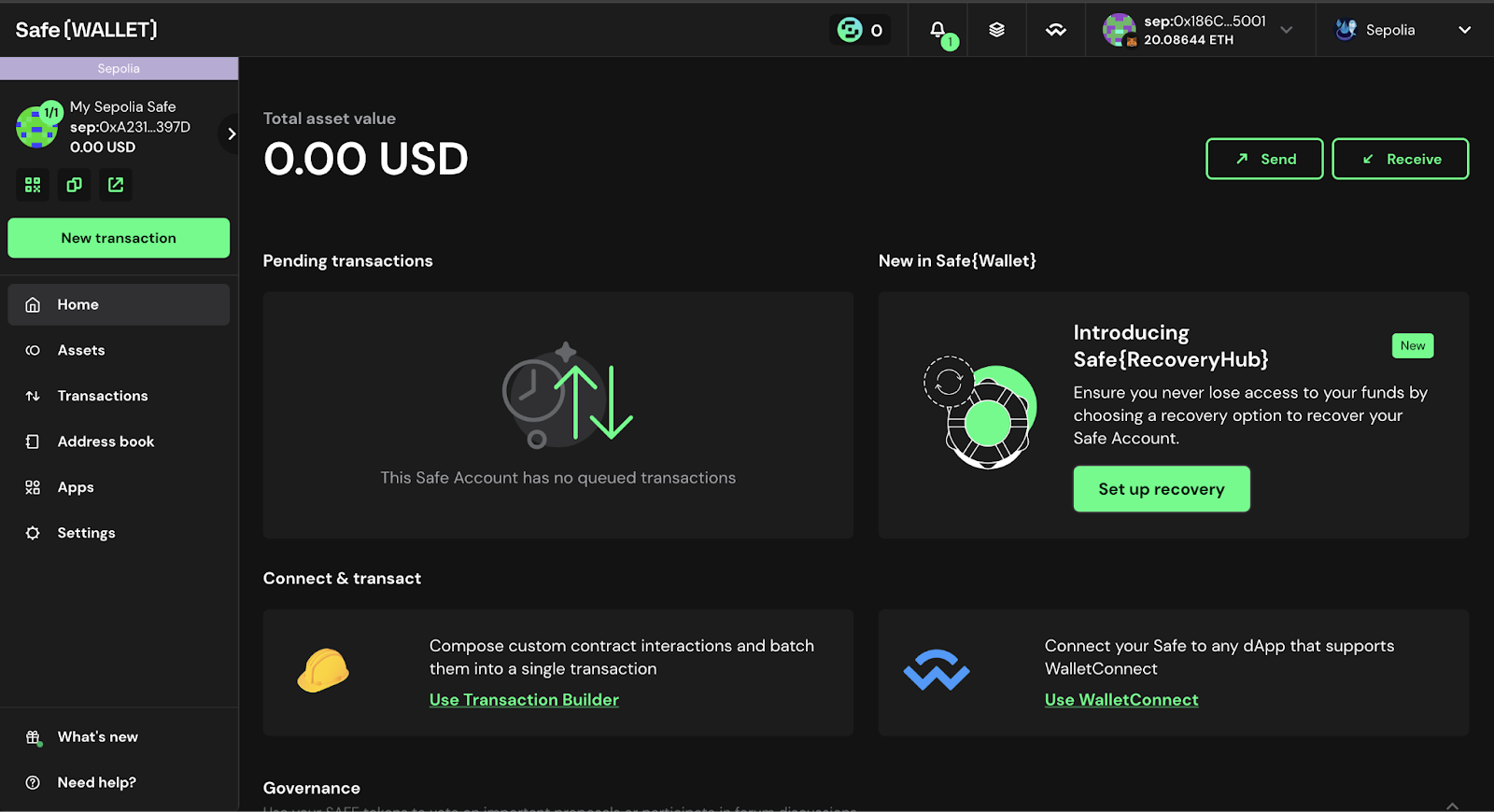
- Implement Multi-Signature Wallets for High-Value Assets: For significant holdings, use multi-signature wallets that require multiple approvals for transactions, adding an extra layer of security.
Proactive management is essential. Here’s what every crypto user should be doing:
- Limit approval amounts: Always specify only what’s needed for each transaction instead of defaulting to unlimited access.
- Regularly review and revoke: Use tools like Revoke. cash or Etherscan’s Token Approval Checker to audit your active permissions.
- Avoid unknown dApps: Research community feedback before granting any approval; never interact with unsolicited tokens or suspicious platforms.
- Select wallets with transaction previews: Opt for wallets that show detailed permission breakdowns before you sign anything (e. g. , Rabby).
- Add multi-signature protection: For significant holdings, consider wallets that require multiple confirmations per transaction, this drastically reduces single-point-of-failure risk.
A Visual Guide: How to Review and Revoke Token Approvals Step-by-Step
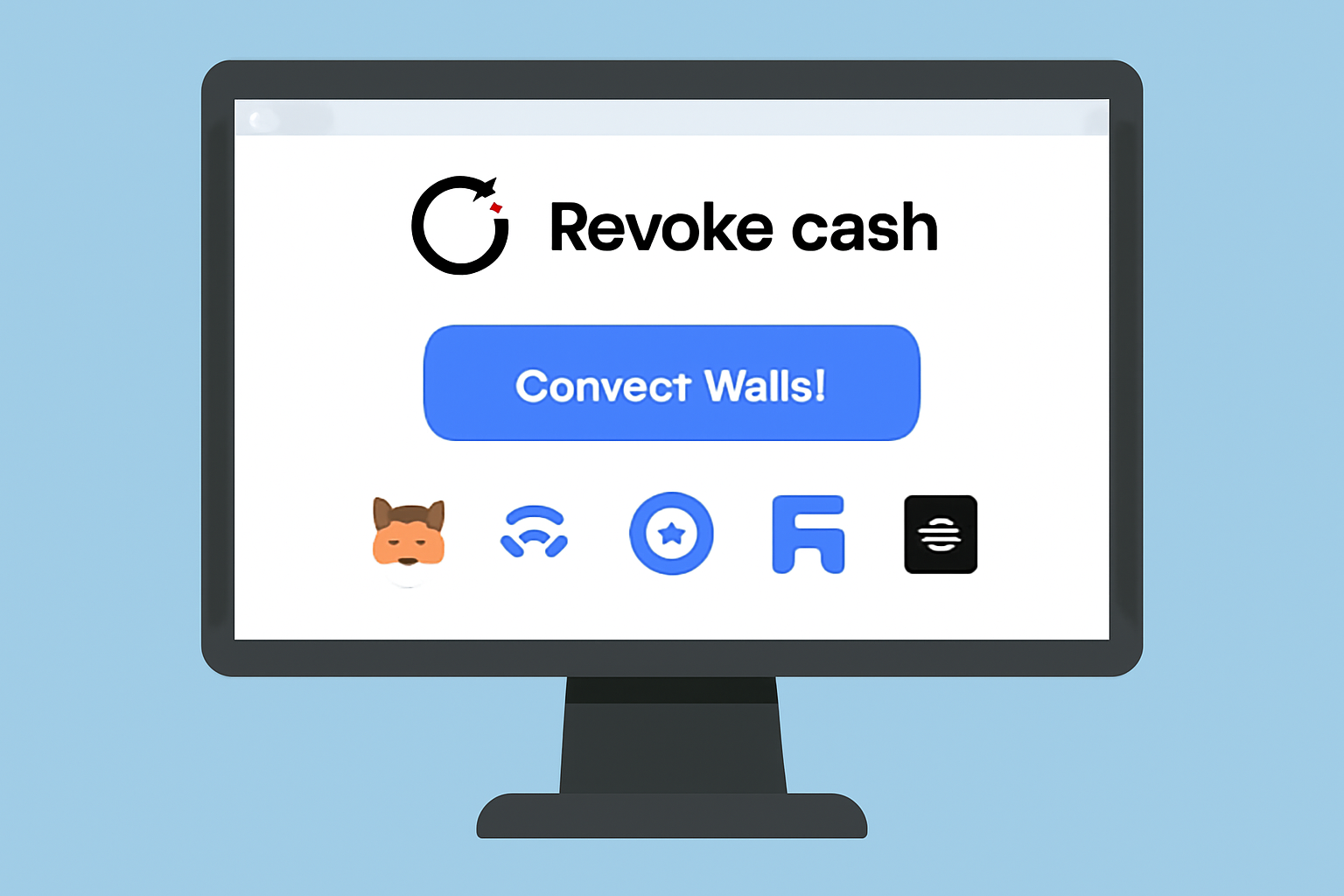
If you’ve never audited your wallet’s token permissions, now is the time. Let’s walk through using Revoke. cash, a trusted tool supporting over 100 networks, to regain control over your assets:
Step-by-Step Guide: Safely Revoke Token Approvals Using Revoke.cash
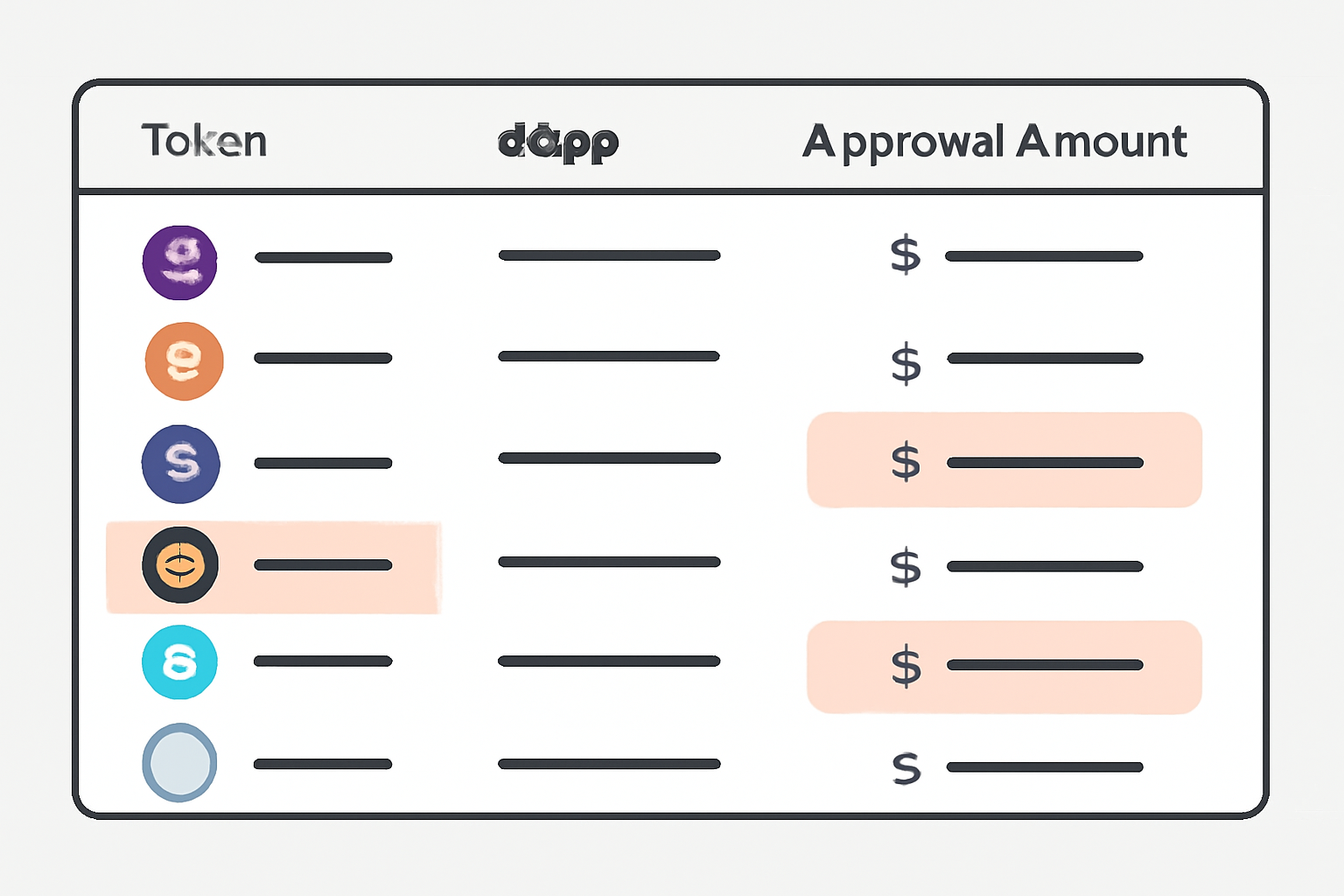
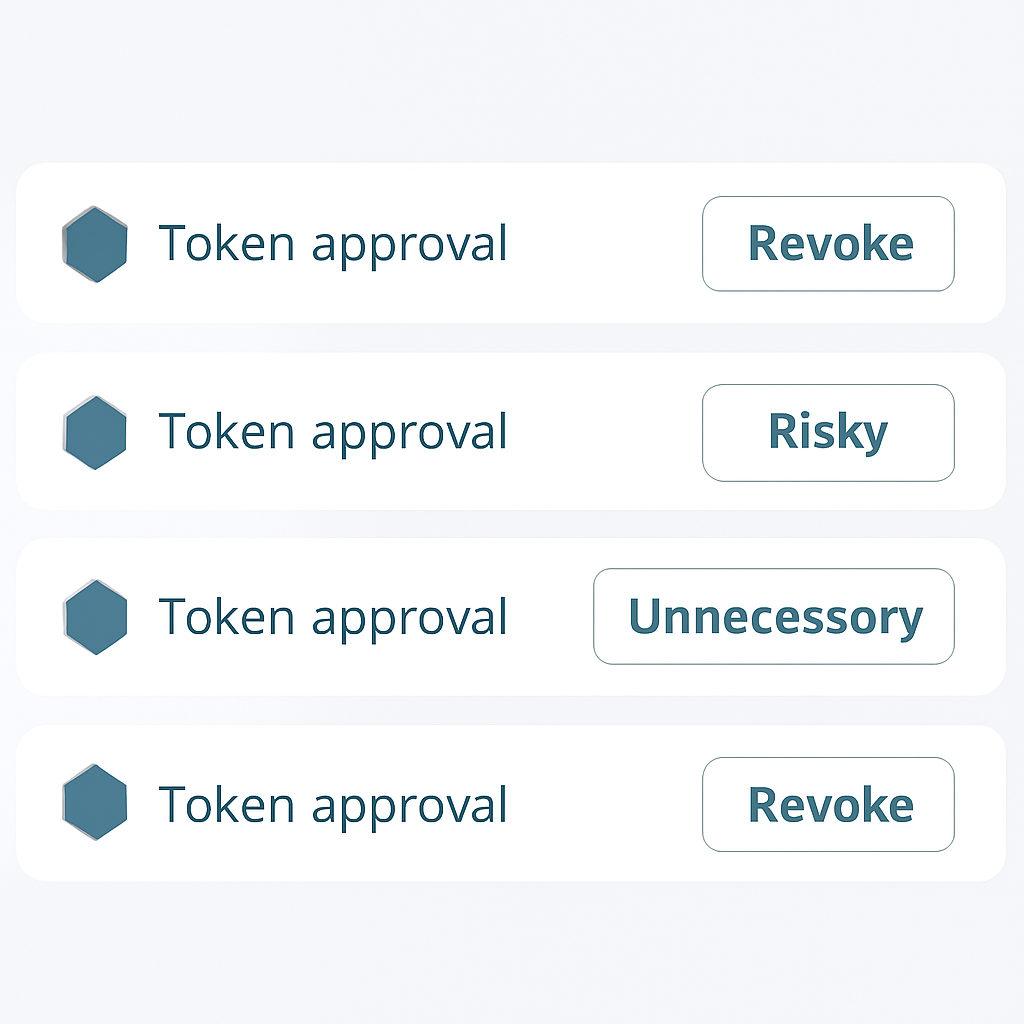
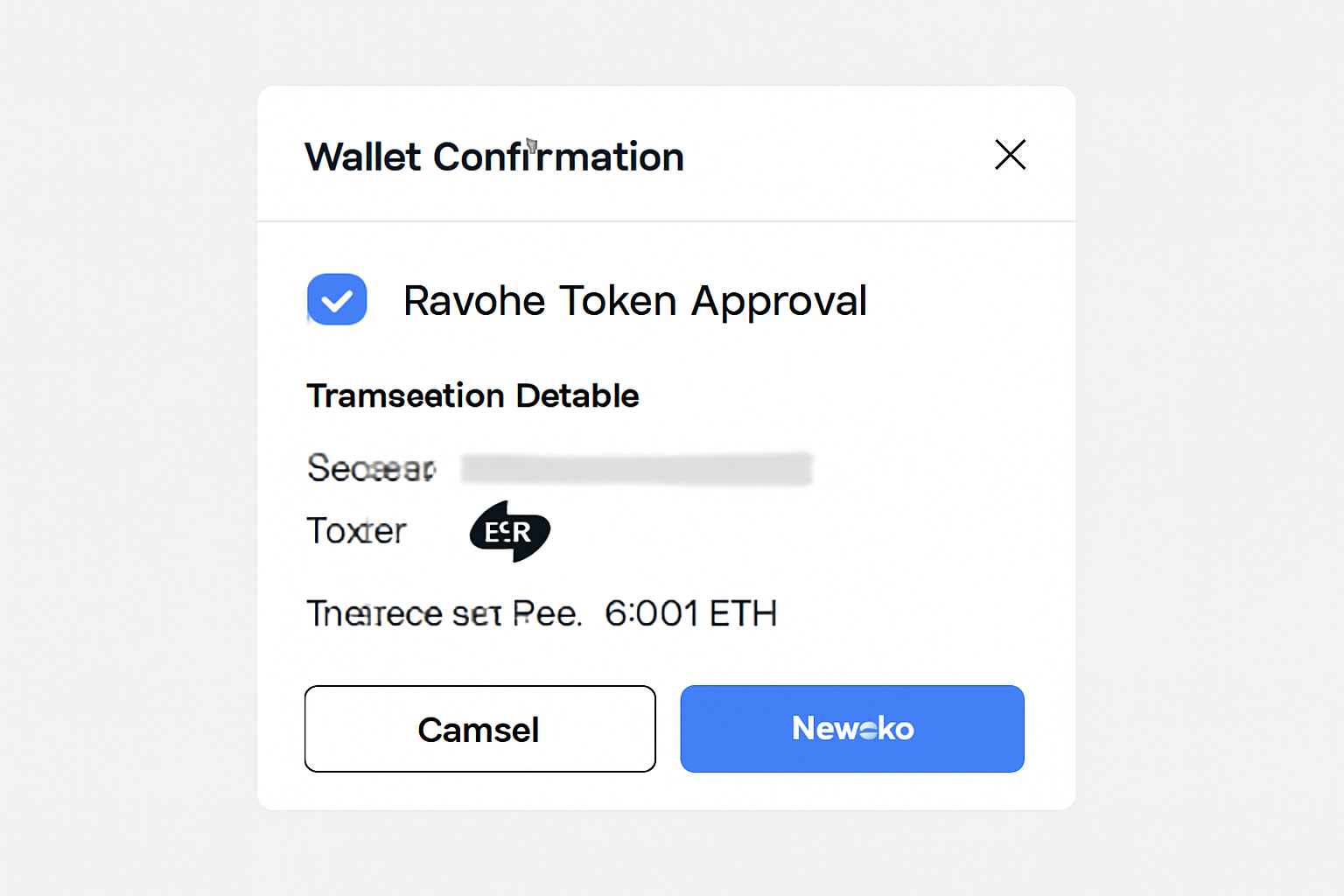
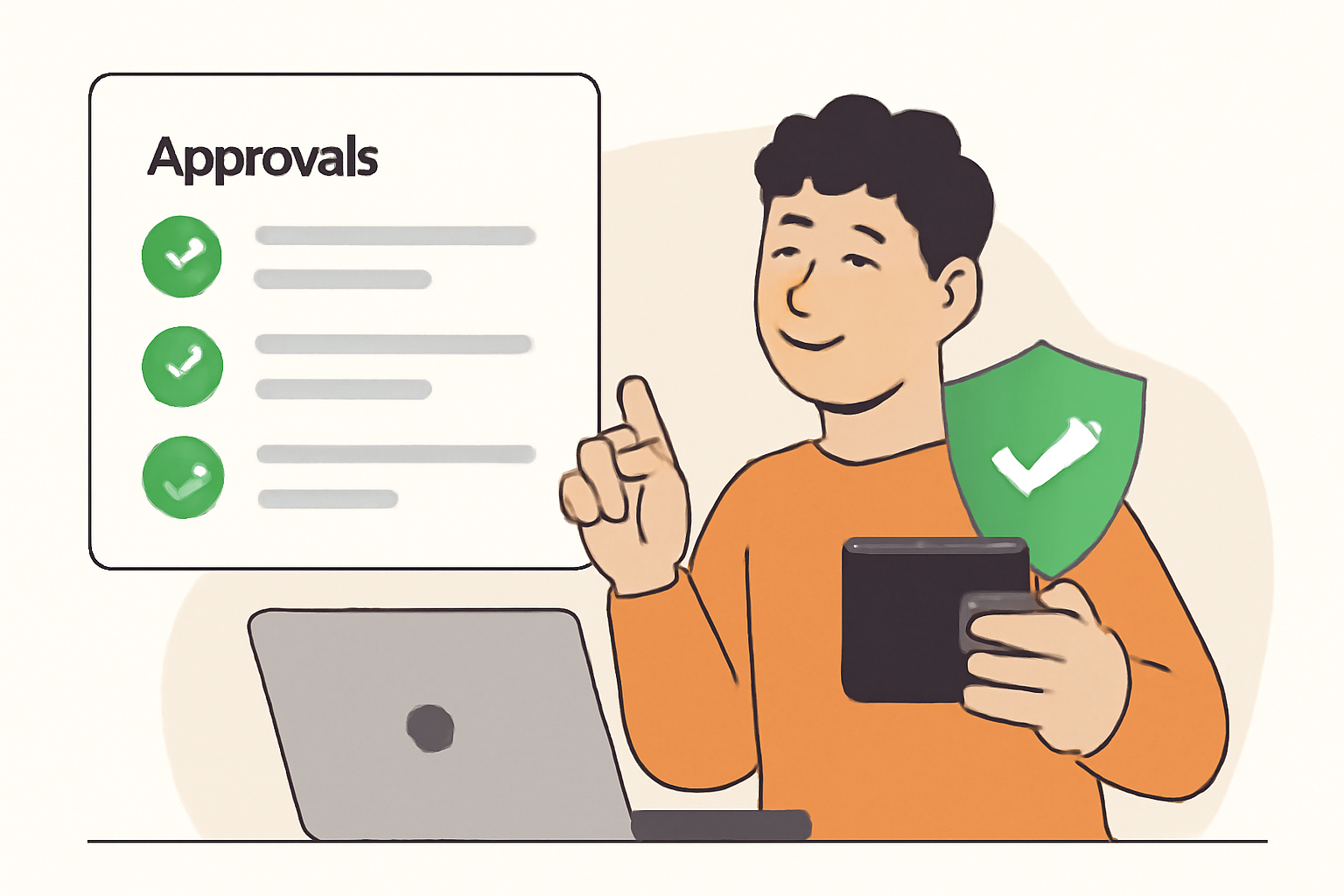
This workflow empowers users with transparency and control that most native wallet interfaces lack (source). Remember: each approval must be revoked via its own transaction, there’s no bulk removal shortcut yet (source). Building this into your monthly crypto hygiene routine will dramatically reduce exposure to evolving DeFi threats.
Staying ahead of DeFi security risks means not just reacting to threats, but actively managing your wallet’s exposure. Token approvals in crypto wallets are a primary attack vector for wallet drainers, phishing campaigns, and smart contract exploits. While the technical mechanics can seem daunting, a data-driven approach, combining regular audits with actionable best practices, will help you minimize risk without sacrificing convenience.
Advanced Strategies for DeFi Security and Token Permission Hygiene
Beyond the basics, there are several advanced tactics for users who want to fortify their crypto wallet security:
Advanced Strategies to Reduce DeFi Token Approval Risk
- Use Dedicated Hot Wallets for dApp Interactions: Create separate wallets for interacting with DeFi dApps and keep your primary assets in a secure, unrelated wallet. This compartmentalizes risk and limits exposure if a token approval is compromised.

- Leverage Approval Management Tools Like Revoke.cash: Regularly use platforms such as Revoke.cash or Etherscan Token Approval Checker to review and revoke unnecessary or outdated token approvals across multiple networks.

- Set Custom Spending Limits Instead of Unlimited Approvals: When granting token approvals, always specify the exact amount required for the transaction. Avoid the default 'unlimited' option to minimize the impact of potential exploits.
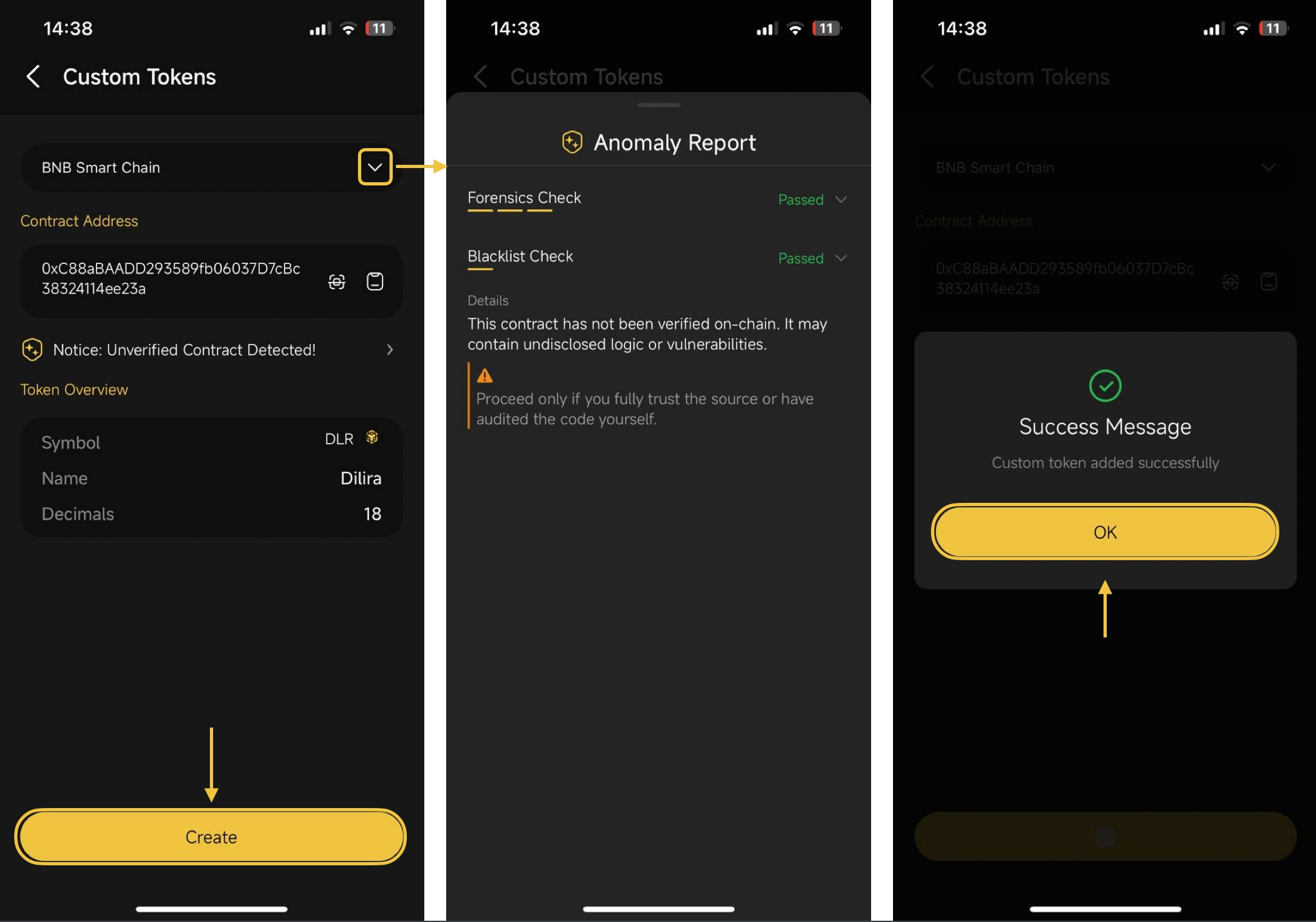
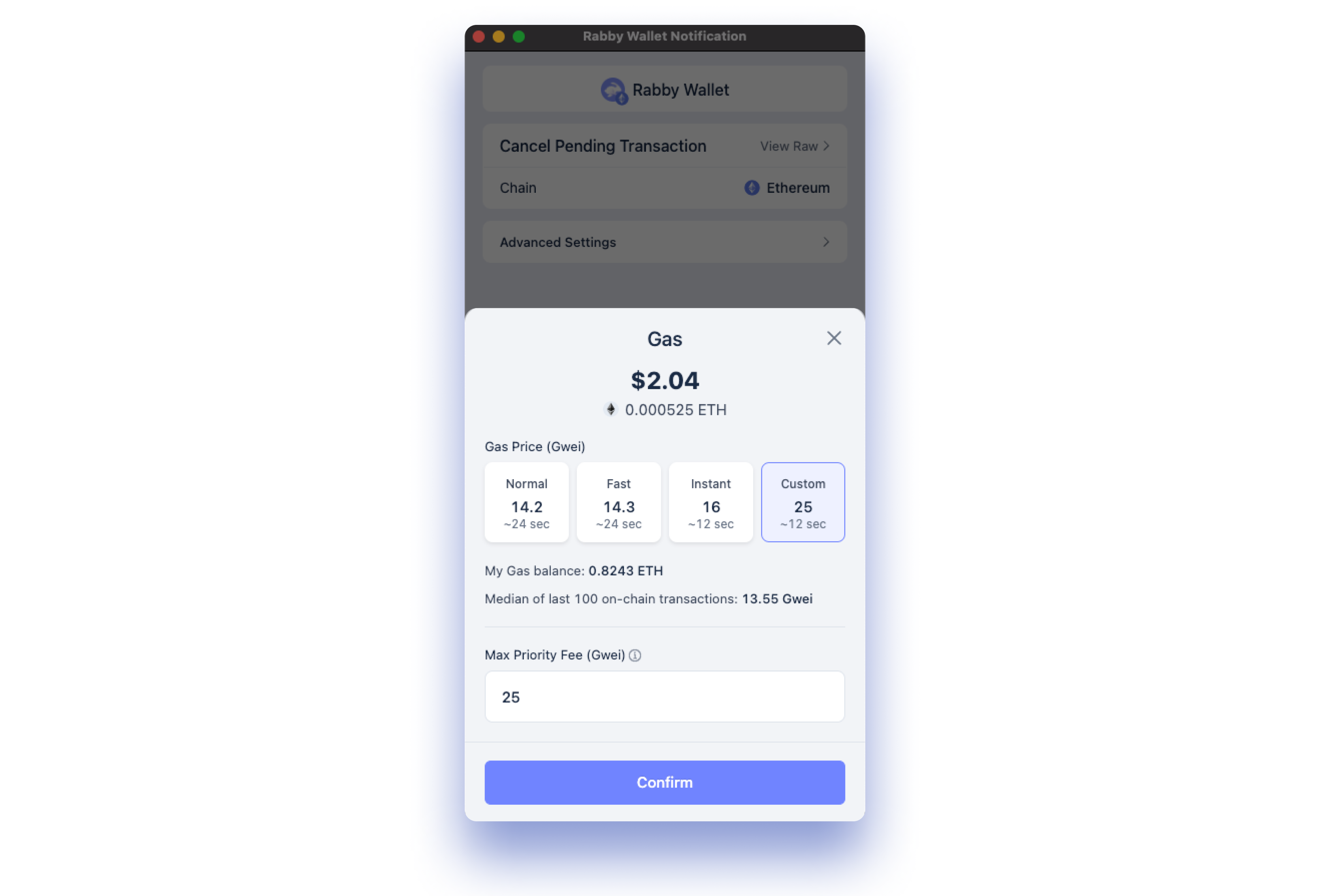
- Utilize Wallets with Transaction Simulation and Previews: Opt for wallets like Rabby or Phantom that provide detailed previews and simulations of transactions, helping you verify the permissions and detect suspicious requests before confirming.
- Implement Multi-Signature Wallets for High-Value Assets: For significant holdings, use multi-signature solutions such as Gnosis Safe to require multiple approvals for each transaction, greatly reducing single-point-of-failure risks.
- Monitor Approvals with Blockchain Explorers and Alerts: Set up monitoring via explorers like Etherscan or Blockscout, and use alert services to notify you of new or suspicious token approvals on your wallet addresses.
- Stay Informed About dApp Security Incidents: Regularly check reputable sources such as DeFi Safety, RugDoc, or Web3 Antivirus for news on dApp vulnerabilities and revoke approvals to affected contracts promptly.
1. Segment Your Assets With Multiple Wallets
Use a "three-tier wallet system": keep only small amounts in your hot wallet for daily use, while storing larger holdings in cold or hardware wallets disconnected from dApps. This limits potential losses if one address is compromised.
2. Monitor Approvals Across Chains
Many users interact with multiple blockchains (Ethereum, BNB Chain, Polygon, etc. ). Tools like Revoke. cash support cross-chain approval audits, make it a habit to review all chains you’ve used.
3. Stay Informed About Emerging Threats
Follow reputable security researchers and community alerts on platforms like Twitter and Reddit. The threat landscape evolves quickly; staying informed helps you react before vulnerabilities become widespread exploits.
The Role of User Education in Crypto Wallet Security
Many users still underestimate the dangers of dormant or excessive token permissions. Wallet providers are catching up, integrating transaction previews and permission management, but until these features are universal and user-friendly, education remains your best defense.
Did you know? Simply disconnecting your wallet from a dApp does not revoke its token approvals. The permissions persist on-chain until you manually remove them (source). Regularly reviewing approvals is as important as keeping your seed phrase secure.
The Future: What to Expect From Next-Gen Wallets and dApps
The industry is moving toward more transparent permission systems and granular user controls:
- Dynamic Approval Limits: Future wallets will likely prompt users to set custom spending caps by default rather than infinite allowances.
- Easier Revocation Flows: Expect streamlined interfaces that surface all active permissions at a glance, and enable batch revocations across tokens and networks.
- Automated Alerts: Some wallets are piloting real-time notifications when new approvals are granted or risky contracts interact with your address.
Your Action Plan: Make Token Approval Audits Routine
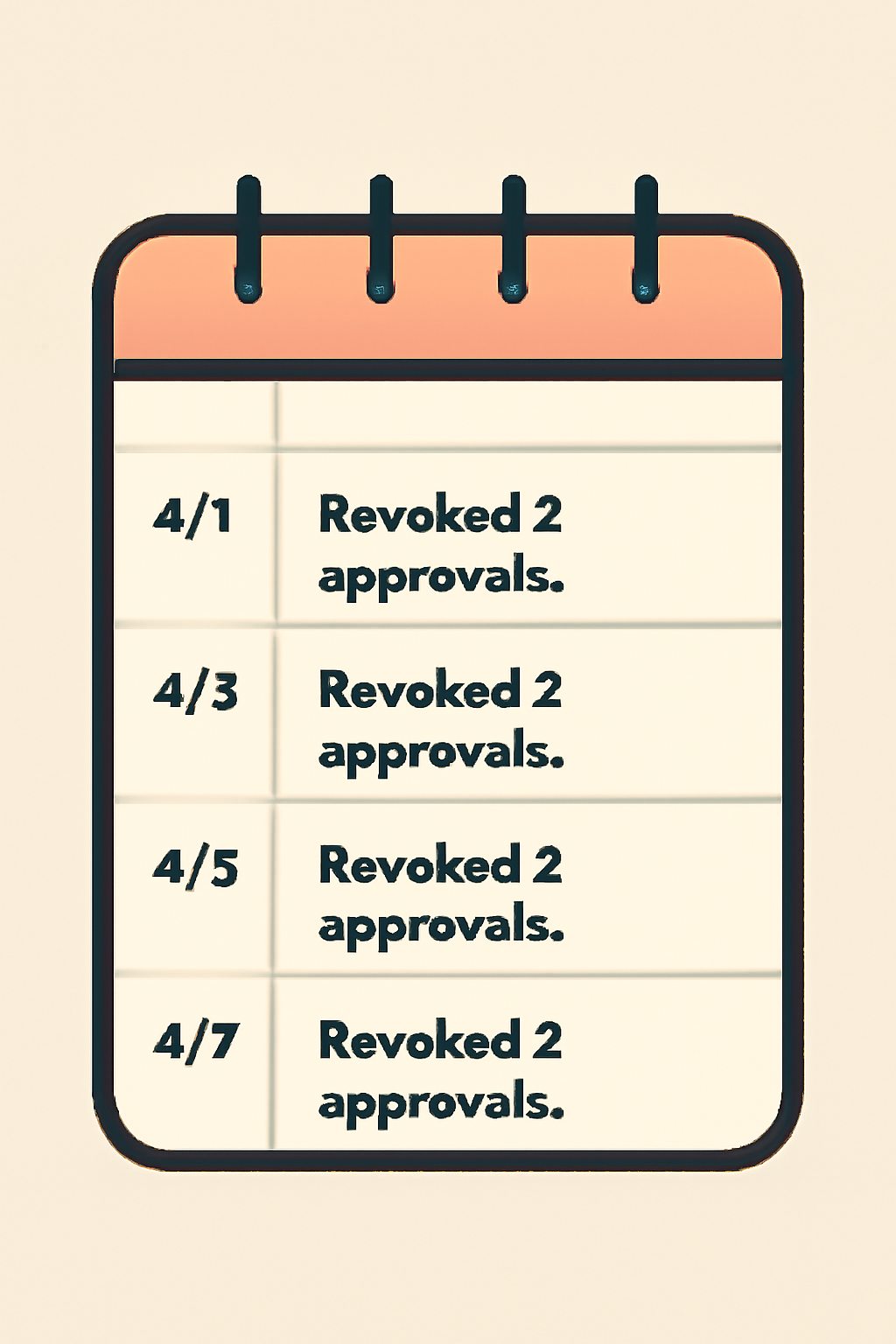
- Add monthly reminders to review token approvals using tools like Revoke. cash or Etherscan’s Approval Checker.
- If you participate in new DeFi projects or NFT mints, audit permissions immediately after interacting with unfamiliar contracts.
- If possible, use wallets with built-in transaction previews so you always know what access you're granting before signing anything.
How to Schedule Monthly Token Approval Reviews for Maximum Security
The bottom line: managing token approvals isn’t just an extra step, it’s essential crypto hygiene that can mean the difference between safeguarding your assets and falling victim to the next wave of wallet drainers. As DeFi matures and tools improve, proactive permission management will remain at the core of every robust digital asset security strategy.




No comments yet. Be the first to share your thoughts!