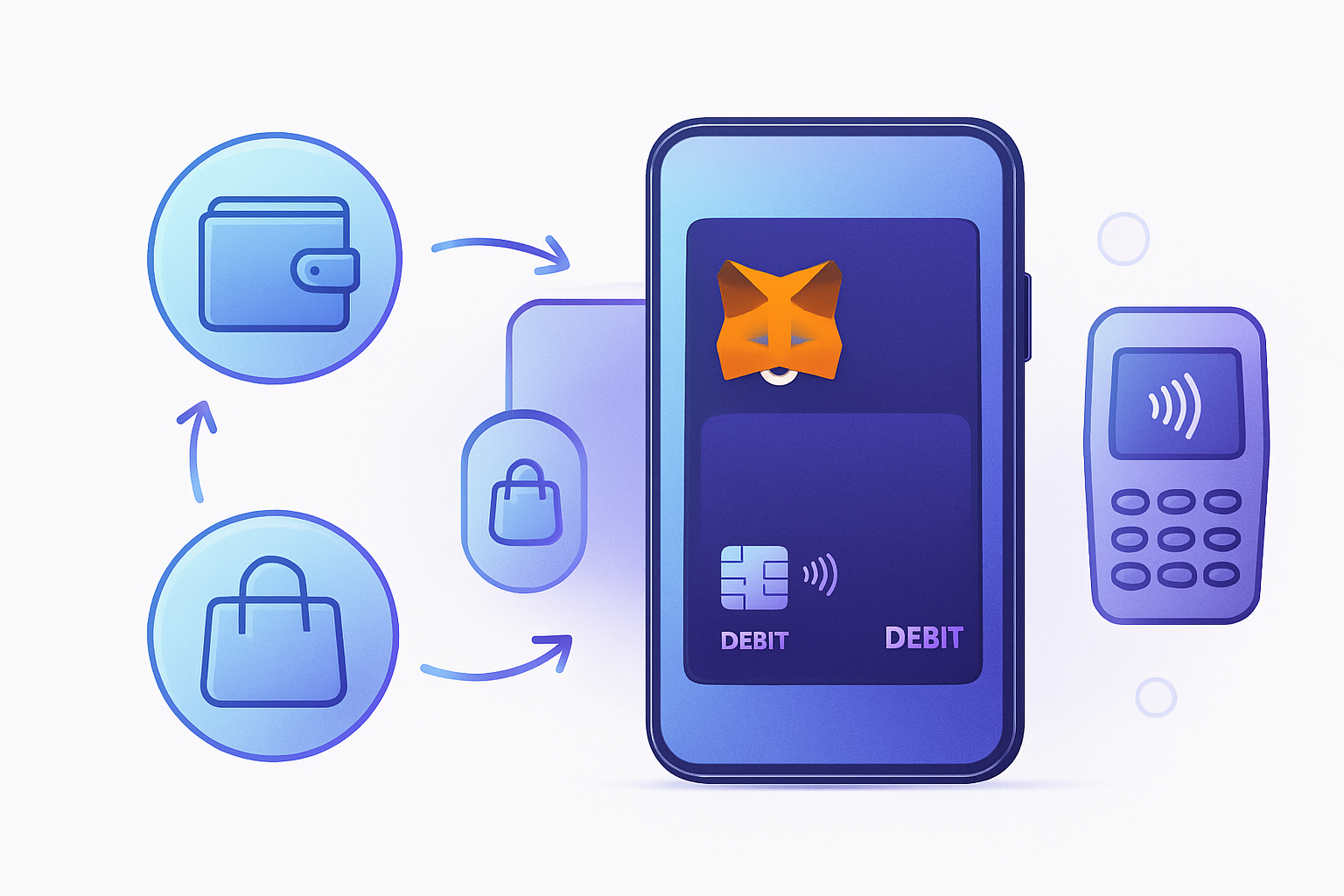
Spending crypto for daily needs no longer requires technical gymnastics or off-ramping to fiat. The MetaMask Card is rewriting the playbook for crypto holders who want seamless, instant access to their digital assets at checkout, whether you’re buying groceries or booking a flight. This MetaMask Card guide delivers a step-by-step breakdown of how to get started, fund your card, and use it for everyday purchases, all while earning crypto rewards.
What Makes the MetaMask Card Different?
The MetaMask Card stands out by linking directly to your crypto wallet rather than requiring you to pre-load funds onto a separate platform. This means you can spend crypto instantly, with every transaction drawing directly from your chosen MetaMask account. No banks, no exchanges, and no unnecessary friction.
The card operates on the Mastercard network and is accepted anywhere Mastercard is recognized, across Argentina, Brazil, Canada, Colombia, Europe, Mexico, Switzerland, the US (except New York and Vermont), and the UK. The onboarding process is streamlined: users complete a quick KYC verification through Crypto Life (MetaMask’s partner), then select between a free virtual card or an optional metal physical card during presale. You’re ready to spend within minutes of approval.
Step-by-Step: Setting Up Your MetaMask Card
Activate and Fund Your MetaMask Card: A Step-by-Step Setup Guide
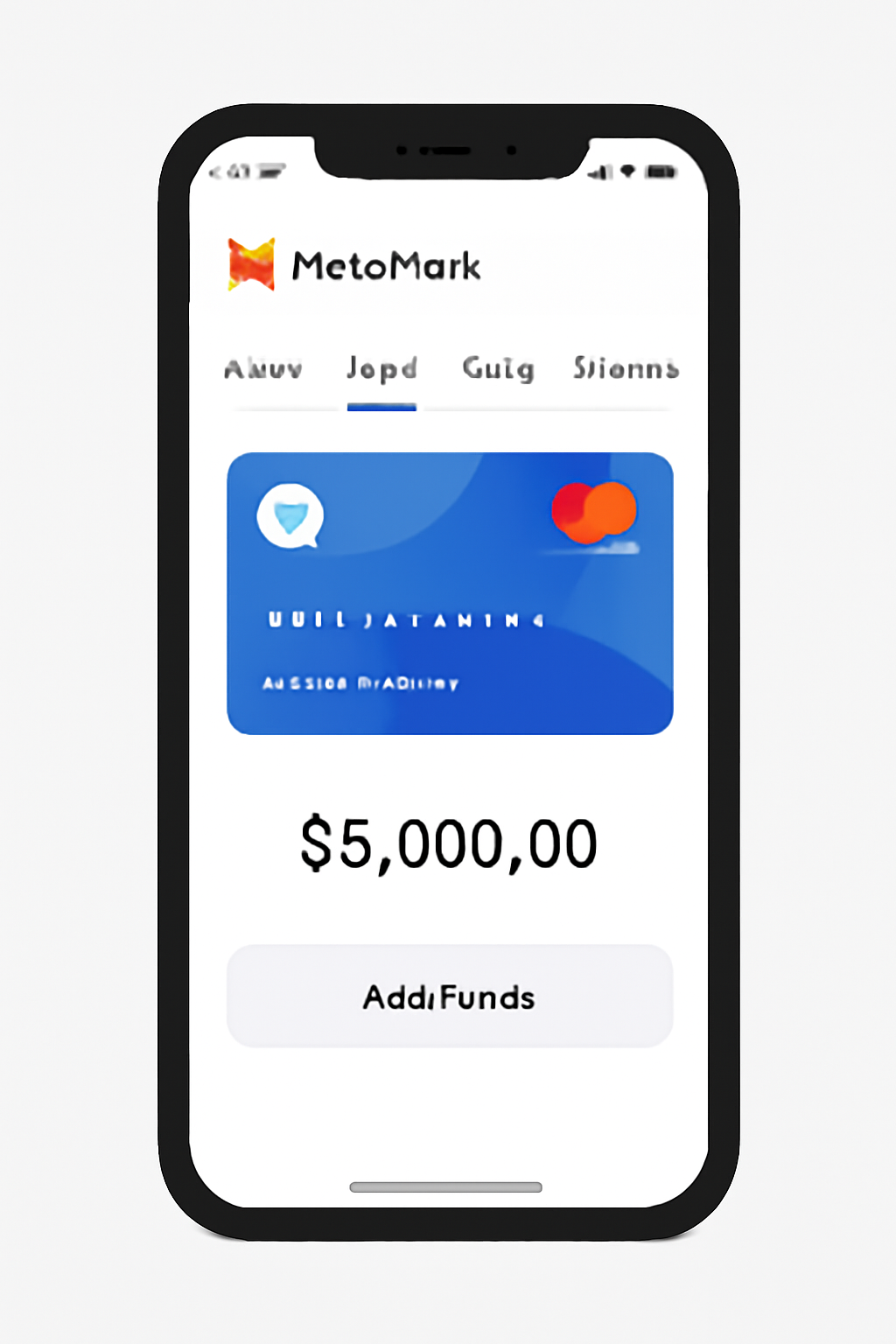
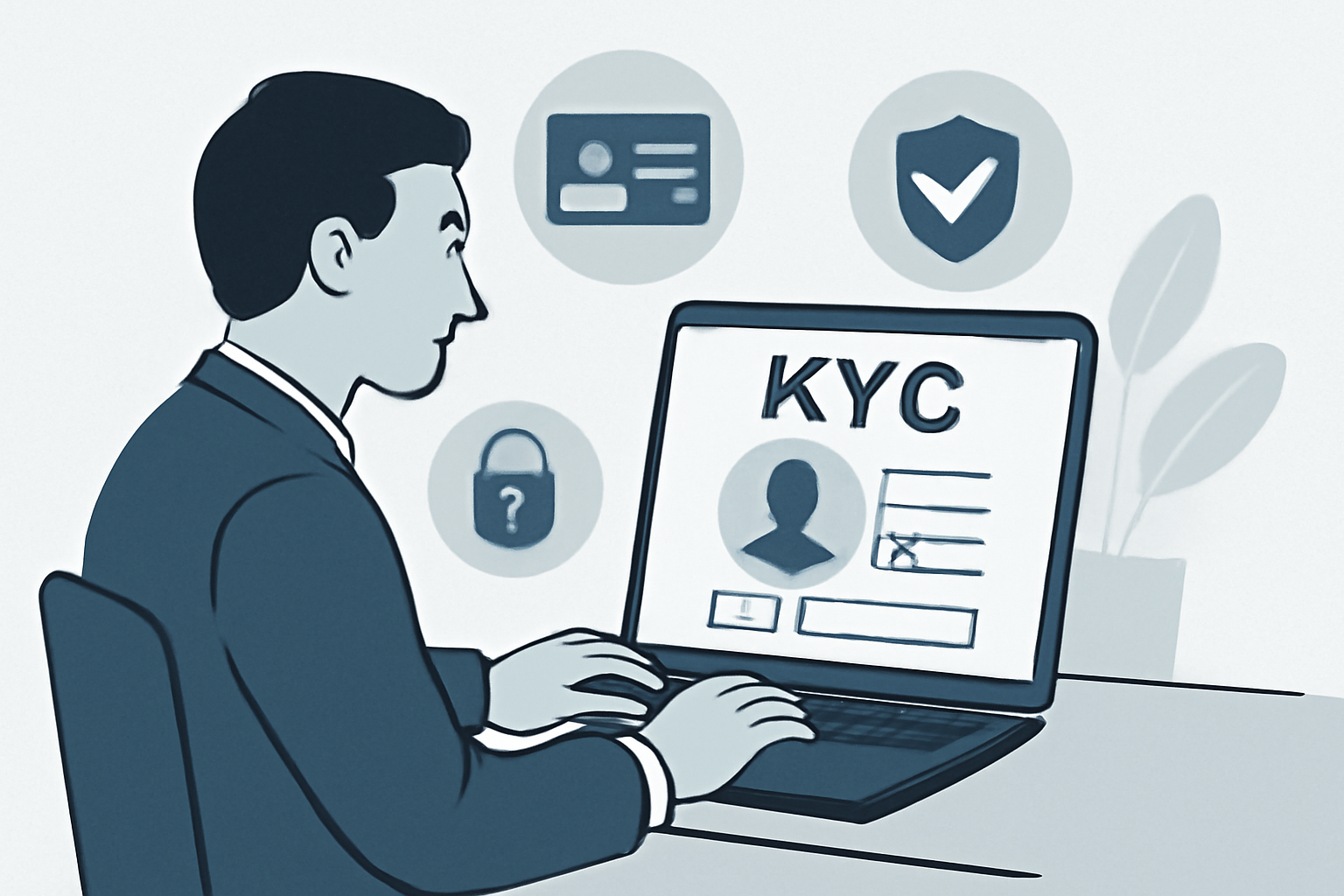
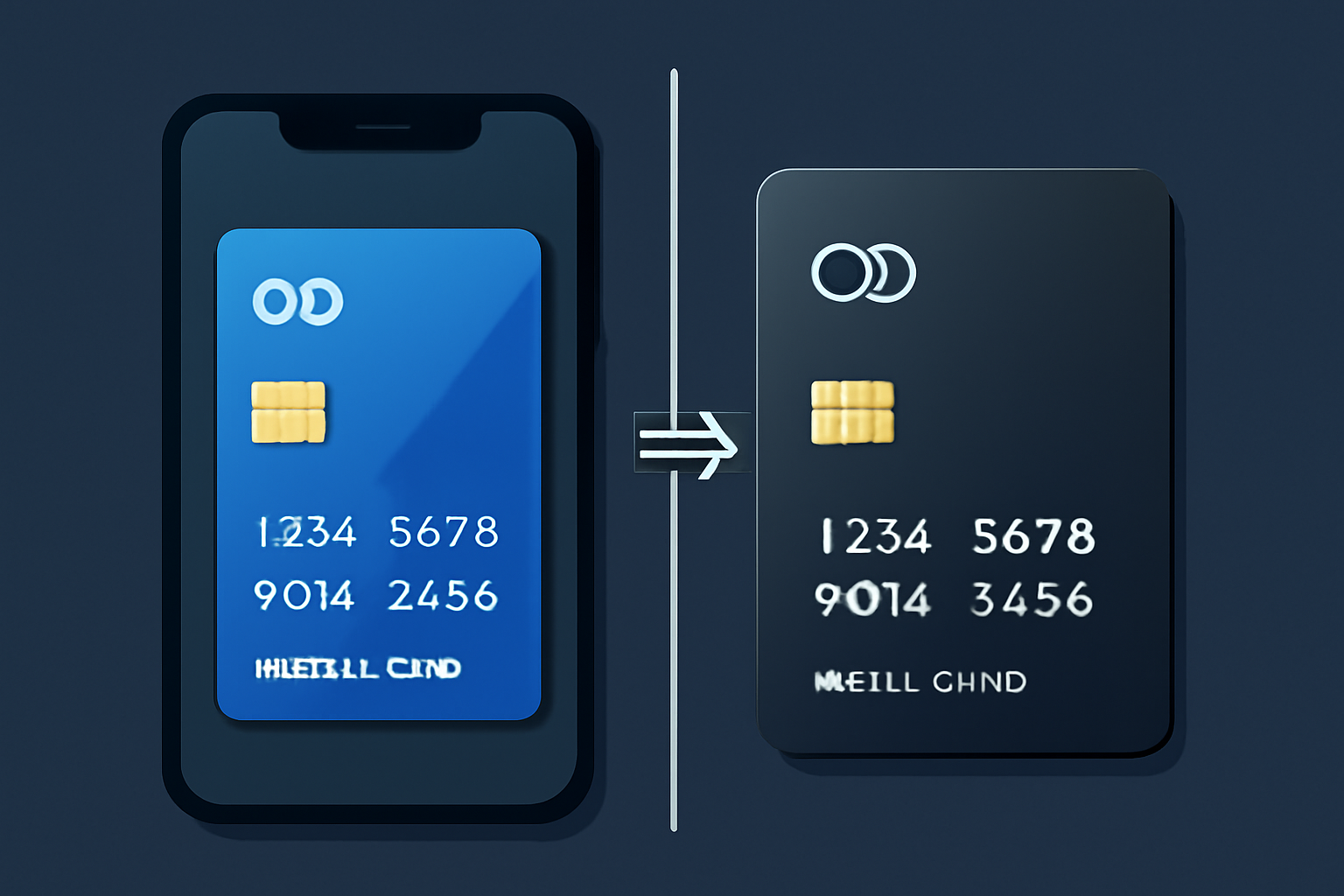
1. Accessing the Card Tab: Open your MetaMask Portfolio and navigate to the ‘Card’ tab. This is your hub for card management.
2. Registration and KYC: Click ‘Get started’ to initiate registration with Crypto Life. Complete KYC by providing required personal details, this step is mandatory for regulatory compliance and typically faster than most traditional banks.
3. Choosing Your Tier:
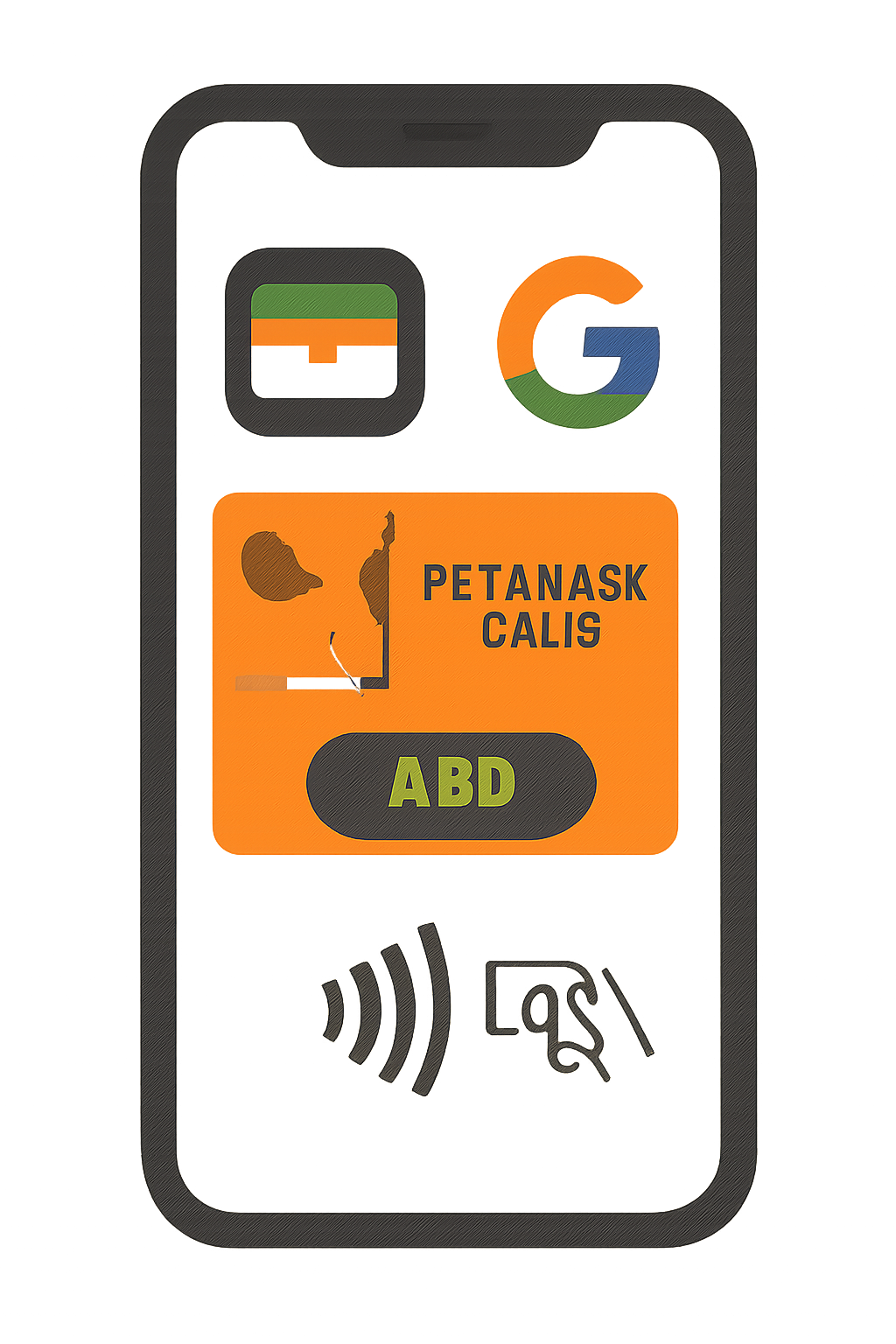
- Virtual Card (Free): Instantly issued upon account setup; ideal for online shopping or adding to Apple Pay/Google Wallet.
- Metal Card (Premium): Physical metal card available via presale; includes enhanced cashback rewards.
Official onboarding instructions here.
Add Funds and Set Spending Controls
The next step in using your MetaMask Card is ensuring it’s properly funded, and this isn’t just a matter of transferring tokens from one chain to another. The card operates exclusively on Linea, an Ethereum layer-2 network designed for low fees and fast settlement.
Supported Cryptocurrencies on Linea for MetaMask Card
- USDC (USD Coin): A leading stablecoin pegged to the US dollar, widely used for payments and transfers. USDC is supported for MetaMask Card funding on Linea in all available regions, including the US.
- USDT (Tether): The most widely traded stablecoin, USDT is pegged to the US dollar and offers high liquidity. Available for MetaMask Card funding on Linea (not supported for US users).
- wETH (Wrapped Ether): An ERC-20 token representing Ether on the Ethereum network, wETH enables compatibility with DeFi protocols and is supported for MetaMask Card funding on Linea (not supported for US users).
- EURe (Monerium Euro): A regulated euro-backed stablecoin, EURe allows users to fund their MetaMask Card with euro-denominated crypto on Linea (not supported for US users).
- GBPe (Monerium Pound Sterling): A regulated GBP-backed stablecoin, GBPe enables funding in British pounds on the Linea network (not supported for US users).

- aUSDC (Aave USDC): An interest-bearing version of USDC from the Aave protocol, aUSDC is supported for MetaMask Card funding on Linea in all available regions, including the US.
How funding works:
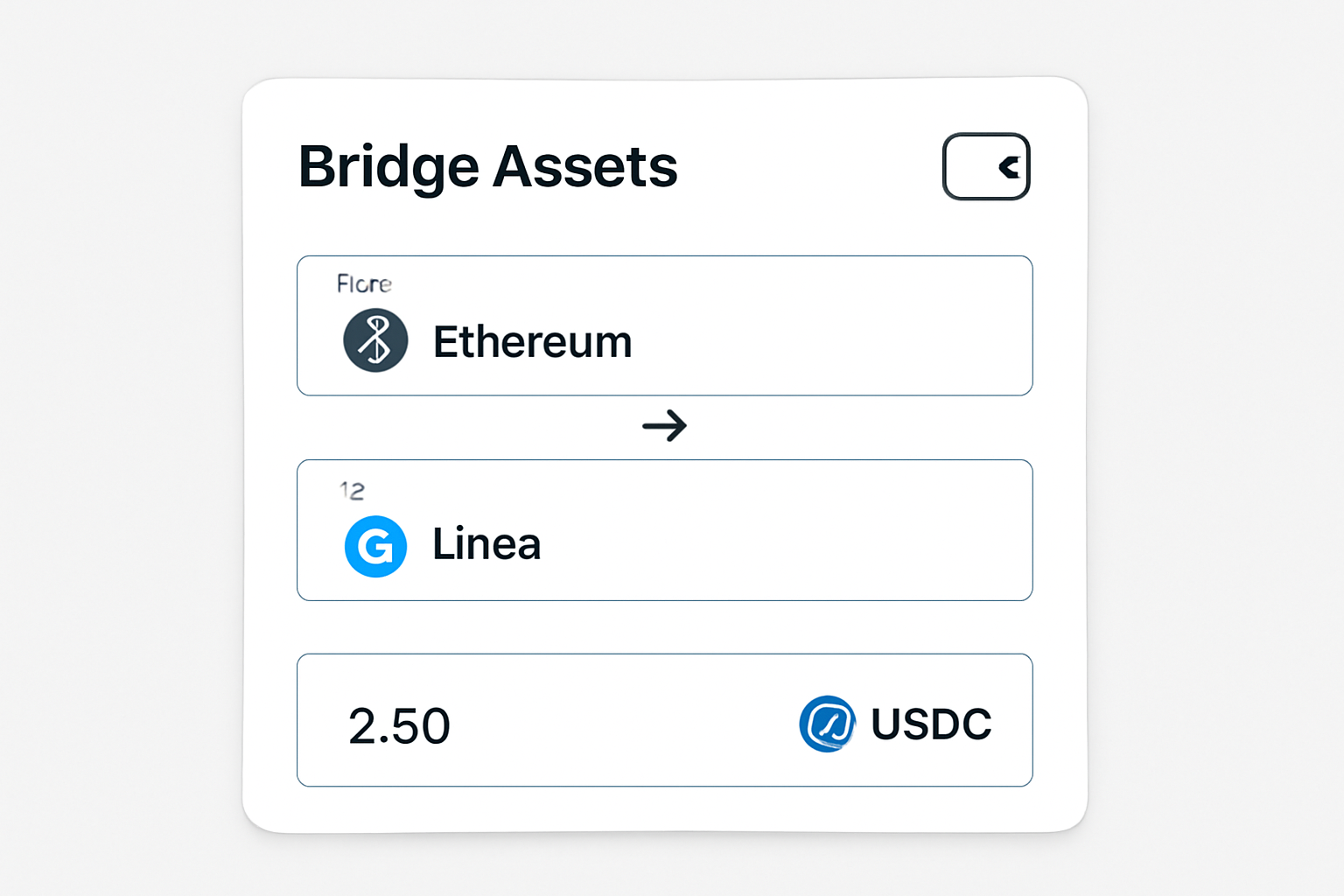
- Bridge Assets: Use the built-in bridge tool within MetaMask Portfolio to move supported tokens (USDC, USDT, wETH, EURe, GBPe, aUSDC) from Ethereum mainnet onto Linea. US users are limited to USDC/aUSDC due to regulatory constraints (details here).
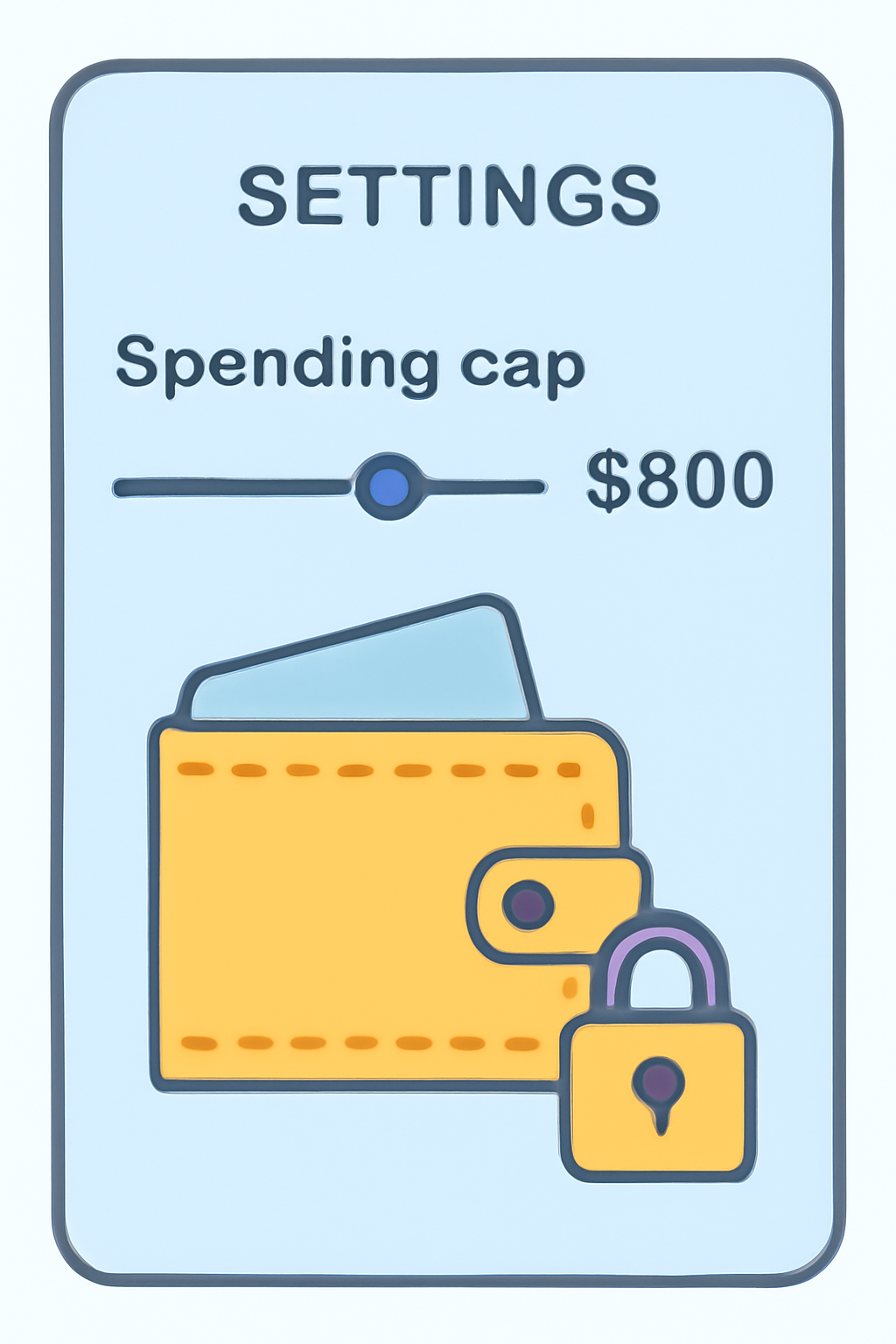
- Set Spending Cap: For added security and budget control, set an initial spending cap when approving token access for your card. This can be adjusted anytime in settings.
Add Your Card to Apple Pay or Google Wallet
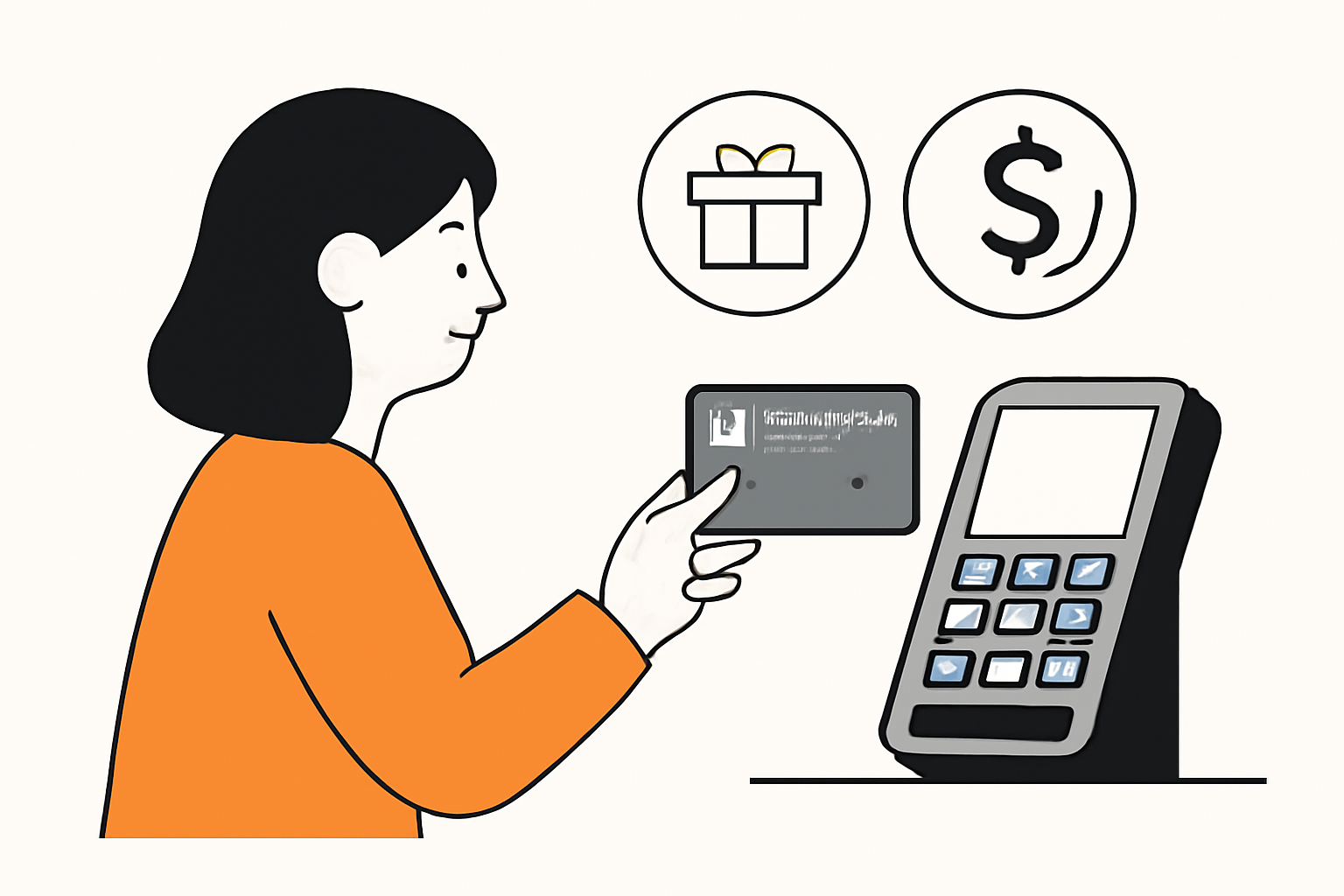
The virtual version of the card can be added immediately to your preferred digital wallet, enabling contactless payments at any terminal accepting Mastercard tap-to-pay functionality. This makes it easy to spend crypto on groceries, dining out, or even public transport without carrying a physical card.
Once your MetaMask Card is set up and funded, you’re ready to unlock the full potential of crypto for everyday spending. The integration with Apple Pay and Google Wallet means you can use your phone or smartwatch for contactless payments, no need to fumble with cards or worry about fiat conversion delays. For those who opt for the metal card, physical purchases are just as seamless, with the added benefit of a premium feel and enhanced cashback incentives.
How to Maximize Rewards and Manage Security
Every transaction with the MetaMask Card earns you crypto cashback, making it one of the most attractive crypto debit cards on the market. Virtual card users receive 1% back in USDC on all purchases, while metal card holders enjoy 3% back on their first $10,000 spent each year, a compelling proposition for high-frequency spenders. After this threshold, the rate reverts to 1%. Cashback is delivered directly to your wallet, ensuring complete transparency and on-chain rewards tracking.
Security best practices:
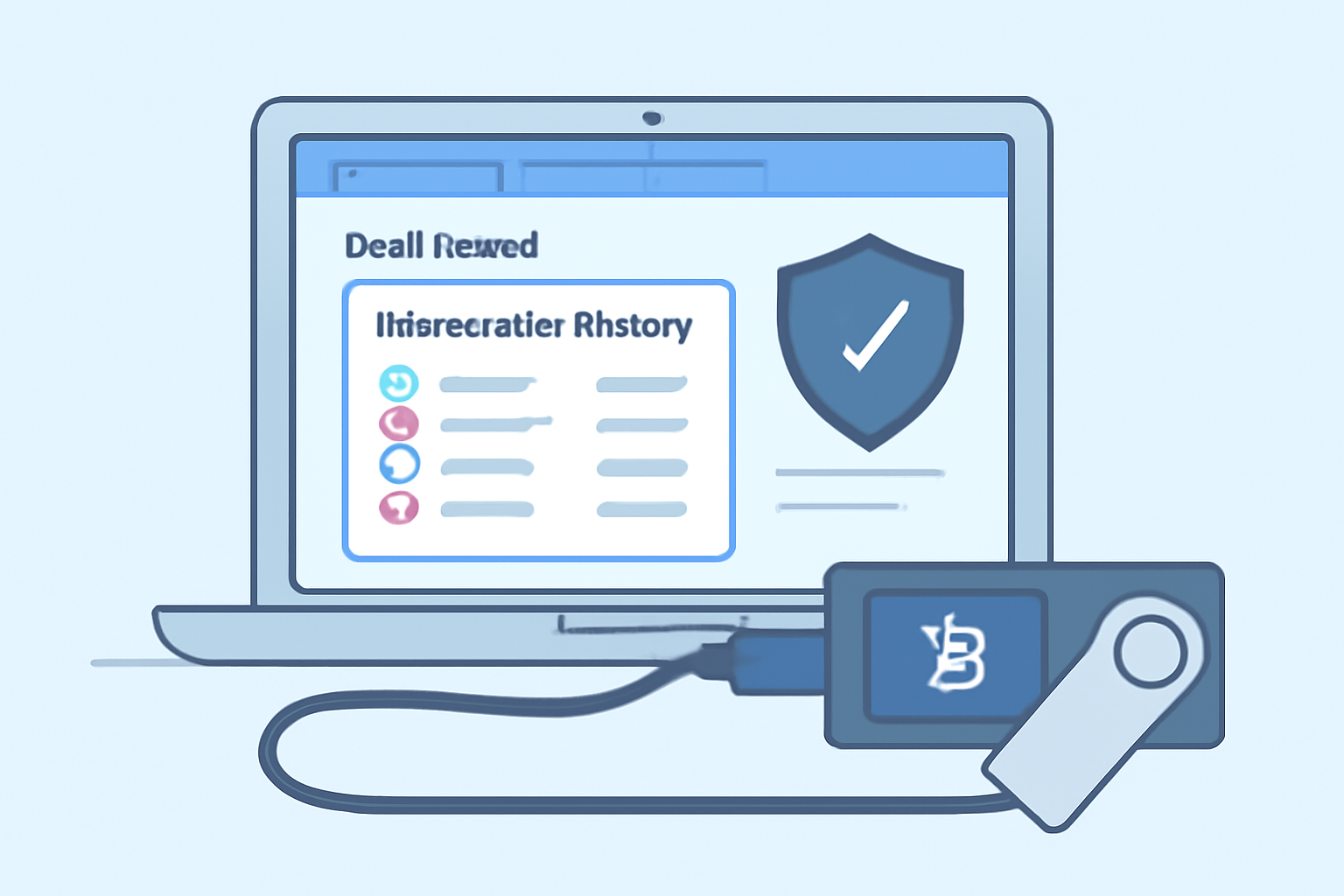
- Dedicated Wallet: For optimal safety, link your MetaMask Card to a separate wallet from your main holdings. Hardware wallet connectivity adds another layer of protection against unauthorized access.
- Monitor Transactions: Regularly review your spending activity in the MetaMask app. Adjust spending caps as needed to maintain control over your funds and minimize risk.
- Instant Freeze: Lost your card or notice suspicious activity? Instantly freeze or unfreeze your card via the app, no customer service call required.
Everyday Use Cases: From Groceries to Travel
The true value of the MetaMask Card emerges in daily life scenarios. Whether you’re grabbing coffee at a local café, shopping online, or booking flights abroad, any merchant that accepts Mastercard will process your crypto payment instantly. The days of converting assets via exchanges or waiting for wire transfers are gone, your digital assets are now as liquid as cash.
Real-World Ways to Use MetaMask Card Daily
- Grocery Shopping at Major Supermarkets: Use your MetaMask Card to pay for groceries at Walmart, Tesco, Carrefour, and other supermarkets that accept Mastercard. Pay directly from your crypto wallet and earn up to 3% cashback if you have the Metal Card tier.

- Coffee and Meals at Popular Cafés and Restaurants: Make everyday purchases at Starbucks, McDonald's, Subway, or local restaurants with your MetaMask Card via Apple Pay or Google Wallet. Enjoy seamless crypto payments and instant rewards.
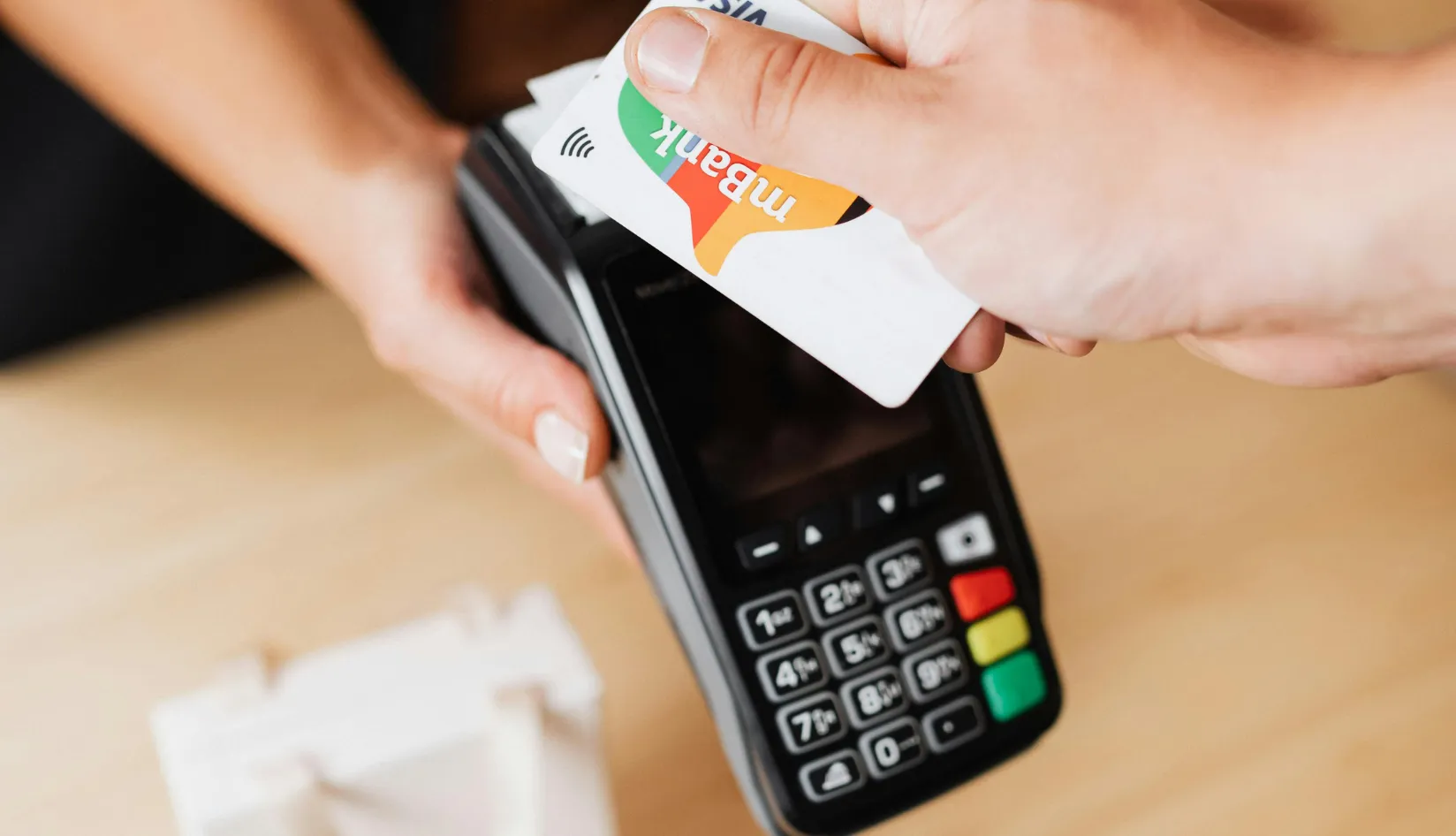
- Online Shopping on Global Platforms: Shop online at Amazon, eBay, or Zalando by entering your MetaMask Card details at checkout, just like a regular debit card. No need to convert crypto to fiat beforehand.
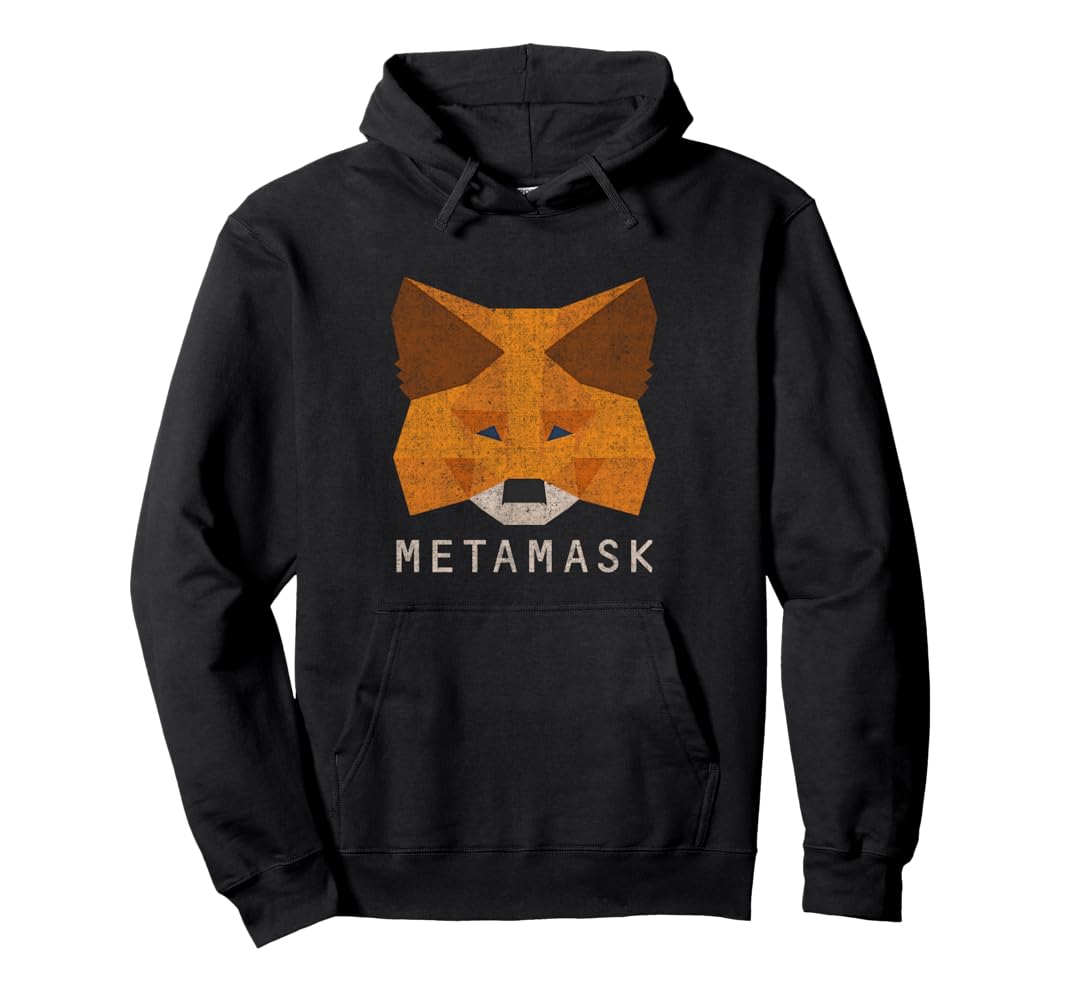
- Transportation and Ride-Hailing Services: Use your MetaMask Card to pay for rides with Uber, Lyft, or public transportation systems that accept Mastercard, making your daily commute crypto-friendly.
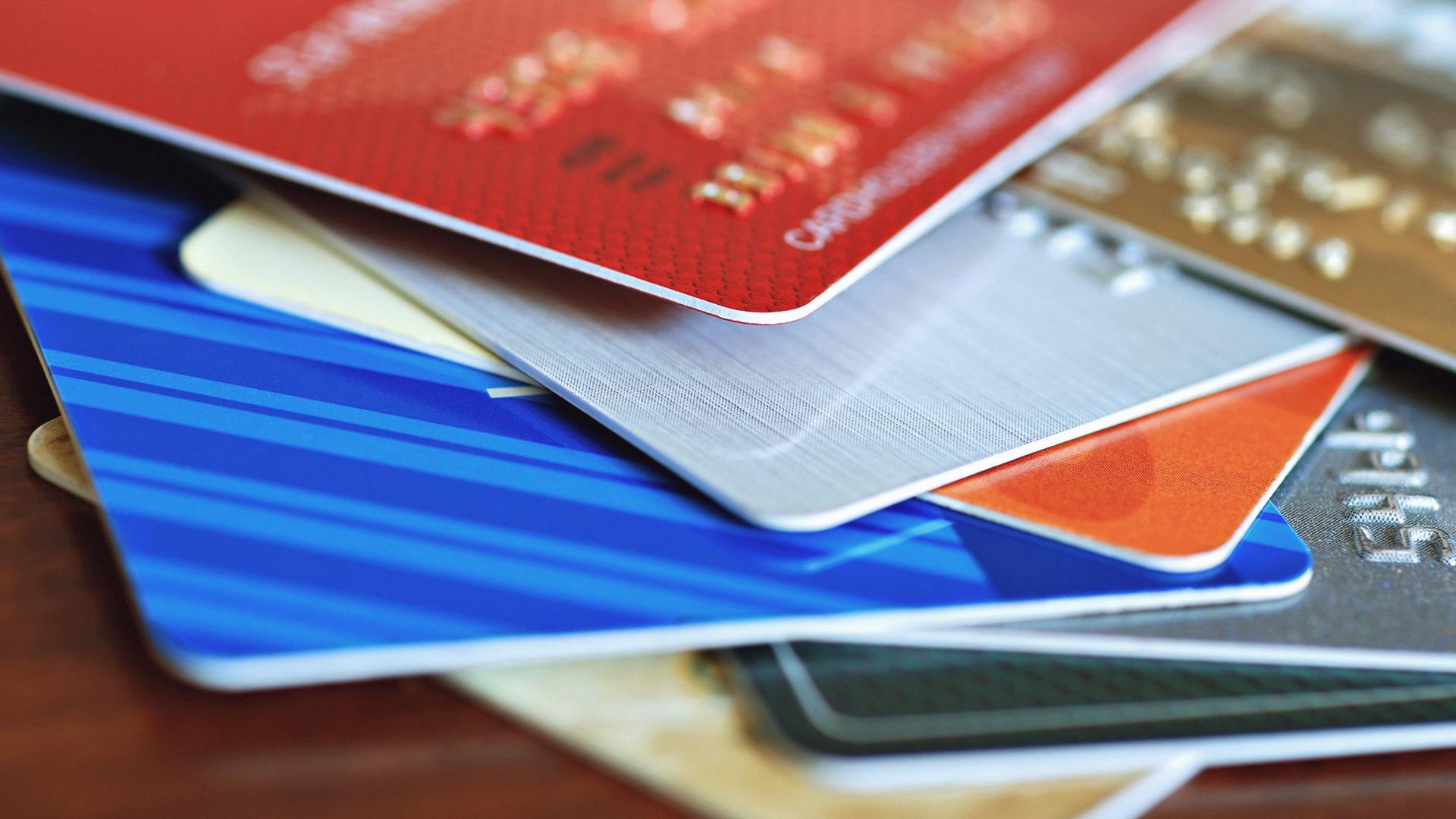
- Electronics and Retail Purchases: Buy electronics or other goods at stores like Best Buy, MediaMarkt, or FNAC using your MetaMask Card, both in-store and online, and receive cashback rewards.
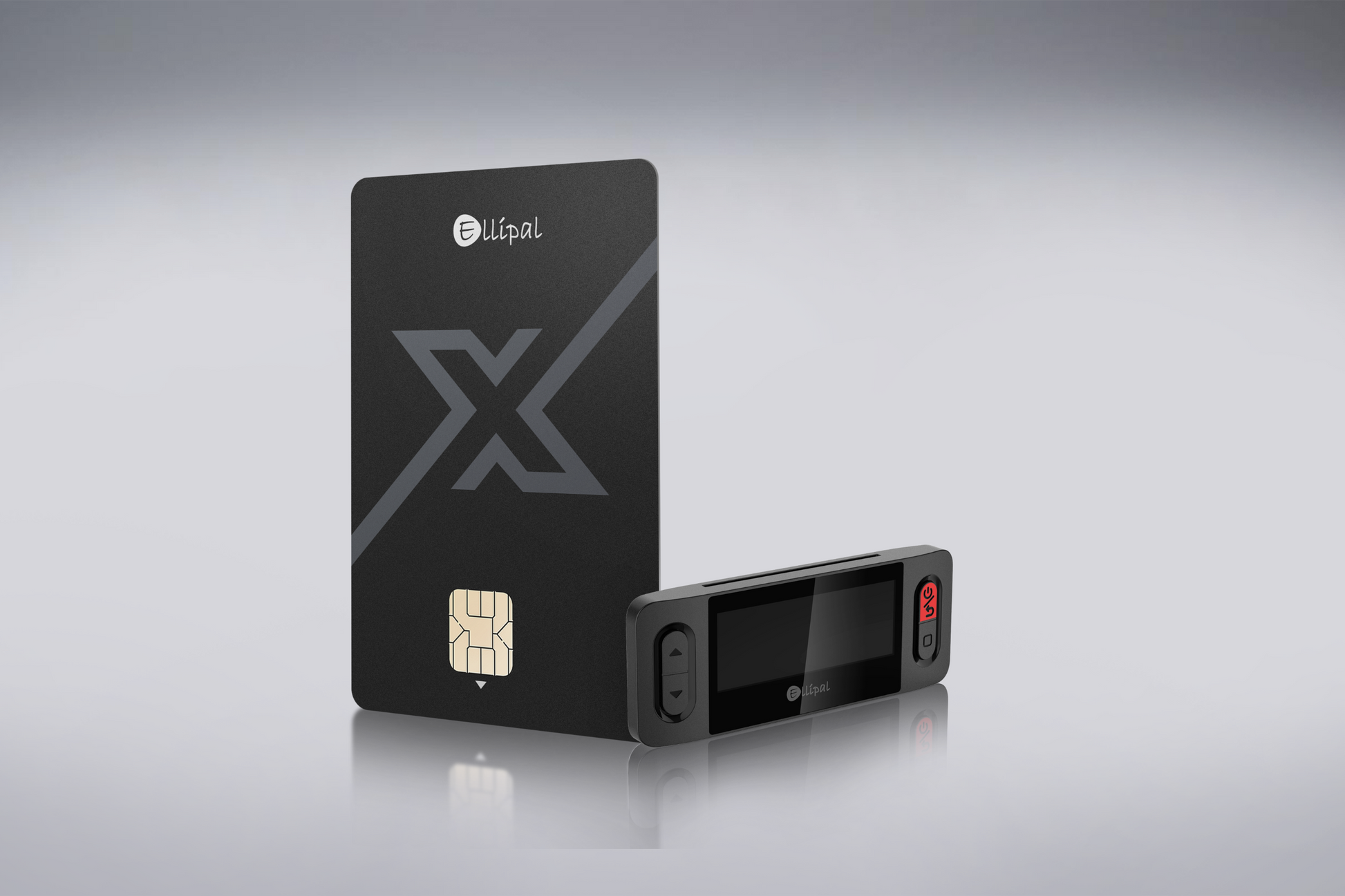
This frictionless experience also makes it easier than ever to budget using crypto. With real-time notifications and granular transaction data available in-app, users can track spending patterns and optimize their crypto portfolio accordingly.
Limitations and Considerations
While the MetaMask Card is a leap forward for crypto utility, there are some important limitations:
- Geographic Restrictions: Service is unavailable in New York and Vermont due to regulatory constraints.
- Supported Tokens: Only specific assets (USDC, USDT, wETH, EURe, GBPe, aUSDC) are usable on Linea; US customers are further limited to USDC/aUSDC.
- KYC Compliance: Identity verification is mandatory, anonymous usage isn’t possible due to anti-money laundering laws.
If you’re looking for more technical guidance or troubleshooting tips during setup or daily use, consult the official MetaMask Help Center’s detailed documentation: MetaMask Card onboarding guide.
The bottom line: The MetaMask Card bridges DeFi convenience with mainstream usability. It’s an ideal solution if you want direct access to your crypto without sacrificing speed or security, and with robust rewards built-in, every purchase adds value back into your digital portfolio. As adoption widens and supported regions expand, expect this model to become standard among advanced wallets seeking true financial interoperability.


No comments yet. Be the first to share your thoughts!