
MetaMask remains the most popular self-custody wallet for EVM-compatible chains, and its integration with Injective has become a focal point for traders and DeFi users seeking speed, low fees, and full control over their assets. As of November 7,2025, Injective (INJ) is trading at $6.54, reflecting its steady adoption in the decentralized finance ecosystem. Setting up MetaMask to interact with Injective’s inEVM environment is now a straightforward process, but accuracy matters – especially when onboarding to a new network where missteps could mean lost funds or failed transactions.
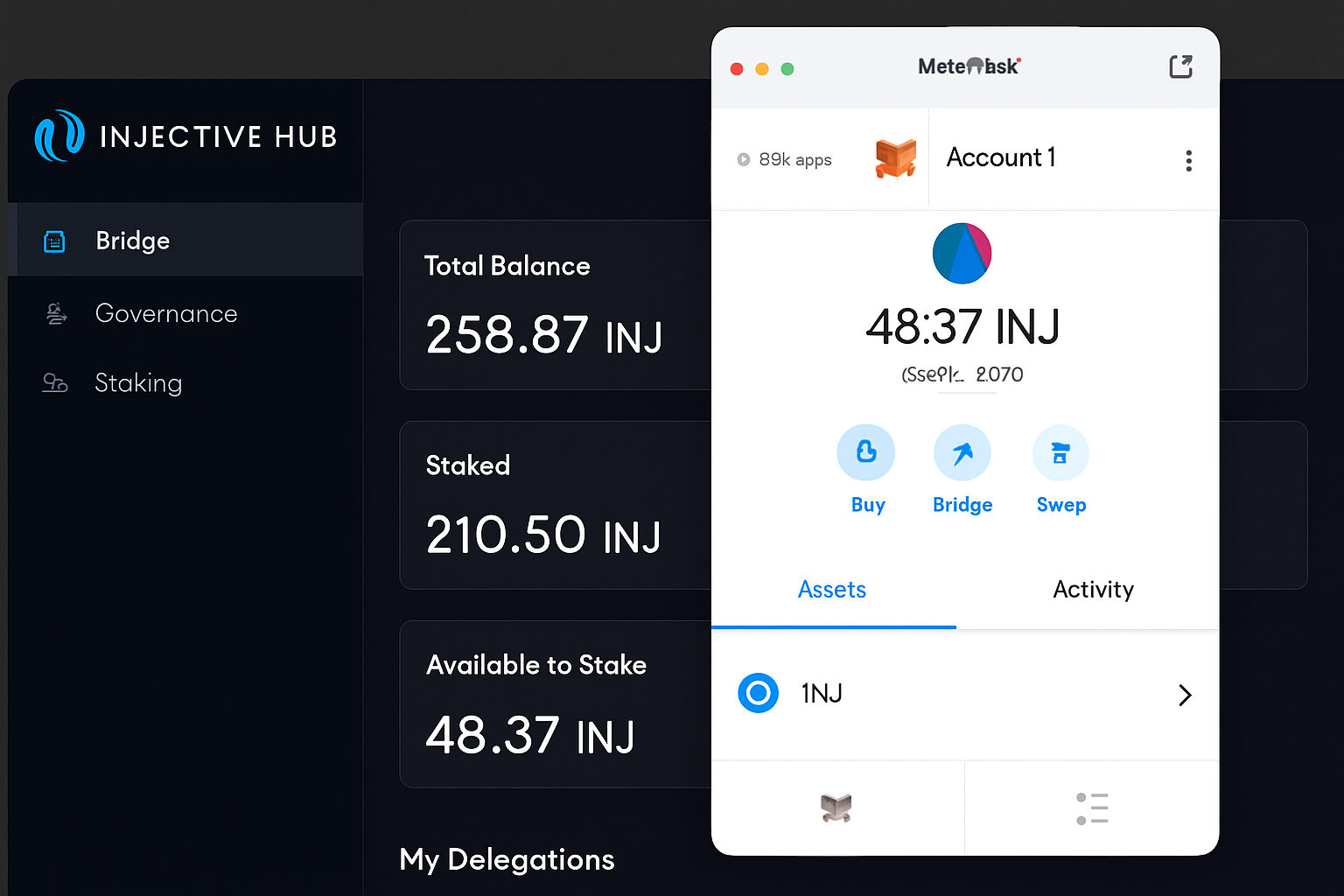
Why integrate MetaMask with Injective? The answer lies in combining MetaMask’s familiar interface and robust security features with Injective’s unique protocol advantages: instant trade execution, zero gas fees for users, and access to cross-chain assets. Whether you’re an active trader or just exploring staking opportunities for your INJ tokens, having MetaMask configured for Injective unlocks a seamless experience across dApps and bridges.
Injective (INJ) Market Snapshot: $6.54 and Network Growth
The current price of INJ stands at $6.54, with a marginal 24-hour dip of 0.00608%. Intraday volatility remains moderate, as seen in the high of $6.63 and low of $6.10. This price stability signals growing confidence among both retail and institutional participants embracing Injective’s decentralized infrastructure.
Market participants are increasingly leveraging MetaMask for actions like staking INJ, accessing liquidity pools, or delegating tokens to validators directly through dApps built on the Injective protocol. The key is ensuring your wallet is connected to the correct network – misconfiguration can lead to transaction failures or exposure to phishing risks.
Essential Prerequisites: What You Need Before Setup
- MetaMask Installed: Ensure you have the latest version of the MetaMask extension installed on your browser (Chrome or Firefox preferred).
- Seed Phrase Security: Always back up your seed phrase securely before making any network changes.
- No Active Sessions: Log out from other wallets or dApps that may interfere during setup.
If you’re starting from scratch, create a new MetaMask wallet by following the extension’s guided prompts – this process takes less than five minutes but requires careful attention to backup procedures.
Add Injective (inEVM) Network to MetaMask: Step-by-Step Visual Guide
Add Injective (inEVM) Mainnet to MetaMask: Visual Step-by-Step Guide
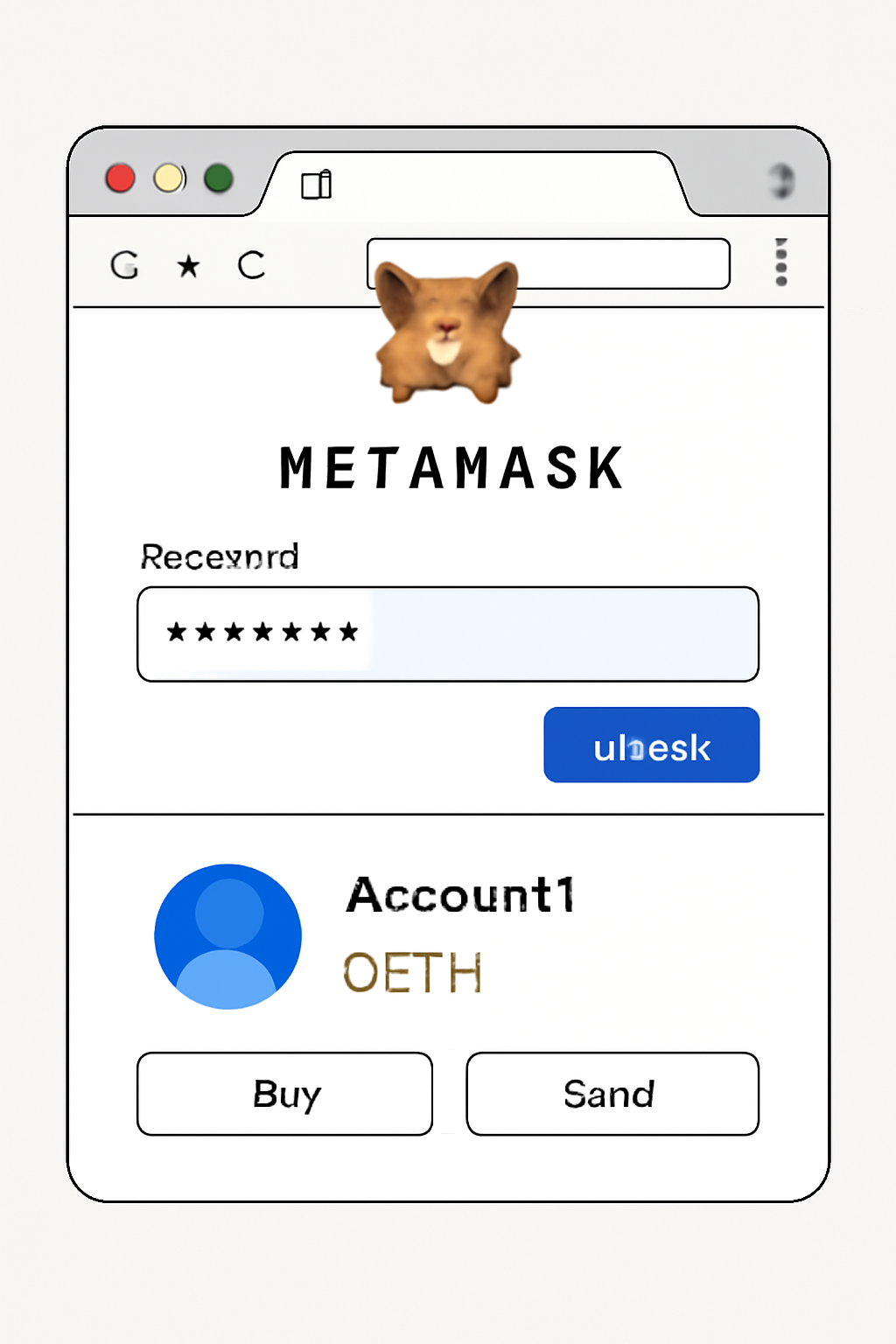
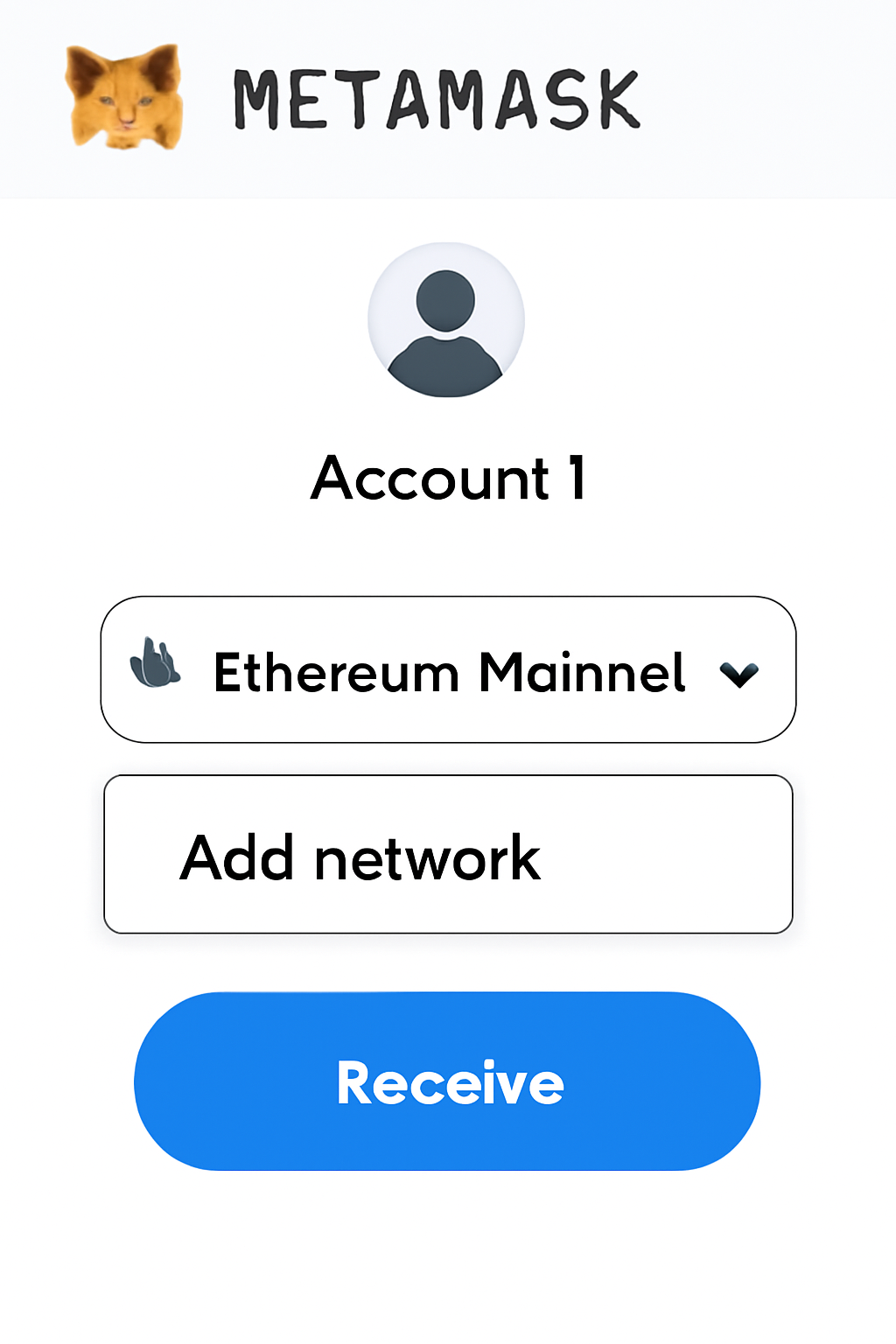
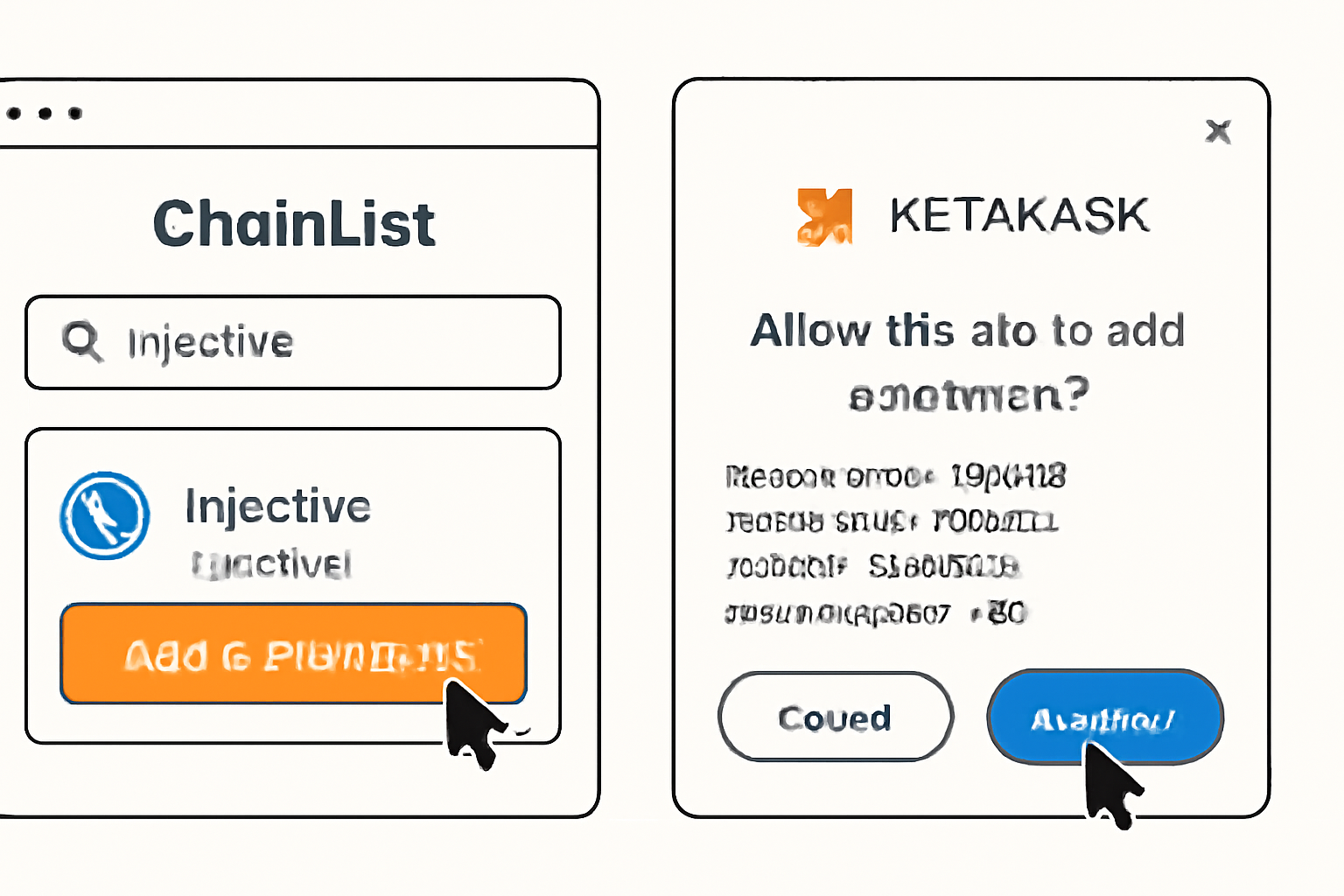
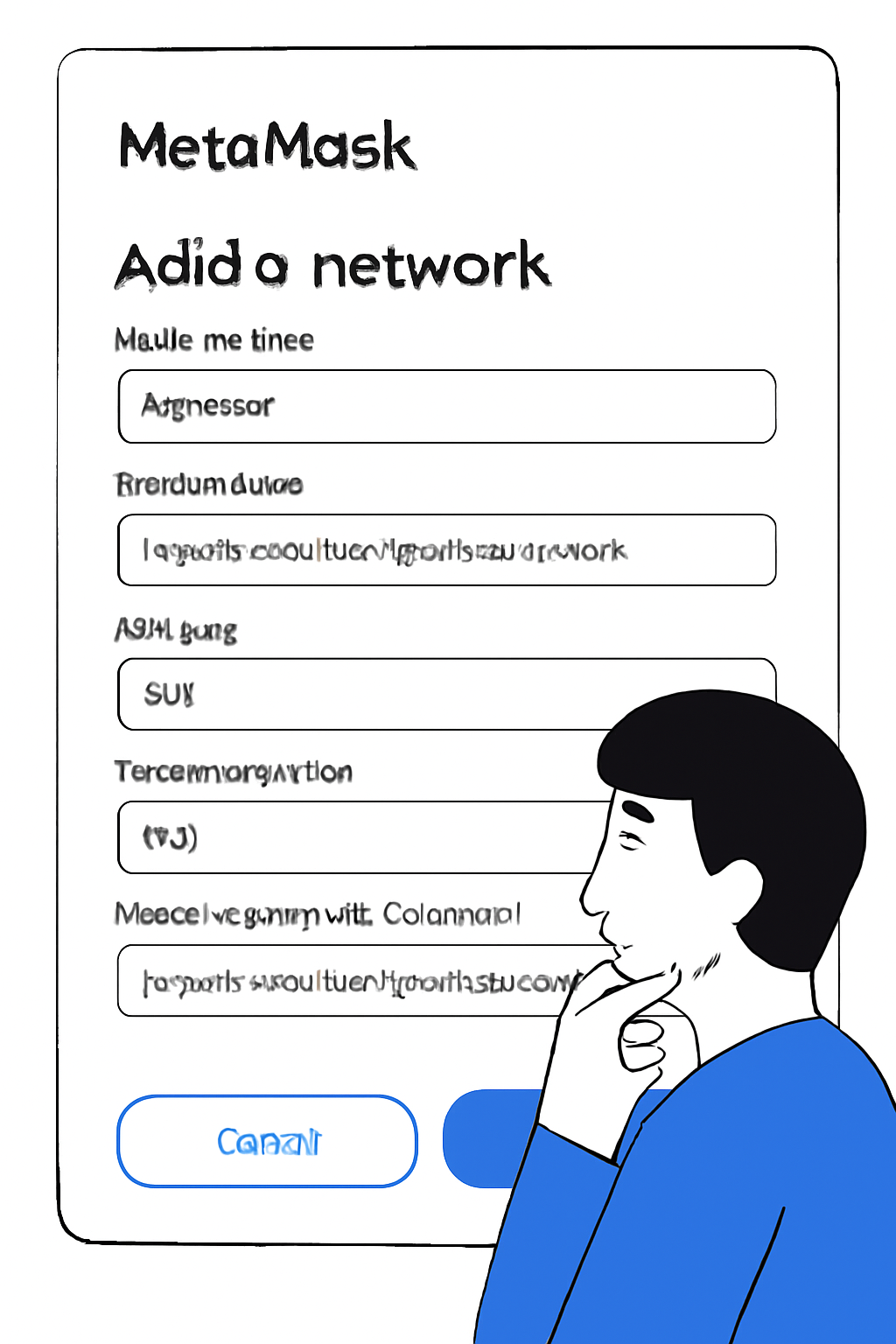
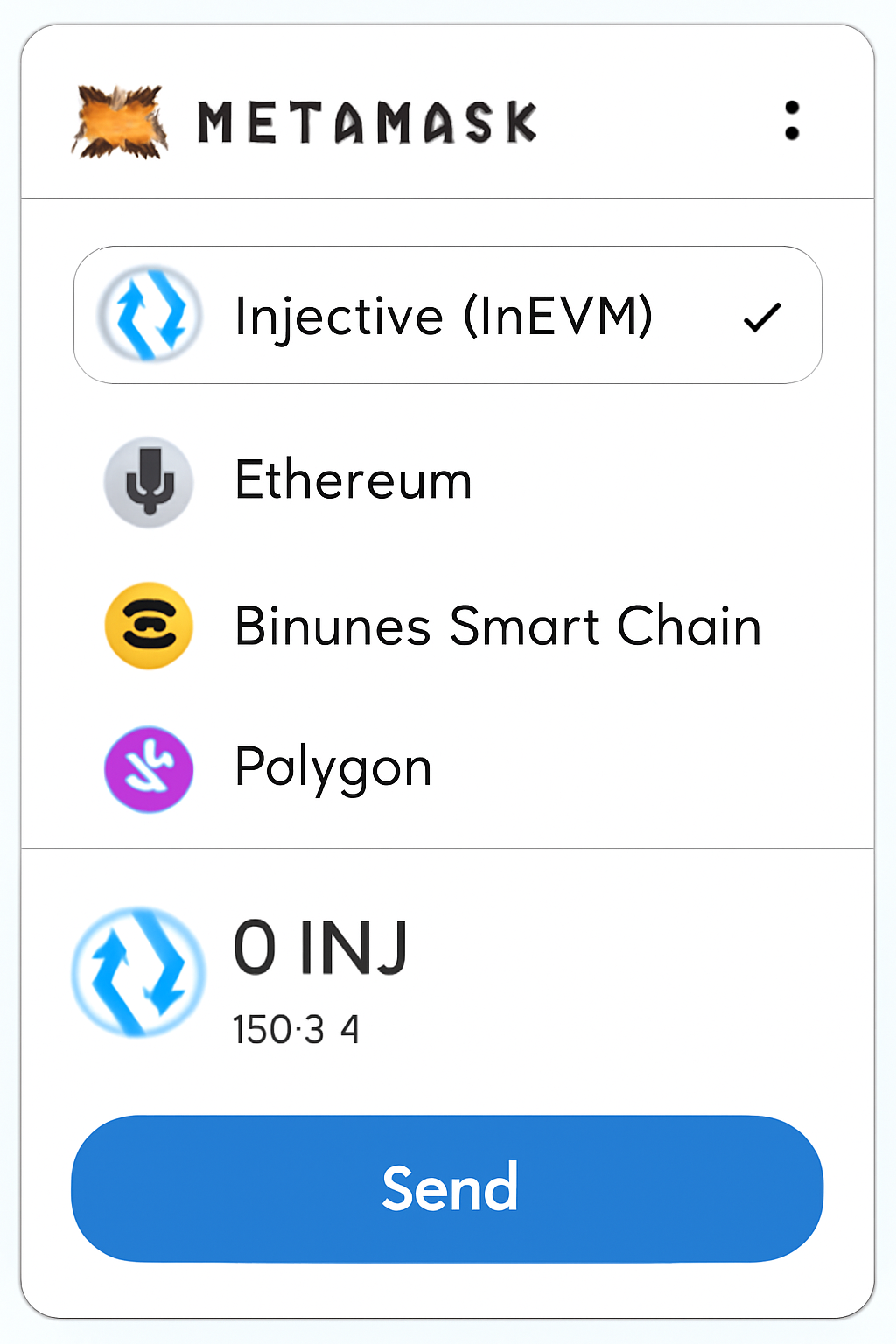
The process involves either using trusted aggregators like ChainList or manually inputting network details provided by official sources such as the Injective Docs. Both methods require you to access the network selector within MetaMask, search for “Injective” or “inEVM, ” then confirm addition after verifying all RPC details match official documentation.
This visual guide will walk you through each step with annotated screenshots so even first-time users can proceed confidently without risk of error.
About the Author