
Solana’s rapid rise in the crypto ecosystem has made it a must-have for many investors and NFT collectors. If you’re using MetaMask Mobile, you might be eager to manage SOL and SPL tokens alongside your Ethereum and EVM assets. However, as of July 2025, MetaMask Mobile does not yet support native Solana integration. Only the MetaMask browser extension currently allows direct management of Solana assets. This guide will walk you through what’s possible today, clarify common misconceptions, and help you prepare for full Solana support on MetaMask Mobile when it arrives.
Why Can’t You Add Solana to MetaMask Mobile Yet?
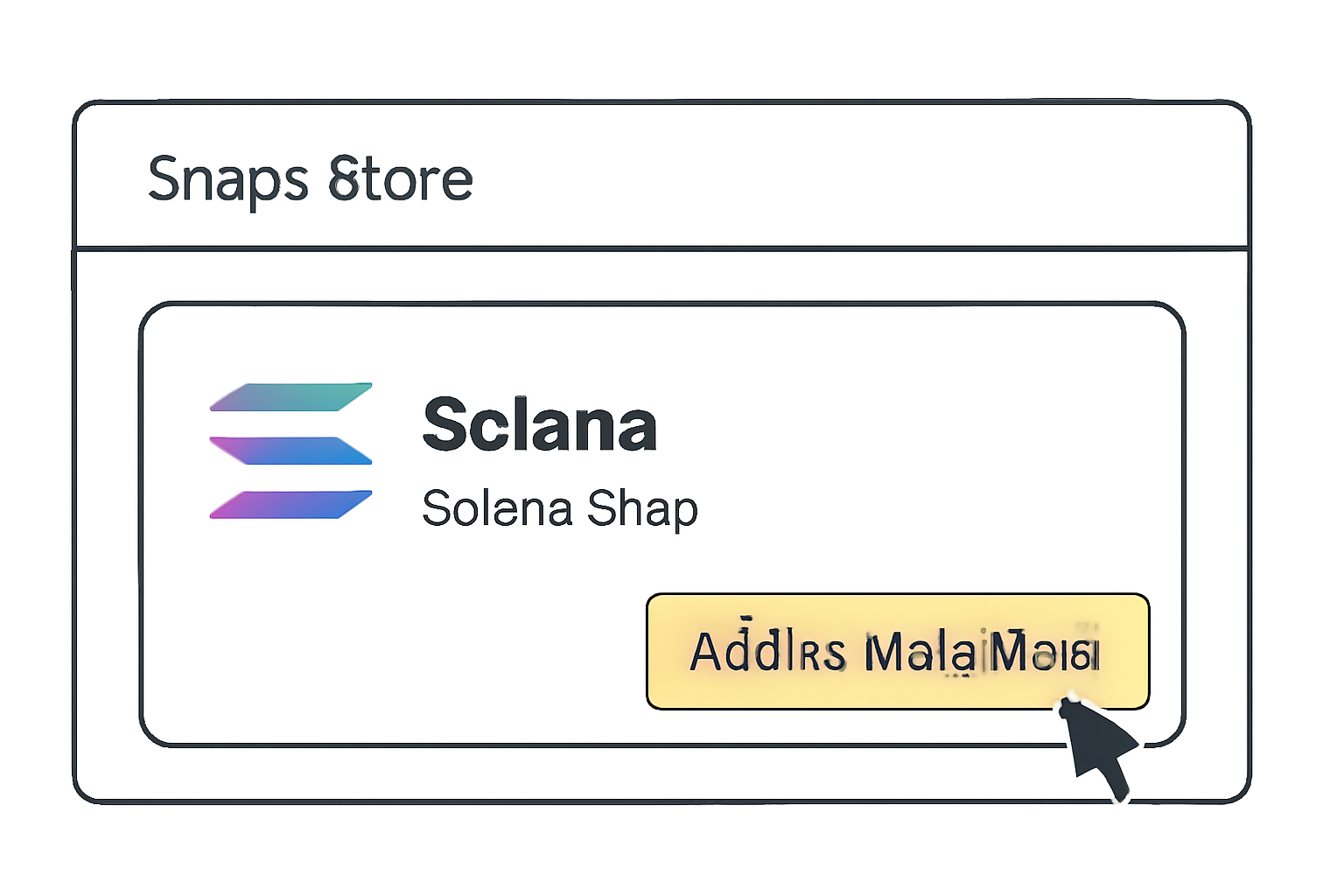
Despite recent headlines about MetaMask’s Solana integration, it’s critical to separate fact from hype. Native Solana support is exclusive to the MetaMask browser extension for now (source). On mobile devices, users must wait for an official update. Attempting to add Solana or SOL tokens directly to MetaMask Mobile will not work until this feature is rolled out.
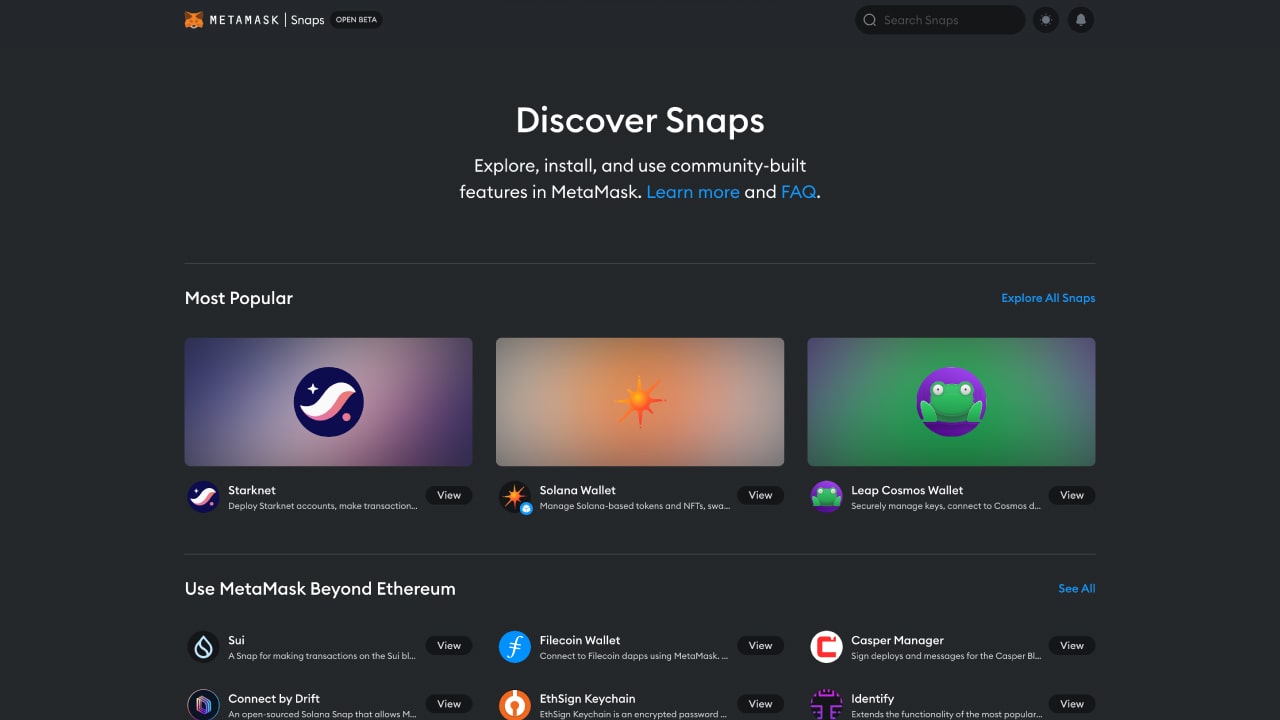
The current workaround often mentioned online involves adding wrapped SOL (wSOL) on EVM-compatible networks like Binance Smart Chain or using bridges. While technically feasible, this does not provide true access to the native Solana blockchain or its unique features such as ultra-fast transactions and low fees.
What Are Your Options Today?
If managing native SOL and SPL tokens on mobile is your priority, consider using a dedicated Solana wallet while waiting for MetaMask’s mobile update. The two most popular wallets for this purpose are:
Top Wallets for Managing Solana Assets
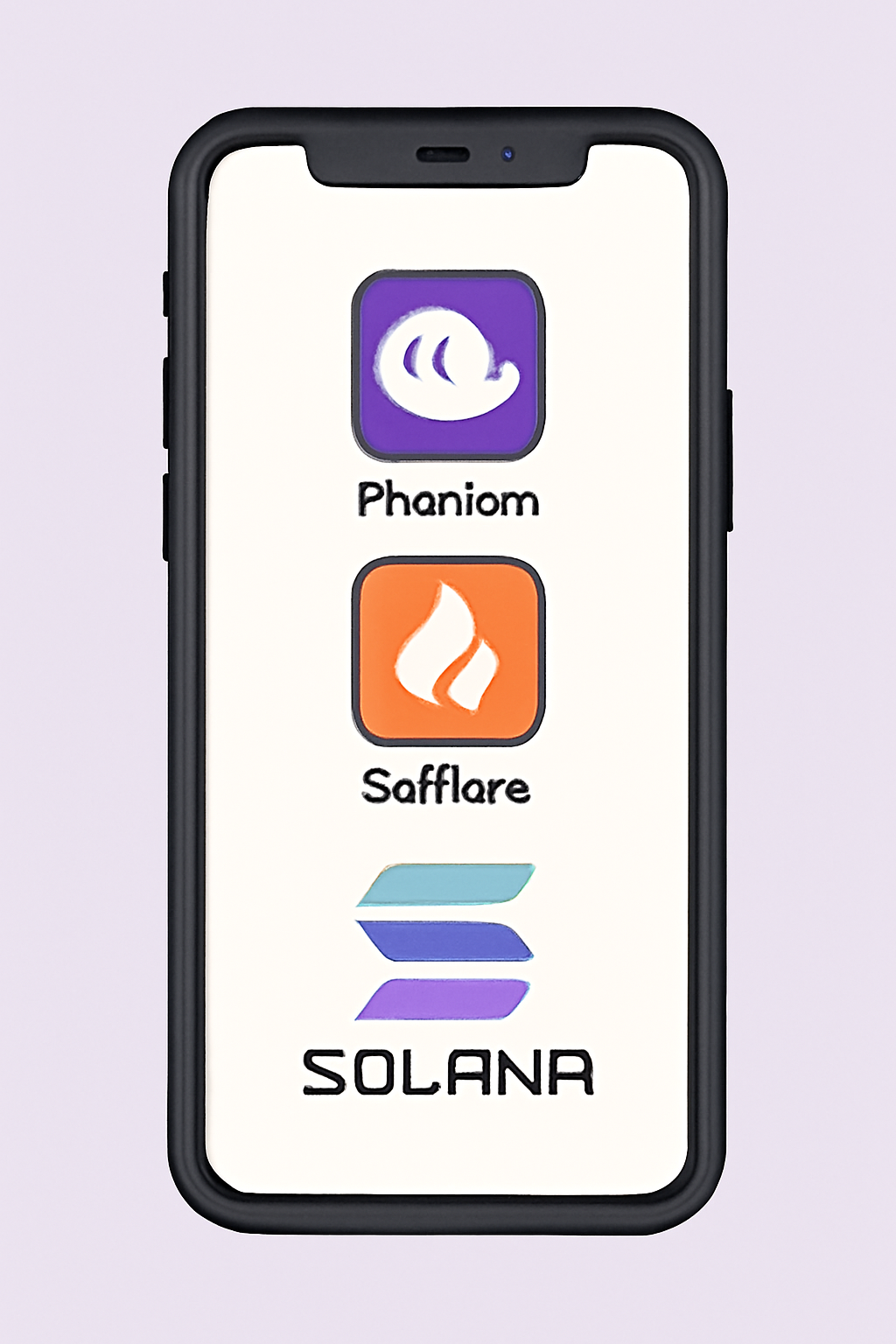
- Phantom Wallet: A leading non-custodial wallet designed exclusively for the Solana blockchain. Phantom offers a seamless experience for sending, receiving, and managing SOL and SPL tokens, with robust security features and an intuitive interface. Available as both a browser extension and a mobile app.
- Solflare Wallet: Another highly trusted wallet built specifically for Solana. Solflare provides comprehensive support for SOL and SPL tokens, staking, and NFTs. It's accessible via web, browser extension, and mobile app, making it a versatile choice for Solana users.
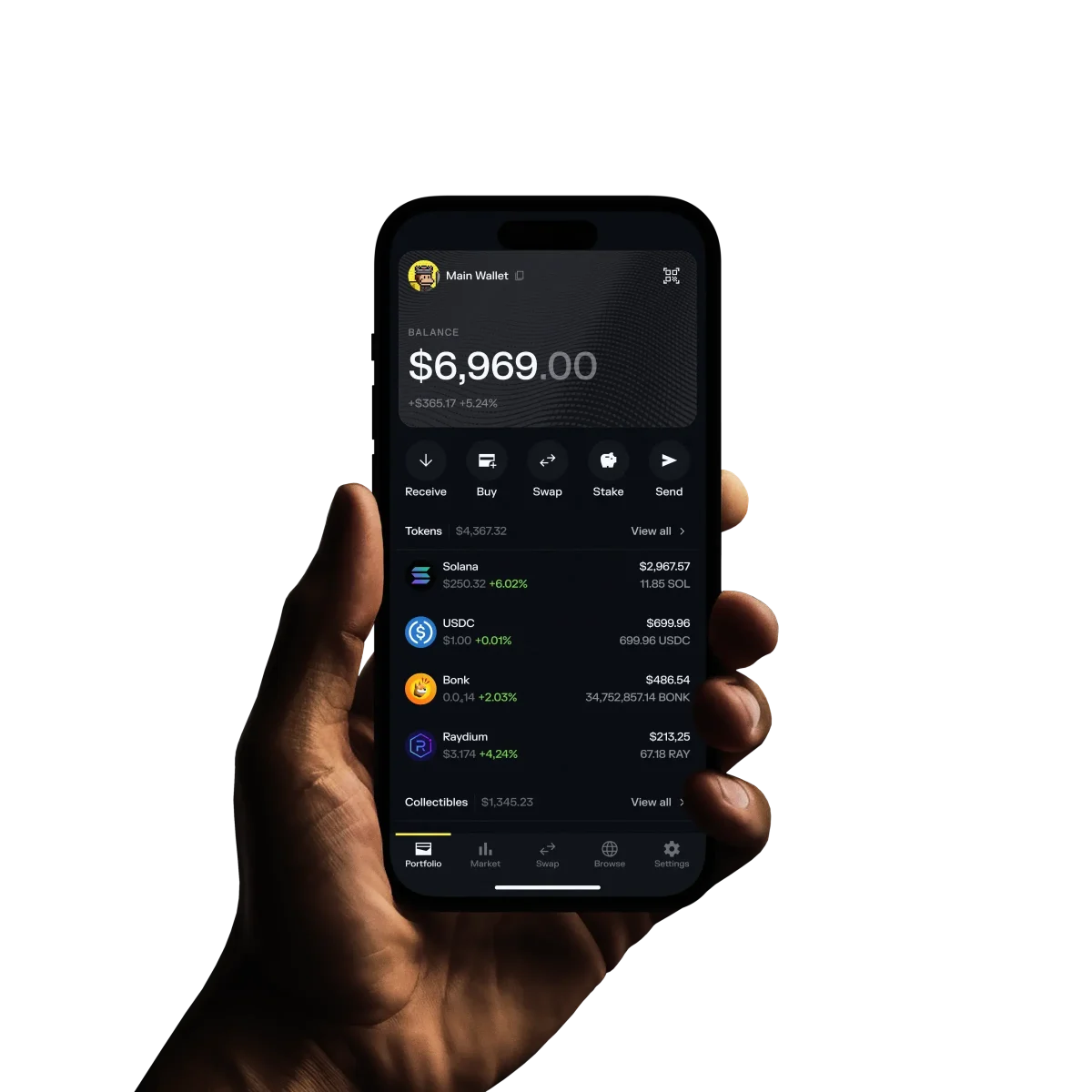
Phantom Wallet offers a seamless user experience and is available on both iOS and Android. Solflare Wallet is another robust alternative with strong security features and broad SPL token support. Both options are engineered specifically for the Solana ecosystem, ensuring maximum compatibility and ease of use.
The Roadmap: When Will MetaMask Mobile Support Solana?
The demand for MetaMask Mobile Solana integration is at an all-time high. According to the official MetaMask Help Center, mobile support is actively being developed but has not yet launched as of mid-2025. The best strategy right now is patience, monitor official channels for announcements so you can be among the first to enable native SOL management once available.
If you’re new to managing multiple blockchains or want a visual checklist of what you can do today versus what will be possible soon, keep reading, our illustrated step-by-step guide continues below.
Step-by-Step Visual Guide: What You Can (and Can’t) Do Right Now
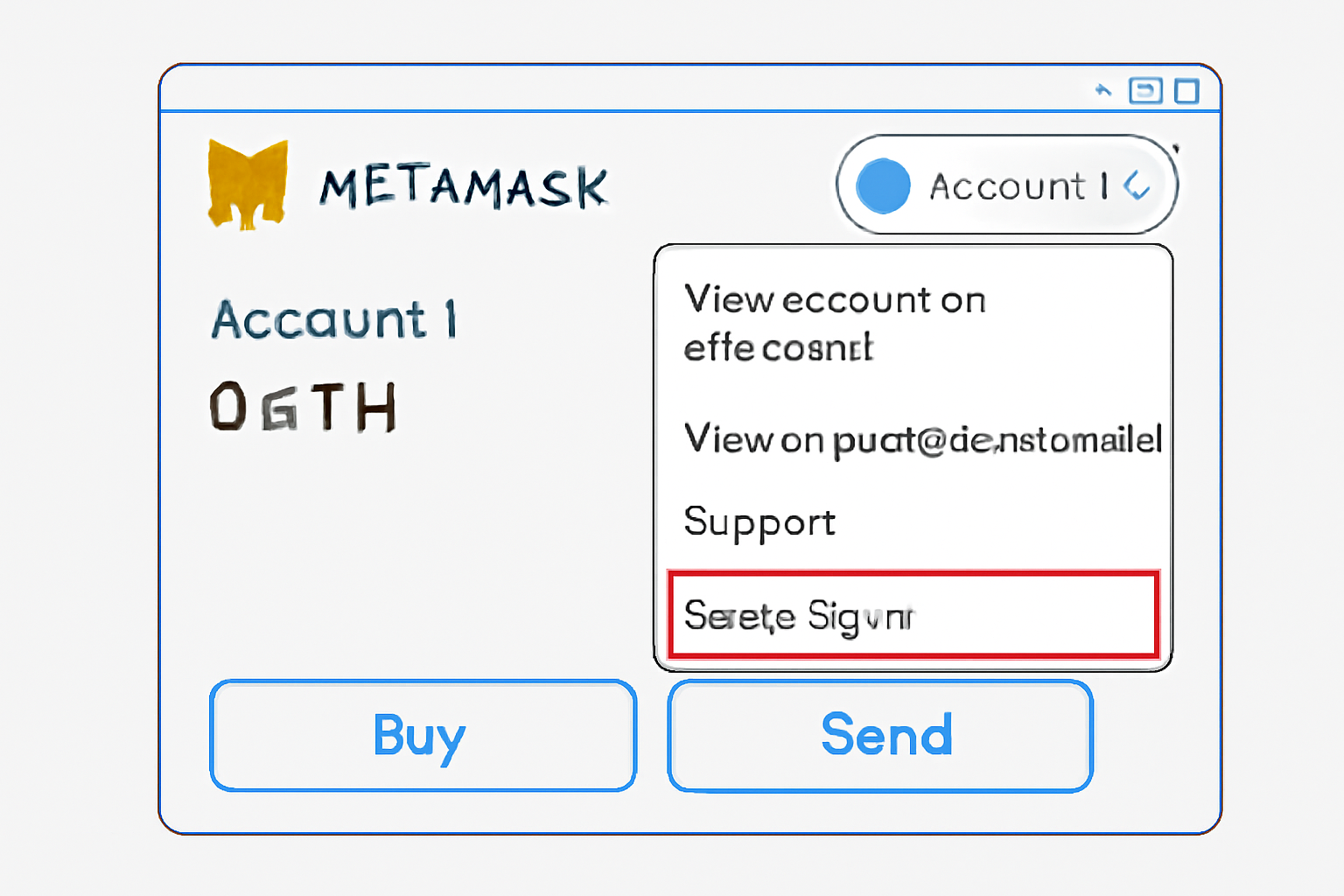
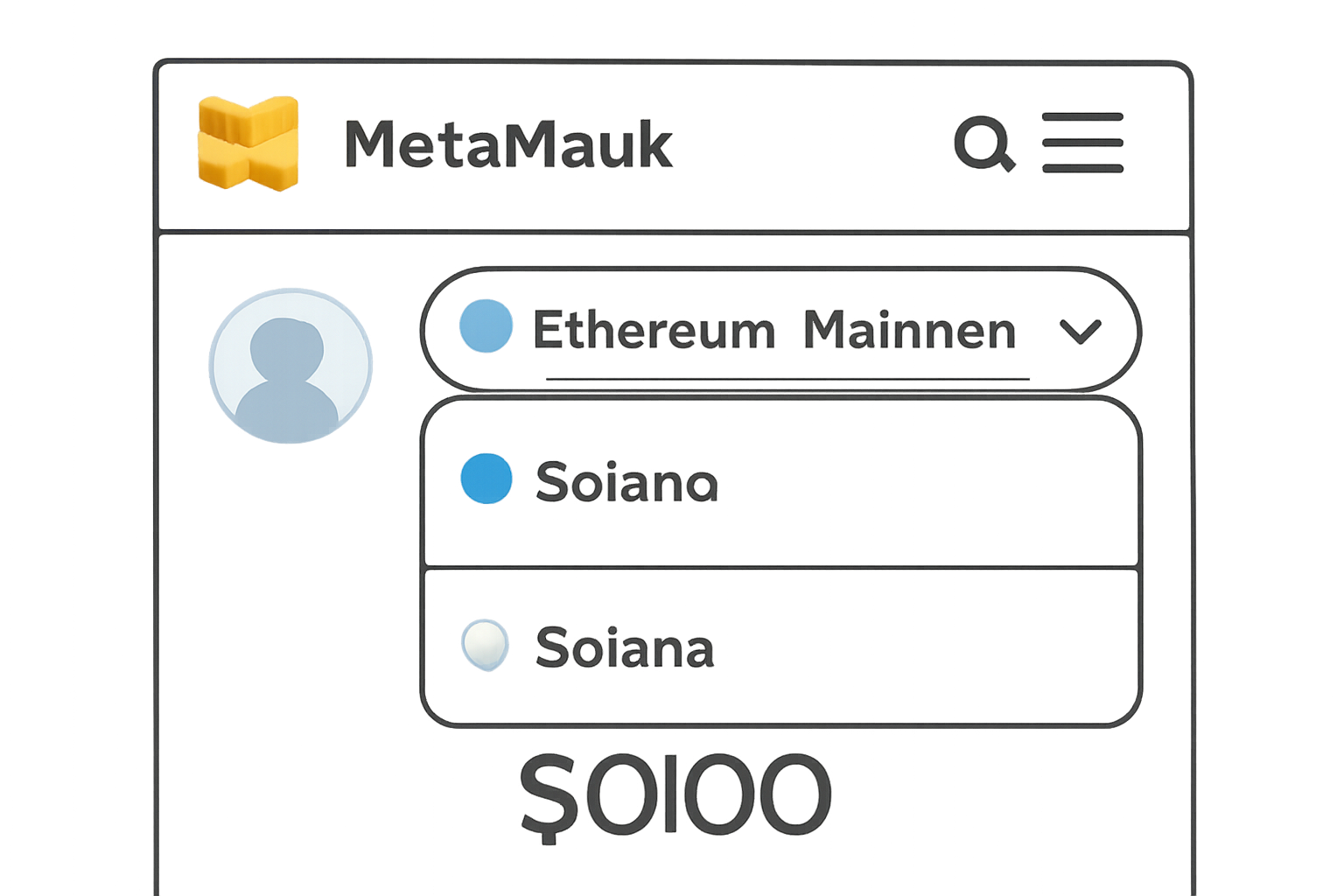
Until MetaMask Mobile officially supports Solana, your options are limited to managing wrapped SOL (wSOL) on EVM-compatible networks or using a purpose-built Solana wallet. Here’s a clear breakdown of your current choices and how to stay ready for the upcoming integration:
How to Add and Manage Solana (SOL) on MetaMask Extension and Mobile
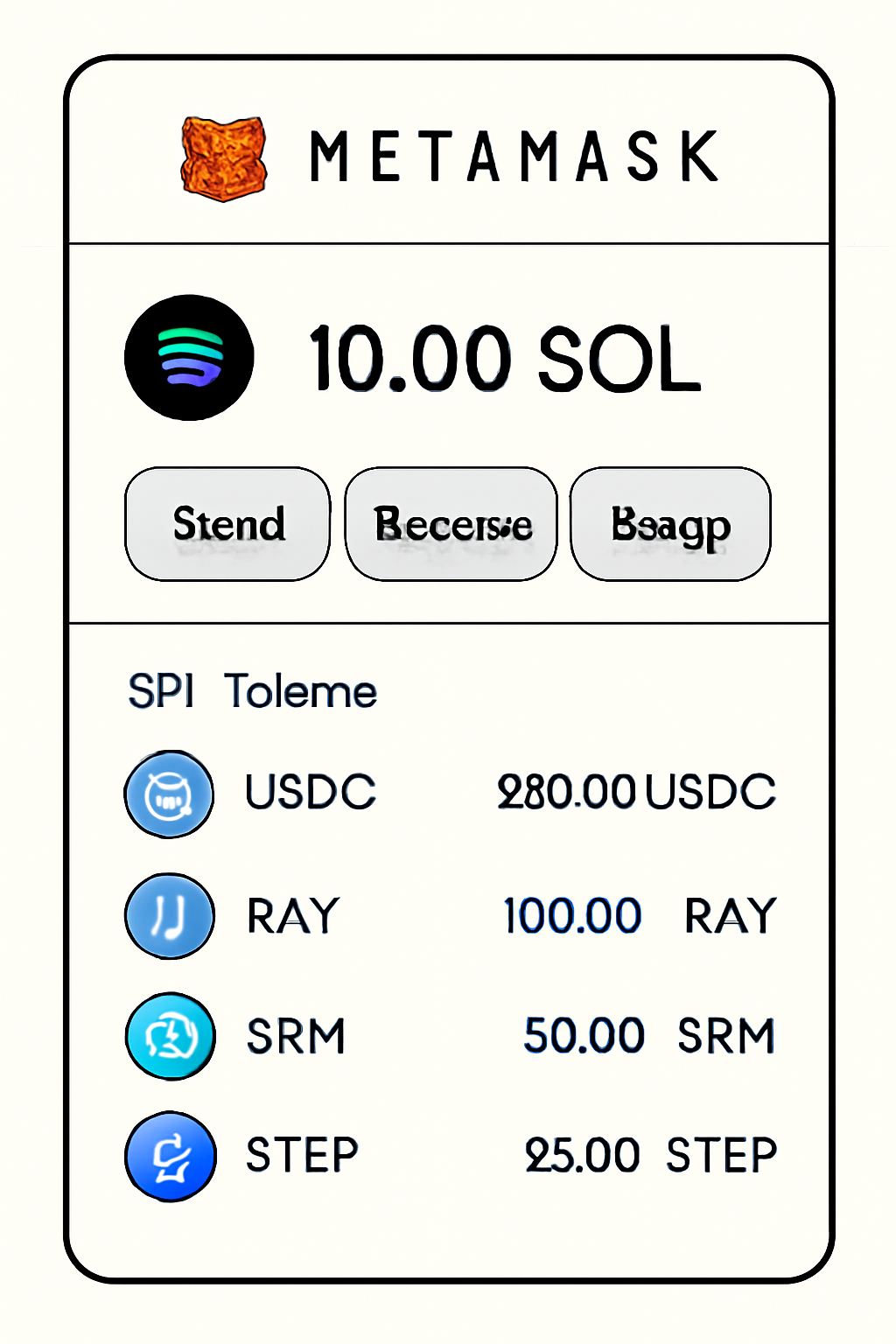
Key Takeaways for Mobile Users:
- You cannot add native SOL or SPL tokens directly to MetaMask Mobile yet.
- Wrapped SOL (wSOL) can be managed on EVM networks like BSC or Polygon, but this is not the same as true Solana blockchain access.
- For genuine Solana experience, including DeFi, NFTs, and ultra-low fees, use Phantom or Solflare until MetaMask Mobile launches its update.
Why Wait for Native Support?
Workarounds like bridging assets or adding wrapped tokens may suffice for basic exposure, but they come with risks: higher fees, potential bridge vulnerabilities, and missing out on the native speed and features of the Solana network. Once MetaMask Mobile integrates direct Solana support, you’ll be able to:
Key Features Unlocked by Native Solana Support in MetaMask Mobile
- Lightning-fast Transactions: Solana’s high throughput enables near-instant transaction confirmations, making sending and receiving SOL and SPL tokens on MetaMask Mobile exceptionally quick.
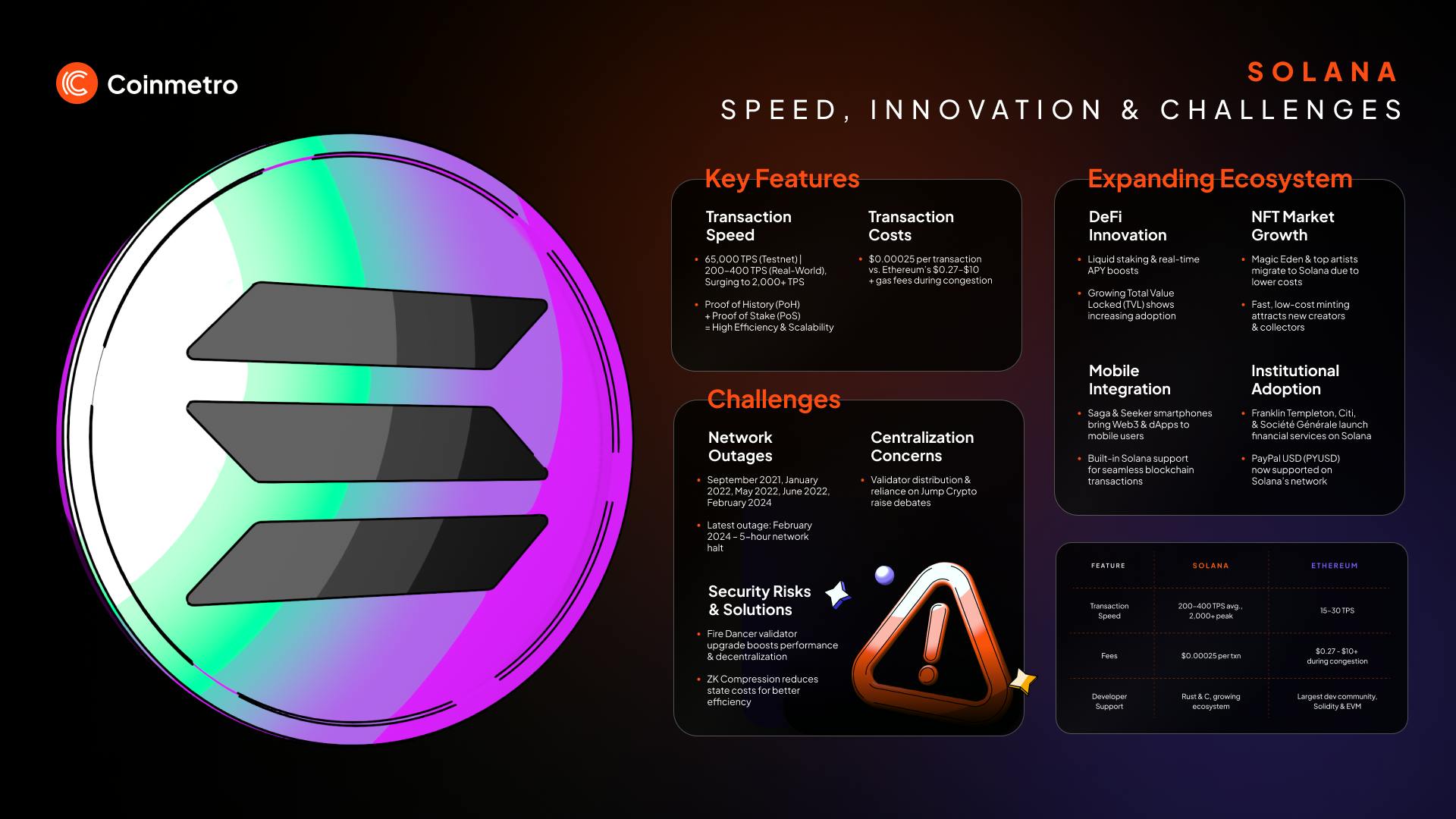
- Low Transaction Fees: Solana is renowned for its minimal network fees, often just fractions of a cent, allowing users to transfer assets or interact with dApps on MetaMask Mobile without worrying about high costs.
- Full SPL Token Compatibility: Native support means MetaMask Mobile users can seamlessly manage, send, and receive all SPL tokens—the Solana ecosystem’s equivalent of ERC-20 tokens—directly within their wallet.
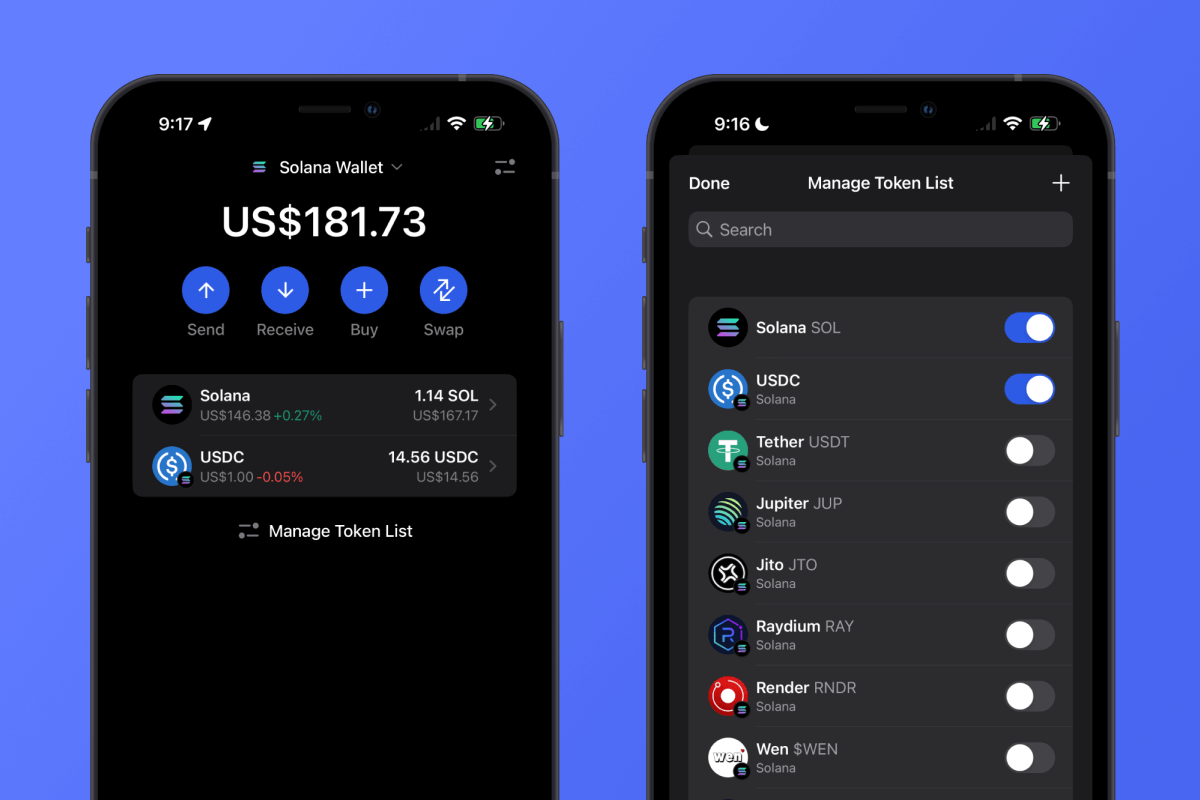
- Direct Access to Solana dApps: With native integration, users can connect MetaMask Mobile to a wide range of Solana-based decentralized applications (dApps), including DeFi, NFT, and gaming platforms, without needing third-party bridges or workarounds.
- Unified Multi-chain Experience: Native Solana support will allow MetaMask Mobile users to manage assets across Ethereum, Solana, and other supported blockchains all in one app, streamlining portfolio management and cross-chain activity.
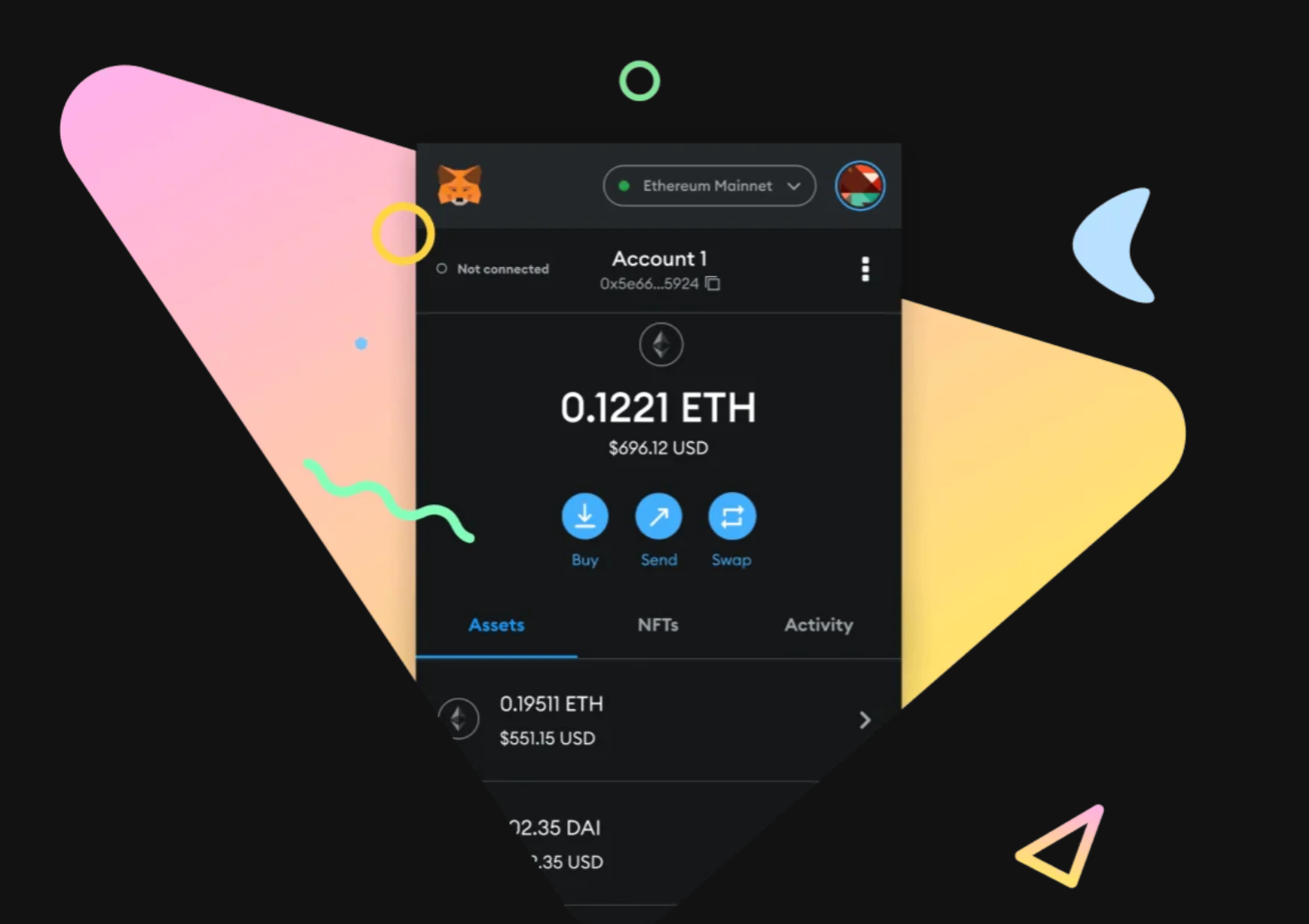
If you’re managing a diversified portfolio across multiple blockchains, having all your assets in one wallet app will streamline your experience considerably. That’s why the upcoming update is so highly anticipated across the crypto community.
How to Stay Updated and Prepare
Given the fast pace of crypto wallet development, it’s essential to monitor official sources for any news about MetaMask Mobile Solana integration. Here’s how you can stay ahead:
- Follow MetaMask’s Help Center for updates on supported networks.
- Join community forums and social channels where early announcements are often shared.
- Back up your seed phrases securely before migrating assets between wallets or trying new integrations.
Frequently Asked Questions
The bottom line? While you can’t directly add native Solana to MetaMask Mobile just yet, you have robust alternatives in Phantom and Solflare. Keep an eye on official channels, when full support arrives, moving your SOL into MetaMask will be as seamless as managing ETH today. Until then, prioritize security and only use trusted wallets tailored for the chains you need.


No comments yet. Be the first to share your thoughts!