

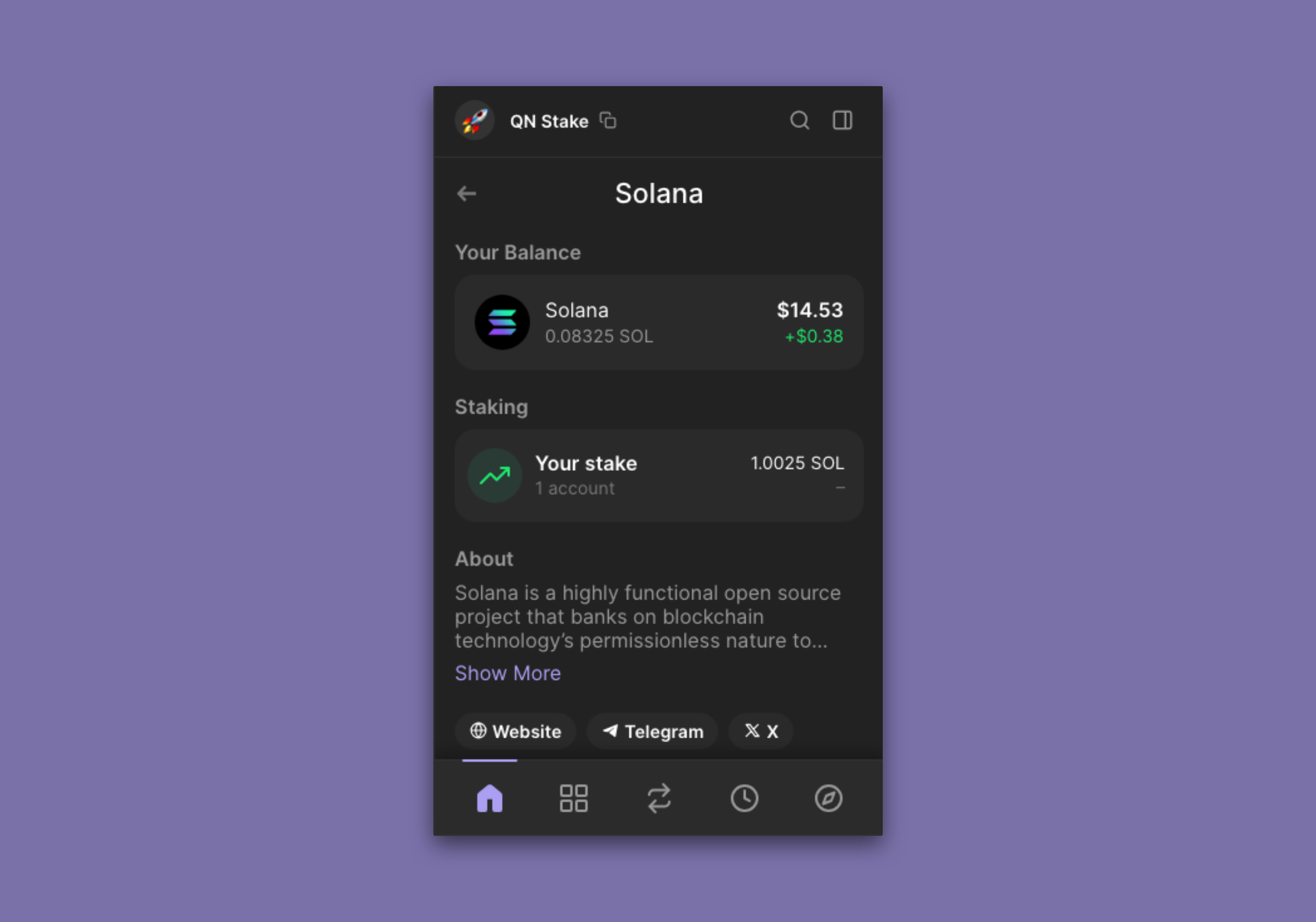
Solana staking just got a lot simpler for MetaMask users. As of July 2025, you can manage SOL and SPL tokens directly in MetaMask, opening up a new world of earning opportunities on one of crypto’s fastest blockchains. If you’ve been eyeing Solana’s juicy staking yields or want to tap into MEV-optimized rewards with Jito, the process is now streamlined and accessible, no more juggling separate wallets or clunky browser plugins.
Why Use MetaMask for Solana Staking?
MetaMask’s Solana integration isn’t just a technical upgrade, it’s a game-changer for anyone who values convenience and control. Previously, Solana users had to rely on dedicated wallets like Phantom or Solflare. Now, you can consolidate your EVM and Solana assets in one familiar interface, making it easier to track, swap, and stake without switching tabs or devices.
The real kicker? You can now stake SOL directly through MetaMask using Jito, earning not just standard staking rewards but also extra yield from MEV (Maximum Extractable Value) strategies. This means your SOL works harder for you while staying liquid as JitoSOL, a token you can use across DeFi platforms. For anyone serious about maximizing returns on their SOL holdings, this is an upgrade worth exploring.
Getting Started: Set Up Your Solana Account in MetaMask
If you’re new to the ecosystem or coming over from another wallet like Phantom, onboarding is straightforward:
How to Create or Import a Solana Account in MetaMask
- Update MetaMask to the Latest VersionMake sure you have the most recent MetaMask extension or mobile app installed to access Solana support. This ensures compatibility and security when managing SOL and SPL tokens.
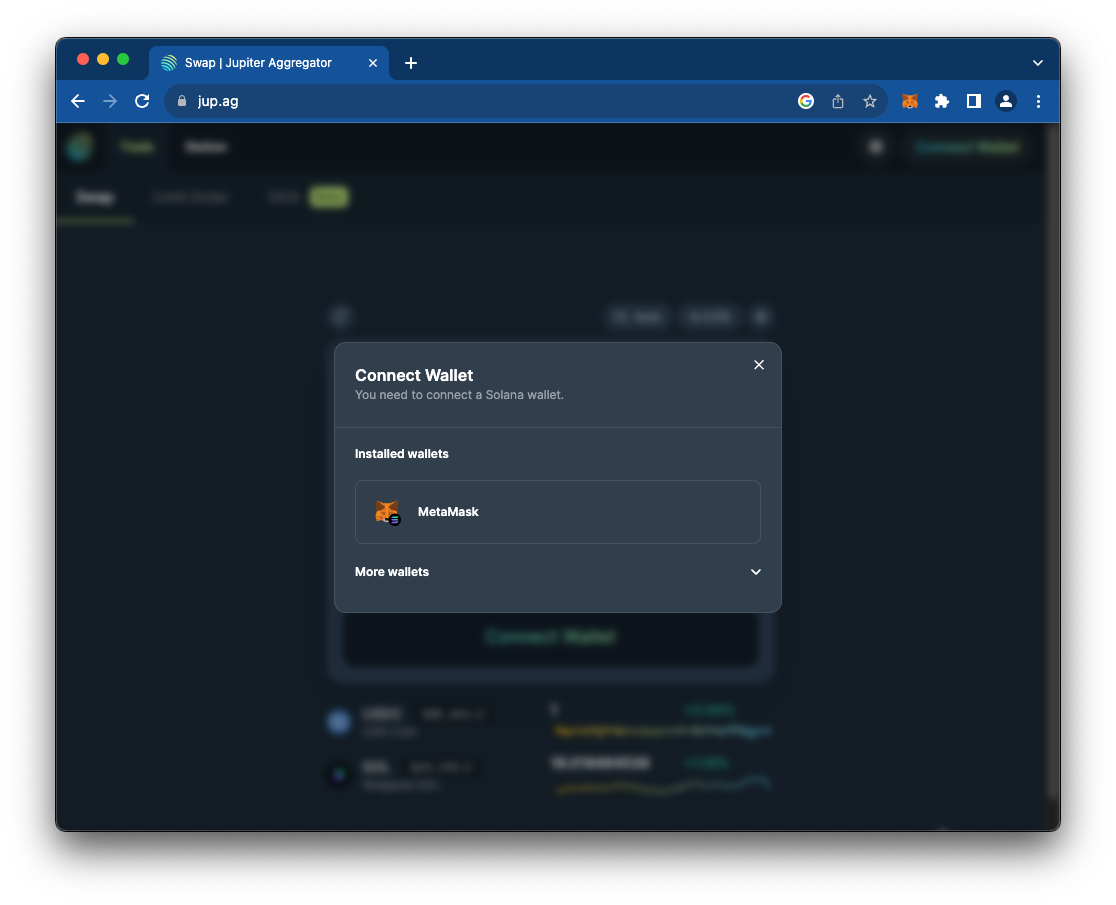
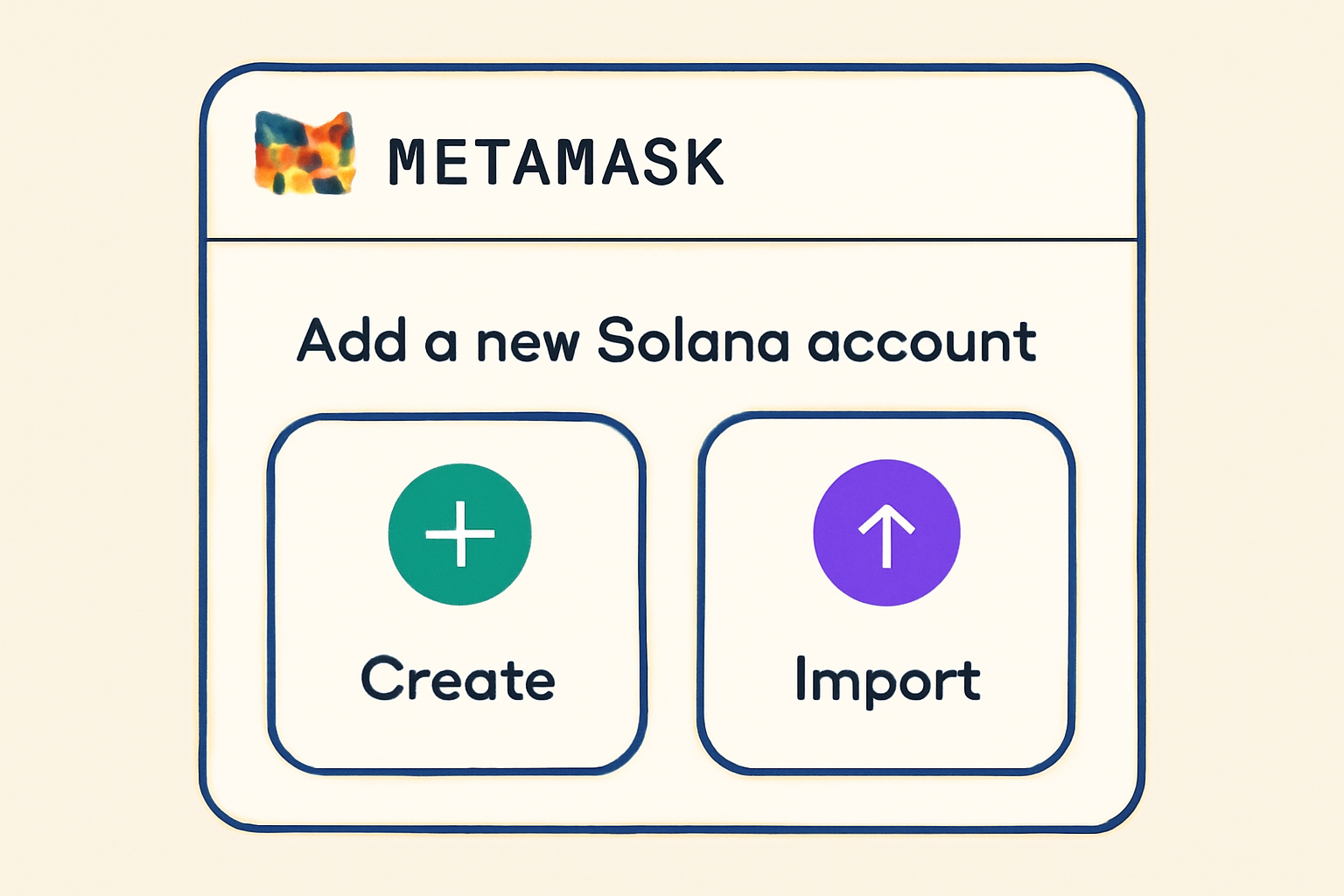
- Create a New Solana Account in MetaMaskClick the account selector in MetaMask, choose 'Add account or hardware wallet', then select '+ Solana account'. Name your new account and confirm to generate a fresh Solana wallet address.
- Import an Existing Solana AccountIf you already have a Solana wallet (like Phantom), import it by selecting 'Add account or hardware wallet' in MetaMask, then choose 'Secret Recovery Phrase' under 'Import'. Enter your SRP to restore your Solana wallet in MetaMask.
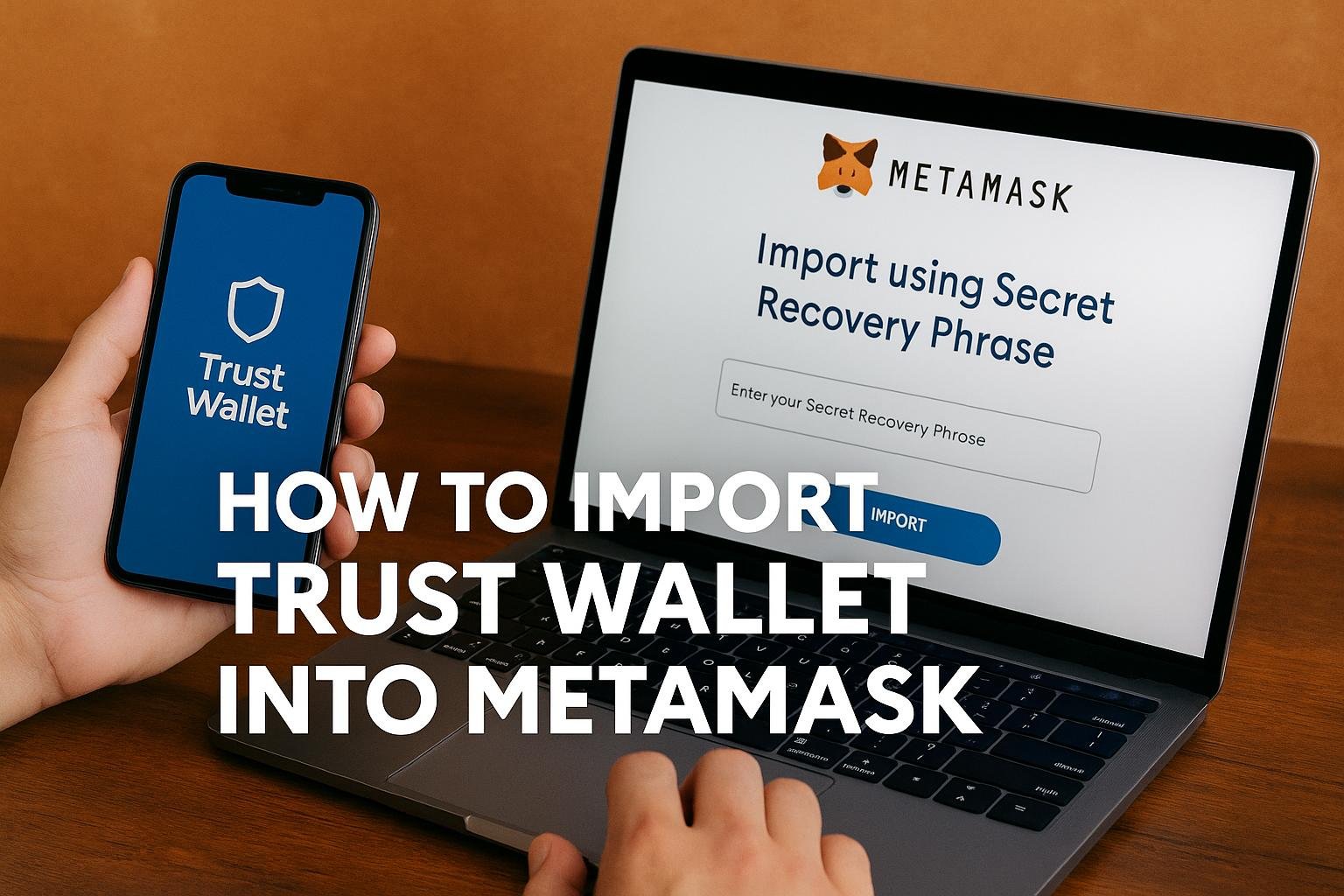
- Secure Your Secret Recovery PhraseBack up your Secret Recovery Phrase (SRP) in a safe, offline location. This phrase is the only way to recover your Solana account if you lose access to your device.
Create a New Account: In MetaMask, click the account selector at the top right. Choose 'Add account or hardware wallet, ' select ' and Solana account, ' pick an account name, and confirm. You’ll now see your new SOL address alongside your Ethereum accounts.
Import an Existing Account: Have a Phantom or other Solana wallet? Import it using your Secret Recovery Phrase (SRP). Go to 'Add account or hardware wallet, ' choose 'Secret Recovery Phrase' under 'Import, ' enter your SRP, and confirm. This brings all your existing SOL and SPL token balances into MetaMask instantly.
If you need more guidance on these steps (or run into any snags), check out MetaMask’s official support guide.
Funding Your Wallet: Moving SOL Into MetaMask
You’ll need some SOL before you can stake, and since staking requires network fees too, make sure to send a little extra beyond what you plan to lock up. Here’s how most users do it:
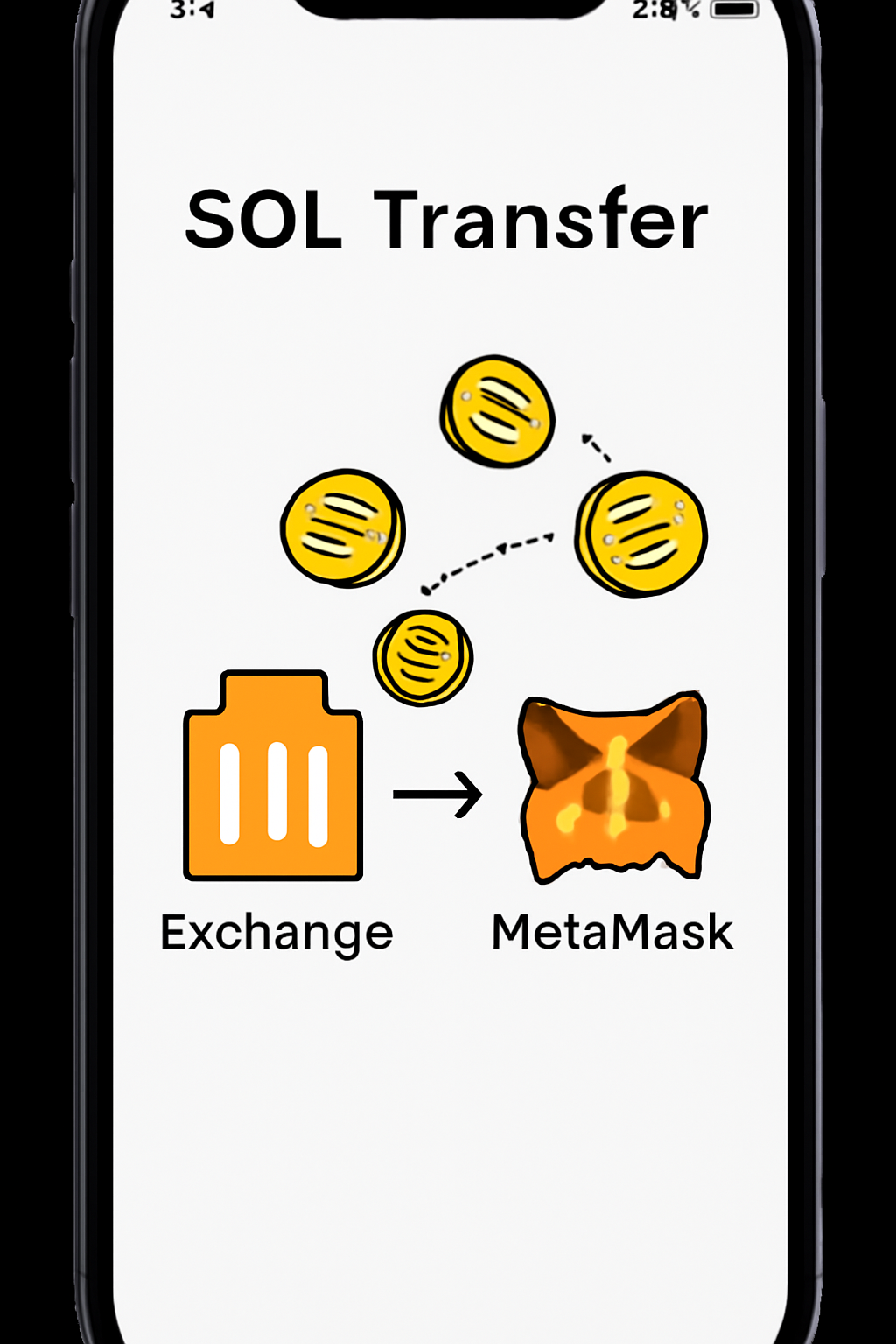
- Buy SOL: Use major exchanges like Coinbase, Binance, or Kraken to purchase SOL with fiat or crypto.
- Transfer to MetaMask: Copy your new Solana address from MetaMask (double-check that it starts with the correct prefix), then withdraw from your exchange account to that address.
- Confirm Receipt: Within minutes, Solana is fast!: your balance should appear in MetaMask under your Solana account.
If you're not sure which exchange interface is best for sending out assets quickly and cheaply, compare withdrawal fees and processing times before committing.
The Power of Jito: What Makes JitoSOL Different?
This isn’t just regular staking. Jito Network introduces MEV-optimized infrastructure to boost yields beyond what standard validators offer. When you stake with Jito via MetaMask:
- You receive JitoSOL, a liquid staking token representing both staked value and accrued rewards, including MEV profits.
- Your funds remain liquid: trade JitoSOL across DeFi protocols without waiting for unbonding periods.
- You benefit from deep integrations within the Solana ecosystem, DeFi composability at its finest.
Your Step-by-Step Guide: How To Stake SOL with Jito via MetaMask
Stake SOL with Jito Using MetaMask: A Simple Step-by-Step Guide
This next section will walk through connecting your wallet and executing your first stake, so keep reading if you want actionable steps that actually work in today’s market environment!
Once your SOL is in MetaMask, you’re ready to put it to work. The process of staking through Jito is refreshingly simple, and the interface is designed to minimize friction. Here’s how you can start earning with MEV-optimized rewards in just a few clicks.
Staking and Earning: Using JitoSOL in MetaMask
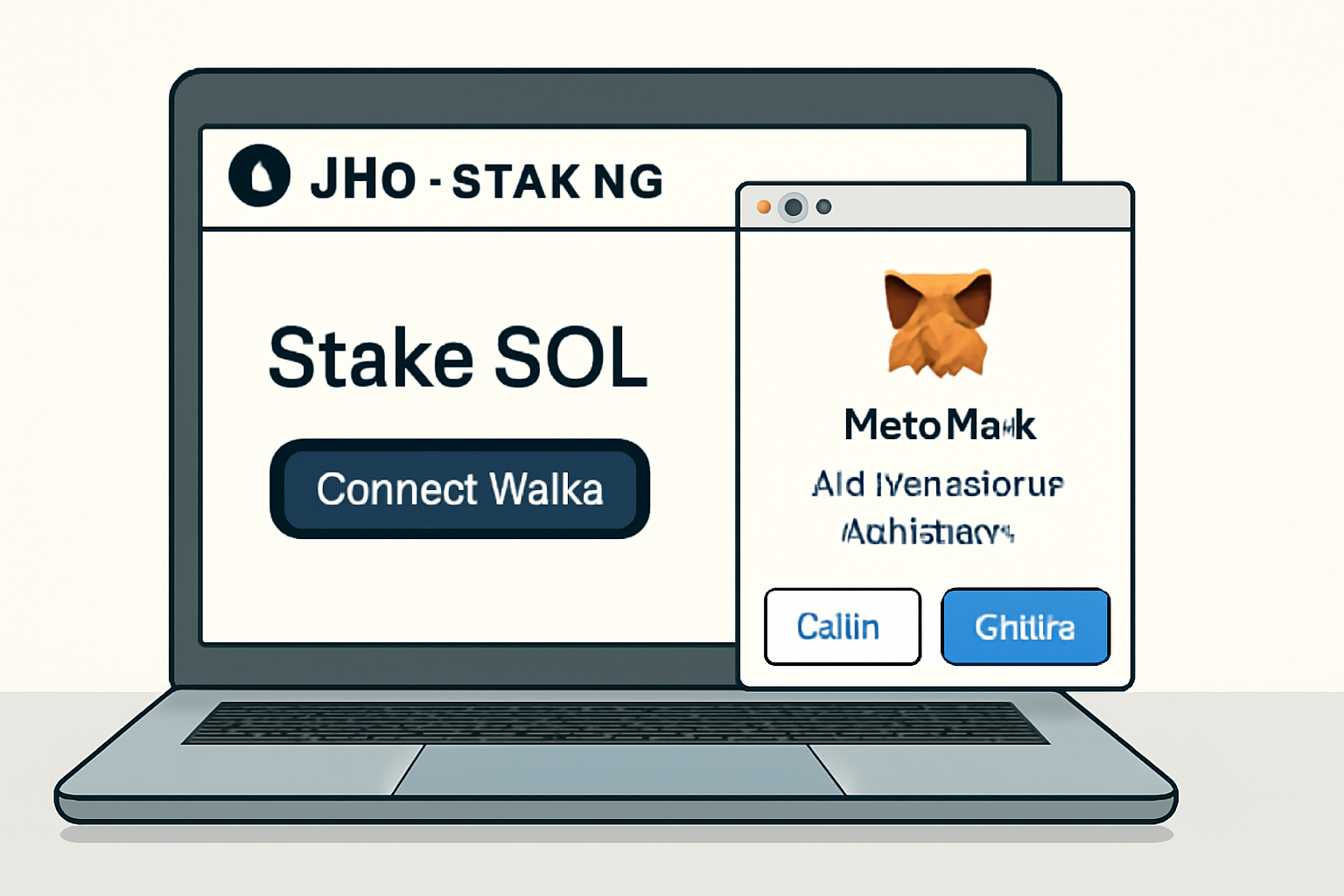
Head over to Jito’s staking portal and select MetaMask as your wallet. Approve the connection request in MetaMask, this gives Jito permission to interact with your Solana account, but not to move funds without your explicit approval.
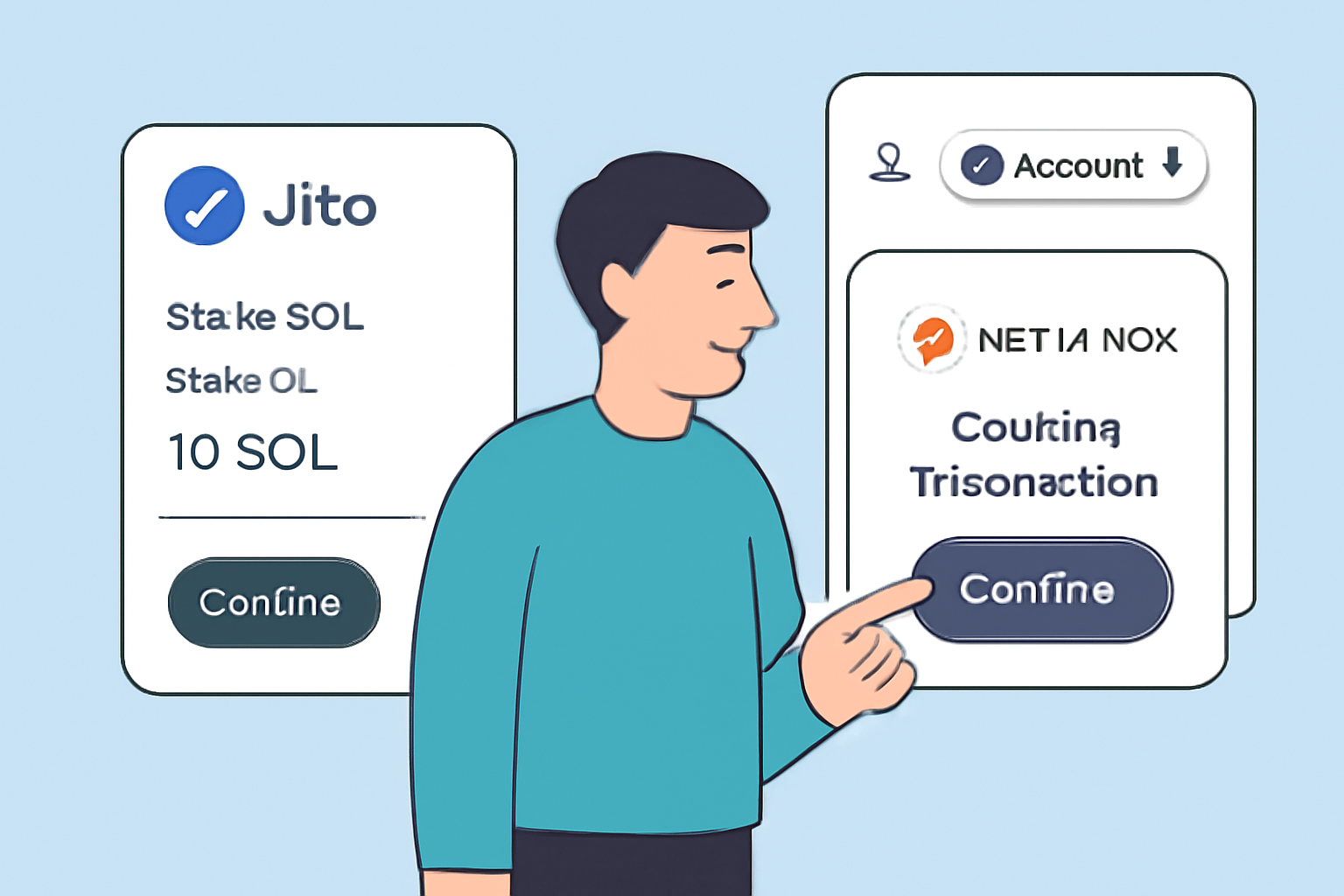
From here, enter the amount of SOL you want to stake. Remember, always leave a small balance for transaction fees, Solana is cheap, but zeroing out your wallet will leave you unable to make future transfers or swaps.
Confirm the stake in MetaMask. After a brief confirmation period (usually under a minute), you’ll see JitoSOL tokens appear in your wallet. These represent your staked SOL plus accrued rewards, including those hard-to-get MEV profits that set Jito apart from standard validators.
What’s really compelling about liquid staking tokens on Solana like JitoSOL is that they unlock new DeFi strategies while still earning yield. You can lend, borrow against, or trade your JitoSOL across supported platforms without waiting for an unbonding period, so you never have idle capital.
Tracking Rewards and Managing Your Stake
Your rewards accrue automatically as long as you hold JitoSOL. To check current rates or claim additional perks (like compounding), revisit the Jito dashboard at any time. For advanced users, consider tracking yield via integrated analytics tools within MetaMask or DeFi dashboards built for Solana.
If you ever want to unstake, simply reverse the process on the Jito platform: swap your JitoSOL back for SOL directly within their interface and approve the transaction in MetaMask. Note that while liquid staking lets you exit instantly via secondary markets, direct unstaking may be subject to protocol-specific cooldowns or fees depending on market liquidity at that moment.
Tips for Maximizing Yield: Go Beyond Basic Staking
- Monitor Market Opportunities: Keep an eye on DeFi protocols that accept JitoSOL as collateral or liquidity, these can amplify returns when used smartly.
- Stay Updated: Follow official channels like @jito_sol and @MetaMask for new features and integrations. The Solana ecosystem evolves fast!
- Diversify Validators: If you’re staking large amounts, consider splitting between different validators or protocols for risk management.
Security Reminders and Best Practices
The convenience of managing everything inside MetaMask shouldn’t tempt you into complacency. Always double-check URLs (use only official sources), keep your Secret Recovery Phrase offline and secure, and never approve transactions from unknown dApps, even if they appear within the familiar wallet interface.
If something feels off during any step (unusual prompts, unexpected approvals), pause and verify through MetaMask’s official support resources.
The Bottom Line: Why This Matters Now
The integration of Solana into MetaMask, and seamless access to MEV-optimized liquid staking via Jito, is a huge leap forward for both ecosystems. It brings together Ethereum’s most popular wallet with one of crypto’s most scalable chains, all while giving users access to next-level yield strategies previously out of reach without specialist tools.
If you’re looking for an actionable way into Solana DeFi without sacrificing UX or security, this workflow delivers, plus it keeps your assets flexible so you can react quickly as new opportunities emerge across both EVM and Solana landscapes.




No comments yet. Be the first to share your thoughts!