
Automating your crypto investment strategy can be a game-changer, especially in a market as dynamic as 2025’s. With Bitcoin (BTC) holding steady at $117,767.00 and dollar-cost averaging (DCA) gaining popularity among US investors, OKX’s recurring buy feature offers a practical way to build your portfolio over time, without having to time the market or remember to place regular orders.
Why Consider Automated Crypto Investment?
Even seasoned investors find it challenging to predict short-term price swings. By automating purchases through recurring buys, you benefit from DCA, investing a fixed amount at regular intervals regardless of market volatility. This approach helps smooth out the effects of price fluctuations and can lower your average cost per coin over time. For example, if you set up a monthly recurring buy for BTC at today’s price of $117,767.00, you’ll continue accumulating Bitcoin whether the price rises or dips next month.
The recent launch of the OKX app in the US has expanded access to these advanced automation tools for American users, making crypto stacking automation more accessible than ever before.
Step-by-Step Guide: Setting Up Recurring Buys on OKX Mobile App
The process is designed for simplicity and flexibility, allowing you to tailor your investment plan across up to 20 different cryptocurrencies. Here’s how US users can get started:
How to Set Up a Recurring Crypto Buy on OKX Mobile App
- Open the OKX App: Download and log into the official OKX app on your mobile device.
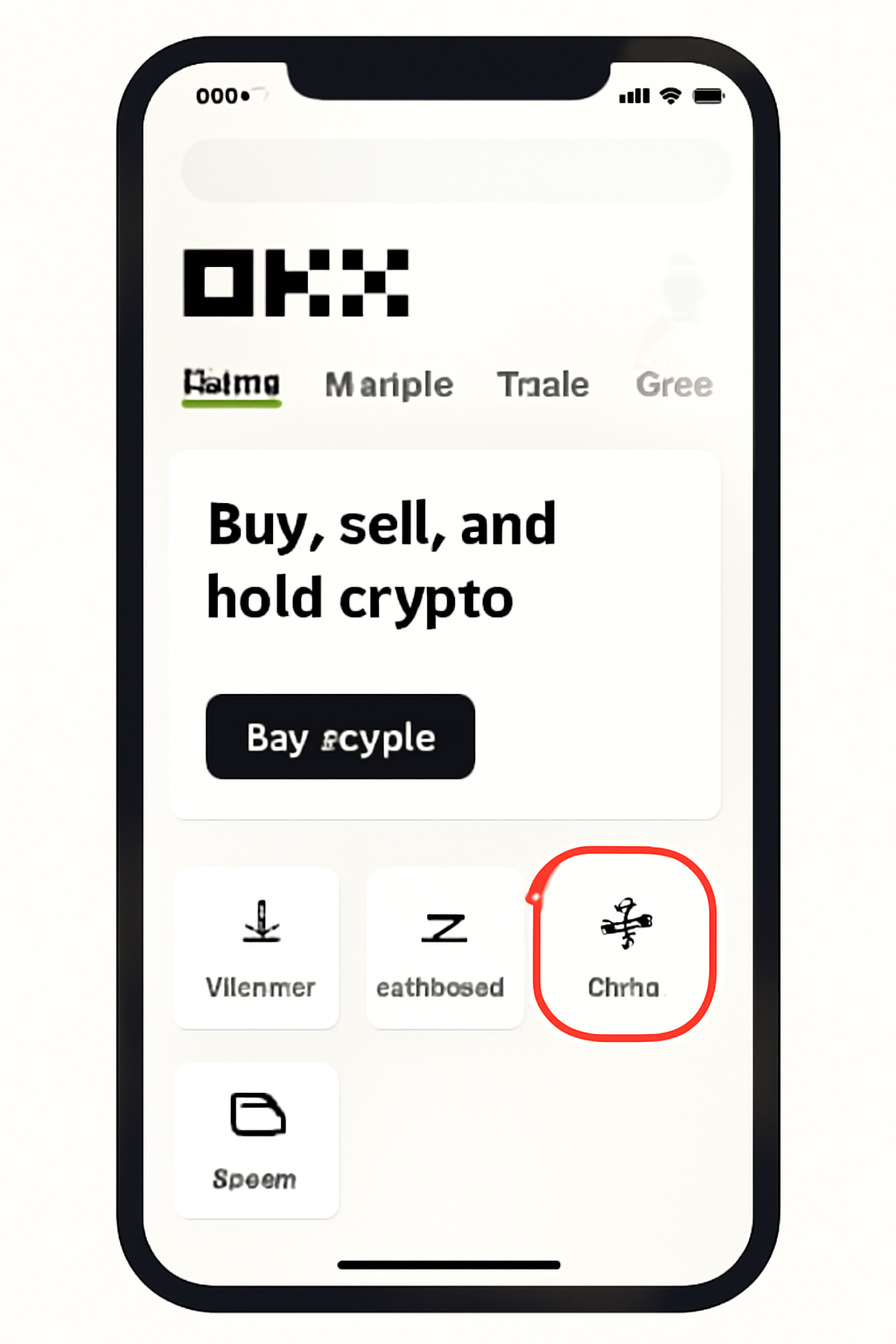
- Navigate to Trade: On the homepage, tap "Trade" at the bottom center of your screen.
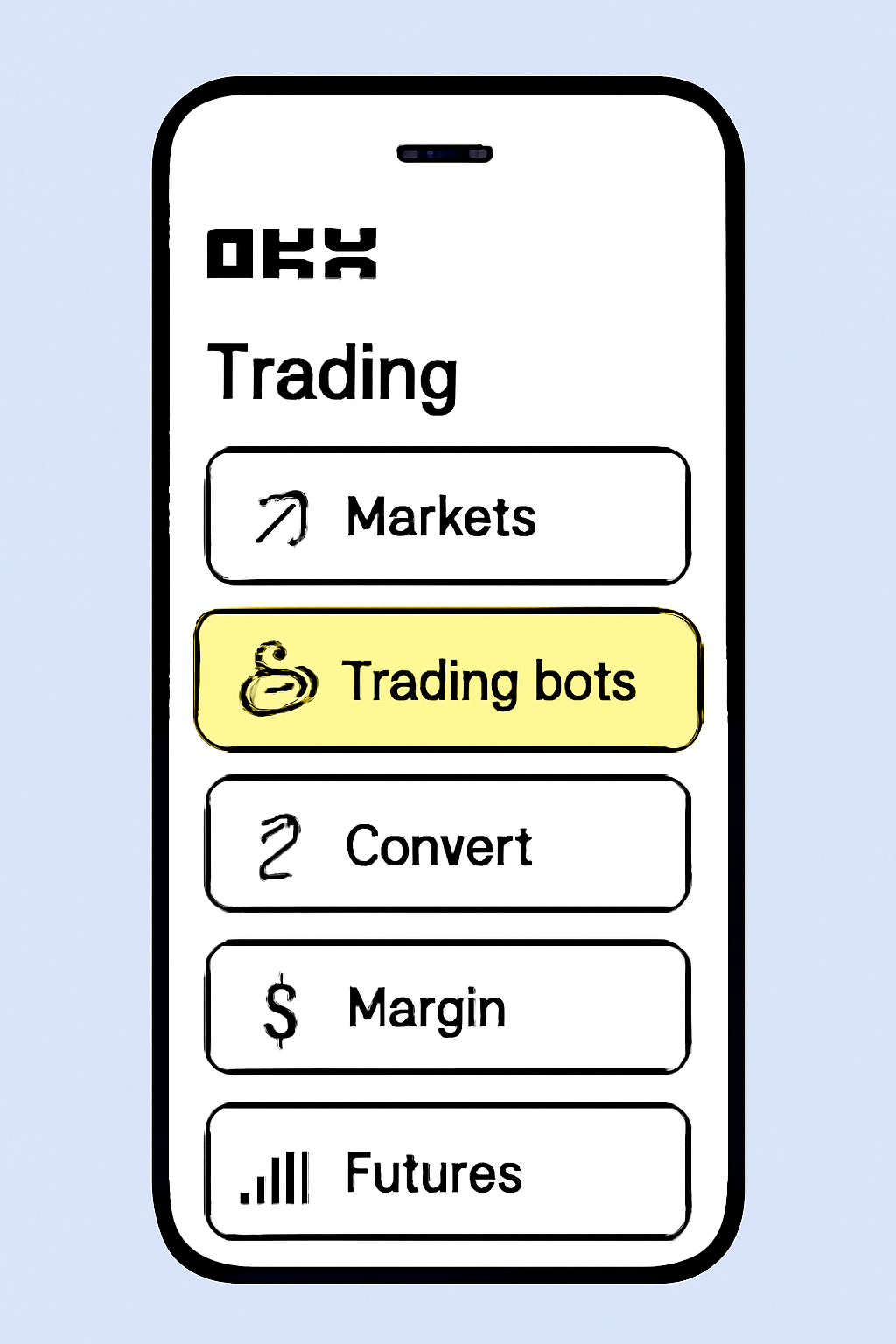
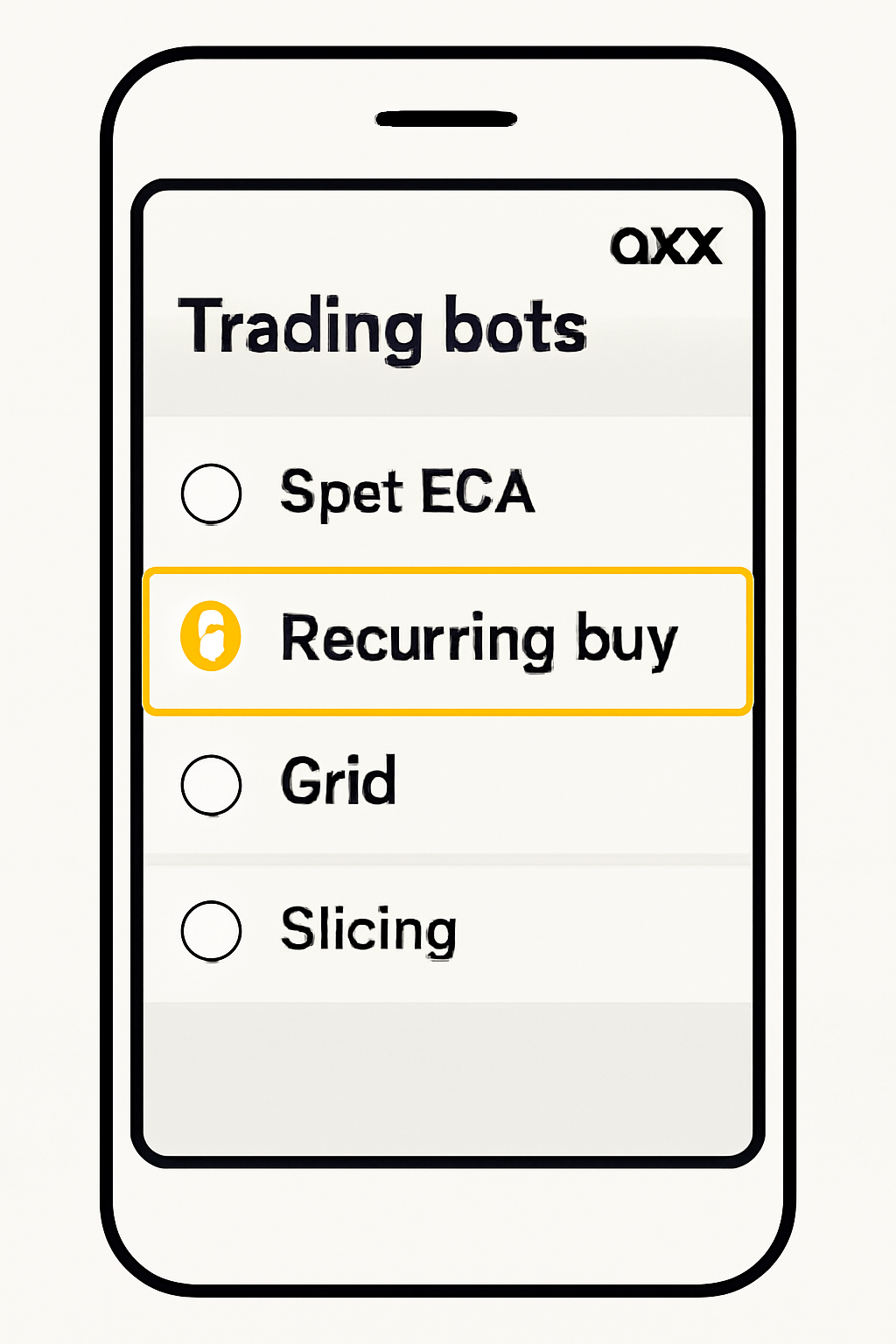
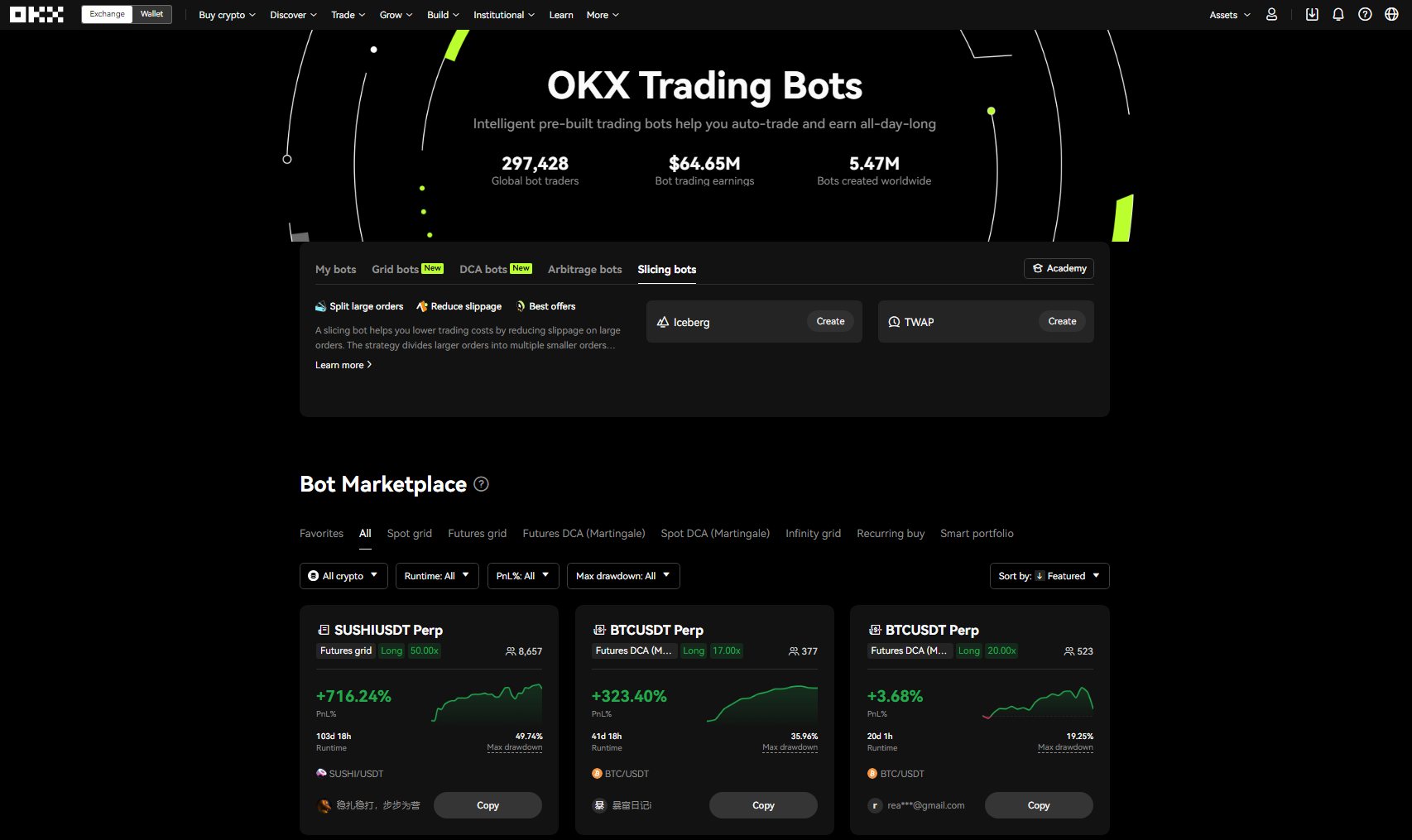
- Select Trading Bots: In the menu, choose "Trading bots": this is where you’ll find automated strategies including Recurring Buy.
- Choose Recurring Buy: Tap "Recurring buy" from the list of available bots.
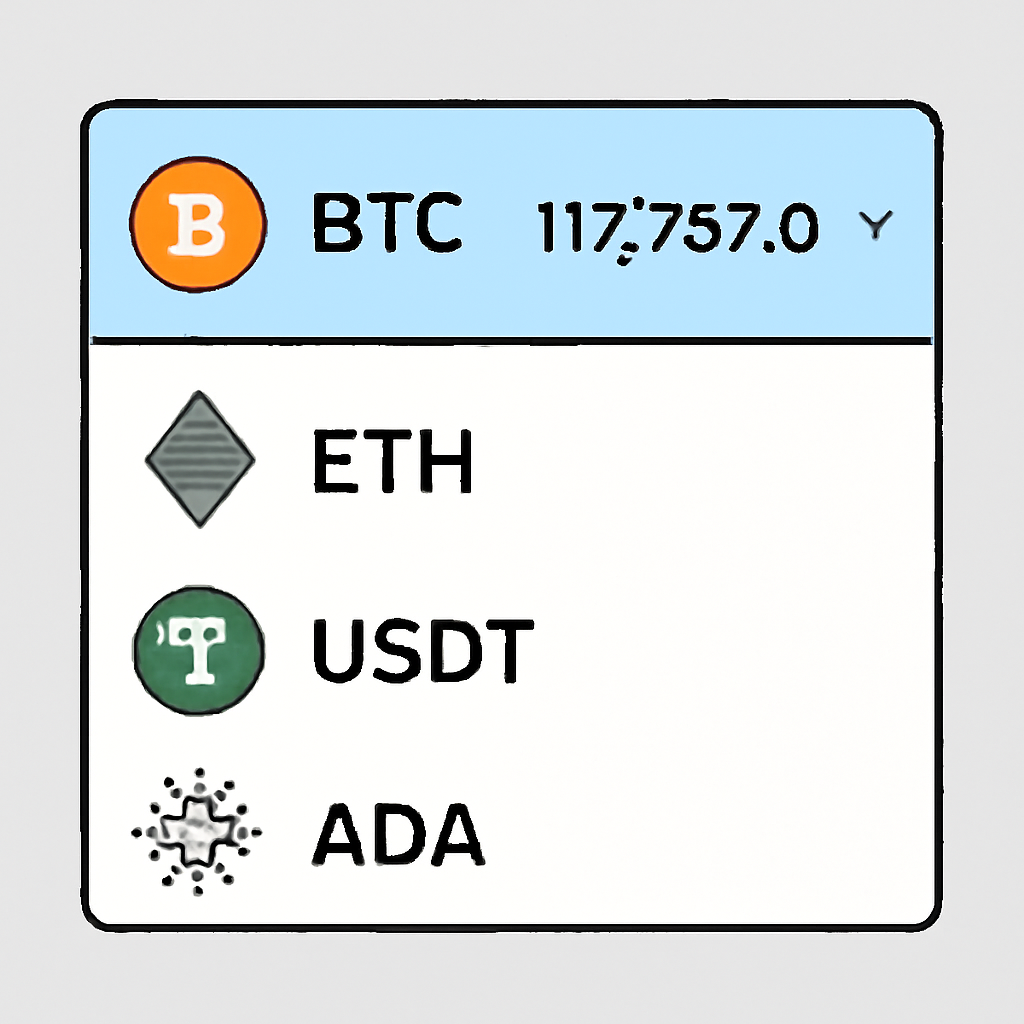
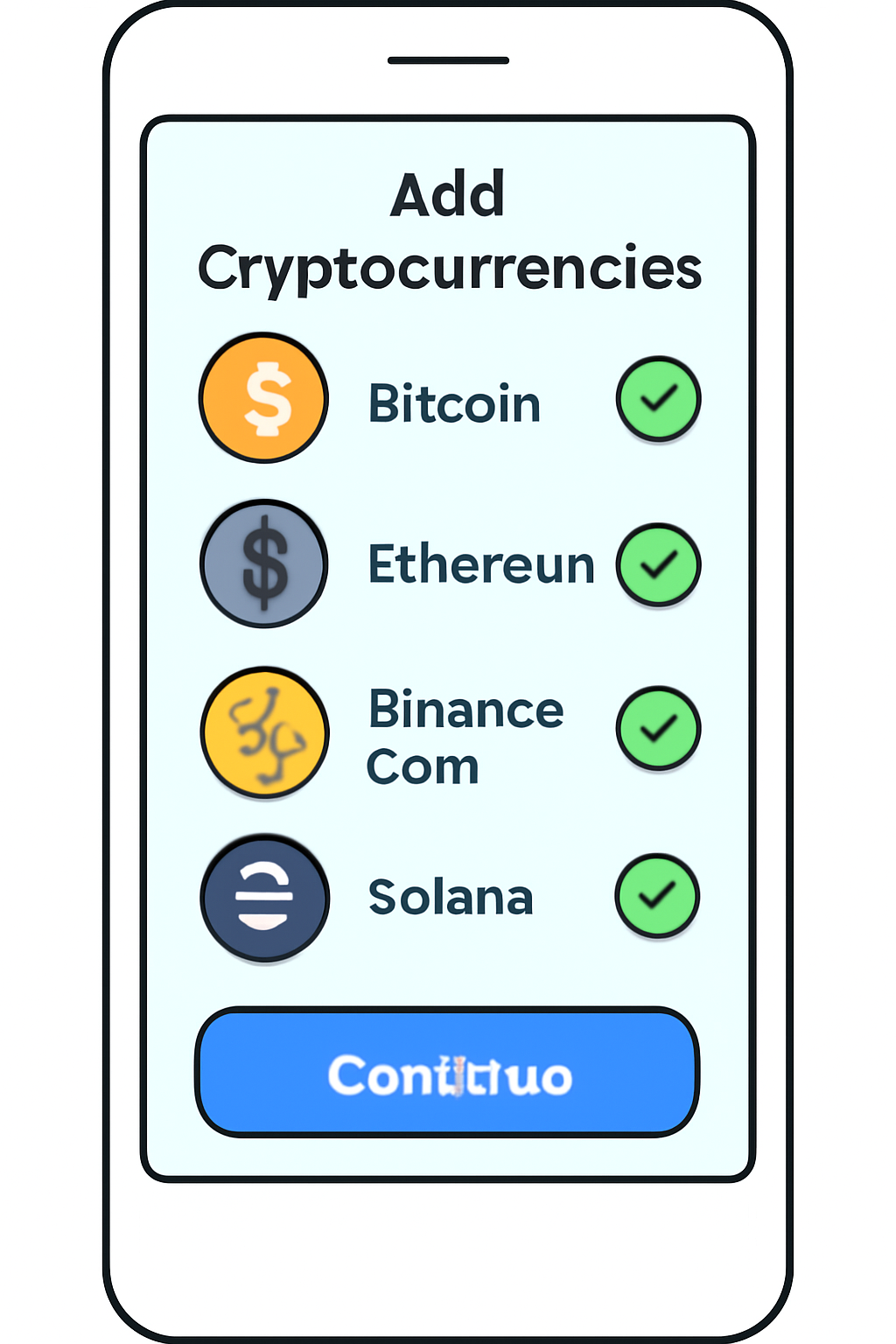
- Select Your Crypto: Pick which digital asset(s) you want to purchase automatically. You can add up to 20 different coins by tapping "Add crypto. " Popular choices include BTC, ETH, and OKB.
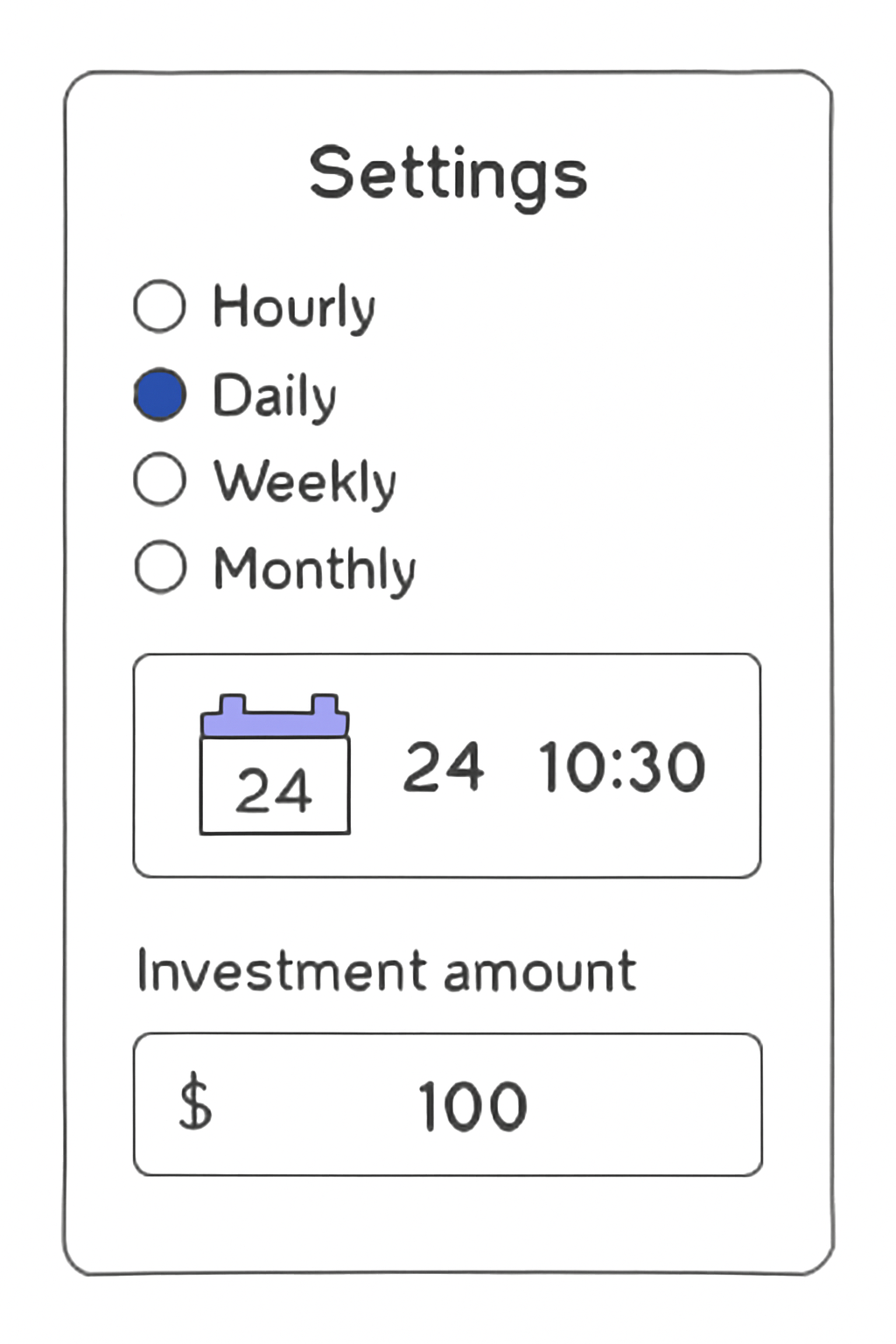
- Set Frequency and Timing: Decide how often you want purchases made, hourly, daily, weekly, or monthly. For weekly/monthly buys, select your preferred day and time.
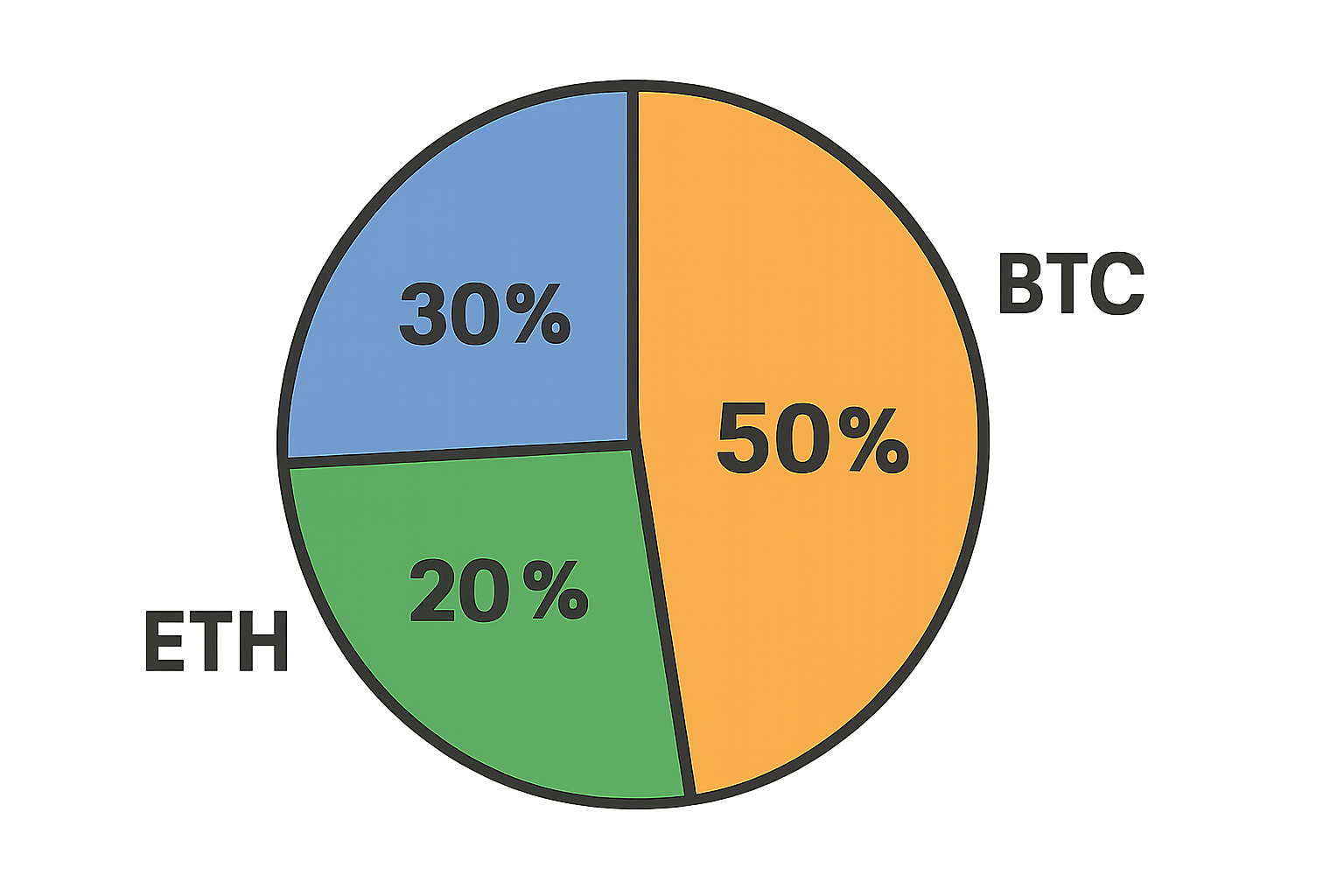
- Enter Amount and Allocate Percentages: Specify how much to invest each cycle (minimum is just 2 USDT). If buying multiple coins, assign what percentage goes toward each asset, for instance: 50% BTC/30% ETH/20% OKB from a $100 monthly budget.
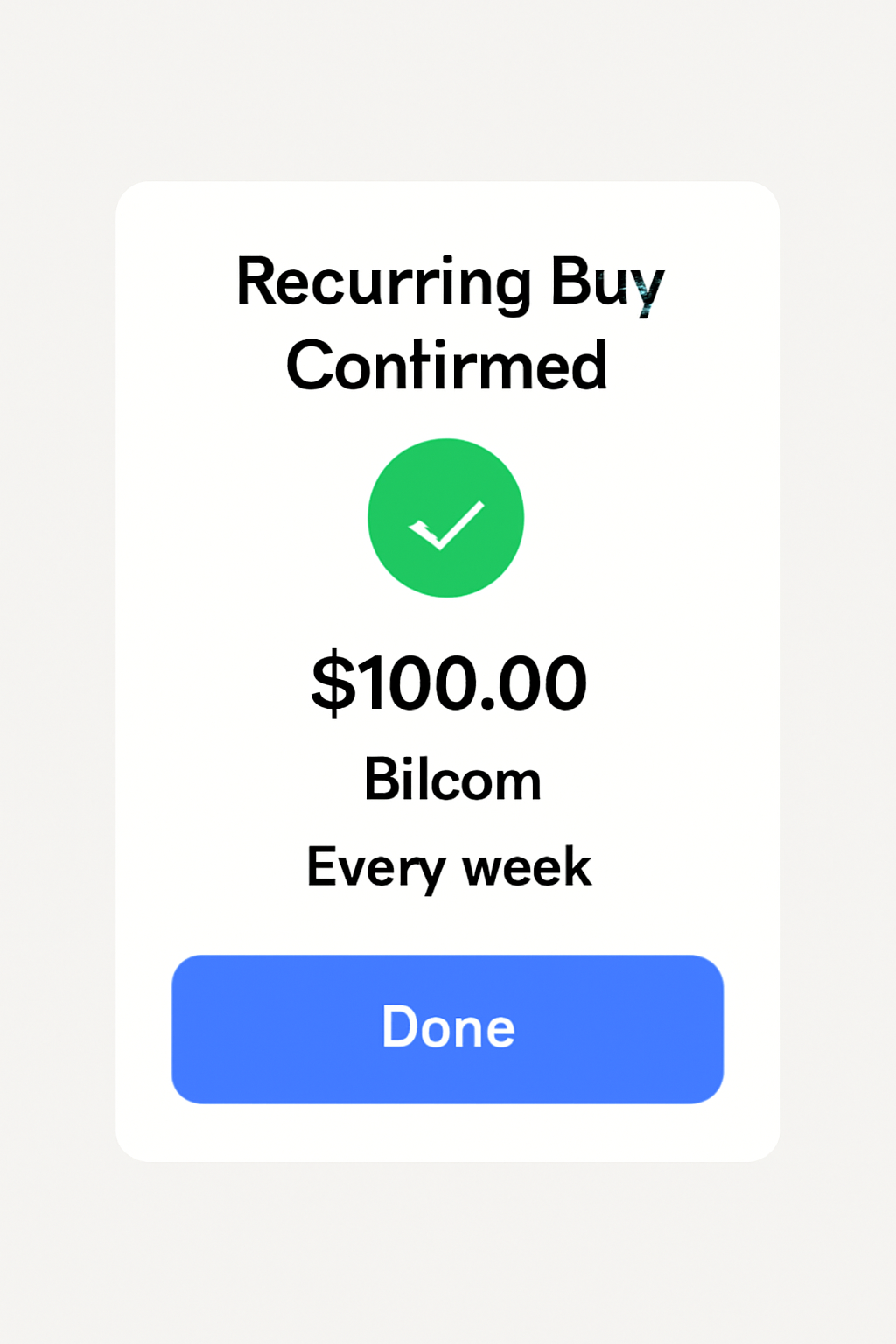
- Review and Confirm: Double-check all details on the confirmation page before tapping "Done. " Your automated plan will now be live!
This user-friendly setup means that even first-time investors can implement an automated crypto investment strategy with minimal hassle. If you need more detail or run into issues during setup, check out OKX’s official guide on using their recurring buy trading bot at okx.com.
Navigating Recurring Buys via OKX Website
If you prefer desktop platforms or want more granular control over your trades, setting up recurring crypto purchases via the OKX website is just as straightforward as using their mobile app:
- Log In: Visit okx. com and sign into your account.
- Select Trading Bots from Navigation Bar: Click “Trade” then choose “Trading bots. ”
- Select ‘Recurring Buy’ Option:
- Add Cryptocurrencies and Allocate Percentages:
- Set Frequency/Timing and Enter Investment Amount:
- Create Plan After Reviewing Details:
The web interface mirrors much of what’s available on mobile but may appeal more if you like managing investments from your laptop or desktop environment. Both interfaces support adding multiple assets (up to twenty), flexible frequency selections (from hourly to monthly), and custom allocation percentages per coin, all while maintaining real-time transparency over scheduled purchases and allocations.
Managing and adjusting your automated crypto investment plan with OKX is refreshingly flexible. Whether you’re tracking your progress on the go or fine-tuning allocations at your desk, the platform provides clear visibility and control over your recurring buy settings. This transparency is crucial for investors who want to monitor their dollar-cost averaging (DCA) performance as Bitcoin (BTC) continues to trade near $117,767.00.
How to Monitor, Edit, or Cancel Recurring Crypto Purchases
After setting up your recurring buys, it’s important to know how to manage them effectively. Here’s what US users should keep in mind:
Key Benefits & Best Practices for Recurring Buys on OKX
- Automate Dollar-Cost Averaging (DCA): OKX's recurring buy feature makes it easy to implement a DCA strategy, helping you reduce the impact of market volatility by investing fixed amounts at regular intervals.

- Flexible Scheduling Options: Choose from hourly, daily, weekly, or monthly purchase intervals, allowing you to tailor your investment plan to your financial goals and cash flow.
- Diversify Across Multiple Cryptocurrencies: Set up recurring purchases for up to 20 different digital assets, allocating custom investment percentages to each for a balanced portfolio.
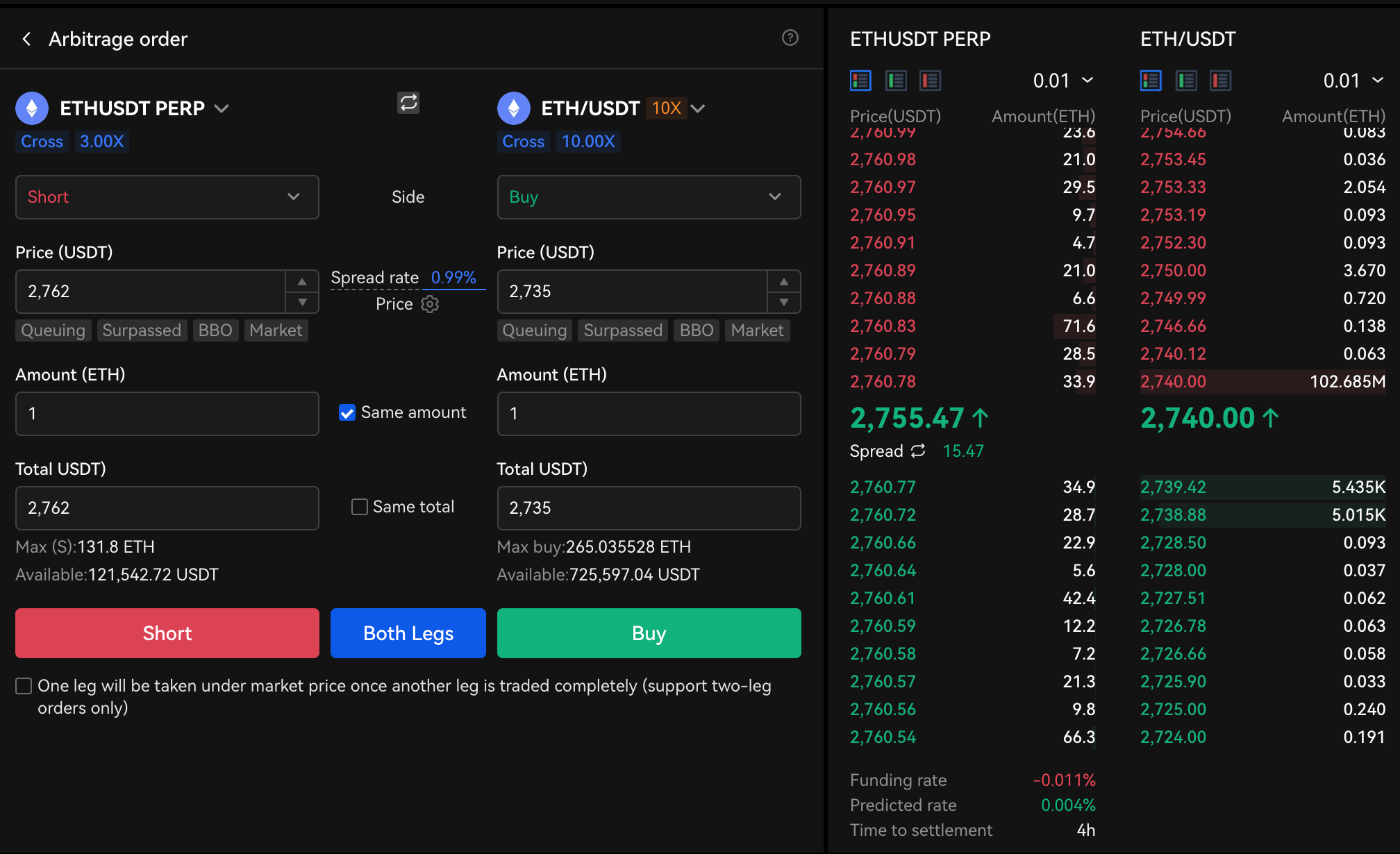
- Low Minimum Investment: Start with as little as 2 USDT per transaction, making recurring buys accessible for both beginners and experienced investors.
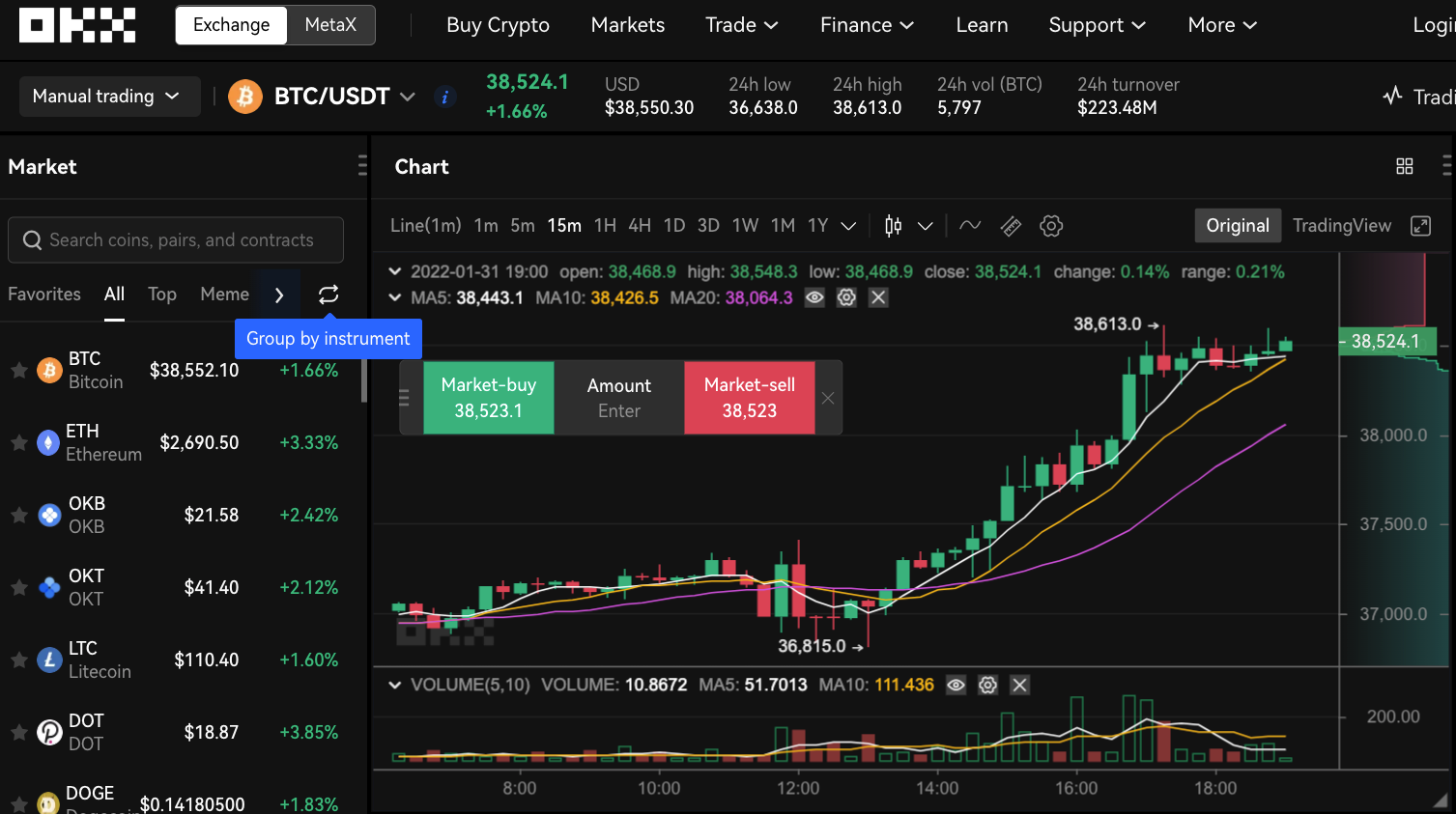
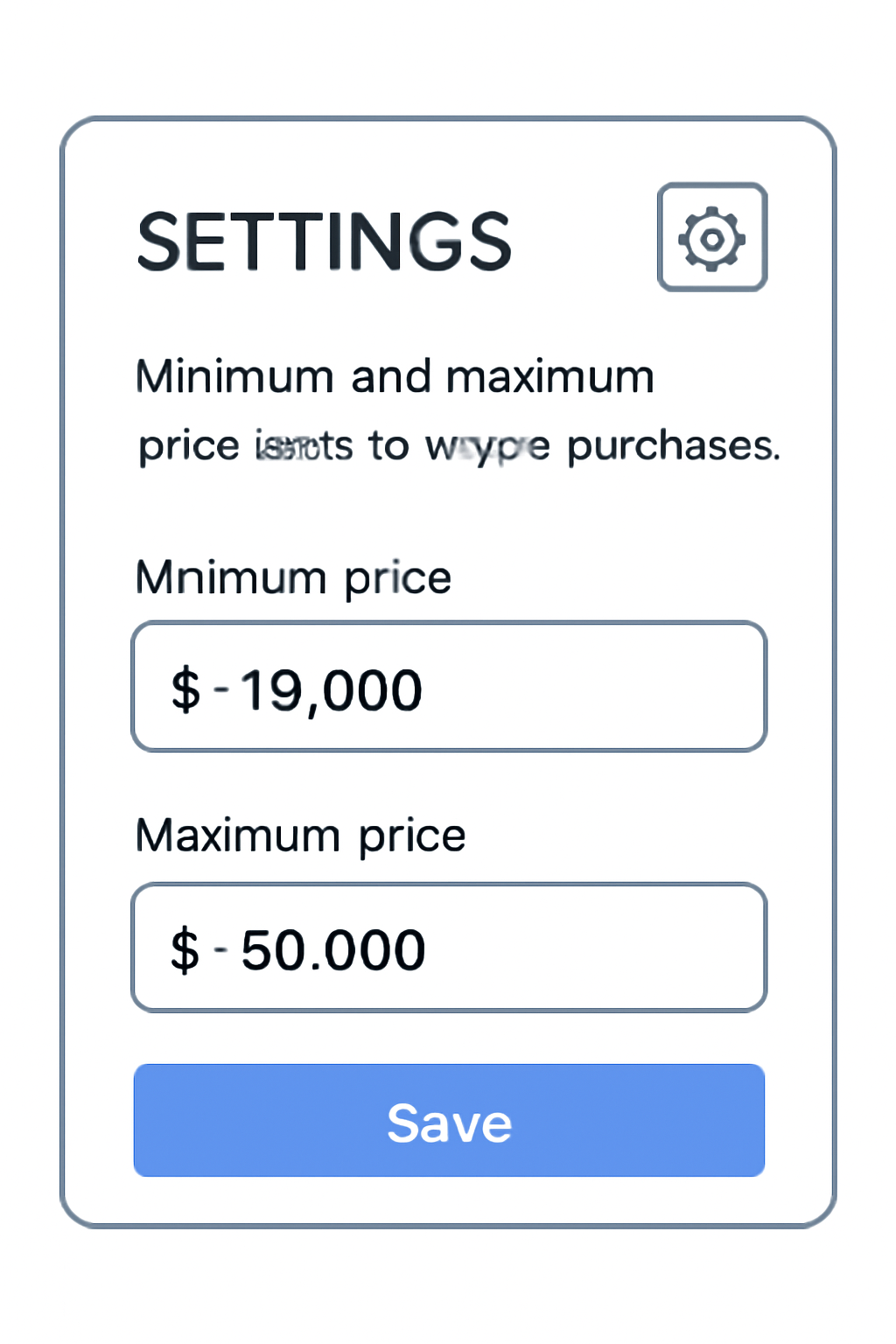
- Advanced Price Range Controls: Use the advanced settings to specify a price range for your buys, ensuring purchases only happen within your preferred market conditions.
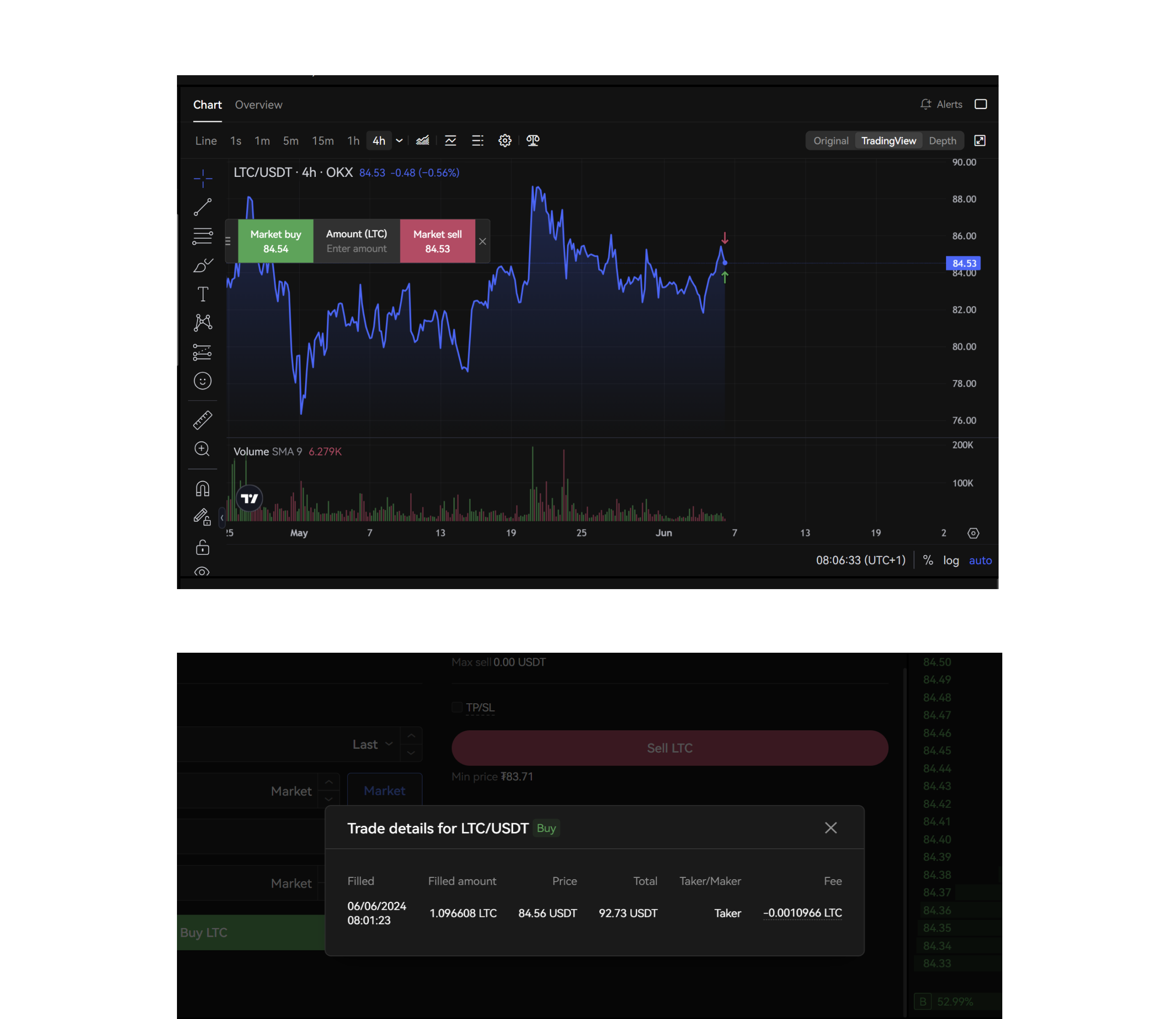
- Easy Management and Cancellation: Monitor, pause, or stop your recurring buy plans at any time via the OKX app or website, giving you full control over your automated investments.
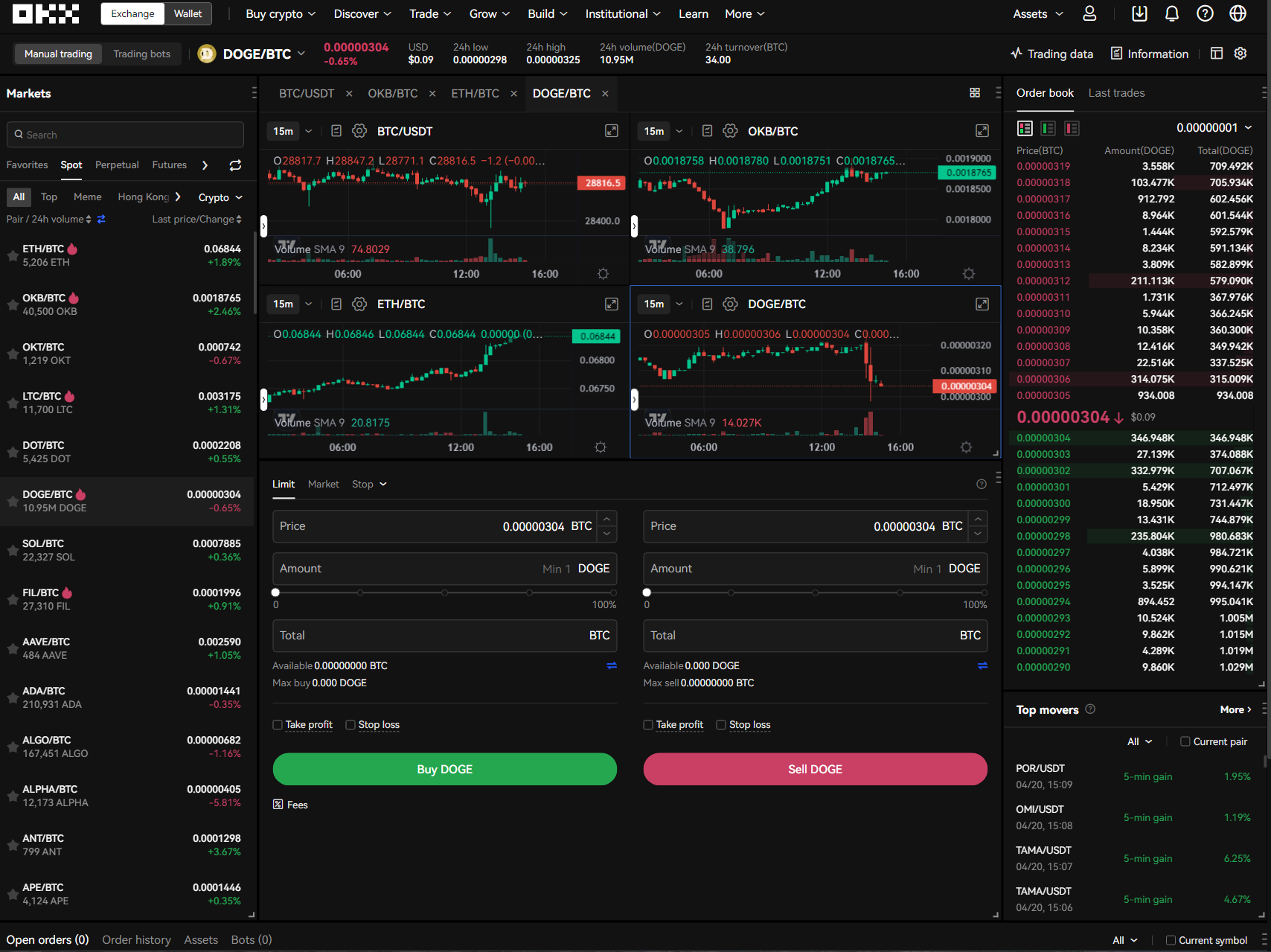
- Ensure Sufficient Account Funding: Always keep your trading account funded to avoid interruptions; if your balance is low, the bot will pause and resume automatically once funds are available.
- Review and Adjust Regularly: Periodically check your recurring buy allocations and portfolio performance, especially as market conditions change, to optimize your investment strategy.
On the OKX Mobile App:
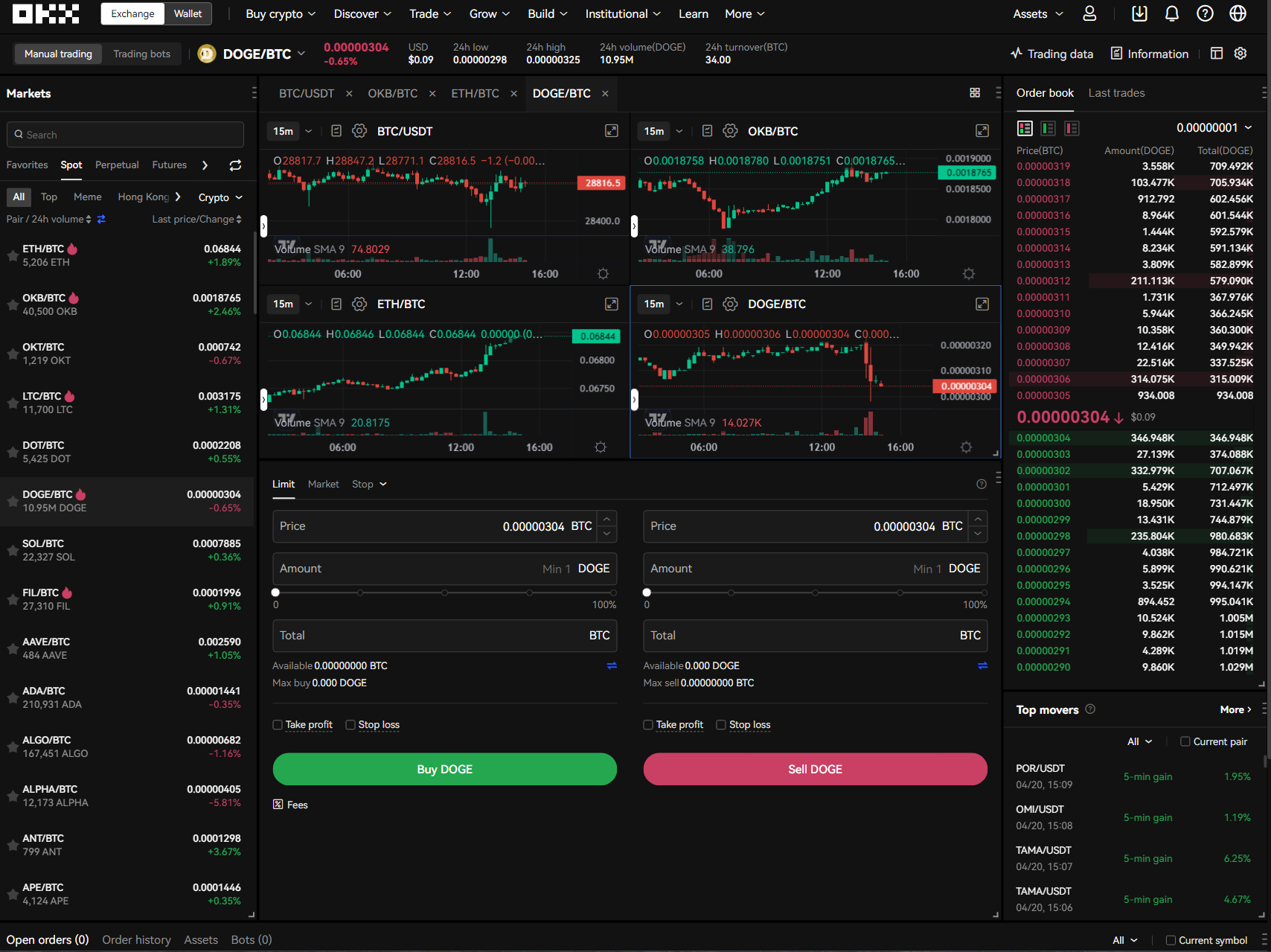
- Navigate back to the trading page and tap “Bot, ” then “Recurring Buy” to see all active plans.
- You can view detailed order information such as cumulative profit/loss, total invested amount, and asset allocation at a glance.
- If you wish to stop a plan, perhaps after hitting a savings goal or reallocating funds, just tap the “Stop” button next to the relevant order. The automation will pause immediately.
On the OKX Website:
- Visit the "Bots" tab under Basic Trading to review all active and past recurring buy plans.
- Click “Stop” beside any plan you want to cancel; future scheduled purchases will be halted but past transactions remain visible for record-keeping.
Advanced Tips: Making Your Recurring Buys Smarter
The beauty of OKX’s recurring buy bot lies in its customizability. For users looking to optimize their strategy beyond simple time-based investing, consider these advanced features:
- Set Price Ranges: Under "Advanced settings, " you can specify a price range within which purchases will execute, ideal if you want buys only during dips or within certain thresholds relative to BTC’s current price of $117,767.00.
- Diversify Automatically: Allocate different percentages of each investment cycle across up to 20 cryptocurrencies. This not only spreads risk but also lets you capitalize on sector trends without constant manual rebalancing.
- Start Small: With a minimum investment of just 2 USDT per cycle, new investors can test out DCA strategies without overcommitting capital.
What Happens If My Account Runs Low on Funds?
If your trading account balance drops below your scheduled purchase amount, OKX will automatically pause your recurring buy plan. Once you top up with sufficient funds, the automation resumes seamlessly. This safety feature prevents accidental overdrafts while ensuring you never miss an intended investment opportunity when adequately funded.
This approach aligns well with long-term wealth-building principles: consistency matters more than timing perfection. As market prices fluctuate, BTC’s current level at $117,767.00 is a testament to ongoing volatility, automated DCA helps average out entry points over months or years.
Is Automated Crypto Stacking Right for You?
The decision ultimately comes down to your goals and risk tolerance. If you’re seeking steady exposure rather than speculative day-trading wins, automated recurring buys offer a disciplined path into digital assets like Bitcoin and Ethereum. The ability to set-and-forget investments while retaining full flexibility makes OKX’s solution particularly attractive for US users looking for hands-off crypto stacking automation in today’s market climate.
If you’re ready for an accessible way into automated crypto investment, or simply wish to streamline your portfolio building as BTC hovers around $117,767.00: OKX’s recurring buy feature is worth exploring further. For step-by-step assistance or troubleshooting tips, visit their official guide at okx.com.
No comments yet. Be the first to share your thoughts!