
Ready to take control of your crypto and dive into the world of Web3? The Binance Wallet Extension is your fast track to managing digital assets, connecting to DApps, and moving funds securely across multiple blockchains. Whether you’re a DeFi explorer or just starting your crypto journey, this visual step-by-step guide will have you set up and transacting in minutes, no confusion, no jargon overload.
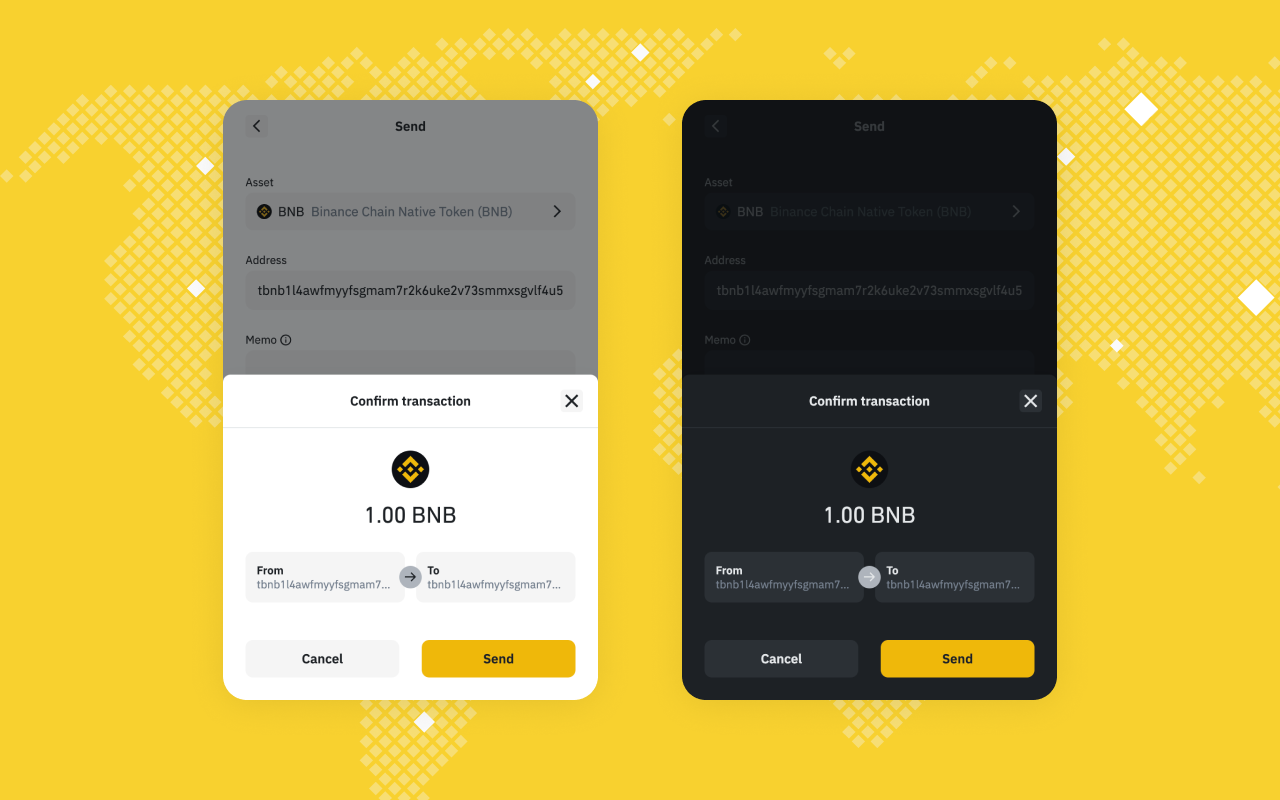
What Is the Binance Wallet Extension?
The Binance Wallet Extension is a browser-based crypto wallet that lets you manage your coins and tokens directly from Chrome or Firefox. It supports BNB Smart Chain (BSC), BNB Beacon Chain, and Ethereum, so you’re covered for all major ecosystems. Unlike clunky desktop wallets, this extension is lightweight and integrates seamlessly with DApps like PancakeSwap for lightning-fast swaps, staking, and NFT minting. Plus, with recent upgrades like keyless MPC technology (splitting your private key into three secure shares), security is tighter than ever.
How to Install the Binance Wallet Extension
Install Binance Wallet Extension on Chrome & Firefox: Quick Start Guide
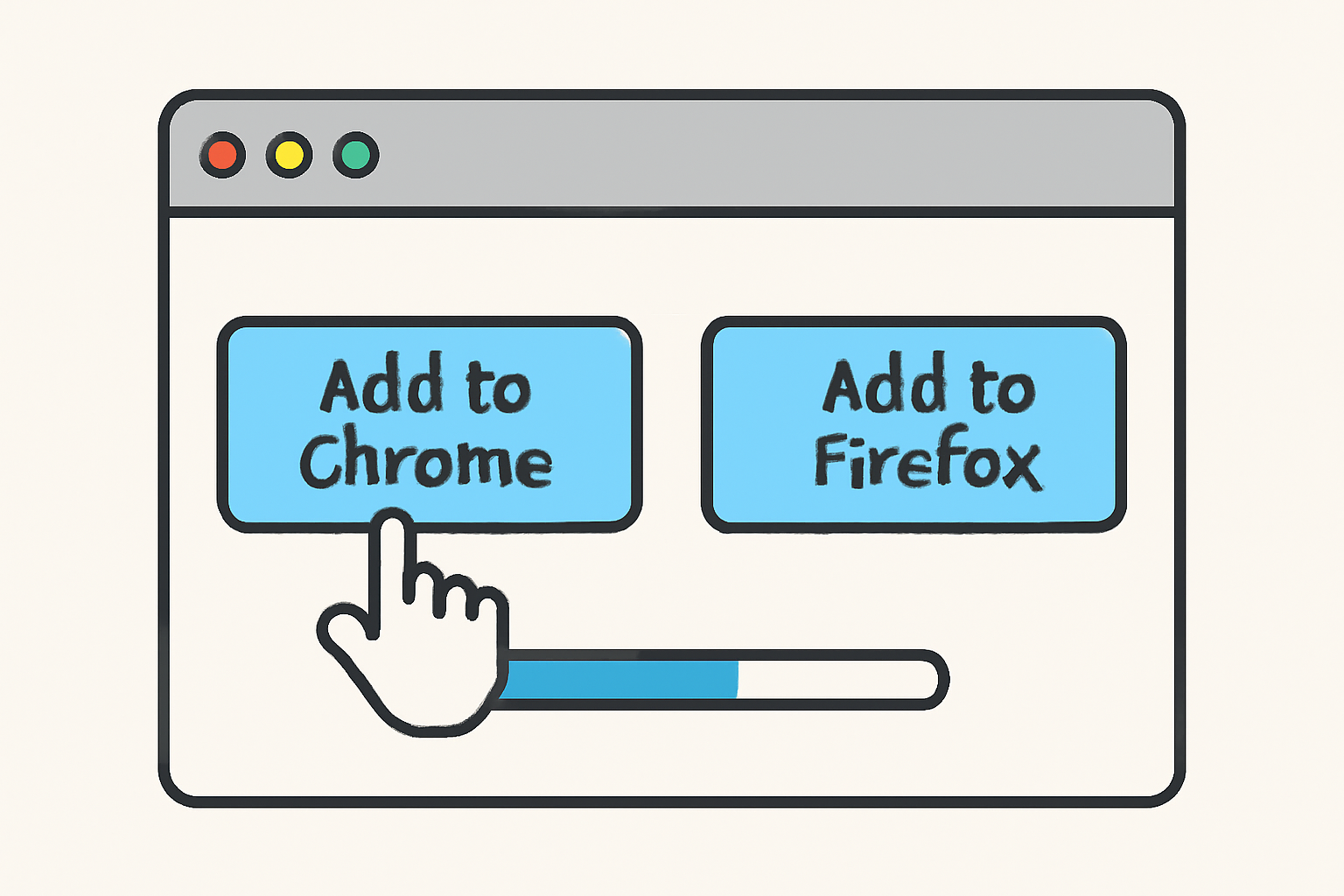
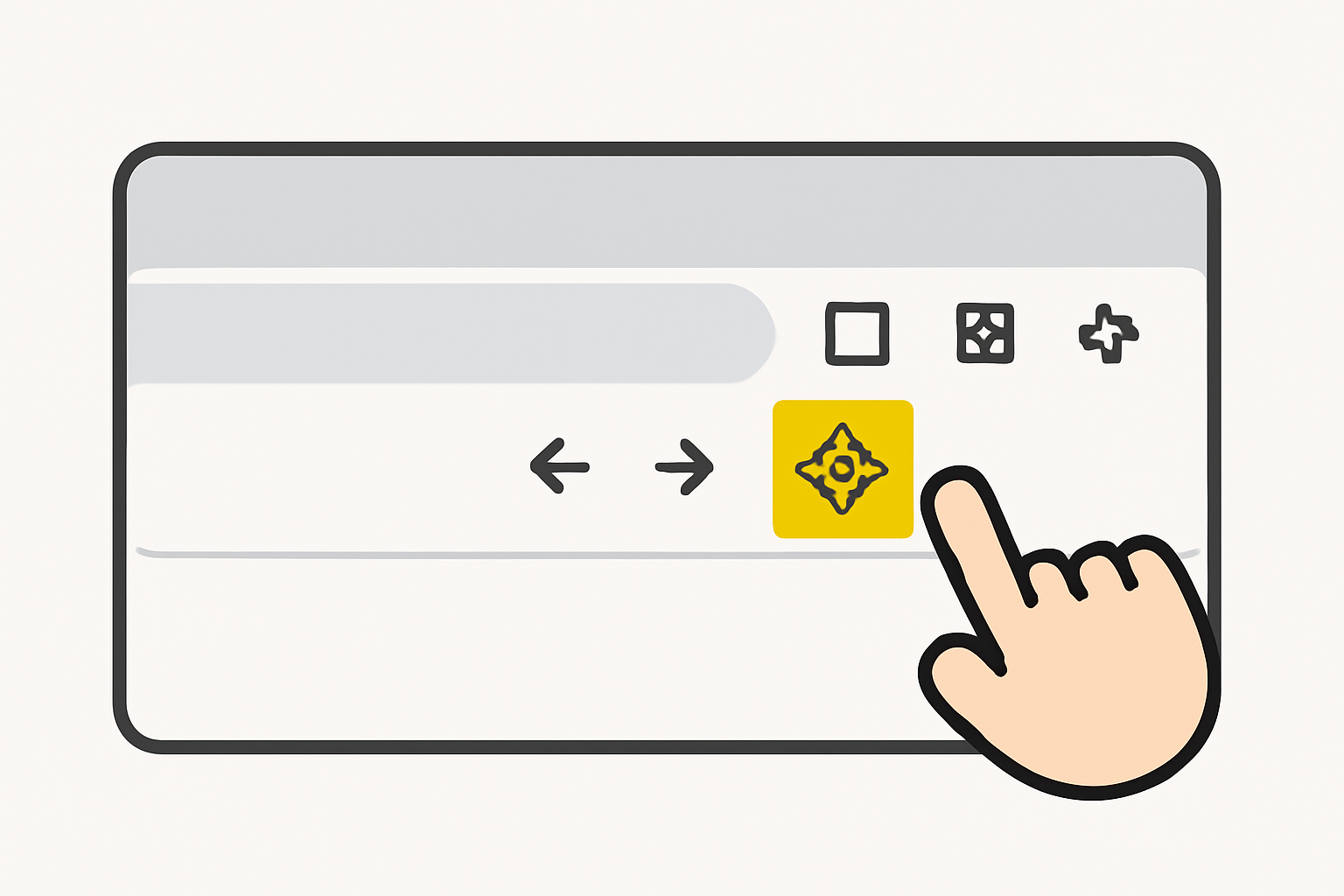
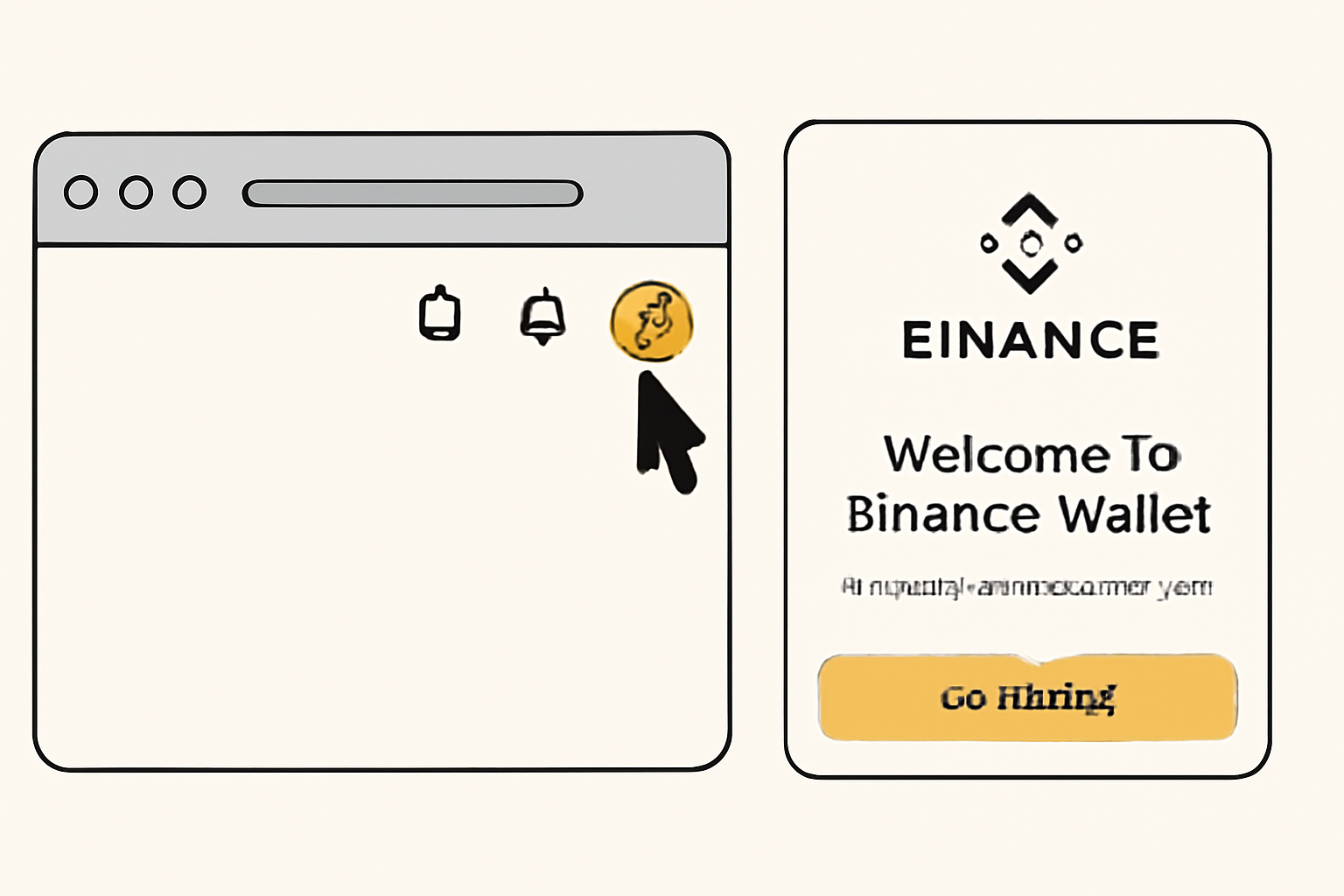
Step 1: Head straight to the Chrome Web Store if you’re a Chrome user or the Firefox Add-ons page for Firefox.
Step 2: Click “Add to Chrome” or “Add to Firefox” and confirm installation.
Step 3: You’ll see the Binance Wallet icon pop up in your browser toolbar, your gateway to Web3 just got unlocked!
Create or Import Your Wallet: Choose Your Path
The onboarding flow is refreshingly simple. When you click that shiny new wallet icon, you get two options:
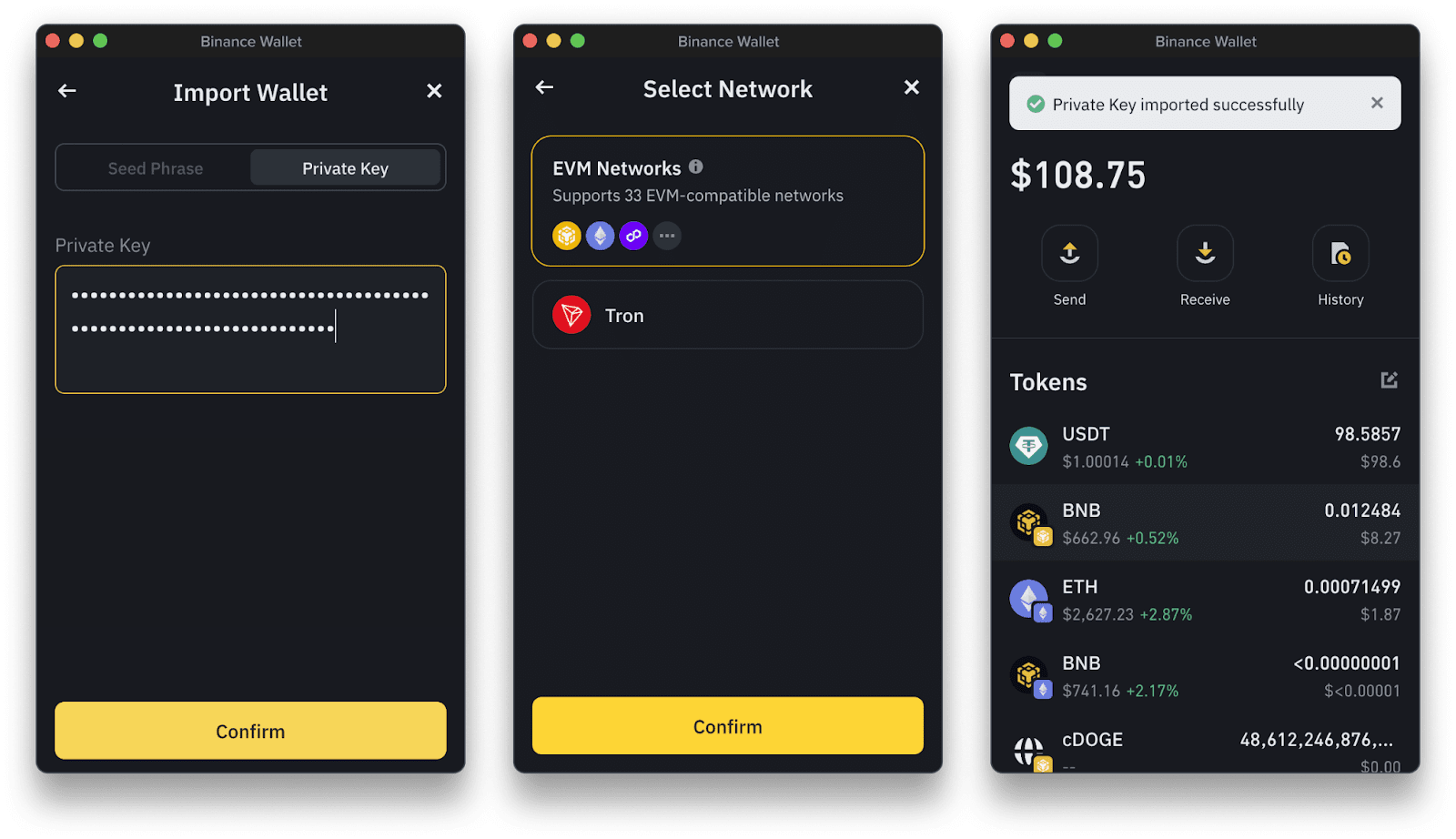
- Create Wallet: Start fresh with a new seed phrase or use tKey via Gmail for easy recovery.
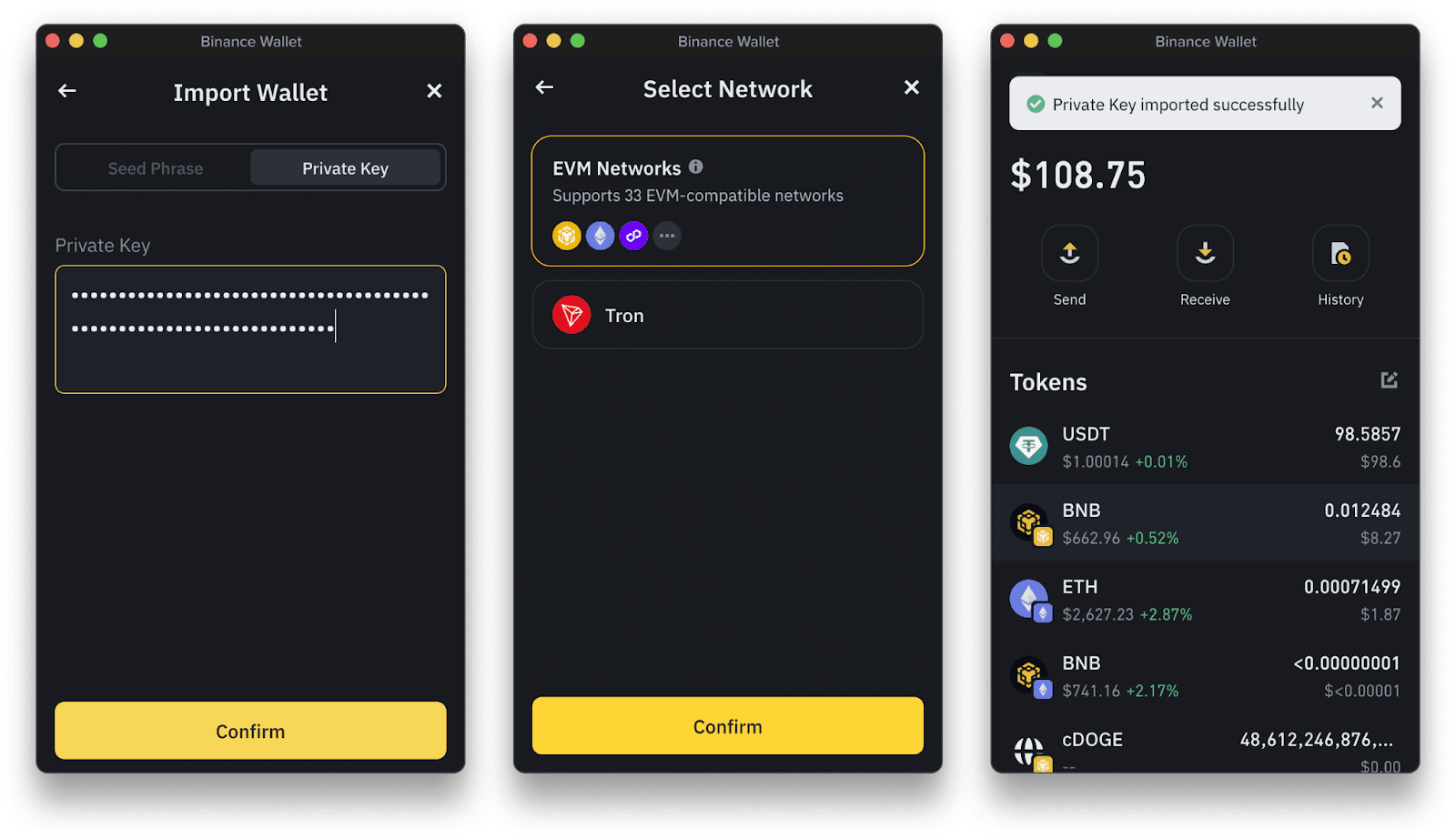
- I Own a Wallet: Already have a wallet? Import it using your seed phrase or connect a hardware wallet.
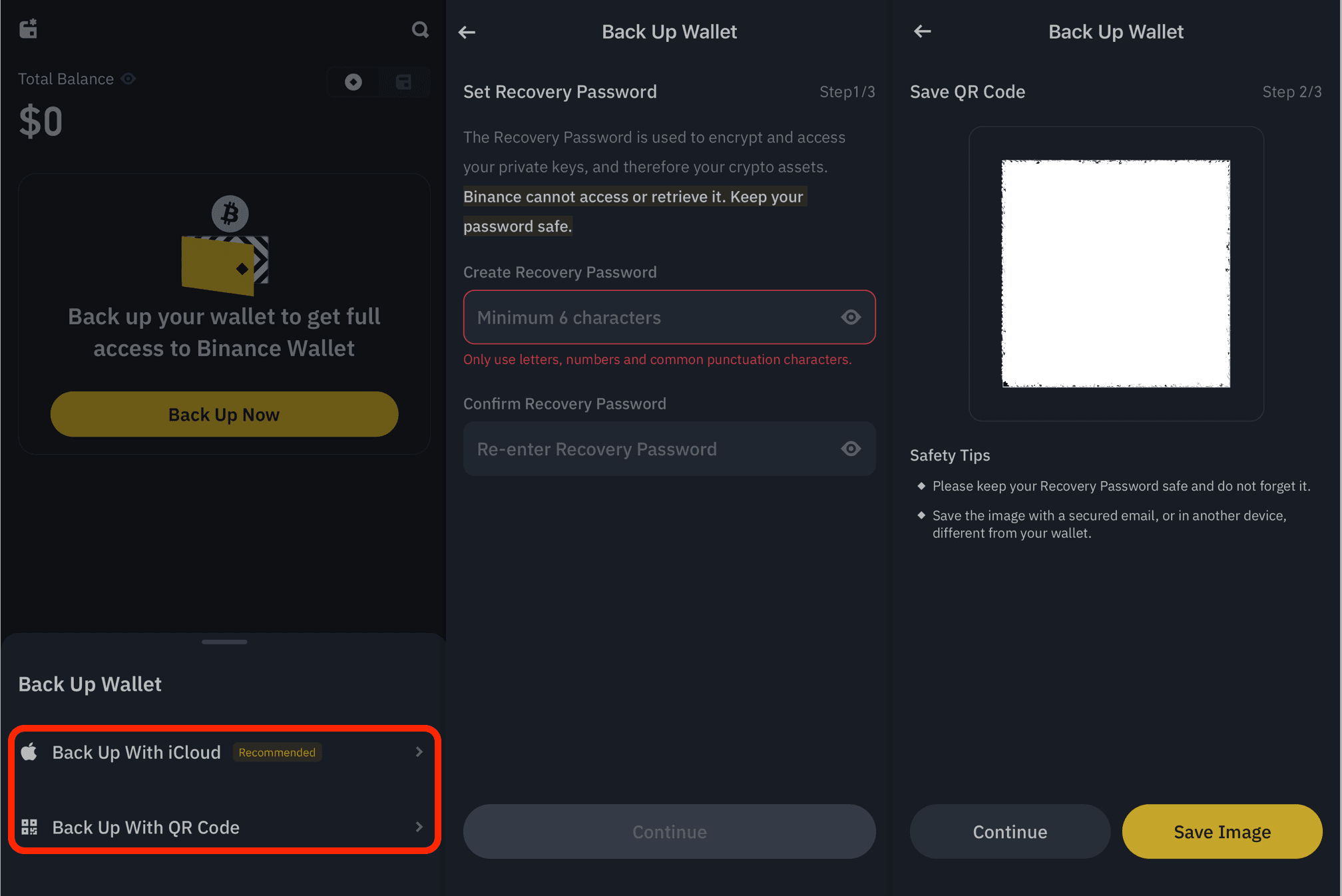
If you pick "Create Wallet, " make sure you write down your seed phrase offline. This is your lifeline if something goes wrong, never share it with anyone! For Gmail users, tKey offers an ultra-convenient recovery method leveraging your Google account (but always keep security top-of-mind).
Your Quick-Start Security Checklist
Smooth Integration: Linking With Your Main Binance Account
If you want hassle-free transfers between your Binance account and browser wallet, use Wallet Direct. Just log into Binance, select "Verify and connect my address, " follow the prompts on both ends, complete two-factor authentication, and boom! Instantly move assets without copy-pasting addresses or worrying about typos.
Top Benefits of Binance Wallet Extension vs. Traditional Wallets
- Seamless Multi-Chain Support: Instantly manage assets across BNB Smart Chain, BNB Beacon Chain, and Ethereum within a single browser extension—no need for multiple wallets.
- Keyless Security with MPC Technology: Enjoy next-gen protection as the Binance Wallet Extension uses keyless Multi-Party Computation (MPC), eliminating the risks of losing or exposing private keys.
- Direct Integration with Binance Account: Effortlessly connect your extension to your Binance.com account via Wallet Direct for instant, secure transfers—no manual address entry required.
- One-Click DApp Access: Instantly connect to popular Web3 DApps like PancakeSwap from your browser, streamlining DeFi, NFT, and GameFi experiences.
- Flexible Wallet Creation & Recovery: Choose between a seed phrase or tKey via Gmail for wallet setup and recovery, offering more convenience than traditional wallets.
- Enhanced User Experience: Enjoy a modern, intuitive interface with easy token management, asset tracking, and secure transactions—all from your browser toolbar.
This streamlined setup means less time fumbling with addresses, and more time seizing opportunities across DeFi protocols. In the next section, we’ll cover how to deposit funds into your new wallet and interact with DApps like a pro.
Depositing Funds and Managing Tokens
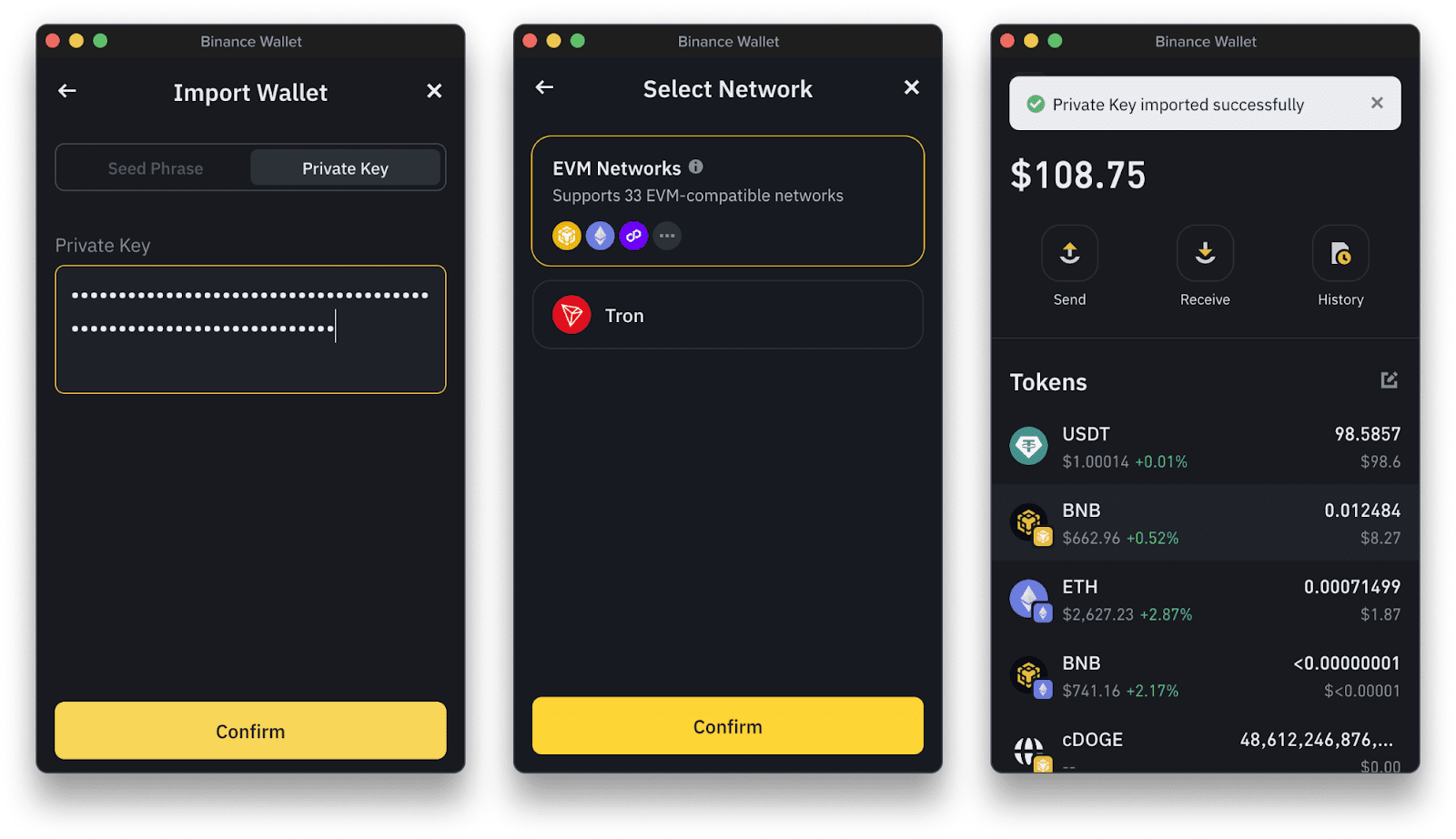
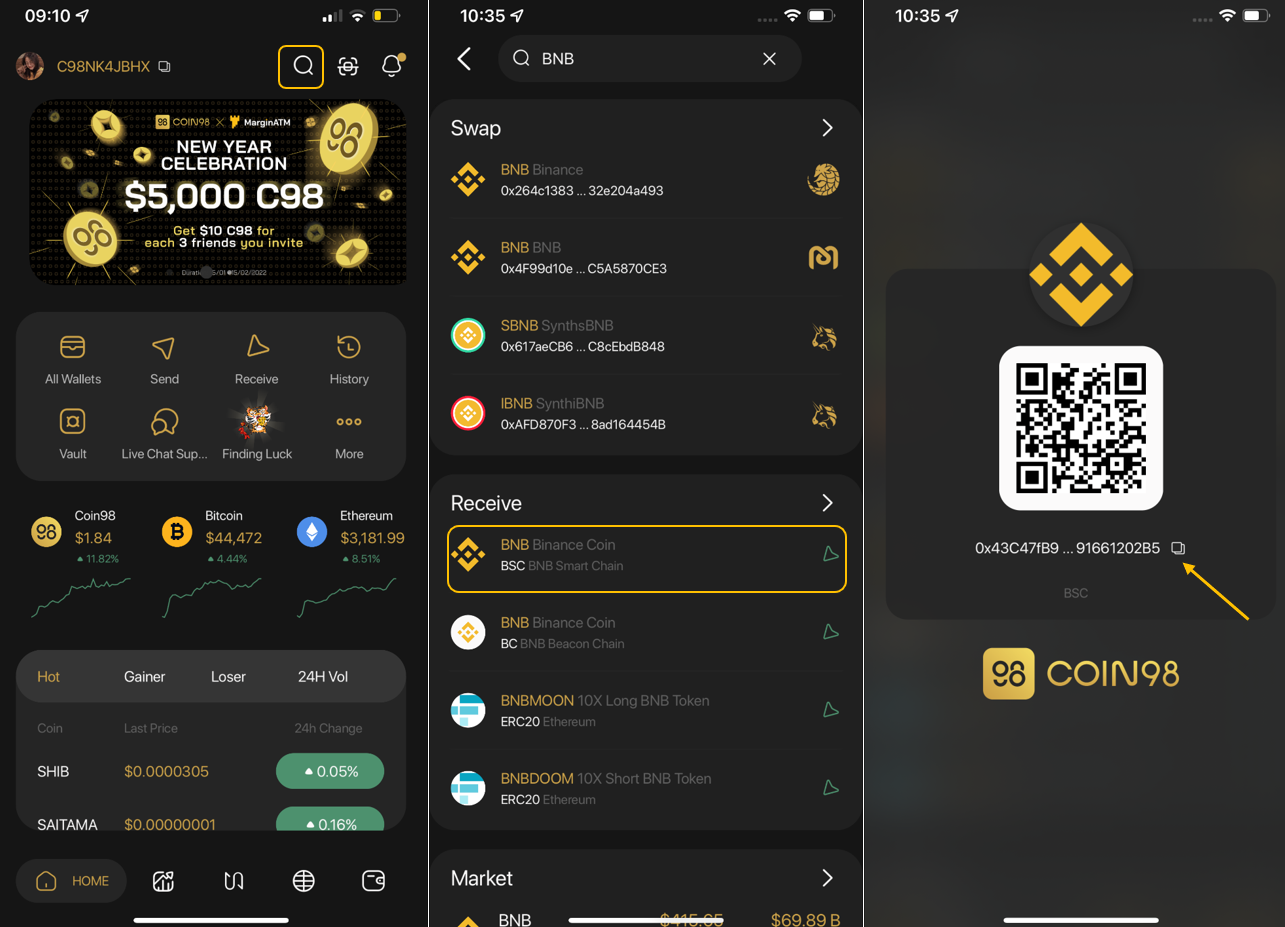
Now that your Binance Wallet Extension is live, it’s time to fuel your wallet. Click “Receive” in the extension, copy your address, and head to your Binance account’s withdrawal page. Make sure you choose the correct network, typically BEP-20 for BNB Smart Chain. Paste your wallet address, double-check everything, and confirm the withdrawal. Within minutes, your assets will land in your extension, ready for action.
Want to add new tokens? Just tap the “ and ” button inside the wallet. Search for any supported asset, whether it’s a hot new meme token or a blue-chip like ETH, and tick the box. The token instantly appears in your portfolio view, no manual contract addresses required.
Pro tip: If you’re transferring large amounts or experimenting with new tokens, always start with a small test transaction. This simple habit can save you from costly mistakes.
Connecting to DApps: One-Click Web3 Power
This is where the Binance Wallet Extension shines for Web3 onboarding. Navigate to any DApp, think PancakeSwap, Biswap, or NFT marketplaces, and hit “Connect Wallet. ” Choose “Binance Wallet, ” approve the connection in your extension pop-up, and you’re instantly plugged into DeFi swaps, yield farms, and NFT drops.
Your wallet stays non-custodial throughout; only you control approvals and funds movement. For extra peace of mind when exploring new DApps, check reviews and community feedback before connecting.
Security Best Practices for 2025
- Backup Your Seed Phrase Offline: Never store it digitally, paper or metal backups are king.
- Use a Unique Password: Don’t recycle passwords between wallets and exchanges.
- Enable Two-Factor Authentication: Especially on your main Binance account via SMS or authenticator app.
- Avoid Suspicious DApps: Stick with reputable platforms; if it looks shady or too good to be true, steer clear!
Why Choose Binance Wallet Extension?
Why Binance Wallet Extension Excels for Web3 Onboarding
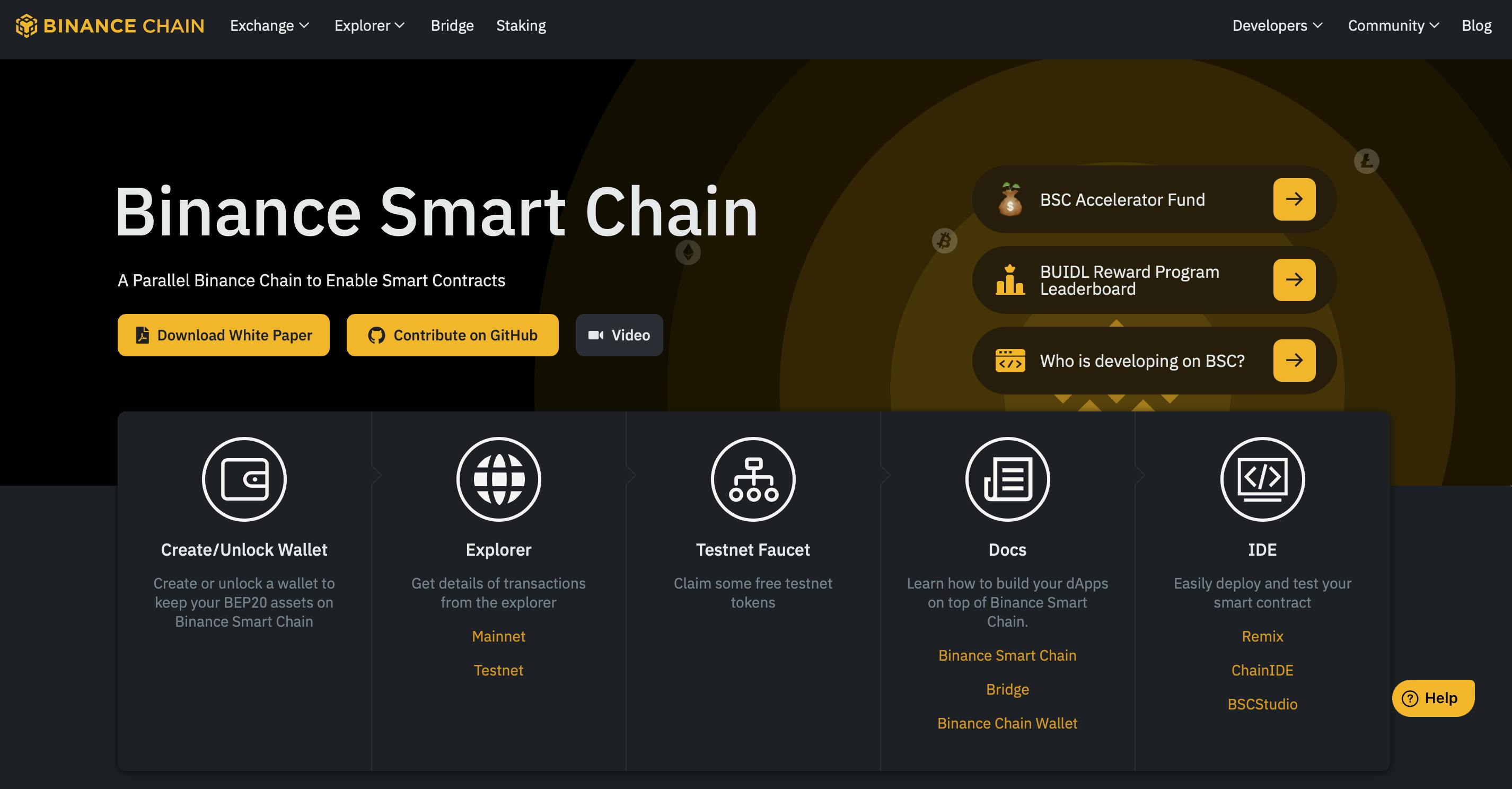
- Multi-Chain Support: Seamlessly manage assets across BNB Smart Chain (BSC), BNB Beacon Chain, and Ethereum in one place.
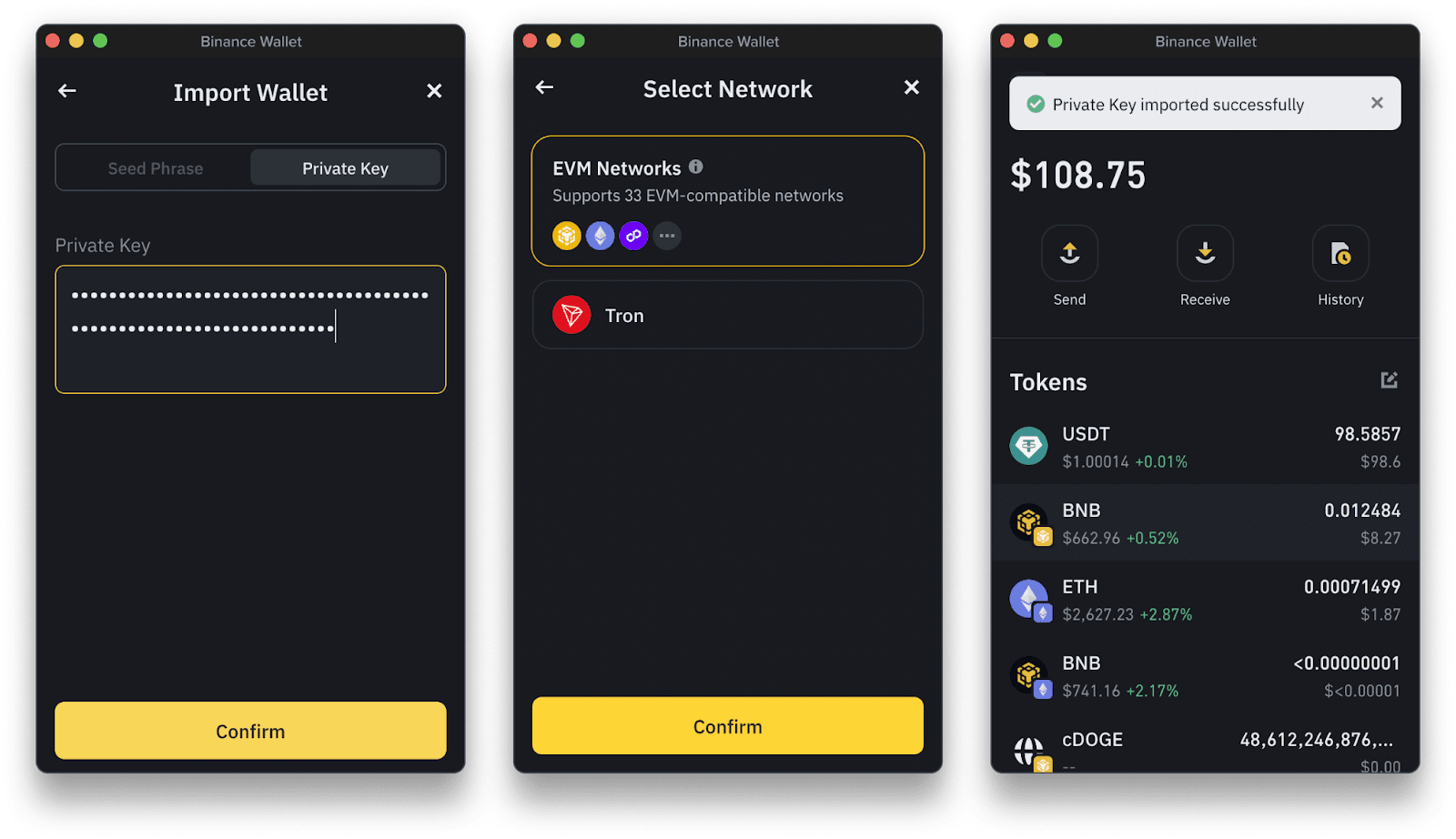
- Keyless MPC Technology: Enhanced security with keyless Multi-Party Computation (MPC), removing the need for traditional private keys.
- Wallet Direct Integration: Effortlessly connect your Binance account for instant transfers between exchange and wallet, no manual address entry required.
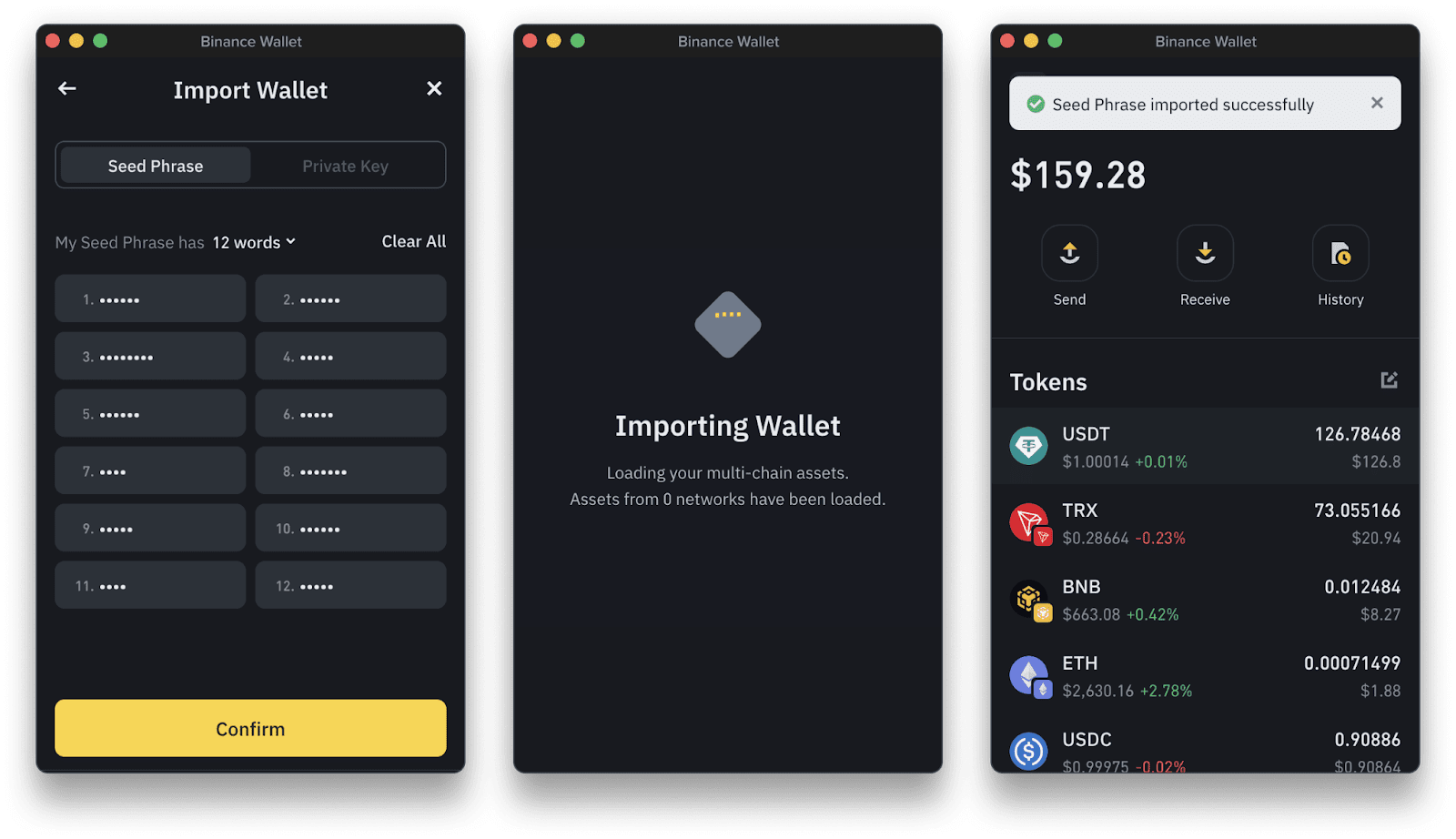
- Flexible Wallet Creation: Choose between seed phrase generation or tKey via Gmail for easy and secure onboarding.

- Hardware Wallet Compatibility: Supports integration with Ledger devices for added security and peace of mind.
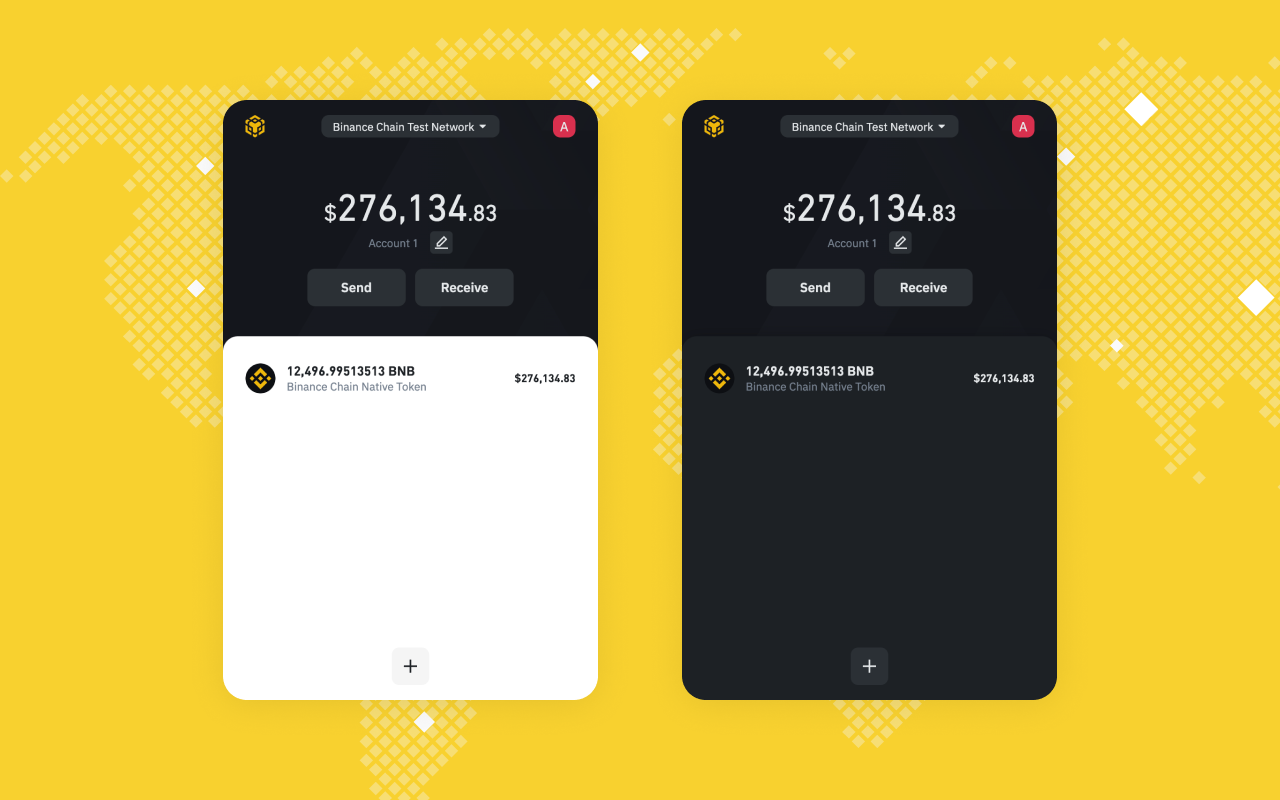
- Direct DApp Connectivity: Instantly connect to leading decentralized applications (DApps) like PancakeSwap directly from your browser.
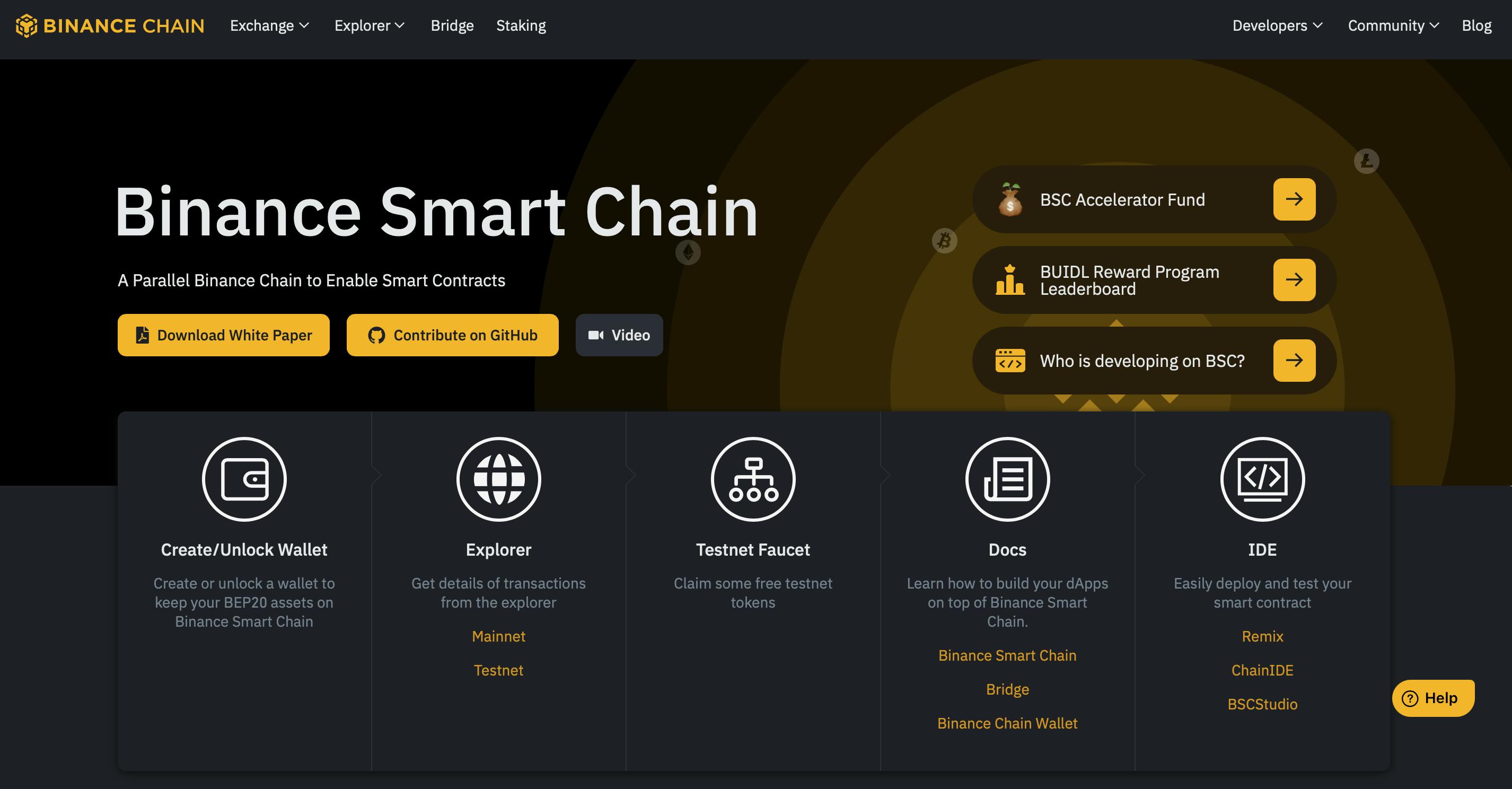
- User-Friendly Interface: Intuitive design makes setup, asset management, and DApp connections simple—even for Web3 newcomers.
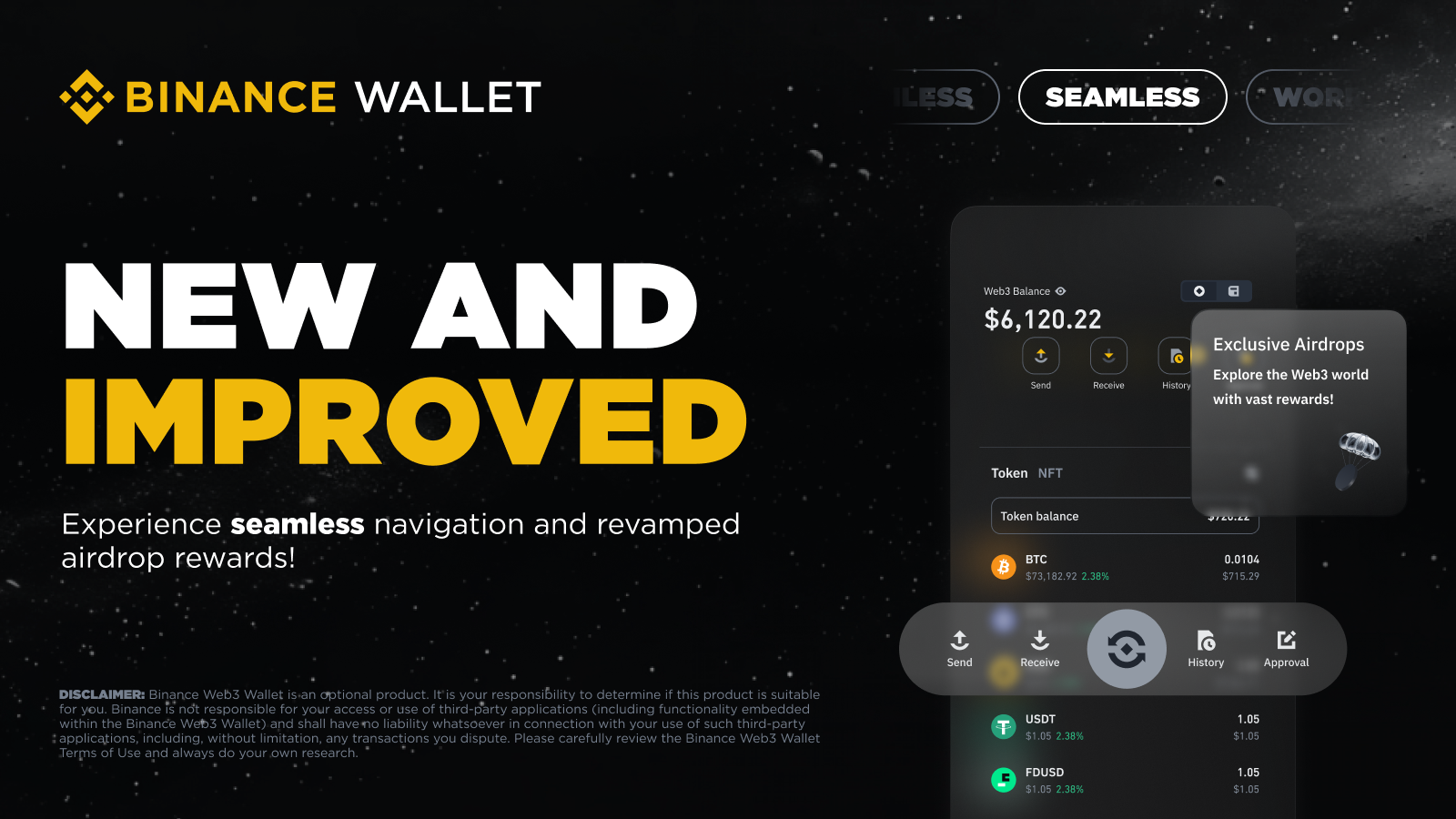
The Binance Wallet Extension isn’t just about convenience, it’s built for speed-hungry traders and crypto newcomers alike. With support for multiple chains (BSC, Beacon Chain, Ethereum), instant DApp access, and advanced security like keyless MPC tech (no single point of failure), this wallet is primed for both safety and flexibility. Plus, integration with hardware wallets means you can step up security whenever you want.
If you’re serious about DeFi trading or simply want frictionless crypto management right from your browser toolbar, this extension should be at the top of your list. Take charge of your assets, securely explore Web3 without missing a beat!


No comments yet. Be the first to share your thoughts!