
Securing your $LINEA airdrop is about more than just claiming tokens - it’s about safeguarding your assets from day one. With the Linea airdrop claim window open until December 9,2025, and support for Linea now live on Ledger Live, hardware wallet users have a robust path to both participate and protect their rewards. In this guide, we’ll walk you through exactly how to secure your $LINEA airdrop using Ledger Live and your Ledger device, including visuals and practical tips for maximum crypto airdrop security.
Why Secure Your $LINEA Airdrop with Ledger?
Crypto airdrops are notorious targets for phishing, malware, and smart contract exploits. The right security setup can mean the difference between enjoying your new tokens or losing them to bad actors. Hardware wallets like Ledger Nano X and S Plus provide an offline layer of protection that hot wallets simply can’t match. By managing your Linea tokens directly in Ledger Live, you keep private keys out of reach from malware while retaining full control over claims and transfers.
Key advantages:
- Private keys never leave your device, reducing exposure to hacks
- Direct Linea network integration in Ledger Live for seamless management
- Visual transaction verification on-device before signing any claim or transfer
What You Need Before You Start
Essentials Checklist for Securing $LINEA Airdrop with Ledger
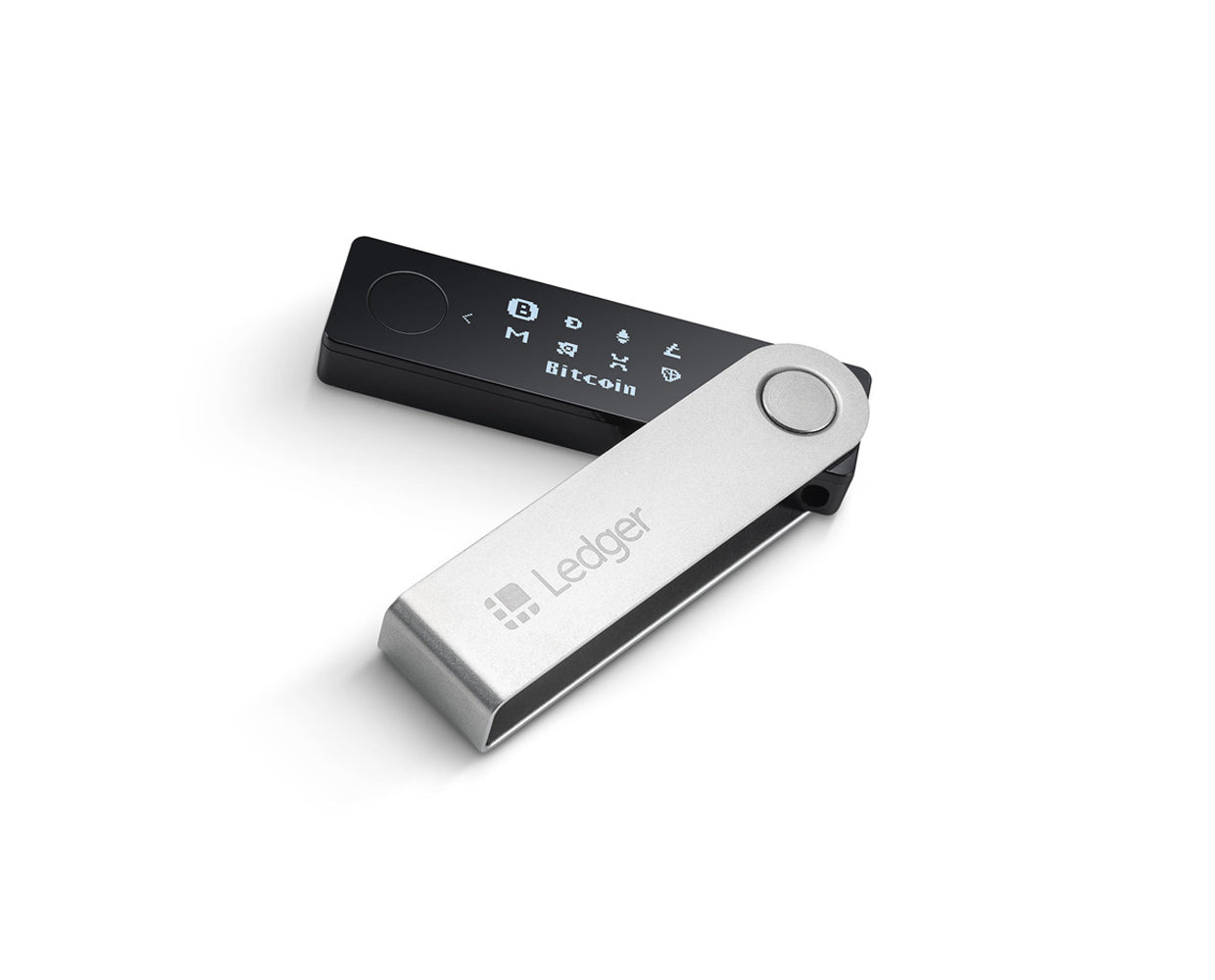
- Ledger Hardware Wallet: Use a genuine Ledger Nano X or Ledger Nano S Plus to safeguard your private keys offline. Only purchase from Ledger.com or authorized resellers.
- Latest Ledger Live App: Download and install the official Ledger Live application. Ensure it's updated to the newest version to support Linea (ETH) accounts.
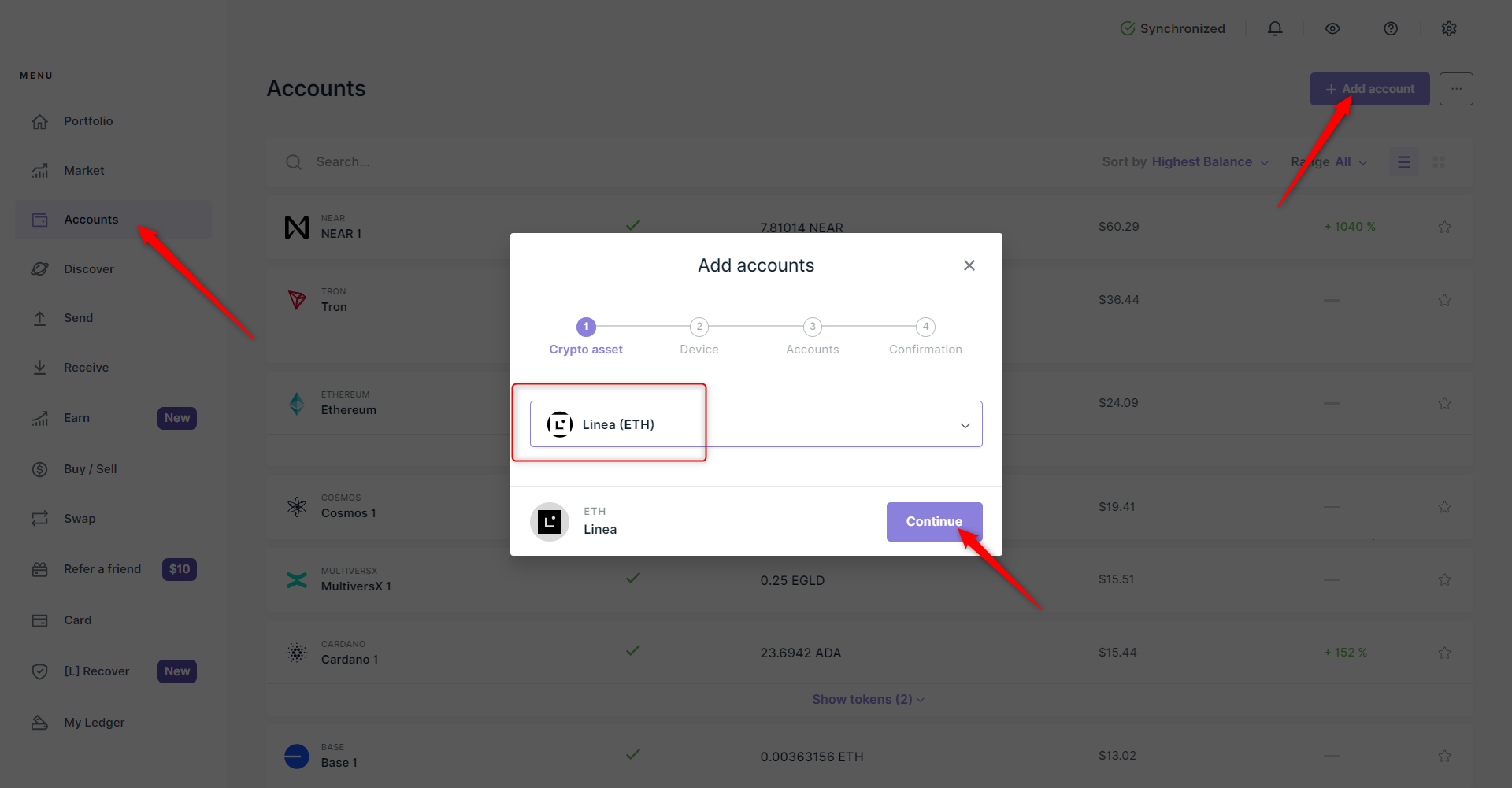
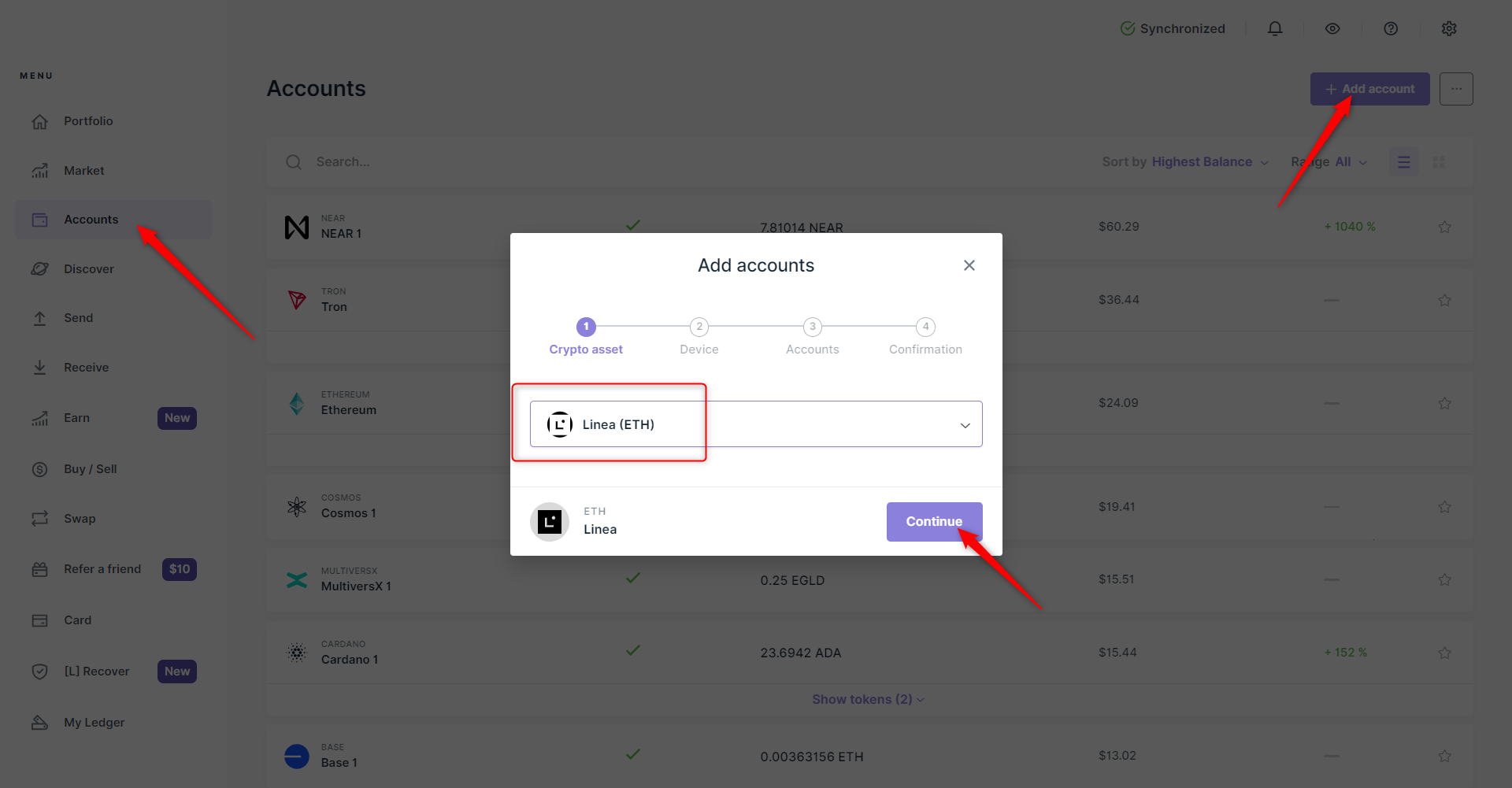
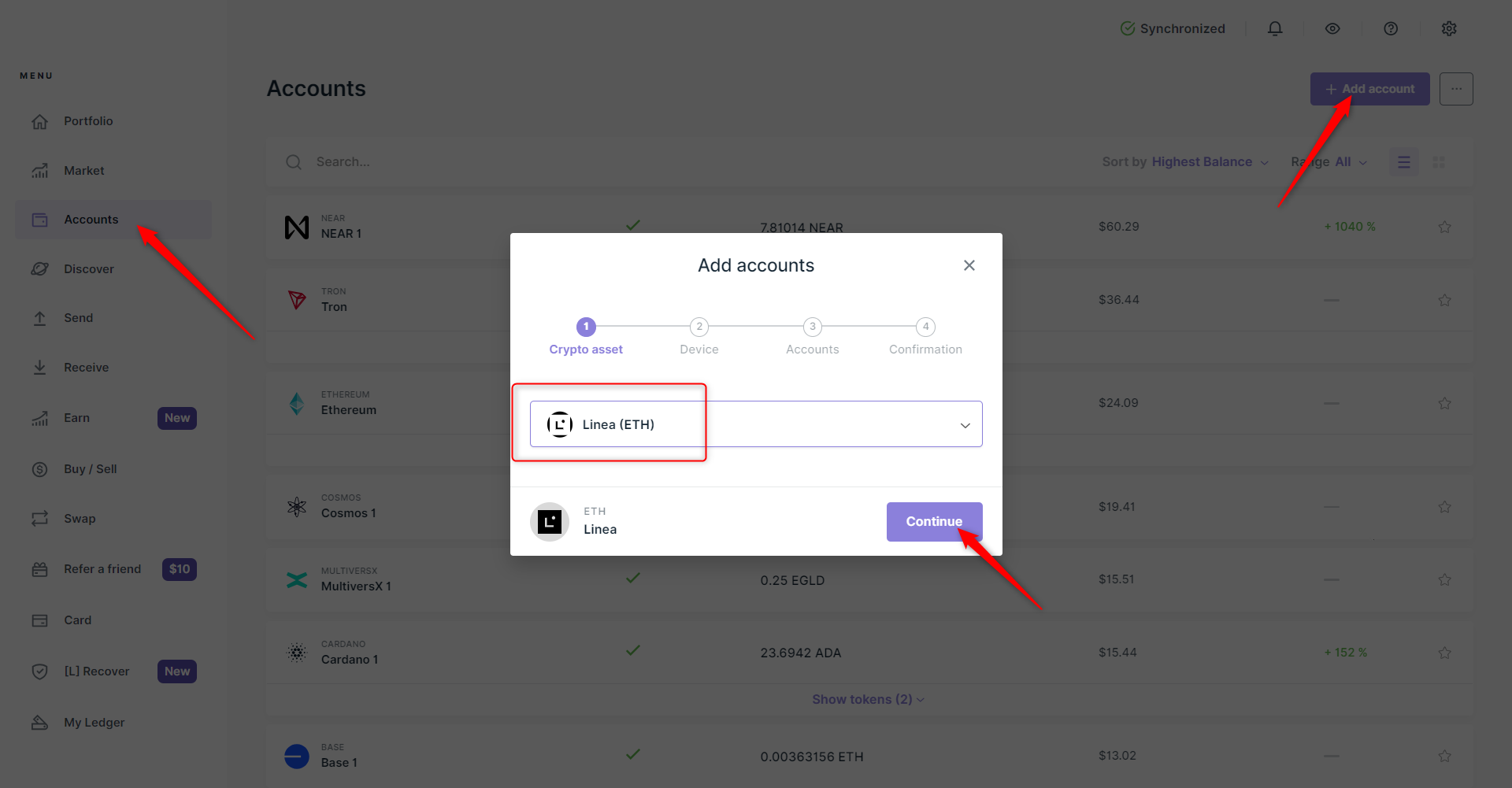
- Linea (ETH) Account on Ledger Live: In Ledger Live, add a Linea (ETH) account by navigating to Accounts → Add account → Select Linea (ETH). This enables secure management of $LINEA tokens.
- Small Amount of ETH on Linea Network: Maintain a minimal ETH balance on the Linea network to cover smart contract gas fees during the airdrop claim process.

- Official Claim Page & Smart Contract: Access the official claim interface via Linea Help Center and interact only with the verified smart contract address: 0x87bAa1694381aE3eCaE2660d97fe60404080Eb64.

- Secure Connection (WalletConnect): If needed, connect Ledger Live to the claim page using WalletConnect for secure transaction signing without exposing your keys.
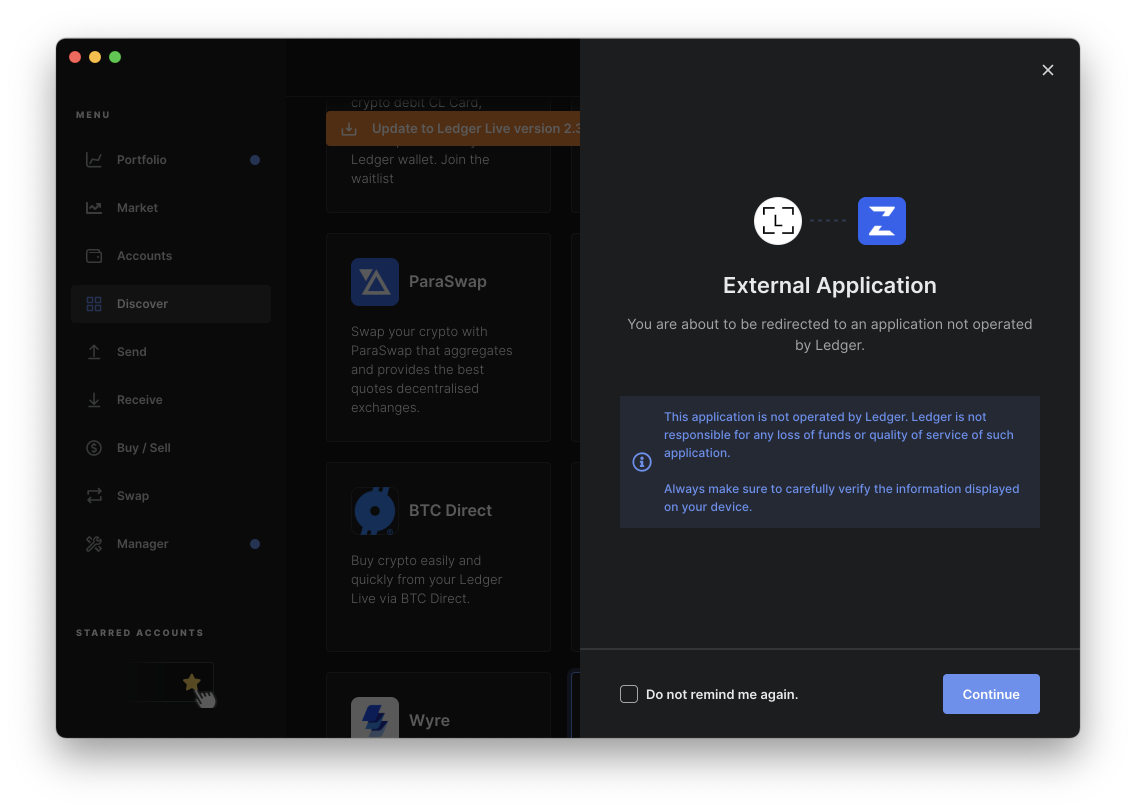
- Phishing Awareness & Official Sources: Always verify URLs and announcements through @LineaBuild on X and Ledger.com to avoid scams.

You’ll need:
- A supported Ledger hardware wallet (Nano X or S Plus recommended)
- The latest version of Ledger Live
- Your device firmware updated via official channels only
- A small amount of ETH on the Linea network (for gas fees)
- Your recovery phrase securely backed up - never stored digitally!
- Your eligibility checked via the official tool or Linea Help Center instructions
Add Linea Account to Ledger Live: Step-by-Step Visual Guide
The first step is adding a dedicated Linea (ETH) account to your Ledger Live dashboard. This ensures any claimed tokens are sent directly to an address only you control.
Add a Linea Account in Ledger Live & Generate Your Receiving Address

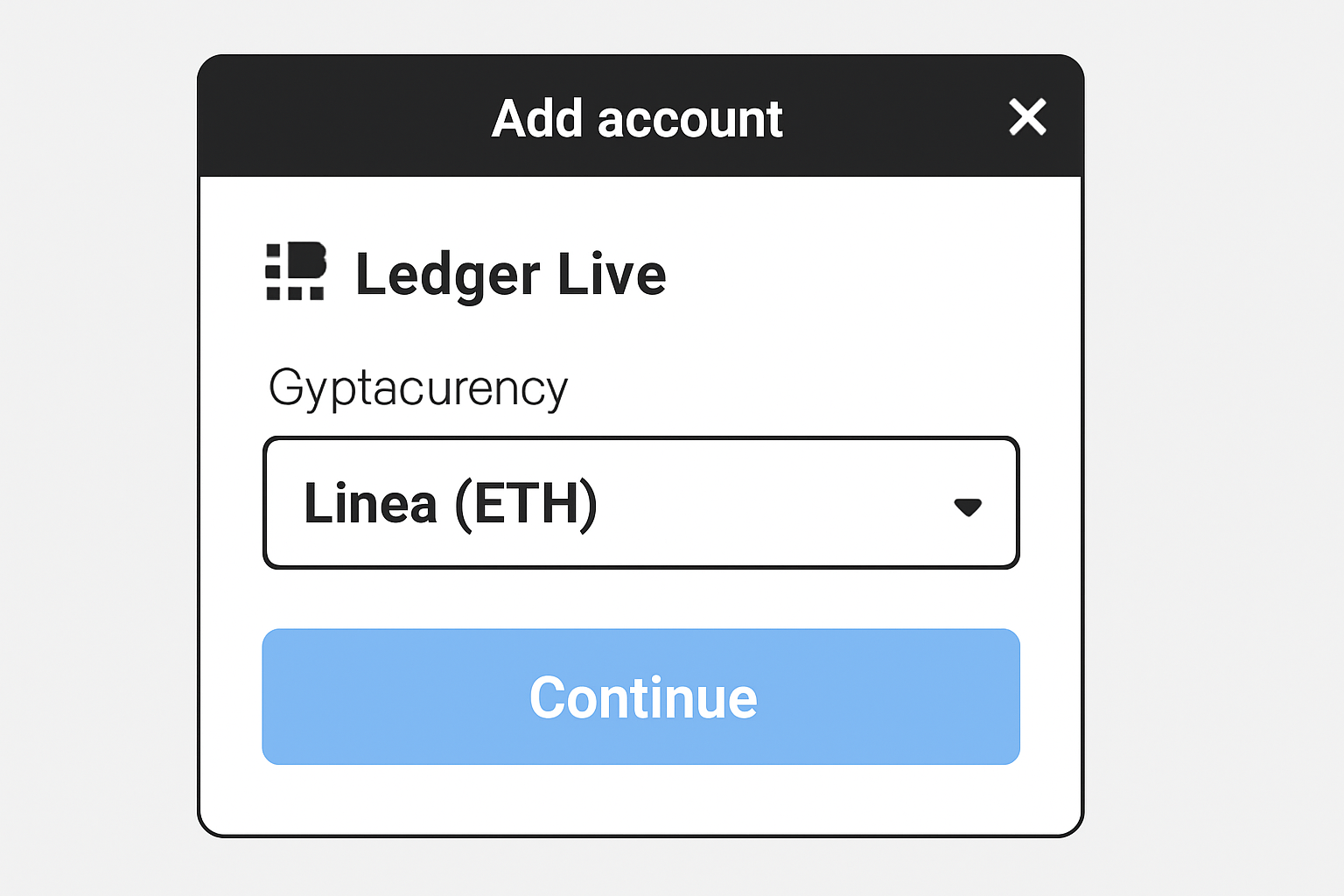
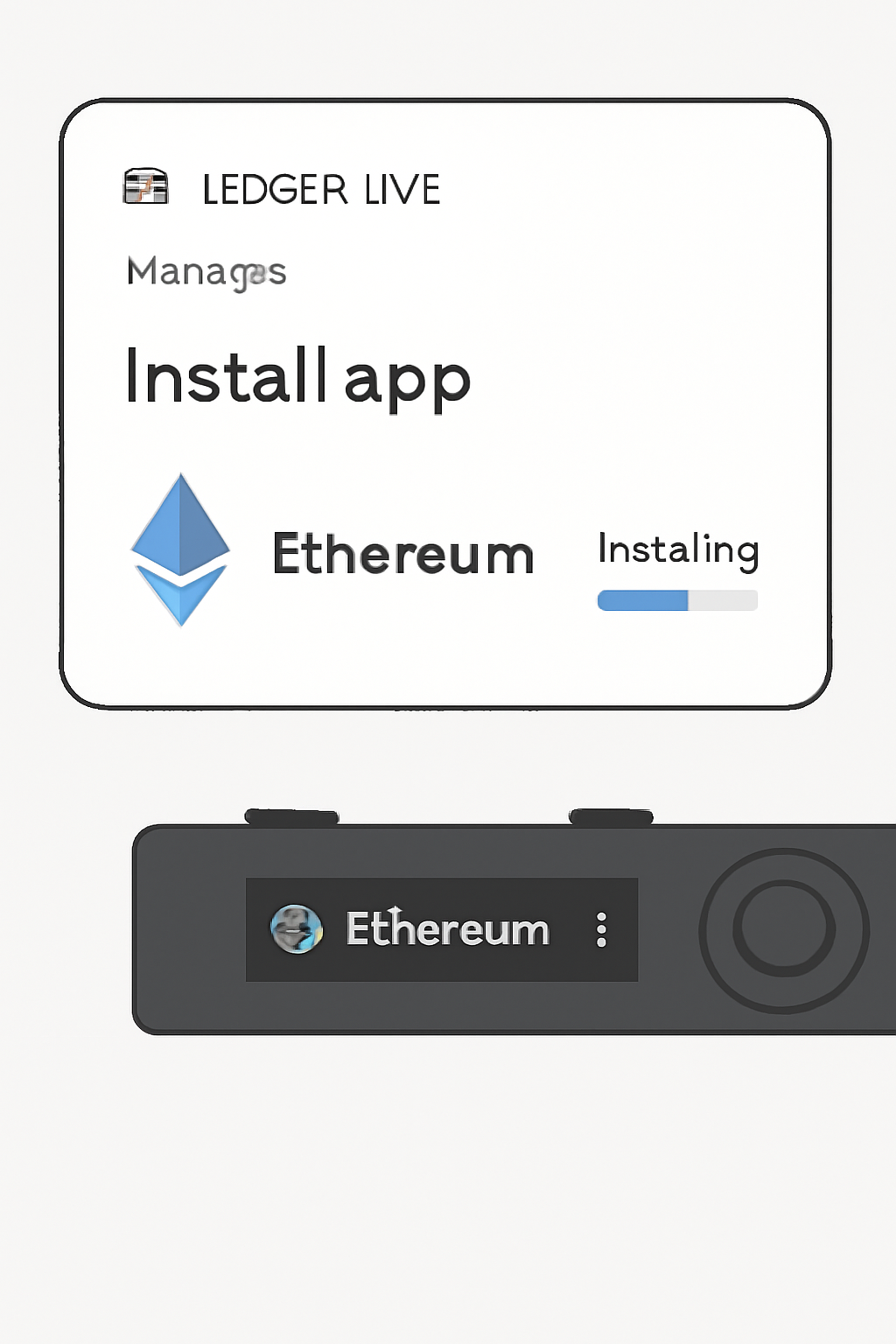
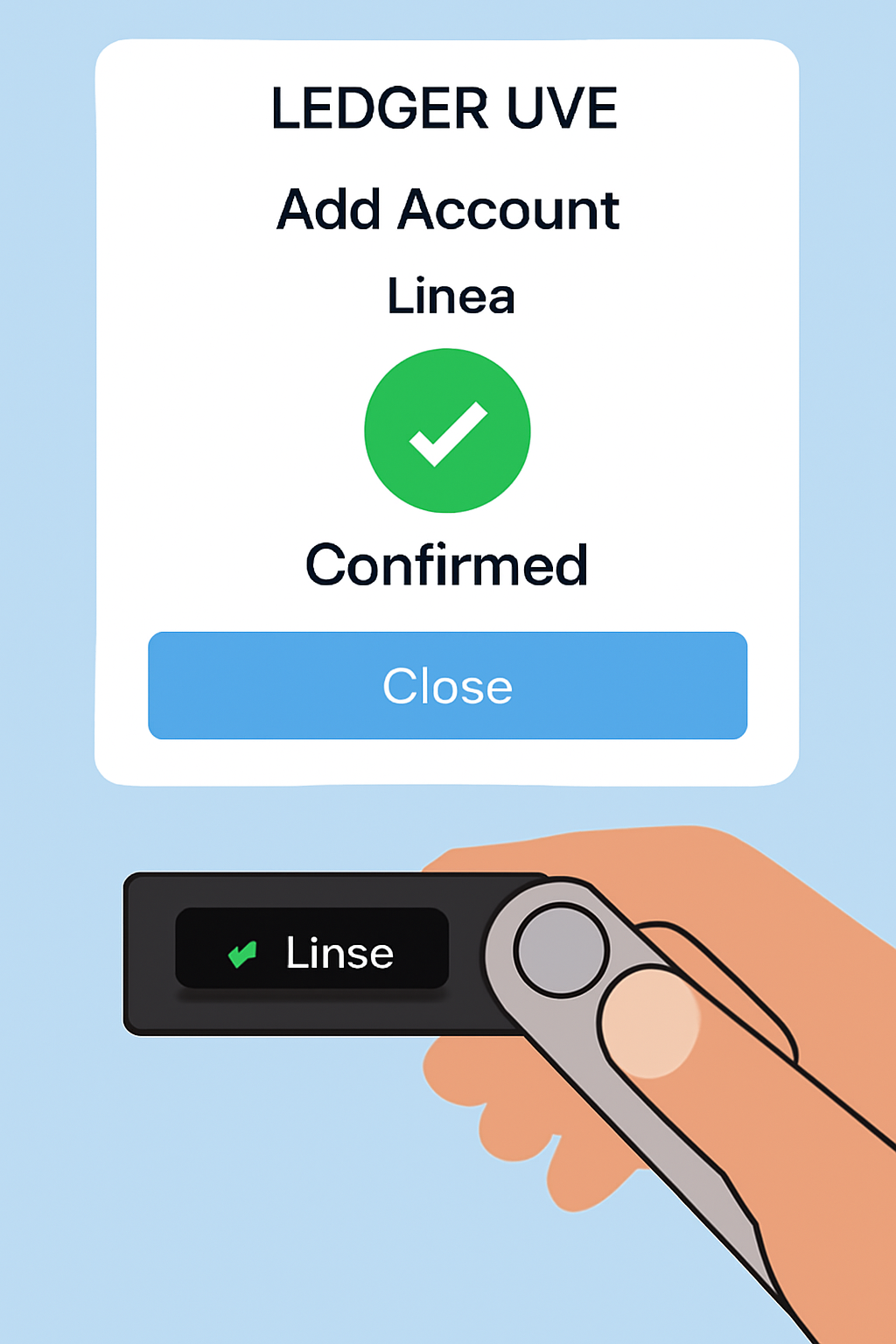
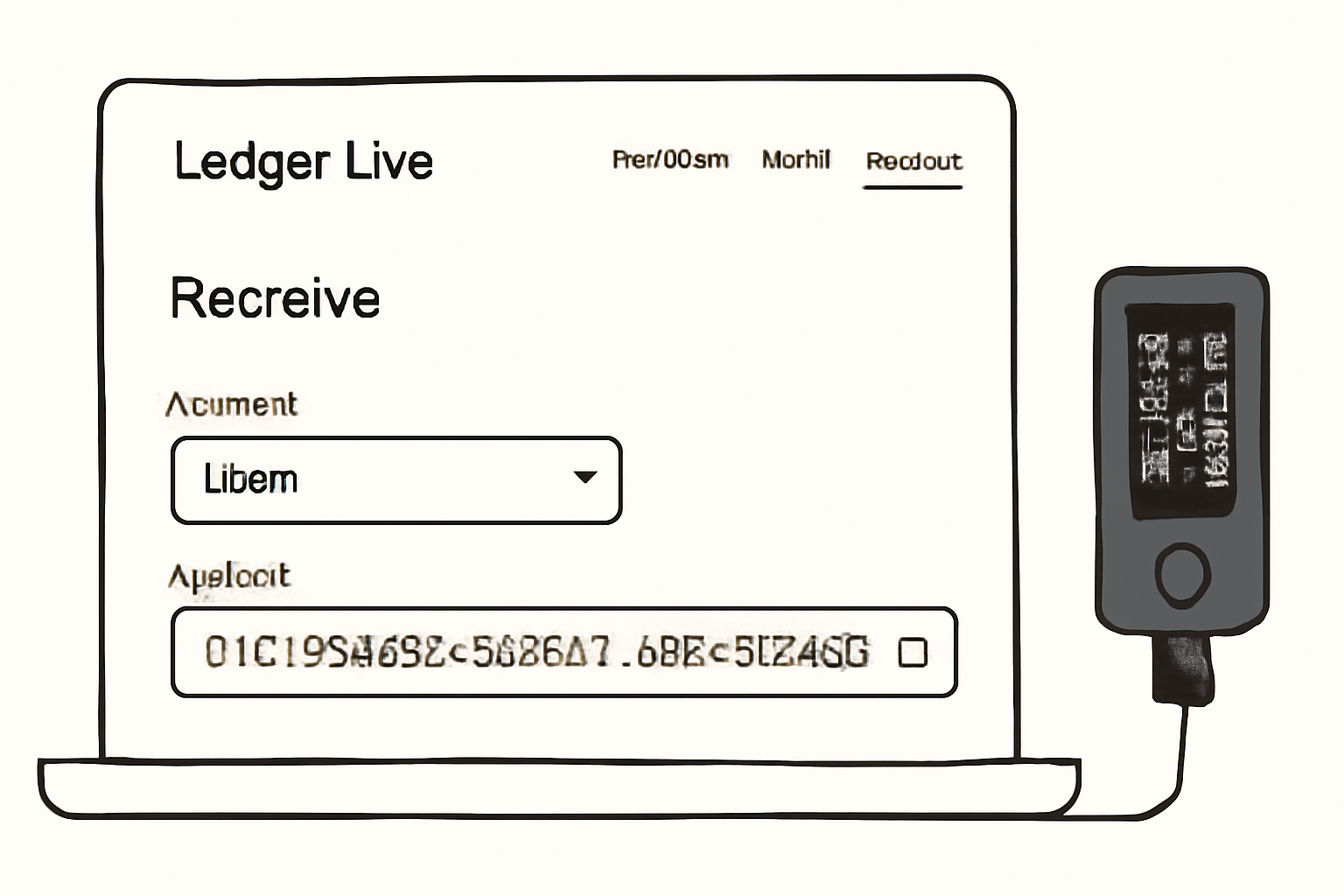
If you’re new to onboarding custom networks in hardware wallets, don’t worry - the process is straightforward:
- Navigate to Accounts: In the left sidebar menu of Ledger Live, click ‘Accounts’ then ‘Add account’.
- Select Linea (ETH): Search for ‘Linea’ or scroll through supported networks; choose ‘Linea (ETH)’.
- Connect and Confirm: Plug in your Ledger device, unlock it, open the Ethereum app when prompted.
- Add and Label: Assign an easy-to-recognize name so you don’t mix up addresses later.
- Copy Your Address: Once added, click into the account and copy your public receiving address - this is where you’ll claim your $LINEA tokens.
With your Linea account now visible in Ledger Live, you’re ready to move on to the actual airdrop claim. This is where security lapses most often occur, so extra vigilance is critical. Never interact with unofficial links or pop-ups claiming to expedite your airdrop, always refer back to the official Linea Help Center instructions for accurate steps and the legitimate smart contract address.
Claiming Your $LINEA Airdrop Securely
As of September 12,2025, all eligible users can claim their $LINEA directly by interacting with the official smart contract at 0x87bAa1694381aE3eCaE2660d97fe60404080Eb64 on LineaScan. Here’s how to do it while maintaining maximum security:
Securely Claiming Your $LINEA Airdrop with Ledger Live
- 1. Add a Linea (ETH) Account in Ledger Live: In Ledger Live, navigate to Accounts in the sidebar, click Add account, and select Linea (ETH). Confirm with your Ledger device to securely generate your Linea address.
- 2. Ensure Sufficient ETH for Gas Fees: Transfer a small amount of ETH to your Linea account on Ledger Live. This is required to cover gas fees for claiming your airdrop on the Linea network.
- 3. Connect Ledger Live to LineaScan via WalletConnect: Visit Lineascan's airdrop page, select WalletConnect, and scan the QR code using Ledger Live's WalletConnect integration to securely connect your wallet.
- 4. Verify Airdrop Eligibility and Allocation: On LineaScan, after connecting your wallet, check if your address is eligible and view your exact $LINEA allocation before proceeding.
- 5. Claim $LINEA Tokens via Smart Contract: Initiate the claim directly on LineaScan. Ledger Live will prompt you to confirm the transaction on your device, ensuring your private keys remain secure throughout the process.
- 6. Confirm Receipt of $LINEA in Ledger Live: After the transaction is confirmed on the blockchain, your $LINEA tokens will appear in your Linea (ETH) account in Ledger Live. Always double-check the official smart contract address: 0x87bAa1694381aE3eCaE2660d97fe60404080Eb64 for security.
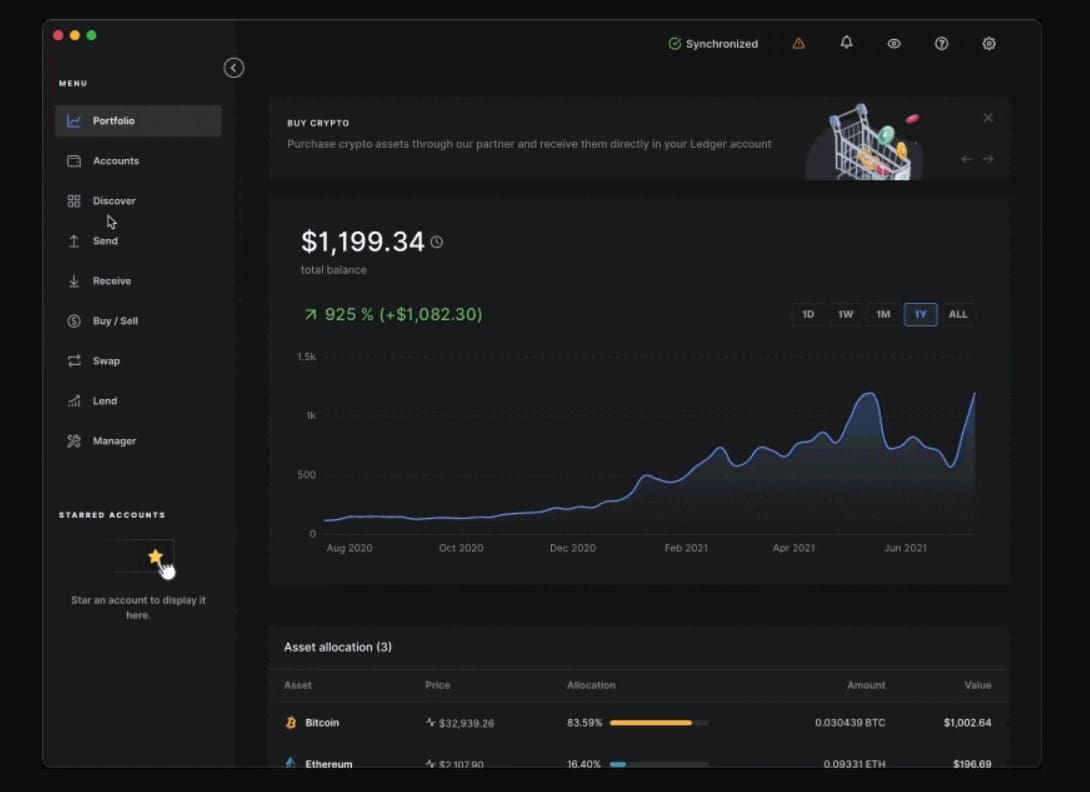
Pro tip: Always double-check that you’re connected to the correct network and contract. Ledger devices require physical confirmation for every transaction, use this feature to your advantage by verifying all details on-device before approving any action.
Managing Your Claimed Linea Tokens in Ledger Live
Once claimed, your $LINEA tokens will appear in your dedicated Linea account within Ledger Live. From here, you can monitor balances, send tokens, or interact with dApps via WalletConnect, all while keeping your private keys offline.
- Monitor airdrop status: Check incoming transactions and verify successful claims directly in Ledger Live’s transaction history.
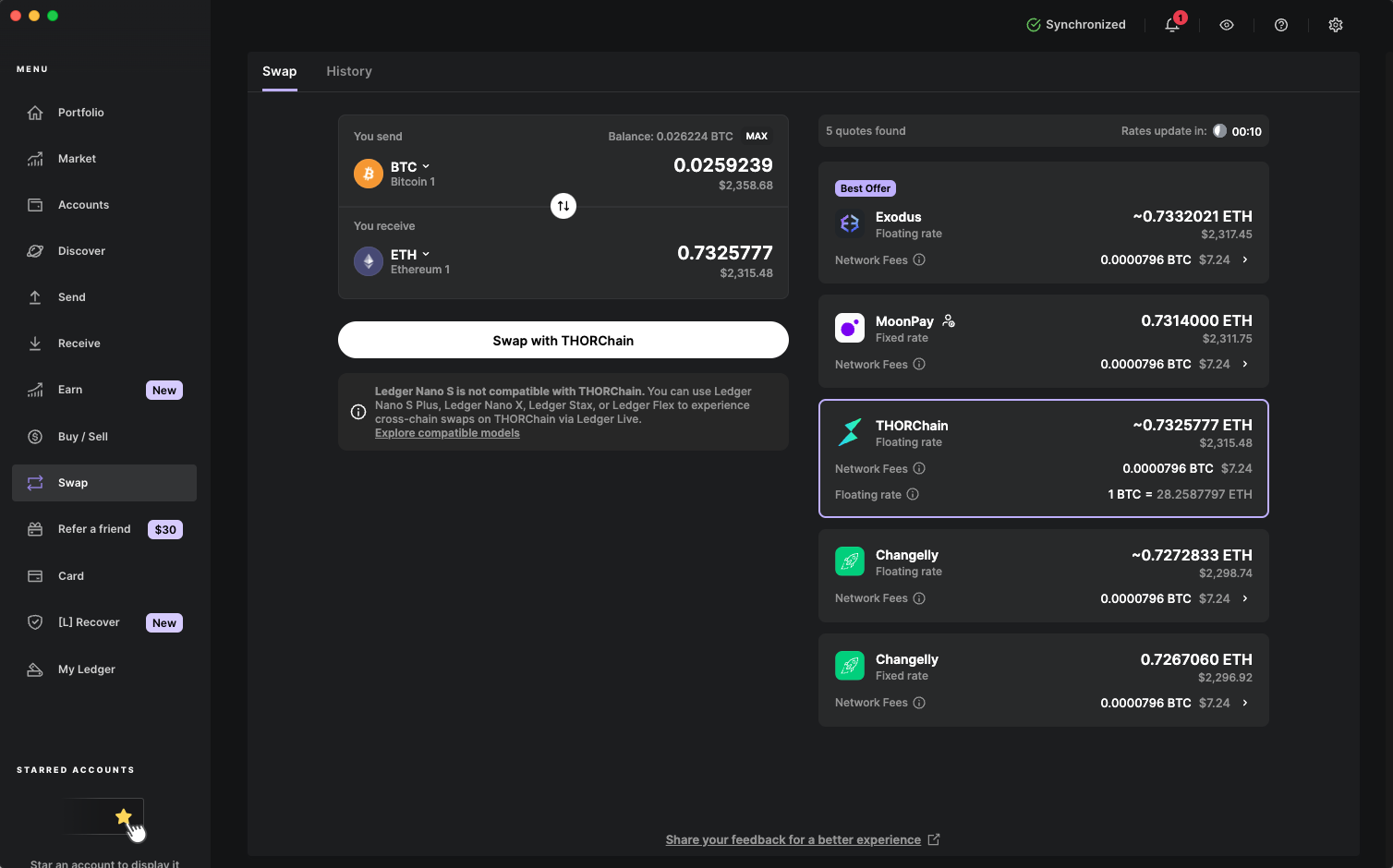
- Send or swap securely: Initiate transfers or swaps only after verifying recipient addresses on your Ledger device screen.
- Avoid third-party browser extensions: Stick to Ledger Live or trusted dApp connections via WalletConnect for ongoing management.
Troubleshooting and Staying Safe
If you encounter issues, such as missing tokens or failed transactions, the most common culprits are insufficient gas (ETH) on the Linea network or attempting claims from an unsupported wallet address. Always confirm eligibility and network setup before retrying. For persistent problems, consult the official resources at the Linea Help Center.
Best Practices: Long-Term Security for Your $LINEA
The initial claim is just one part of securing your crypto life. To keep your $LINEA safe well beyond airdrop season:
- Never share recovery phrases, even if prompted by someone claiming to be support.
- Avoid interacting with unknown contracts or dApps. Malicious approvals can drain assets instantly.
- Regularly update firmware and Ledger Live. Security patches are non-negotiable as new exploits emerge.
- Diversify storage if holding significant value. Consider splitting assets across multiple hardware wallets for added redundancy.
The combination of hardware wallet security and direct integration with emerging L2 networks like Linea empowers users to confidently manage new assets without sacrificing safety. By following these protocols and staying vigilant against evolving threats, you’ll not only secure your $LINEA airdrop but also set yourself up for resilient crypto ownership as DeFi continues its rapid expansion.




No comments yet. Be the first to share your thoughts!