
MetaMask has rapidly evolved from a simple Ethereum wallet to a sophisticated gateway for DeFi, NFTs, and now, perpetual futures trading. With the latest update (version 7.56 or later), users can trade over 150 tokens with up to 40x leverage directly within the MetaMask mobile app. This new feature is powered by Hyperliquid, a leading decentralized perpetual exchange, and marks a significant leap in self-custodial trading experiences on mobile devices.
Why Trade Perpetuals on MetaMask Mobile?
Perpetual contracts ("perps") are derivatives that let you speculate on crypto asset prices without expiration dates. Traditionally, these instruments were only available on centralized exchanges or complex DeFi platforms. Now, MetaMask brings perps trading natively to its mobile interface, offering:
- Simplicity: Fund your perp account with any EVM-compatible token - assets are auto-converted to USDC for trading.
- Security: Retain full custody of your funds; MetaMask never holds your assets.
- Speed: Instant execution and live market data for over 150 tokens.
- No extra swap fees: Token conversion happens seamlessly within the app.
Getting Started: Prerequisites for Trading Perpetuals
If you’re ready to explore leveraged trading on-the-go, ensure you meet these requirements before proceeding:
Steps to Prepare MetaMask for Perps Trading
- Update MetaMask Mobile to Version 7.56 or Later: Ensure your MetaMask mobile app is updated to version 7.56 or higher to access perpetual trading features powered by Hyperliquid.
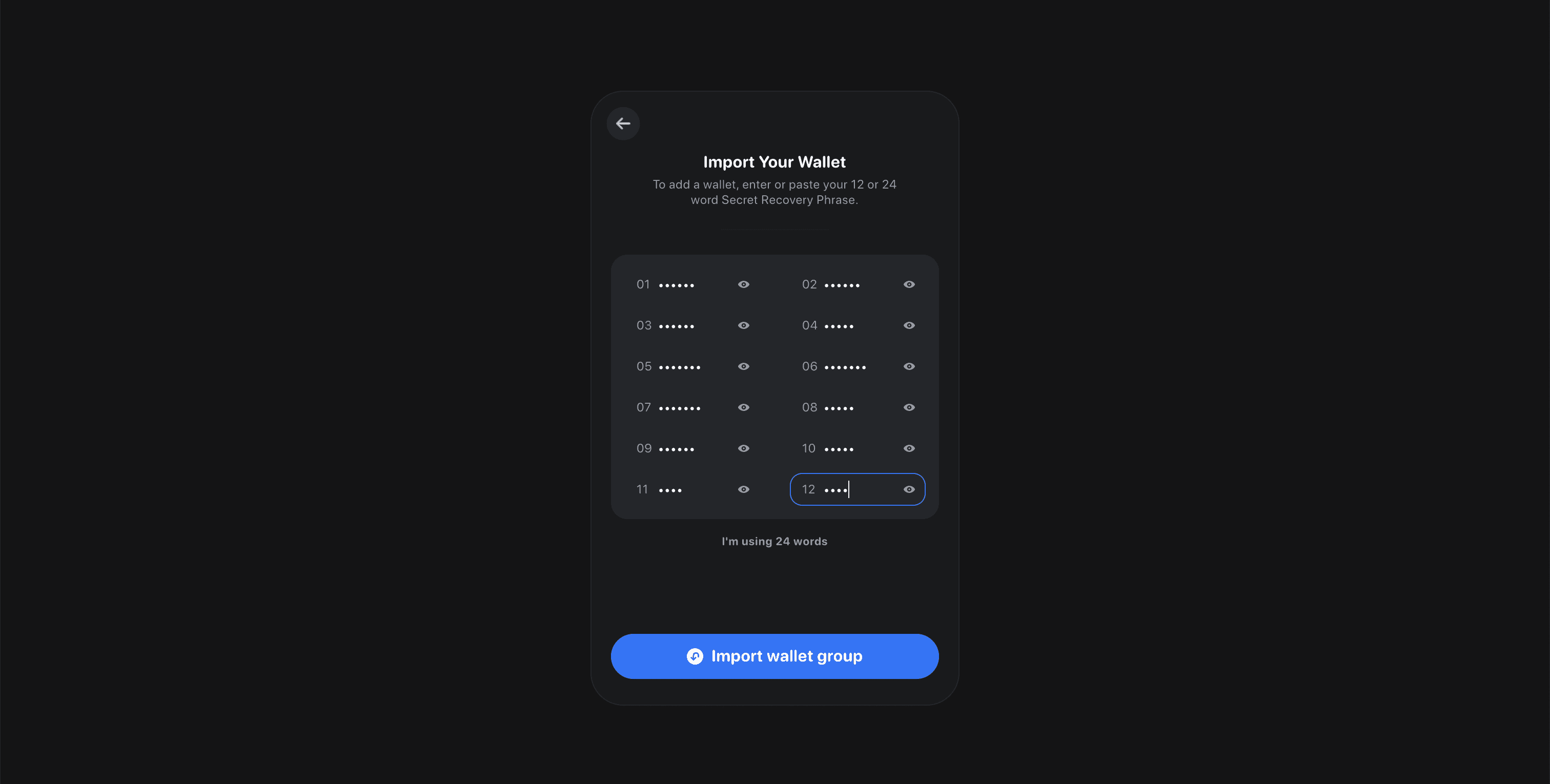
- Secure Your Wallet and Backup Recovery Phrase: Confirm that your MetaMask wallet is properly secured and that you have safely backed up your recovery phrase to prevent loss of funds.
- Add Funds Using Any EVM-Compatible Token: Deposit funds into your MetaMask wallet. You can use any EVM-compatible token (such as ETH, USDC, or DAI); MetaMask will automatically convert your deposit to USDC for trading perps.
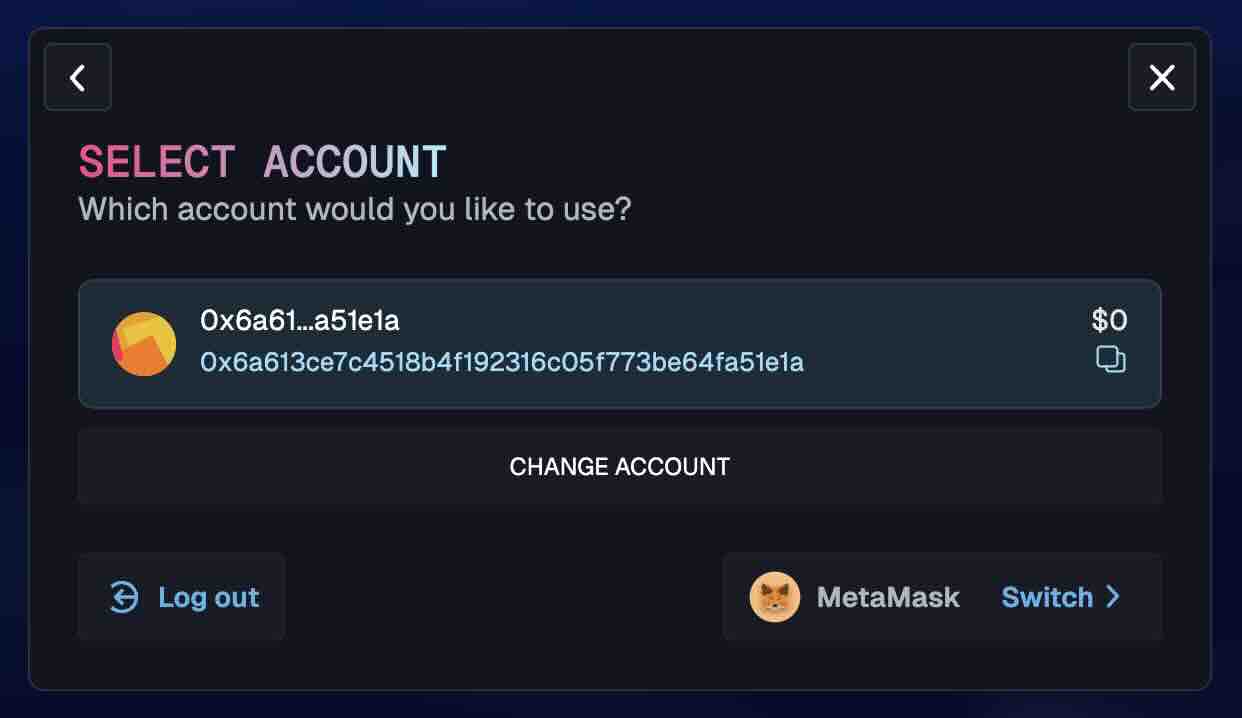
- Navigate to the Perps Tab on the Home Screen: Open the MetaMask mobile app and tap the Perps tab on the home screen to access the perpetuals trading interface.
- Enable and Fund Your Perps Trading Account: Follow the prompts to enable trading and transfer your deposited funds into your perps trading account. This step is required to begin trading perpetual contracts.
Your device must have the latest version of MetaMask Mobile (7.56 and ). If not, visit your app store and update before continuing.
Step-by-Step Guide: How to Trade Perpetuals on MetaMask Mobile
The onboarding process is designed for both beginners and experienced traders. Here’s how to access perpetual contracts trading via the new Perps tab:
How to Open a Perpetual Position on MetaMask Mobile
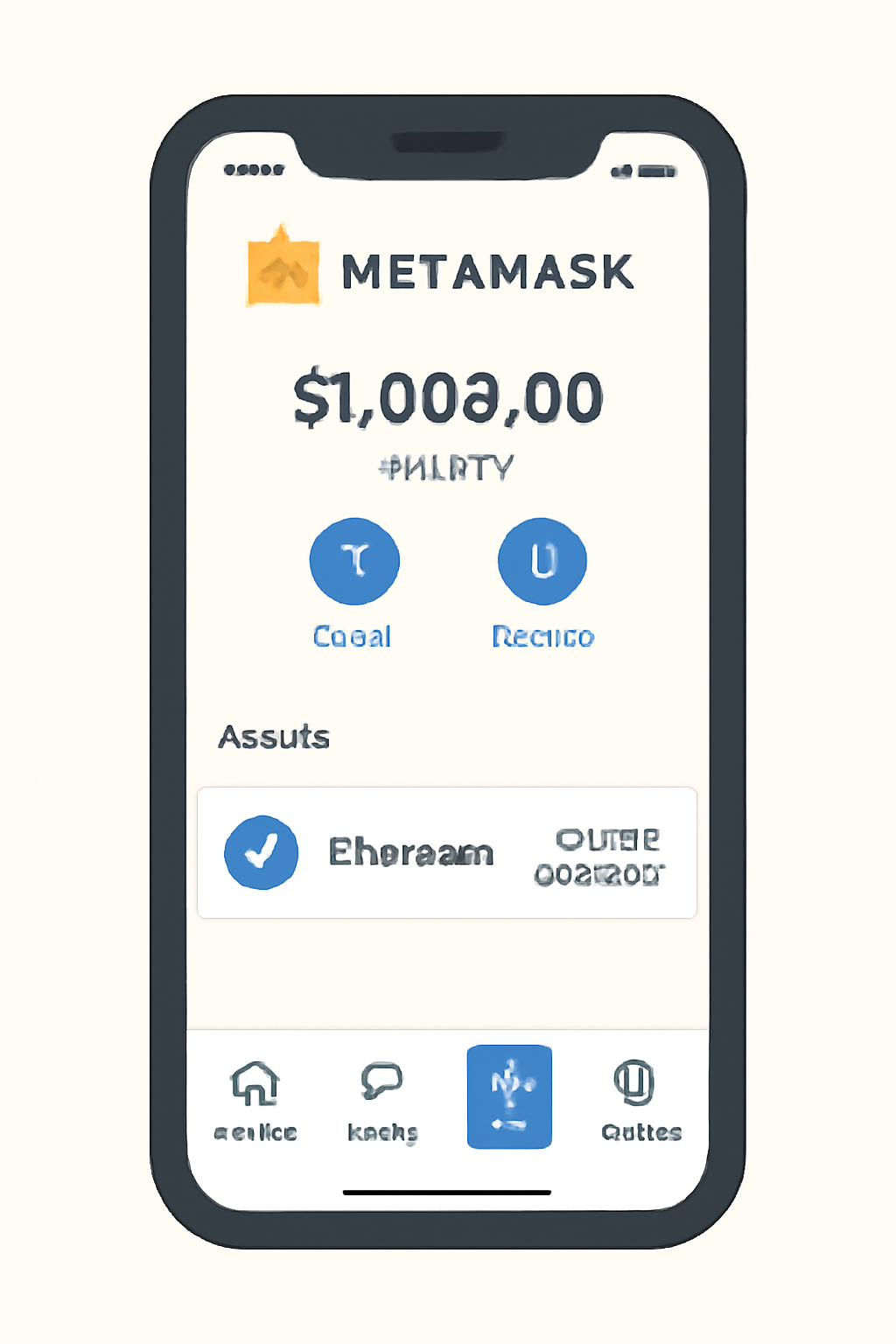
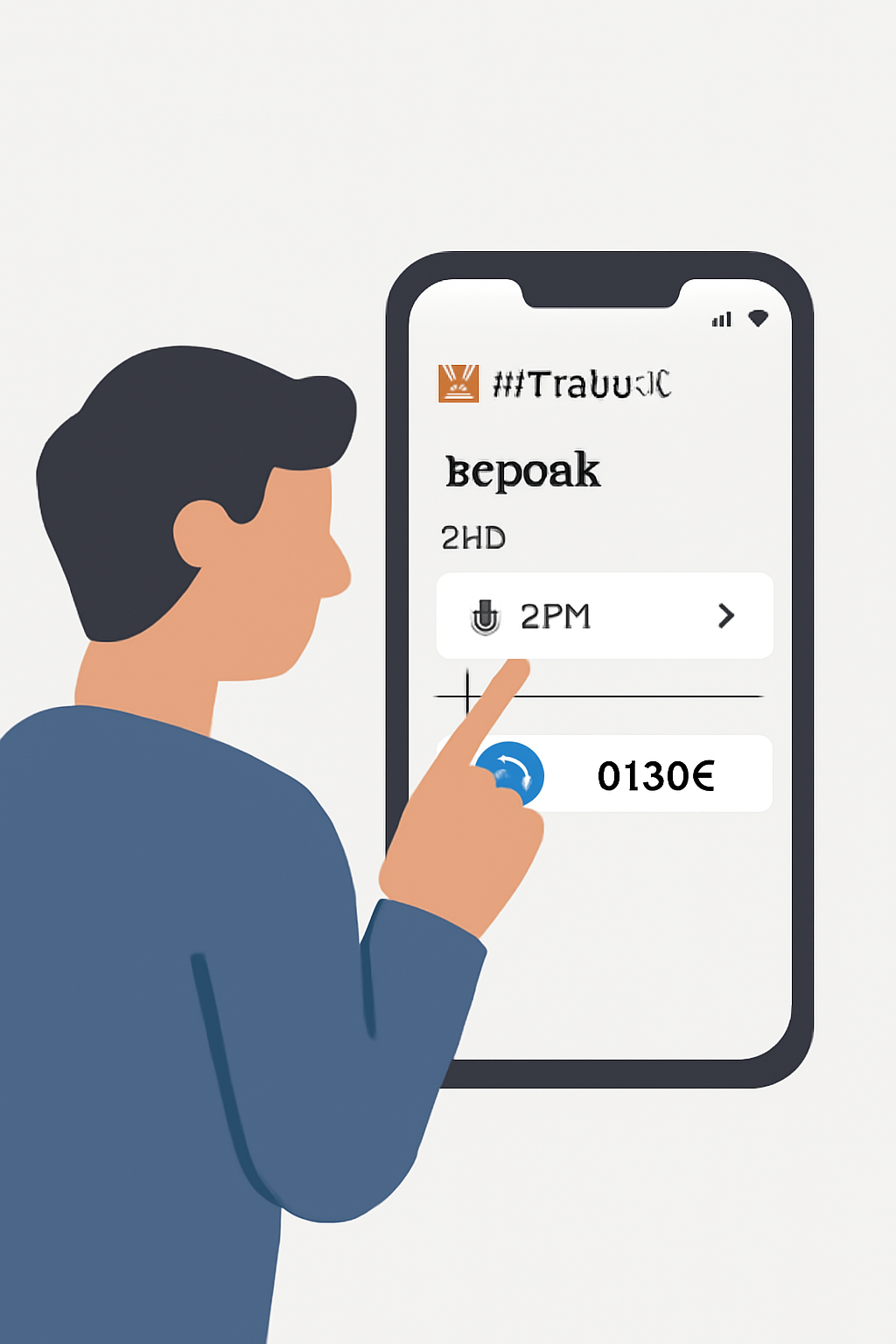
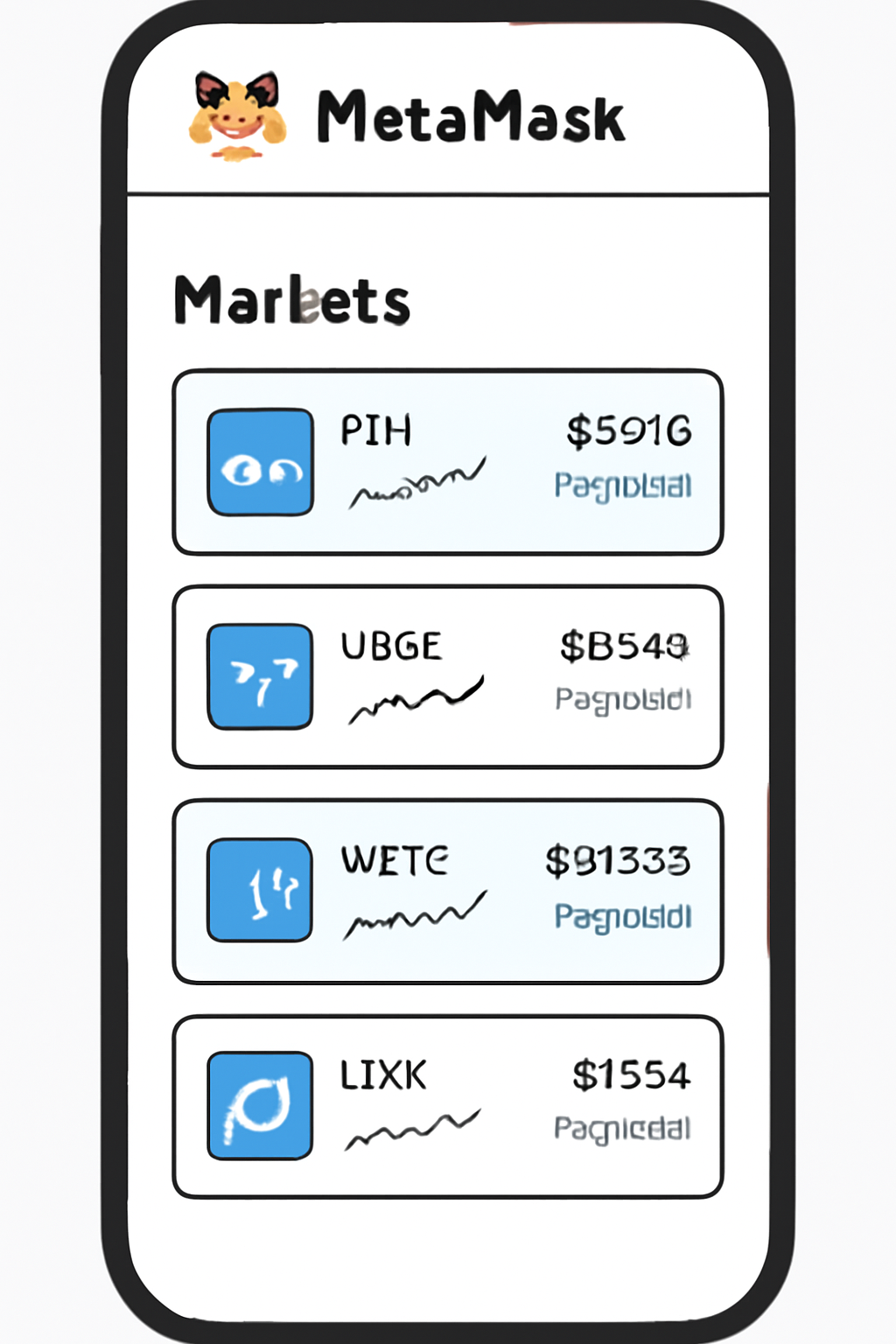
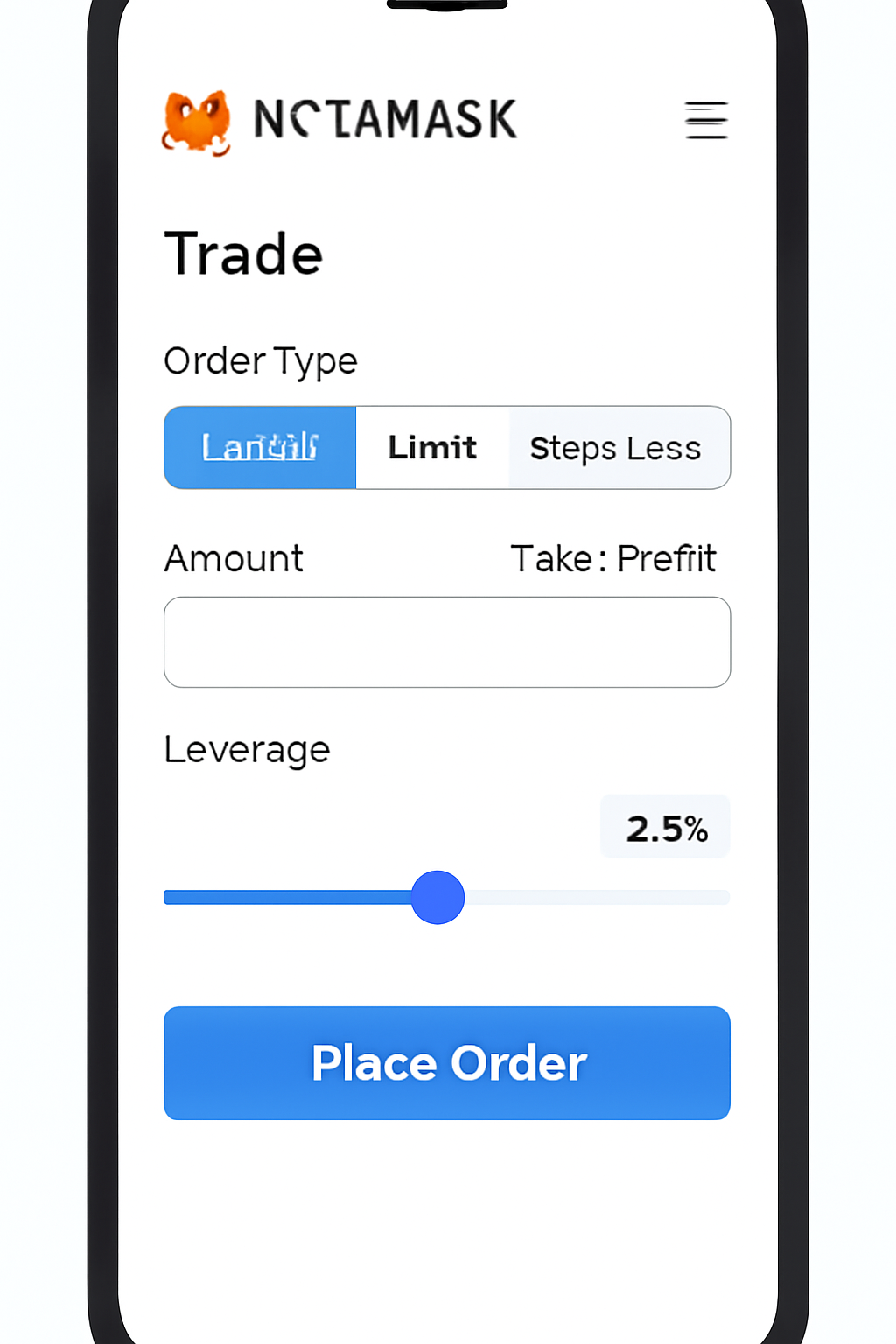
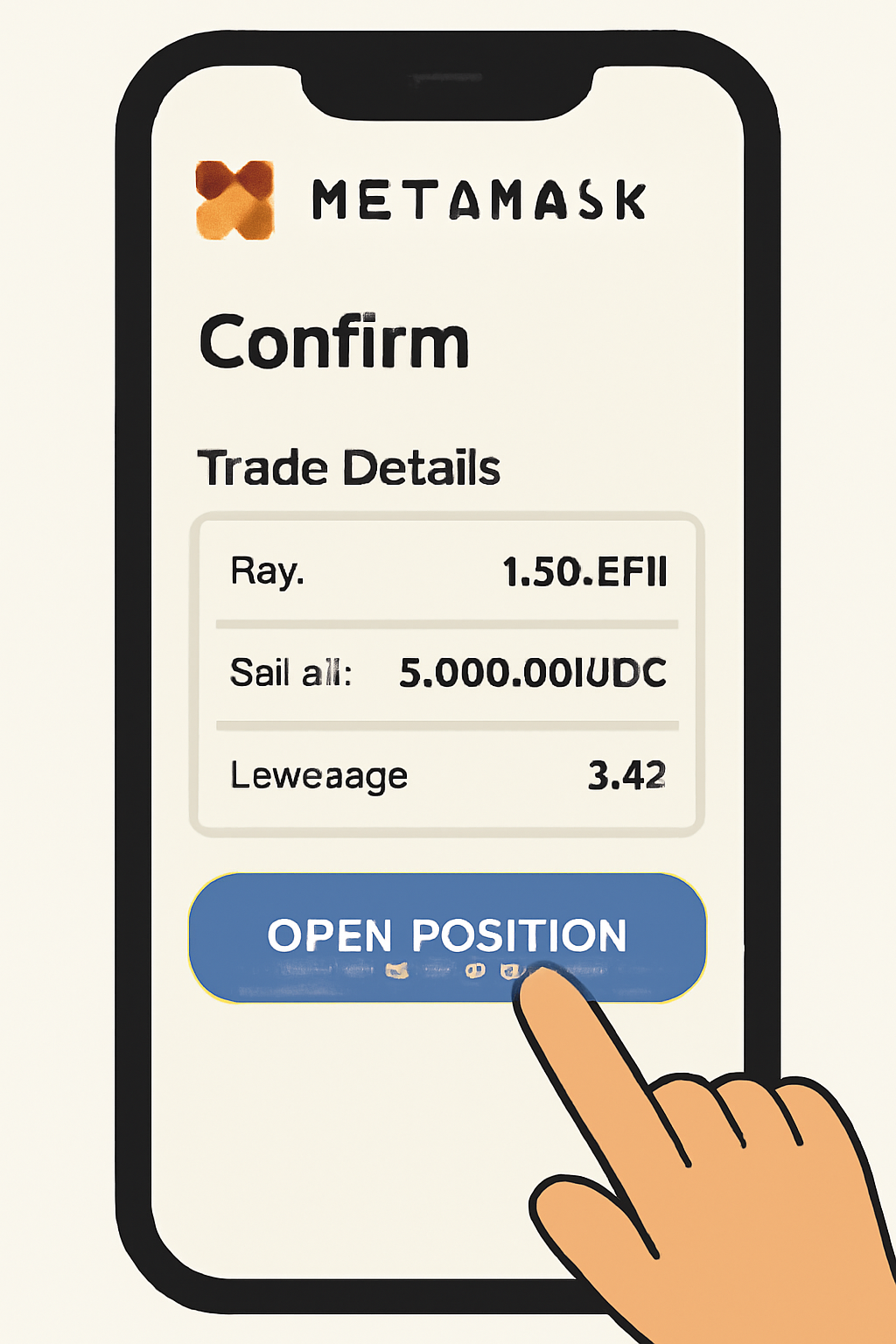
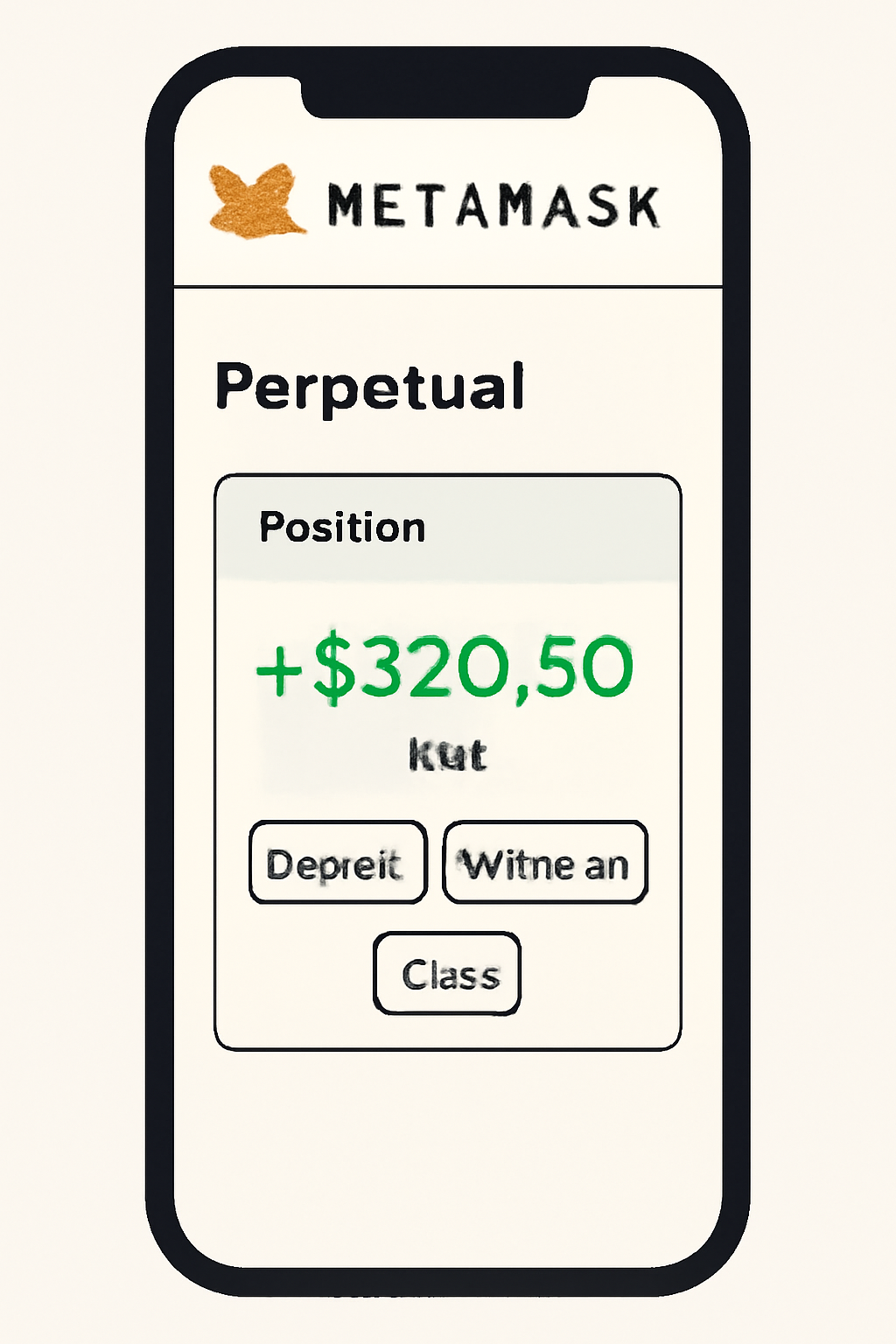
The integration with Hyperliquid means you can open long or short positions with advanced order types such as stop-loss and take-profit - all from your smartphone. The interface provides real-time charts and risk management tools so you can monitor margin ratios and liquidation risks at a glance.
Key Features That Set MetaMask Perps Apart
- No Expiry Dates: Positions remain open as long as collateral requirements are maintained.
- Diversified Markets: Trade Bitcoin, Ether, and over 150 altcoins using one unified interface.
- User-Controlled Risk: Adjust leverage (up to 40x) and set custom stop-loss/take-profit orders natively.
This innovative approach gives traders flexibility without sacrificing security or usability. For more details about this release and its technical underpinnings, see the official announcement at MetaMask Newsroom.
Managing Your Positions: Monitoring, Adjusting, and Closing Trades
Once your position is open, MetaMask Mobile provides a comprehensive dashboard to track performance in real time. You can monitor your margin ratio, unrealized P and L, and liquidation price directly from the Perps tab. Should market conditions change, you have the flexibility to:
- Modify leverage on existing trades (within platform limits)
- Add or remove collateral to manage liquidation risk
- Edit or cancel stop-loss and take-profit orders instantly
- Close positions partially or fully with a single tap for rapid risk-off moves
This level of control is rarely found in mobile-first crypto trading apps. The integration with Hyperliquid ensures trades are executed against deep liquidity pools, minimizing slippage even during volatile periods.
Risk Management Essentials: Best Practices for Perpetual Trading on Mobile
Trading perpetual contracts with leverage introduces significant risks alongside potential rewards. To help users navigate this landscape safely, MetaMask Mobile includes built-in risk alerts and educational prompts. However, disciplined risk management remains your responsibility. Consider these best practices before entering any trade:
Essential Risk Management Tips for MetaMask Perps
- Set Stop-Loss and Take-Profit Orders: MetaMask Perps supports stop-loss and take-profit orders directly within the app. Use these tools to automatically manage your risk and lock in profits, helping you avoid large unexpected losses due to market volatility.
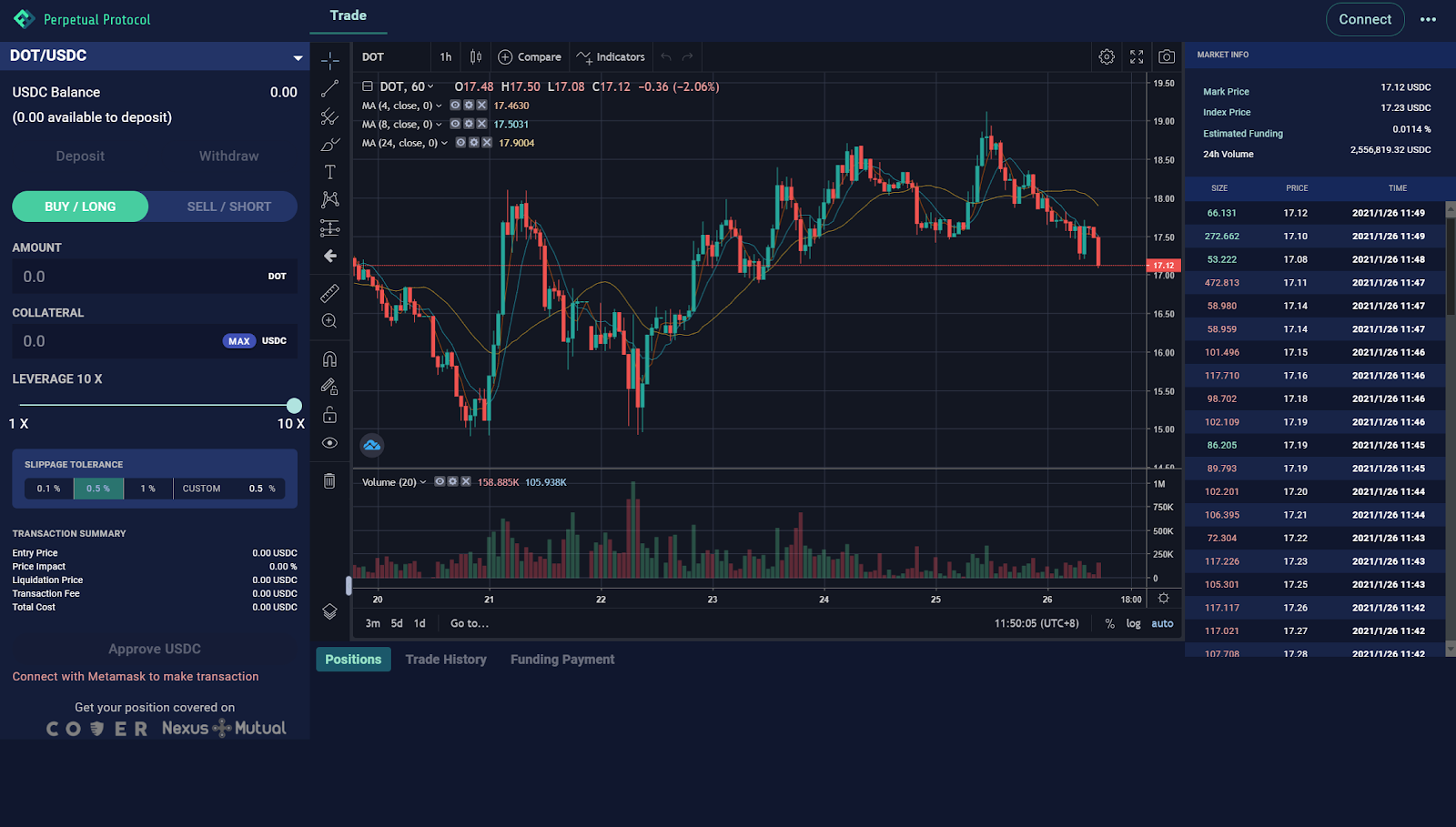
- Use Leverage Responsibly: While MetaMask Perps offers up to 40x leverage, higher leverage increases both potential gains and losses. Start with lower leverage until you understand the platform’s mechanics and your own risk tolerance.
- Monitor Your Margin Ratio: Keep a close eye on your margin ratio in the MetaMask Perps dashboard. Falling below the maintenance margin could trigger liquidation, resulting in loss of your position.
- Fund Only What You Can Afford to Lose: MetaMask Perps allows seamless funding from any EVM-compatible token. Only deposit amounts you are comfortable risking, as crypto markets can be highly volatile.
- Stay Updated with Live Market Data: Utilize the live market charts and real-time data provided in the MetaMask Perps tab to make informed trading decisions and react quickly to market changes.
- Review Trade History and Analytics: Regularly check your trade history and analytics within MetaMask Perps to evaluate your strategies and identify areas for improvement.
Remember: Liquidation can occur rapidly if market moves against your position. Always use stop-loss orders and never risk more capital than you can afford to lose.
Comparing MetaMask Perps: How Does It Stack Up?
The addition of perpetuals in MetaMask Mobile brings direct competition to centralized exchanges and other DeFi perp protocols. Here’s how it compares across key dimensions:
| Feature 🚀 | MetaMask Perps (Mobile) | CEXs (e. g. , Binance) | Other DeFi Perp DEXs |
|---|---|---|---|
| No KYC Required 🔒 | Yes | No/Partial | Yes |
| Asset Custody 🗝️ | User-controlled (self-custody) | CEX-controlled (custodial) | User-controlled (self-custody) |
| No Extra Swap Fees 💸 | Yes (auto USDC conversion) | No (but withdrawal fees apply) | No/Varies by platform |
| Markets Supported 📈 | >150 tokens w/up to 40x leverage | >200 tokens w/variable leverage | >50-100 tokens typically |
| Mobile UX/UI 📲 | < strong > Optimized and seamless | Varies by app | Often desktop-first |



No comments yet. Be the first to share your thoughts!