Binance Alpha airdrops are quickly becoming one of the most sought-after ways for crypto users to earn free tokens and maximize their portfolio returns. With the recent update to Binance's two-phase claiming system and the introduction of Alpha Points, it's crucial to understand every step if you want to secure your share of rewards. This Binance Alpha airdrop guide breaks down the process visually, so even if you're new to the ecosystem, you'll know exactly how to claim your tokens.

What Are Binance Alpha Airdrops and Why Should You Care?

Alpha airdrops are exclusive token distributions offered through Binance for users who meet specific activity or holding thresholds. These events often coincide with new project launches or major platform milestones, providing early access or bonus rewards. The latest system requires users to accumulate Alpha Points, which are earned by holding at least 0.01 BNB or trading $50 and in spot markets on Binance.

The 2025 update introduced a two-phase claim system: Phase 1 is reserved for users with higher Alpha Points, while Phase 2 opens up remaining tokens on a first-come, first-served basis with slightly lower eligibility requirements. This structure incentivizes active participation and prompt action.

Step-by-Step: How to Check Your Eligibility for Binance Alpha Airdrops

Your first move is ensuring you qualify for the current round of airdrops. Here’s how to do it:

Claiming Binance Alpha Airdrops: A Strategic Step-by-Step Guide
A person logging into the Binance app on a smartphone, showing the Binance logo and login screen, with a secure and modern interface.
Log In to Your Binance Account
Begin by accessing the official Binance app or website. Enter your credentials to securely log in. This ensures you can access all personalized features, including the Task Center and Alpha Events.
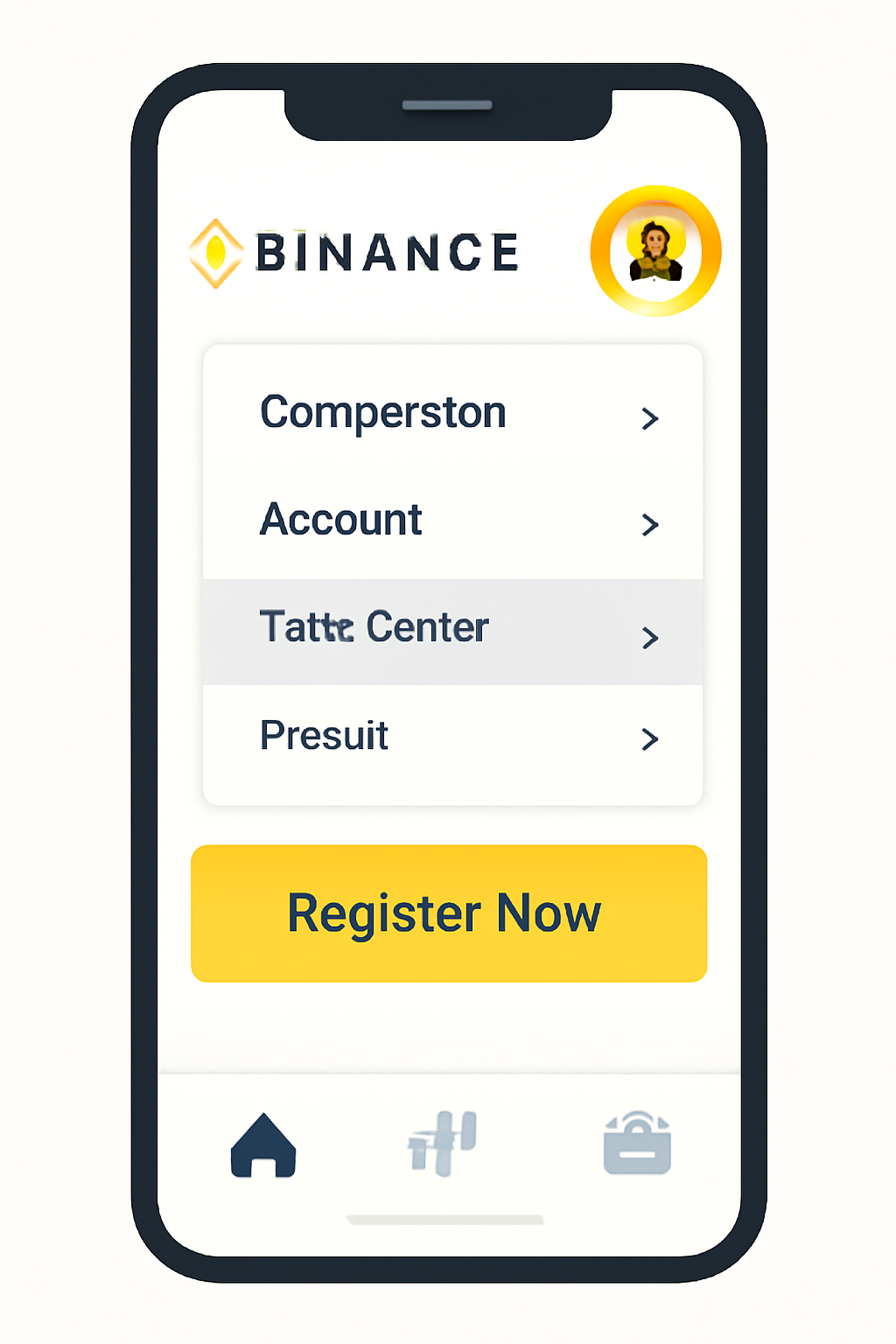
A phone screen displaying the Binance homepage with the profile icon highlighted, and a menu showing 'Task Center' selected.
Access the Task Center
On your Binance homepage, tap your profile icon at the top left. From the menu, select 'Task Center' to view available airdrop campaigns and eligibility tasks.
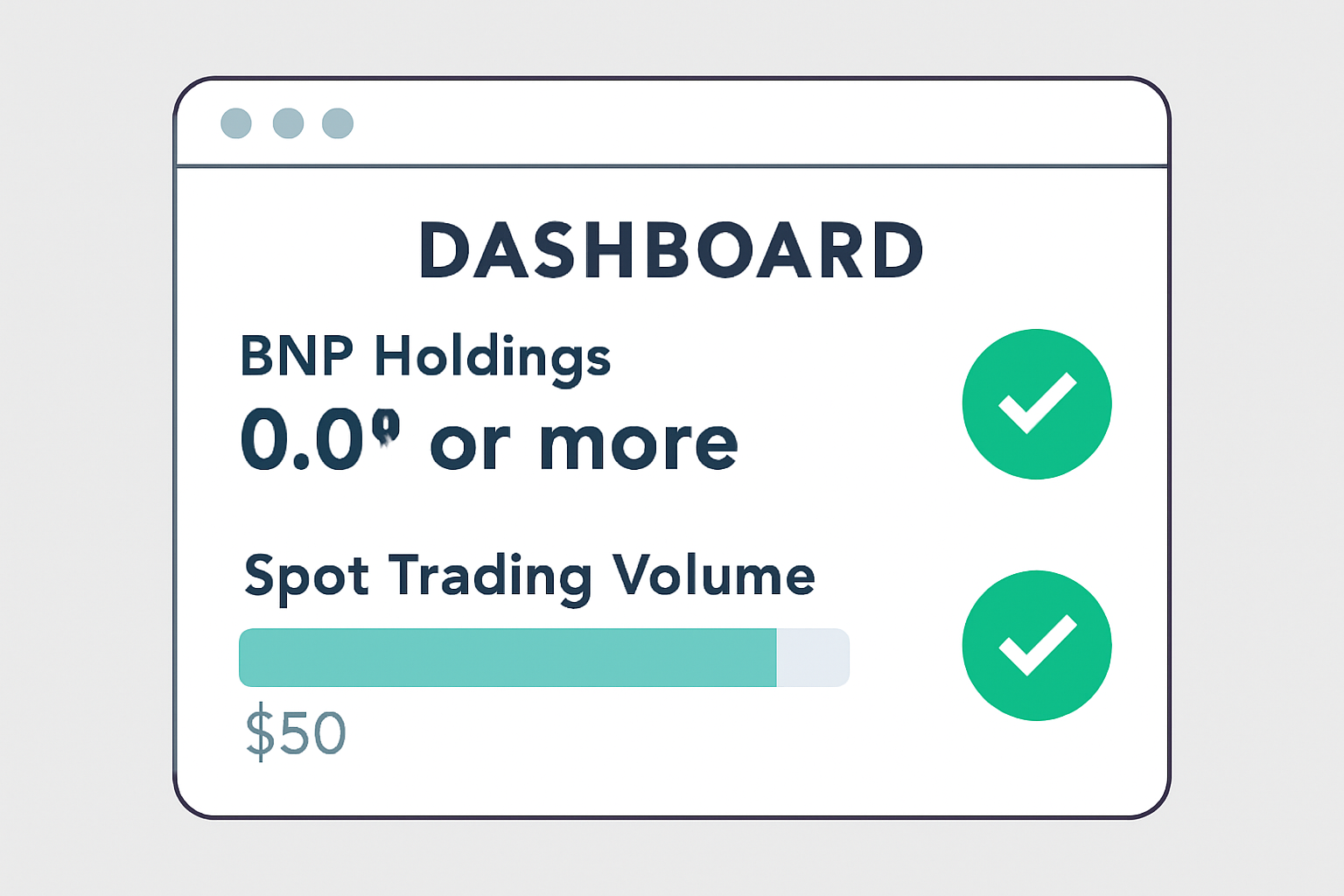
A digital dashboard showing BNB holdings of 0.01 or more and a spot trading volume bar at $50, with checkmarks indicating eligibility.
Verify Your Eligibility
Check if you meet the requirements: you must hold at least 0.01 BNB or have traded $50 or more in spot markets. The Task Center will display your current holdings and trading volume—ensure you meet or exceed these thresholds to participate.
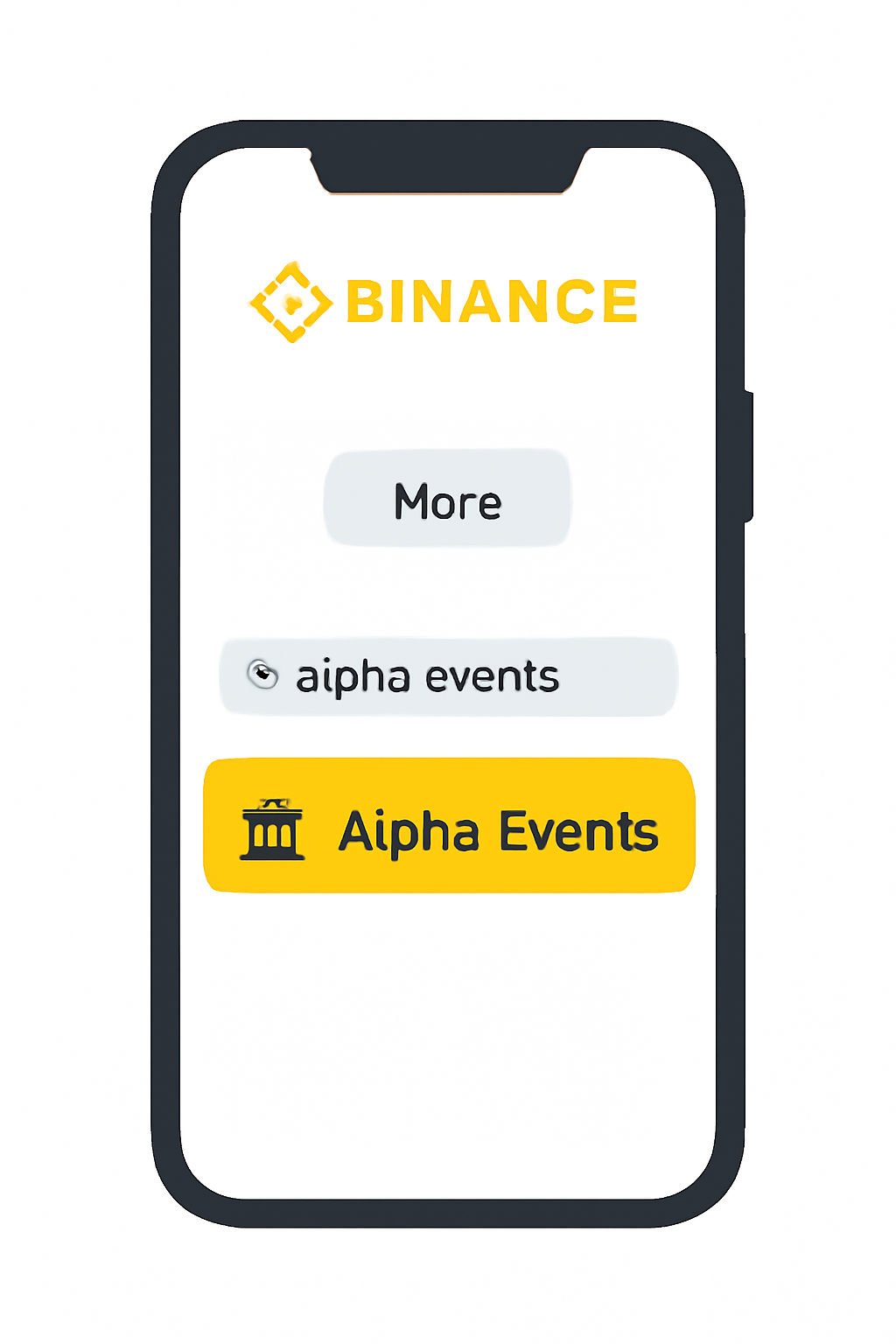
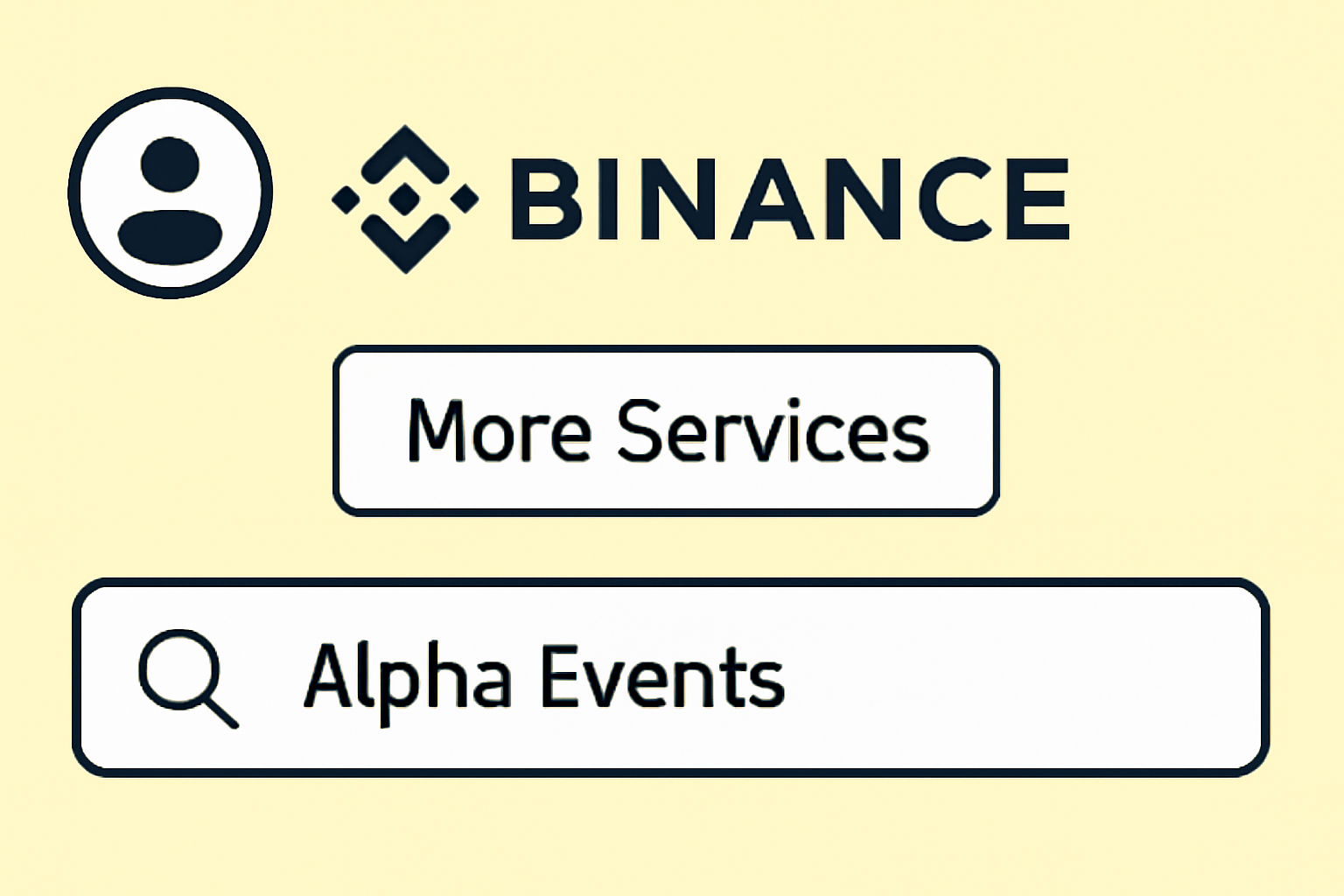
A smartphone screen with the Binance app open, showing the 'More' button tapped and the 'Alpha Events' search result highlighted.
Find Alpha Events via More Services
Return to the homepage and tap 'More' at the bottom. In the search bar, type 'Alpha Events' and select the relevant page. This section lists all ongoing and upcoming Alpha airdrop campaigns.
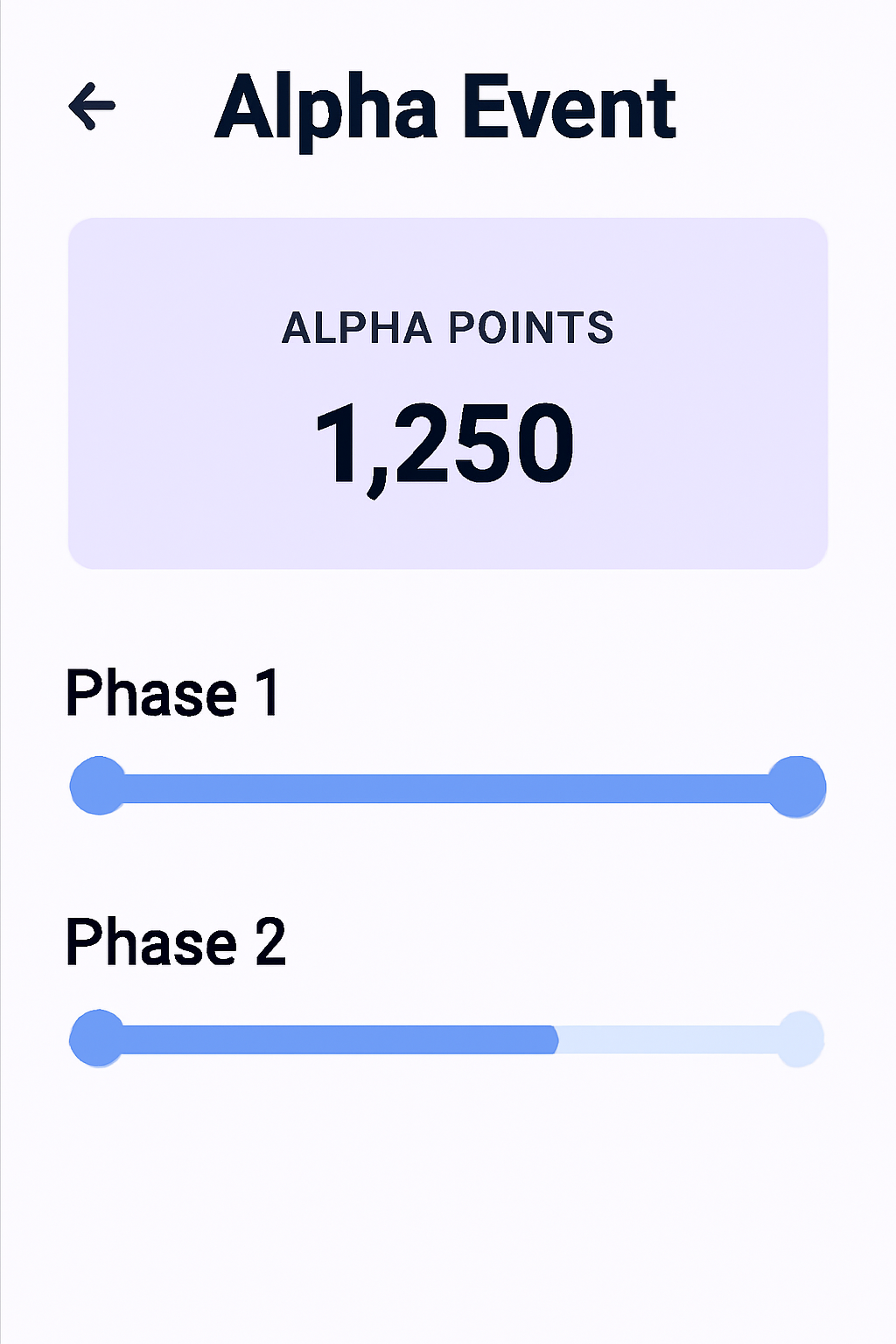
An app interface showing an Alpha Event page, with Phase 1 and Phase 2 timelines, and a user's Alpha Points displayed prominently.
Review Airdrop Details and Phases
Select the Alpha Event you want to join. Review the two-phase claim system: Phase 1 is for users with higher Alpha Points, and Phase 2 opens for others on a first-come, first-served basis. Check your Alpha Points to determine your phase.
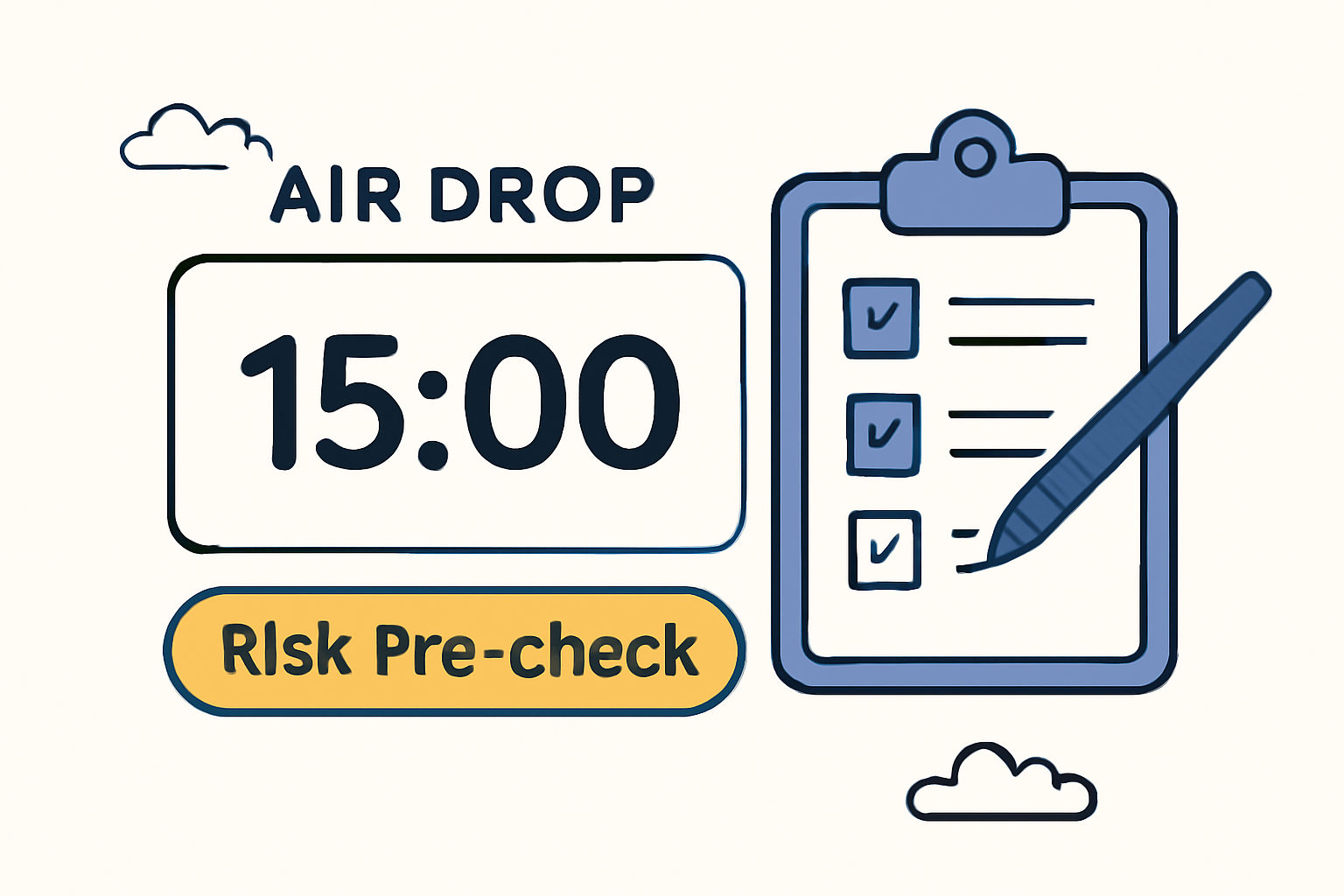
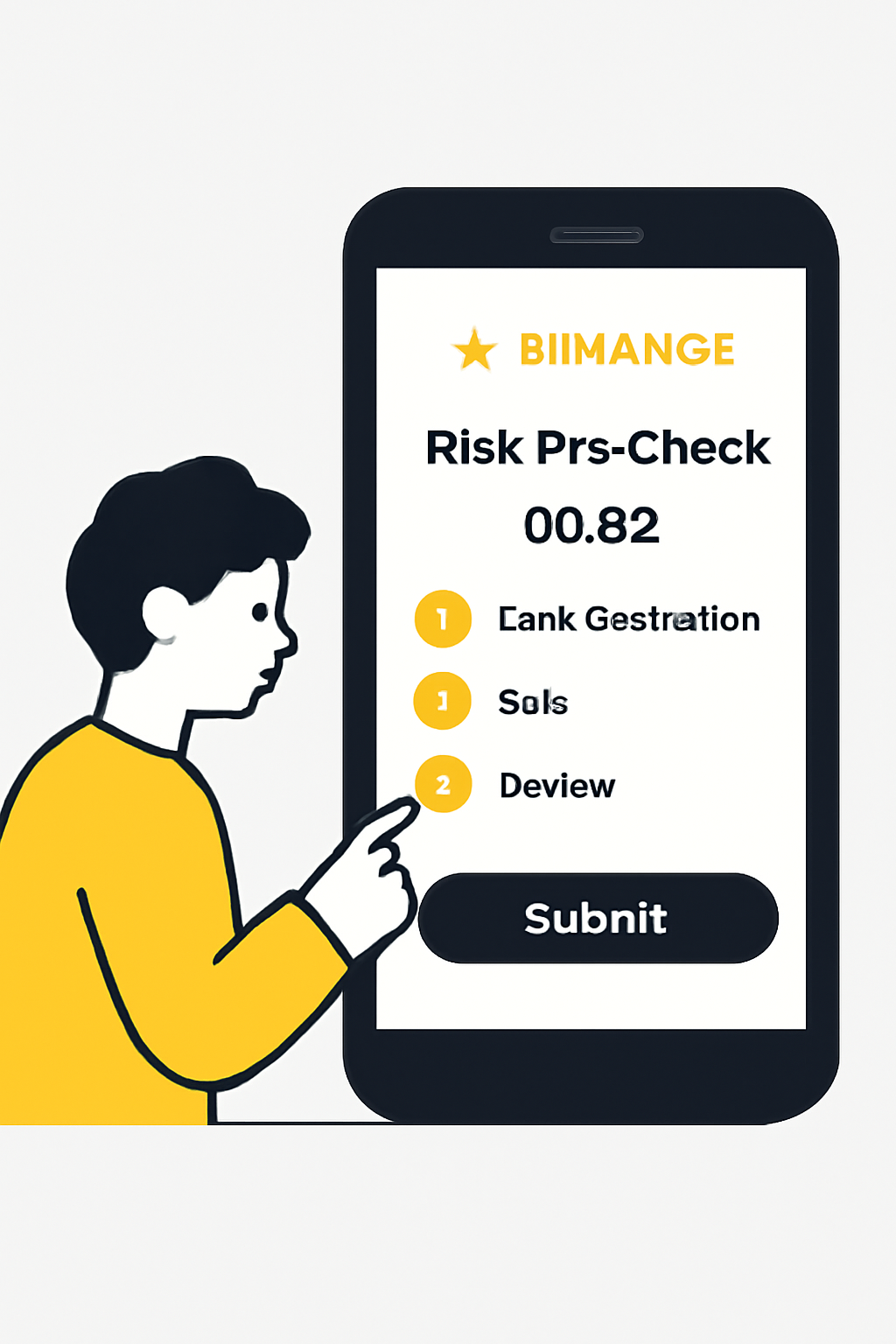
A countdown timer showing 15 minutes before an airdrop, with a highlighted 'Risk Pre-check' button and a checklist being completed.
Complete the Risk Pre-check
15 minutes before the airdrop starts, use the 'Risk Pre-check' feature on the claim page. This allows you to verify your eligibility and complete any required checks in advance, ensuring a smooth claim process when the airdrop opens.
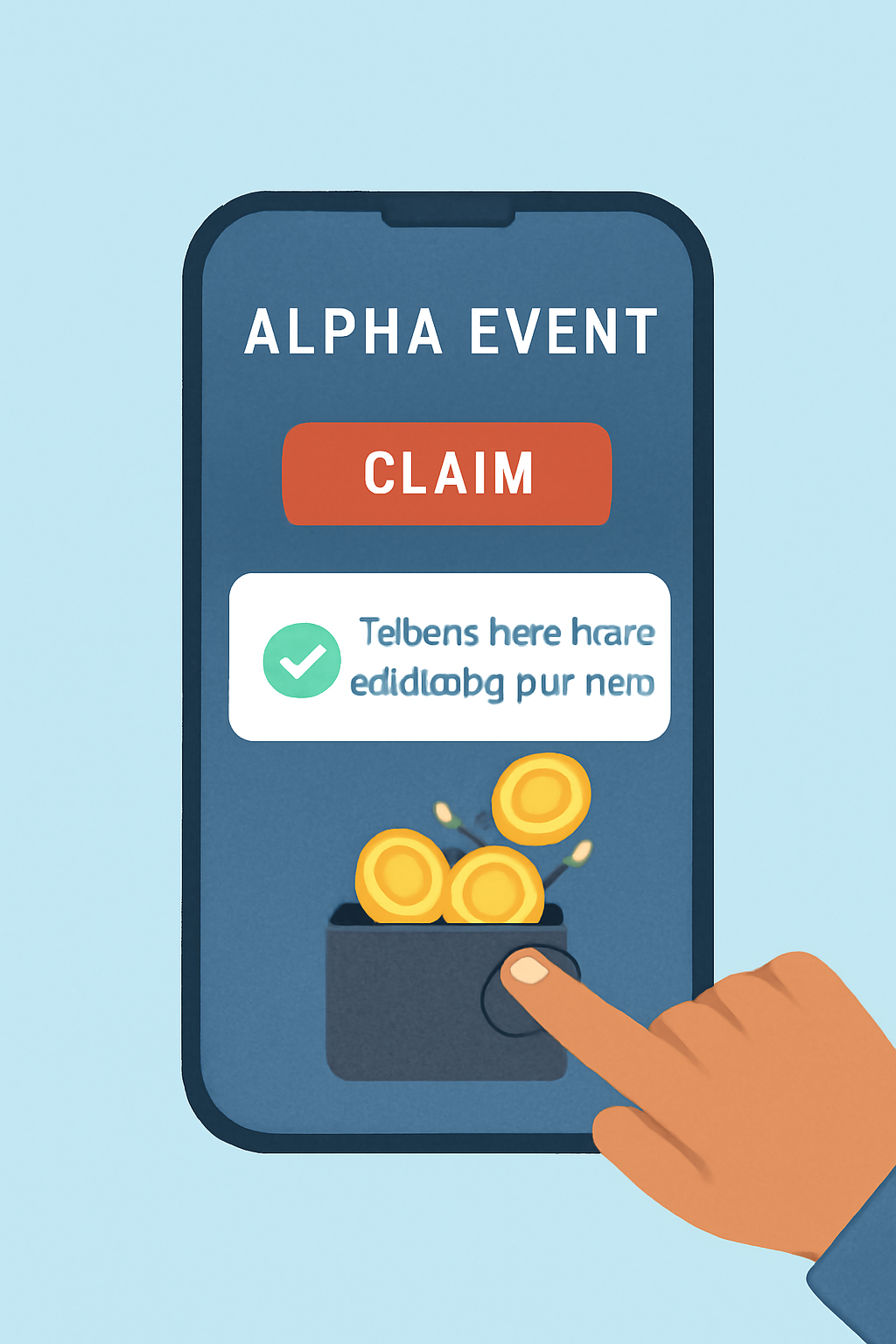
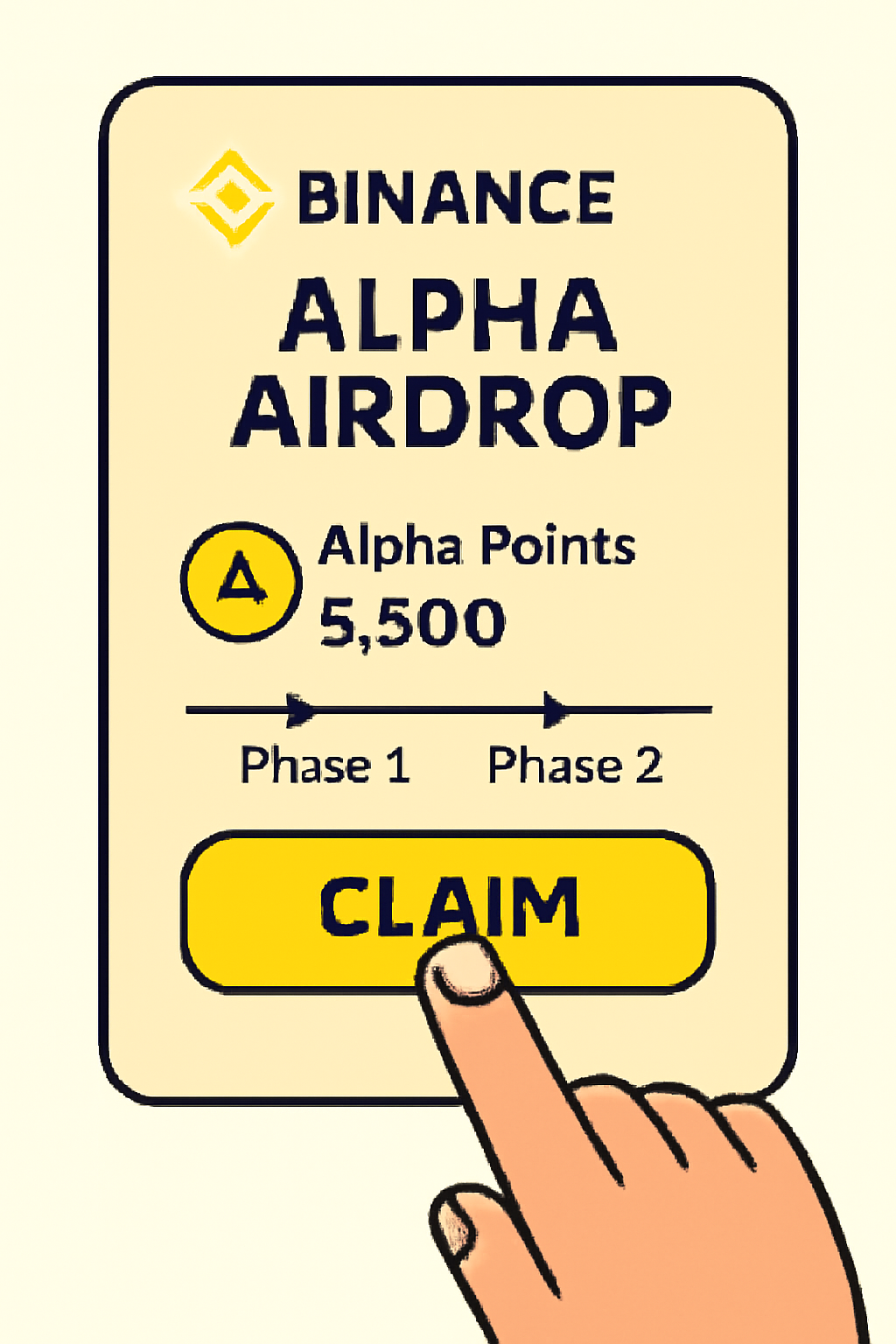
A user tapping the 'Claim' button on the Alpha Event page, with a confirmation message and digital tokens being added to their wallet.
Claim Your Airdrop When Eligible
Once the airdrop window opens for your phase, return to the Alpha Event page and tap 'Claim'. If you completed the Risk Pre-check, your claim should process quickly. Rewards will be credited to your account upon successful claim.

If you don’t see any active campaigns in your Task Center or under Alpha Events, double-check that you’re meeting the minimum thresholds: holding at least 0.01 BNB or having traded $50 and in spot markets recently. These criteria are strictly enforced.

Navigating the Two-Phase Claim System (2025 Update)

The two-phase system adds urgency and strategy to claiming your rewards:

  • Phase 1: For top participants based on Alpha Points accumulation. You’ll get early access during this window.
  • Phase 2: Opens for broader user base; tokens are distributed first-come, first-served until supplies run out.

A new 'Risk Pre-check' feature lets eligible users complete verification up to 15 minutes before claims open, significantly reducing failed attempts due to KYC delays or last-minute congestion.
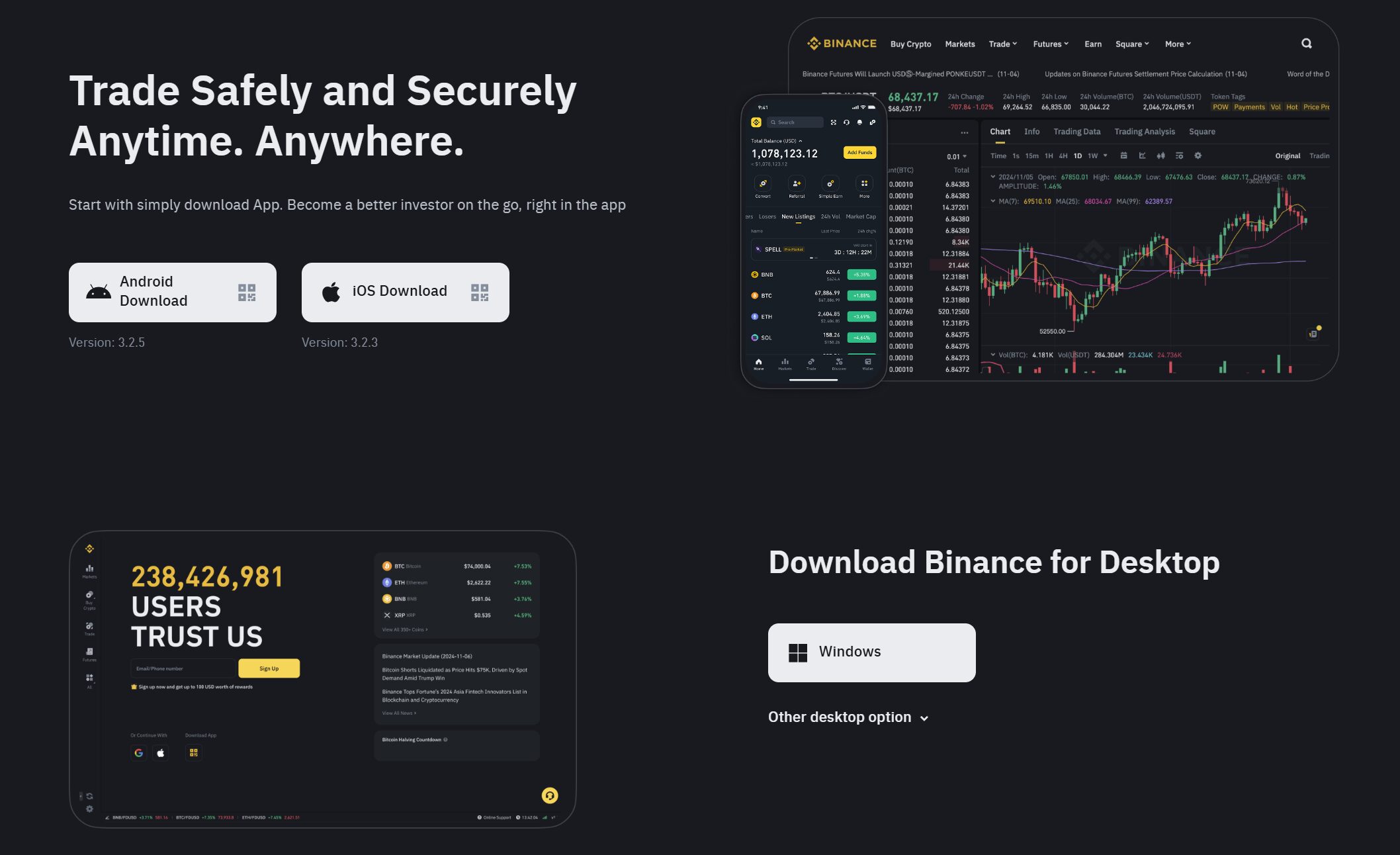
Binance app Risk Pre-check page screenshot for Alpha Airdrop claim process

This pre-check is especially valuable during high-demand launches like SnapX (XNAP) where competition can be fierce.

Troubleshooting Common Issues When Claiming Airdrops

If you run into snags, such as eligibility errors or missing claim buttons, double-check your trading volume and BNB holdings against the latest requirements. Sometimes simply refreshing your app or clearing cache resolves UI glitches that prevent claim access.

If you're looking for more detailed walkthroughs with visuals tailored to each campaign, check out our extended guide at /how-to-claim-binance-alpha-airdrops-step-by-step-guide-with-screenshots.

Once you’ve cleared eligibility and completed the Risk Pre-check, timing is everything. For Phase 1, set a reminder for the exact claim window, these slots can fill up in seconds, especially for high-profile projects. If you’re targeting Phase 2, be prepared to act fast as remaining tokens are distributed on a first-come basis. Having notifications enabled on your Binance app can give you a crucial edge.

Visual Walkthrough: Claiming Your Binance Alpha Airdrop

How to Claim Your Binance Alpha Airdrop: Step-by-Step Visual Guide
A smartphone displaying the Binance app login screen with a user entering credentials, modern UI, clear branding.
Access the Binance App and Log In
Open the Binance app on your device and securely log in to your account. Ensure you have completed all necessary KYC verifications for eligibility.
Binance app interface showing the profile icon, 'More Services', and a search bar with 'Alpha Events' typed in.
Navigate to Alpha Events
Tap the profile icon on the top left of the home screen. Select 'More Services' and use the search bar to type 'Alpha Events'. Tap on the 'Alpha Events' section to proceed.
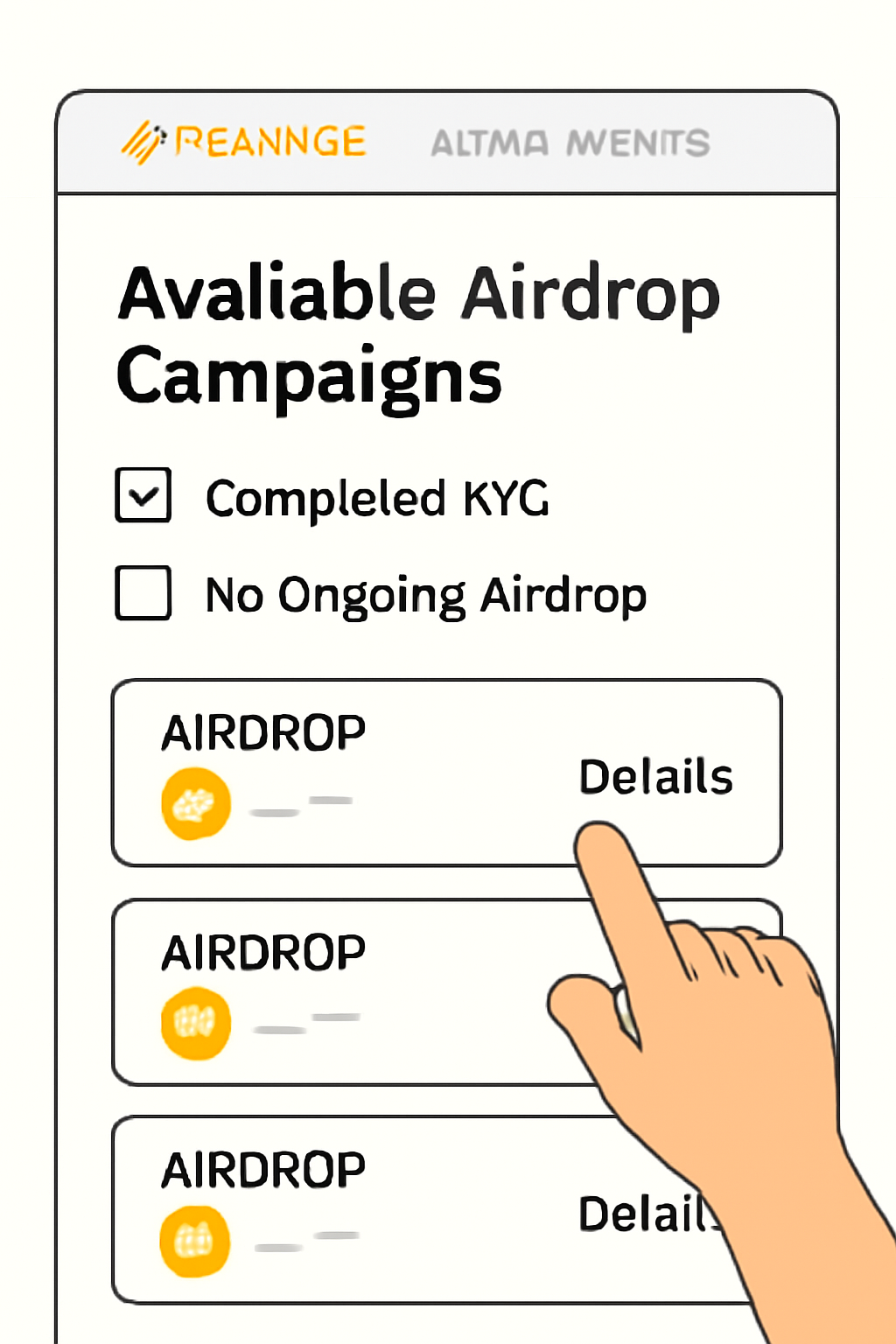
Binance Alpha Events page listing available airdrop campaigns, highlighting eligibility criteria and a specific airdrop.
Select the Relevant Alpha Airdrop
Within the Alpha Events section, locate the specific airdrop you are eligible for. Review the campaign details, including eligibility requirements (e.g., holding at least 0.01 BNB or trading $50+ in spot).
A user completing a risk pre-check verification on the Binance app, with a countdown timer and verification steps visible.
Complete the Risk Pre-check (If Required)
If prompted, complete the new 'Risk Pre-check' feature. This allows you to access the claim page 15 minutes before the airdrop starts and finish any necessary verifications in advance, streamlining your claim process.
A hand tapping the 'Claim' button on a Binance Alpha Airdrop event page, with Alpha Points and phase indicators visible.
Initiate the Claim Process (Phase 1 or 2)
If you have a high number of Alpha Points, participate in Phase 1. Otherwise, wait for Phase 2, where remaining tokens are available on a first-come, first-served basis. Tap the 'Claim' button once the phase is open to you.
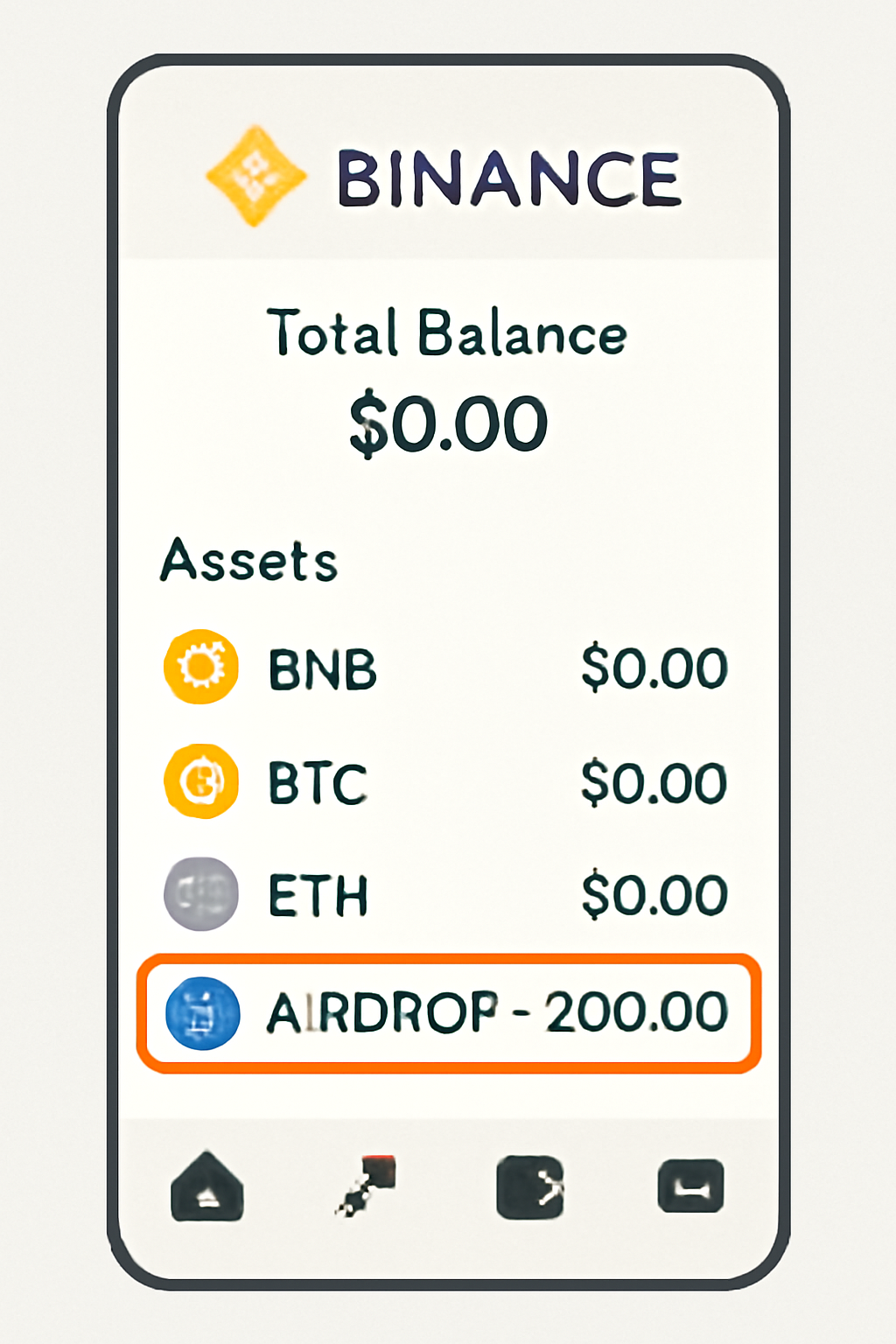
Binance wallet interface showing the newly received airdrop tokens highlighted in the asset list.
Confirm Receipt of Tokens in Your Wallet
After claiming, go to your Binance wallet. Check your balance to confirm that the airdropped tokens have been credited. If you do not see them immediately, allow a few minutes for processing.

After successfully claiming, your new tokens or rewards should appear in your Binance wallet under “Funding” or “Spot” within minutes. For some campaigns, rewards may be locked for a set period, always check the event details so you know when assets become tradable.

Maximizing Your Alpha Points and Future Rewards

To consistently qualify for future airdrops, focus on growing your Alpha Points. These points reset with each campaign but are primarily earned by:

  • Maintaining at least 0.01 BNB in your wallet throughout snapshot periods
  • Trading at least $50 in spot markets (BTC/USDT pairs are popular choices)
  • Participating in new launches or exclusive events listed in Alpha Events

The more points you accumulate before the next snapshot date, the better your odds of Phase 1 access. Some users automate recurring buys or set calendar reminders to ensure they never dip below required thresholds.

Key Security Tips When Claiming Airdrops

The surge in popularity of these campaigns has unfortunately attracted scammers and phishing attempts. Never click external links or connect your Binance account to unofficial sites promising extra rewards. Always use the official app or web portal and double-check URLs before entering sensitive information.

Binance Alpha Airdrop Security Checklist

  • Binance official app interface
    Always use the official Binance app or website (binance.com) to access Alpha airdrop events. Avoid third-party links or unofficial platforms to prevent phishing attacks.
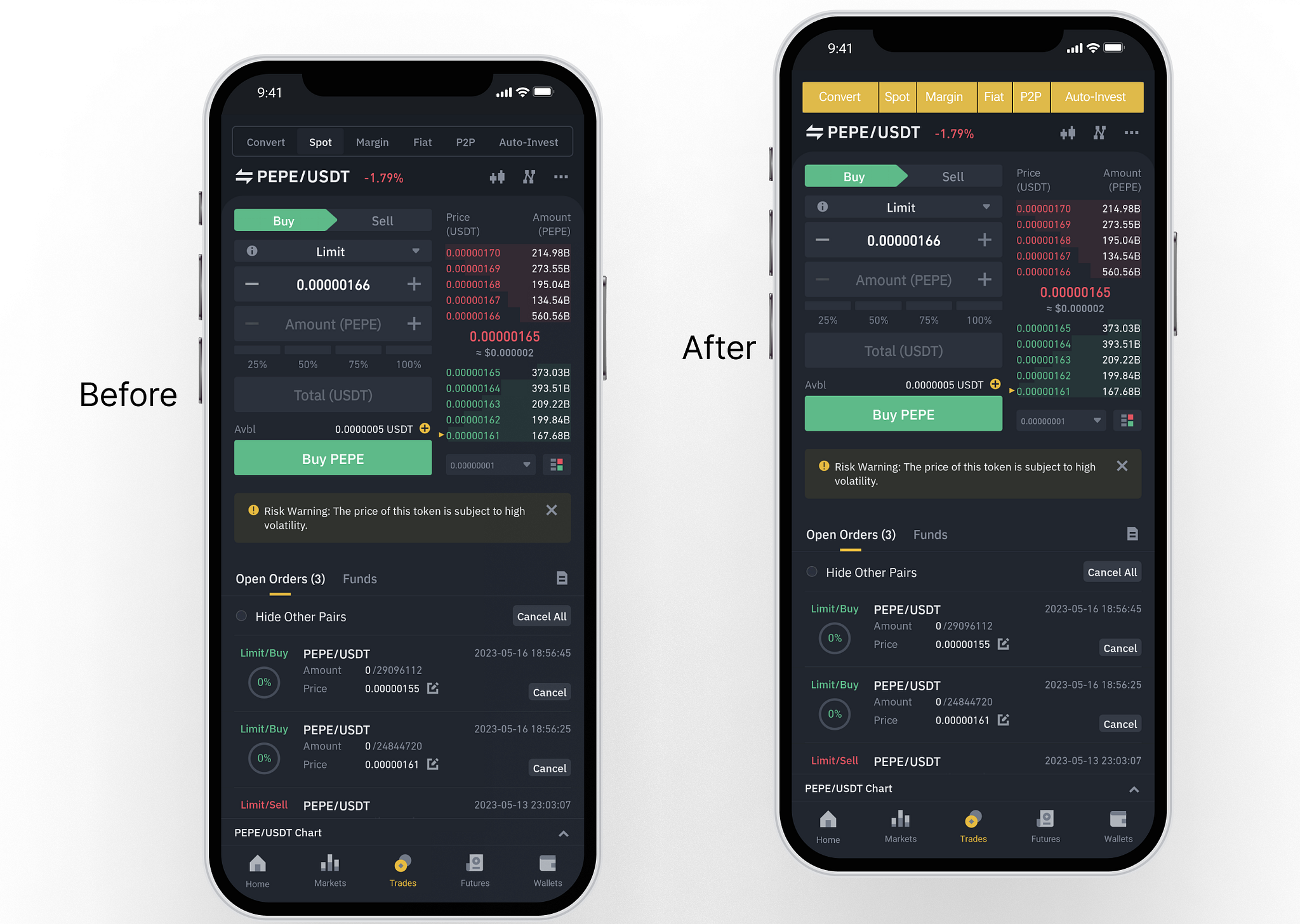
  • Binance Alpha Events page screenshot
    Verify your eligibility and airdrop details through the Task Center or Alpha Events section in your Binance account. Double-check any requirements, such as holding at least 0.01 BNB or trading $50+ in spot.
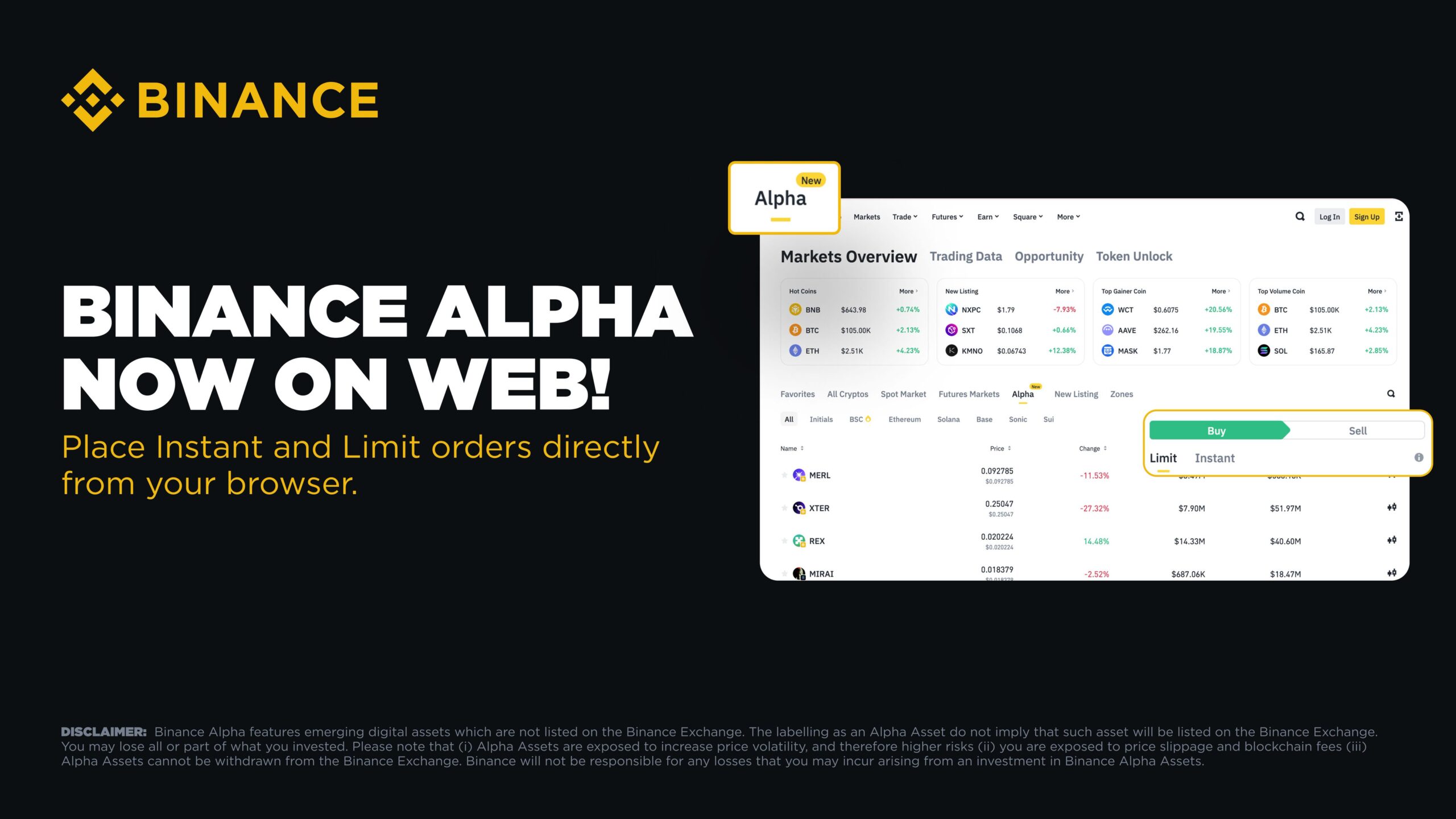
  • Binance Alpha Risk Pre-check feature screenshot
    Utilize the new 'Risk Pre-check' feature before the airdrop starts. This allows you to complete necessary verifications securely and access the claim page 15 minutes in advance.
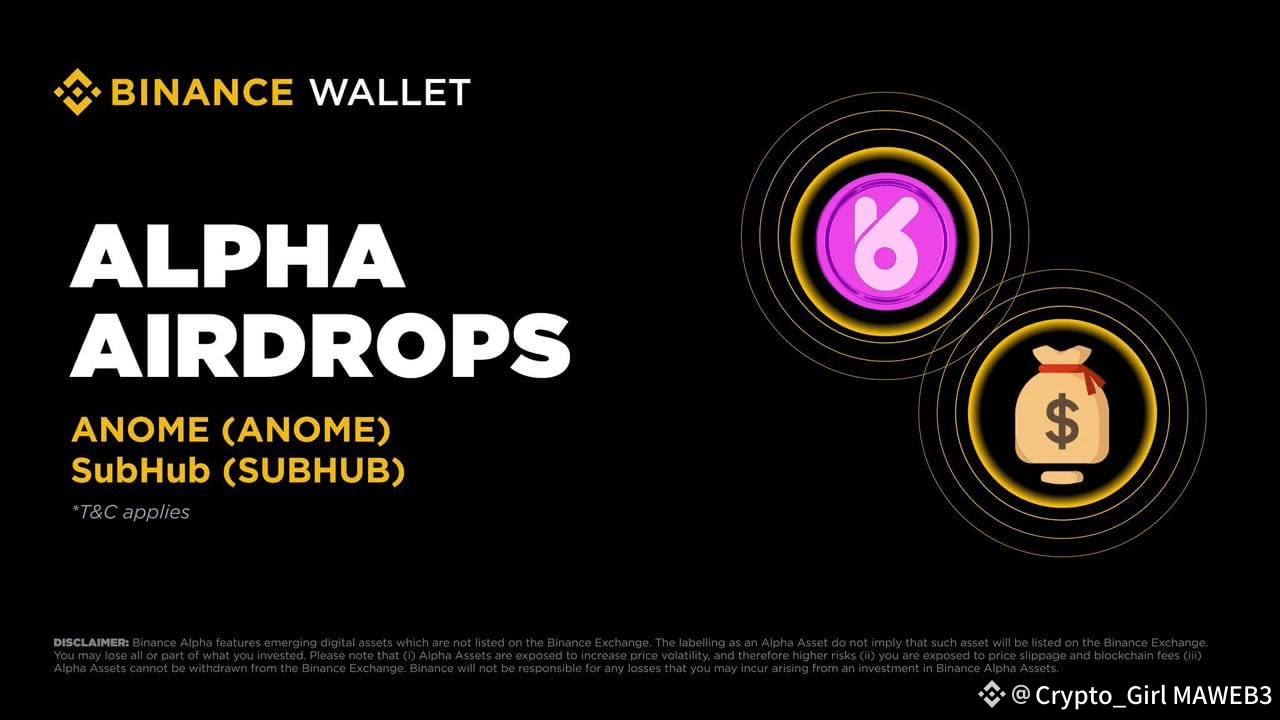
  • Binance 2FA security settings
    Enable two-factor authentication (2FA) on your Binance account for an extra layer of protection during airdrop participation.
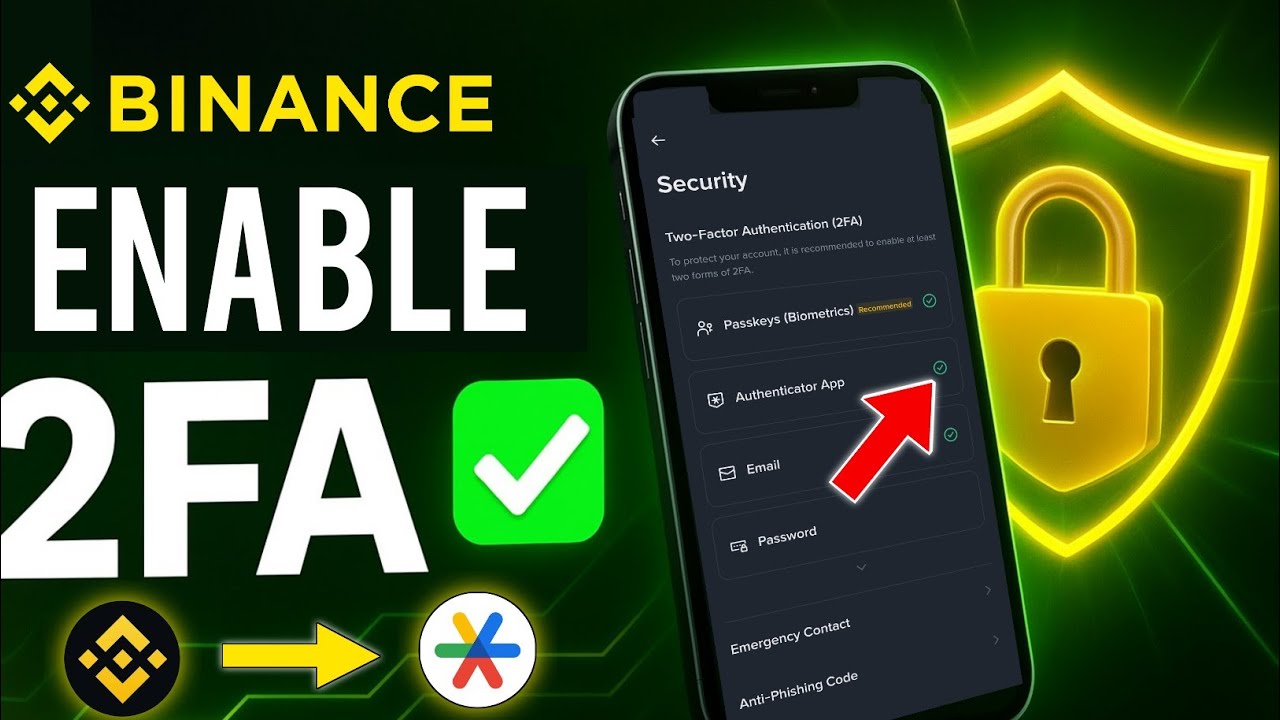
  • Binance official announcement channel screenshot
    Beware of scams and fake airdrop announcements on social media, email, or messaging apps. Cross-check all information with official Binance channels or the in-app notification center.
If you ever receive suspicious messages about "special access" or "priority claims, " report them directly through the Binance support center. Staying vigilant protects both your assets and personal data.

Frequently Asked Questions About Binance Alpha Airdrops

Binance Alpha Airdrop Claiming: Timing, Delays & Troubleshooting Explained

When can I claim my Binance Alpha airdrop rewards?
Claim timing for Binance Alpha airdrops is determined by the new two-phase system, effective from June 19, 2025. Phase 1 opens first for users with a higher number of Alpha Points. Phase 2 follows, allowing users with a slightly lower threshold to claim any remaining tokens on a first-come, first-served basis. Always check the official Alpha Events page for the precise start time of each phase.
Why is there a delay in receiving my airdrop rewards after claiming?
It's common for there to be a short delay between claiming your airdrop and seeing the rewards in your Binance account. Distribution can take several hours or even up to a few days depending on network congestion and the specific campaign. If you have completed all tasks and passed the 'Risk Pre-check', your rewards will be distributed automatically once processing is complete. Monitor your wallet and notifications for updates.
How do Alpha Points resets work, and will I lose my points after an airdrop?
Alpha Points are typically reset after each airdrop campaign concludes. This means your accumulated points are set back to zero once the distribution is finalized. This reset ensures fairness for future campaigns and encourages ongoing participation. Always use your Alpha Points before the campaign ends to maximize your eligibility for rewards.
🔄
What should I do if I meet the eligibility criteria but can't claim the airdrop?
If you're eligible (holding at least 0.01 BNB or trading $50+ in spot) but still can't claim, first ensure you've completed all required tasks and passed the 'Risk Pre-check' (available 15 minutes before the airdrop). Technical issues can sometimes occur; try refreshing the page, clearing your cache, or using the Binance app instead of the web platform. If the issue persists, contact Binance support with screenshots and details.
🛠️
How does the 'Risk Pre-check' feature impact my airdrop claim process?
The new 'Risk Pre-check' feature allows eligible users to access the claim page 15 minutes before the airdrop begins. This streamlines the process by letting you complete necessary verifications in advance, reducing the risk of missing out due to last-minute issues. Be sure to complete this step promptly to secure your place in the claim queue, especially during high-demand campaigns.
🔒

If you're ready to put this knowledge into action with full visuals and campaign-specific tips, our comprehensive visual guide is available at /how-to-claim-binance-alpha-airdrops-step-by-step-guide-with-visuals.

The evolving nature of Binance’s airdrop system means staying informed gives you an ongoing advantage, whether you're aiming for early-access tokens or maximizing every point toward future rewards. With strategic participation and strong security habits, these campaigns can be a consistent source of value as crypto adoption accelerates through 2025.