Ready to break free from high fees and slow transfers? With OKX Pay, you can send or receive crypto instantly, with zero fees, across the globe. Whether you're splitting a bill, paying a freelancer, or moving funds between wallets, OKX Pay makes it seamless and lightning-fast. Let’s dive into the exact steps you need to master instant, fee-free crypto payments.
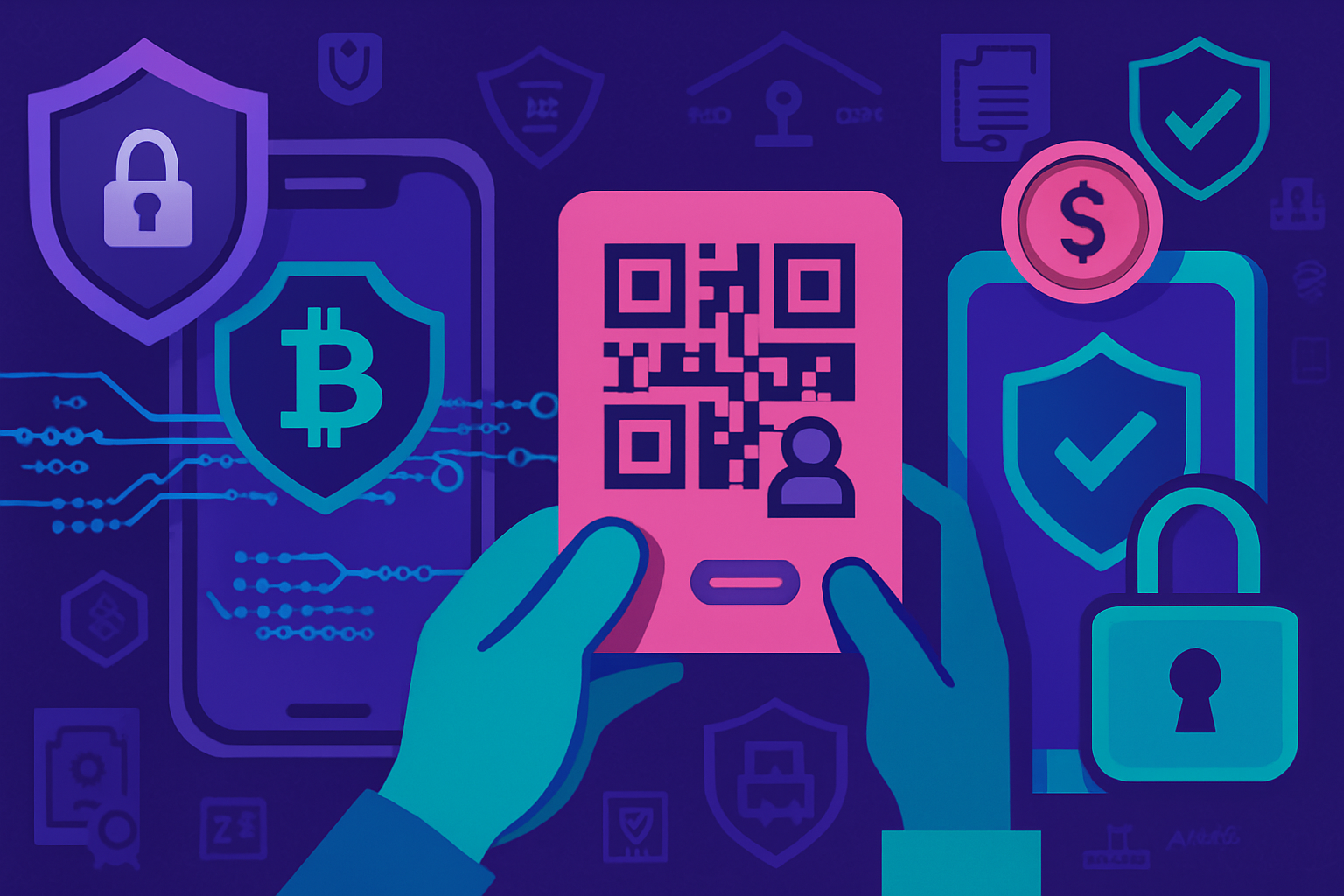
Two people using OKX Pay on their smartphones to instantly transfer cryptocurrency, featuring QR code sharing and fee-free global payments.

Why Use OKX Pay for Crypto Transfers?

Traditional crypto transfers often come with network fees and frustrating delays. OKX Pay flips the script by offering a streamlined solution: instant settlement, no transfer fees, and global reach. No more sweating over blockchain congestion or surprise deductions. You control the flow - just scan, tap, and your funds arrive in seconds.

Step 1: Access OKX Pay and Top Up Your Wallet

Your journey starts in the OKX app. If you’re new to OKX, set up your wallet by navigating to the

Set Up and Fund Your OKX Wallet: Quick Start Guide
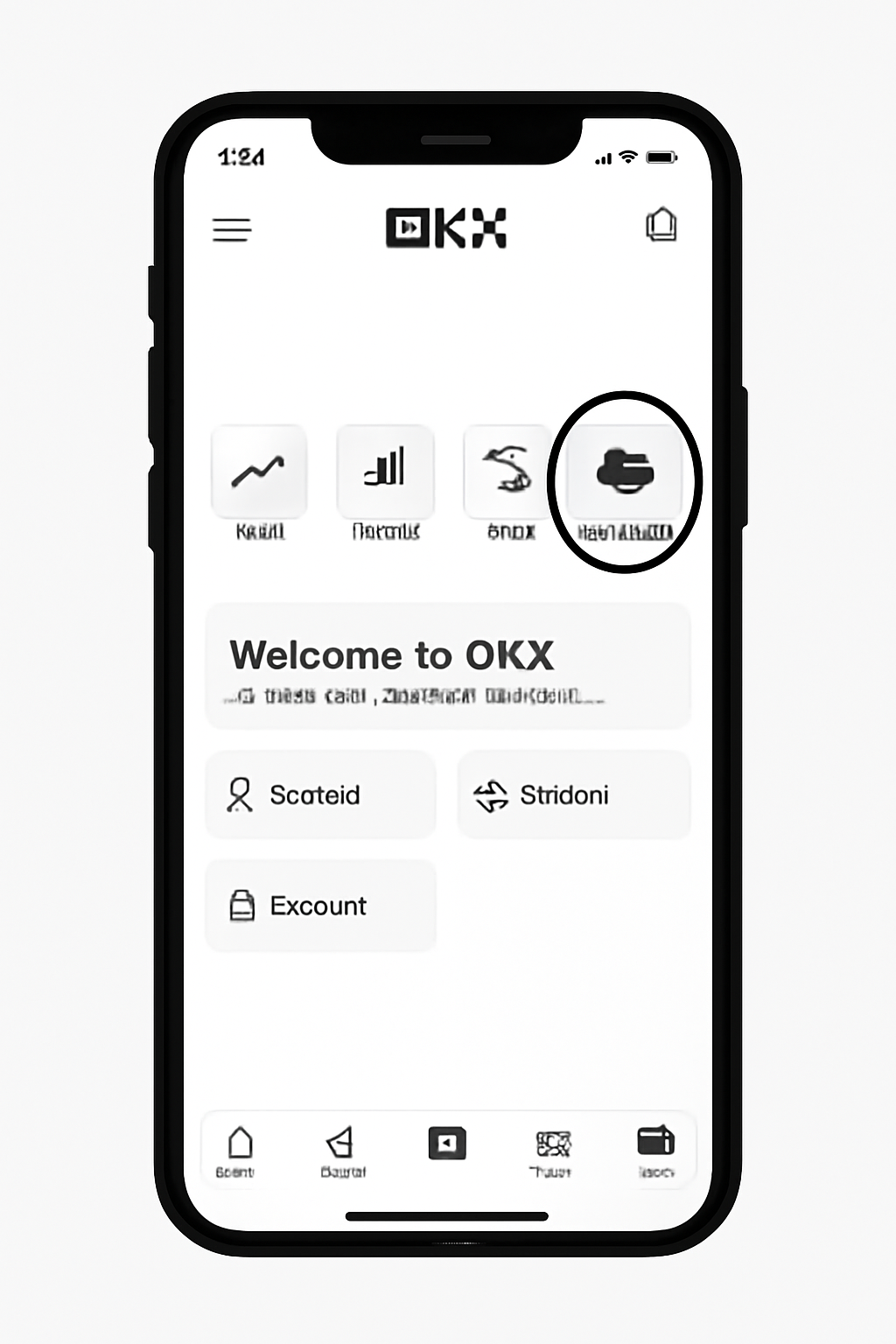
A smartphone displaying the OKX app home screen with the 'Wallet' icon highlighted, modern UI, simple background
Open the OKX App and Go to Wallet
Launch the OKX app on your device. On the home screen, find and tap the 'Wallet' section to get started with your crypto wallet setup.
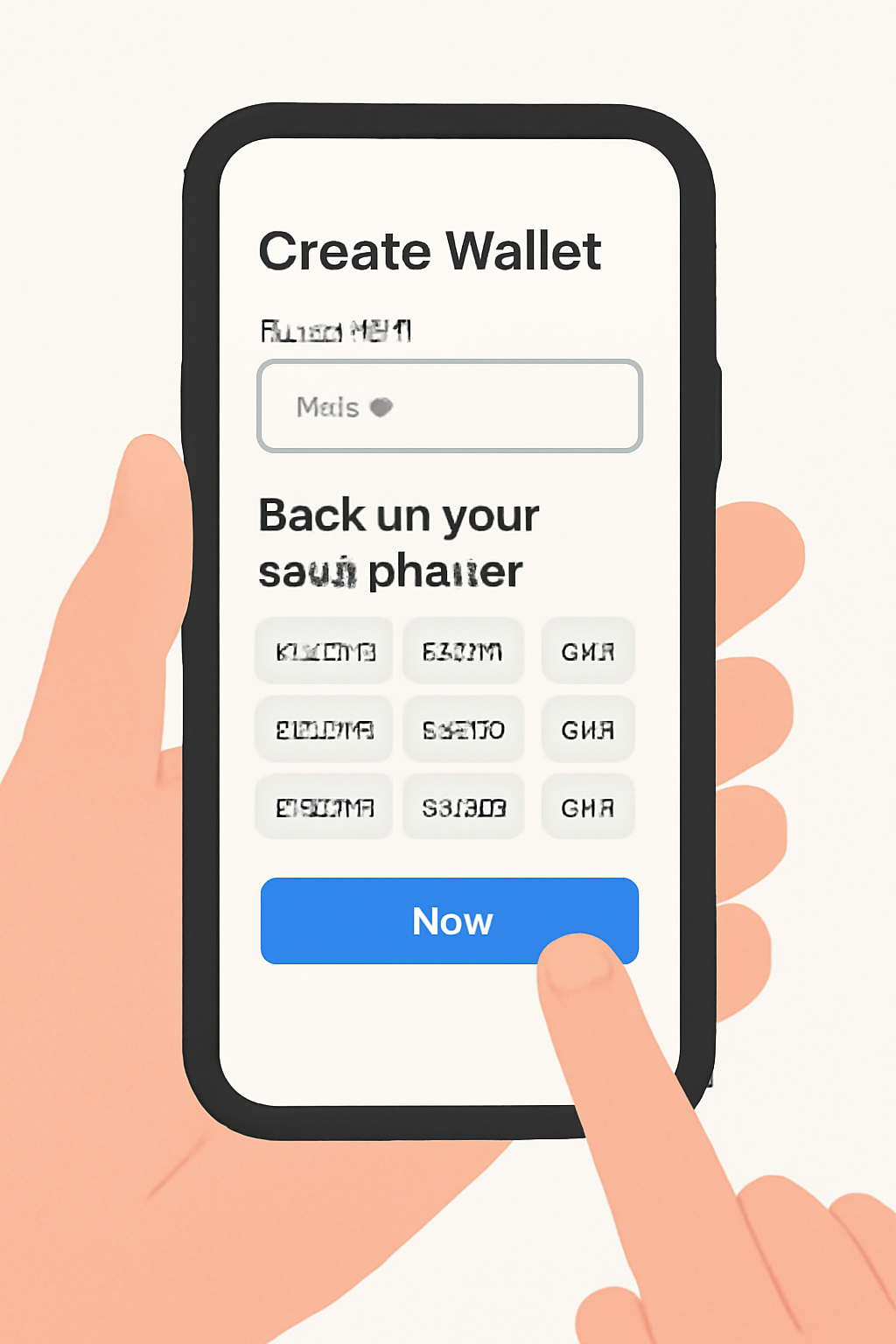
A user creating a crypto wallet on a smartphone, showing a password field and a seed phrase backup prompt, clear and simple illustration
Create or Import Your Wallet
Choose 'Create Wallet' to make a new wallet—set a strong password and securely back up your seed phrase. If you already have a wallet, select 'Import Wallet' and enter your seed phrase or private key.
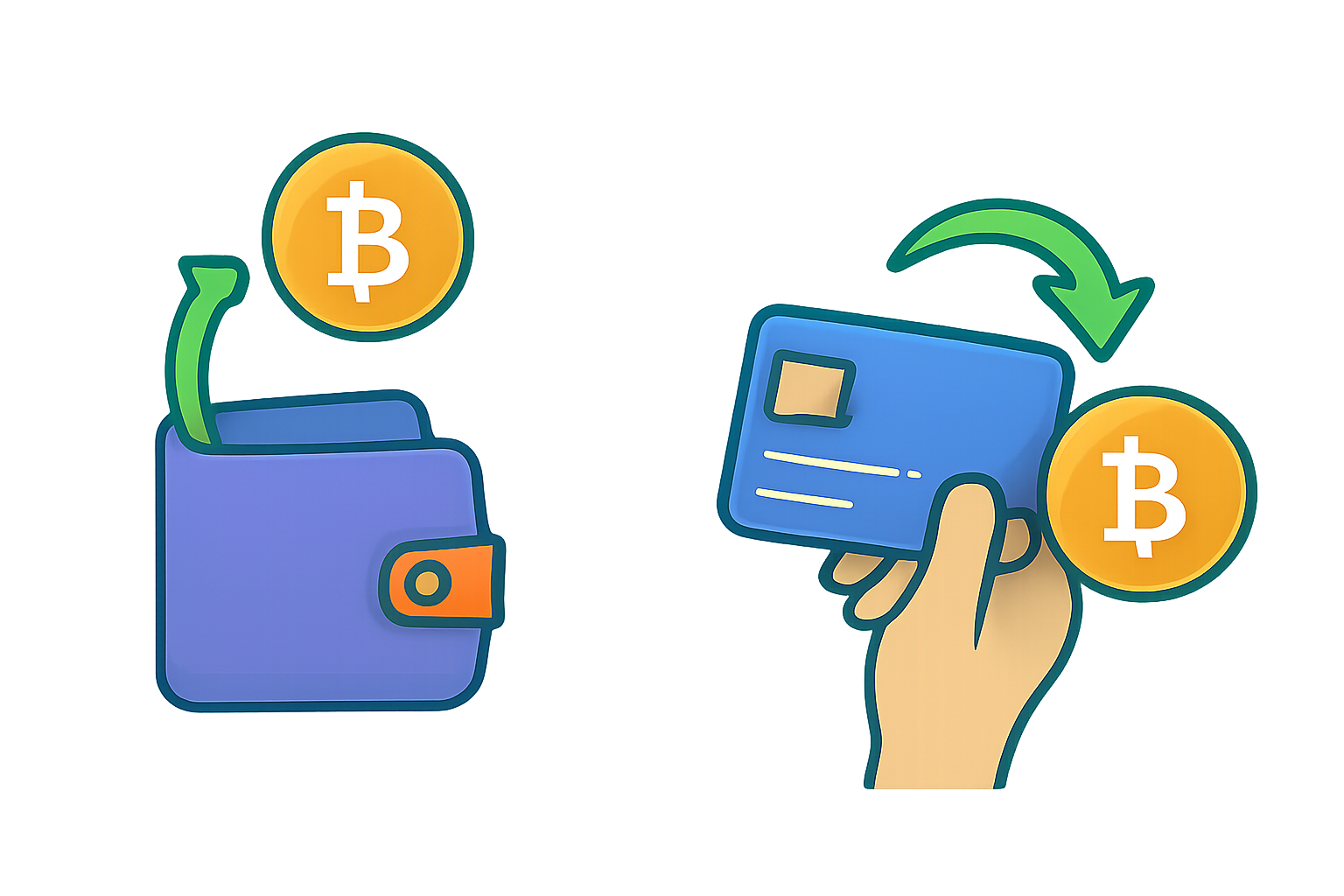
A digital wallet receiving a crypto deposit and a credit card being used to buy crypto, clear icons, vibrant colors
Fund Your Wallet: Deposit or Buy Crypto
Add funds by depositing crypto: copy your OKX wallet address and transfer from another wallet. Or, tap 'Buy Crypto' to purchase assets like BTC or ETH using your card or bank transfer—fast and fee-free!
interface in the app.
  • Select "Receive", then display your unique QR code or copy your payment link.
  • Share this code/link with the sender, or simply select a contact if they’re already on OKX.
  • The sender scans your QR code (or taps your link), enters the amount and asset, then hits send. No need to type out long addresses - one scan does it all!

    Step 3: Accept Incoming Transfers and Enjoy Instant Settlement

    The final move is effortless but essential: once someone sends you crypto via OKX Pay, you’ll get an in-app notification. Review and accept the incoming transfer; funds drop into your wallet instantly with zero fees deducted. It’s that simple!

    This process isn’t just about speed - it’s about peace of mind. No more worrying if funds are stuck in blockchain limbo or eaten up by gas fees. You see exactly what you receive, every time.

    OKX Pay’s zero-fee, instant settlement is a game changer for anyone tired of slow, costly cross-border payments. Once you’ve accepted the incoming transfer, your crypto is available to use immediately, no waiting, no hidden deductions. Whether you’re sending USDT to a friend overseas or receiving ETH for freelance work, the entire process is frictionless.

    Security Tips: Stay Safe While Using OKX Pay

    Efficiency doesn’t come at the expense of safety. Here’s how to keep your assets secure as you embrace instant crypto payments:

    OKX Pay Security Essentials 🚀

    • Enable Two-Factor Authentication (2FA) on your OKX account for extra security.🔐
    • Set a unique phishing code to identify official OKX communications.🛡️
    • Never share your OKX Pay QR code or payment link in public forums or with untrusted parties.🚫
    • Double-check the recipient's wallet address or QR code before confirming any transfer.🔎
    • Be cautious of unsolicited messages or links—always verify the sender's identity.⚠️
    • Regularly review your OKX account activity for any unauthorized transactions.👀
    • Update your app and device software to the latest versions to patch security vulnerabilities.🔄
    Awesome! Your OKX Pay account is now protected with top-notch security practices. Stay vigilant and enjoy instant, fee-free crypto transfers!

    Always double-check recipient details before confirming a transfer. Enable two-factor authentication (2FA) and set a phishing code in your OKX profile for extra protection. Never share your seed phrase or private keys, your wallet security starts with you.

    Pro Tips: Maximize Your Fee-Free Transfers

    • Batch Payments: Need to pay multiple people? Use the contact picker in OKX Pay to send funds in rapid succession without repeated manual entry.
    • Red Envelopes: Try the red envelope feature to send crypto gifts or bonuses to groups, perfect for community rewards or team incentives.
    • Track Your Activity: Monitor all incoming and outgoing transfers right within the app’s transaction history tab for full transparency.

    If you want a more visual walkthrough of each step, check out our OKX Pay Visual Guide. For those comparing traditional bank transfers with crypto alternatives, see our deep dive on OKX Pay vs Bank Transfers.

    OKX Pay: Your Guide to Instant, Fee-Free Crypto Transfers

    How do I send or receive crypto instantly with OKX Pay?
    To use OKX Pay for instant, fee-free crypto transfers, simply access the [Pay] section in your OKX app. Top up your wallet with supported crypto assets, then either share your unique OKX Pay QR code or payment link with the sender, or select a contact to send funds. Once the recipient accepts, the transfer is completed instantly—no waiting, no fees!
    Which cryptocurrencies are supported for fee-free transfers on OKX Pay?
    OKX Pay supports a wide range of popular cryptocurrencies, including Bitcoin (BTC), Ethereum (ETH), and many others. The list of supported coins may expand over time, so always check the OKX app for the most up-to-date options. Make sure both sender and receiver select a supported asset for a smooth, fee-free transfer experience.
    💰
    Is there a minimum amount required to transfer crypto using OKX Pay?
    Yes, there may be a minimum transfer amount depending on the specific cryptocurrency you choose. These minimums are set to ensure network efficiency and are displayed in the OKX Pay interface before you confirm your transfer. Always double-check the minimum requirement for your selected asset to avoid failed transactions.
    🔢
    What should I do if my OKX Pay transfer fails or isn’t received instantly?
    If your transfer doesn’t go through or isn’t received instantly, first verify the recipient’s address or QR code and ensure you’ve selected a supported coin and met the minimum transfer amount. Check your internet connection and confirm that your OKX app is up to date. If issues persist, contact OKX customer support for prompt assistance.
    🛠️
    Are there really no fees for sending crypto with OKX Pay?
    That’s right—OKX Pay offers truly zero-fee crypto transfers between OKX wallets! You can send and receive supported cryptocurrencies globally without worrying about hidden costs or network fees. Just remember, standard blockchain withdrawal fees may still apply if you move funds out of your OKX wallet to an external address.
    🎉

    The bottom line? With OKX Pay’s instant settlement and zero-fee structure, you unlock true global payments power, no more delays or surprises. Set up your wallet today and experience what fast, borderless finance should feel like!