
In the maturing Bitcoin landscape of 2026, self-custody remains the cornerstone of true ownership. With exchange hacks and regulatory uncertainties lingering, hardware wallets like Ledger and Trezor Safe 7 stand out as essential tools for safeguarding private keys. This Ledger vs Trezor Safe 7 comparison zeros in on security for Bitcoin holders, drawing from recent market insights and technical evolutions. As an investor who values prudence over hype, I prioritize devices that balance robust defenses with verifiable trust, especially as Bitcoin-only setups gain traction amid calls for air-gapped, open-source alternatives.
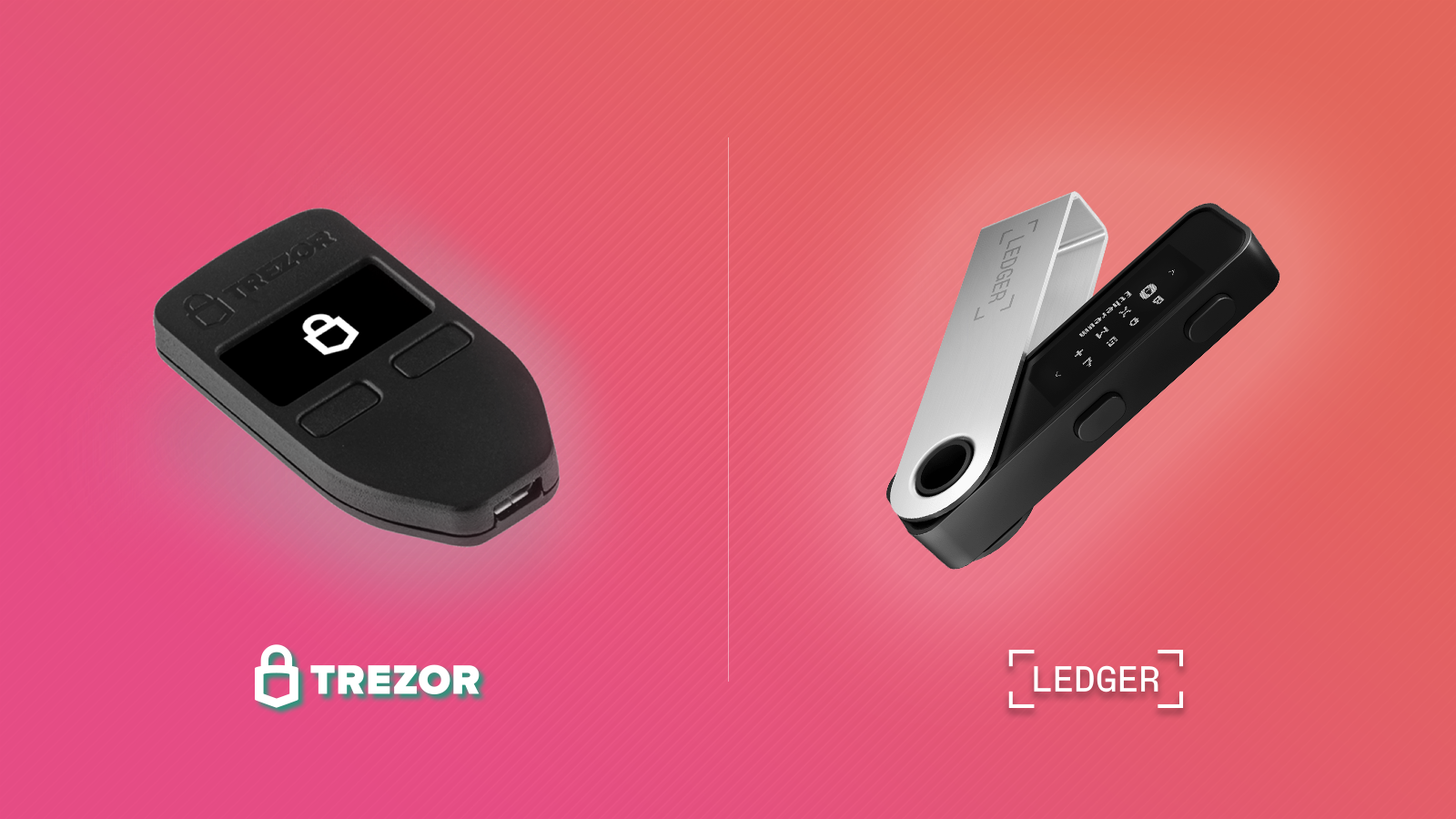
Recent reviews underscore a shifting preference. Sources like BitDegree award Trezor Safe 7 a stellar 9.6 overall score, edging out Ledger, while Bitbo praises Trezor Safe 5's touchscreen and documentation for beginners. Reddit's BitcoinBeginners even nudges newcomers toward Bitcoin-only options like Coldcard, yet Trezor and Ledger persist as frontrunners for their polish and features. CoinNews highlights Ledger's edge in physical security via its Secure Element chip, contrasted with Trezor's open-source transparency. For long-term holders, these nuances matter profoundly.
Foundations of Hardware Security for Bitcoin Holders
Hardware wallets protect your seed phrase offline, signing transactions without exposing keys to the internet. Both Ledger and Trezor Safe 7 excel here, but their philosophies diverge. Ledger employs a certified Secure Element chip, akin to those in passports and credit cards, isolating keys from the microcontroller. This CC EAL5 and rated component thwarts physical attacks like side-channel exploits. Trezor Safe 7, meanwhile, leverages a single-chip design with full open-source firmware, inviting global audits to catch flaws early.
Consider past incidents: Ledger's 2020 data breach leaked emails but spared funds, prompting privacy upgrades. Trezor withstood a Kraken hack demo requiring physical access and tools, yet it reinforces defenses like PIN delays and auto-wipe after 16 failures. For Bitcoin self-custody, both support passphrase extensions and air-gapped signing, but Trezor's Shamir Backup splits seeds into shares, adding recovery resilience absent in base Ledger models.
Key Security Features: Ledger vs Trezor Safe 7
| Security Feature | Ledger | Trezor Safe 7 |
|---|---|---|
| Secure Element | Yes ✅ | No ❌ |
| Open-Source Firmware | No ❌ | Yes ✅ |
| PIN Protection | Yes ✅ | Yes ✅ |
| Shamir Backup | No ❌ | Yes ✅ |
| Physical Attack Resistance | High 🛡️ | Medium ⚠️ |
Ledger's Fortress: Secure Element in Action
Ledger's strength lies in its proprietary BOLOS operating system atop the Secure Element. This setup performs all crypto ops within a tamper-resistant zone, making key extraction via voltage glitching or fault injection exceedingly difficult. Cybersecurity tests affirm no Ledger device has been remotely compromised, and physical hacks demand nation-state resources. Ideal for users eyeing high-value Bitcoin stacks, where theft risk looms large.
Critics note the closed-source nature limits peer review, fostering distrust among purists. Yet, for investors like me, who weathered bond market volatilities, Ledger's battle-tested chip offers peace of mind. Pair it with Bitcoin-only apps via Sparrow wallet integration, as community threads suggest, and it rivals specialized devices. Check our visual guide for deeper dives into recent iterations.

Trezor Safe 7's Transparency Edge for Bitcoin Purists
Trezor Safe 7 embodies the open-source ethos, with every line of code public on GitHub. Run Bitcoin-only firmware, as cyprusconsulate. kz recommends for Safe 3/5 equivalents, and it strips altcoin code, minimizing attack surfaces. The aluminum build, touchscreen, and haptic feedback streamline verification without compromising air-gapped purity.
Physical vulnerabilities exist, but mitigations like 20-second PIN delays escalating to wipes deter brute-force. Passphrase support adds a hidden wallet layer, and Shamir's secret sharing disperses recovery risks. Market nods, from Money. com's top lists to Ventureburn's rankings, position Trezor as a best hardware wallet 2026 contender for transparency advocates. In Trezor Safe 7 vs Ledger Nano X matchups, its score shines, particularly for Trezor Safe 7 Bitcoin focus.
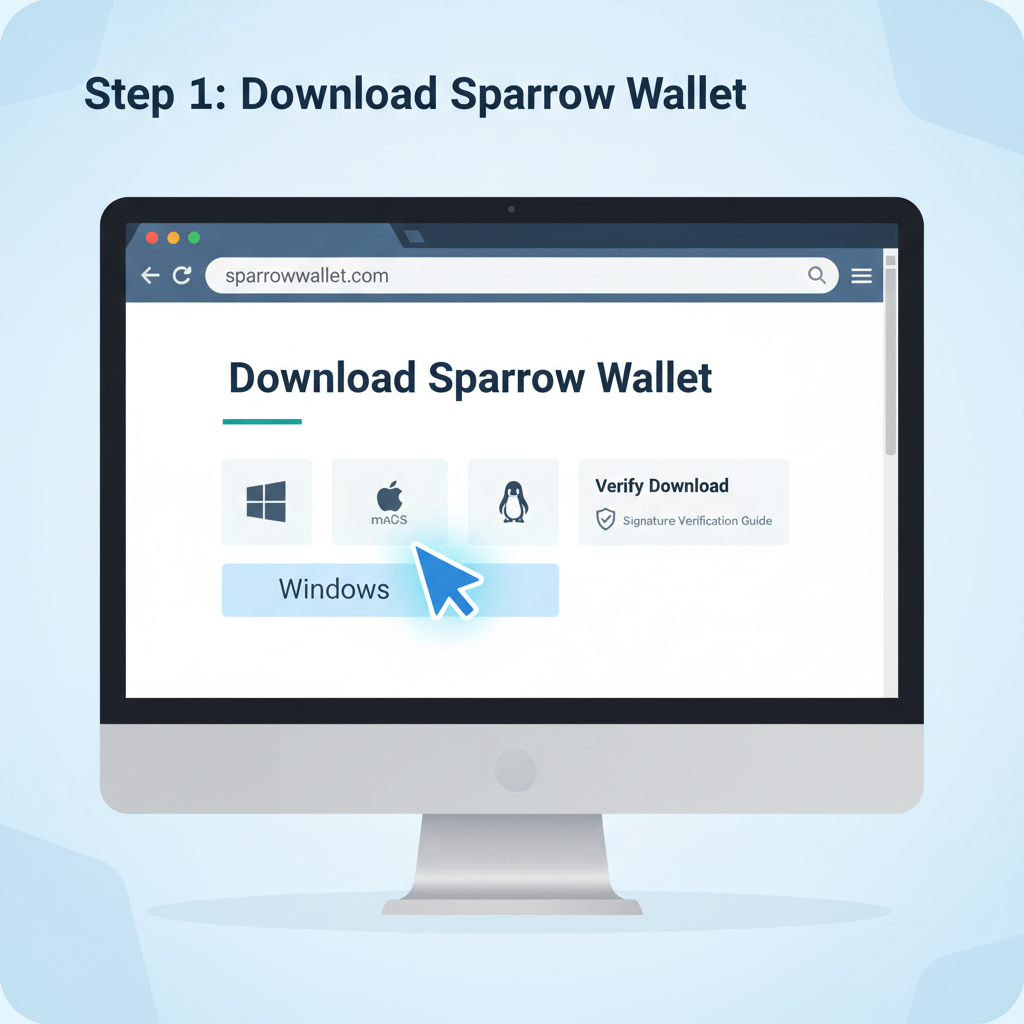
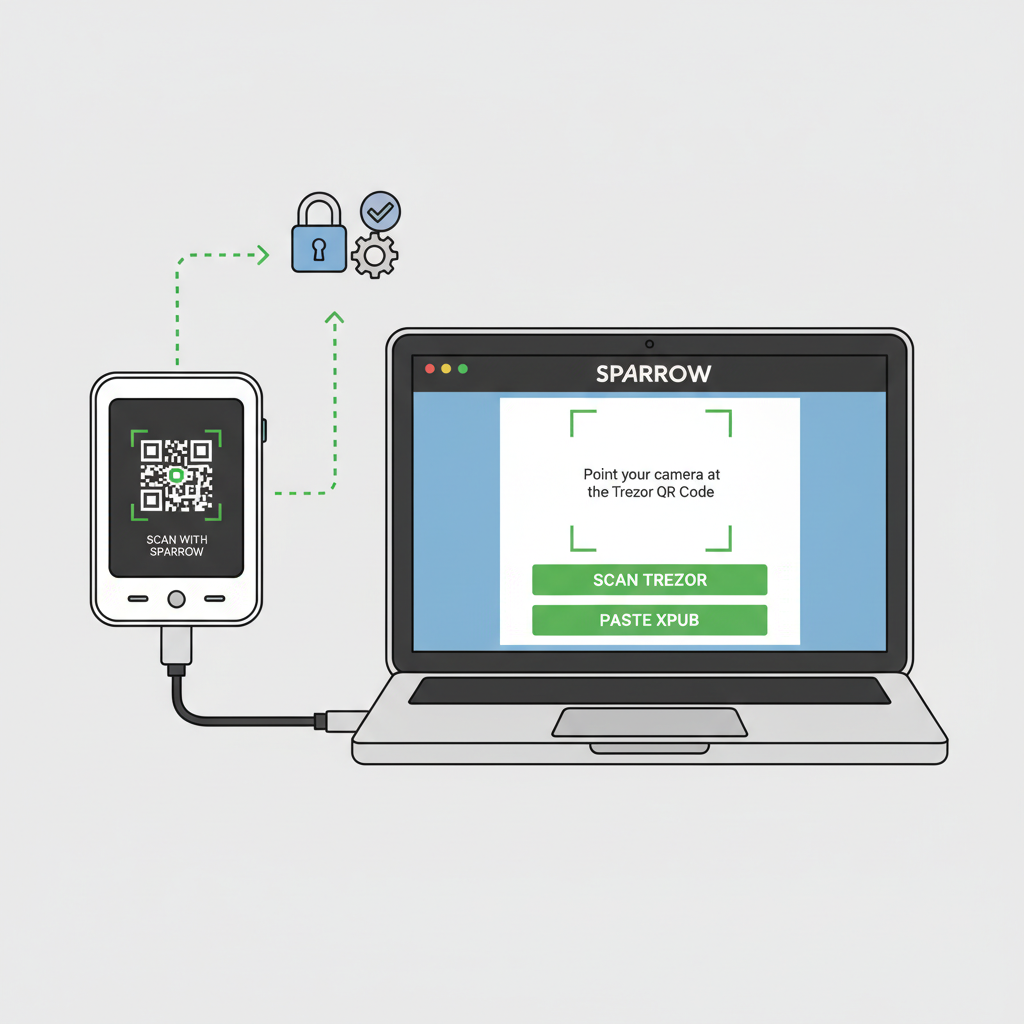
Yet Trezor's appeal extends to its seamless Bitcoin ecosystem ties. Integration with Sparrow wallet, a favorite among self-custodians, enables air-gapped signing and PSBT support, aligning with Reddit's push for specialized tools. For those prioritizing hardware wallet comparison 2026, Trezor Safe 7's firmware flexibility lets users strip non-Bitcoin code, echoing cyprusconsulate. kz's endorsement of Bitcoin-only modes.
Usability and Everyday Self-Custody
Security without usability invites errors, the silent killer of custody plans. Ledger's companion app shines with intuitive Bluetooth pairing on Nano X models, supporting mobile verification for on-the-go checks. Its compact design slips into pockets, but button navigation can feel clunky during extended sessions. Trezor Safe 7 counters with a vibrant touchscreen and haptic cues, making seed verification and transaction reviews fluid, as Bitbo lauds for Safe 5 relatives. Both onboard newcomers swiftly, yet Trezor's open docs and video guides edge out Ledger's occasionally opaque updates.
In practice, I've tested both during market dips, signing swaps without exposing keys. Ledger's BOLOS demands explicit approvals, curbing blind-signing risks, while Trezor's color-coded screens flag anomalies instantly. For Sparrow wallet Trezor fans, the combo excels in multisig setups, as CoinGape notes for top 2026 wallets. Beginners benefit from Trezor's Shamir prompts, distributing shares to family without single-point failure.
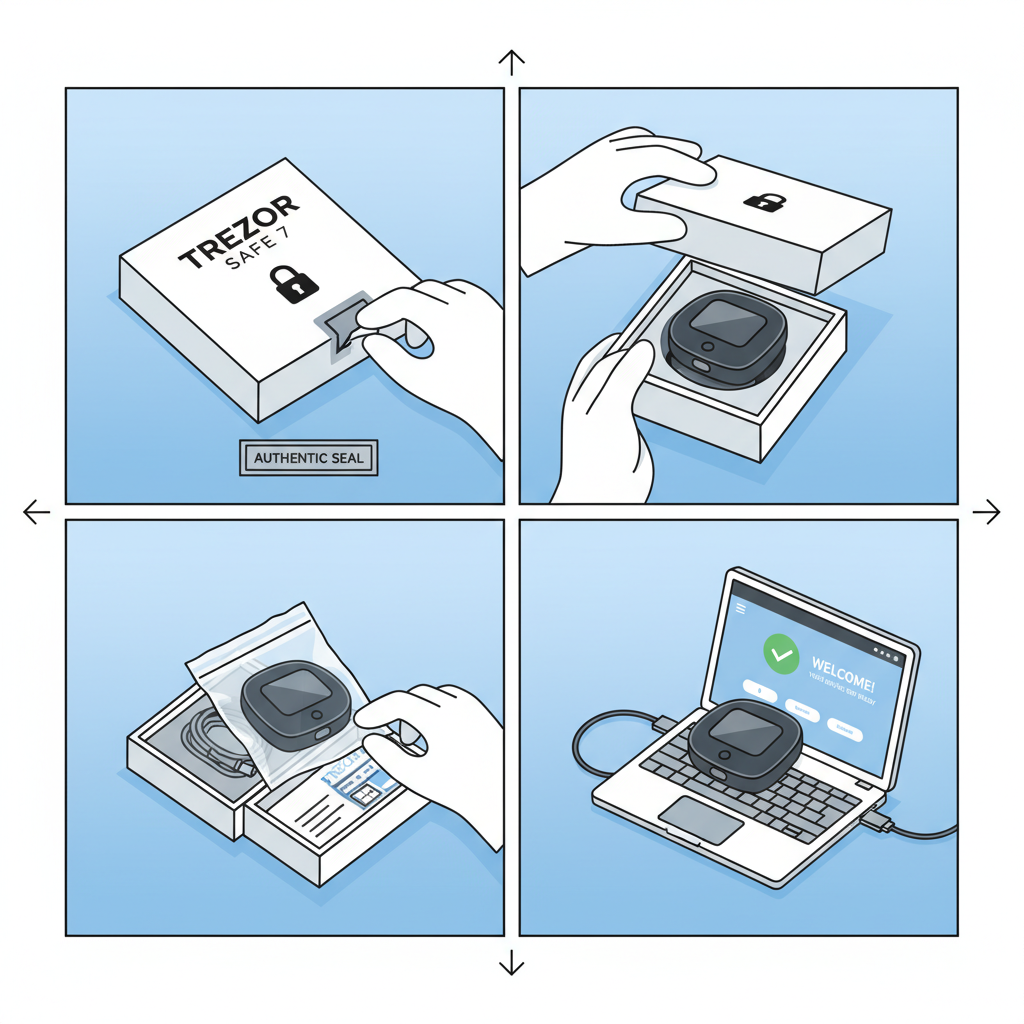
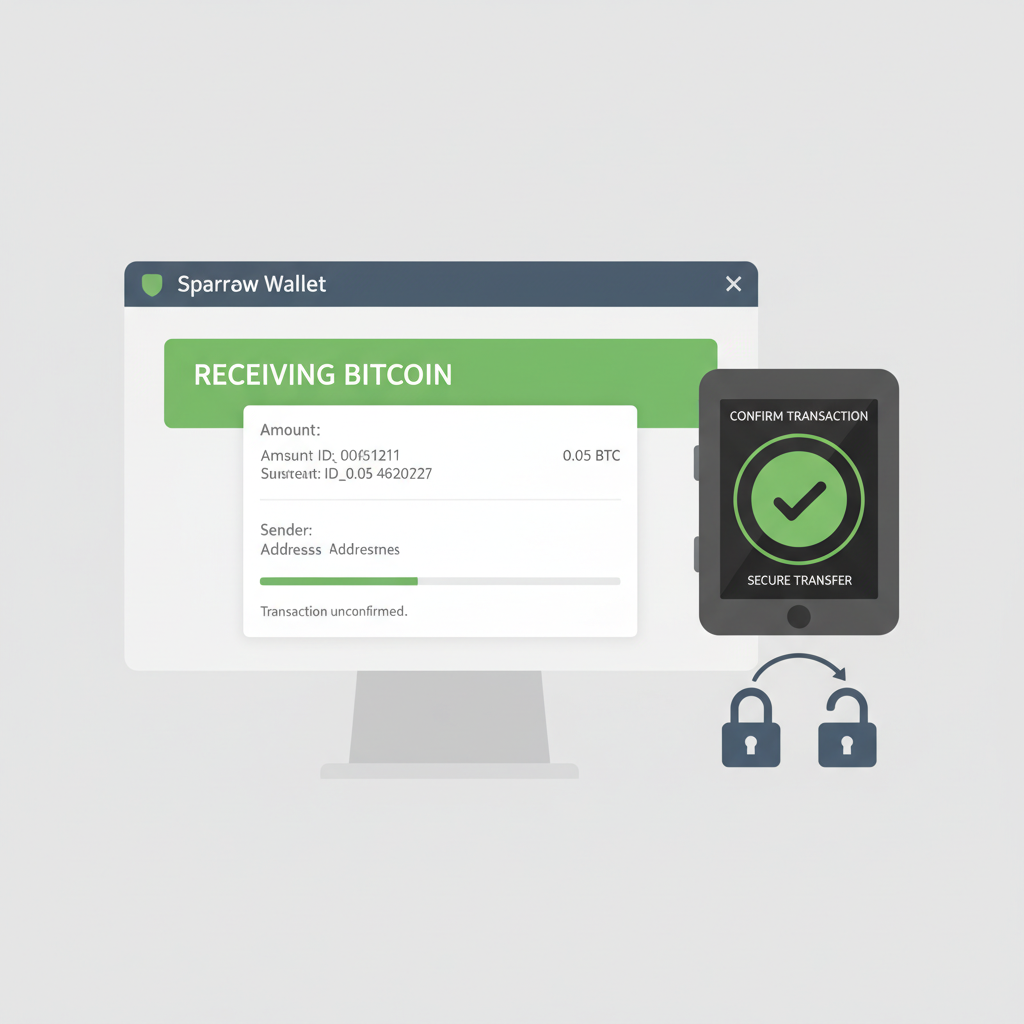
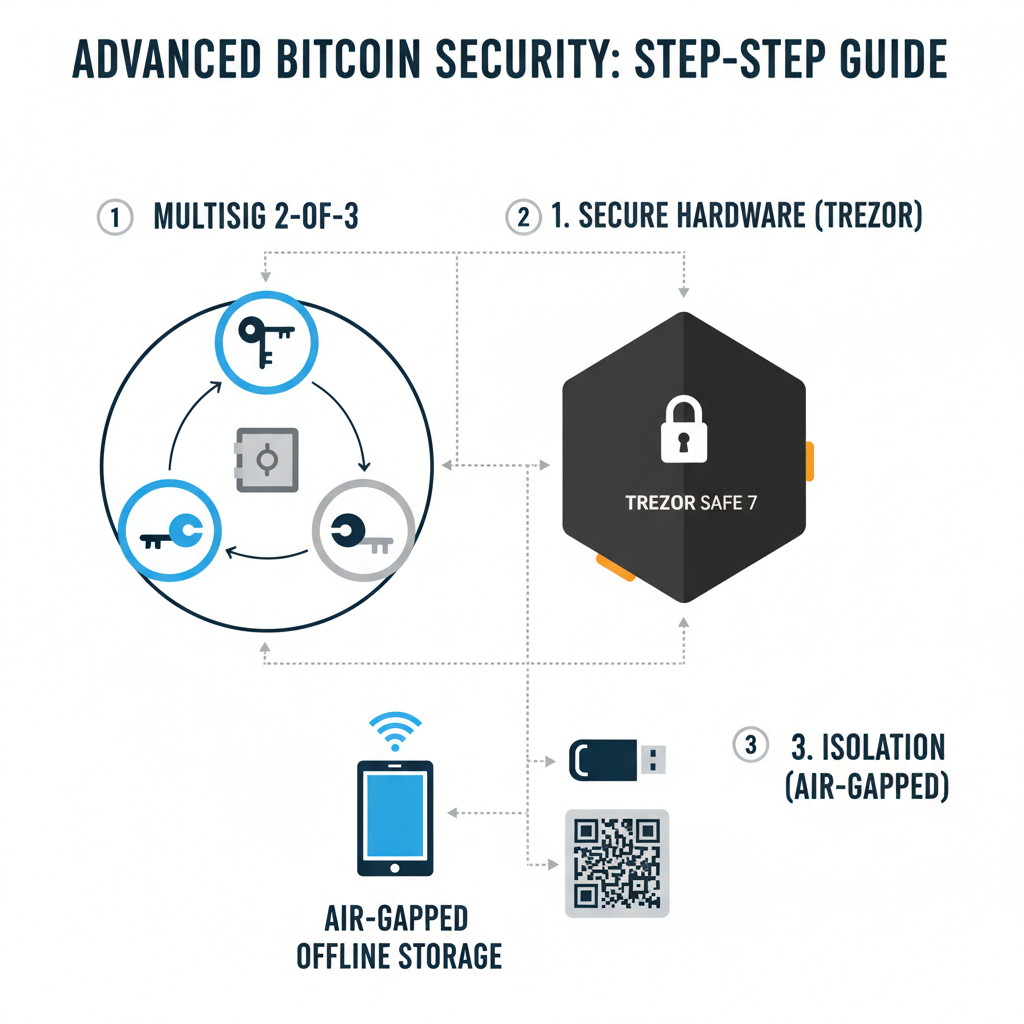
Secure Your Bitcoin: Trezor Safe 7 + Sparrow Wallet Setup Guide

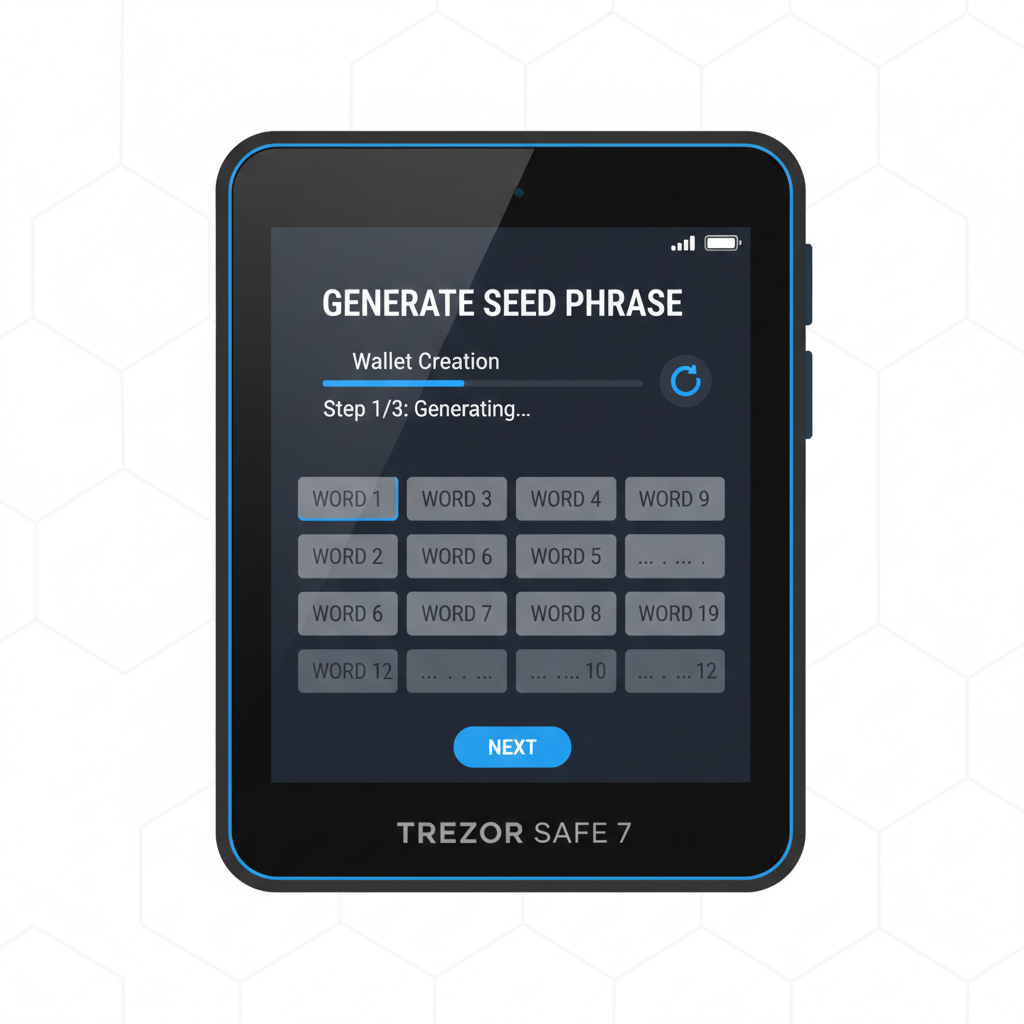
Head-to-Head: Ledger vs Trezor Safe 7 Metrics
Diving into specifics reveals trade-offs. Ledger excels in physical resilience, its Secure Element shrugging off lab assaults that compromised older Trezors under duress. CoinLedger affirms no Ledger hacks to date, bolstering Ledger bitcoin security. Trezor counters with auditability; post-Kraken, firmware patches rolled out community-wide, a transparency Ledger can't match.
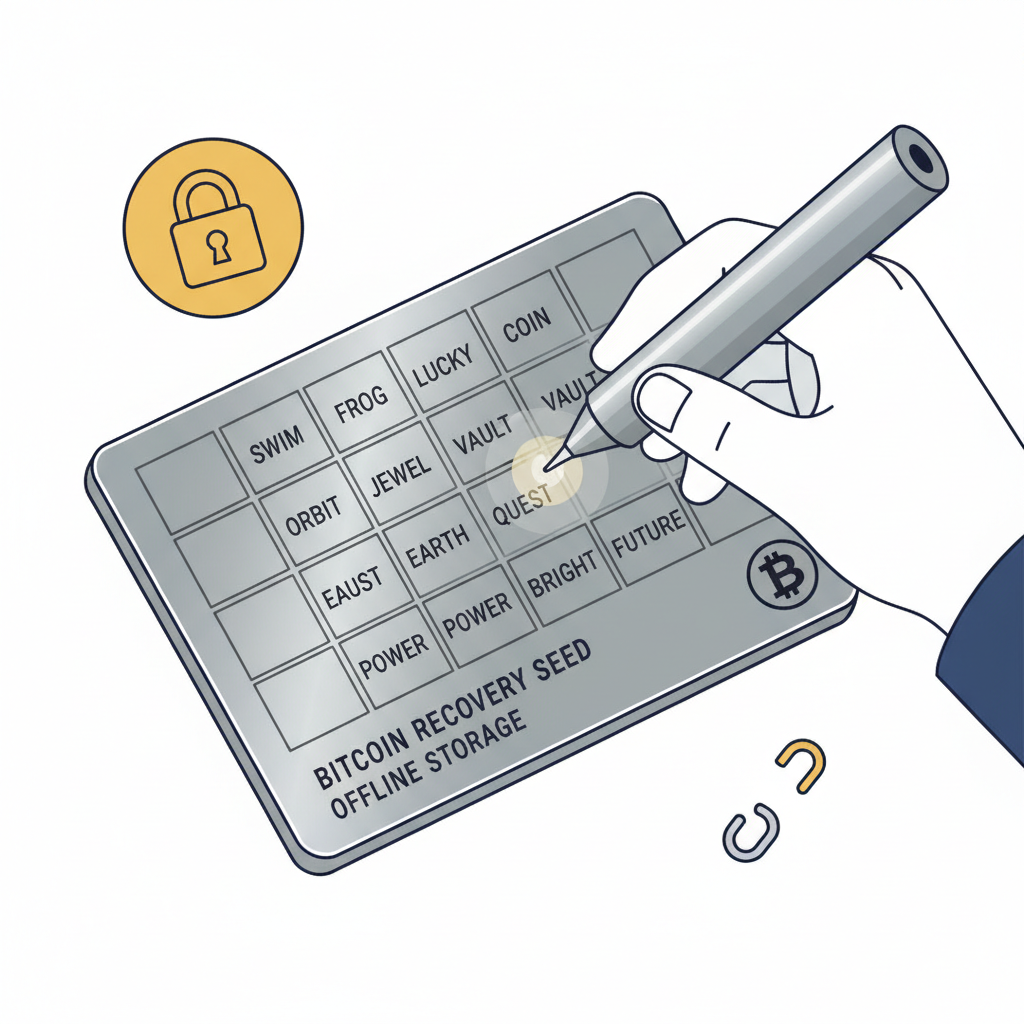
Recovery stands out: Ledger relies on 24-word seeds with optional passphrase, solid but centralized. Trezor's Shamir splits into 20-of-33 shares, ideal for estate planning amid Bitcoin's ascent. Battery-free designs on both ensure longevity, but Trezor's aluminum casing withstands drops better than Ledger's plastic. Firmware updates arrive OTA securely, with Trezor prompting manual verification for purists.
Ledger vs Trezor Safe 7: Security Features Comparison
| Feature | Ledger | Trezor Safe 7 |
|---|---|---|
| Touchscreen | No ❌ 7/10 | Yes ✅ 9/10 |
| Bluetooth | Yes (Nano X) ⚠️ 6/10 | No ✅ 10/10 |
| Battery Life | N/A ⚠️ 7/10 | None ✅ 10/10 |
| Seed Backup | 24-word 🔒 8/10 | Shamir option 🔒🔒 10/10 |
| App Ecosystem | Ledger Live 🛡️ 8/10 | Trezor Suite & third-party 🔓✅ 9/10 |
Advanced Scenarios: Multisig and Long-Term Holding
For sophisticated holders, multisig elevates security. Both integrate with wallets like Safe and Electrum, requiring multiple keys for spends. Trezor's open-source shines here, as community scripts enhance Bitcoin-only multisig. Ledger's element secures keys in quorum setups, praised in YouTube breakdowns like Hack Crypto's Nano X review. In 2026's regulatory haze, these features future-proof stacks against coercion or loss.
Air-gapping remains paramount; neither connects keys online, but Trezor's QR code signing via camera avoids USB vectors entirely. Pair with offline seed generation, and you're fortified. Market consensus from Ventureburn and Money. com lists both as elite, yet Trezor's nod in BitDegree's 9.6 score tips scales for holistic best hardware wallet 2026.
Choosing hinges on your threat model. If physical theft tops concerns, Ledger's fortress-like chip aligns with my commodities-honed caution, proven in volatile cycles. Transparency seekers, drawn to Bitcoin's cypherpunk roots, find Trezor Safe 7 a natural fit, especially with Sparrow or Coldcard aspirations. Both demand vigilance: metal backups, passphrase drills, and multi-sig layers. In self-custody's marathon, they equip you to hold through halvings and beyond, turning ownership into enduring sovereignty.

No comments yet. Be the first to share your thoughts!