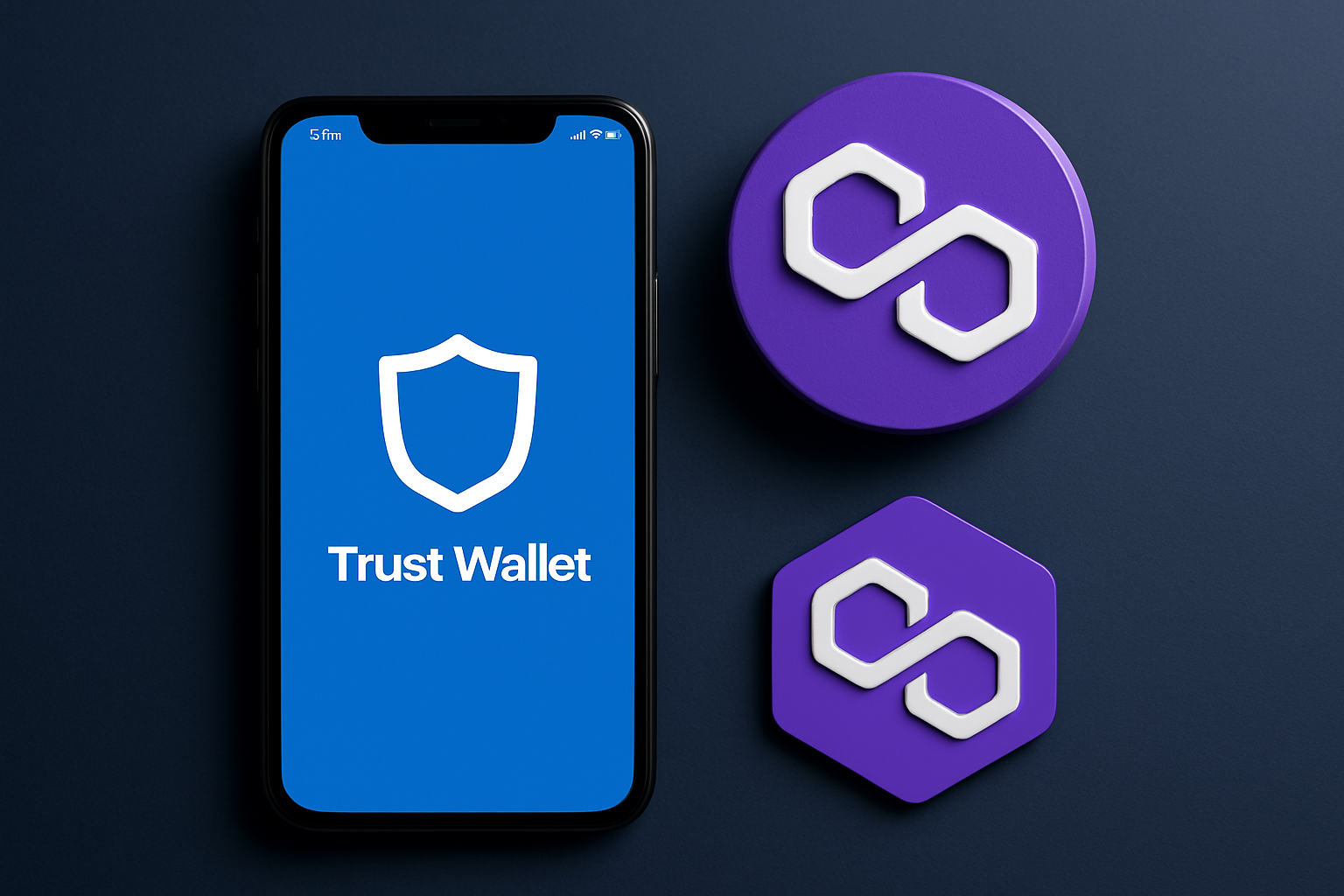
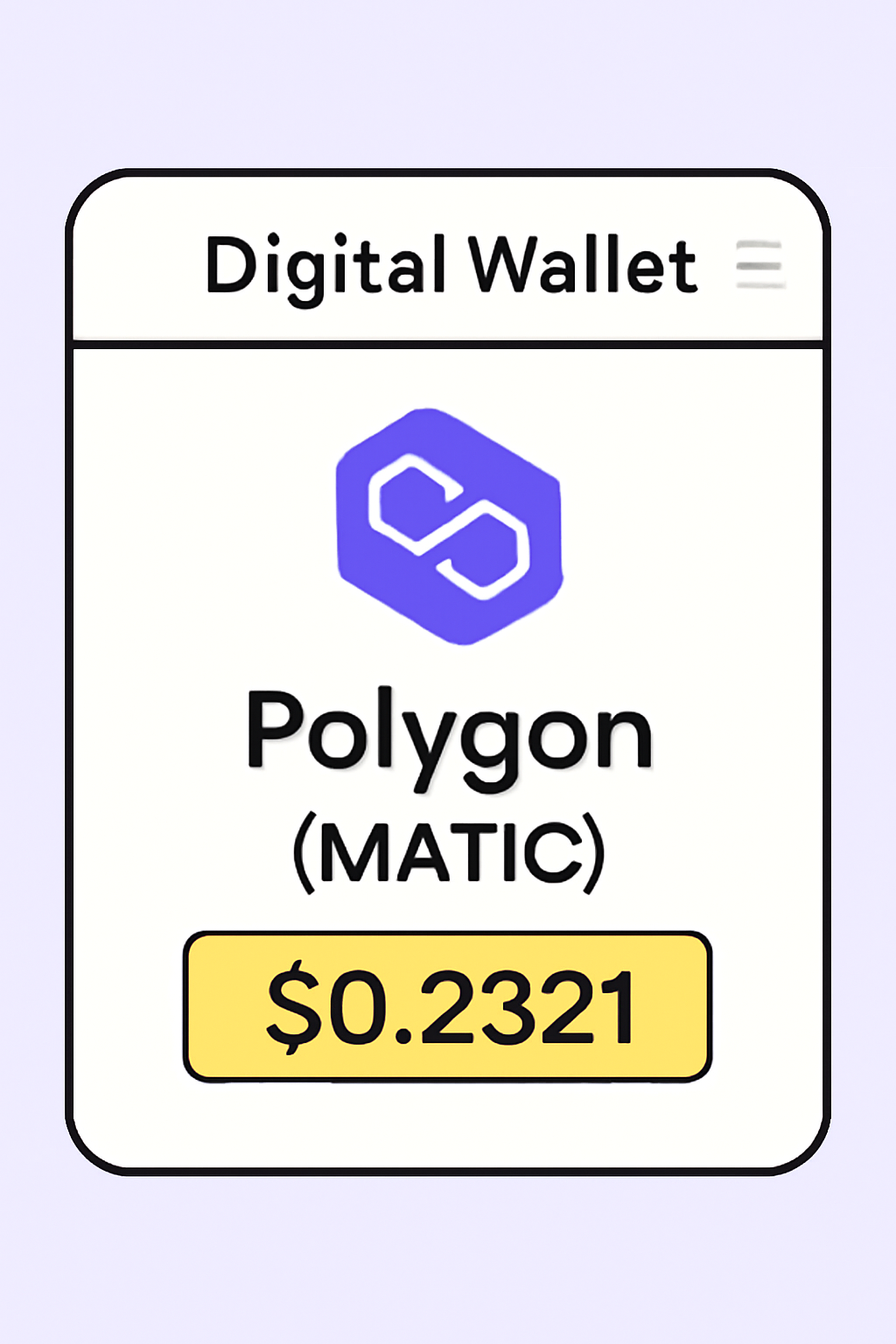
Polygon (POL), previously known as MATIC, is one of the most popular Ethereum scaling solutions, offering low fees and rapid transactions. As of July 16,2025, Polygon (MATIC) is trading at $0.2321, with a modest 24-hour increase of and $0.007210 ( and 0.0321%). For anyone looking to onboard onto the Polygon network and manage their POL tokens securely, Trust Wallet remains a robust and user-friendly choice. This guide will walk you through every crucial step - from initial setup to your first POL purchase - using clear visuals and authoritative guidance.
Why Trust Wallet for Polygon?
Trust Wallet stands out in the crowded crypto wallet space for its seamless integration with over 100 blockchains, including full support for the Polygon network. Its latest updates have further improved NFT compatibility and simplified onboarding for new users. Whether you are an investor or an active participant in decentralized applications (DApps), Trust Wallet ensures you can buy, send, receive, and manage your POL tokens without compromising security or control.
Preparing for Onboarding: What You Need
Before you begin your journey with Polygon on Trust Wallet, ensure you have the following essentials ready:
- A secure smartphone with internet access
- The latest version of the Trust Wallet app installed (always download from official sources to avoid malware risks)
- A safe place to store your recovery phrase - never share this with anyone
- A valid payment method if you plan to purchase POL directly within the app
If you're new to wallet creation or want detailed instructions on setup, review the official resources at trustwallet. com.
Step-by-Step Guide: Setting Up Your Trust Wallet for Polygon (POL)
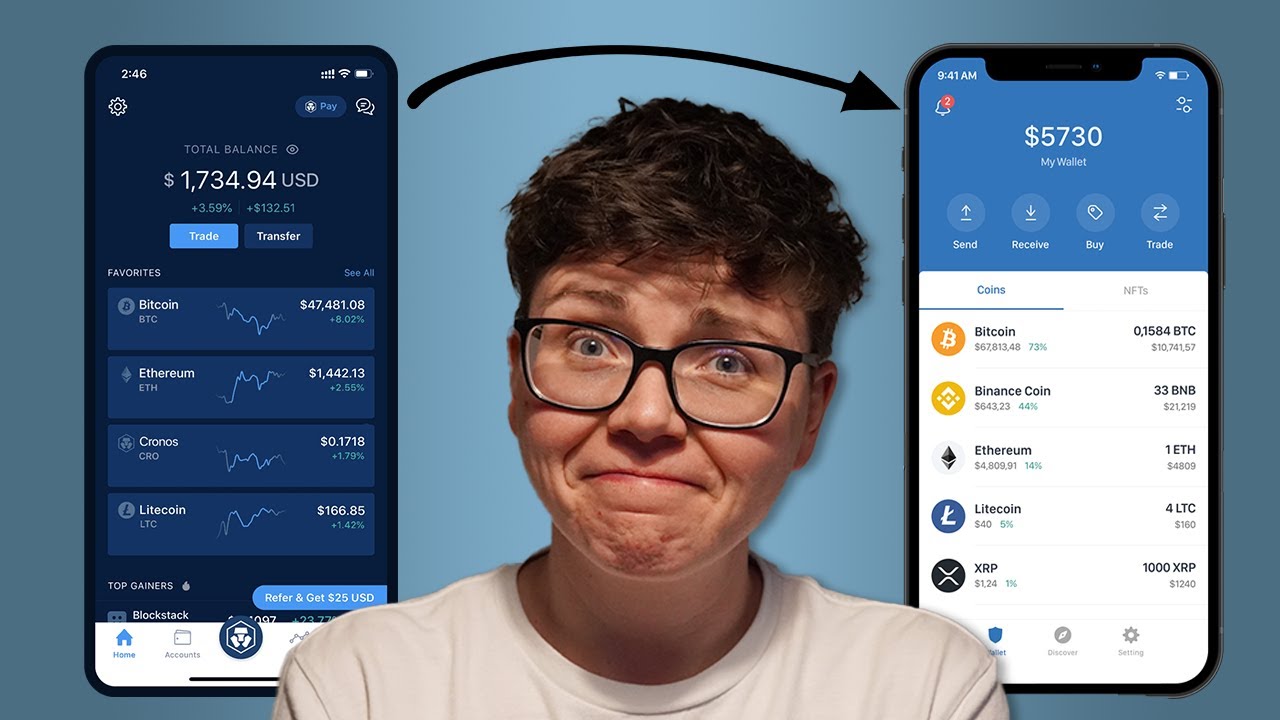
Getting Started with Trust Wallet for Polygon (POL): A Step-by-Step Visual Guide
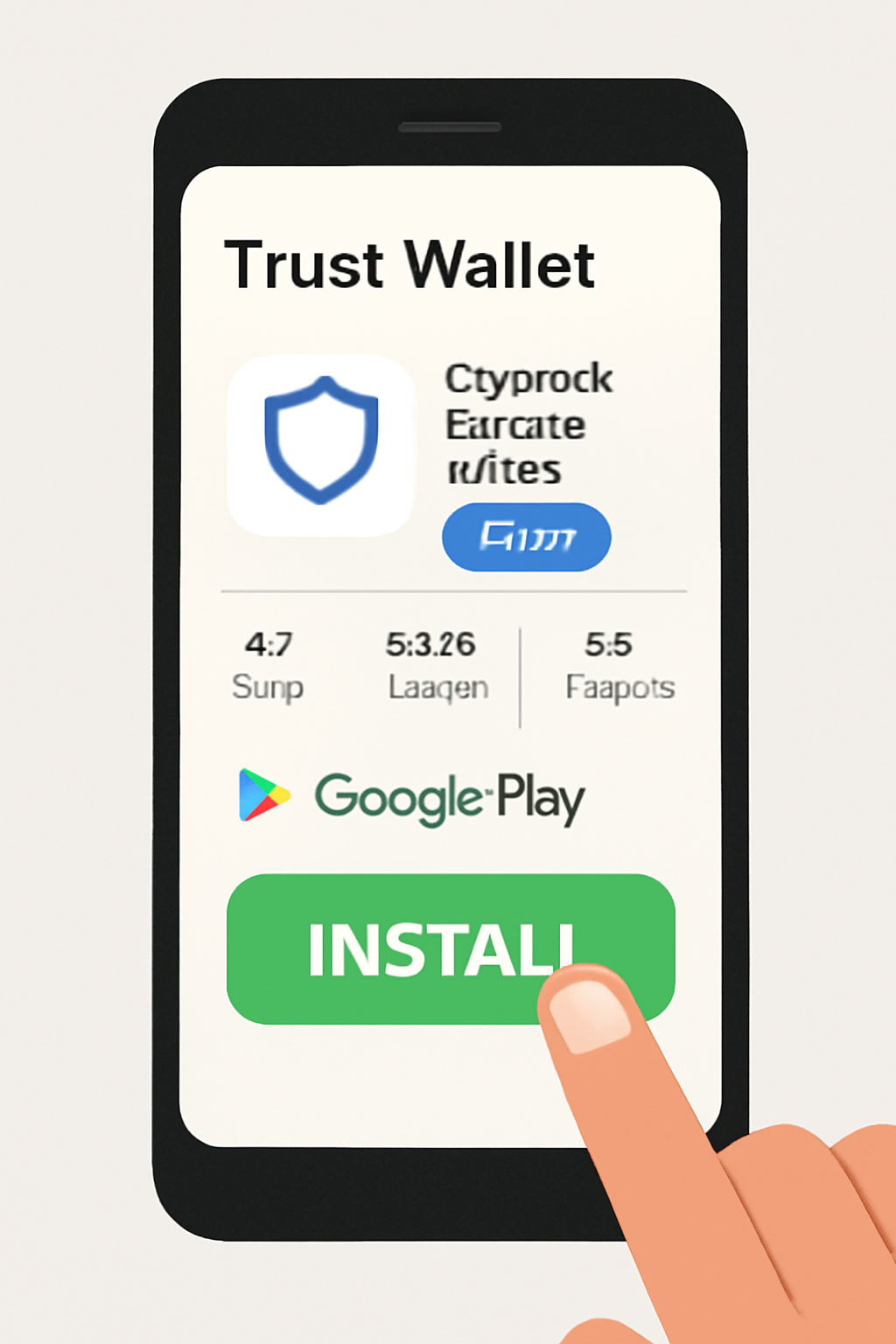
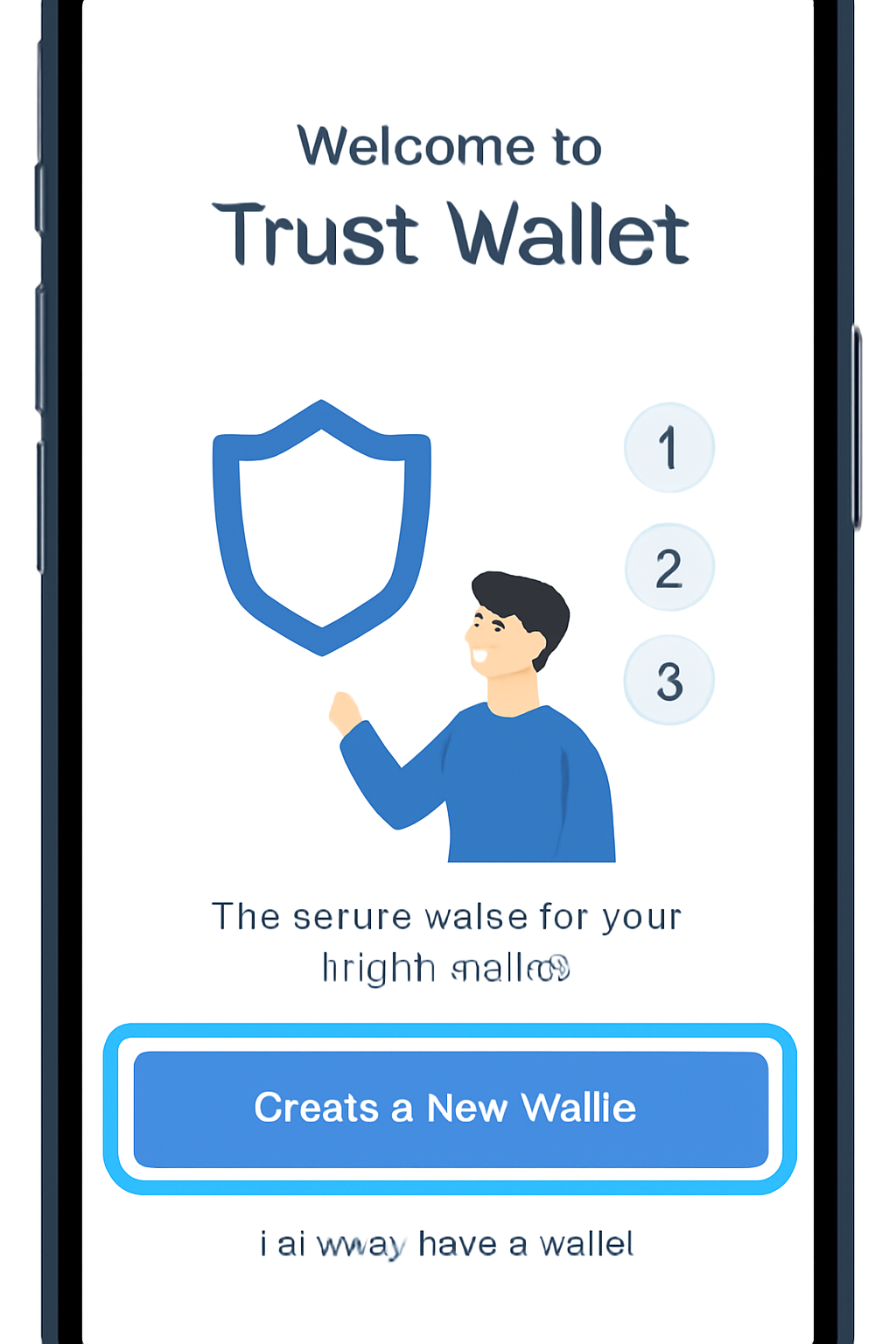
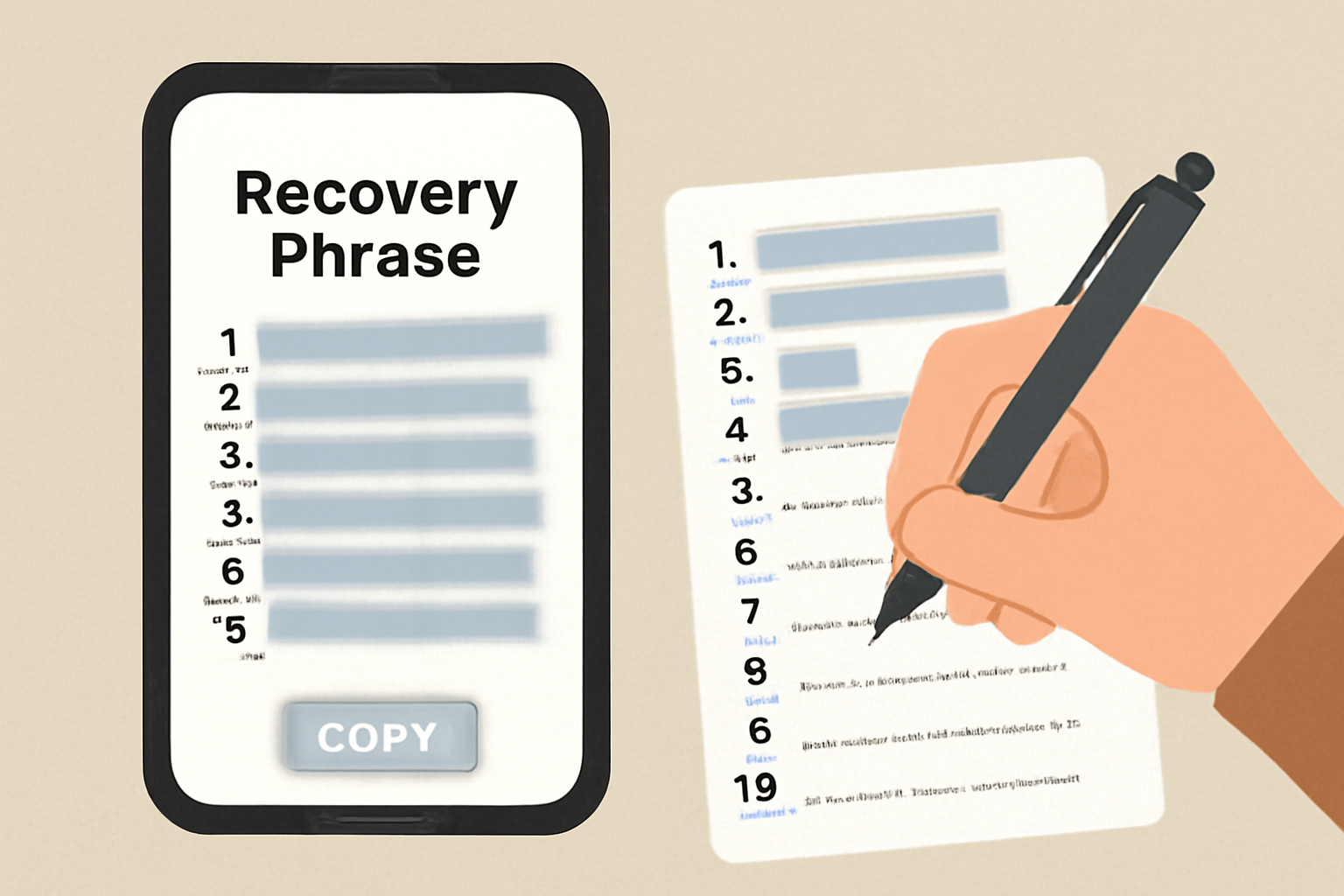
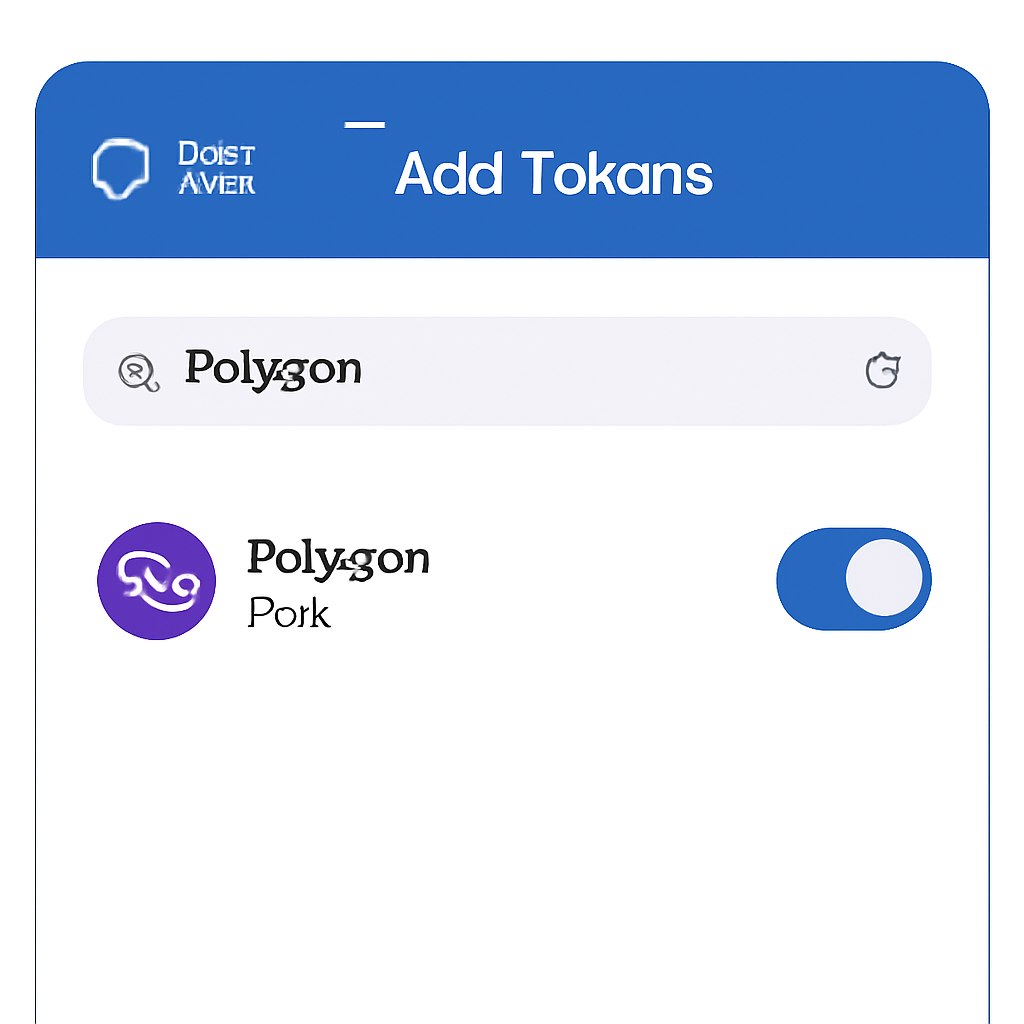
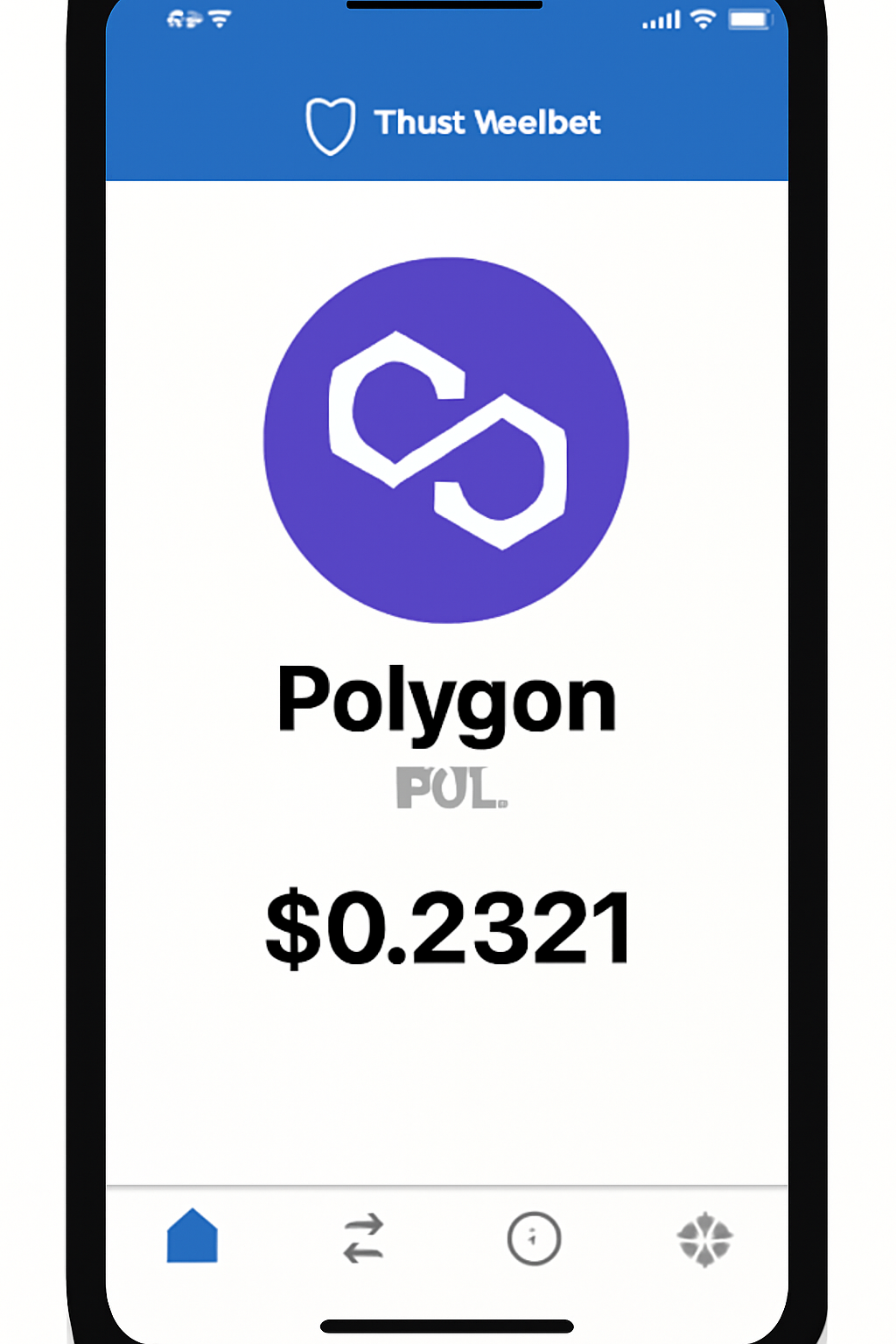
The onboarding process is straightforward but demands attention to detail at every step. Here’s how to get started:
- Download and Install: Visit your device’s app store and search for “Trust Wallet. ” Download only the official version.
- Create Your New Wallet: Open the app and follow prompts to create a new wallet. You will be shown a recovery phrase; write this down offline and store it securely.
- Add Polygon (MATIC/POL): Once inside your wallet dashboard, tap “Add Tokens” and search for “Polygon” or “MATIC. ” Enable it so it appears on your home screen.
- Fund Your Wallet: If you already own POL/MATIC elsewhere, use the “Receive” function to generate your wallet address. Otherwise, proceed with in-app purchase options.
Navigating Market Volatility: Why Price Awareness Matters
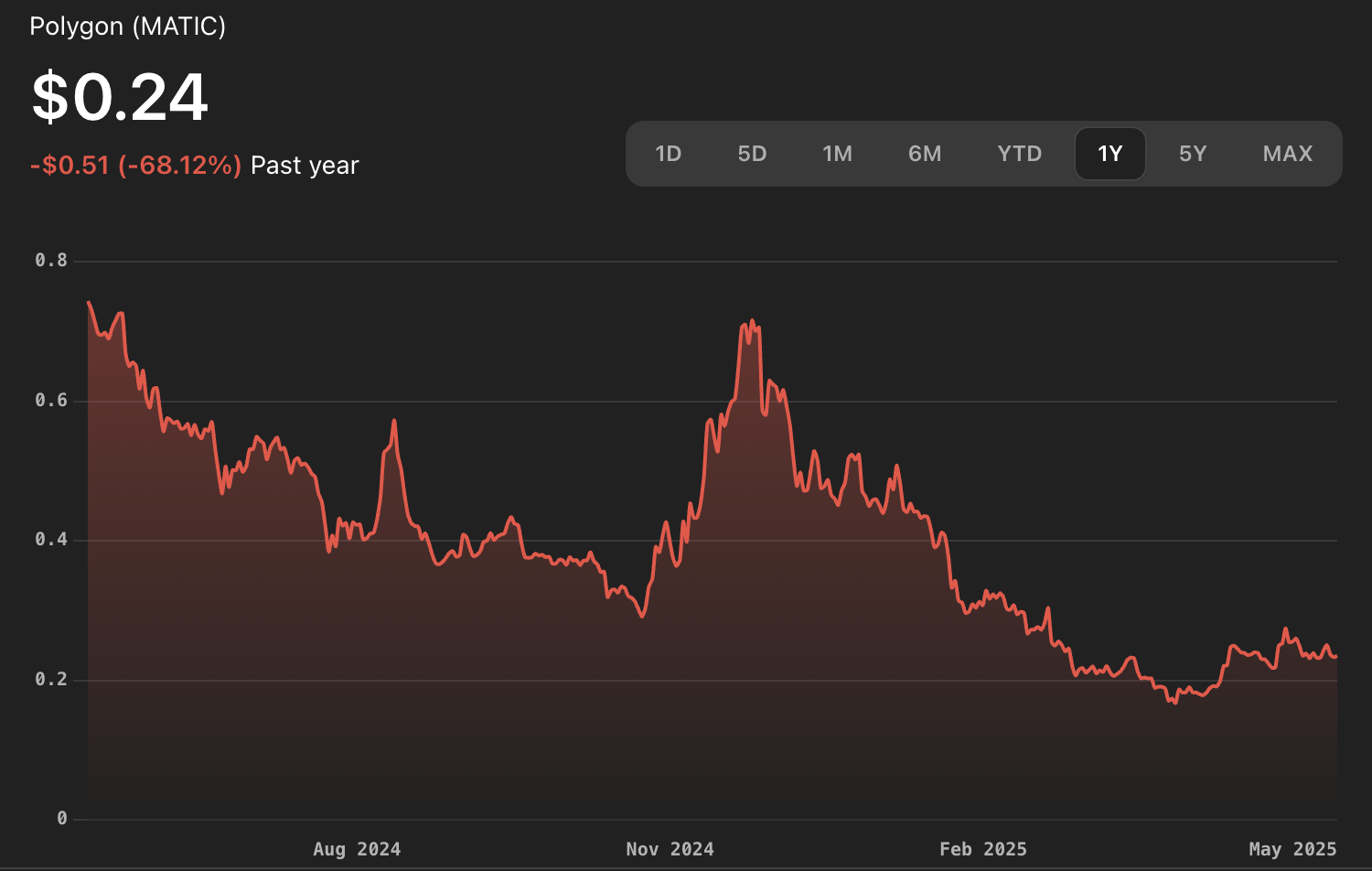
The current price of Polygon (MATIC) is $0.2321. Staying updated on market movements helps users make informed decisions when buying or transferring tokens. For real-time price tracking within Trust Wallet or before executing any transaction, always verify that displayed prices match external sources like CoinMarketCap or Binance.
This meticulous approach reduces exposure to phishing attempts and ensures full transparency during onboarding - two pillars that underpin safe crypto management today.
How to Buy Polygon (POL) Directly in Trust Wallet
Once your wallet is set up and the Polygon (POL) token is visible on your dashboard, you’re ready to make your first purchase. Trust Wallet’s built-in buying functionality streamlines the process, letting you acquire POL at the current market price of $0.2321 without leaving the app. Here’s how to proceed:
Essential Tips for Safely Buying POL in Trust Wallet
- Download Trust Wallet only from official sources. Always install the Trust Wallet app from the official Trust Wallet website or verified app stores to avoid counterfeit applications and phishing scams.
- Verify you are selecting the correct asset: Polygon (POL). Trust Wallet supports multiple tokens; ensure you choose Polygon (POL) (formerly MATIC) to avoid purchasing the wrong asset.

- Choose reputable payment providers within Trust Wallet. When buying POL, Trust Wallet integrates with trusted third-party providers like MoonPay, Simplex, and Mercuryo. Select a provider with a strong reputation and transparent fees.
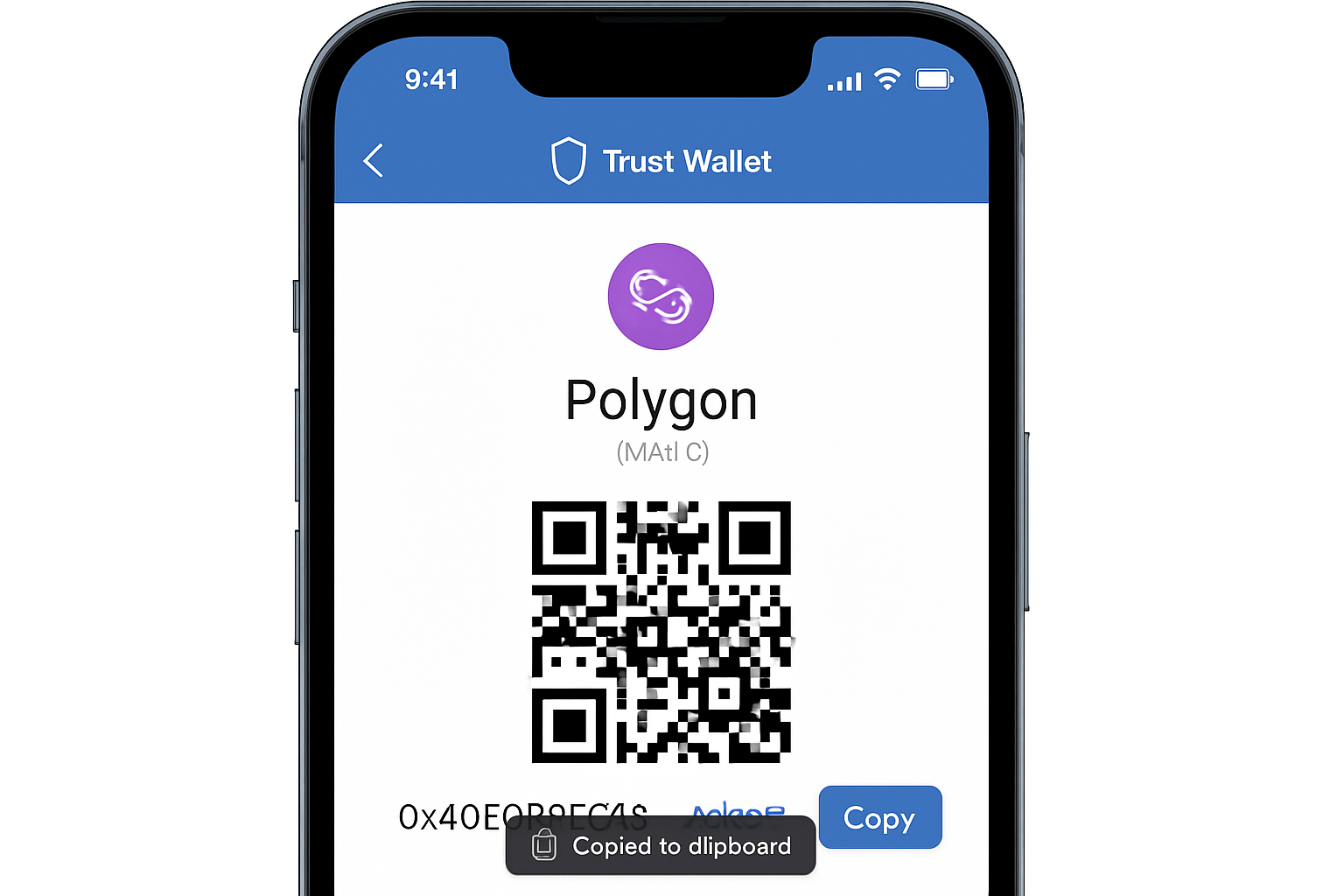
- Double-check the recipient address before confirming your purchase. Always verify your Polygon (POL) address in Trust Wallet by copying it directly from the app. Sending funds to the wrong address can result in permanent loss.
- Review the current market price before buying. As of July 16, 2025, Polygon (MATIC) is priced at $0.2321. Compare the quoted price from your chosen provider with the current market rate to avoid overpaying.
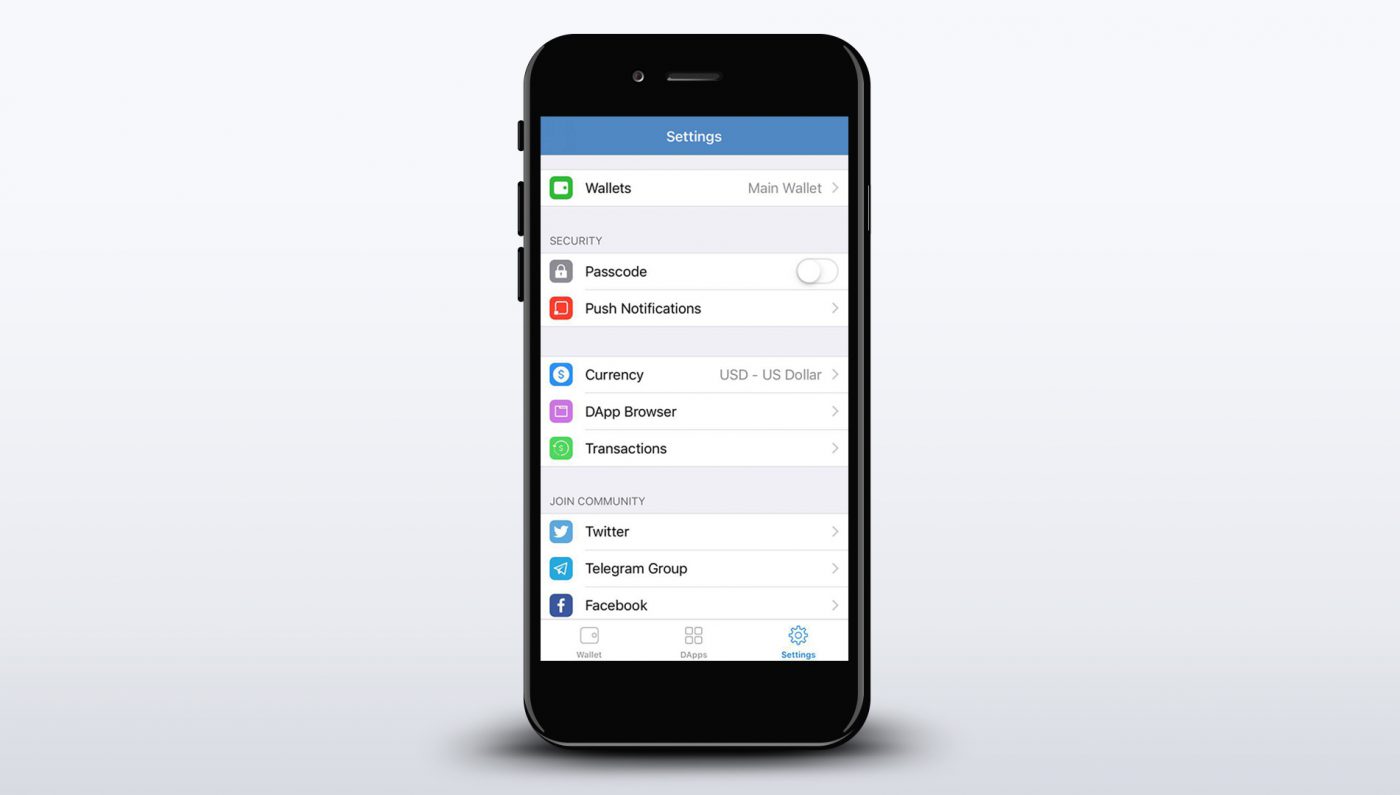
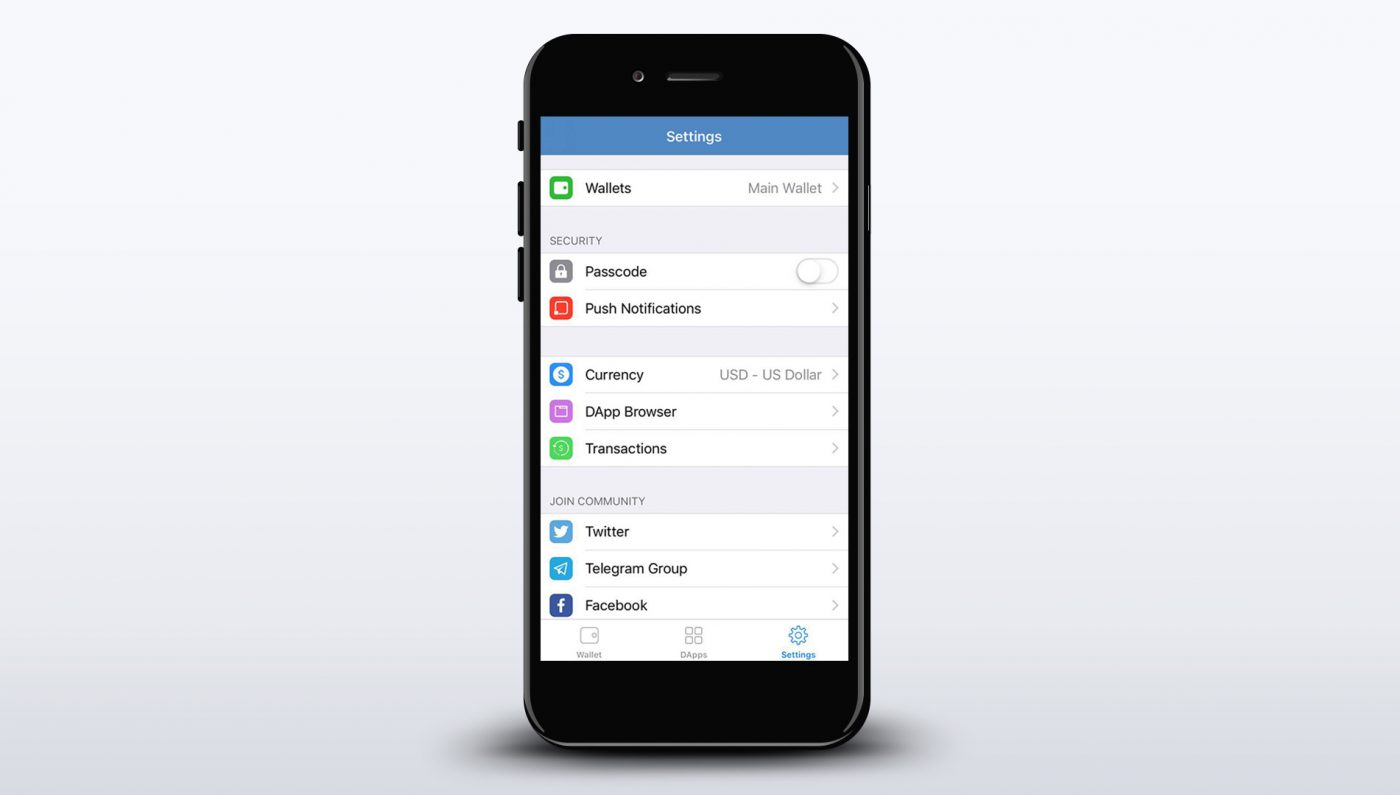
- Enable security features in Trust Wallet. Activate biometric authentication, passcodes, and backup your recovery phrase securely offline to protect your assets from unauthorized access.
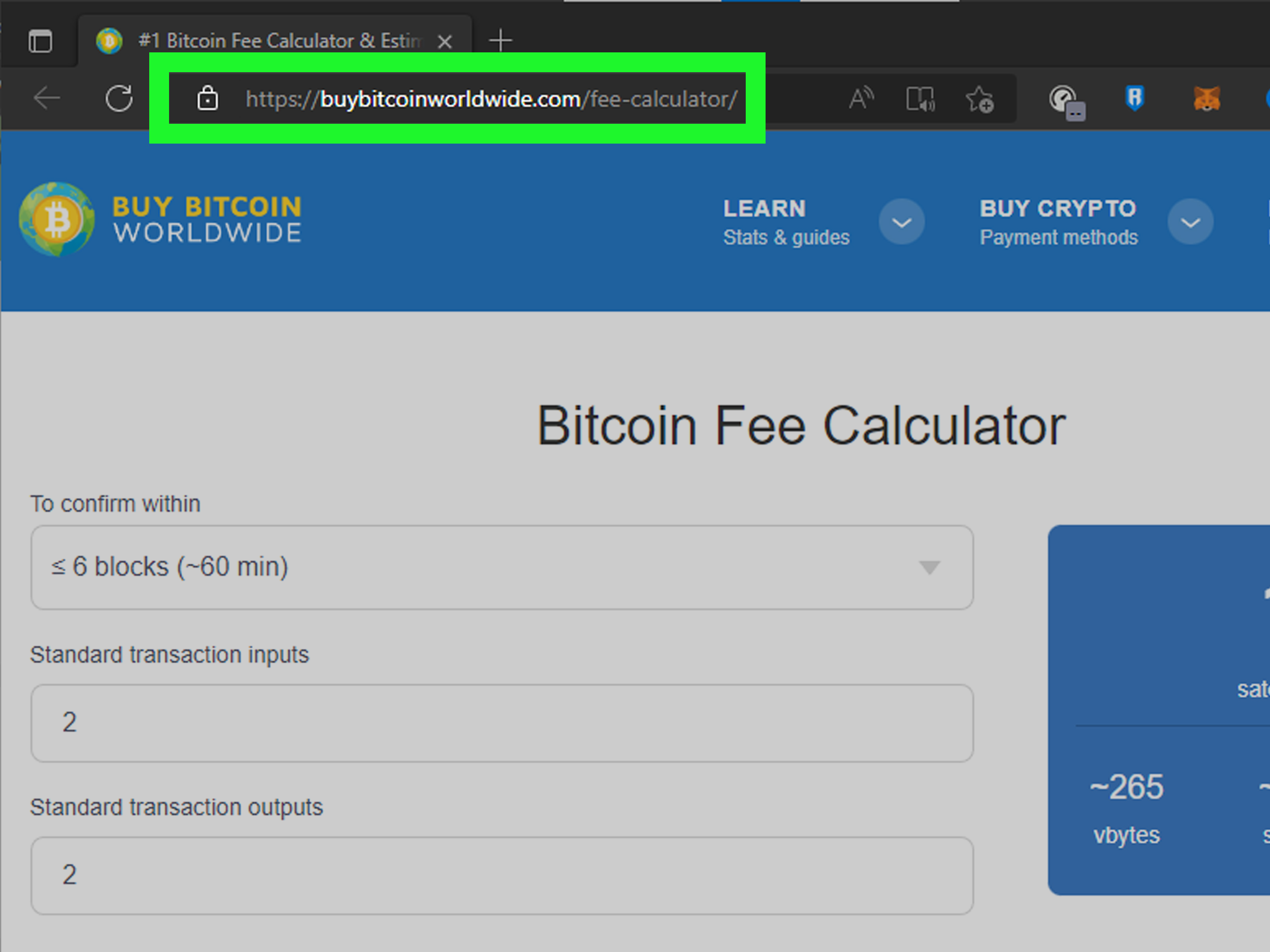
- Be aware of transaction fees and minimum purchase amounts. Each provider may have different fees and minimums for buying POL. Review these details before proceeding to avoid unexpected costs.
Follow these steps for a seamless purchase experience:
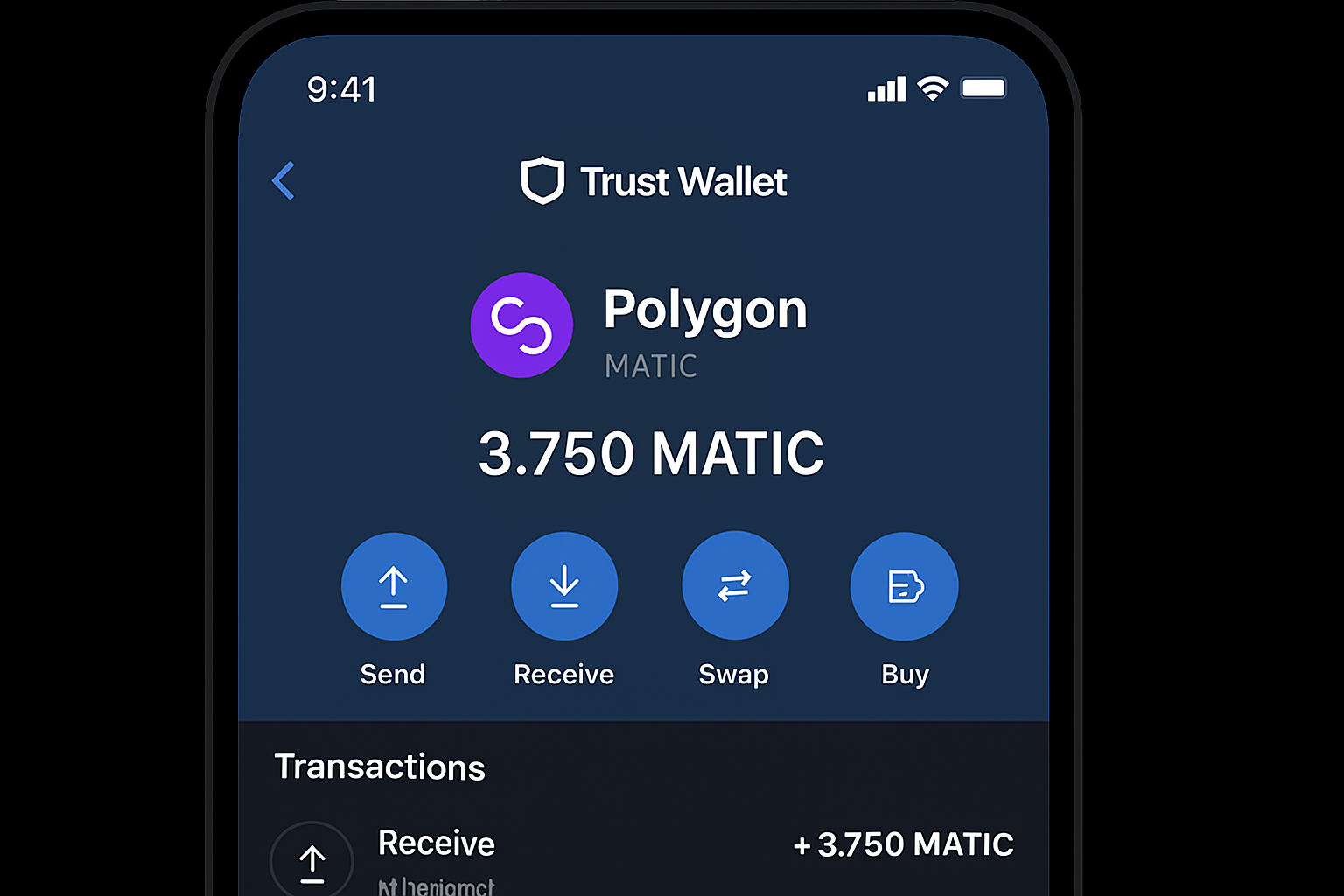
- Tap “Buy”: On the main screen, select the “Buy” button.
- Select Polygon (MATIC/POL): Search for “Polygon” or “MATIC. ” Confirm that you are purchasing the correct token, always check the contract address if unsure.
- Enter Amount: Specify how much POL you wish to buy. The app will display an estimated total based on the current rate of $0.2321.
- Choose Payment Provider: Trust Wallet aggregates several third-party providers. Compare fees and processing times before selecting one.
- KYC Verification: Some providers may require identity verification. Complete this step as prompted.
- Confirm Purchase: Double-check all transaction details before confirming. Your new POL tokens should appear in your wallet shortly after payment clears.
Sending and Receiving POL Securely
The next step is learning how to transfer POL safely. Whether you’re sending tokens to another wallet or receiving them from an exchange, accuracy is critical, crypto transactions are irreversible. Always verify recipient addresses and network compatibility before proceeding.
Securely Send and Receive Polygon (POL) Using Trust Wallet: A Visual Walkthrough
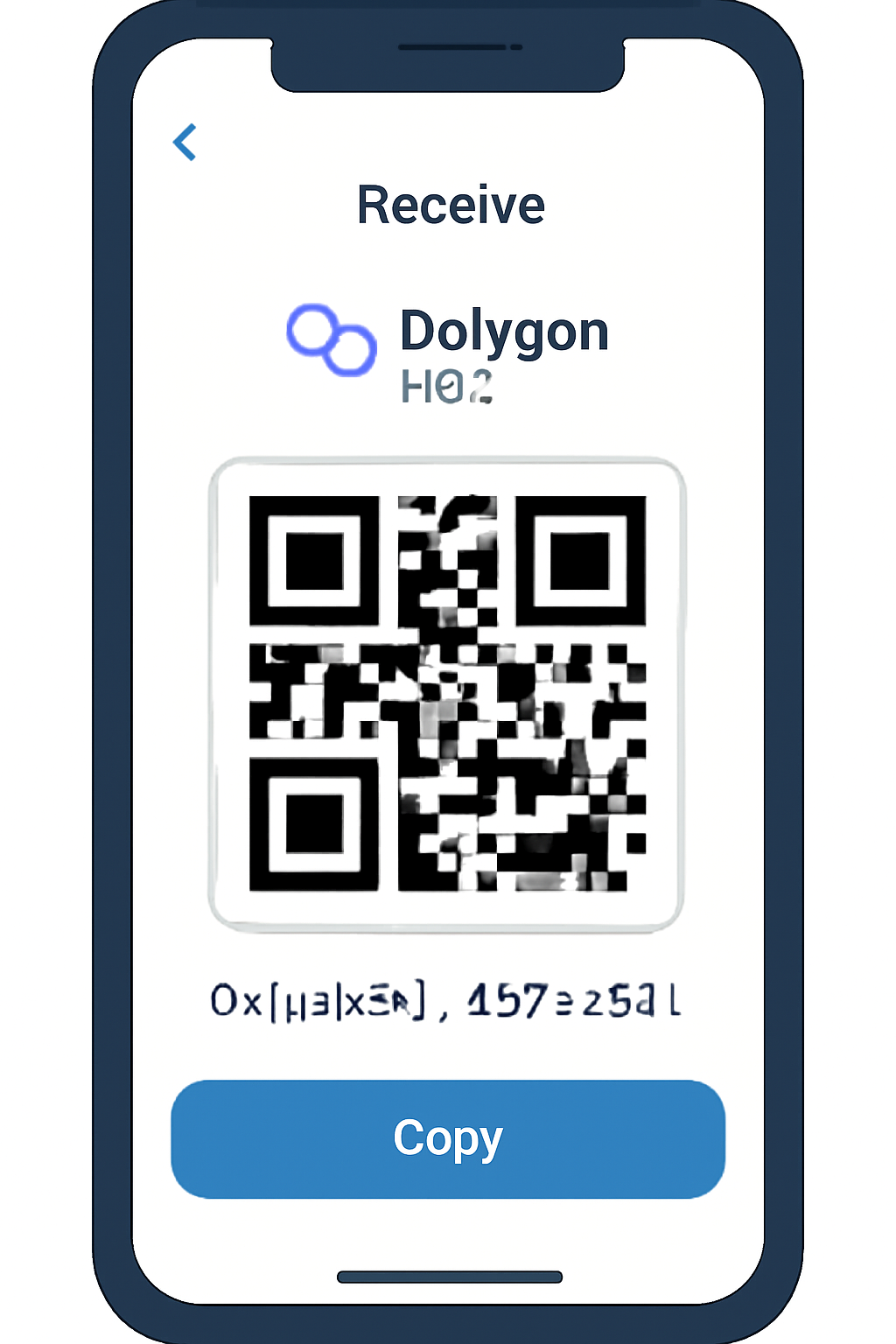
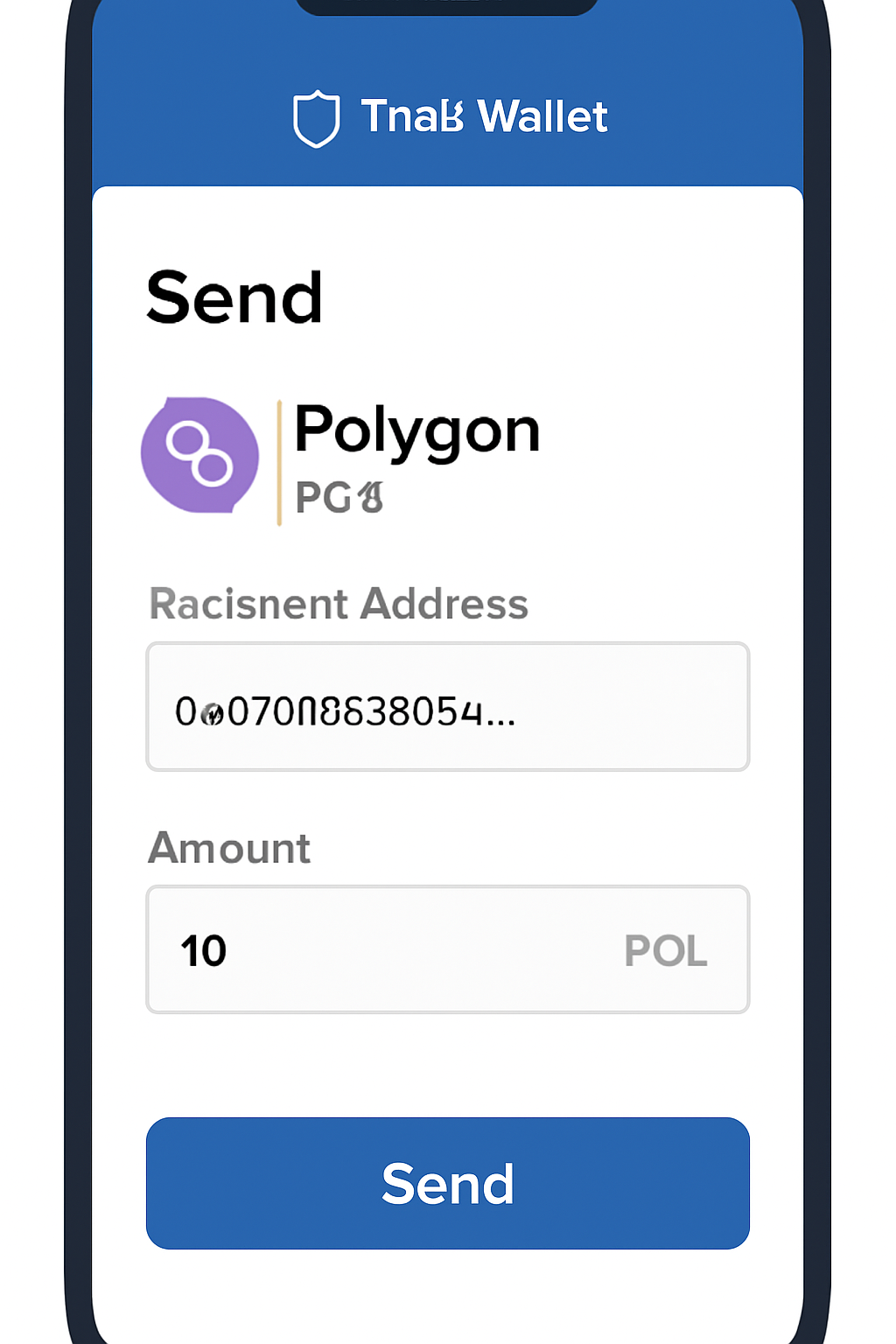
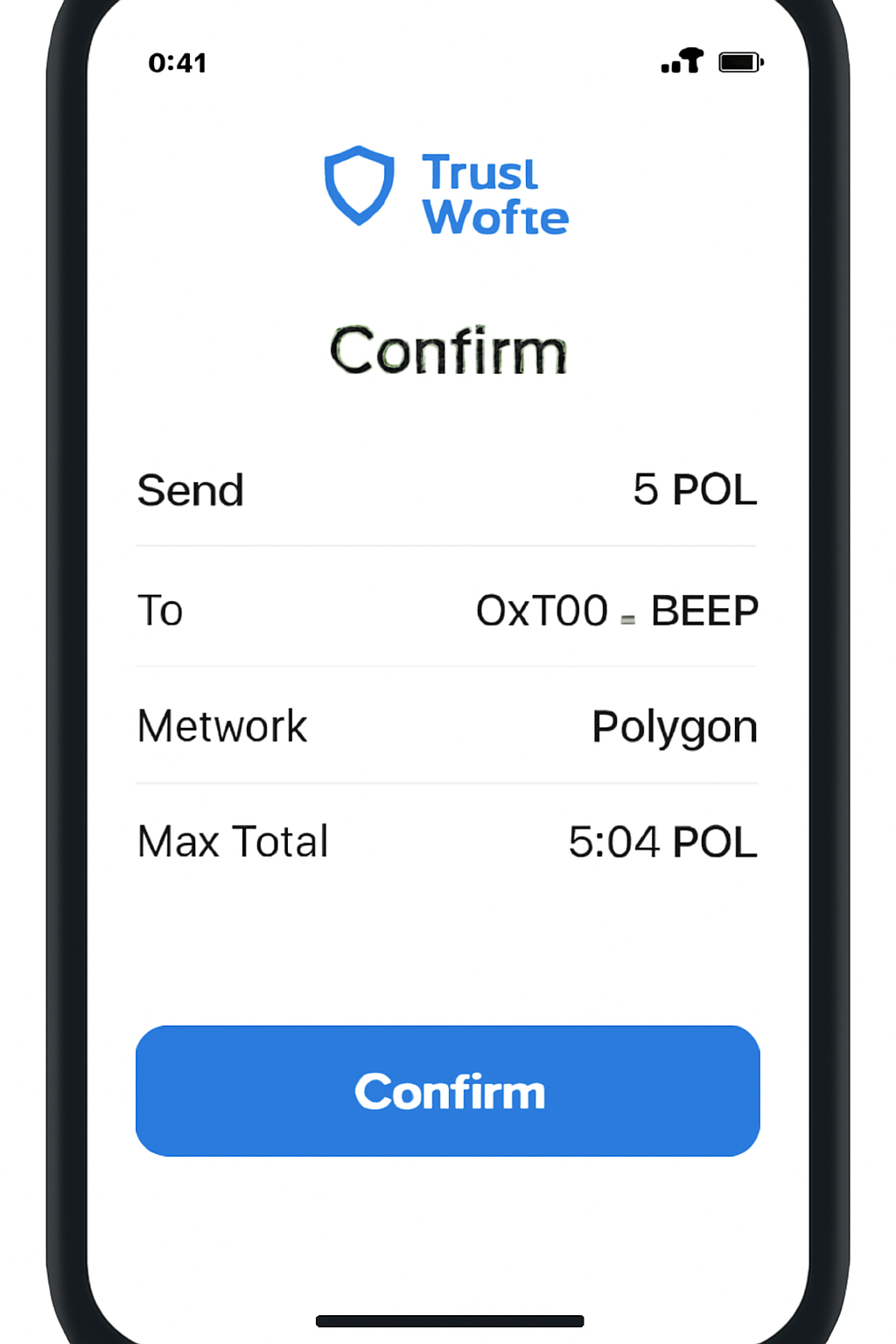
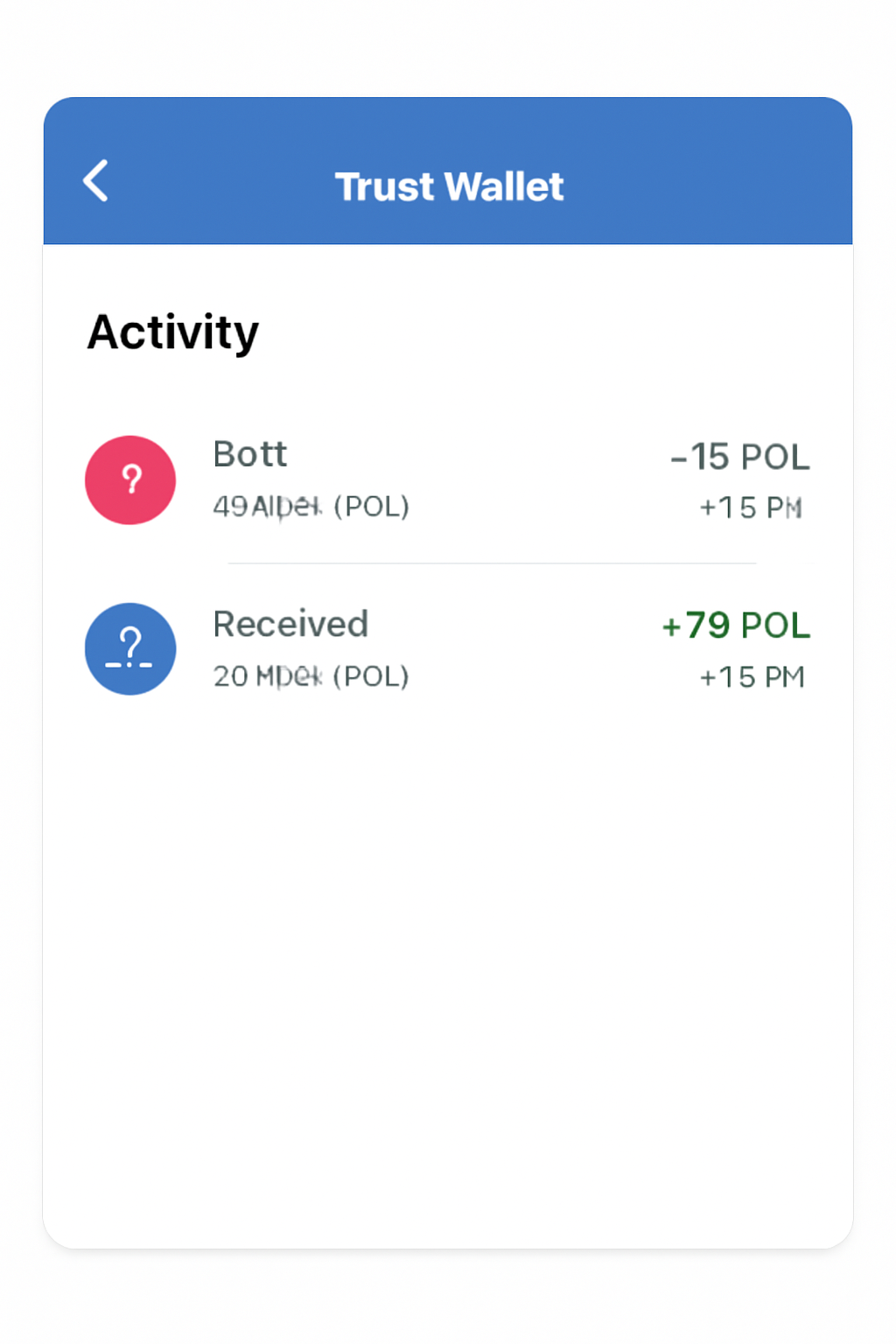
If you’re receiving POL from another source, use Trust Wallet’s “Receive” feature to generate your unique Polygon address. For sending funds out, select “Send, ” paste the recipient’s address, enter the amount, and confirm, all while double-checking every detail.
Maximizing Security: Protect Your Assets
Your recovery phrase is the single most important element safeguarding your crypto holdings. Never store it digitally or share it with anyone, even support staff will never ask for it. Enable biometric authentication in Trust Wallet settings for an added layer of protection against unauthorized access.
Interacting with DApps and NFTs on Polygon
The recent updates to Trust Wallet have made it easier than ever to explore decentralized applications (DApps) and NFTs on Polygon. You can access marketplaces, DeFi platforms, games, and more directly through the built-in browser or DApp section, no extra installations required.
If you plan on interacting with smart contracts or minting NFTs on Polygon, always review permissions requested by DApps before approving any transaction within Trust Wallet.
Stay Informed: Community Resources and Support
The crypto landscape evolves rapidly, especially networks like Polygon that frequently roll out new features or upgrades. For ongoing guidance or troubleshooting help during onboarding, consult official resources at trustwallet. com. The community forums also provide up-to-date advice from experienced users.
Navigating crypto onboarding can feel daunting at first, but by following each step carefully and leveraging tools like Trust Wallet’s enhanced support for Polygon at today’s price of $0.2321, you’ll be well-positioned to manage your assets securely and confidently as part of this vibrant ecosystem.



No comments yet. Be the first to share your thoughts!