
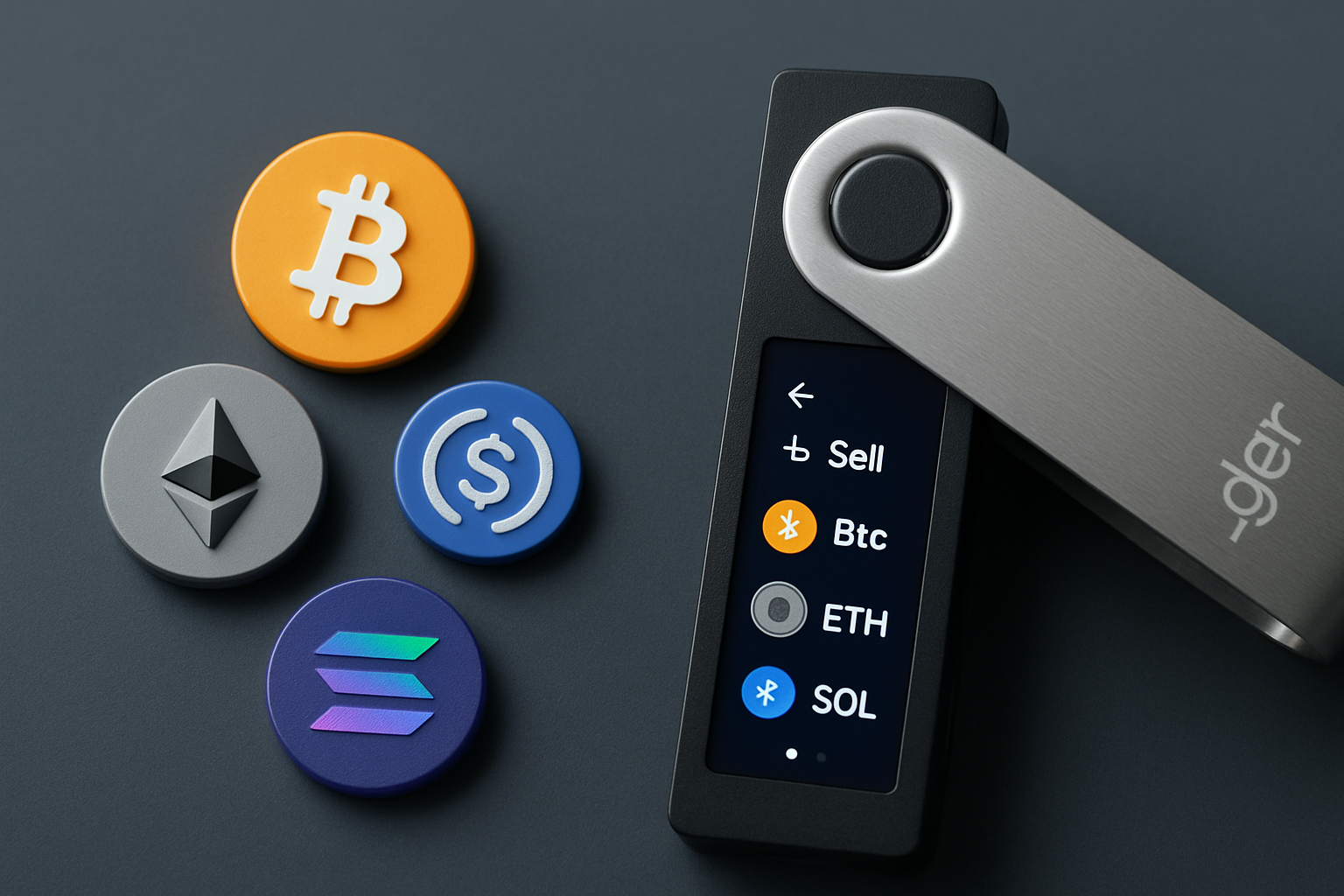
Selling multiple cryptocurrencies can feel daunting, especially if you’re aiming for both security and simplicity. Ledger Live offers a visual, step-by-step process that lets you securely sell Bitcoin (BTC), Ethereum (ETH), Bitcoin Cash (BCH), Litecoin (LTC), and USDC right from your hardware wallet interface. As of July 2025, this means not only peace of mind but also a streamlined experience with direct fiat payouts to your bank account, no need to send assets to an exchange first.
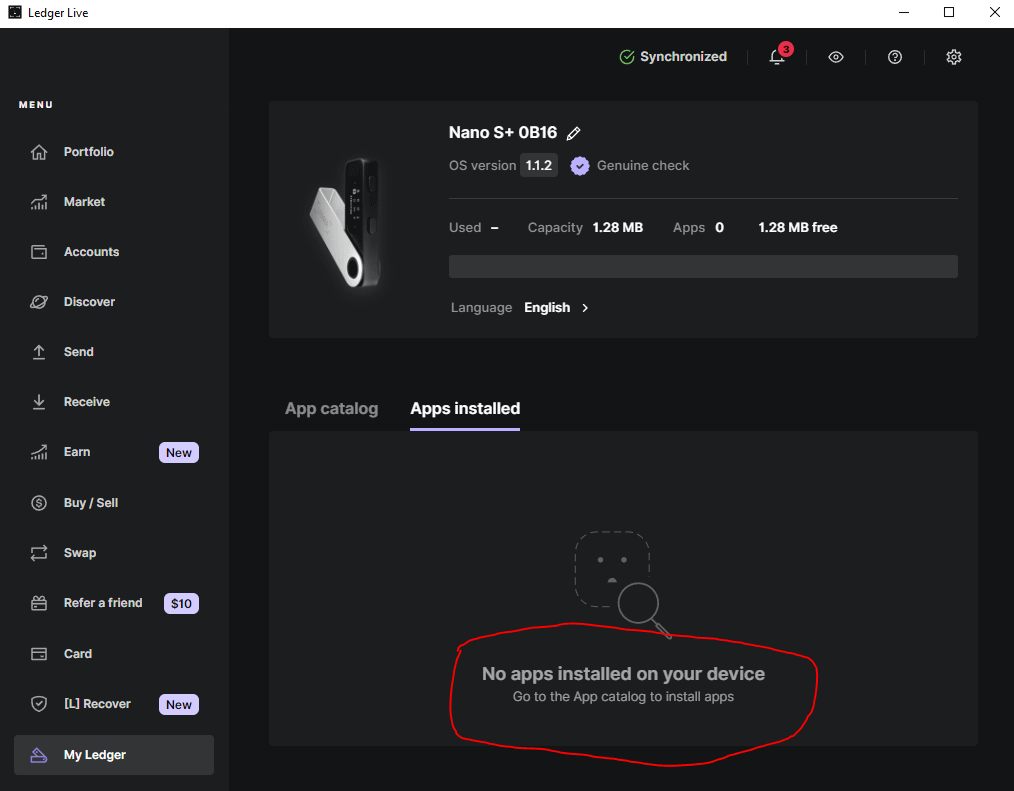
Why Use Ledger Live to Sell Crypto?
Ledger Live stands out by keeping your private keys offline while letting you access third-party partners like Coinify and MoonPay directly within its desktop or mobile app. This approach protects your assets from phishing and exchange hacks, all while making the selling process accessible for beginners and pros alike. No matter if you’re cashing out after a big move or rebalancing your holdings, Ledger Live’s integration with partner services means you don’t have to compromise on security.
"Selling through Ledger Live felt less intimidating than using a centralized exchange. I like seeing exactly what’s happening on my device. "
Supported Assets: What Can You Sell?
The range of supported cryptocurrencies continues to expand, but as of July 2025, Ledger Live supports selling BTC, ETH, BCH, LTC, and USDC (on Ethereum). Availability may vary depending on your location and chosen partner service. For example, some regions may only support certain coins or have different payout methods.
Supported Cryptocurrencies for Sale in Ledger Live
- Bitcoin (BTC) – The original and most recognized cryptocurrency, Bitcoin is fully supported for selling in Ledger Live via integrated partners.

- Ethereum (ETH) – As the leading smart contract platform, Ethereum is available for direct sale through Ledger Live’s supported services.

- Bitcoin Cash (BCH) – This popular Bitcoin fork, focused on faster and cheaper transactions, can be sold directly from Ledger Live.
- Litecoin (LTC) – Known for its speed and low fees, Litecoin is another major cryptocurrency you can sell using Ledger Live.

- USD Coin (USDC) on Ethereum – This leading stablecoin, issued on the Ethereum network, is supported for sale in Ledger Live (make sure to select the Ethereum version).
This flexibility allows users to manage diverse portfolios without juggling multiple platforms or worrying about unsupported assets. If you’re looking to sell coins like SOL, ADA, or DOGE directly through Ledger Live, keep an eye on updates, expansion is ongoing as new partnerships roll out.
Step-by-Step: Selling Multiple Cryptocurrencies in One Session
Selling several coins is as simple as repeating the guided process for each asset. Here’s how:
Sell BTC and ETH Using Ledger Live: A Visual Step-by-Step Guide
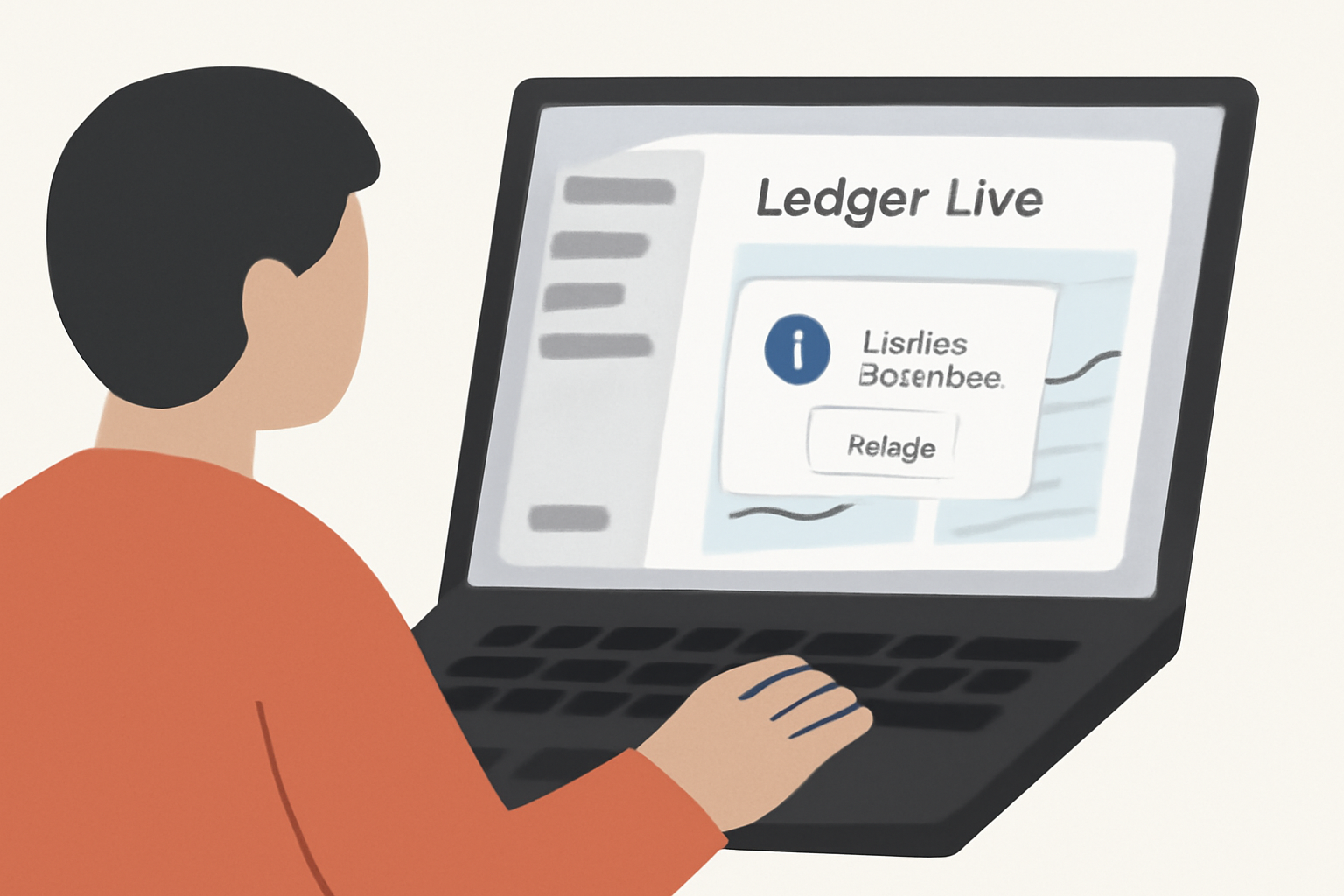
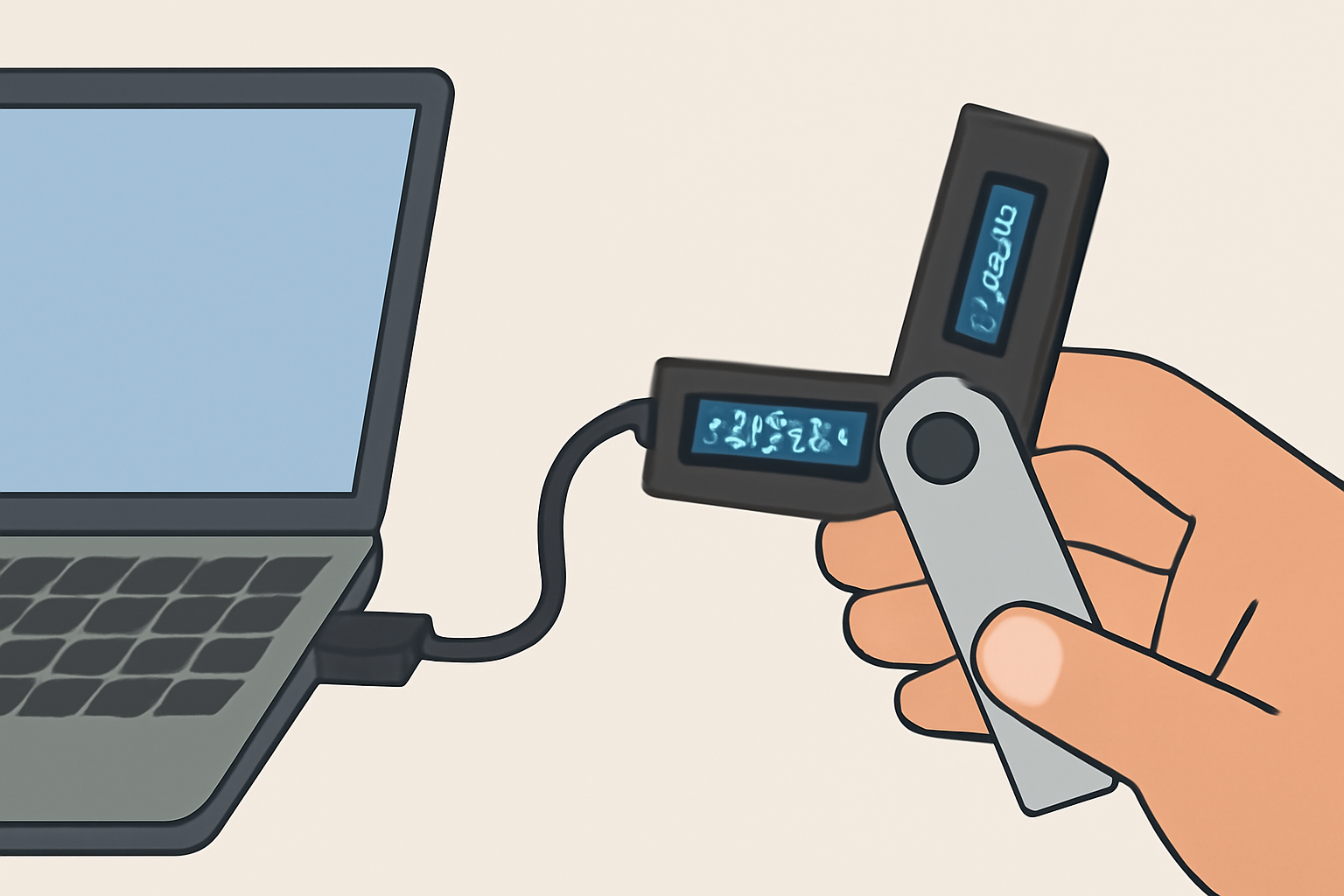
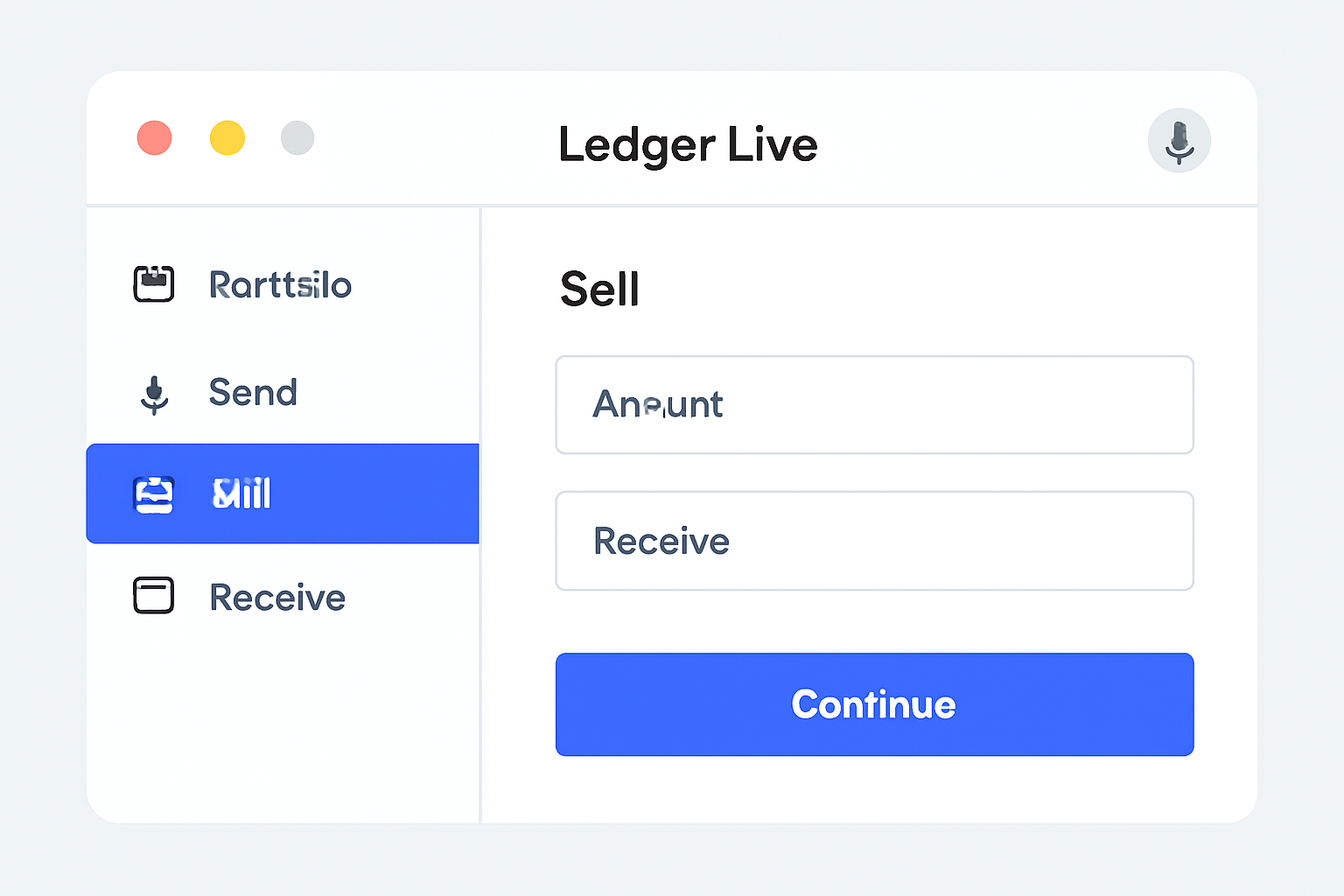
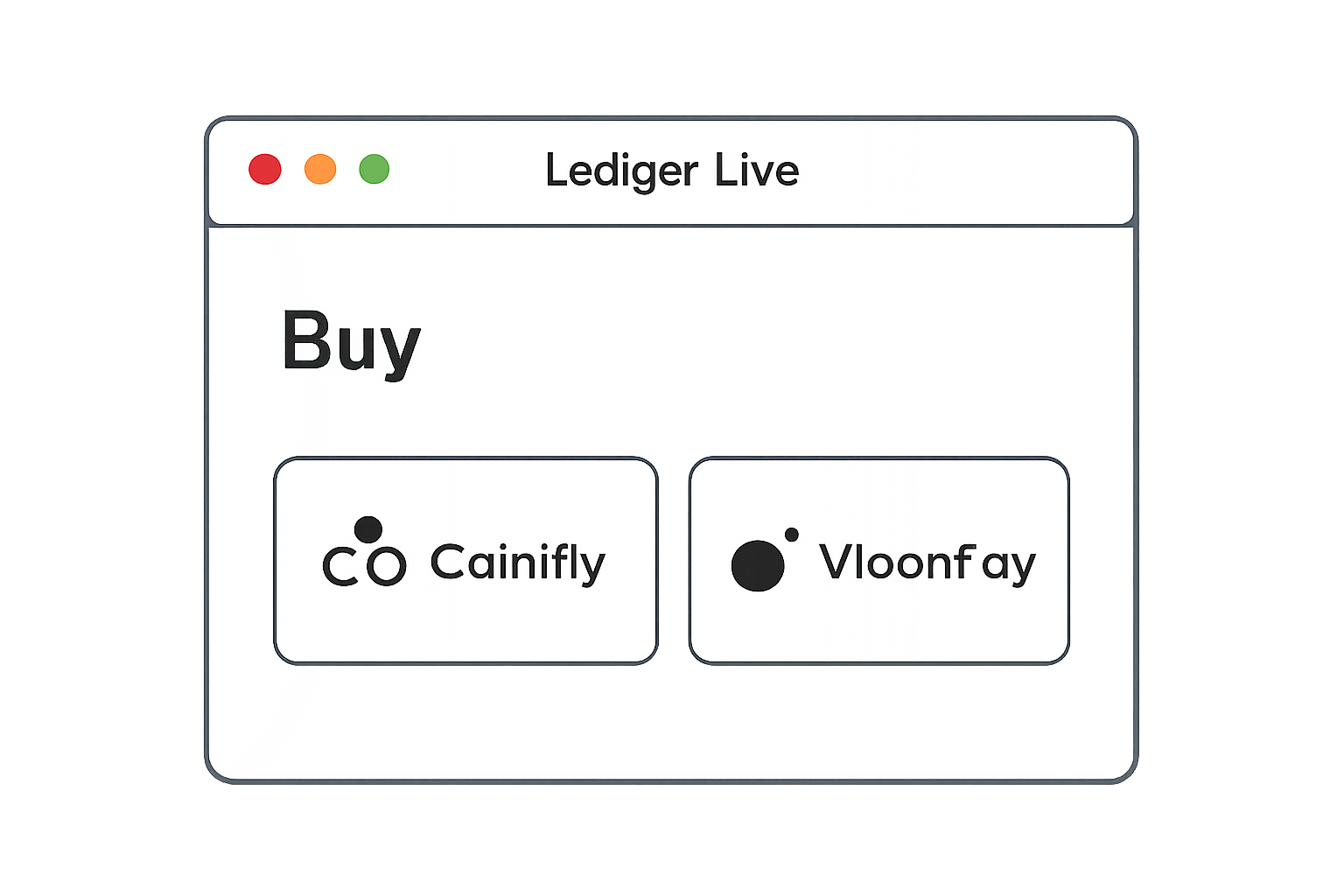
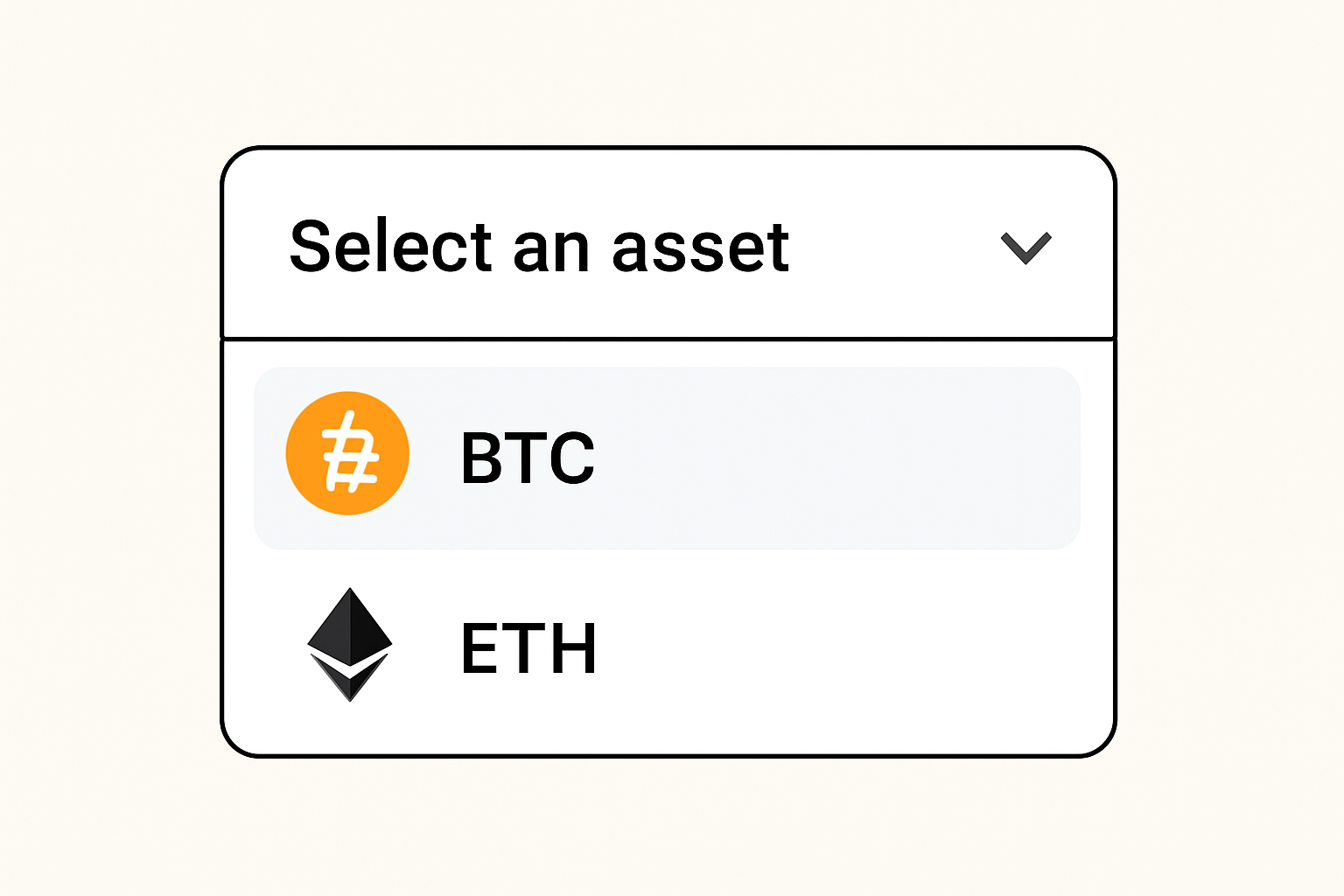
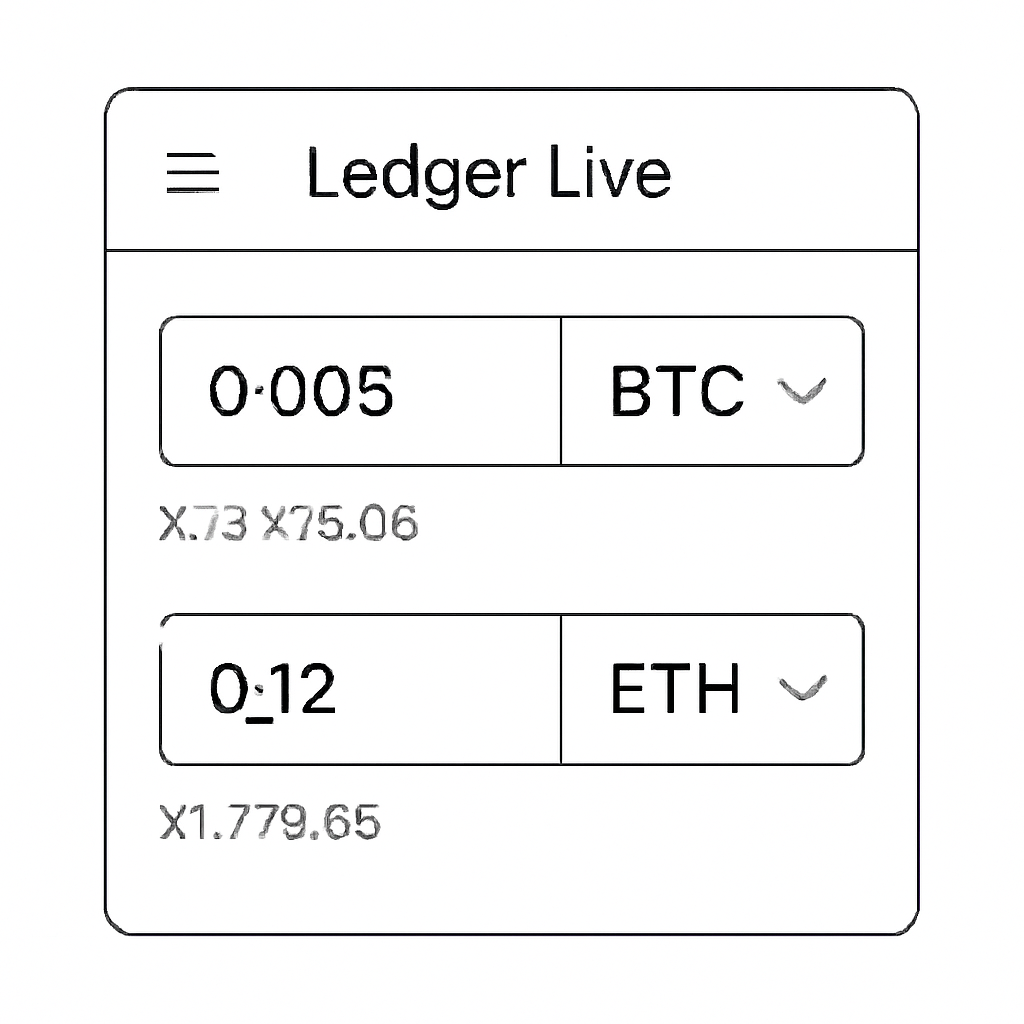
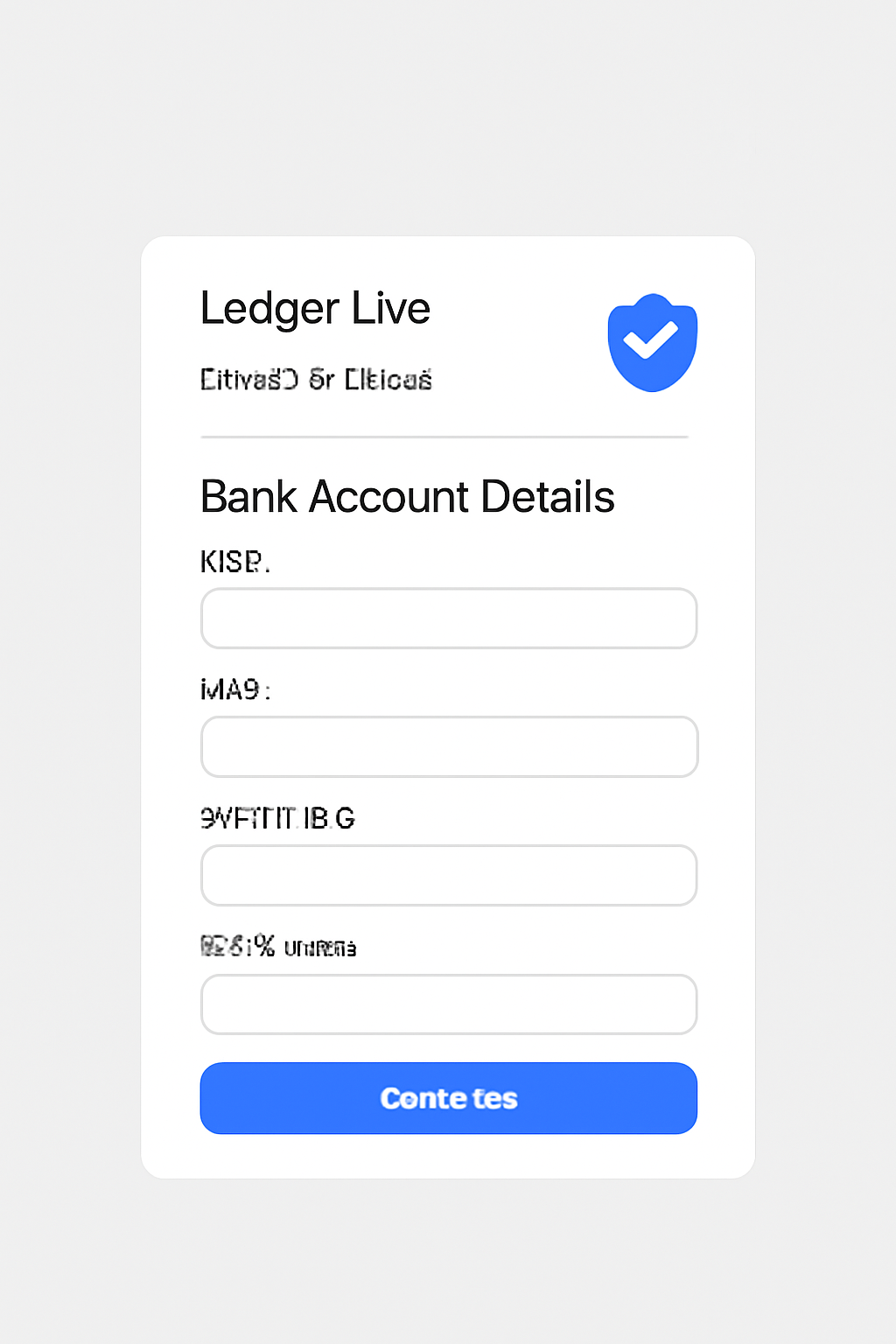
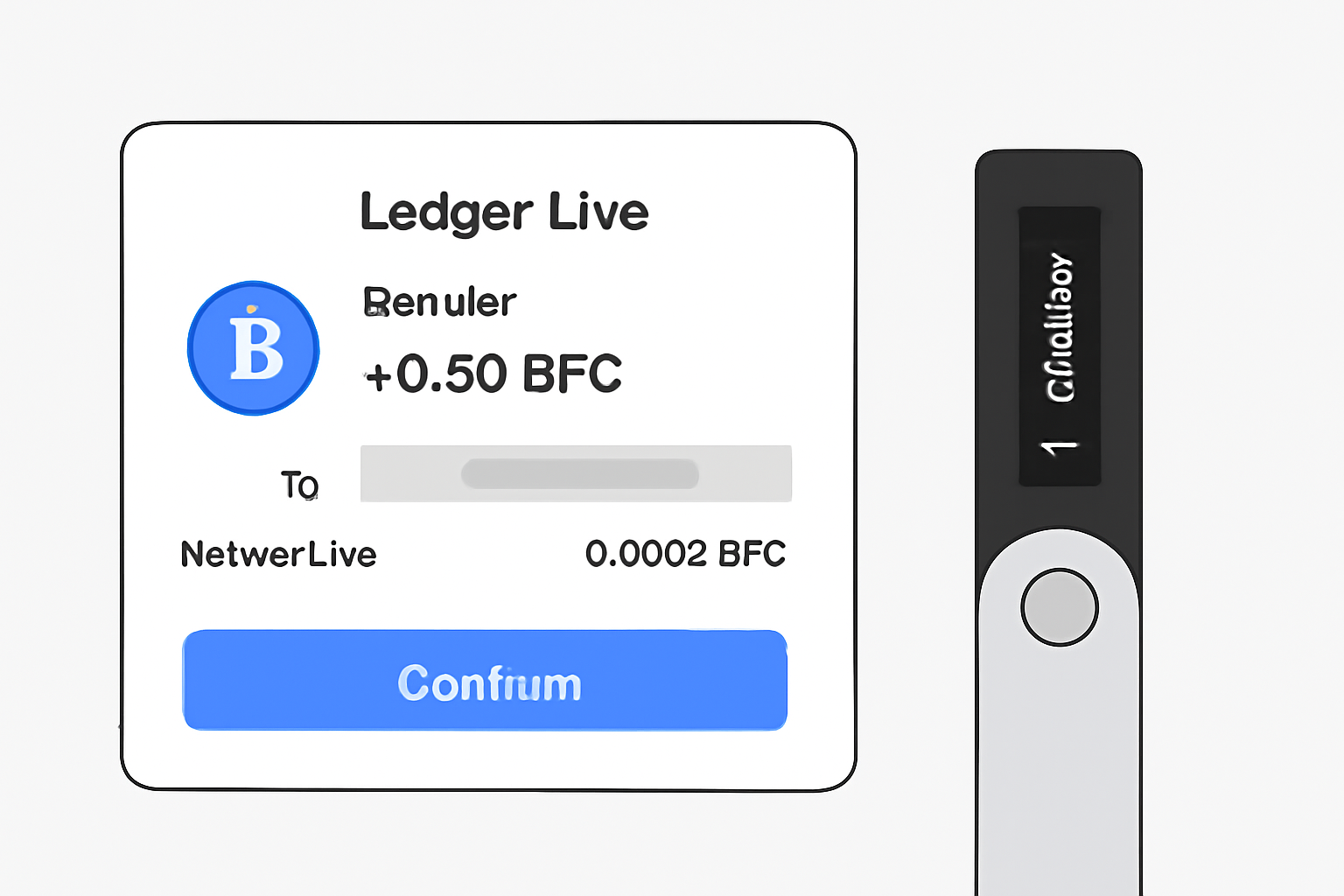
Tip: To maximize efficiency when selling multiple cryptocurrencies, plan your transactions ahead of time, check which partners support which coins in your region and compare fees before confirming each sale.
Navigating Fees and Processing Times
Transaction fees, limits, and processing times can vary by partner service. Fiat transfers typically take between 1, 3 business days to reach your bank account after confirmation on your Ledger device. Always review the fee breakdown before confirming any sale; transparency is built into the process so you know exactly what you’ll receive.
Security remains front and center when selling through Ledger Live. Each transaction requires confirmation on your physical device, meaning no sale can proceed without your explicit approval. This extra step may feel like a small hurdle, but it’s an essential safeguard that protects you in the event of malware or phishing attempts targeting your computer or mobile device.
For those new to self-custody, this dual-layer process is empowering. You maintain full control of your assets throughout, there’s no need to trust a centralized exchange with your funds while waiting for a withdrawal to clear. If you ever misplace your device, remember: your crypto is safe as long as your recovery phrase is secure. Selling always requires either the device itself or the 24-word phrase.
Accessibility for All: Visual Cues and Inclusive Design
Ledger Live’s interface continues to improve for users of all backgrounds. The app provides clear visual cues at every step, from asset selection to payout confirmation. Color-coded icons, progress bars, and detailed transaction summaries help reduce confusion, especially valuable if you’re selling multiple coins in one session.
If you rely on screen readers or high-contrast modes, Ledger Live’s commitment to accessibility means these features are increasingly supported with each update. Everyone deserves the ability to manage their digital assets confidently and independently.
What Happens After You Sell?
Once you’ve confirmed a sale on your Ledger device, the partner service (such as Coinify or MoonPay) processes the transaction and initiates the fiat transfer to your linked bank account. Processing times typically range from 1, 3 business days depending on the chosen partner and banking infrastructure in your region.
Keep an eye on notifications: Ledger Live will update you when each sale completes. You’ll also receive email confirmations from both Ledger Live and the payment partner for added peace of mind.
Tax and Recordkeeping: Don’t Skip This Step
Selling crypto can trigger taxable events in many jurisdictions. After each sale, download transaction receipts directly from Ledger Live or the partner service’s dashboard. These records are invaluable for annual tax reporting, and can make life much easier should you ever need to prove a source of funds or clarify cost basis calculations.
- Tip: Consider using a dedicated folder for digital receipts so nothing gets lost come tax season.
- If unsure about tax rules in your country, consult a local professional before initiating large sales.
Final Thoughts: Selling Crypto Securely in 2025
The ability to sell multiple cryptocurrencies directly through Ledger Live marks a major milestone for wallet usability and user empowerment. Whether you’re cashing out profits after Bitcoin’s latest surge or simply rebalancing into stablecoins like USDC, the process is more accessible, and more secure, than ever before.
If you want more details about which assets are supported or how third-party integrations work behind the scenes, check out Ledger's official guide. Remember that supported coins may expand over time; staying updated ensures smooth transactions every time you sell.


No comments yet. Be the first to share your thoughts!