Trust Wallet has quickly become a go-to choice for crypto users eager to explore the Arbitrum ecosystem. With its intuitive design and robust self-custody features, Trust Wallet makes it remarkably straightforward to buy, store, bridge, and manage ARB tokens. If you’re new to Arbitrum or simply want a seamless way to interact with this high-speed Layer 2 network, this step-by-step visual guide will walk you through every essential process using the latest tools and market data.
Smartphone showing Trust Wallet app with Arbitrum (ARB) token visible on the main wallet screen

Why Use Trust Wallet for Arbitrum?

Trust Wallet stands out as a secure and flexible wallet that supports thousands of cryptocurrencies across multiple blockchains. But it’s the recent integration of Arbitrum that has truly empowered users seeking low fees and fast transactions. At the time of writing, Arbitrum (ARB) is trading at $0.4535, making it accessible for both beginners and seasoned DeFi enthusiasts alike.

With Trust Wallet’s direct support for ARB tokens and seamless bridging capabilities, you can:

  • Add ARB tokens in seconds
  • Purchase ARB directly within the app
  • Deposit from exchanges or bridge assets from Ethereum

If you’re looking for an easy Trust Wallet onboarding Arbitrum experience or want to compare wallets before diving in, read on for practical steps and visuals.

Step 1: Adding Arbitrum (ARB) Tokens to Trust Wallet

The first step in your Trust Wallet Arbitrum guide is making sure ARB is visible in your wallet. Here’s how you do it on both mobile and browser extension:

How to Add ARB Tokens to Trust Wallet (Mobile & Browser)
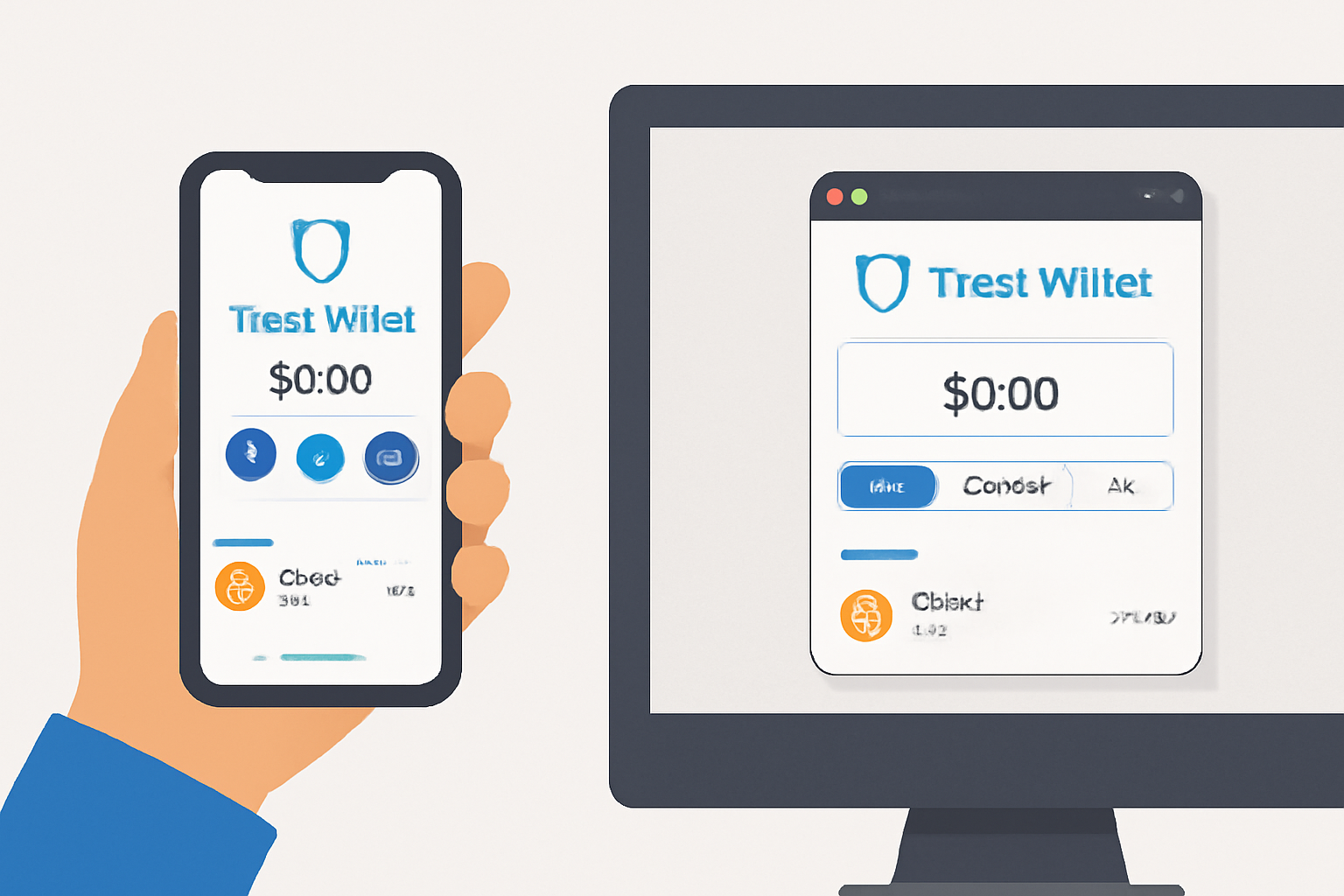
A person holding a smartphone displaying the Trust Wallet app home screen, or a computer screen with the Trust Wallet browser extension open, both showing a clean crypto wallet interface.
Open Trust Wallet
Launch the Trust Wallet app on your mobile device or open the Trust Wallet browser extension. Make sure you're logged in and on the main wallet page.
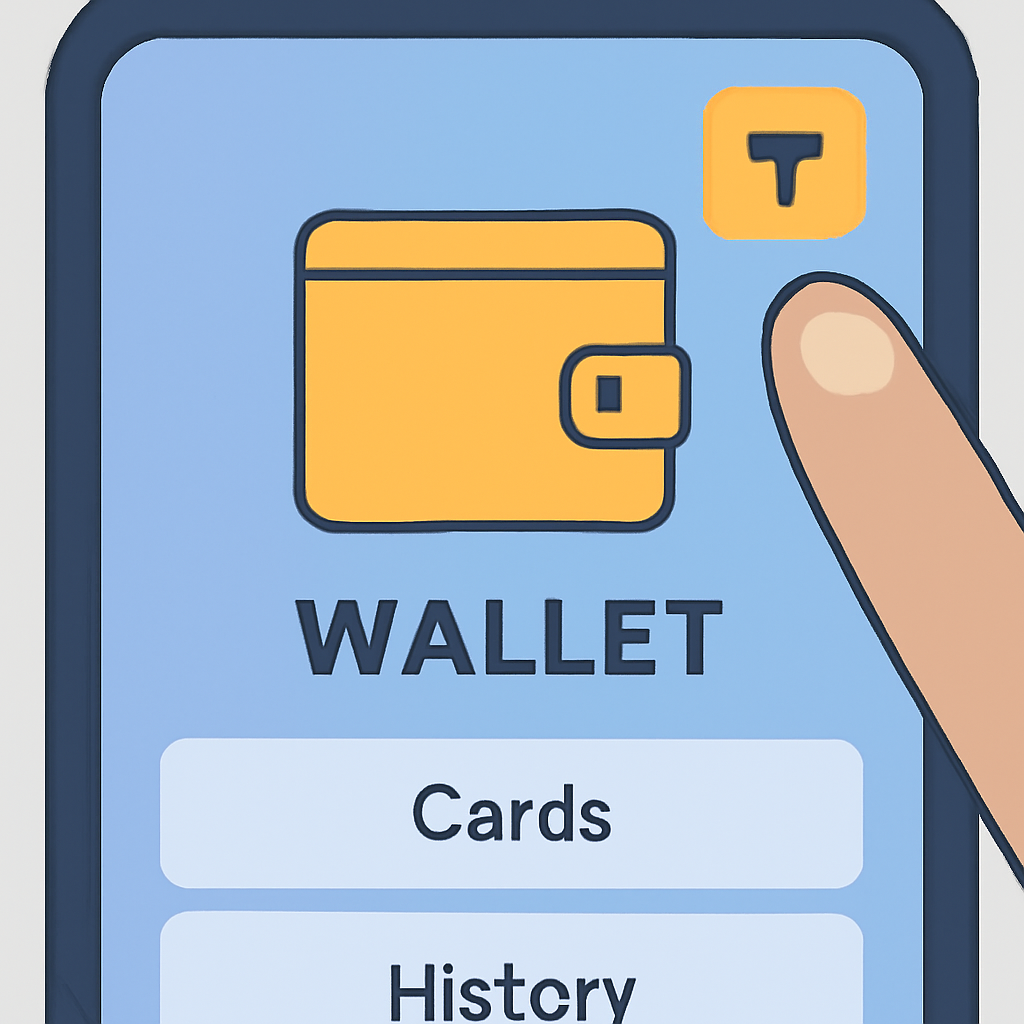
A close-up of a finger tapping a filter icon on a digital wallet app, with a highlighted top-right corner.
Access Token Management
Tap the filter icon (for mobile) or the token symbol (for browser extension) in the top-right corner of the wallet to manage your tokens.
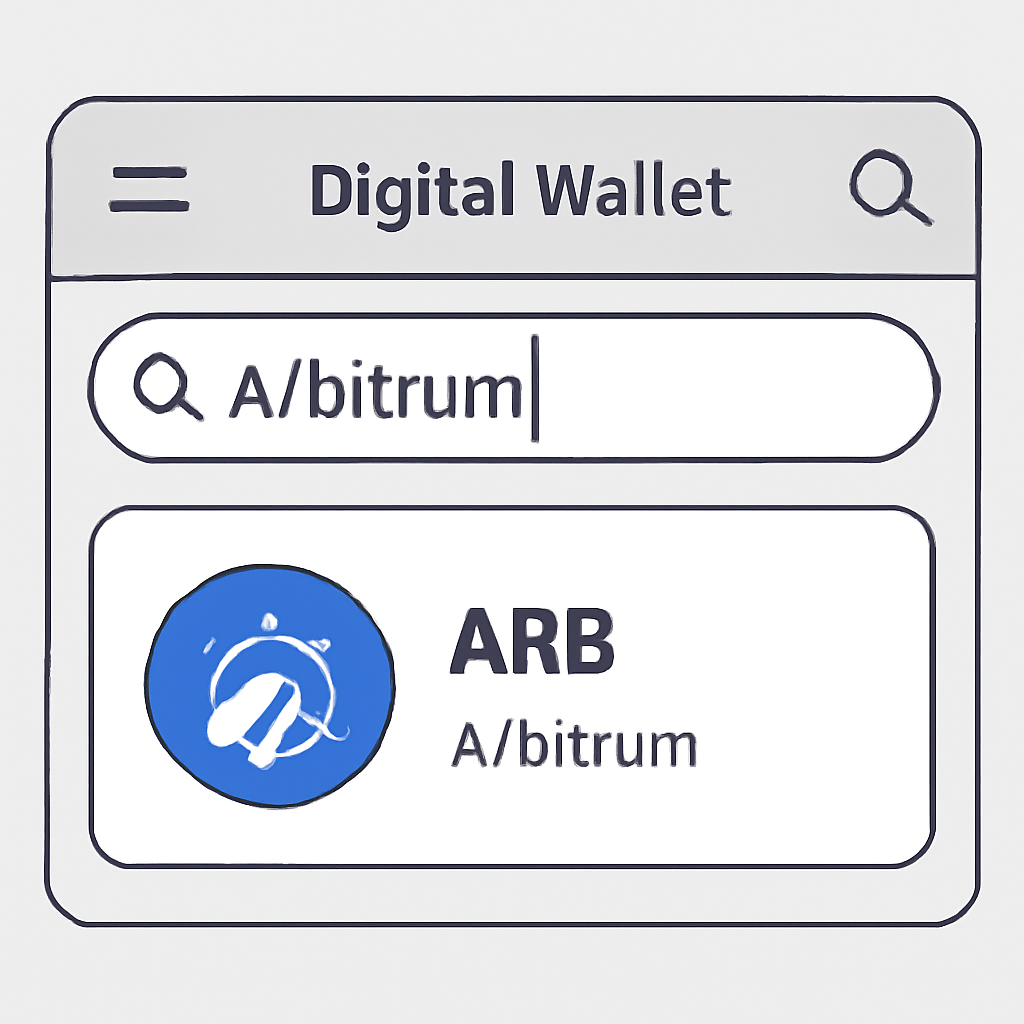
A digital wallet interface with a search bar and the word 'Arbitrum' being typed, showing ARB token results.
Search for Arbitrum (ARB)
In the search bar, type 'Arbitrum' or 'ARB' to locate the Arbitrum token in the list of supported assets.
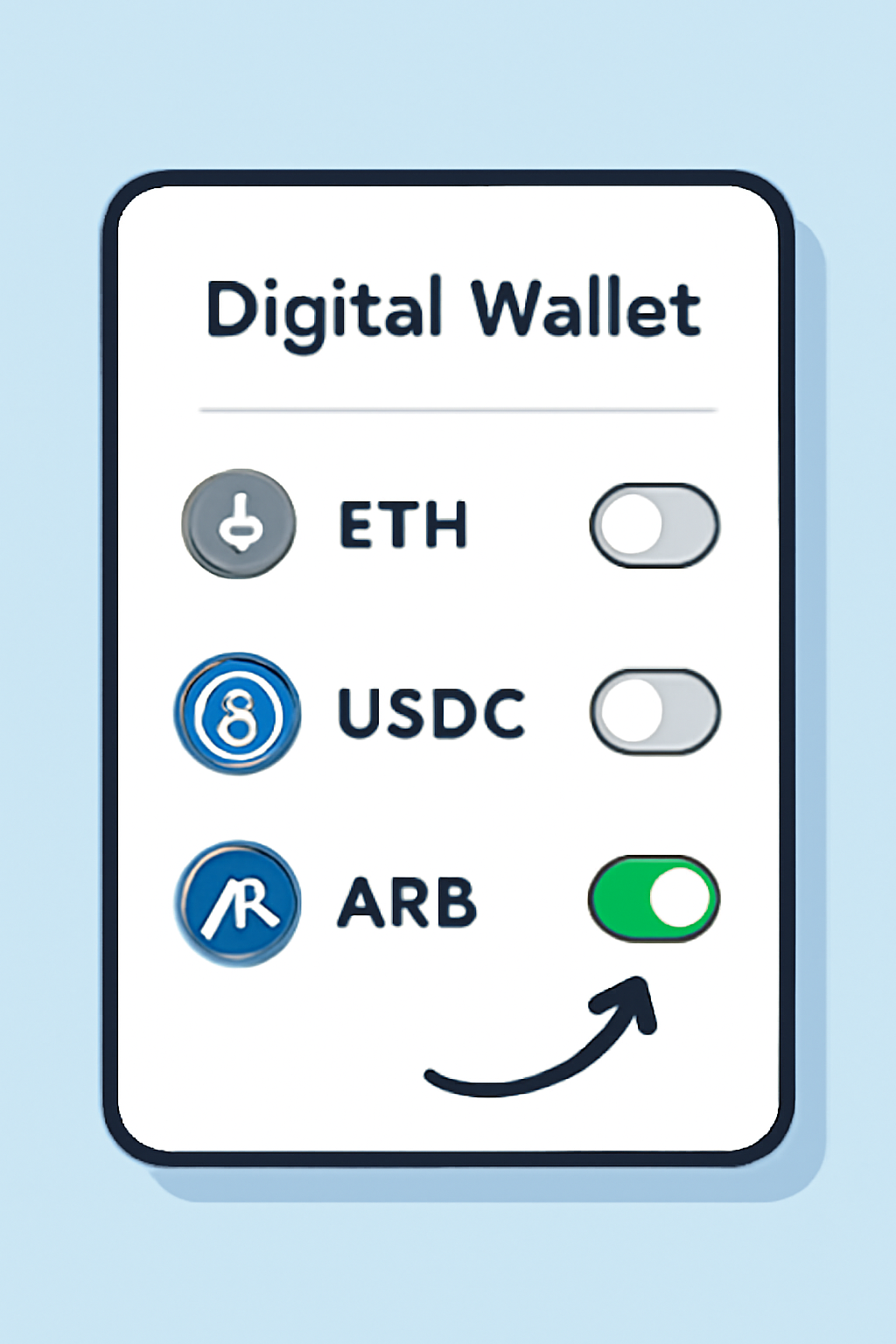
A digital wallet screen with a toggle switch being activated next to the ARB token, highlighting the addition of the token.
Enable ARB Token
Toggle the switch next to Arbitrum (ARB) to add it to your main wallet screen. You’ll now see ARB alongside your other tokens.
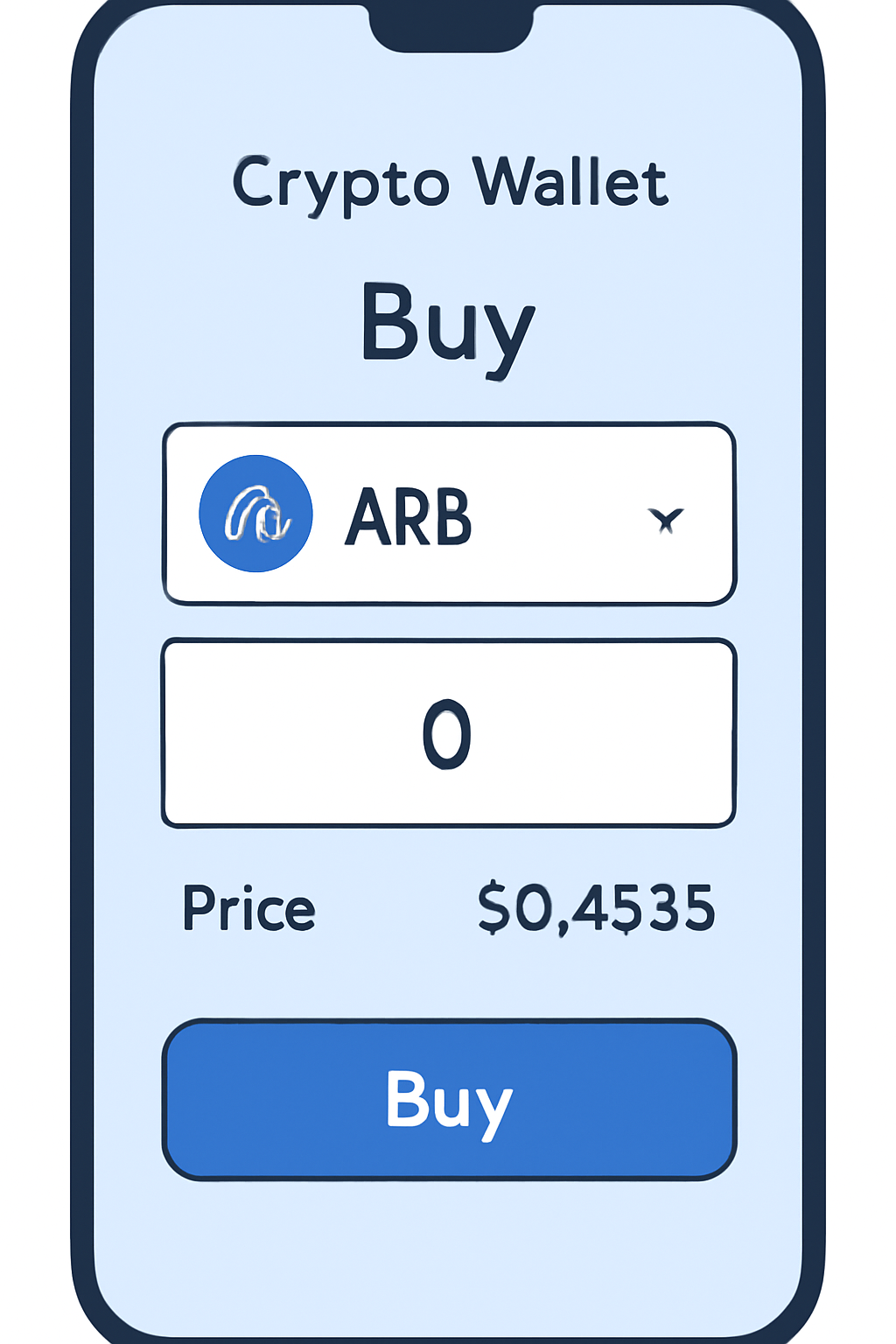
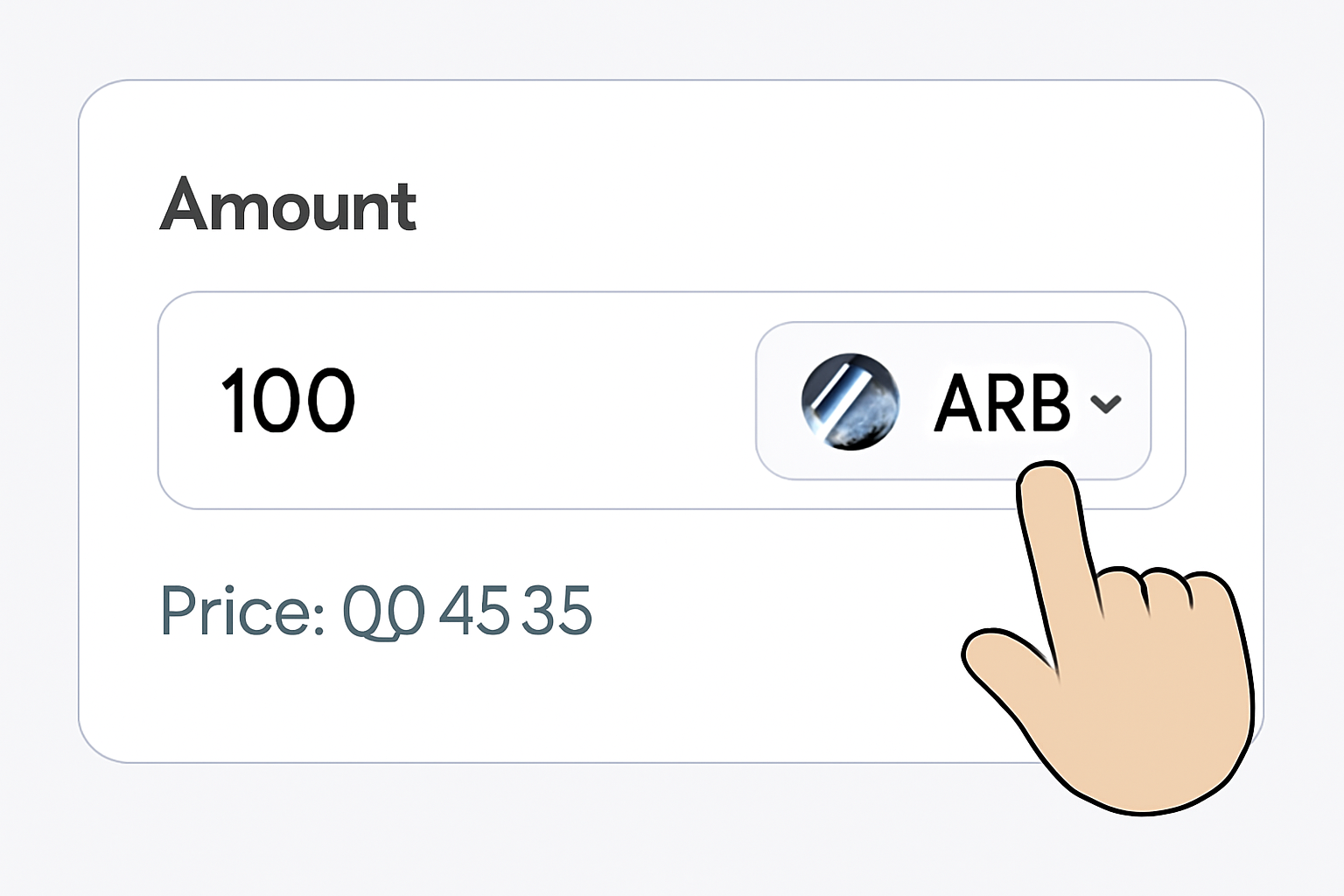
A crypto wallet app showing a 'Buy' screen with ARB selected, an amount entry field, and the current price $0.4535 visible.
(Optional) Purchase ARB Tokens
To buy ARB, tap the 'Buy' button on the main wallet page, search for Arbitrum (ARB), enter the amount you wish to purchase, and follow the on-screen instructions. As of now, ARB is priced at $0.4535. Always check the current price before purchasing.
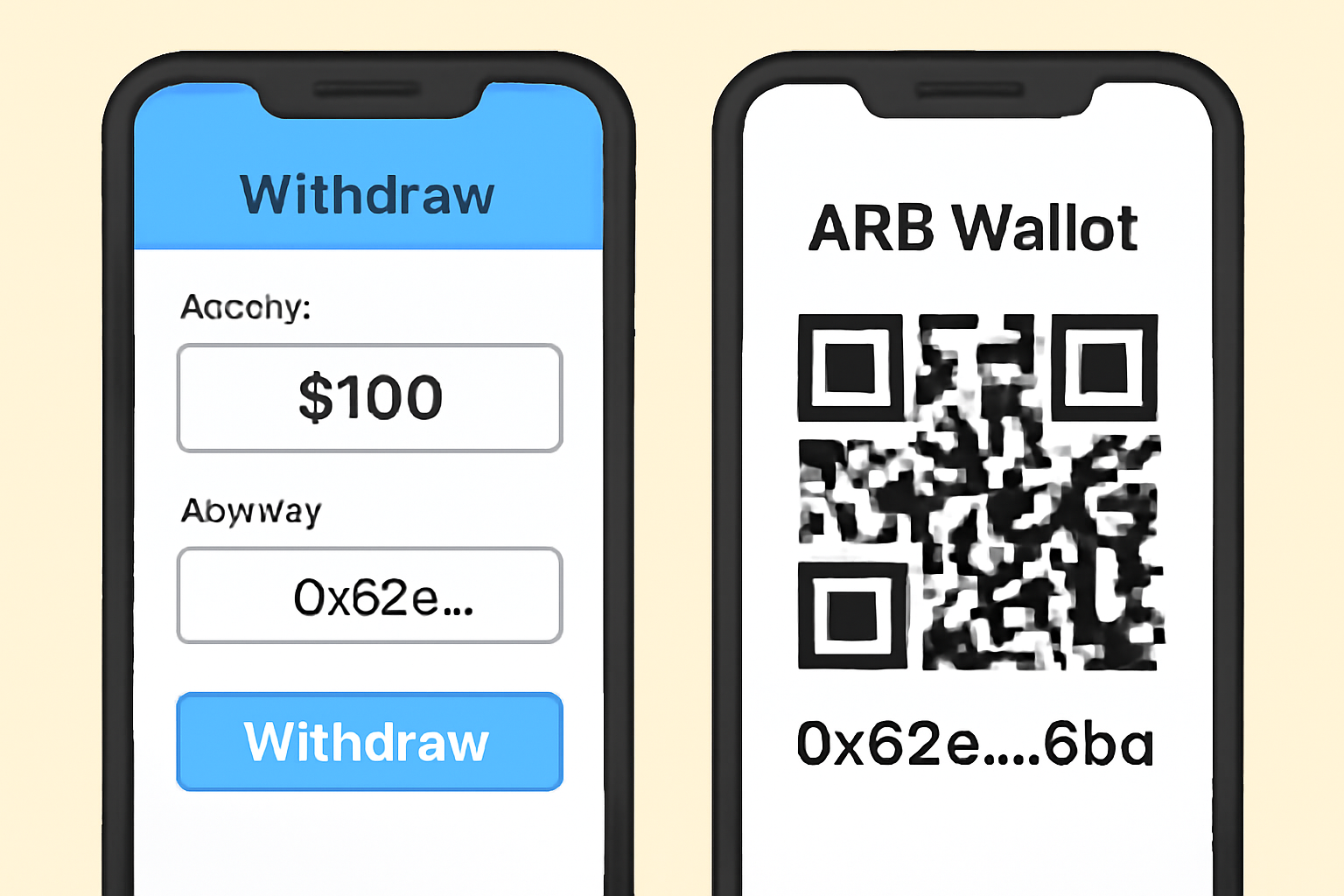
A mobile screen displaying a QR code and ARB wallet address, with another device showing a crypto exchange withdrawal page.
(Optional) Deposit ARB from Exchange
To deposit ARB from a centralized exchange, tap 'Receive,' search for ARB, and copy your wallet address. Paste this address in your exchange's withdrawal section, specify the amount, and confirm the transfer. Double-check the address before sending.
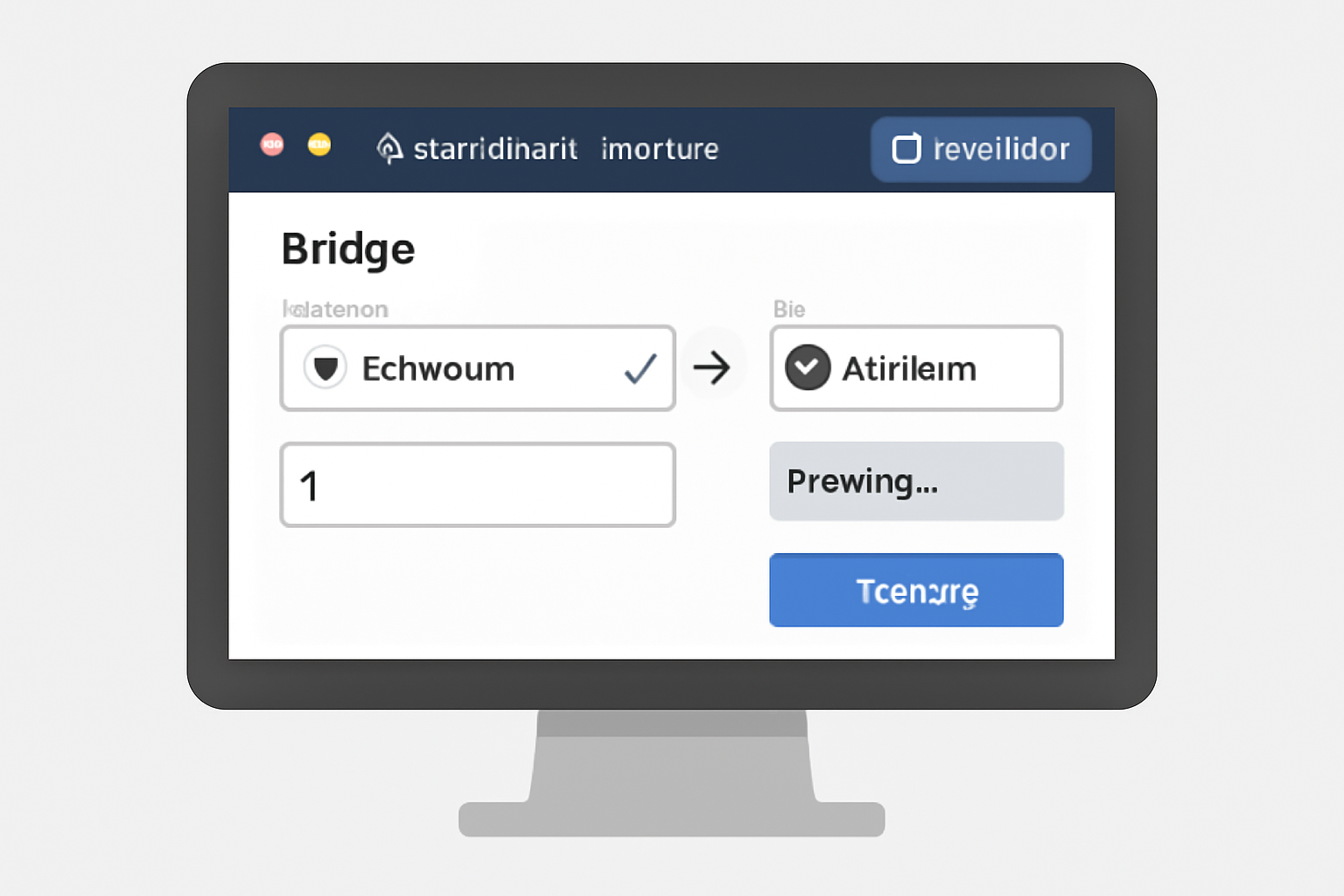
A computer screen showing the Arbitrum Bridge website, with Trust Wallet connected and a transfer in progress between Ethereum and Arbitrum networks.
(Optional) Bridge Assets to Arbitrum
To bridge assets, visit the Arbitrum Bridge (https://bridge.arbitrum.io/), connect your Trust Wallet, and follow the prompts to move funds from Ethereum to Arbitrum. Review all details and confirm the transaction for a smooth transfer.

This simple process ensures your wallet is ready to receive, store, or swap ARB tokens instantly.

Step 2: Buying ARB Directly in Trust Wallet

If you’re wondering how to buy ARB with Trust Wallet, the process couldn’t be easier. Forget hopping between exchanges - now you can purchase directly via integrated third-party providers inside the app:

How to Buy ARB Using Trust Wallet: A Visual Step-by-Step Guide
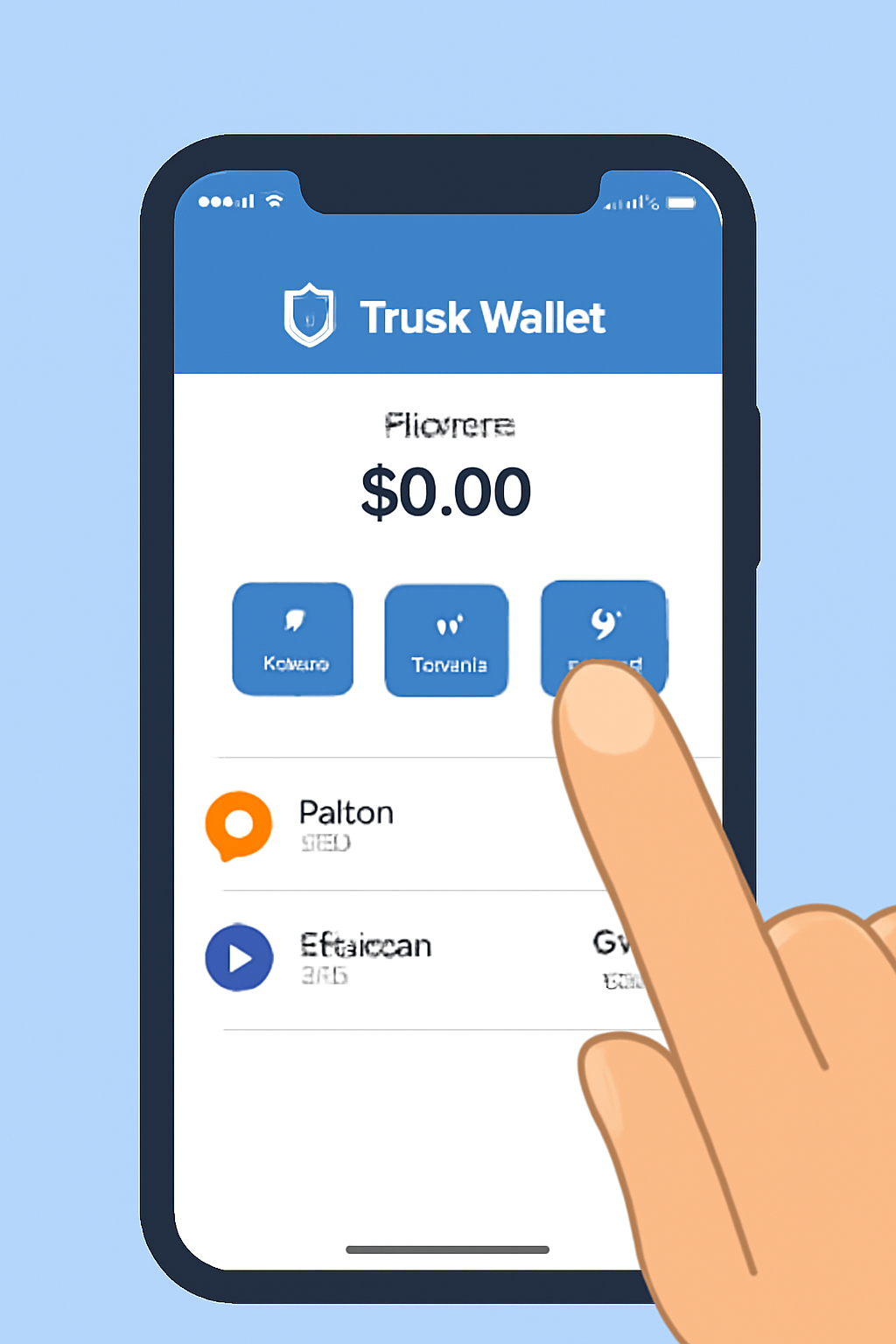
A smartphone screen showing the Trust Wallet app open, with a finger pointing to the prominent 'Buy' button on the main wallet page.
Open Trust Wallet and Access the Buy Feature
Launch the Trust Wallet app on your device. On the main wallet page, tap the 'Buy' button to begin the process of purchasing Arbitrum (ARB) tokens.
A mobile app interface with a search bar at the top, the word 'Arbitrum' being typed, and ARB token appearing in the search results.
Search for Arbitrum (ARB) Token
In the search bar, type 'Arbitrum' or 'ARB.' Select 'Arbitrum (ARB)' from the list of available tokens to proceed with your purchase.
A digital form where a user is entering an amount, with ARB token selected and the current price of $0.4535 displayed clearly.
Enter the Amount of ARB to Buy
Specify how much ARB you want to purchase. You can enter the amount in your local currency or in ARB tokens. For reference, the current ARB price is $0.4535. Double-check the amount before continuing.
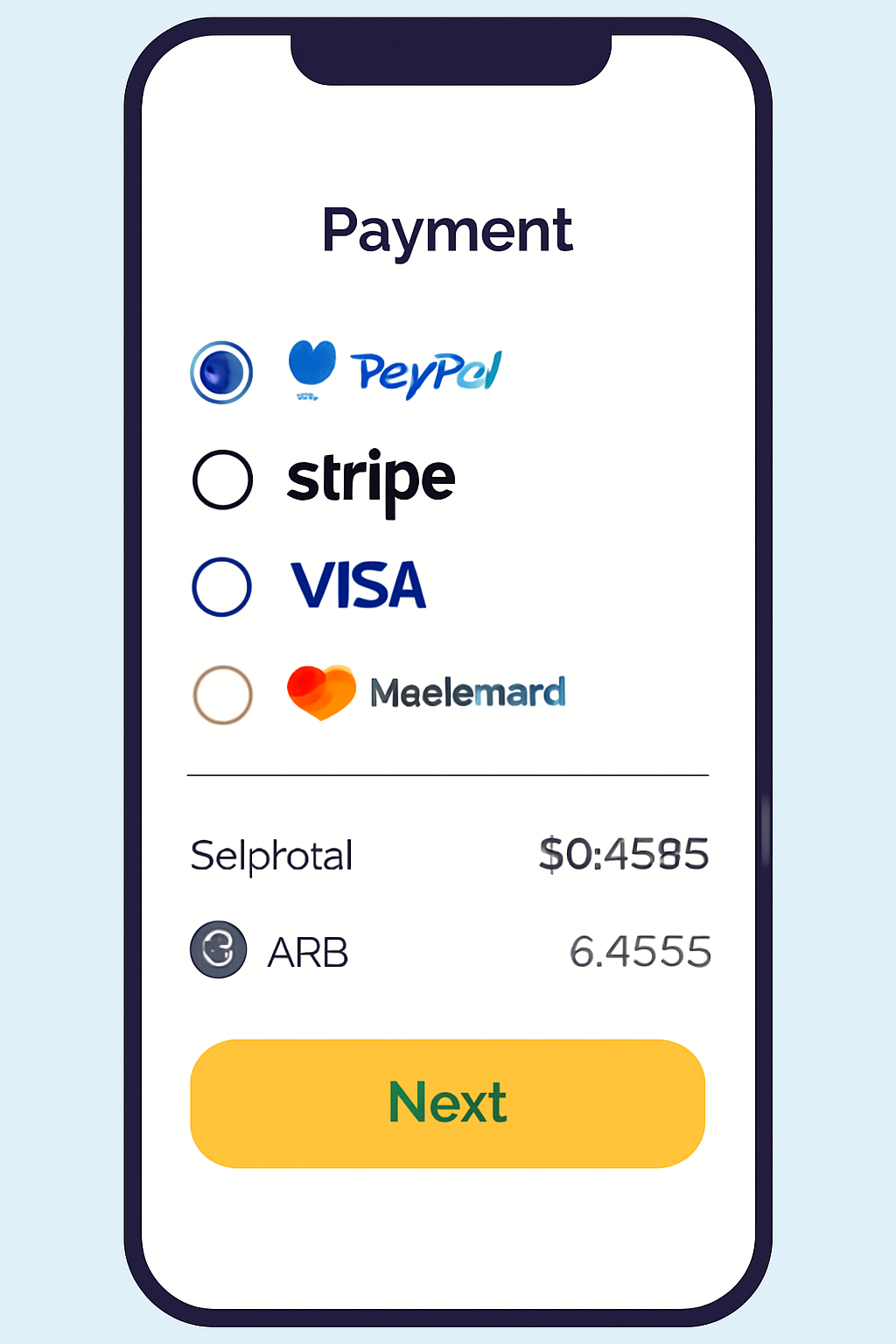
A mobile screen showing a list of payment providers, transaction summary with ARB price $0.4535, and a highlighted 'Next' button.
Choose a Payment Provider and Review Details
Trust Wallet partners with third-party providers for crypto purchases. Select your preferred provider, review the transaction details—including fees and the ARB price of $0.4535—then tap 'Next.'
A confirmation screen showing a successful ARB purchase, with tokens appearing in the Trust Wallet balance and a celebratory checkmark.
Complete Your Purchase and Receive ARB
Follow the provider’s instructions to finalize your payment. Once completed, your ARB tokens will be credited to your Trust Wallet. You can now view and manage your ARB directly from your wallet.

You’ll be able to specify exactly how much ARB you want (remembering that today’s price is $0.4535 per token) and finalize your purchase securely within minutes.

What About Depositing from an Exchange?

If you already have ARB on a centralized exchange like Binance or Coinbase, moving it into your self-custody wallet is straightforward:

How to Withdraw ARB from an Exchange to Trust Wallet: A Visual Guide
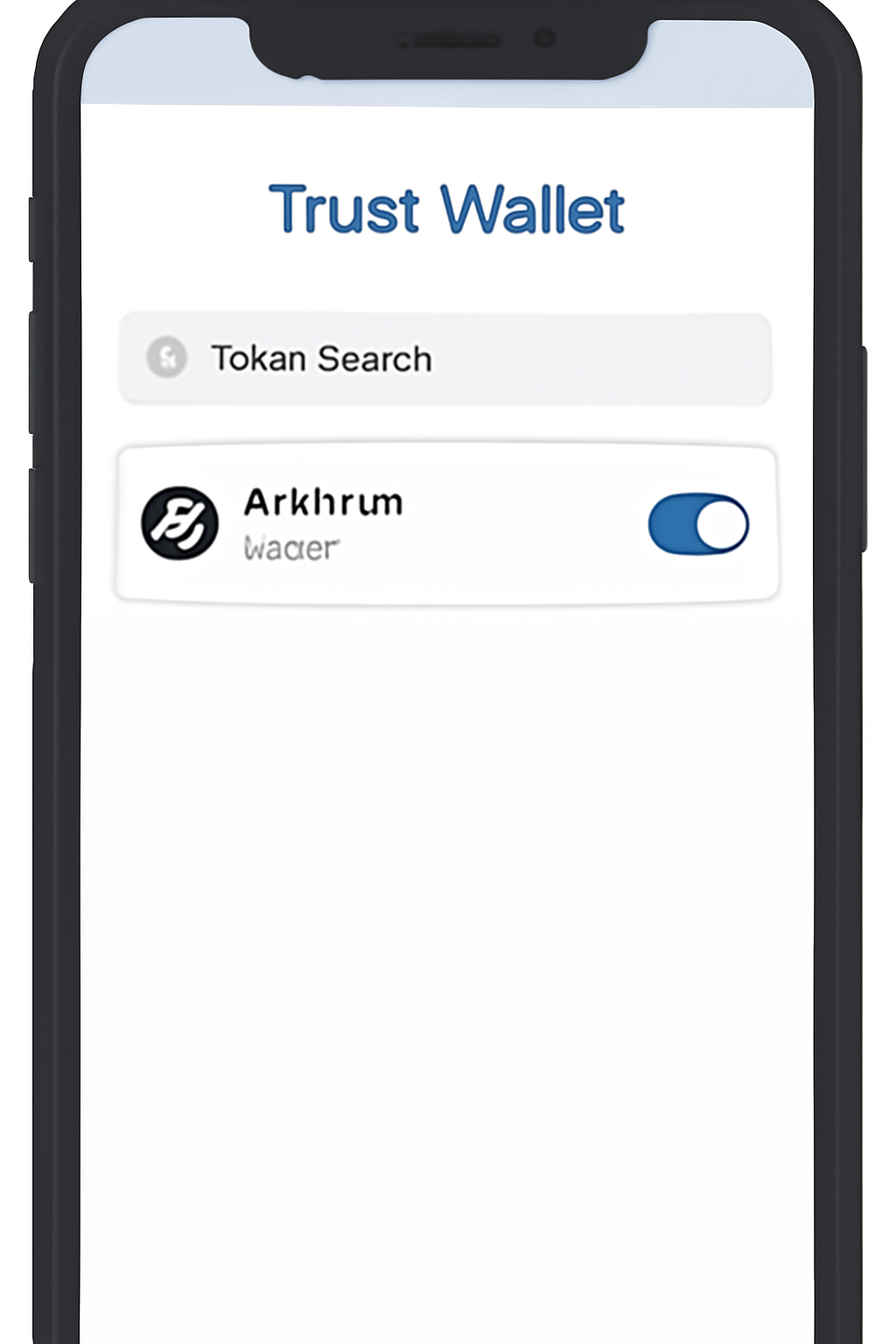
A smartphone screen showing the Trust Wallet app, with the token search filter open and 'Arbitrum (ARB)' being enabled.
Open Trust Wallet and Add ARB Token
Launch your Trust Wallet app. Tap the filter icon in the top-right corner, search for 'Arbitrum' or 'ARB', and toggle the switch to enable the ARB token on your wallet's main screen. This ensures you can view your ARB balance once the withdrawal is complete.
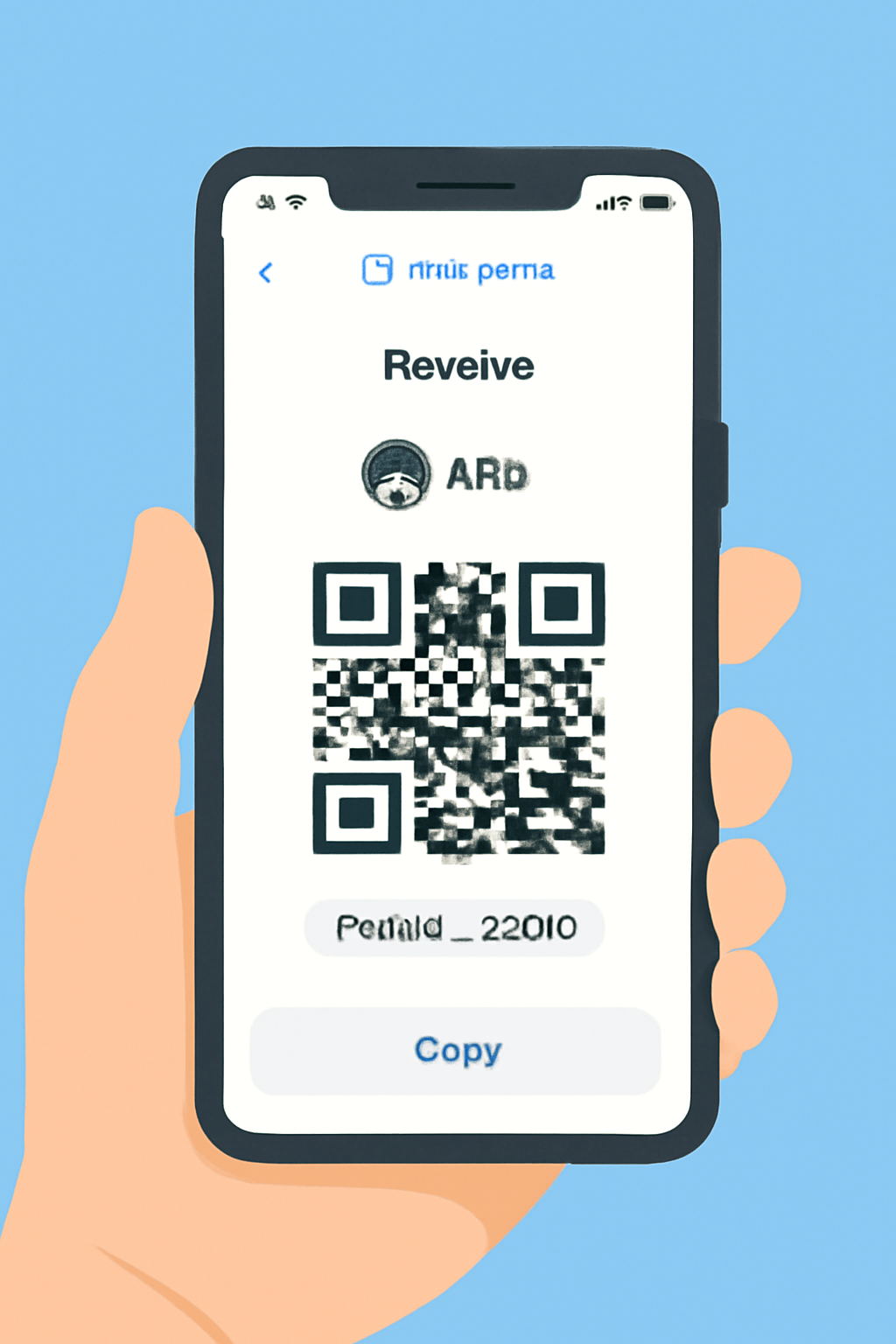
A hand holding a phone displaying the Trust Wallet 'Receive' screen with the ARB token selected and a QR code/address visible.
Get Your Trust Wallet ARB Deposit Address
On the main wallet page, tap 'Receive'. Search for and select 'Arbitrum (ARB)'. Your unique ARB deposit address will be displayed—copy this address. You'll need it to withdraw ARB from your exchange.
A computer or phone screen showing a user logged into a crypto exchange dashboard with ARB token balance visible.
Log In to Your Exchange Account
Access your centralized exchange account (e.g., Binance, Coinbase, etc.) where your ARB tokens are stored. Make sure you have enough ARB to withdraw, factoring in any withdrawal fees the exchange may charge.
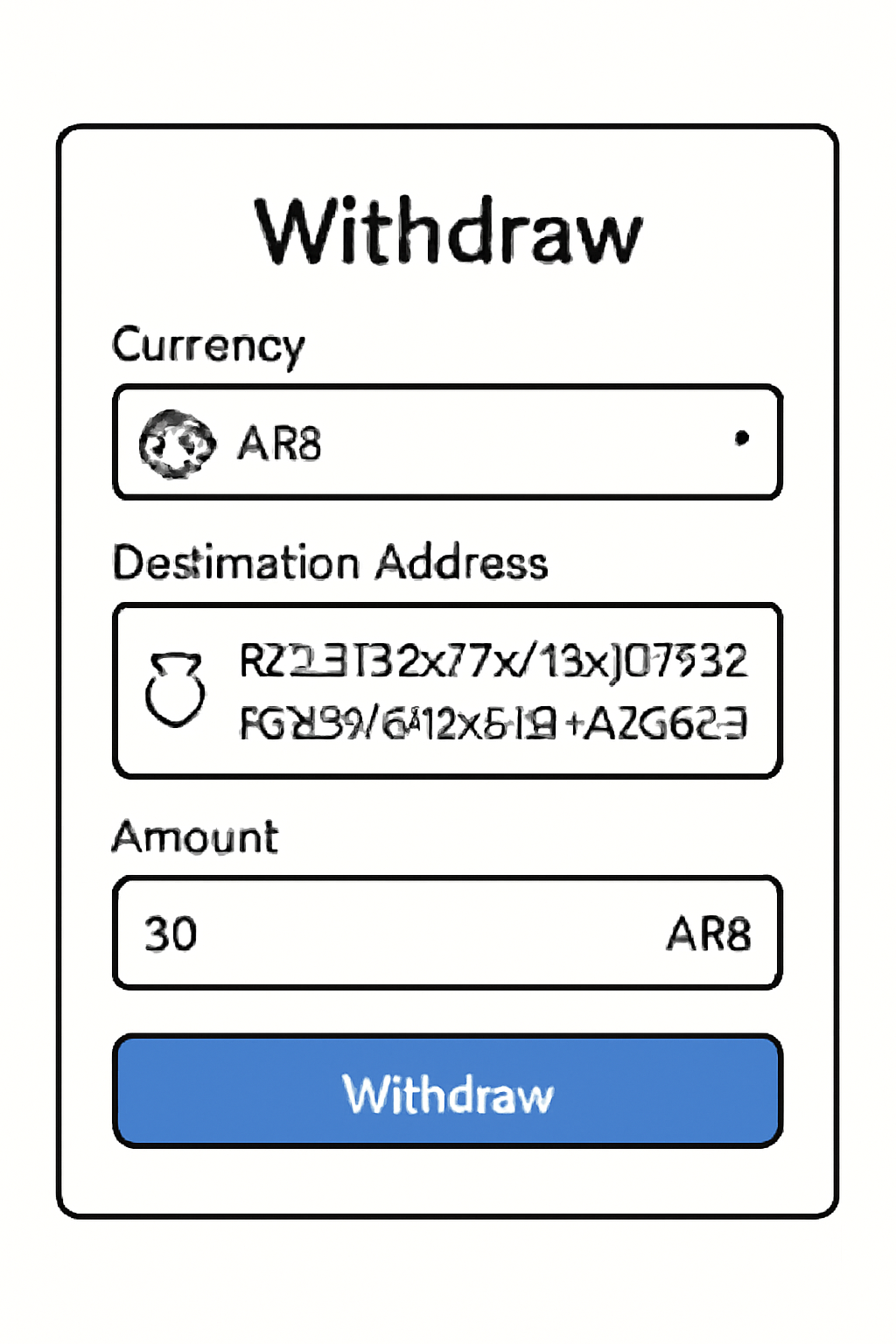
A withdrawal form on a crypto exchange website, with ARB selected, the Trust Wallet address pasted, and the amount field filled in.
Initiate ARB Withdrawal from the Exchange
Navigate to the withdrawal section of your exchange. Select 'Arbitrum (ARB)' as the token to withdraw. Paste your Trust Wallet ARB address into the recipient field. Enter the amount of ARB you wish to transfer. For reference, the current ARB price is $0.4535.
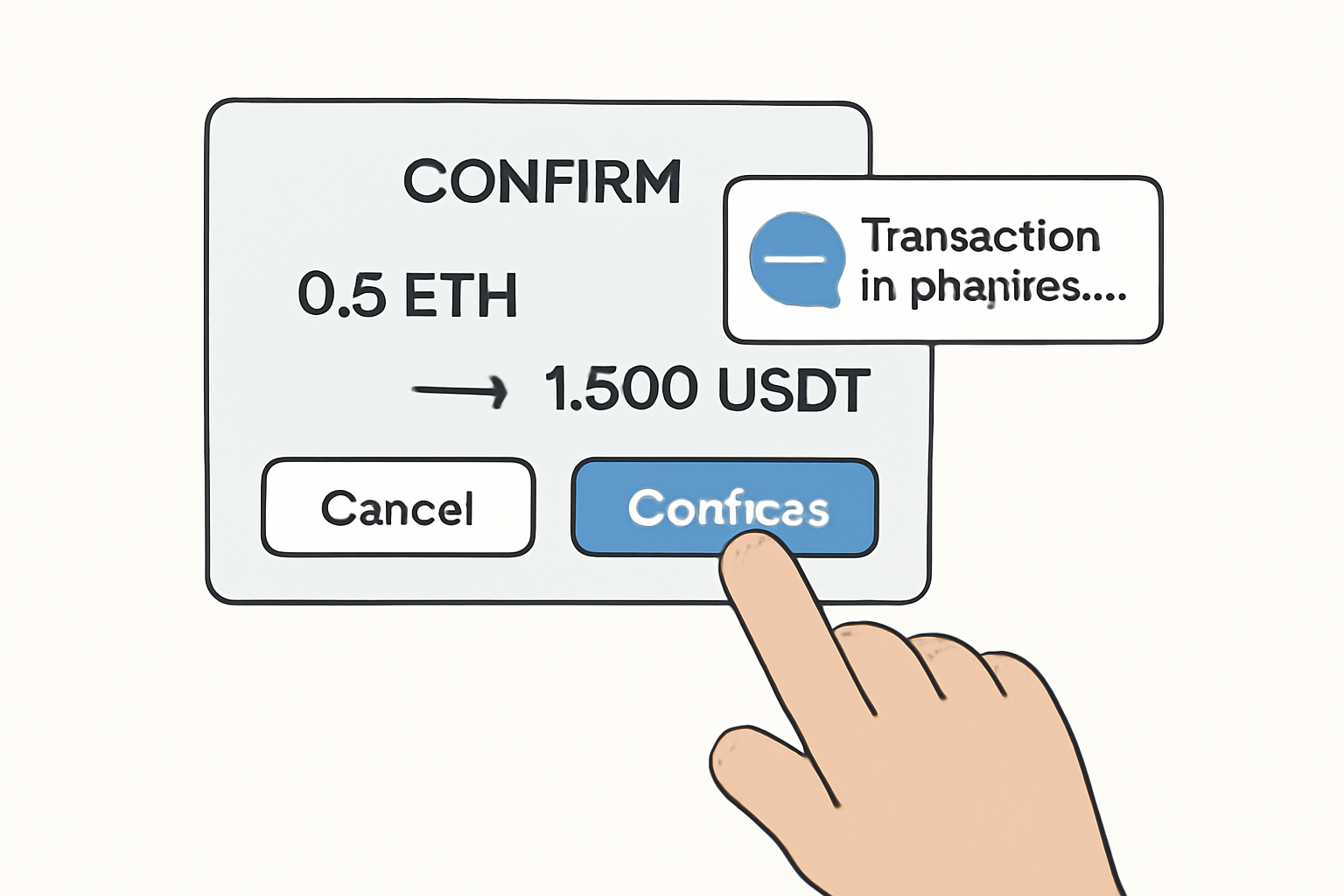
A confirmation dialog on an exchange, with a finger about to tap 'Confirm', and a notification of transaction in progress.
Confirm and Complete the Withdrawal
Review all withdrawal details carefully, including the ARB amount and your Trust Wallet address. Confirm the transaction. Depending on network congestion, your ARB should arrive in Trust Wallet within a few minutes. Monitor your Trust Wallet for the updated ARB balance.
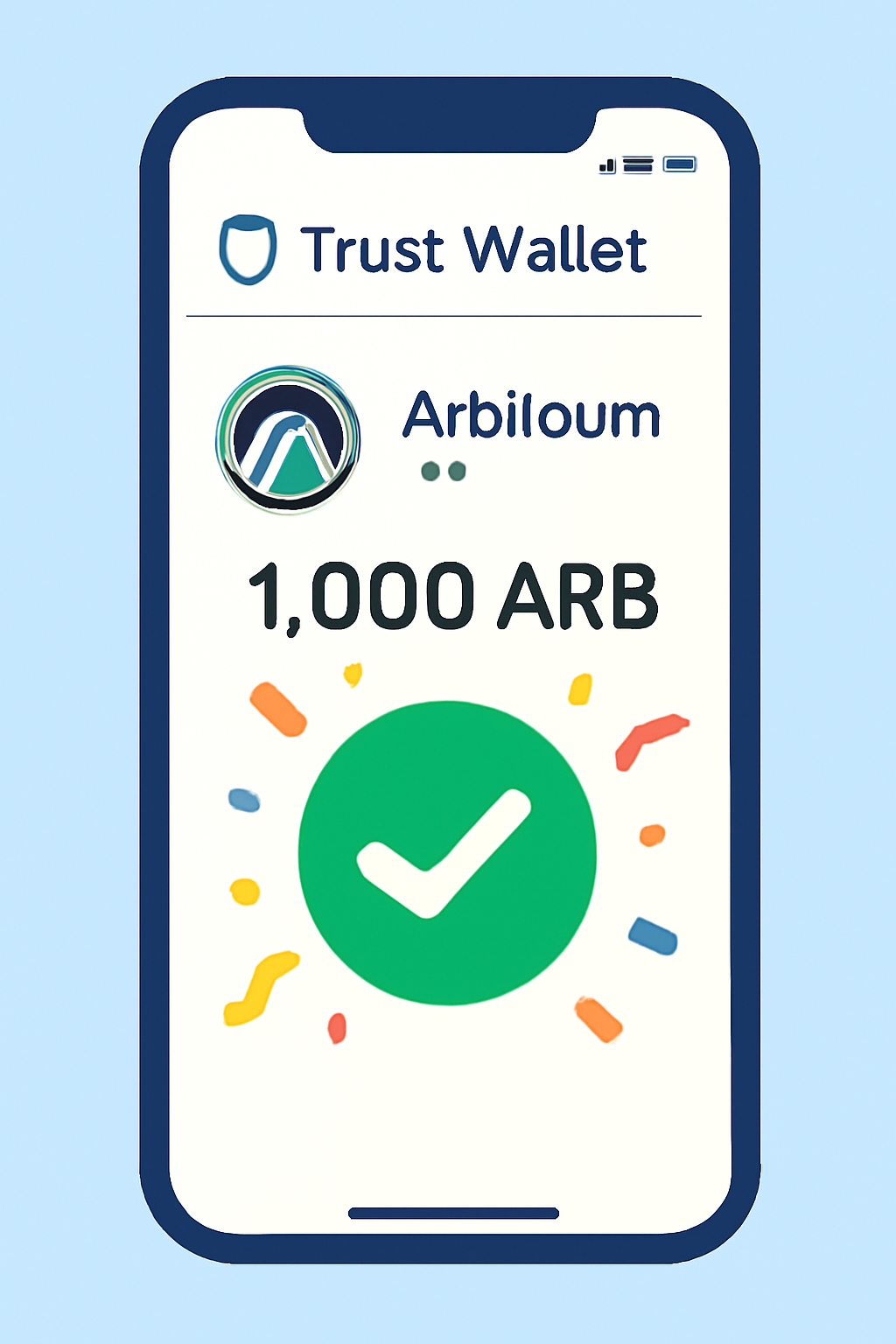
A Trust Wallet screen showing the ARB token with a new balance, and a celebratory checkmark or confetti overlay.
Verify ARB Receipt in Trust Wallet
Return to your Trust Wallet app and check the ARB token on your main wallet screen. Your transferred ARB should now appear. If not, wait a few more minutes and refresh the app. Congratulations—you've successfully withdrawn ARB to Trust Wallet!

This gives you full control over your funds while leveraging all of Arbitrum’s lightning-fast transactions and low fees.

The Power of Bridging: Moving Assets Onto Arbitrum via Trust Wallet

The real magic happens when you bridge assets like ETH from Ethereum mainnet onto Arbitrum using your wallet. This unlocks access to dApps, swaps, and DeFi protocols running at a fraction of mainnet costs. Here’s how:

How to Bridge Assets to Arbitrum Using Trust Wallet Extension
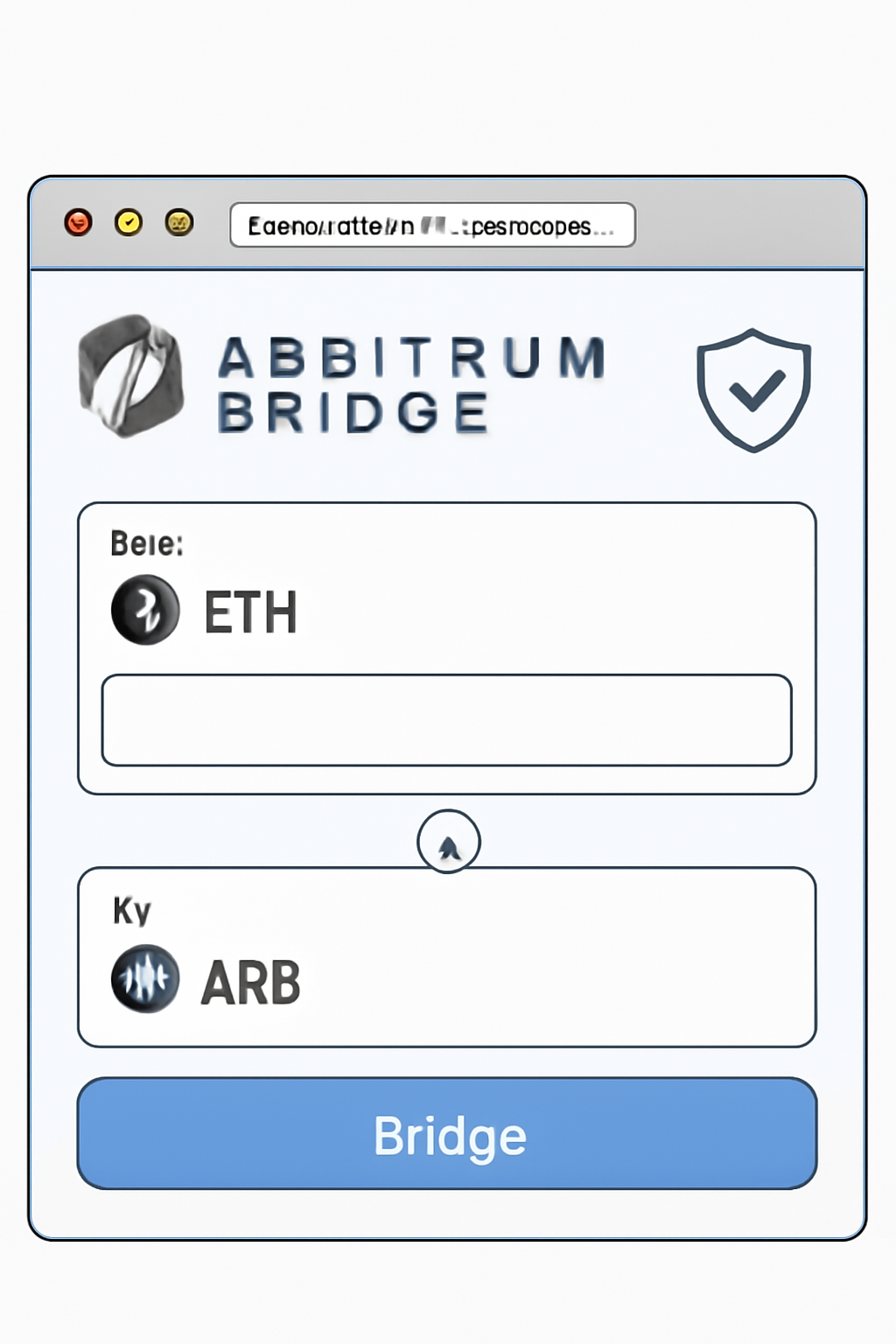
A browser window open to the Arbitrum Bridge website, showing the homepage and bridge interface, with a focus on security and clarity.
Open the Official Arbitrum Bridge
Visit the official Arbitrum Bridge at https://bridge.arbitrum.io/ using your preferred browser. This is the secure portal for transferring assets from Ethereum to Arbitrum.
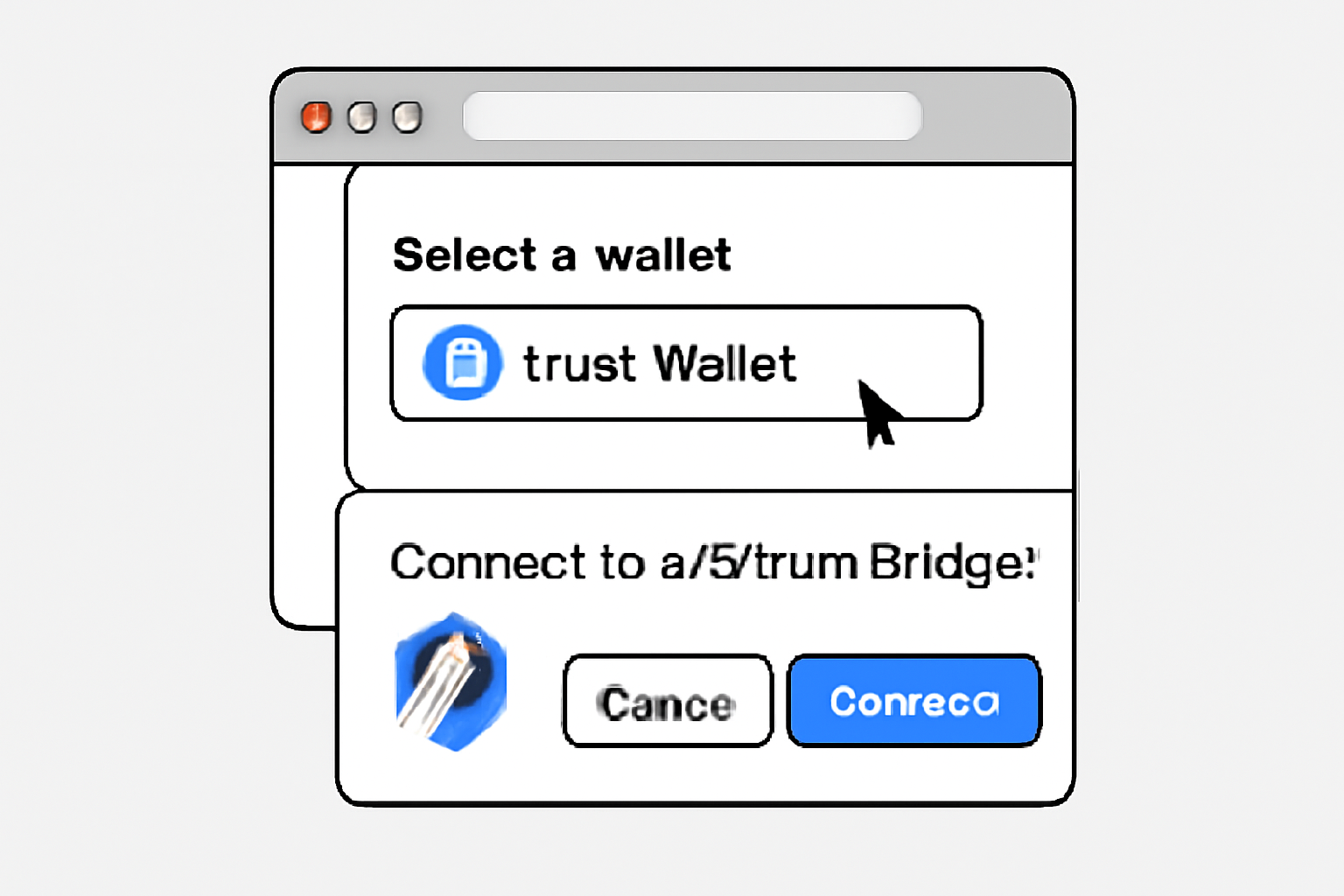
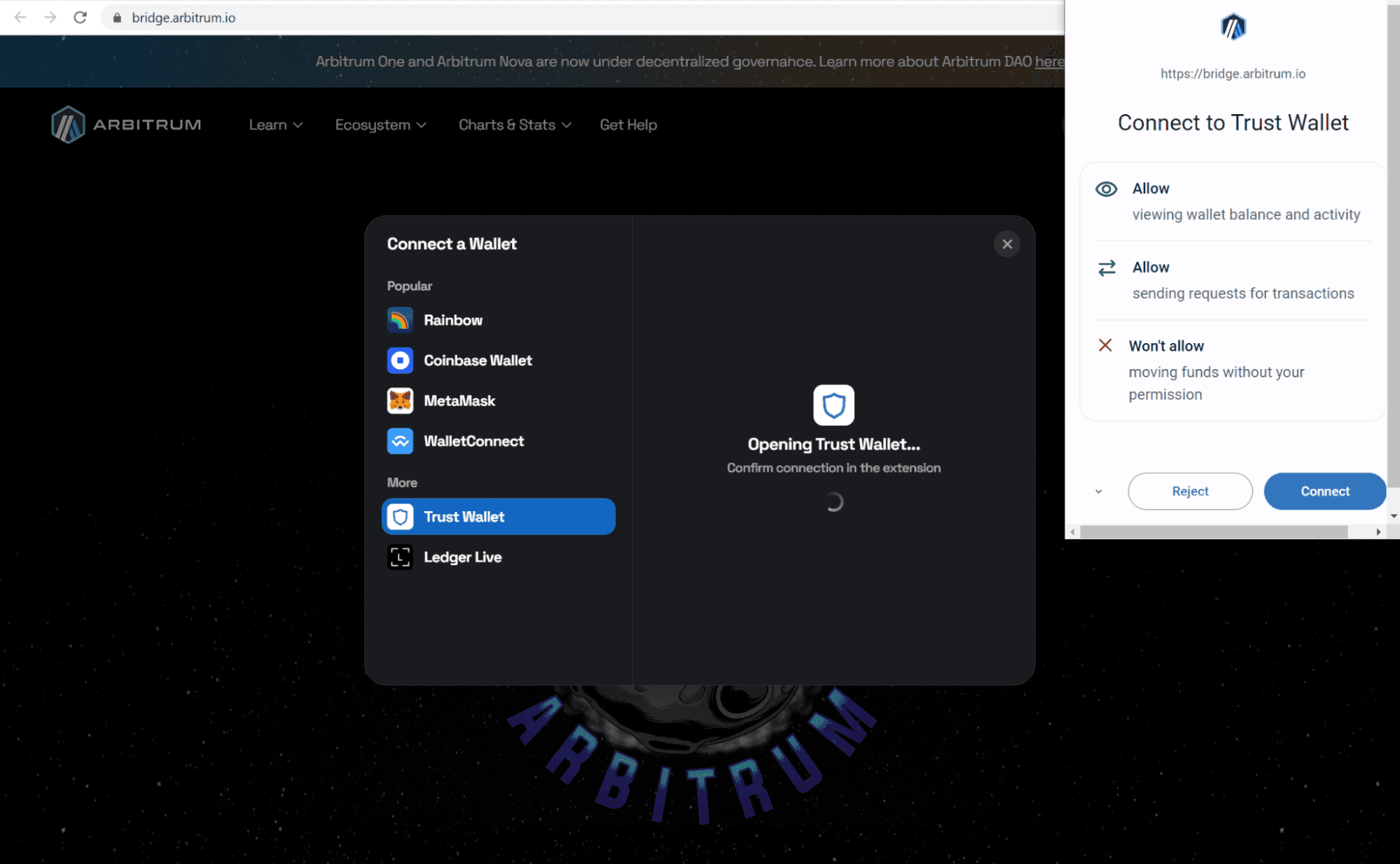
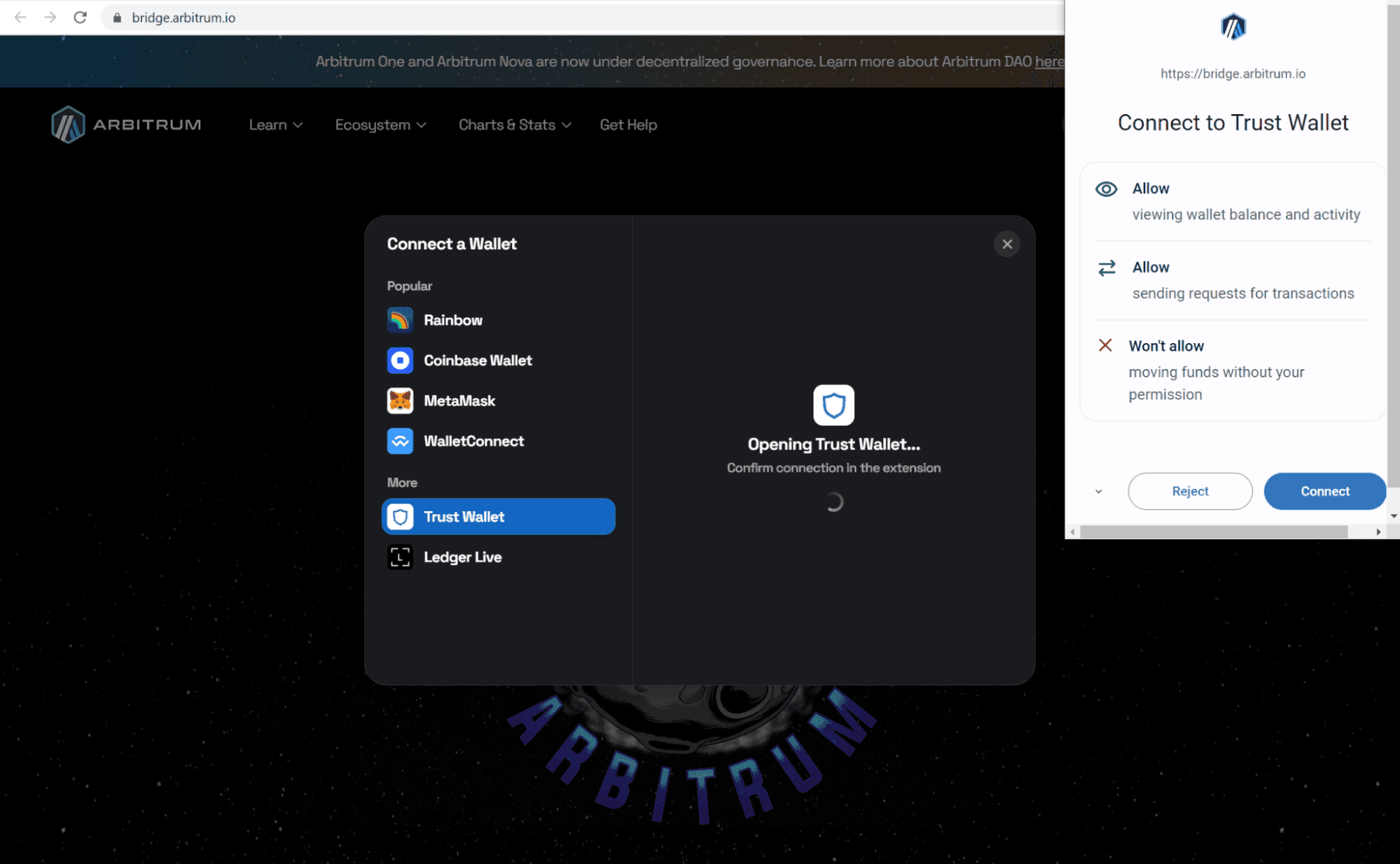
A browser pop-up showing the Trust Wallet extension being selected and a confirmation window for connecting to the Arbitrum Bridge.
Connect Your Trust Wallet Extension
Click the 'Connect Wallet' button on the Arbitrum Bridge site. Select 'Trust Wallet' from the list. Approve the connection request in your Trust Wallet browser extension to enable interaction with the bridge.
Trust Wallet extension open, highlighting the network selection menu with Ethereum network chosen.
Ensure You're on the Ethereum Network
Before bridging, make sure your Trust Wallet extension is set to the Ethereum network. This is necessary for transferring ETH or other assets to Arbitrum.
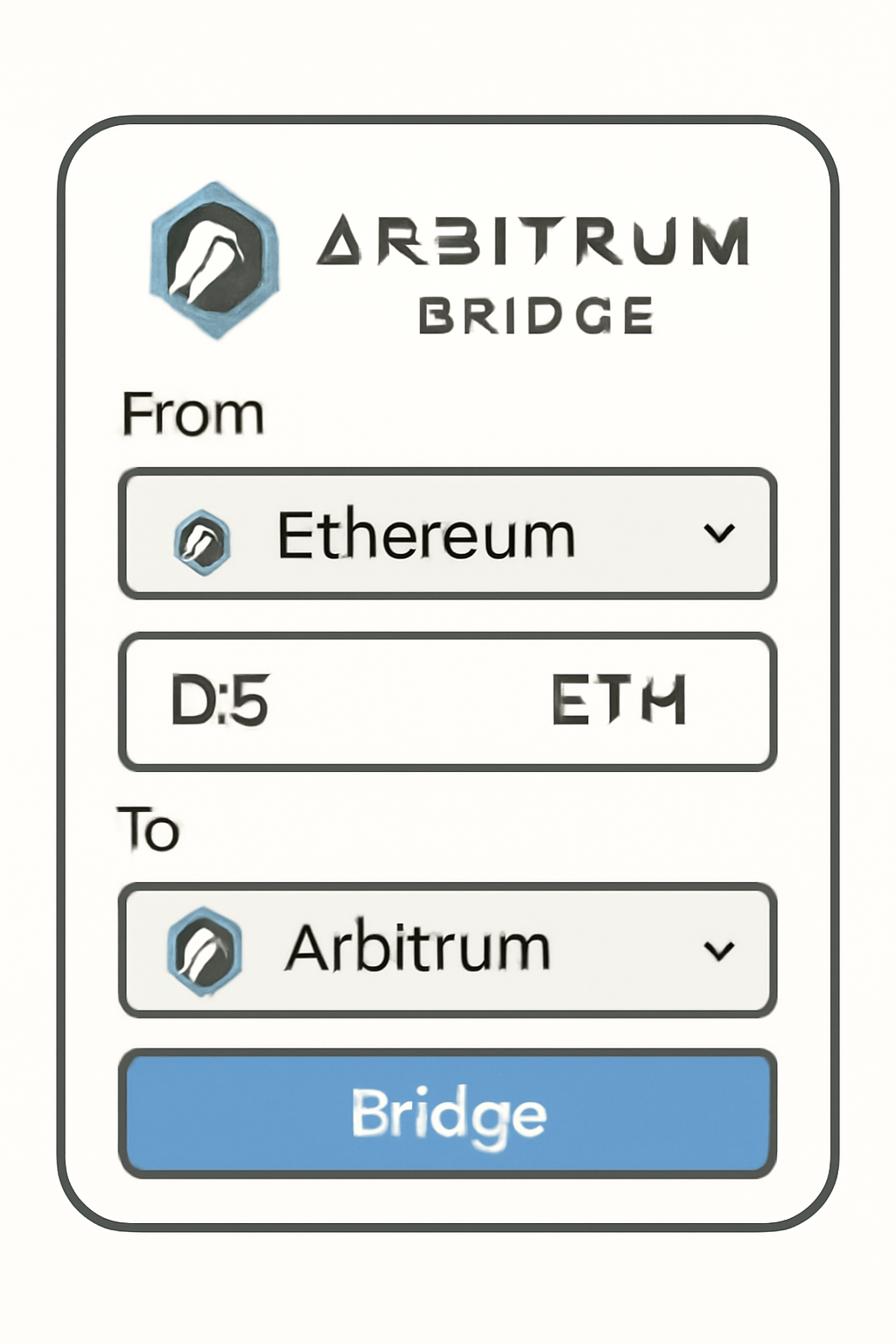
Arbitrum Bridge interface with the ETH amount field filled, showing a user entering '0.5 ETH' to bridge.
Enter the Amount to Bridge
In the bridge interface, specify the amount of ETH you want to move to Arbitrum. For example, if you want to bridge 0.5 ETH, enter that value in the input field.
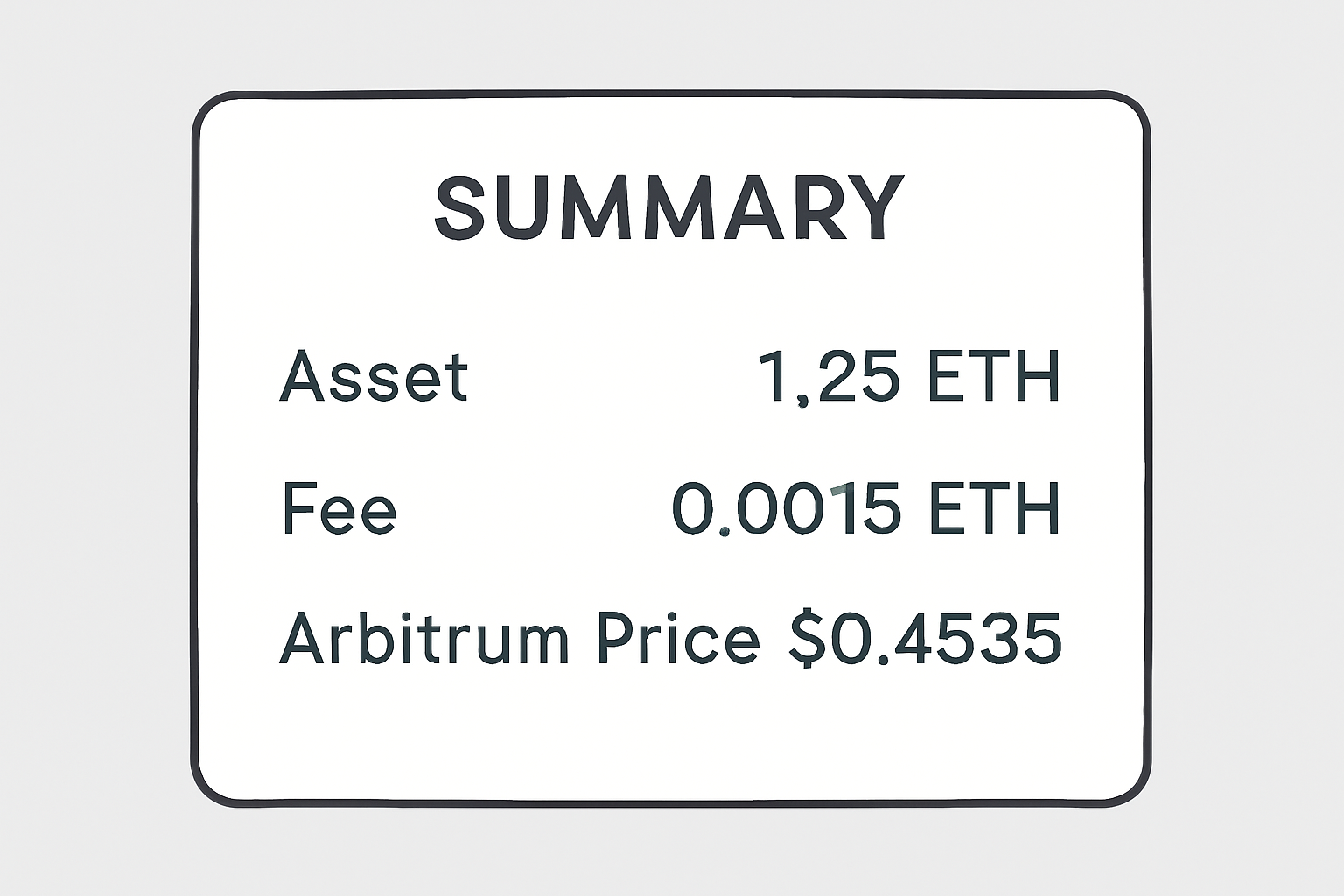
A summary window displaying transaction details, including asset amount, fees, and Arbitrum price at $0.4535.
Review Transaction Details and Fees
Carefully review the transaction summary, including the amount, destination, and estimated fees. Remember, Arbitrum's current price is $0.4535 with a 24h change of -0.0239%. Confirm all details before proceeding.
A Trust Wallet extension pop-up asking for transaction confirmation, with a progress bar indicating the bridging process.
Initiate and Confirm the Bridge Transaction
Click 'Move funds to Arbitrum One.' Your Trust Wallet extension will prompt you to confirm the transaction. Approve it and wait for the blockchain to process your transfer. This may take a few minutes.
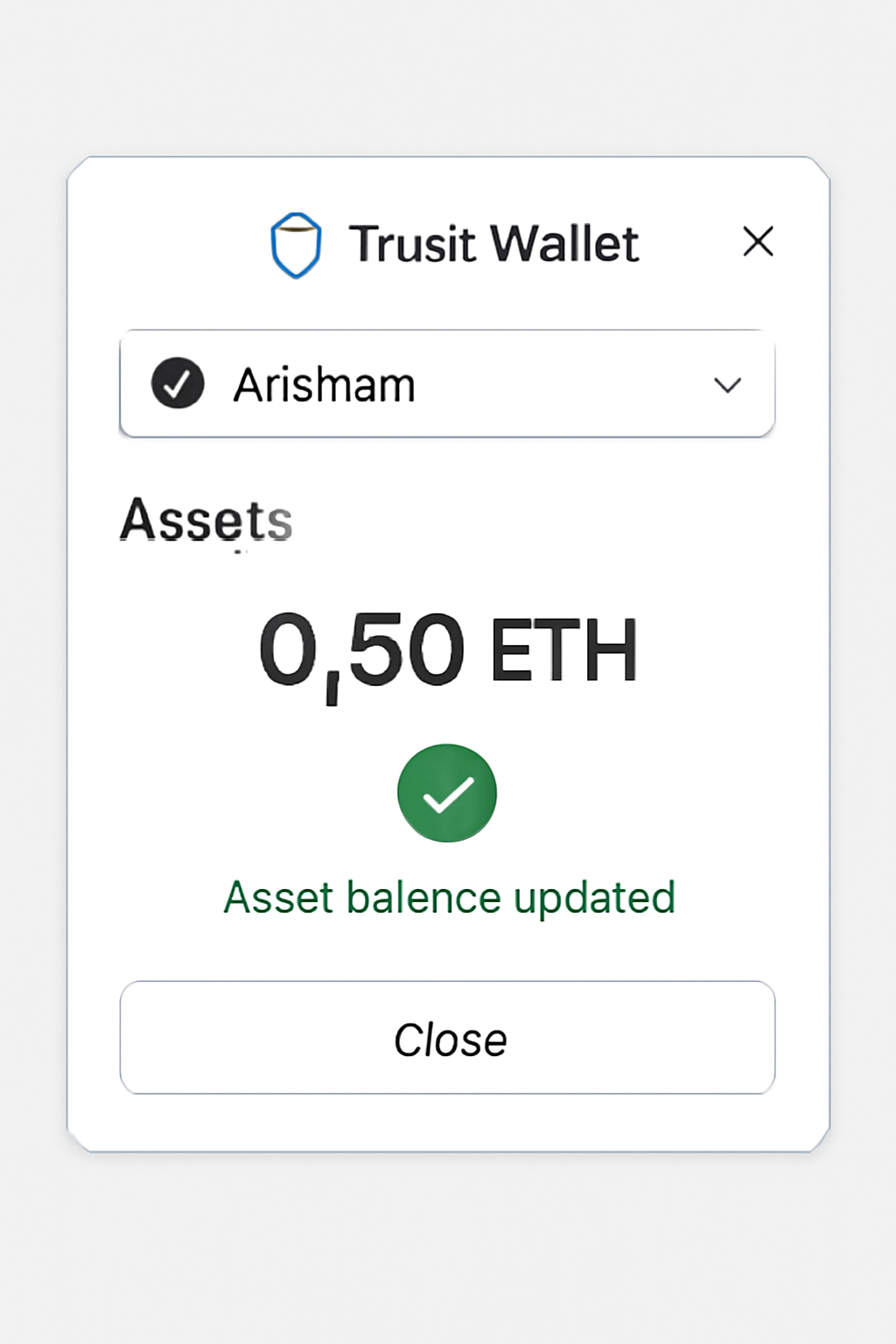
Trust Wallet extension showing the Arbitrum network selected and a successful asset balance update.
Verify Your Funds on Arbitrum
Once the transaction is complete, switch your Trust Wallet extension to the Arbitrum network. Check your wallet balance to confirm the arrival of your bridged assets.

The process involves connecting your wallet at Arbitrum Bridge, approving access, then transferring assets securely onto Layer 2 - all while retaining custody throughout.

Once your assets have landed on Arbitrum, you’ll notice a dramatic improvement in speed and transaction costs compared to Ethereum mainnet. This is where Trust Wallet’s intuitive interface shines: you can instantly view your ARB balance, monitor recent transfers, and interact with the growing ecosystem of Arbitrum-based dApps, all from one dashboard.

Top 5 Advantages of Trust Wallet for Arbitrum Users

  1. Trust Wallet security features app screenshot
    1. Robust Security & Self-Custody: Trust Wallet is a self-custody wallet, meaning users have full control over their private keys and funds. This approach reduces reliance on centralized exchanges and enhances protection against hacks and unauthorized access.
  2. Trust Wallet mobile app user interface
    2. Seamless User Experience: The Trust Wallet interface is intuitive and beginner-friendly, making it easy to add, manage, and transact Arbitrum (ARB) tokens. Features like the token search and one-tap enabling streamline the process for new and experienced users alike.
  3. Trust Wallet Arbitrum network integration
    3. Multi-Chain & Arbitrum Integration: Trust Wallet supports multiple blockchains, including direct integration with the Arbitrum network. Users can manage ARB tokens, bridge assets, and interact with Arbitrum dApps all in one place.
  4. Trust Wallet swap feature buying ARB
    4. Built-In Swaps & Purchases: With Trust Wallet, users can buy and swap ARB tokens directly within the app using third-party providers. This eliminates the need to use external exchanges and simplifies the process of acquiring and exchanging ARB at the current price of $0.4535.
  5. Trust Wallet community support forum
    5. Strong Community & Ongoing Support: Trust Wallet is backed by a large, active community and receives regular updates. Official guides, responsive support, and a transparent development process ensure users have access to the latest features and help when needed.
Managing and Swapping ARB: Built-In Tools for DeFi Enthusiasts

With ARB tokens now safely in your wallet, Trust Wallet makes it simple to swap or stake them directly through its integrated DEX features. You don’t need to leave the app or risk interacting with suspicious third-party platforms. Simply navigate to the "Swap" tab, select your input and output tokens (such as swapping ETH for ARB), and follow the prompts.

Tip: Always double-check network fees and minimum swap amounts before confirming a transaction. With ARB at $0.4535, even smaller trades are accessible for most users, perfect for those just getting started with DeFi.

Arbitrum (ARB) Live Price

Powered by TradingView

Troubleshooting Common Issues

Occasionally, users may encounter hiccups such as pending transactions or delays when bridging assets. The most common culprits are network congestion on Ethereum or insufficient gas fees. If you’re stuck waiting for a bridge transfer or withdrawal confirmation:

  • Check the status of your transaction on a block explorer like Etherscan or Arbiscan
  • Ensure you have enough ETH for gas fees when bridging from Ethereum
  • If an issue persists, consult the official Trust Wallet help center or Arbitrum’s documentation

Trust Wallet & Arbitrum: Your Essential FAQ Guide

Why is my ARB token not showing up in Trust Wallet after bridging or deposit?
If your ARB token isn't visible after bridging or depositing, don't worry—it's a common issue. First, ensure you've enabled the Arbitrum (ARB) token in Trust Wallet by tapping the filter icon (top-right) and toggling "Arbitrum (ARB)" on. If your transaction is confirmed on the blockchain but still not visible, try refreshing the wallet app. Sometimes, network congestion can also cause brief delays in token appearance.
🔍
How long does it take to bridge ETH or ARB to Arbitrum using Trust Wallet?
Bridging assets like ETH or ARB to Arbitrum via the official [Arbitrum Bridge](https://bridge.arbitrum.io/) typically takes 5 to 30 minutes, depending on Ethereum network congestion. After confirming the transaction in your Trust Wallet, monitor its progress on the bridge interface. If it takes longer, check your transaction status on a block explorer or refresh your Trust Wallet app. Patience is key during peak hours!
What should I do if my ARB withdrawal from an exchange to Trust Wallet is delayed?
If your ARB withdrawal from a centralized exchange to Trust Wallet is delayed, first check the transaction status on the exchange. Ensure you copied the correct Arbitrum (ARB) address from Trust Wallet. Network congestion or exchange processing times can cause delays. If the transaction is marked as complete but tokens aren't visible, refresh Trust Wallet and confirm you've enabled the ARB token. Contact exchange support if the issue persists.
📬
Can I swap ARB tokens directly within Trust Wallet?
Yes! Trust Wallet allows you to swap ARB tokens directly within the app using integrated DEX services. Simply tap the "Swap" or "DApp Browser" section, select ARB as the token, and follow the prompts. Always double-check network fees and minimum swap amounts. Remember, swapping may require a small amount of ETH on Arbitrum for gas fees, so keep some in your wallet to avoid failed transactions.
🔄
What is the current price of Arbitrum (ARB) and how has it changed recently?
As of now, Arbitrum (ARB) is priced at $0.4535. In the past 24 hours, the price has changed by $-0.0111, a decrease of -0.0239%. The 24-hour high was $0.4728, and the low was $0.4410. Always check the latest price in your Trust Wallet app or reliable market sources before making any transactions.
💸

Comparing Trust Wallet: How Does It Stack Up for Arbitrum?

When it comes to managing ARB tokens and interacting with the Arbitrum network, Trust Wallet holds its own against competitors like MetaMask and Coinbase Wallet. Its native support for thousands of coins, including seamless onboarding for new networks, makes it especially appealing to users who value simplicity without sacrificing security.

If you’re still deciding which wallet fits your needs best, consider factors like mobile/browser compatibility, ease of bridging assets, built-in swap functionality, and community reputation. For many users looking for a smooth onboarding experience into the world of Layer 2s like Arbitrum at today’s price point ($0.4535 per ARB), Trust Wallet is an excellent starting point.

The combination of direct purchase options, robust self-custody controls, and one-click access to bridges makes Trust Wallet a top contender in any Arbitrum wallet comparison. As always in crypto: stay vigilant about security practices, back up your recovery phrase offline and verify URLs before connecting your wallet anywhere online.