
Securing your crypto assets starts with a fundamental principle: protect your recovery phrase. With the introduction of the Ledger Recovery Key, Ledger has reimagined wallet backup for the modern age, offering a blend of physical security and digital convenience. If you’re ready to set up your Ledger Recovery Key but want to ensure every step is done right, this comprehensive guide is for you. We’ll walk through the setup process, highlight essential security tips, and embed video resources so you can follow along visually.
Why the Ledger Recovery Key Matters in 2025
The crypto landscape has evolved rapidly, with rising adoption bringing both opportunity and risk. As more investors enter the space, safeguarding digital wealth is paramount. The Ledger Recovery Key addresses one of the biggest pain points in self-custody: what happens if you lose your 24-word recovery phrase? Unlike traditional paper backups that can be lost or stolen, this PIN-protected NFC card stores your Secret Recovery Phrase within a Secure Element chip - making unauthorized access virtually impossible.
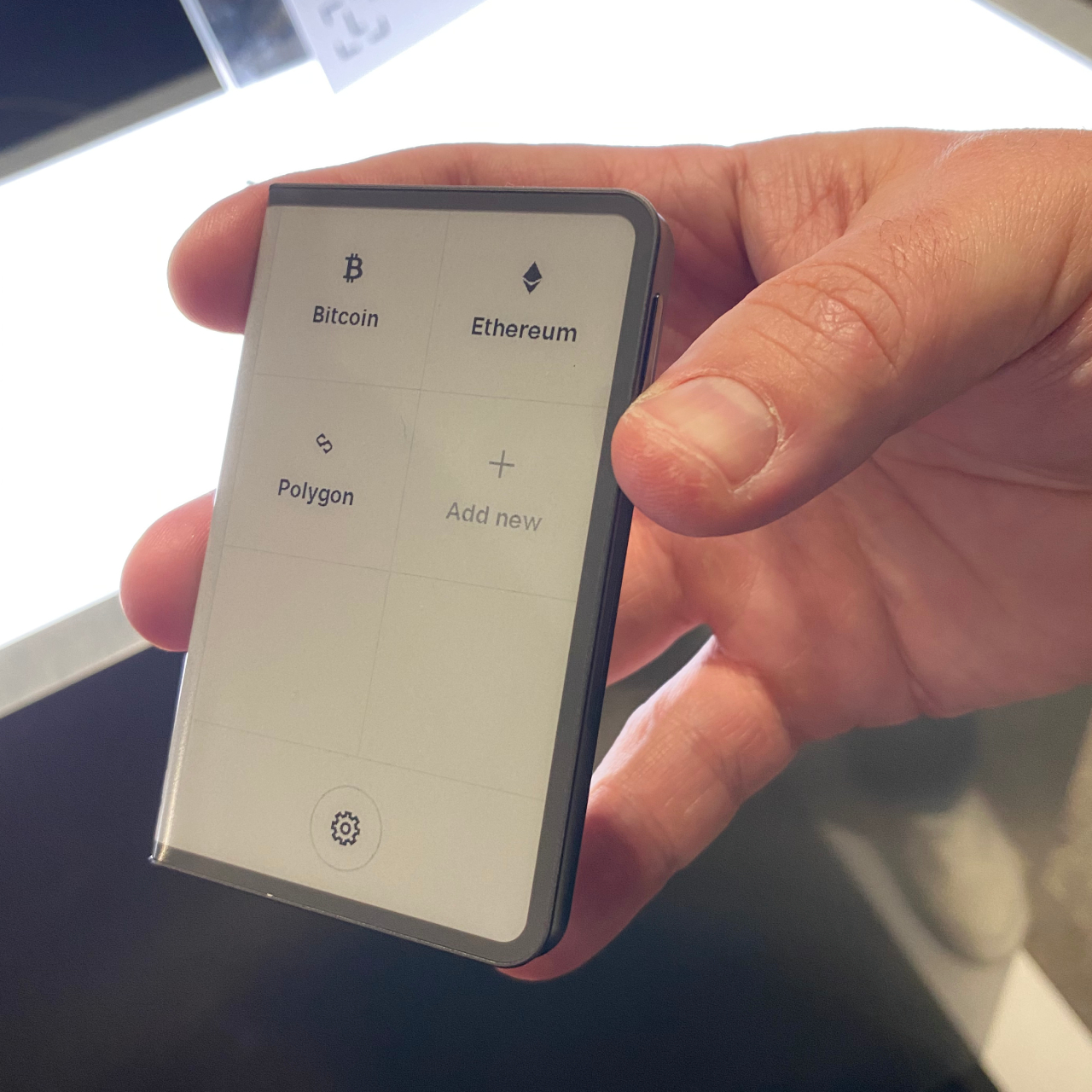
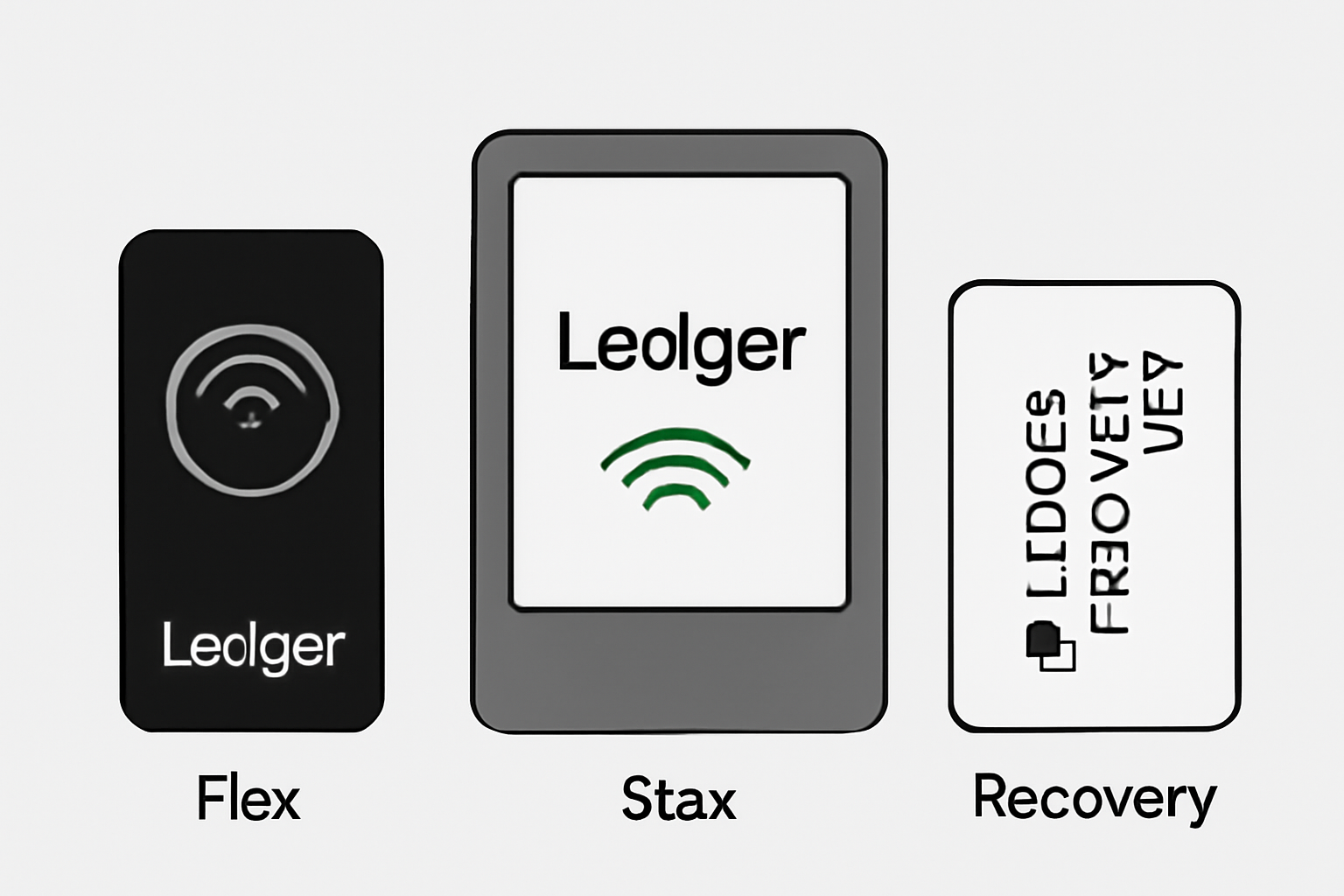
Compatible exclusively with Ledger Flex and Ledger Stax, this solution leverages encrypted NFC communication for seamless interaction during setup and restoration. For those who’ve hesitated to manage seed phrases on paper or want an extra layer of protection, the Ledger Recovery Key is quickly becoming an industry standard.
Step-by-Step: Setting Up Your Ledger Recovery Key
The setup process can feel intimidating at first glance, but it’s straightforward when broken down into clear steps. Before starting, make sure you have:
- Your compatible Ledger device (Flex or Stax)
- Your new Ledger Recovery Key card
- A secure environment free from prying eyes or cameras
How to Set Up and Secure Your Ledger Recovery Key
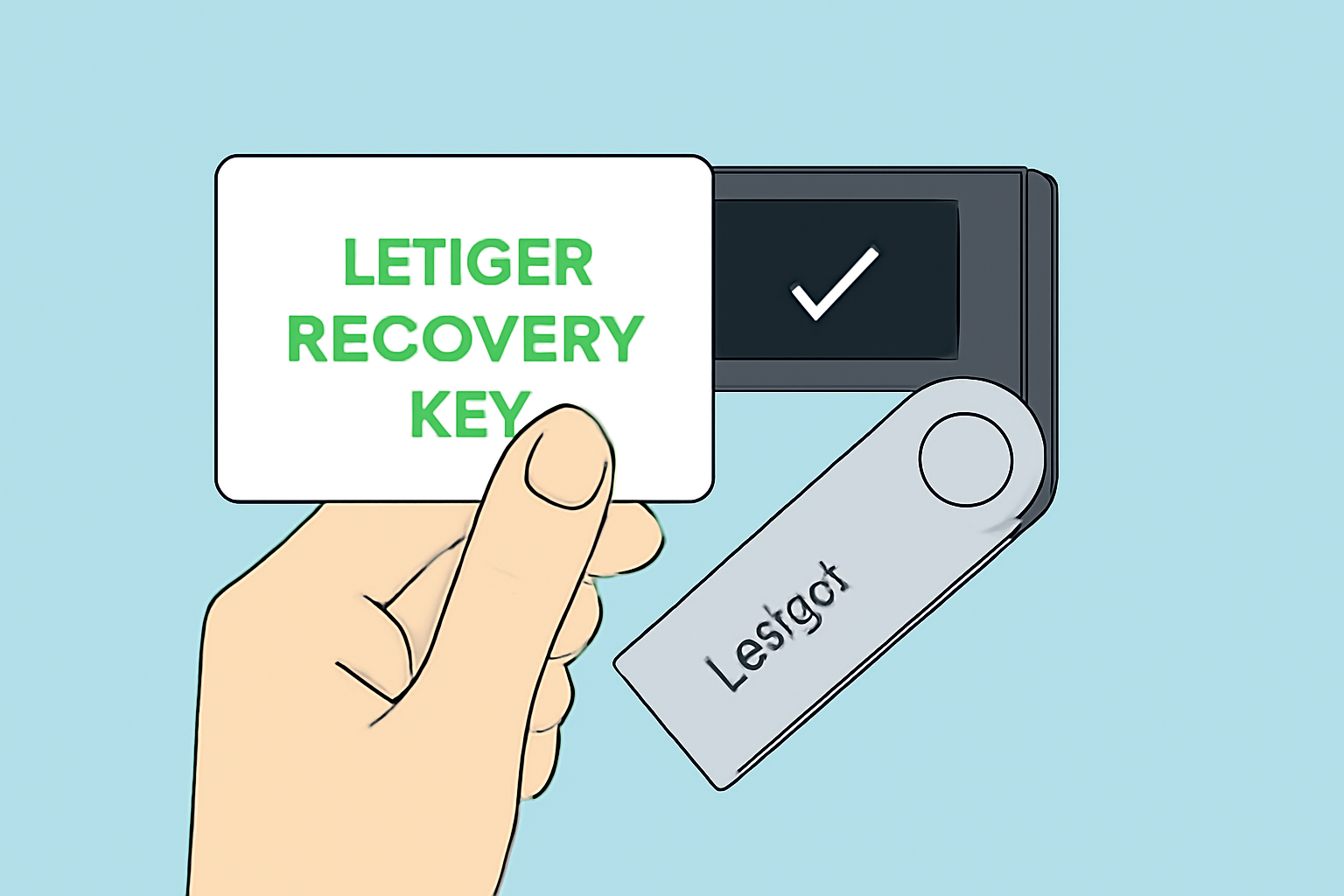
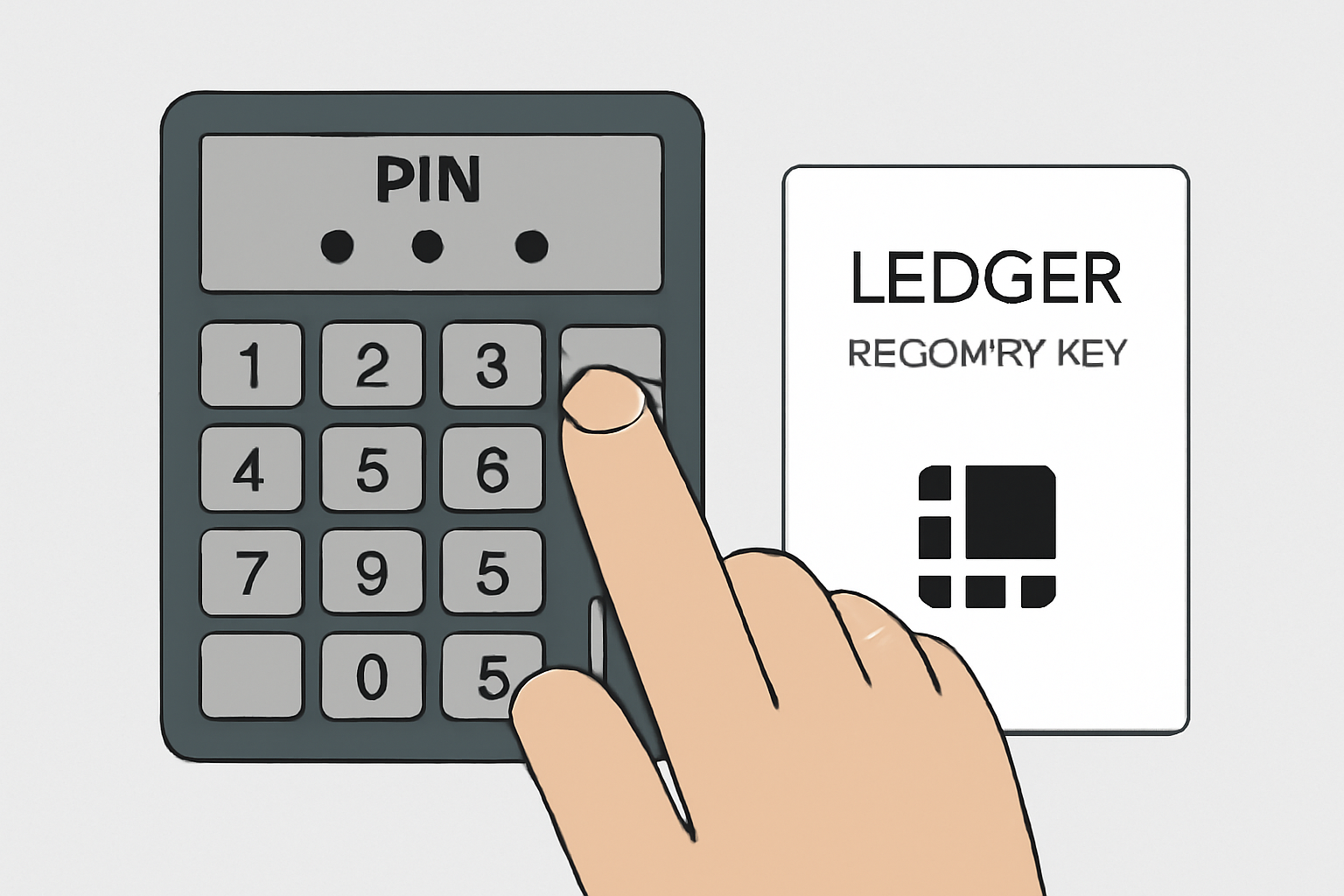
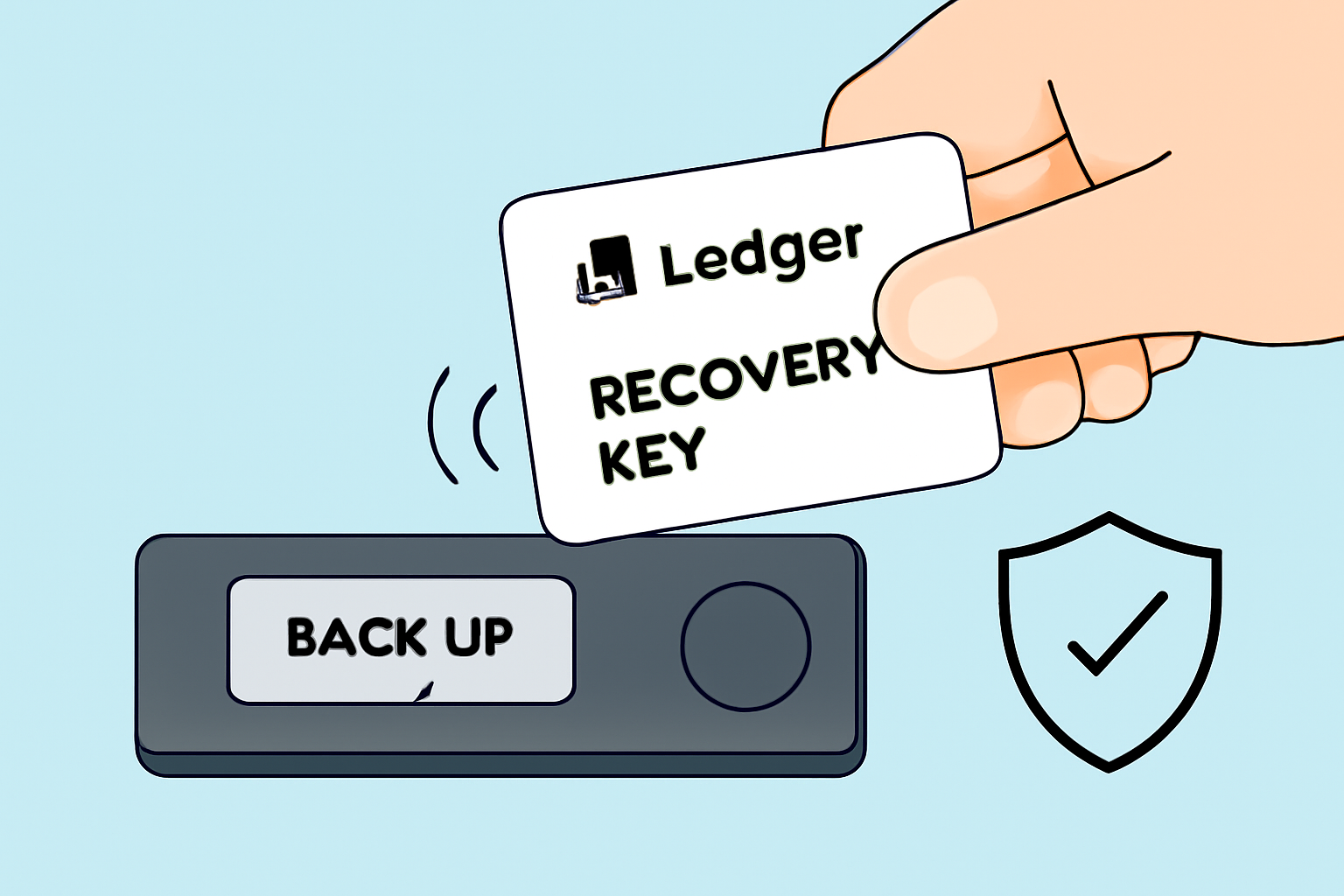
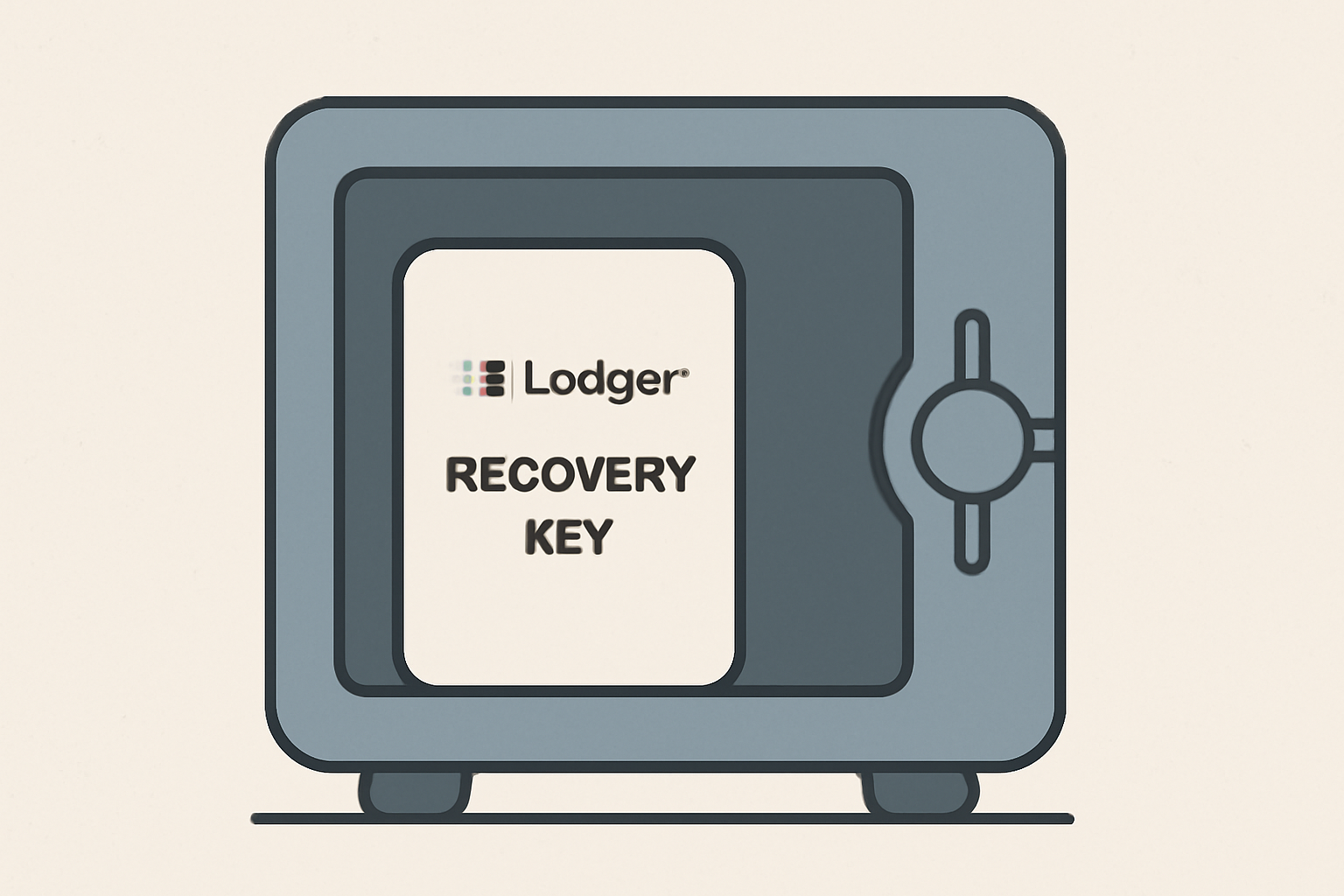
Pro Tip: Never share your PIN or allow anyone to handle your recovery key during setup. Treat it as you would a physical vault key.
The Anatomy of Crypto Wallet Security with Ledger
The Ledger Recovery Key isn’t just about convenience - it’s about elevating security standards across the board. Here’s why:
Top Reasons to Use a Ledger Recovery Key
- Enhanced Security for Your Recovery Phrase: The Ledger Recovery Key securely stores your 24-word Secret Recovery Phrase within a tamper-resistant Secure Element chip, protecting it from physical theft and unauthorized access.

- PIN Protection Against Unauthorized Use: Access to your backup is protected by a user-defined 4-8 digit PIN. Entering the wrong PIN three times erases the card, safeguarding your assets if the card is lost or stolen.
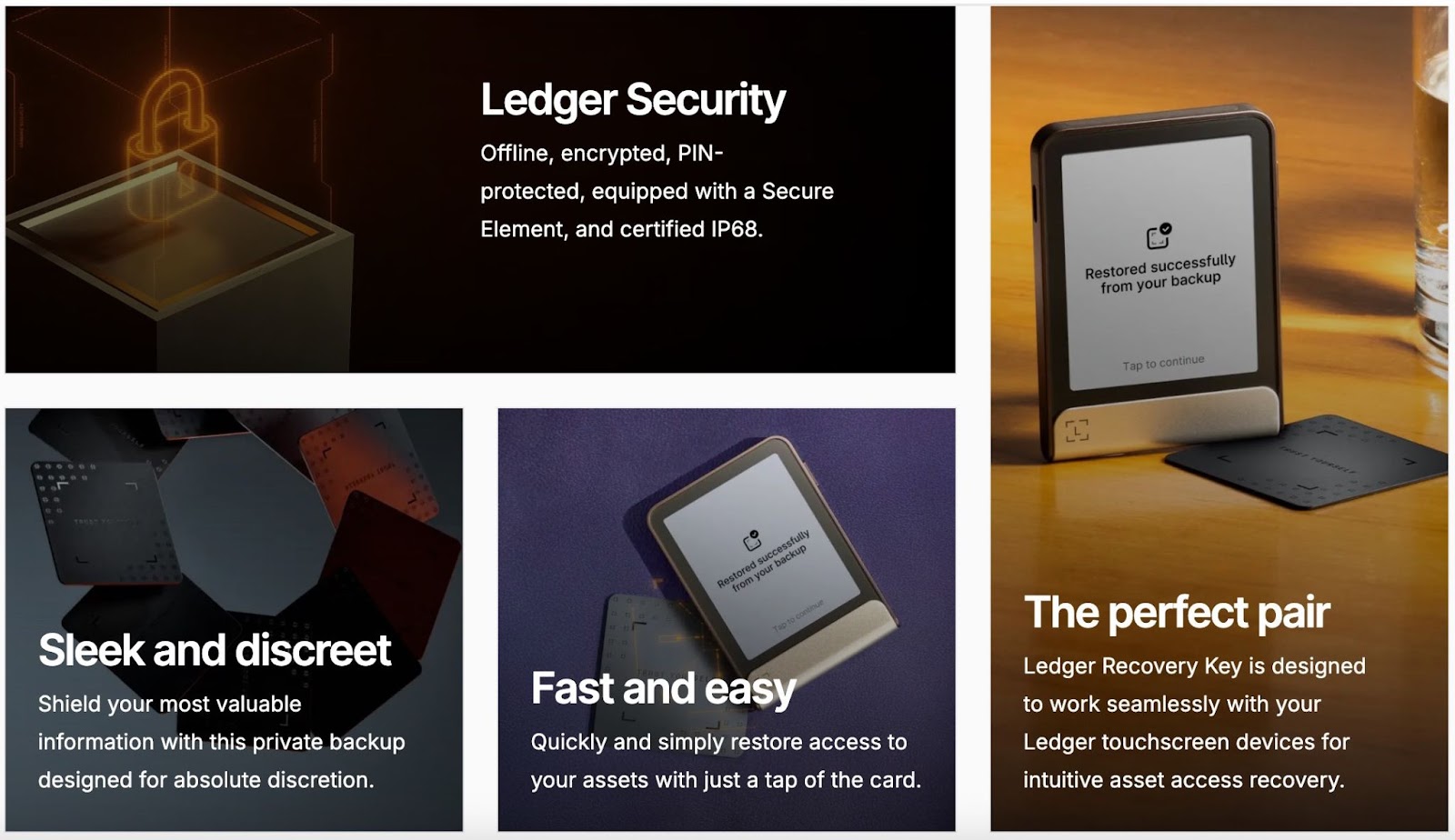
- Easy and Instant Wallet Restoration: Restore your Ledger wallet quickly by simply tapping your Recovery Key on a compatible device and entering your PIN—no need to manually enter your 24 words.
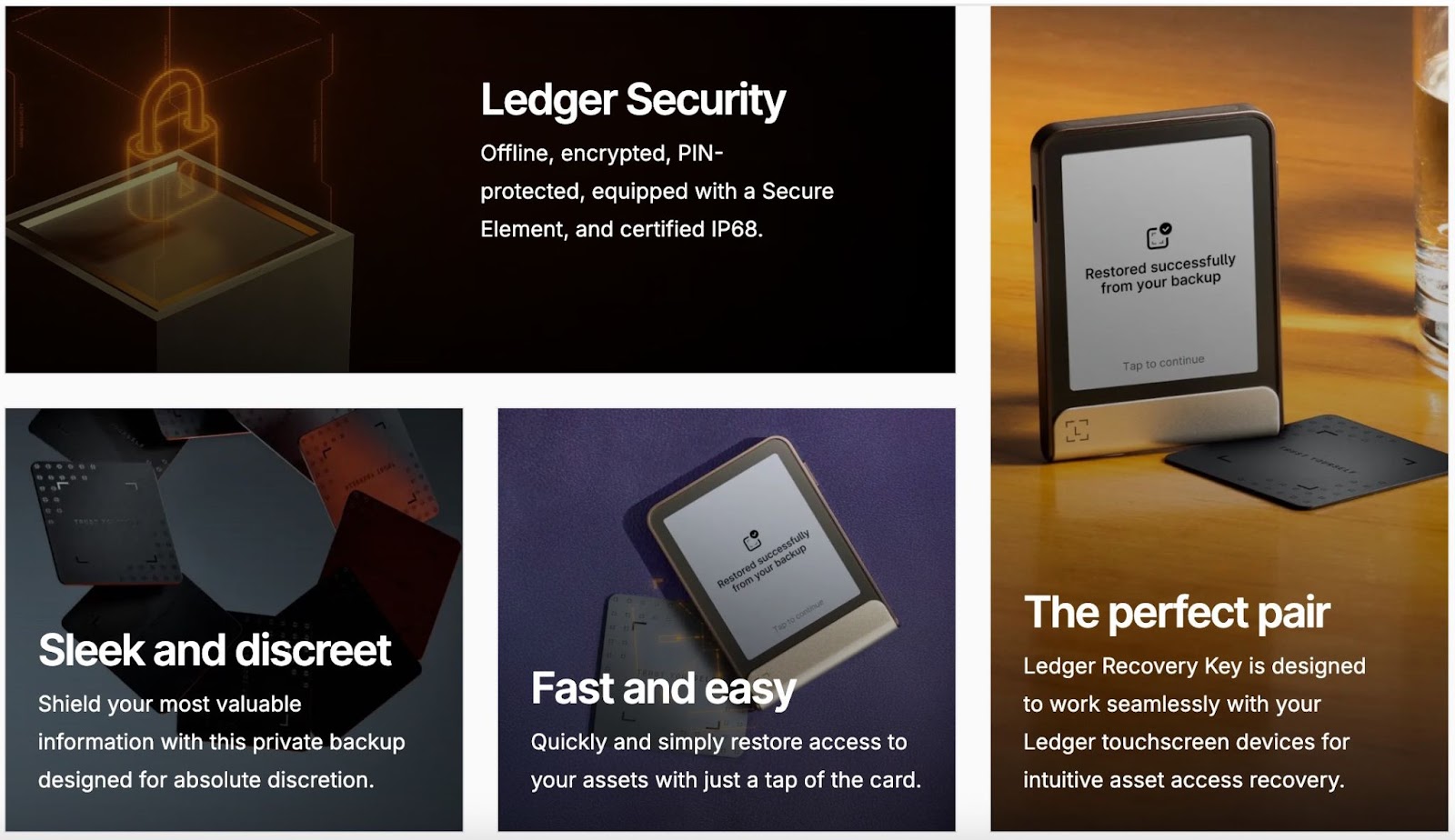
- Seamless Compatibility with Ledger Flex and Stax: The Recovery Key uses encrypted NFC technology, working seamlessly with Ledger Flex and Ledger Stax devices for a smooth backup and recovery experience.
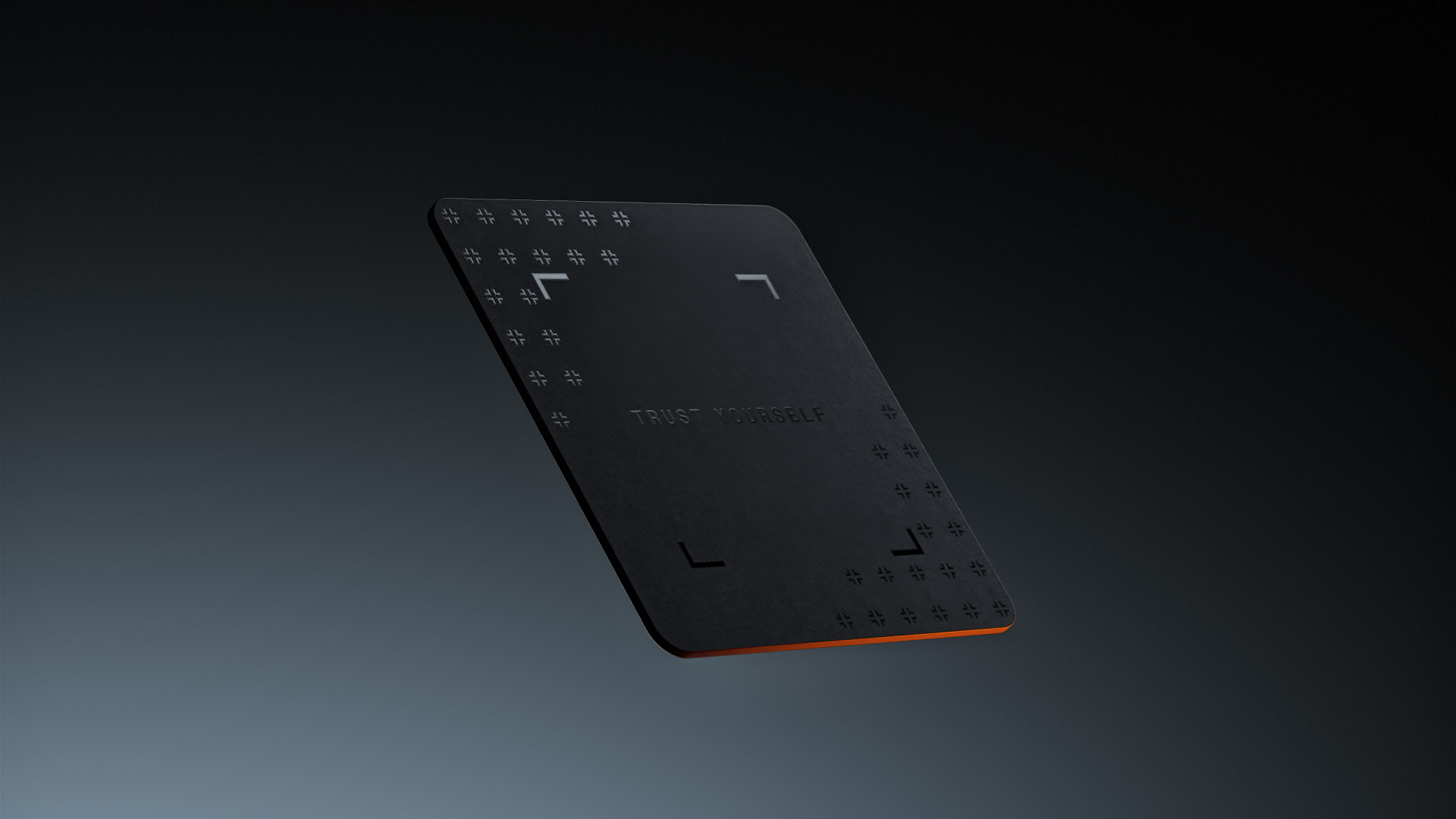
- Reduces Risk of Human Error: By eliminating the need to write down or type your recovery phrase, the Ledger Recovery Key minimizes common mistakes that can lead to permanent loss of funds.

- Physical Backup Separate from Digital Assets: Storing your Recovery Key separately from your Ledger device and recovery sheet adds another layer of protection, helping to prevent a single point of failure.
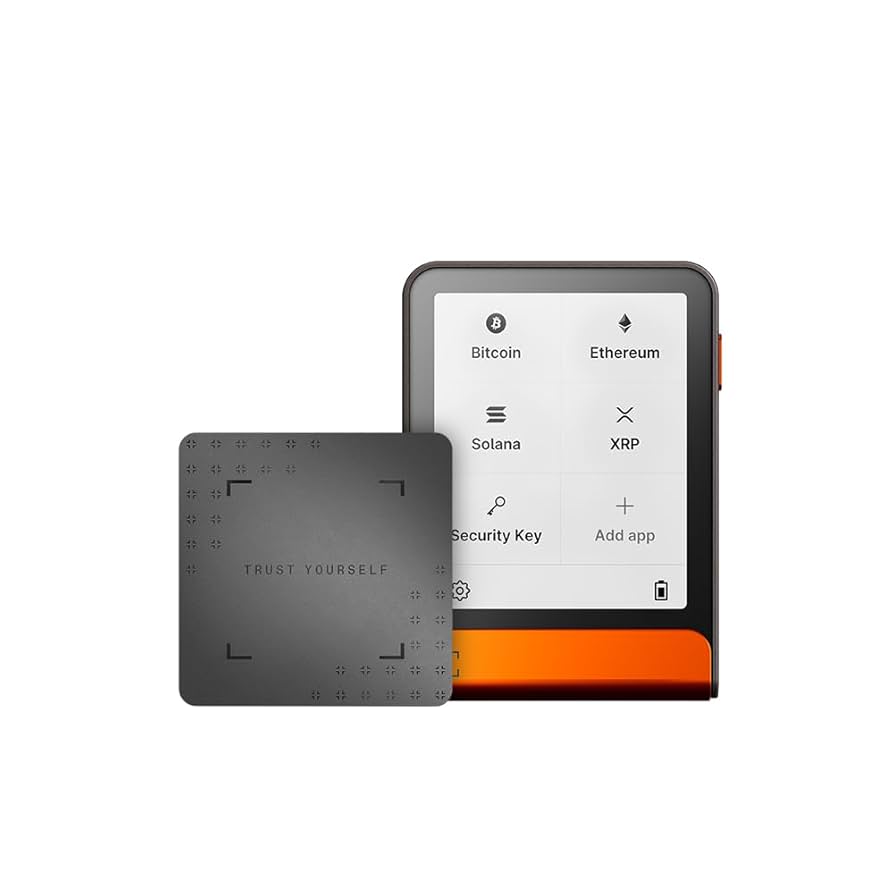
This approach not only minimizes human error but also ensures that even if one element (like your device) is compromised, your backup remains safe and inaccessible without both the physical card and correct PIN.
If you prefer learning by watching, check out this official video guide from Ledger’s support team for an in-depth visual demonstration.




No comments yet. Be the first to share your thoughts!