
Binance Wallet Booster Campaigns are a dynamic way to earn crypto rewards by engaging with the Binance Web3 ecosystem. Whether you’re after airdrop points, exclusive tokens, or simply want to maximize your wallet’s earning potential, understanding how to join these campaigns is essential. Below, I’ll break down the process step-by-step, making sure you don’t miss out on any rewards.
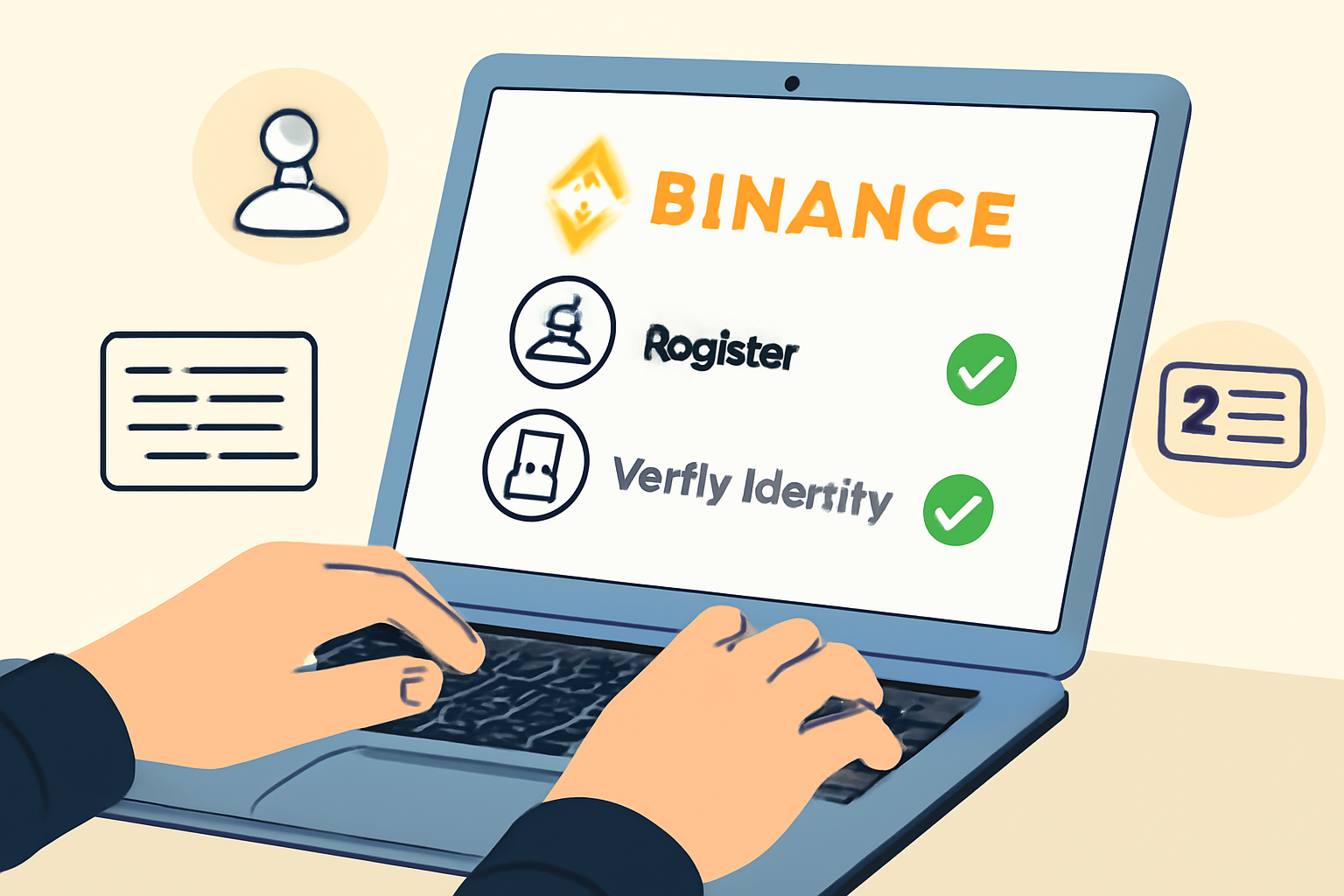
1. Create and Verify Your Binance Account
The first, and non-negotiable, step is having a verified Binance account. This unlocks access to the full range of Web3 features and ensures eligibility for all booster campaigns and airdrops. Head over to Binance, register with your email or mobile number, and complete the KYC verification process. This usually involves uploading an ID and completing face verification. Without this, you won’t be able to participate in any wallet campaigns.
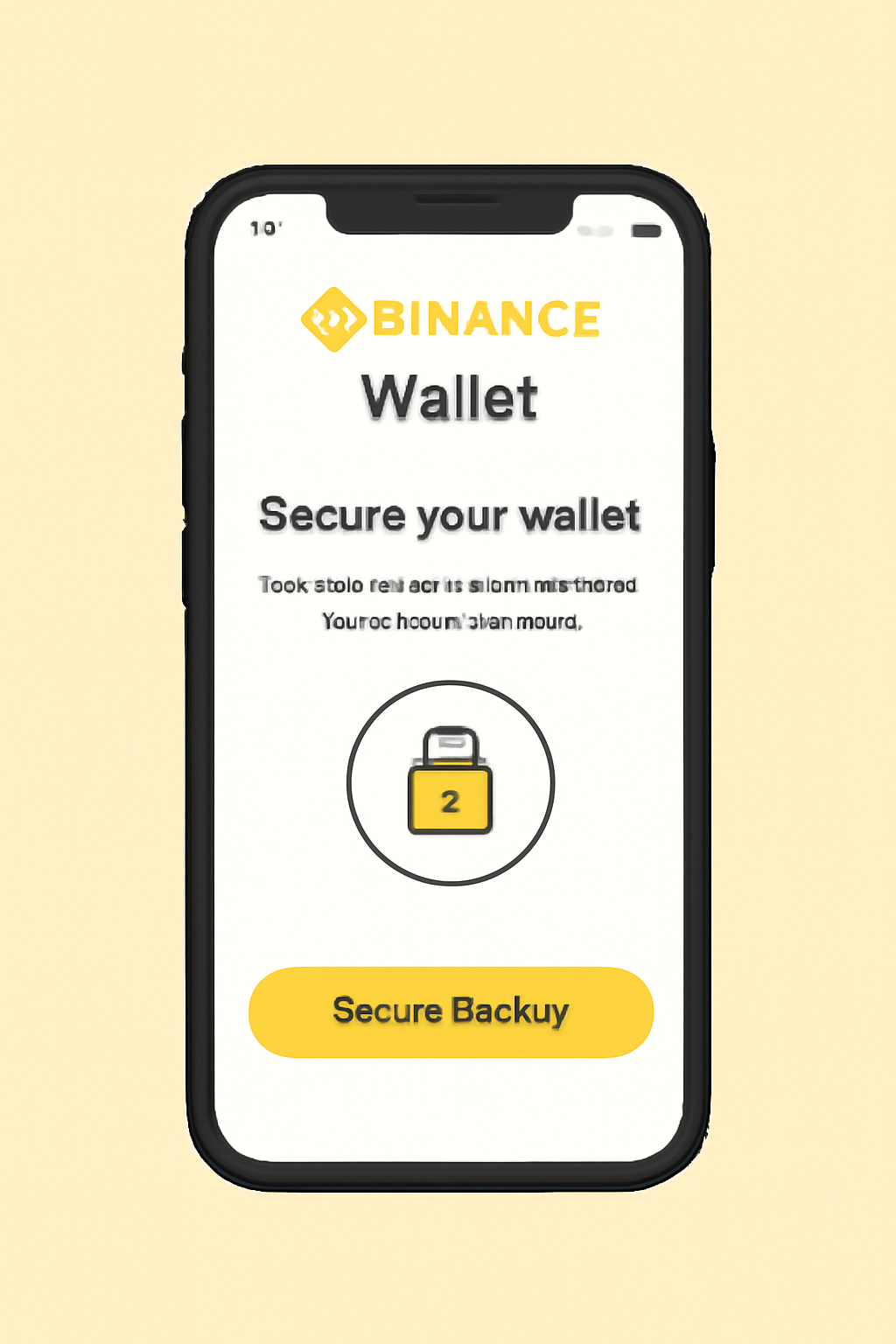
2. Install and Set Up Binance Wallet (Web or Mobile)
Next, install the official Binance Wallet. You can do this via the Binance App for mobile or through their browser extension on desktop. During setup, securely back up your recovery phrase, this is crucial for regaining access if you ever lose your device. Once set up, connect your wallet to your verified Binance account for seamless integration across features.
3. Enable Notifications and Stay Updated on Booster Campaigns
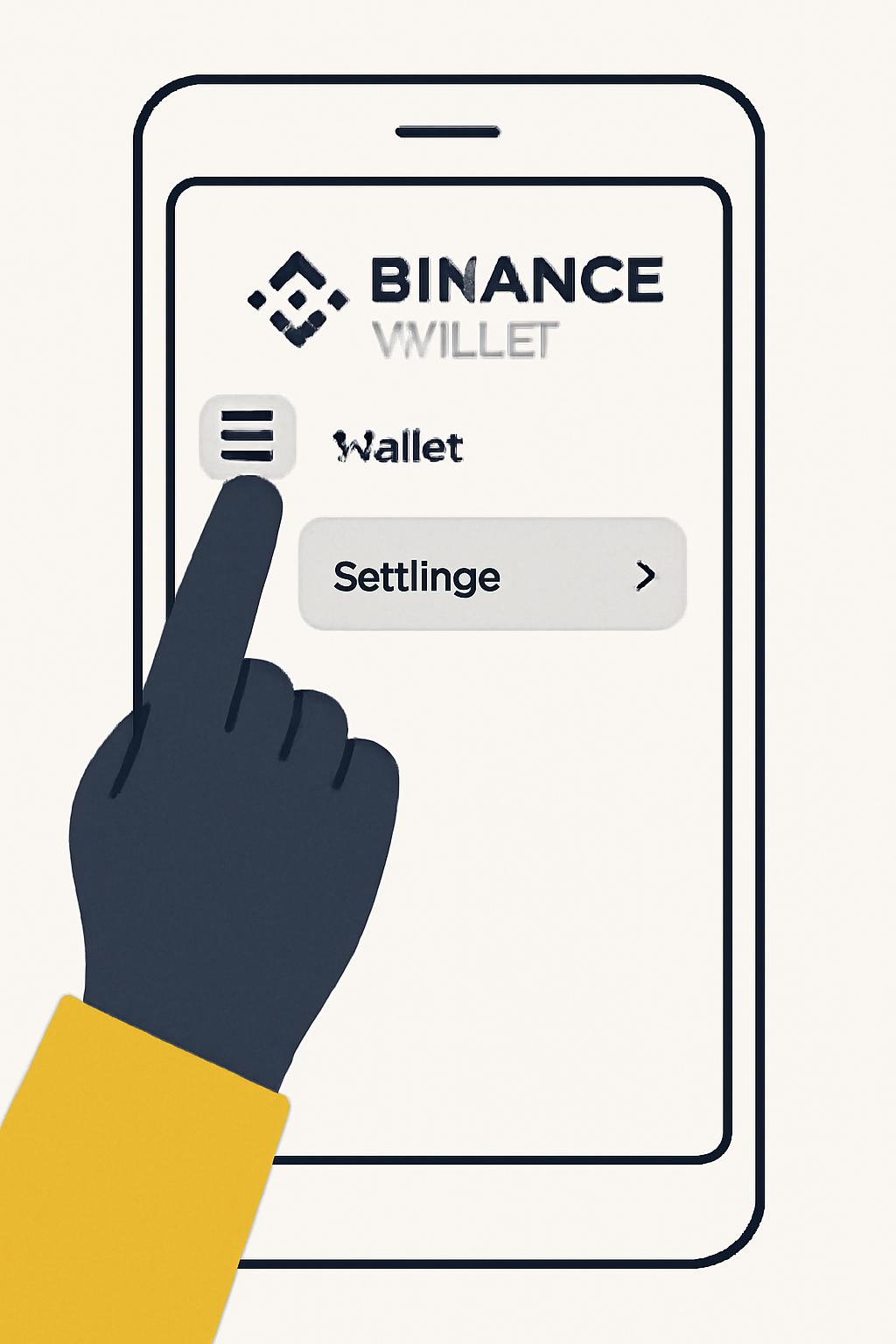
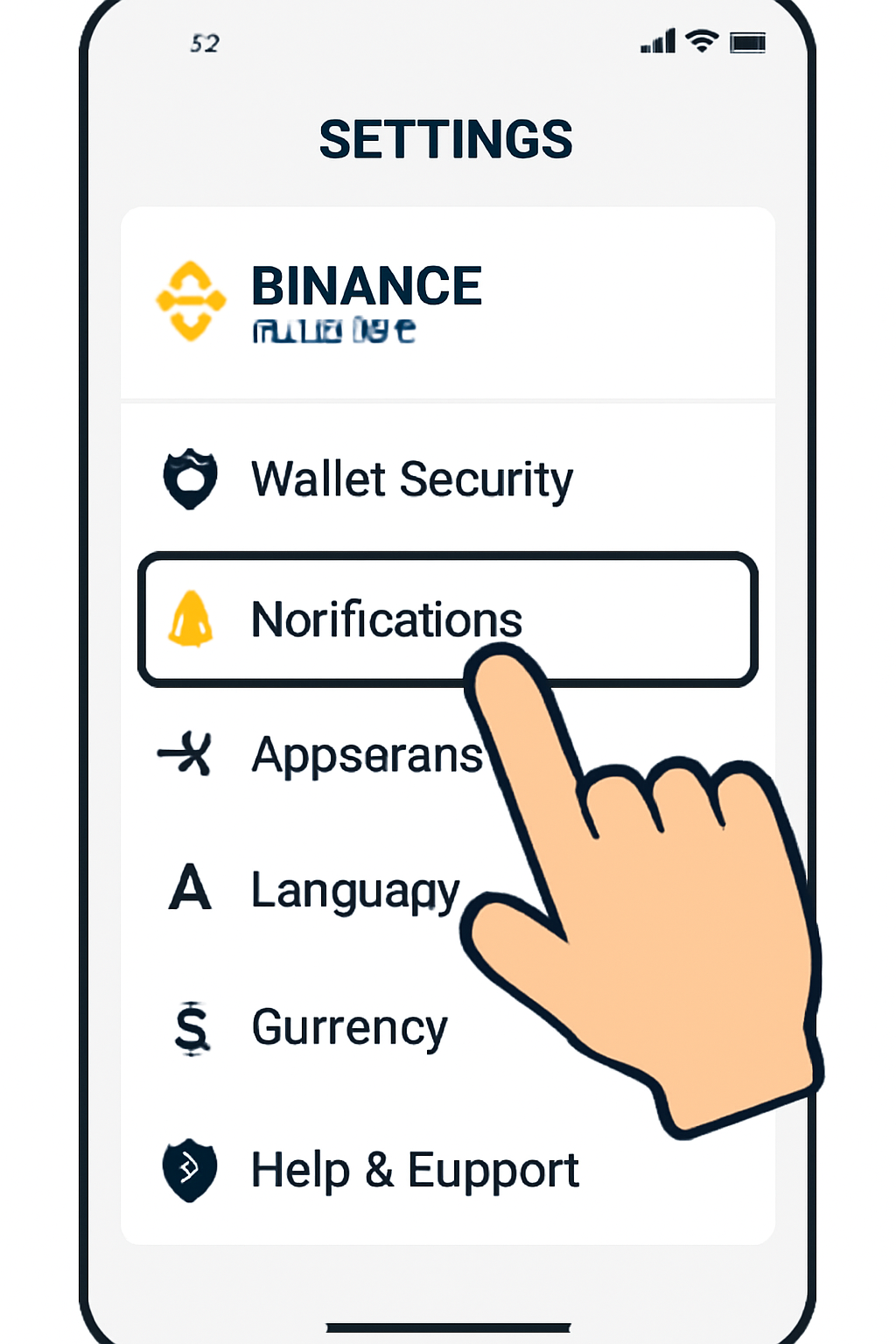
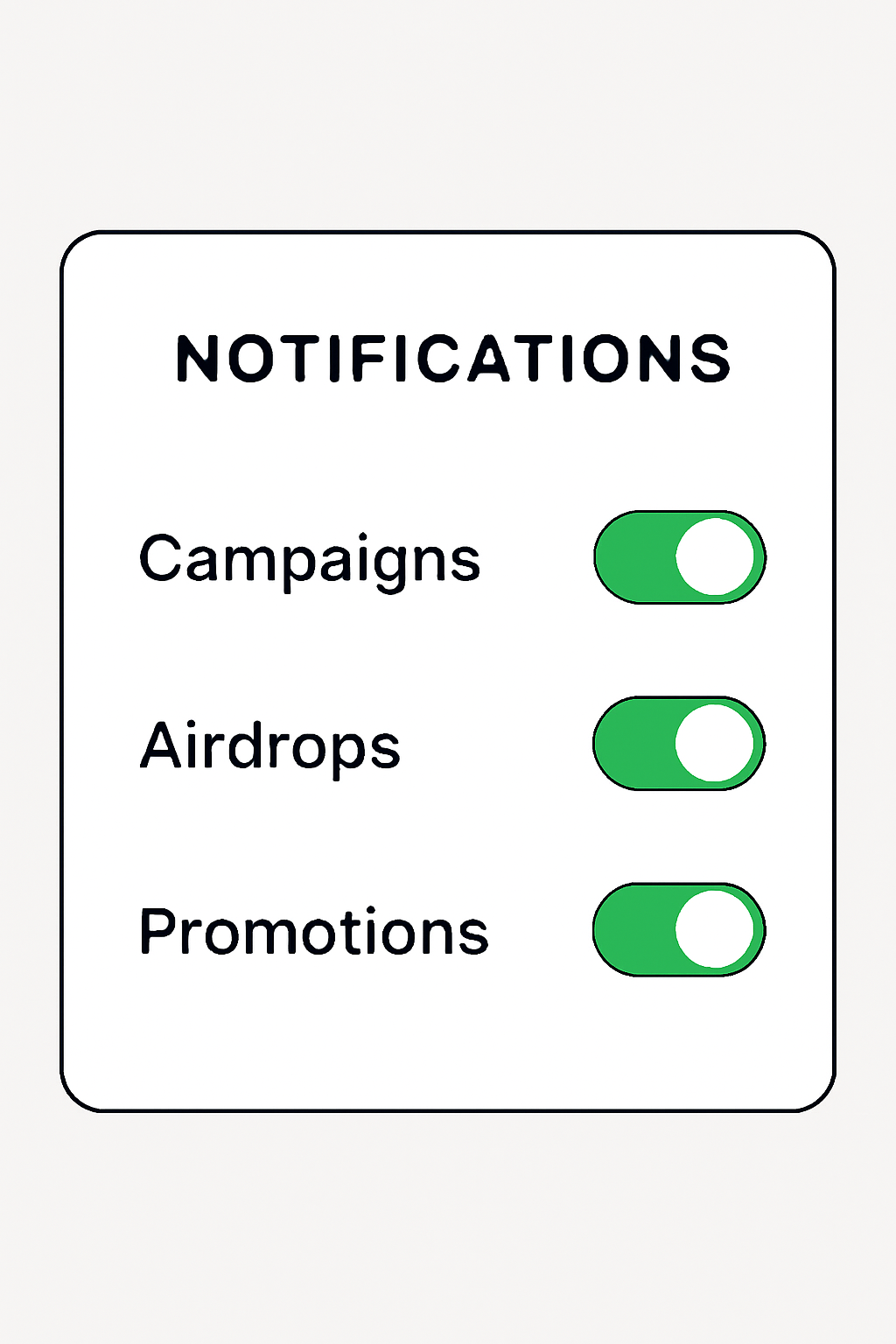
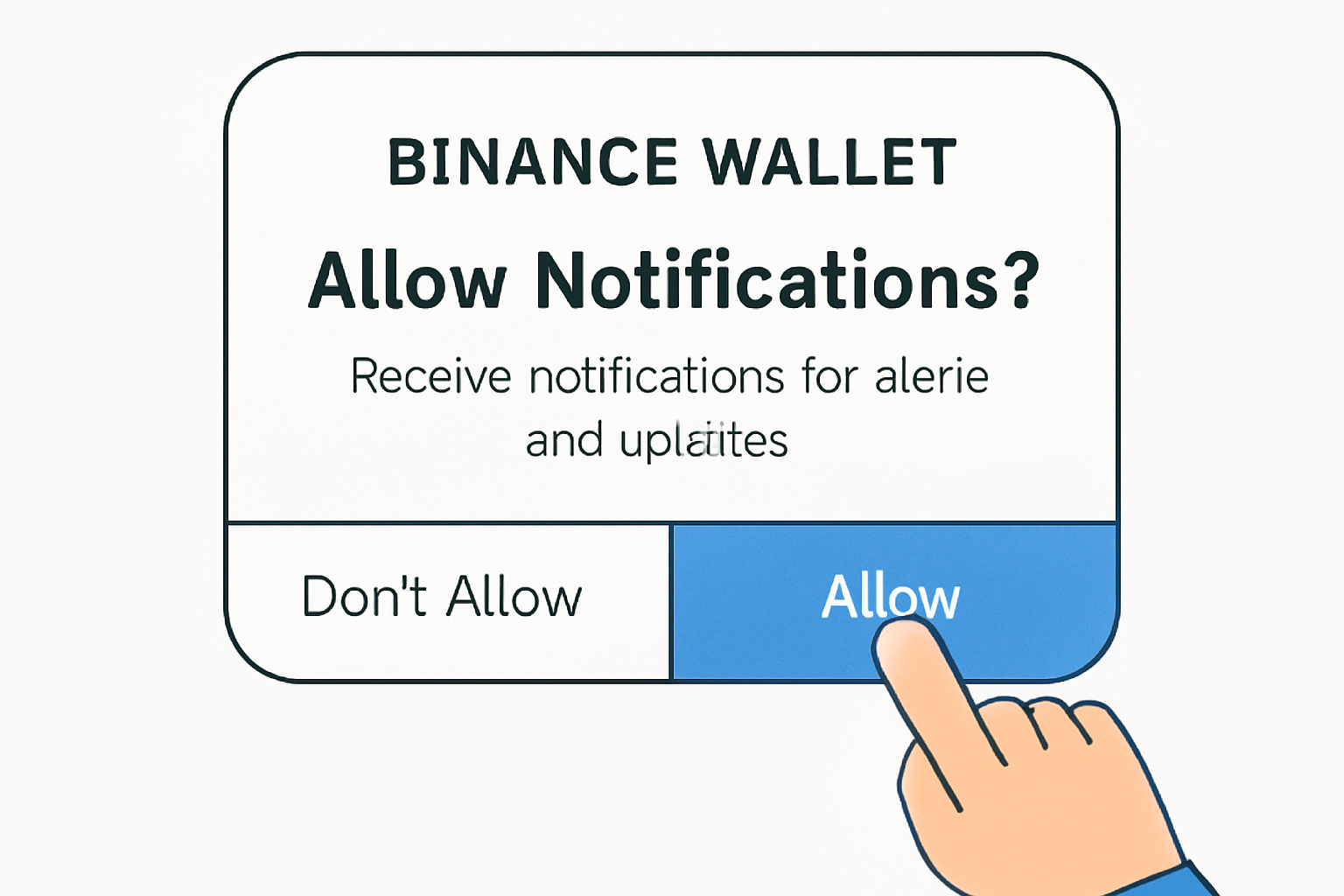
Booster campaigns can launch at any time and fill up fast. To stay ahead of the crowd, activate push notifications within your Binance App settings. Also consider joining official Telegram groups or following Binance on Twitter for real-time updates about new events and eligibility windows.
How to Enable Notifications in Binance Wallet
Navigating Your First Campaign
Once you’re set up and receiving notifications, it’s time to browse active campaigns directly within the wallet interface. The homepage will typically feature banners for ongoing events such as Alpha Points missions or special project airdrops like Bitlayer or DIN.
- Create and Verify Your Binance Account: Essential for campaign eligibility.
- Install and Set Up Wallet: Choose web extension or mobile app based on preference.
- Enable Notifications: Stay in-the-know about new drops.
- Select Active Campaigns: Use wallet banners to find current events.
- Follow Instructions: Complete tasks such as connecting social accounts or signing in daily.
The next half of this guide will cover exactly how to participate in a live campaign, completing tasks, handling gas fees (currently around $0.30 per sign-in), inviting friends for bonus points, and best practices for not missing daily streaks.
4. Browse and Select Active Booster Campaigns via the Binance Wallet Interface
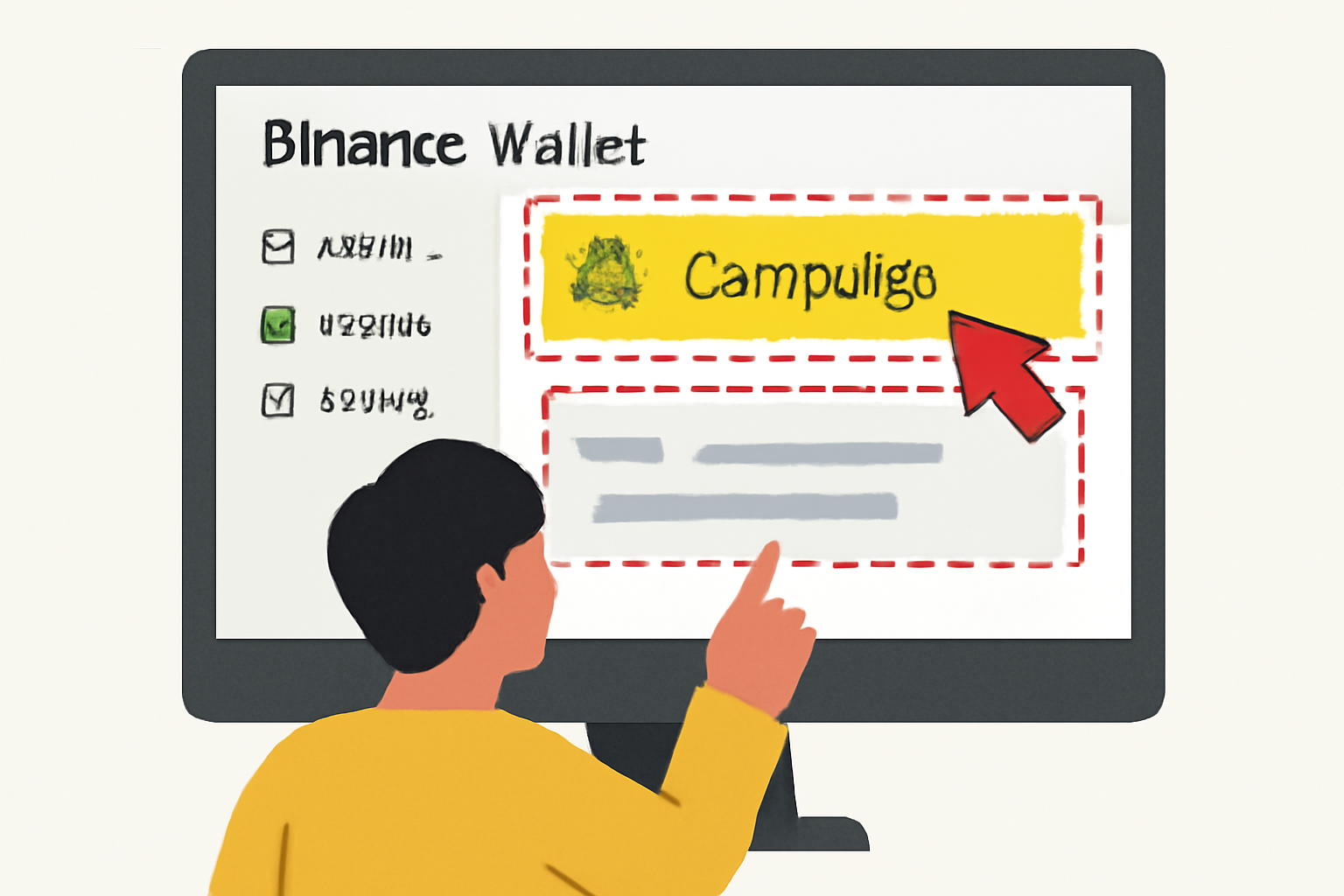
With your notifications enabled, open your Binance Wallet and look for the campaign banners on the homepage or within the Web3 section. These banners highlight ongoing Booster Campaigns, airdrops, and special events like the Alpha Points missions or Bitlayer airdrop. Tap on a banner to open the campaign details page. Here, you’ll see an overview of available rewards, eligibility requirements, and a breakdown of tasks you need to complete.
How to Identify Active Binance Wallet Booster Campaigns
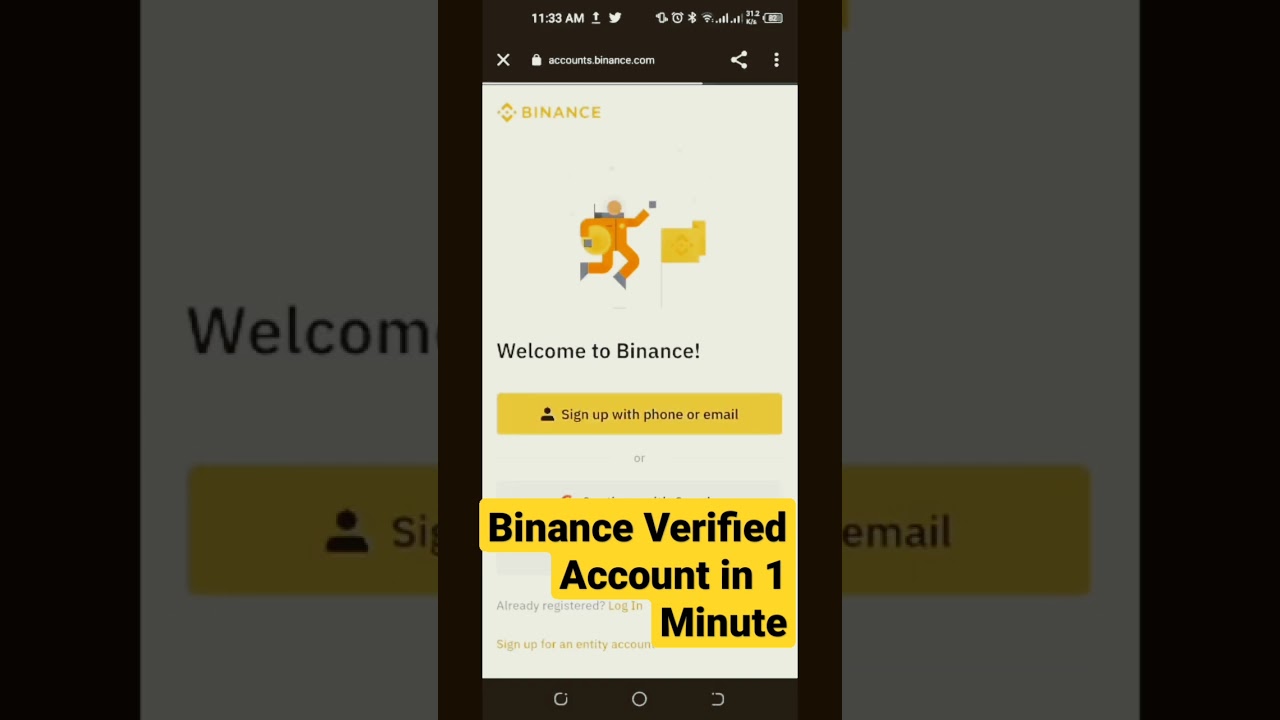
- Create and Verify Your Binance Account: Start by registering on the official Binance website. Complete identity verification (KYC) to access all campaign features and ensure account security.
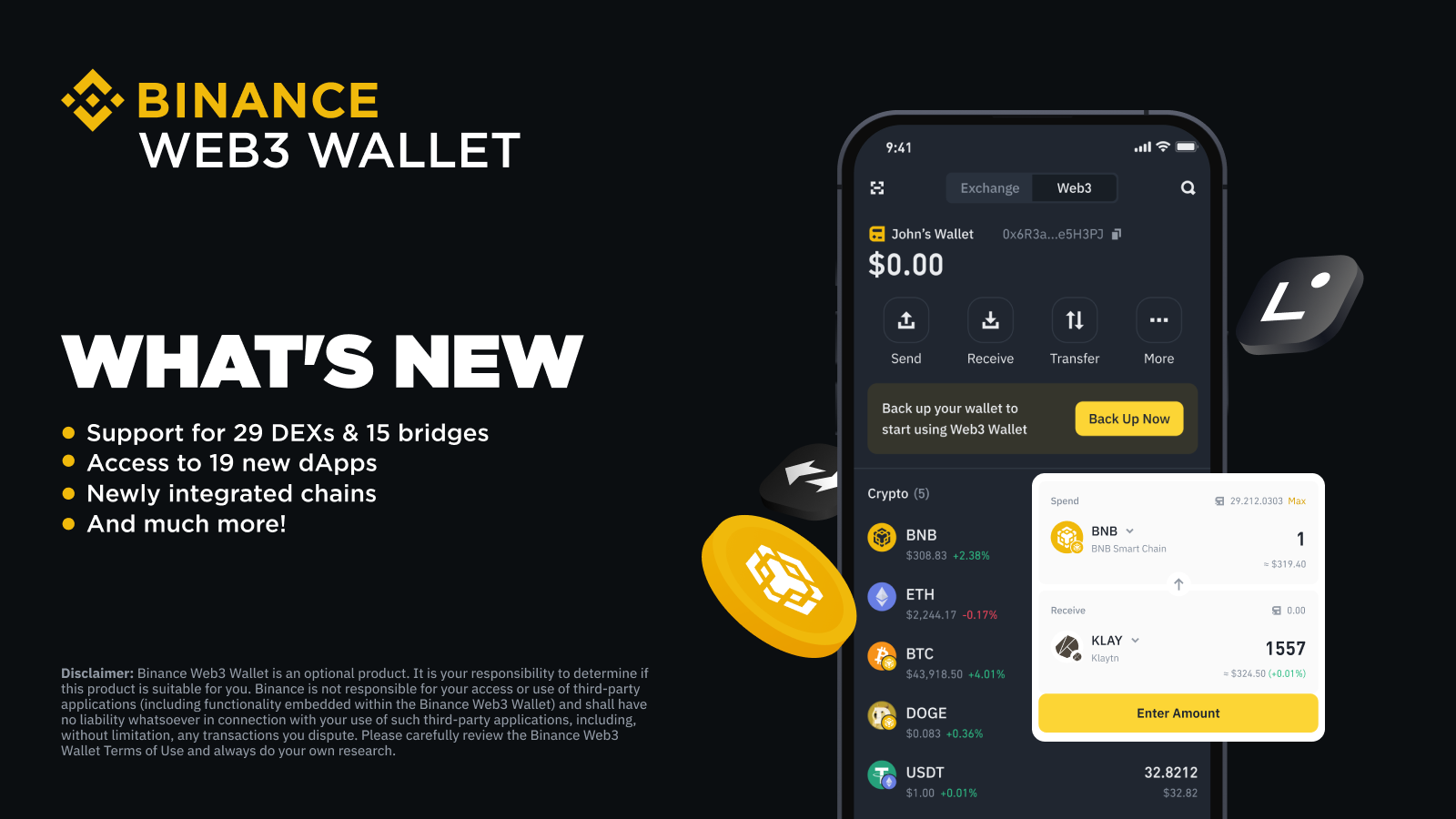
- Install and Set Up Binance Wallet (Web or Mobile): Download the Binance Web3 Wallet via the Binance app or browser extension. Follow the prompts to create or import your wallet, and securely back up your recovery phrase.
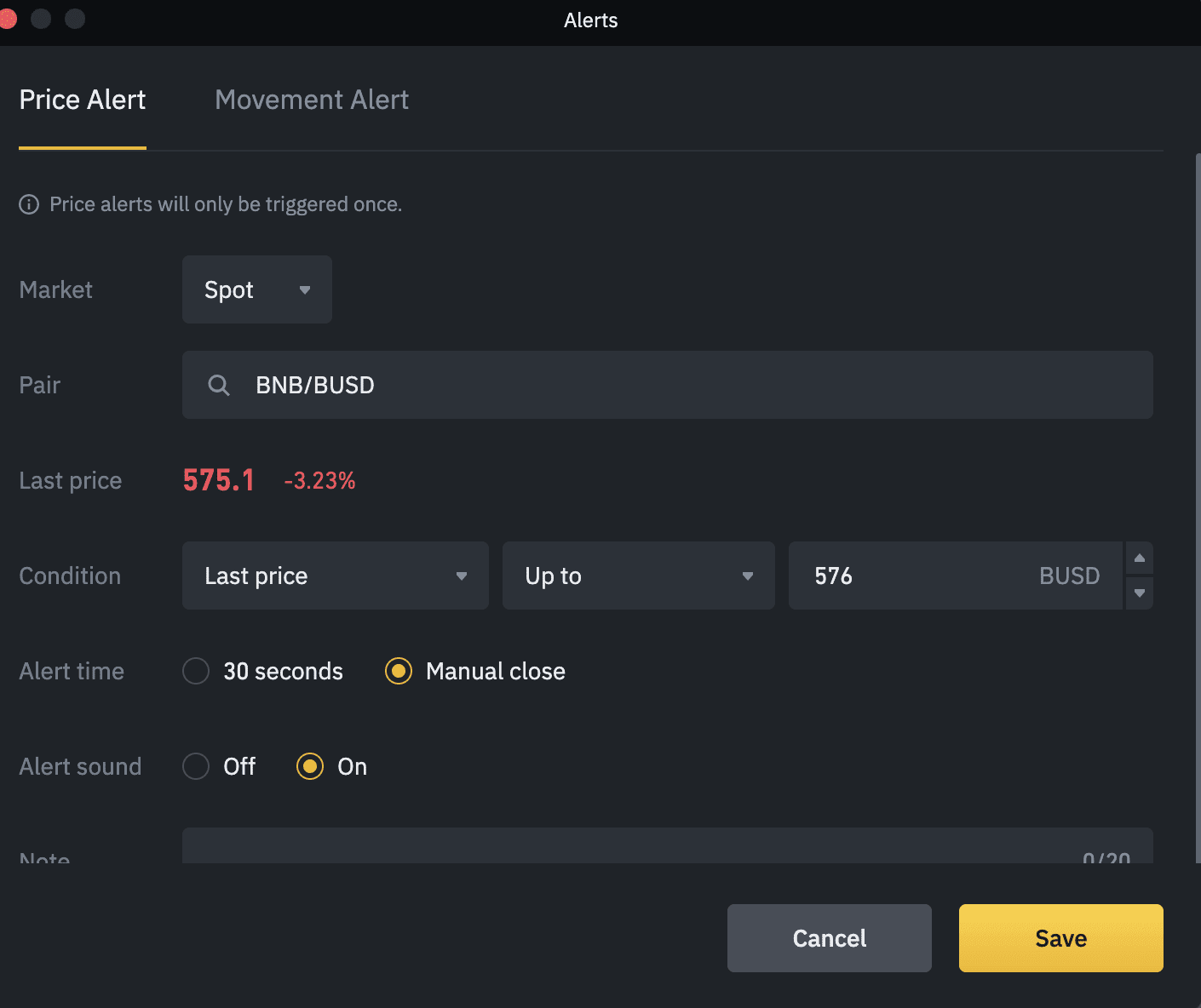
- Enable Notifications and Stay Updated on Booster Campaigns: Turn on notifications in your Binance app settings to receive real-time alerts about new booster campaigns, airdrops, and exclusive wallet events.
- Browse and Select Active Booster Campaigns via the Binance Wallet Interface: Open your Binance Wallet, navigate to the homepage or the ‘Discover’ tab, and look for banners or featured sections highlighting ongoing booster campaigns. Click on the campaign banner to view details.

- Follow Campaign Instructions to Participate: Each campaign provides step-by-step participation guidelines—such as connecting your wallet, joining social channels, or completing specific tasks. Carefully review and follow these instructions within the campaign page.
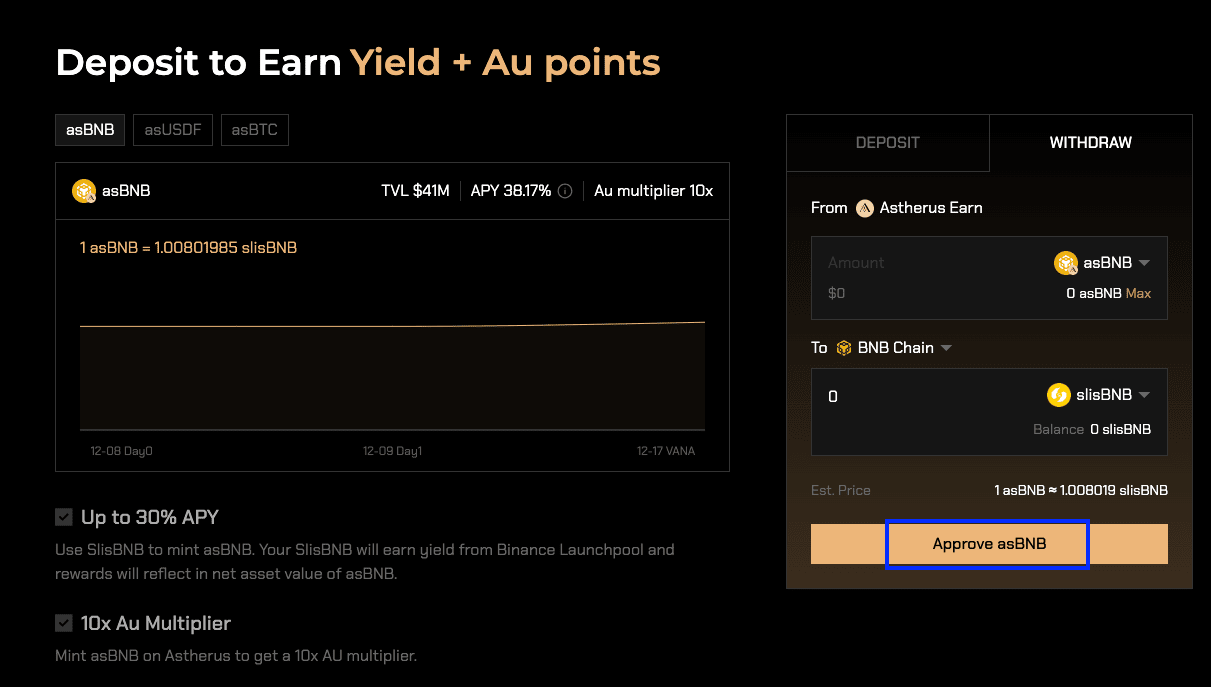
- Complete Tasks, and Claim Rewards: Fulfill all required actions (e.g., daily sign-ins, inviting friends, or engaging with partner projects). Track your progress and claim earned rewards directly through the campaign dashboard. Note: Daily sign-ins may require a small gas fee (e.g., 0.0006 BNB, about $0.30).
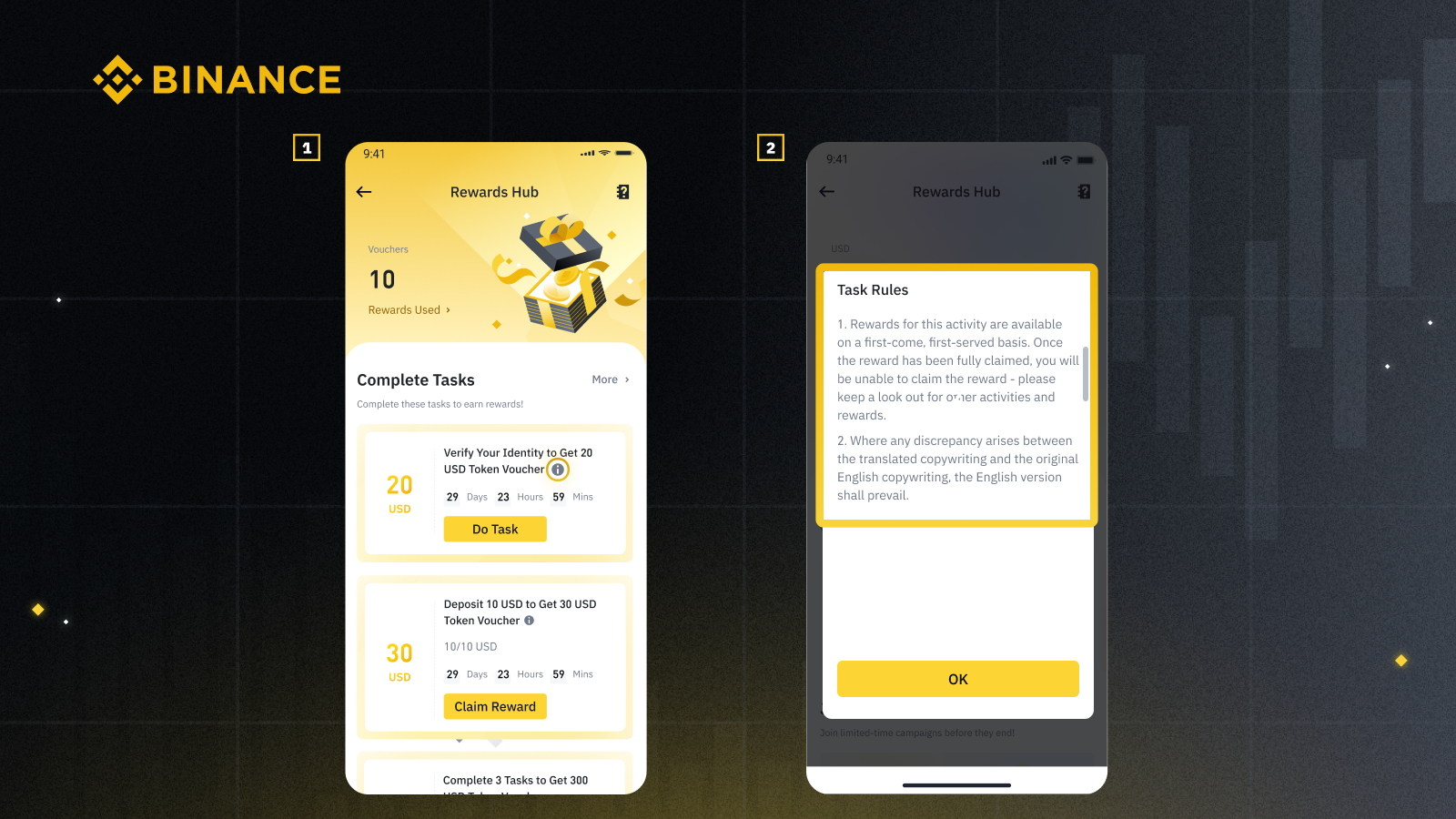
Each campaign has its own rules, some may require simple daily sign-ins, while others involve connecting social accounts or referring friends. Pay close attention to deadlines and participation limits; missing these could mean missing out on rewards entirely.
5. Follow Campaign Instructions to Participate, Complete Tasks, and Claim Rewards
This is where you start earning. After selecting a campaign:
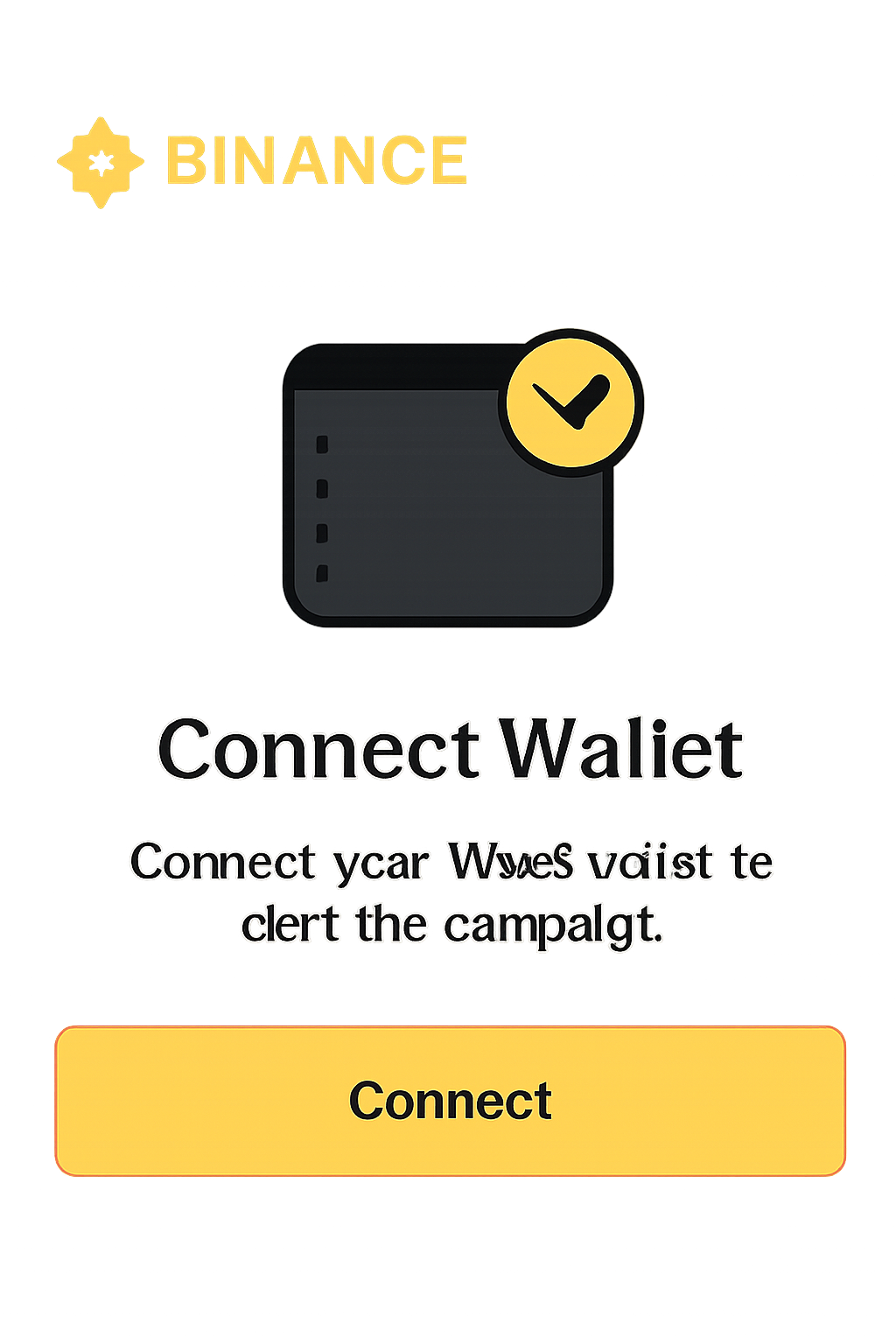
- Connect Your Wallet: Click the 'Connect' button as prompted. This step usually auto-completes your first task.
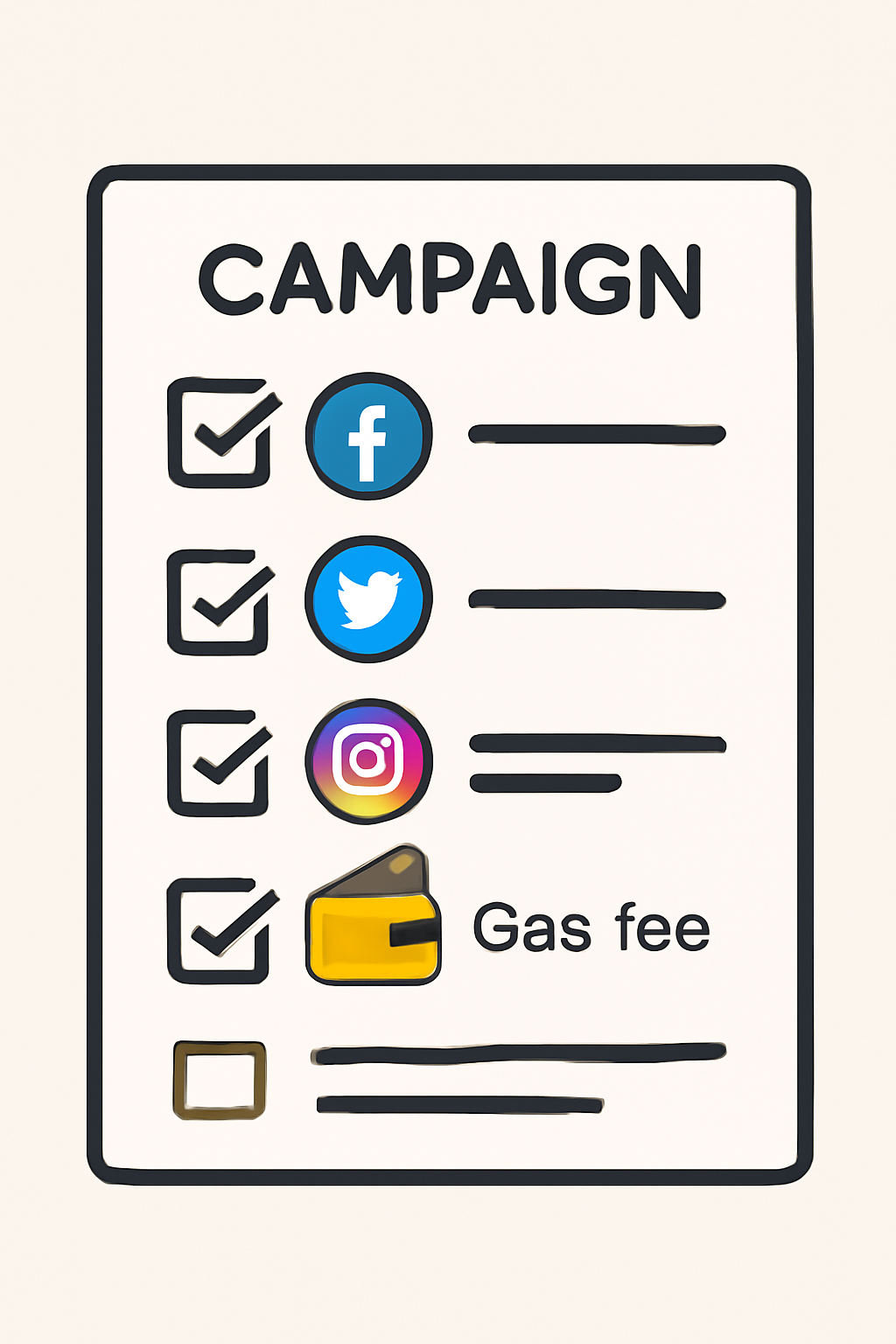
- Complete Required Actions: Follow instructions, these might include joining official Binance social channels (Twitter, Telegram, Discord), staking assets, or performing daily check-ins via the ‘Boost’ button.
- Handle Gas Fees: For daily sign-ins (required in many campaigns), be prepared for a small gas fee, currently about 0.0006 BNB ($0.30). Try signing in during low network congestion for minimal cost.
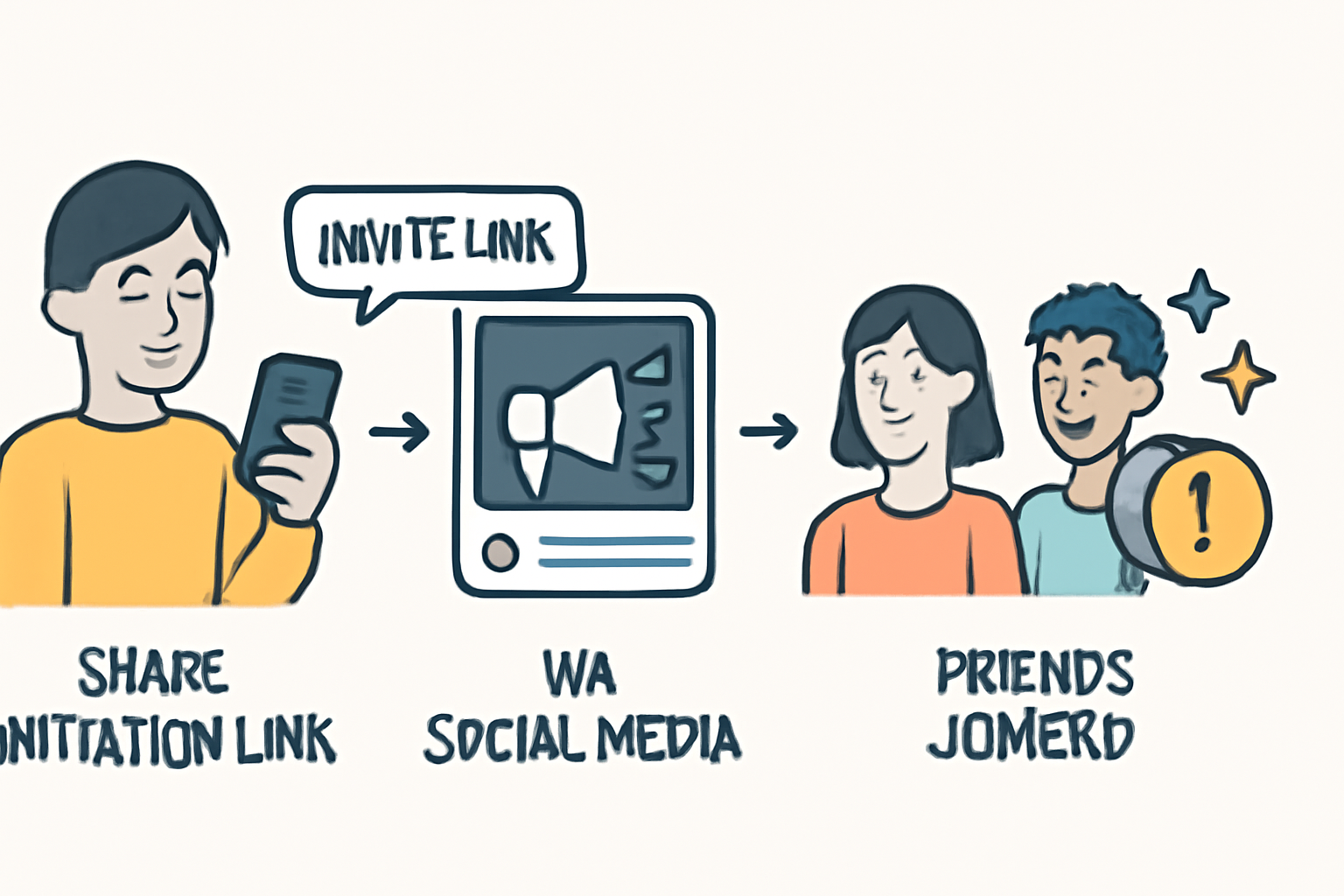
- Invite Friends: Share your unique referral link from within the campaign page. You’ll earn bonus points (10 per invite) when friends join using your link; they get 5 points each as well.
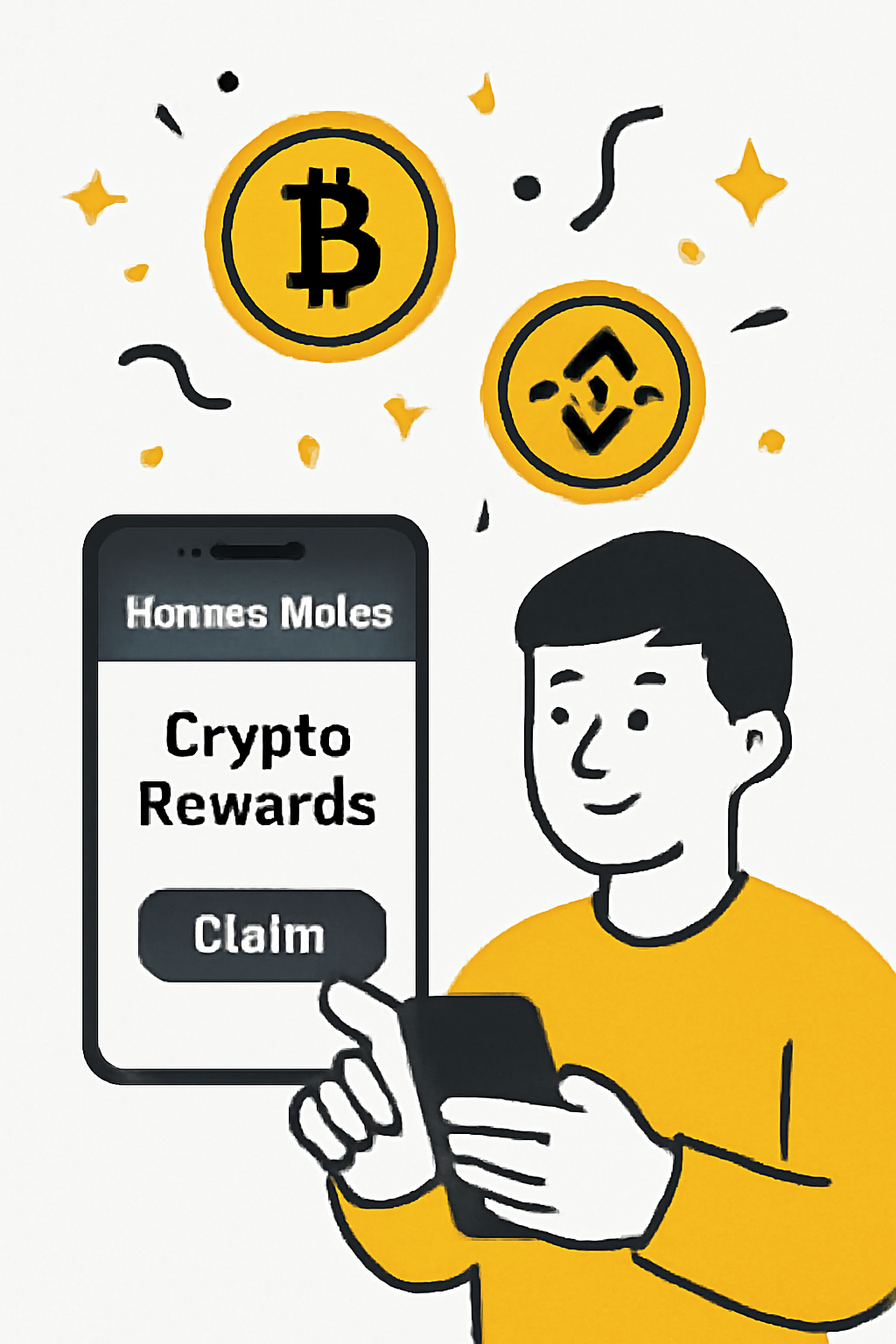
- Track Progress and Claim Rewards: Monitor your point total and streak status directly in the wallet interface. Once you reach reward thresholds or complete all tasks, claim your tokens or points from the same page.
Pro Tips for Maximizing Rewards
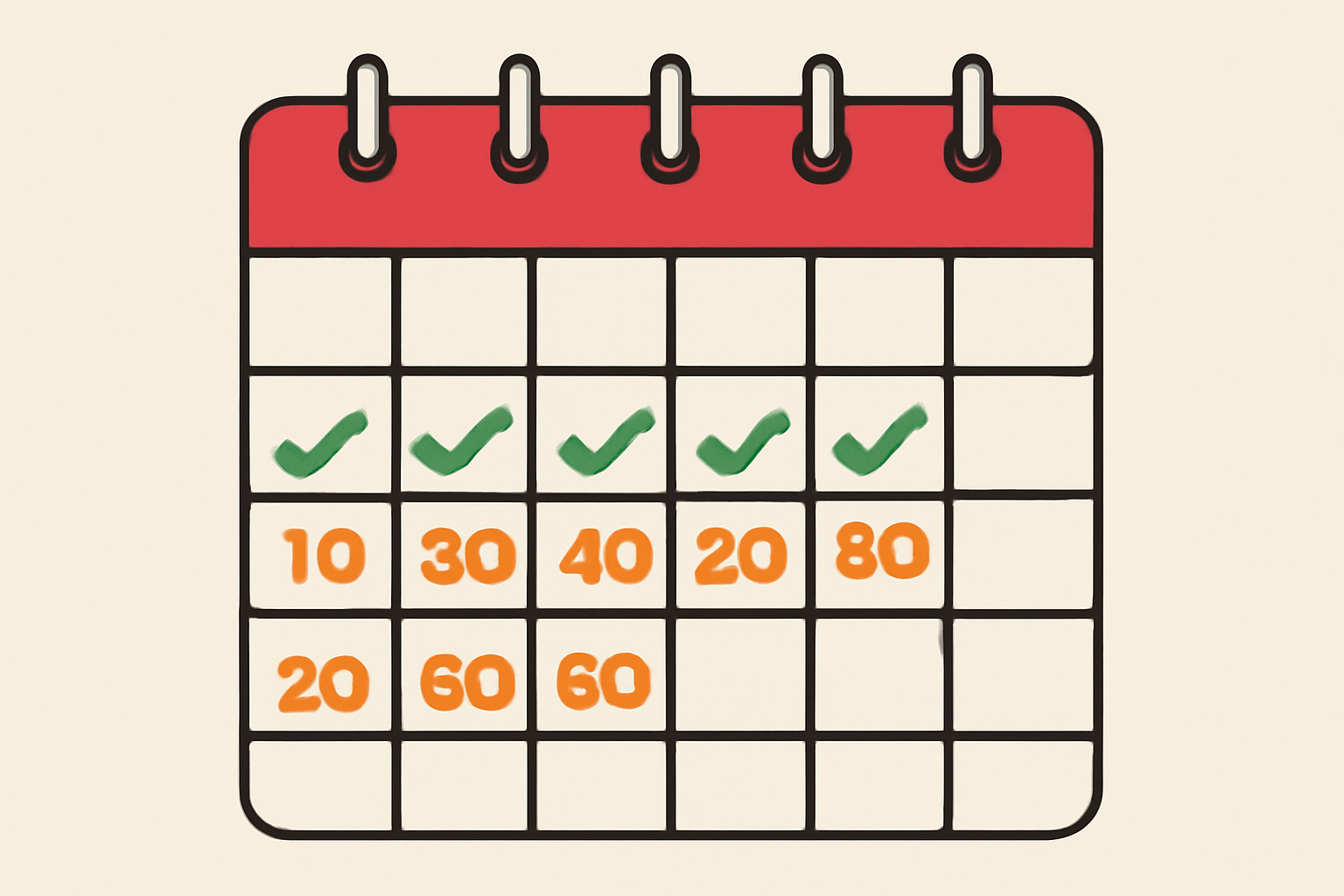
- Sign-In Consistency: Don’t miss daily check-ins! Skipping resets your streak and can reduce total rewards significantly.
- Tune In During Off-Peak Hours: Gas fees fluctuate; aim to sign in when network activity is low to keep costs at $0.30 or less per day.
- Diversify Participation: Join multiple campaigns if available, each offers unique tasks and reward pools.
- Stay Secure: Never share your recovery phrase with anyone claiming to be ‘Binance support. ’
How to Complete Tasks and Claim Rewards in a Binance Wallet Booster Campaign
What Happens After You Claim?
Your points or tokens are credited directly to your Binance Web3 Wallet balance. These can often be redeemed for project tokens after their TGE (Token Generation Event) or traded within supported ecosystems once unlocked. Some campaigns also offer eligibility for further exclusive airdrops based on participation history, another reason not to let those streaks lapse.
If you want more details about current events or campaign mechanics, always refer to official updates from Binance’s event hub: Binance Web3 Wallet Event Details.
Final Thoughts: Stay Agile and Capitalize on Every Opportunity
The world of crypto wallet campaigns moves fast, eligibility windows close quickly as reward pools fill up. By following these steps precisely, creating and verifying your account, setting up your wallet securely, enabling notifications, browsing current campaigns through official channels, and actively completing all required actions, you’ll put yourself in prime position to earn free crypto through every new Binance Wallet Booster Campaign that launches.



No comments yet. Be the first to share your thoughts!