
Ready to automate your crypto investing and let your stack grow on autopilot? The OKX Wallet recurring buy feature is now live for US users, making it easier than ever to set up a disciplined dollar-cost averaging (DCA) strategy. Whether you’re stacking Bitcoin, diversifying into ETH, or building a custom basket of digital assets, OKX’s recurring buy bot lets you schedule purchases with precision and flexibility.
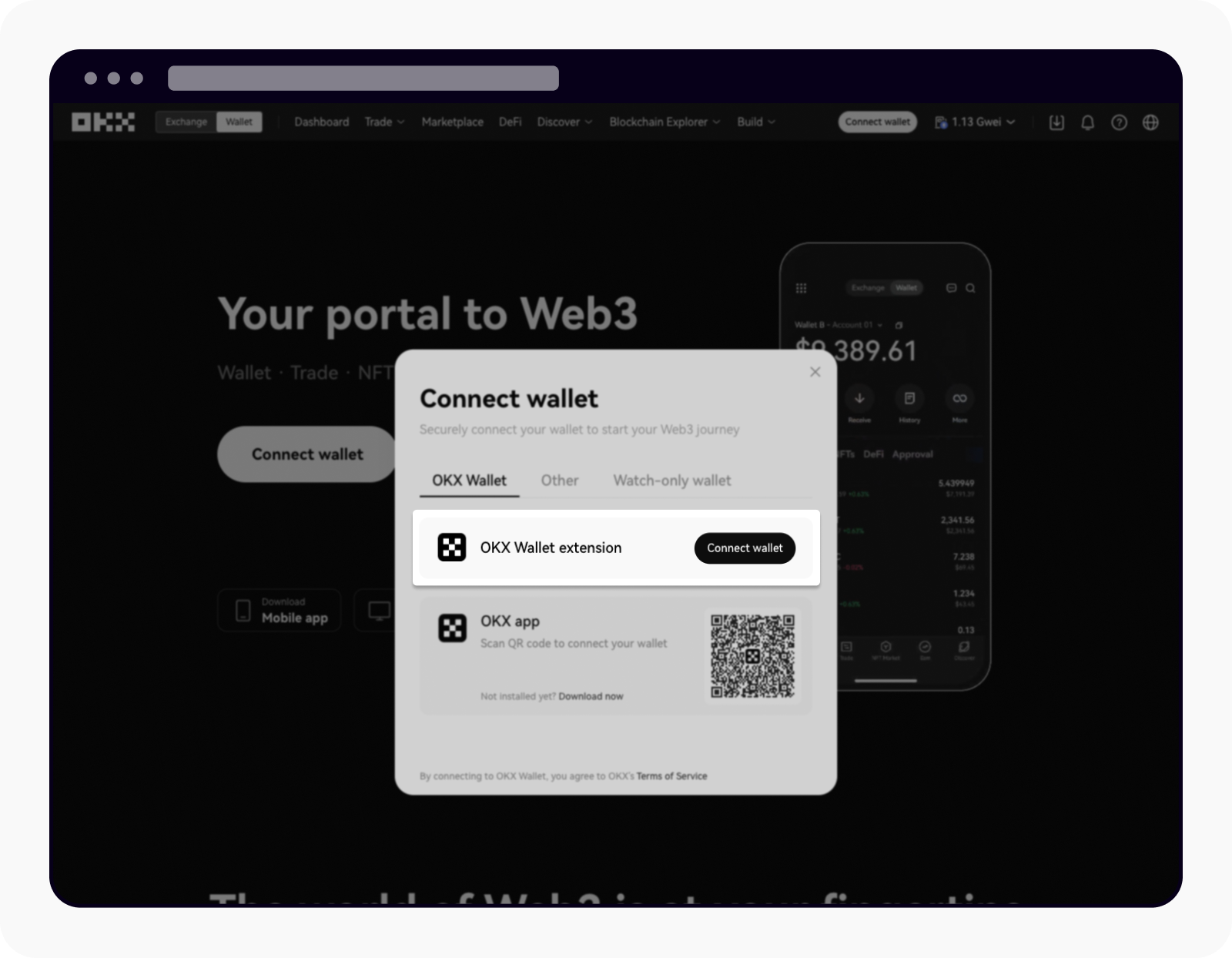
Why Set Up Recurring Crypto Buys with OKX?
Consistency beats timing the market. Automated crypto investing through recurring buys helps you avoid emotional trading and smooth out volatility. Instead of guessing when to enter, you accumulate assets over time on your terms - daily, weekly, bi-weekly, or monthly. With OKX’s minimum as low as 2 USDT per cycle, anyone can start small and scale up as confidence grows.
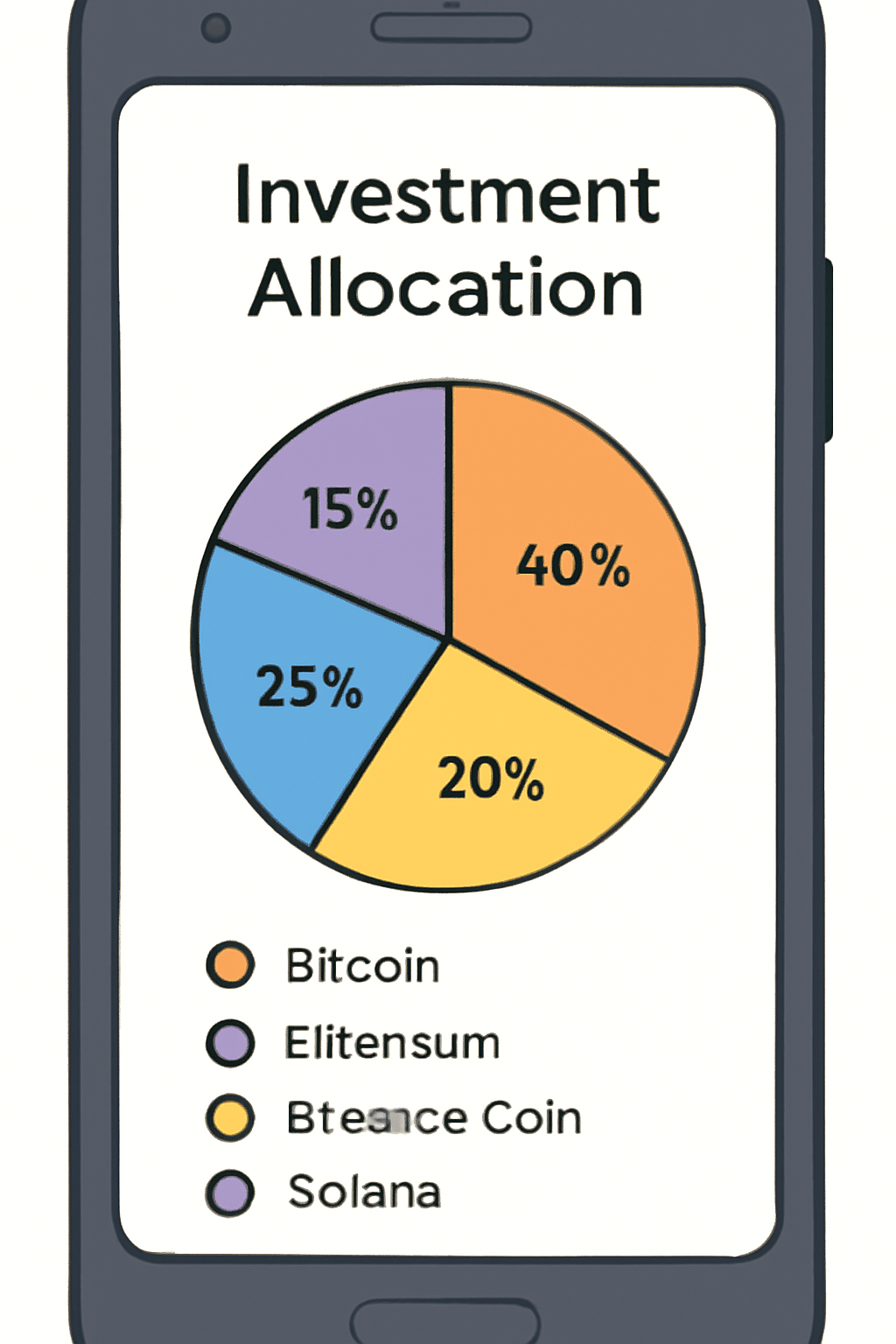
Plus, you can diversify across up to 20 cryptocurrencies in a single plan. Allocate 50% to BTC, 30% to ETH, 20% to OKB - or any mix you want. The bot handles execution while you focus on other opportunities.
Step-by-Step: Setting Up Your First Recurring Buy (Mobile App)
The process is fast and intuitive. Here’s how US users can get started:
Set Up Recurring Crypto Buys in the OKX App: A Visual Guide
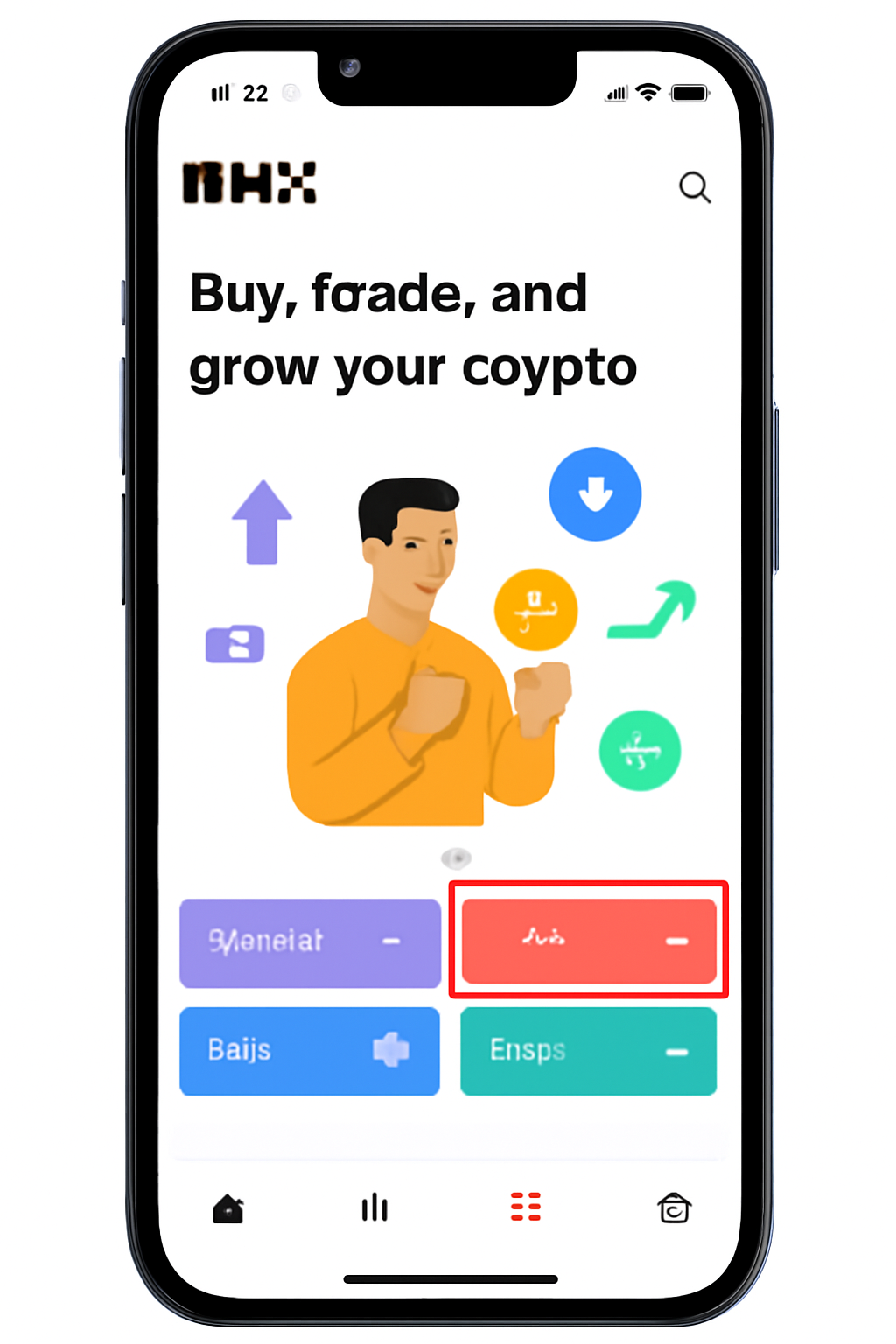
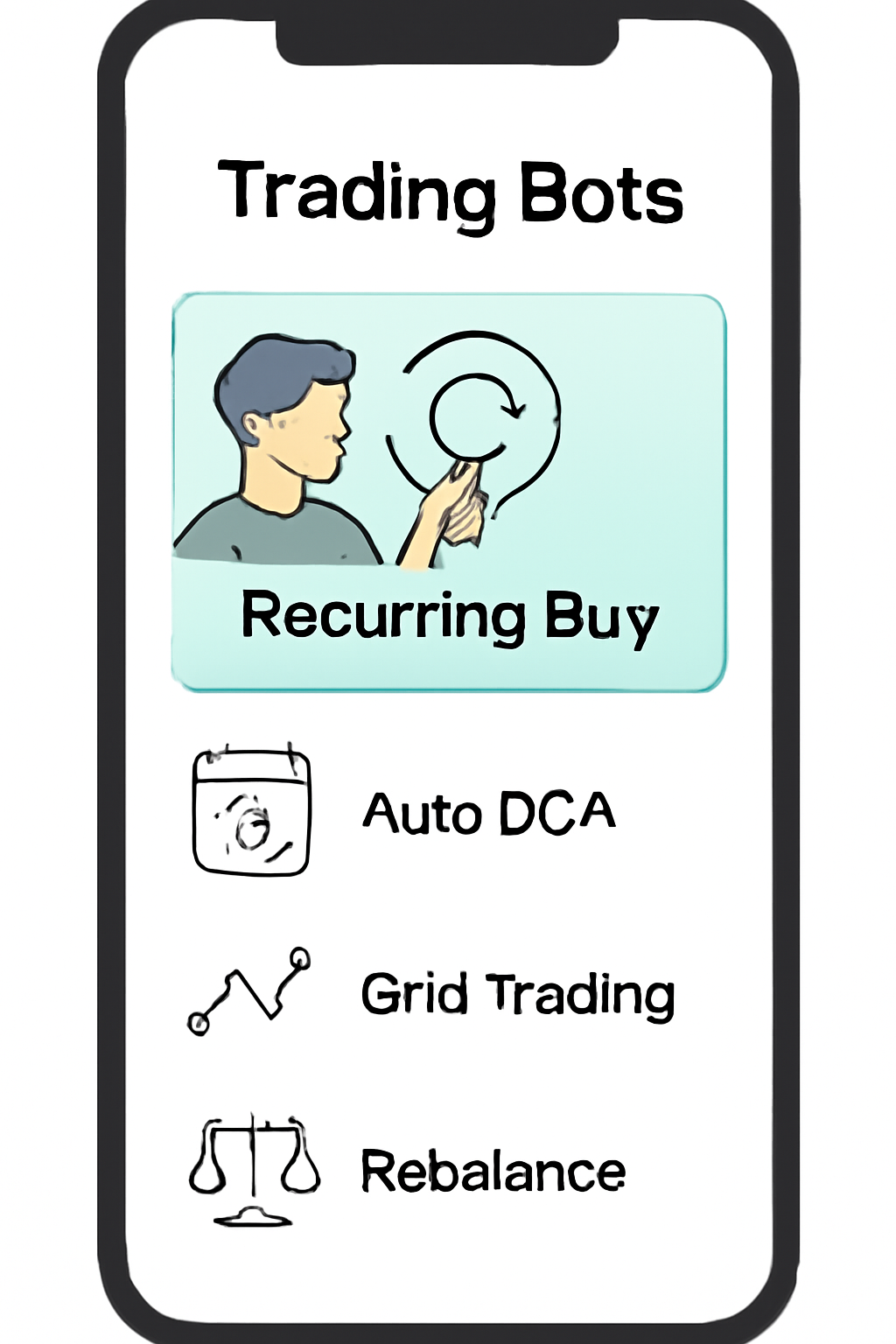
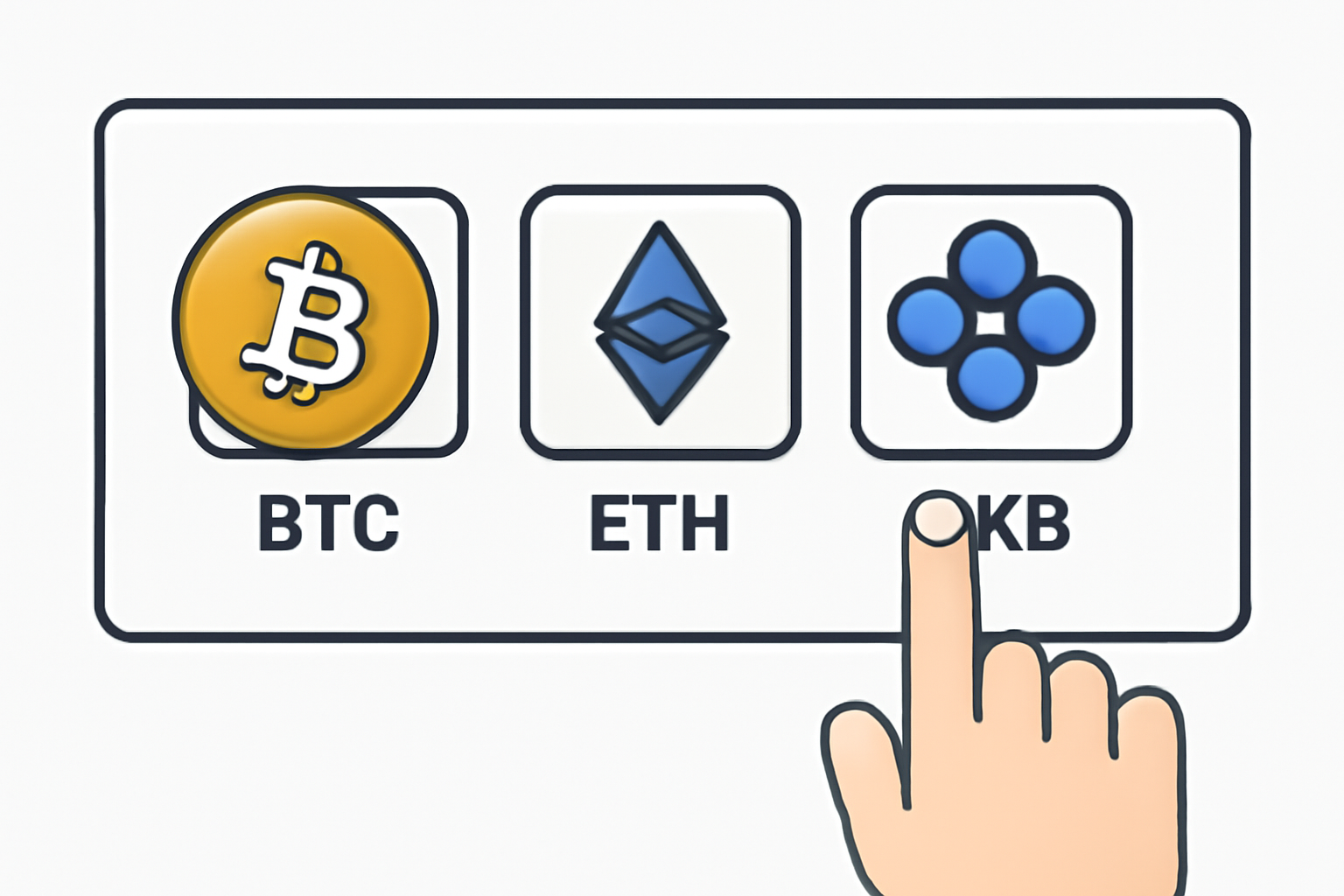
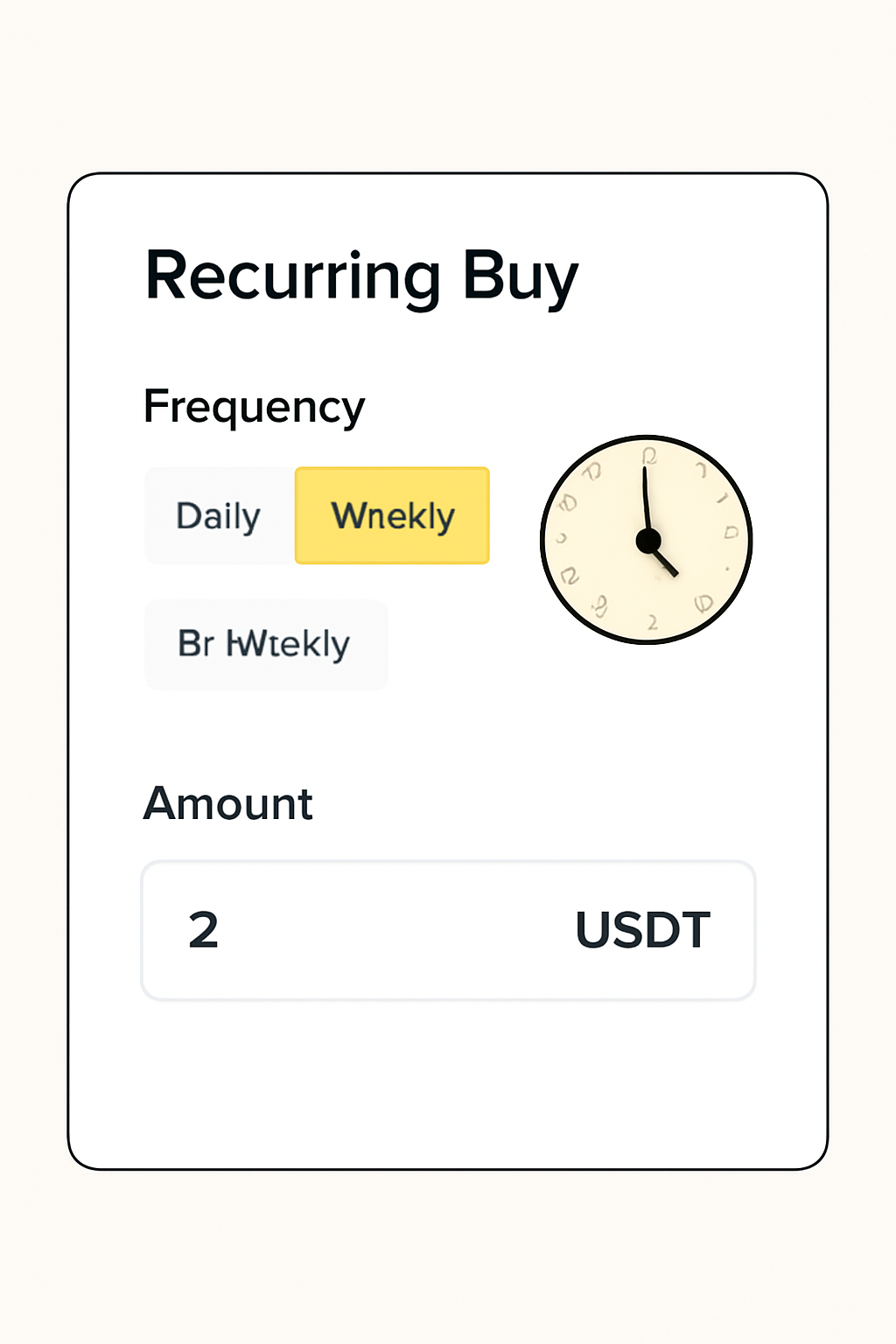
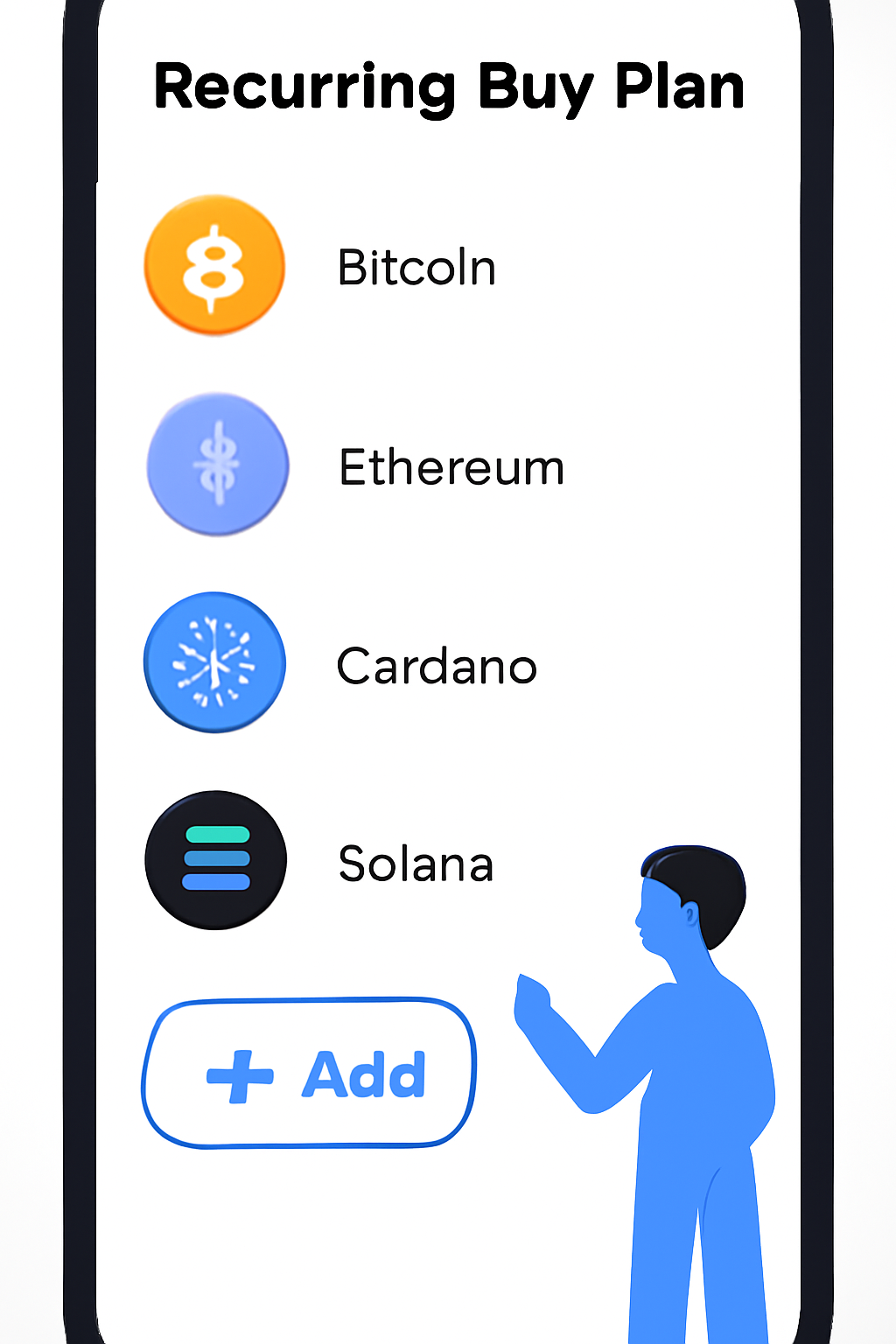

- Navigate to Trade: Open the OKX app and tap "Trade" from the homepage.
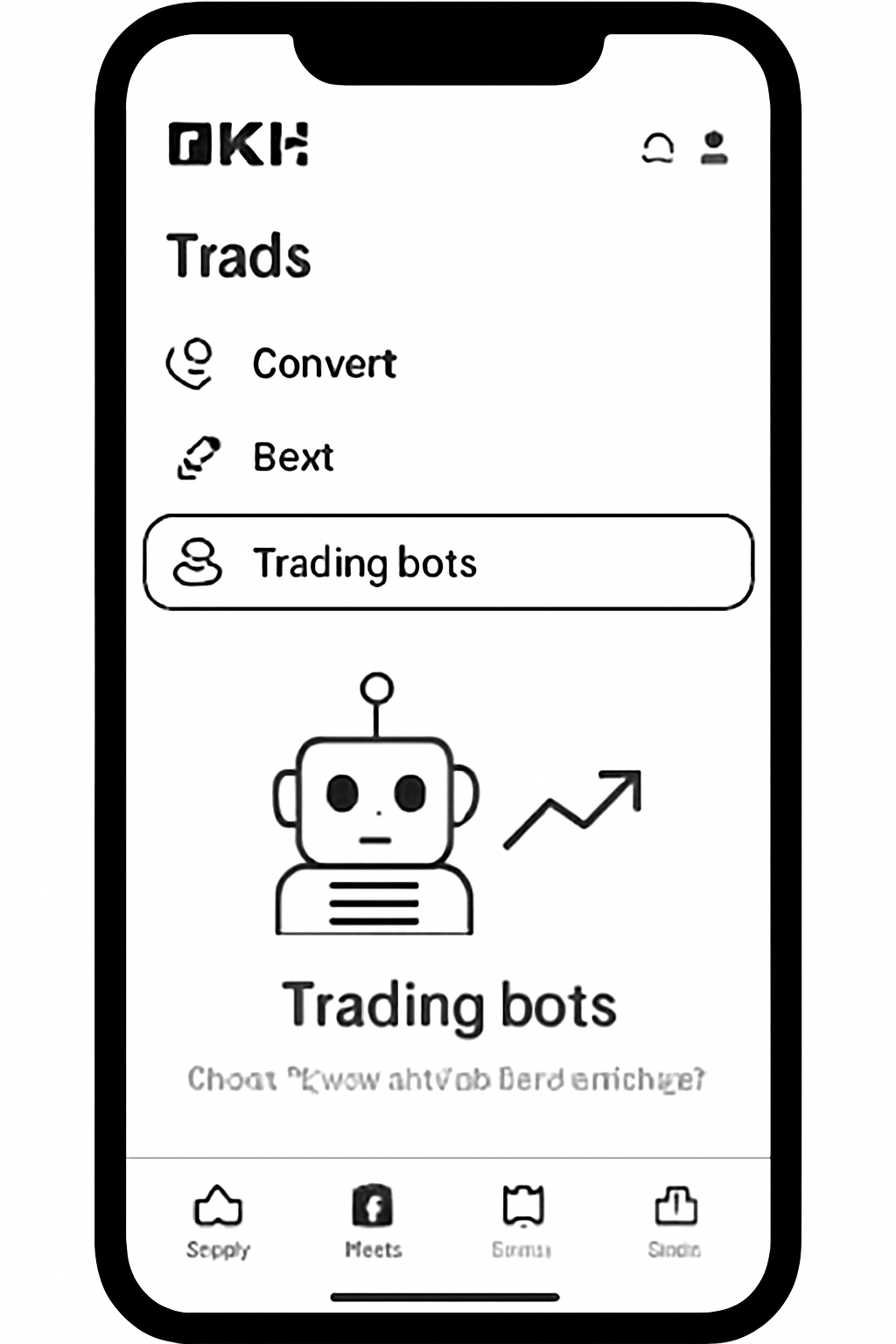
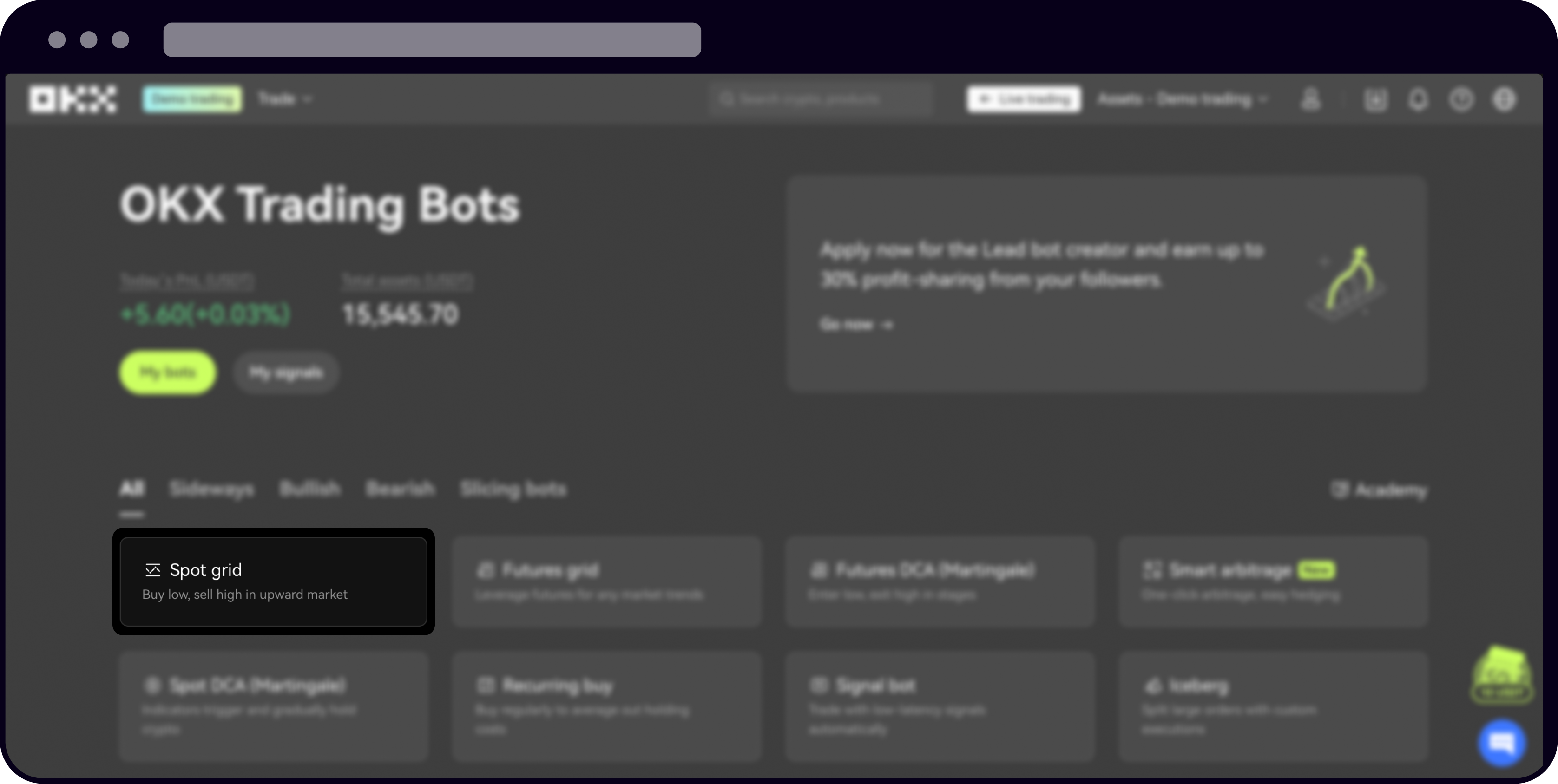
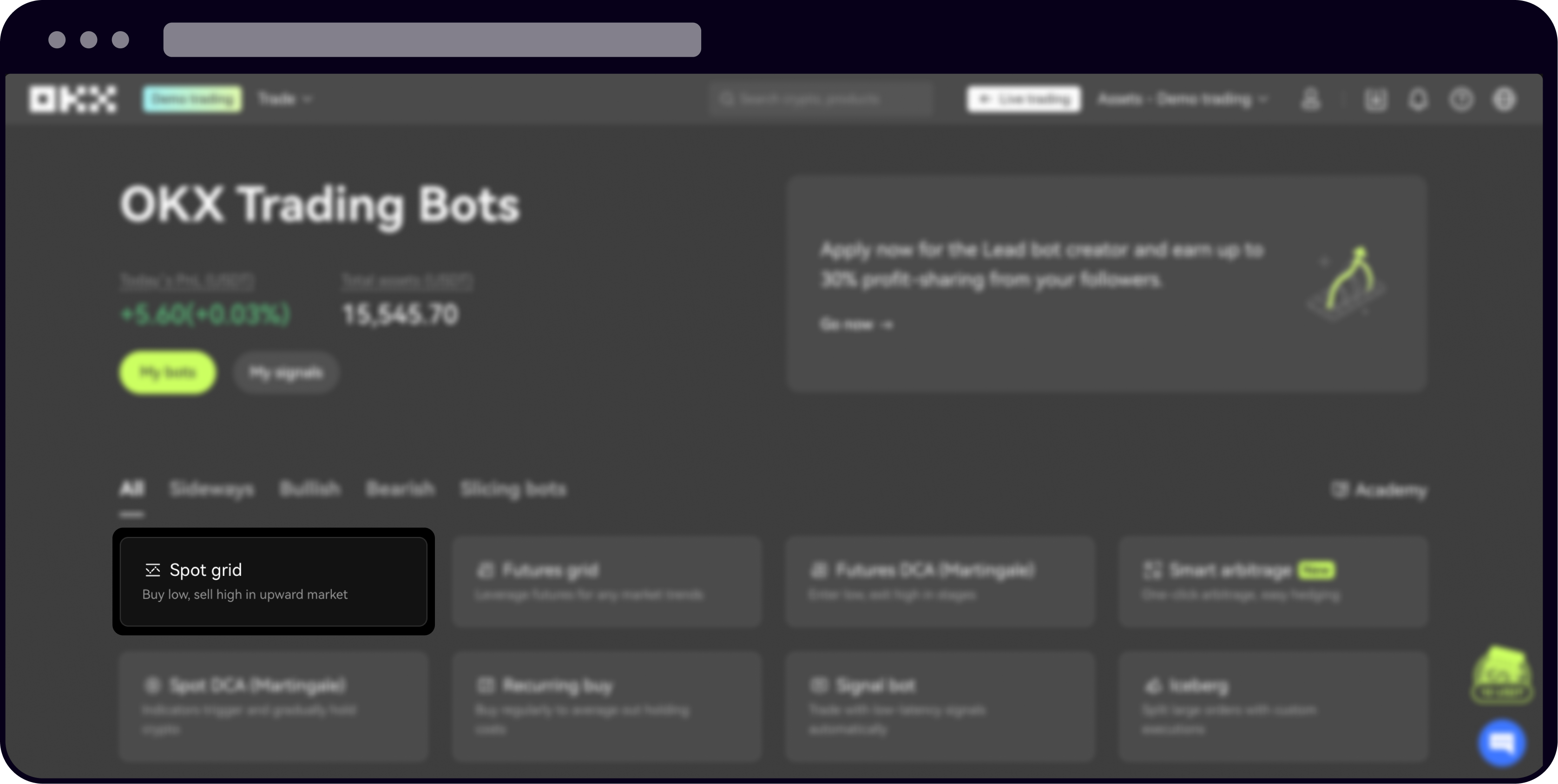
- Select Trading Bots: Find "Trading bots" in the menu - this is where automation lives!
- Pick Recurring Buy: Choose "Recurring buy" from the list of available bots.
- Select Your Crypto(s): Choose one or add up to 20 digital assets for your plan.
- Set Frequency and Timing: Decide if you want buys hourly, daily, weekly, or monthly; set your preferred time slot.
- Enter Amount: Input your investment per cycle (minimum 2 USDT).
- Diversify (Optional): Assign percentages if buying multiple coins - e. g. , split between BTC and ETH.
- Confirm and Activate: Double-check details and hit "Done". You’re live!
If you need more visuals or want to see it in action before diving in yourself, check out this official OKX help guide.
The Web Experience: Automate from Your Desktop
If desktop is more your style - or you want full-screen control - setting up a recurring buy on the OKX website is just as seamless. The steps mirror those on mobile but with added clarity thanks to extra screen space.
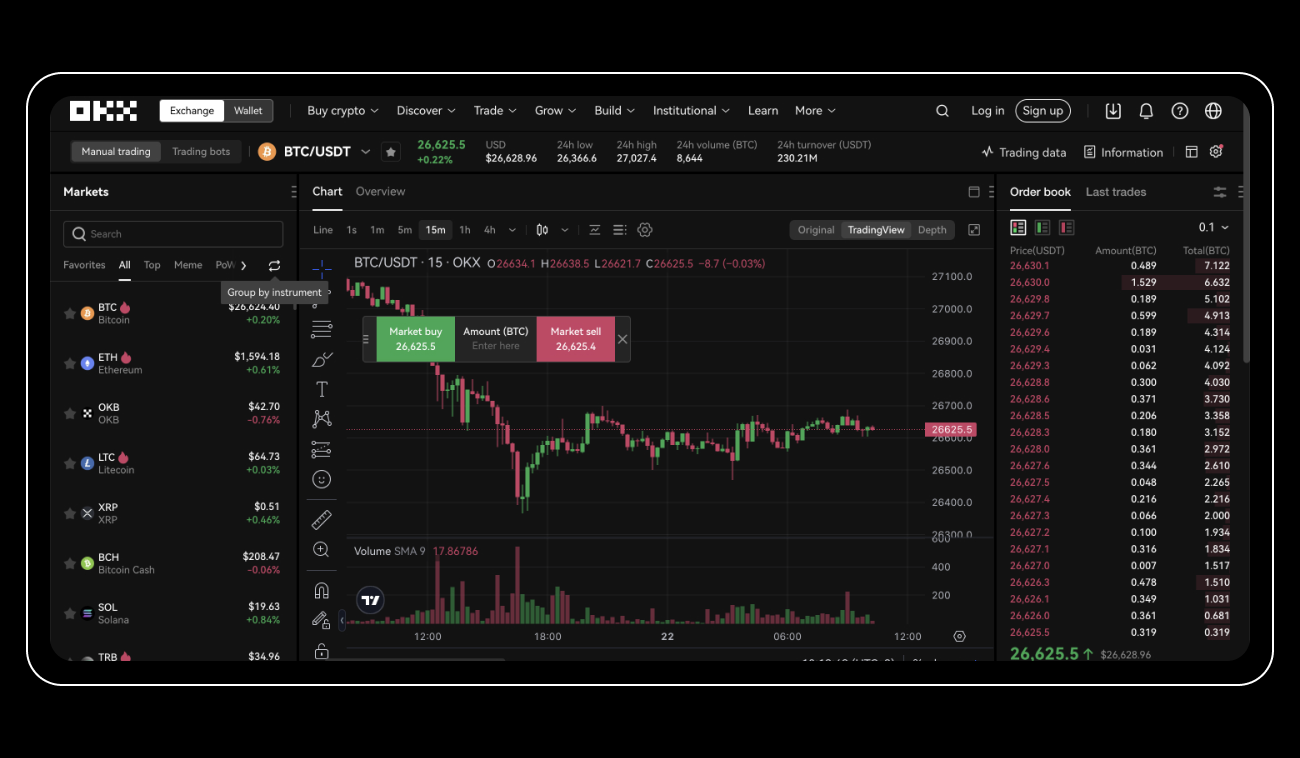
- Log In: Head over to okx. com and sign into your account securely.
- Navigating Bots: Click “Trade” in the top bar then select “Trading bots. ”
- Select Recurring Buy: Find “Recurring buy” among bot options.
- Add Assets and Allocate: Pick your cryptos (up to 20), assign allocation percentages for each one.
- Set Frequency and Amount: Choose how often (hourly-daily-weekly-monthly) and enter total amount per purchase cycle (in USDT).
- Create and Confirm: Review all settings thoroughly; click “Create” then confirm via pop-up window. You’re set!
Troubleshooting and Pro Tips
If funds run low in your trading account, don’t worry - the bot simply pauses until there’s enough balance again. And if you want to stop or adjust your plan? Just head back into “Bots” under trade history (web) or use the “Stop” button in-app anytime for ultimate control.
OKX Wallet’s recurring buy isn’t just about automation, it’s about empowering your strategy. The ability to set and forget, then fine-tune as your goals evolve, is a game-changer for disciplined investors and active traders alike. Let’s dive into how you can manage, tweak, or cancel your plans in real time, and why this flexibility matters.
Managing and Adjusting Your Recurring Buys
Want to check on your progress or pivot your allocations? OKX makes it simple:
How to Manage or Stop Recurring Buys on OKX Wallet
- Open the OKX App or WebsiteLog in to your account using the OKX mobile app or website to access your dashboard.
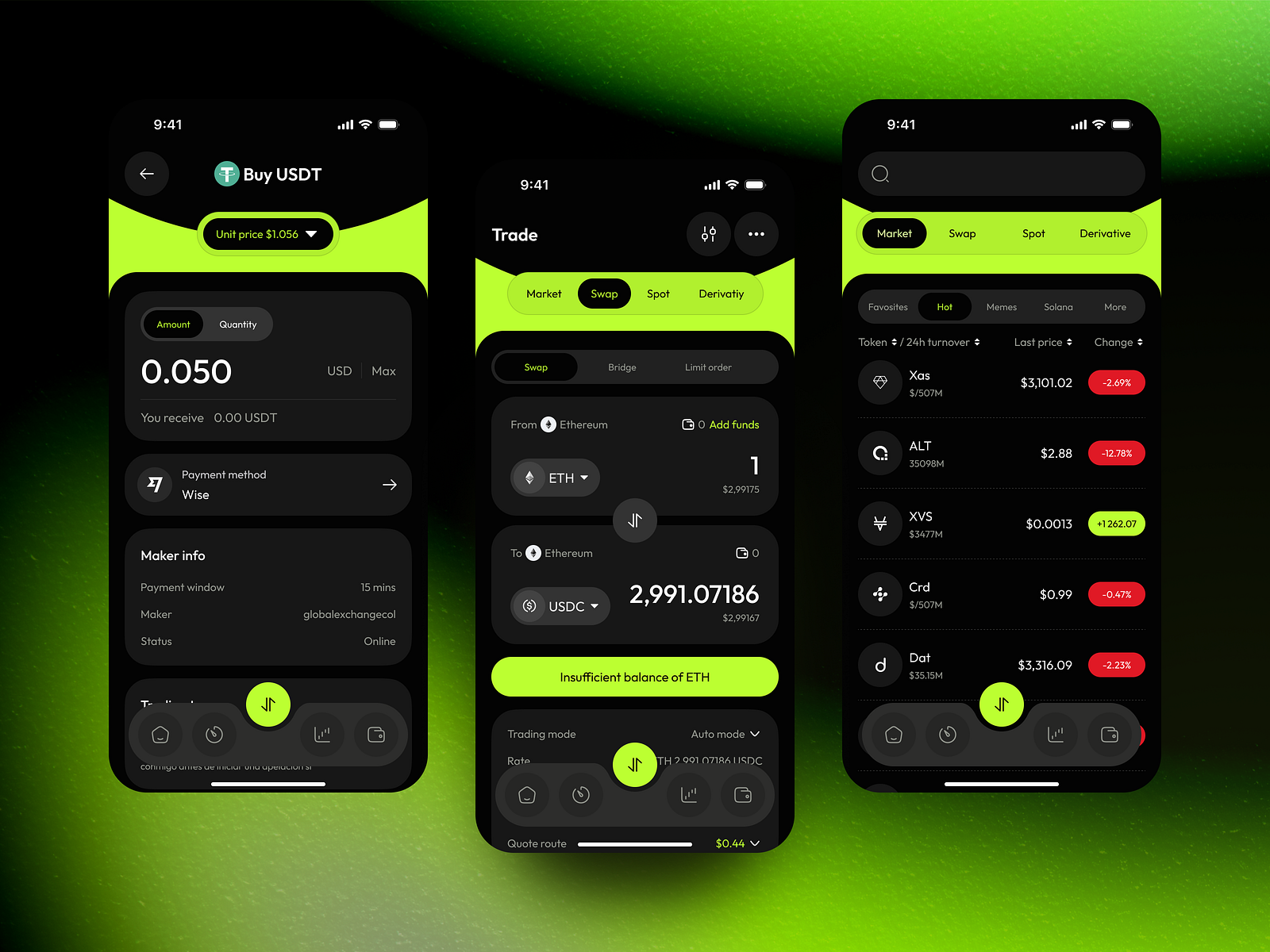
- Navigate to Trading BotsOn the app, tap Trade then Bot; on the website, go to Trade → Trading bots to view your active bots.
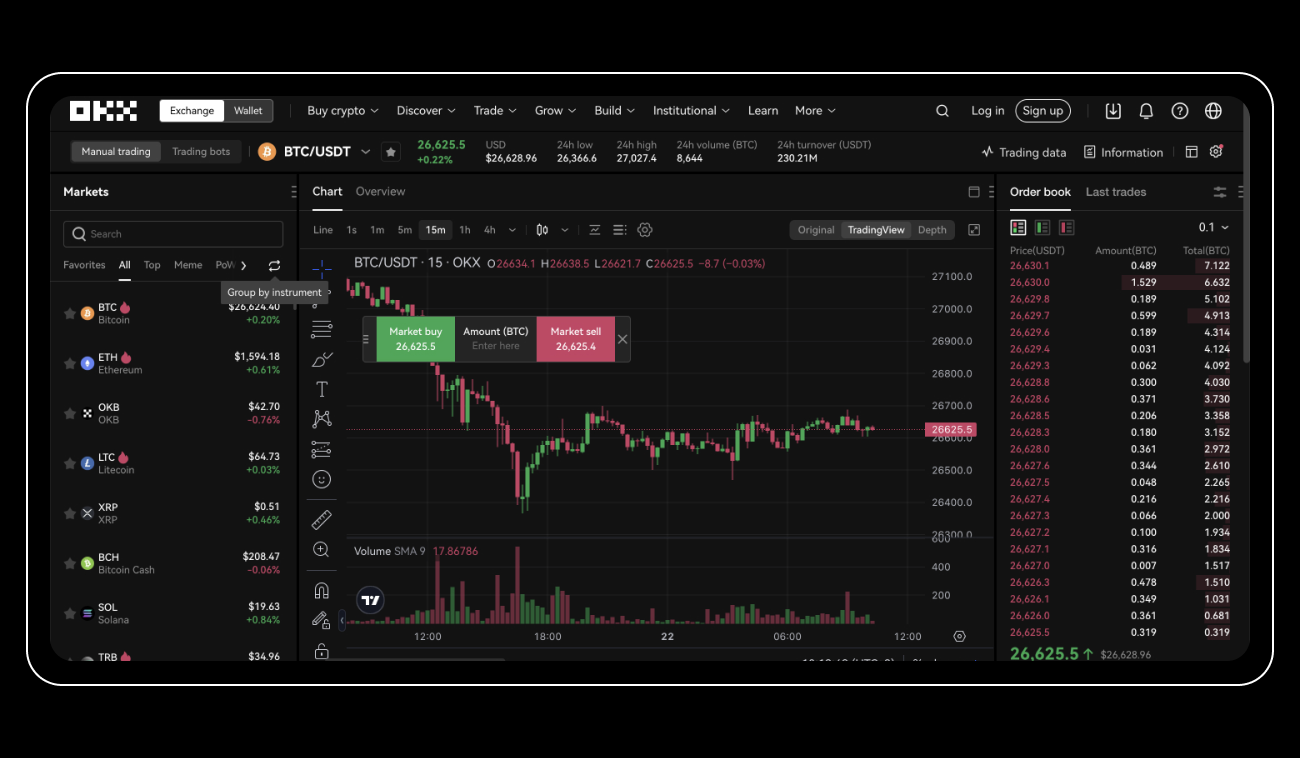
- Locate Your Recurring Buy PlanSelect Recurring Buy from your list of bots to view details like profit, loss, and total allocation.
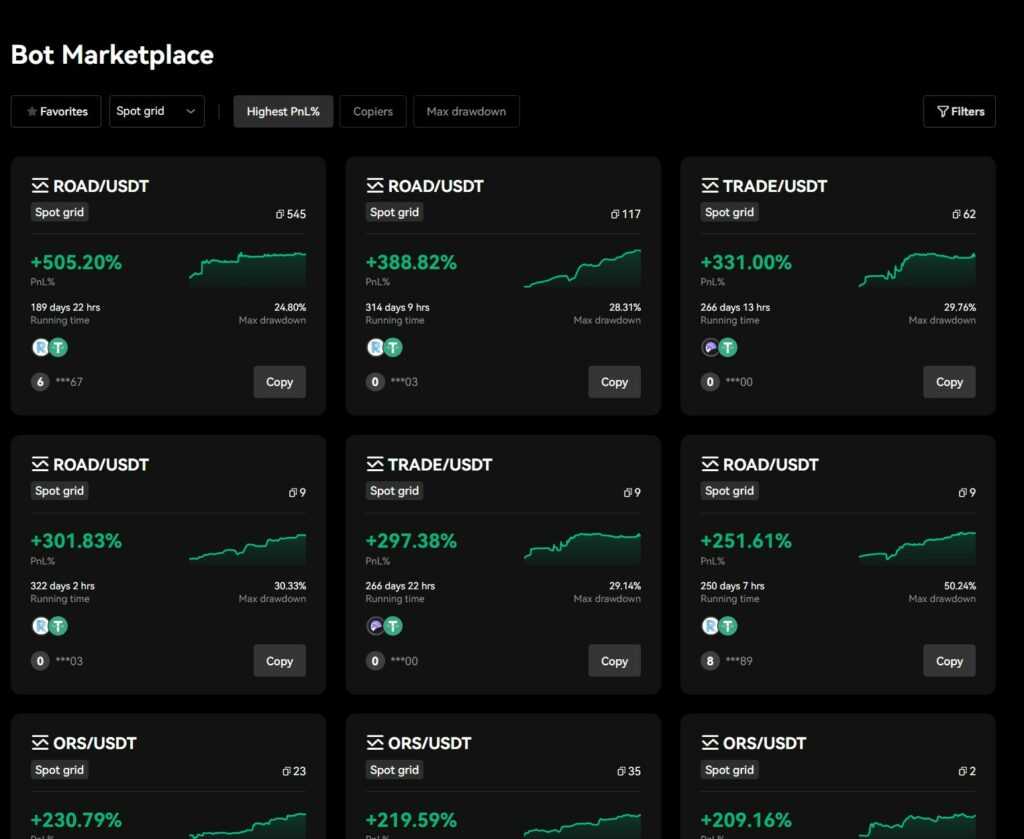
- Review or Adjust Plan SettingsCheck your investment allocations, frequency, and included cryptocurrencies. Make changes as needed to your plan.
- Stop or Cancel Recurring BuysPress Stop in the app, or click Stop next to your plan on the website to immediately halt future purchases.
- Monitor for Insufficient FundsIf your account balance drops below the required minimum (2 USDT), the recurring buy bot will automatically pause and resume when funds are restored.
Mobile App: Navigate to the trading page, tap "Bot, " then "Recurring Buy" to see all active plans. Here you’ll find profit/loss stats and total invested amounts. Need a break? Hit "Stop": your plan pauses instantly. When you’re ready to resume stacking, just reactivate or set up a new schedule.
On the Web: Under the "Bots" tab in Basic Trading, access your trade history. Each recurring buy order is listed with a clear “Stop” button for instant cancellation of future purchases, no hidden hoops.
Minimums, Pauses and Pro Tips
The minimum investment per cycle is just 2 USDT, making it accessible for every budget. If your balance dips below that threshold, the bot automatically pauses and resumes when funds are available, no manual babysitting required.
Pro tip: Diversify up to 20 assets in one plan for broad exposure without micromanaging multiple bots. And don’t sweat market swings, the DCA approach helps smooth out volatility over time.
Stack Smarter: Why DCA Works in Crypto
The magic behind automated crypto investing with OKX Wallet’s recurring buy feature is dollar-cost averaging (DCA). By committing regular amounts (as low as 2 USDT) at set intervals, you reduce the risk of buying all-in at market tops, and sidestep FOMO-driven mistakes. Over time, this disciplined approach can help lower your average cost per coin while building conviction through every cycle.
If you want to build wealth in crypto without sweating every dip or pump, let automation do the heavy lifting while you focus on spotting new opportunities.
- Nina Archer
Is Recurring Buy Right for You?
If you’re looking for hands-off growth or want to automate entry into volatile markets like Bitcoin and Ethereum, OKX’s recurring buy bot is tailor-made for US users who crave both control and convenience. It’s also ideal if you want predictable budgeting, set your amount once and let it run!
The bottom line? Whether you’re dollar-cost averaging into Bitcoin above $100,000 or scooping up altcoins during consolidation phases, setting up automated buys with OKX Wallet keeps emotions out of the equation, and lets compounding do its thing.


No comments yet. Be the first to share your thoughts!