Keplr Wallet has leveled up. As of August 2025, it isn’t just the go-to for Cosmos chains - it’s now a true multi-chain powerhouse, letting you manage assets and view transaction history across Ethereum and other EVM-based networks. If you’re juggling tokens on Ethereum, Arbitrum, Base, Optimism, or even Berachain and Blast, Keplr’s unified dashboard is a game-changer. Let’s break down exactly how Keplr supports EVM chain transaction history and why this matters for anyone serious about tracking their crypto moves.
Keplr Wallet: One Interface for Multi-Chain Masters
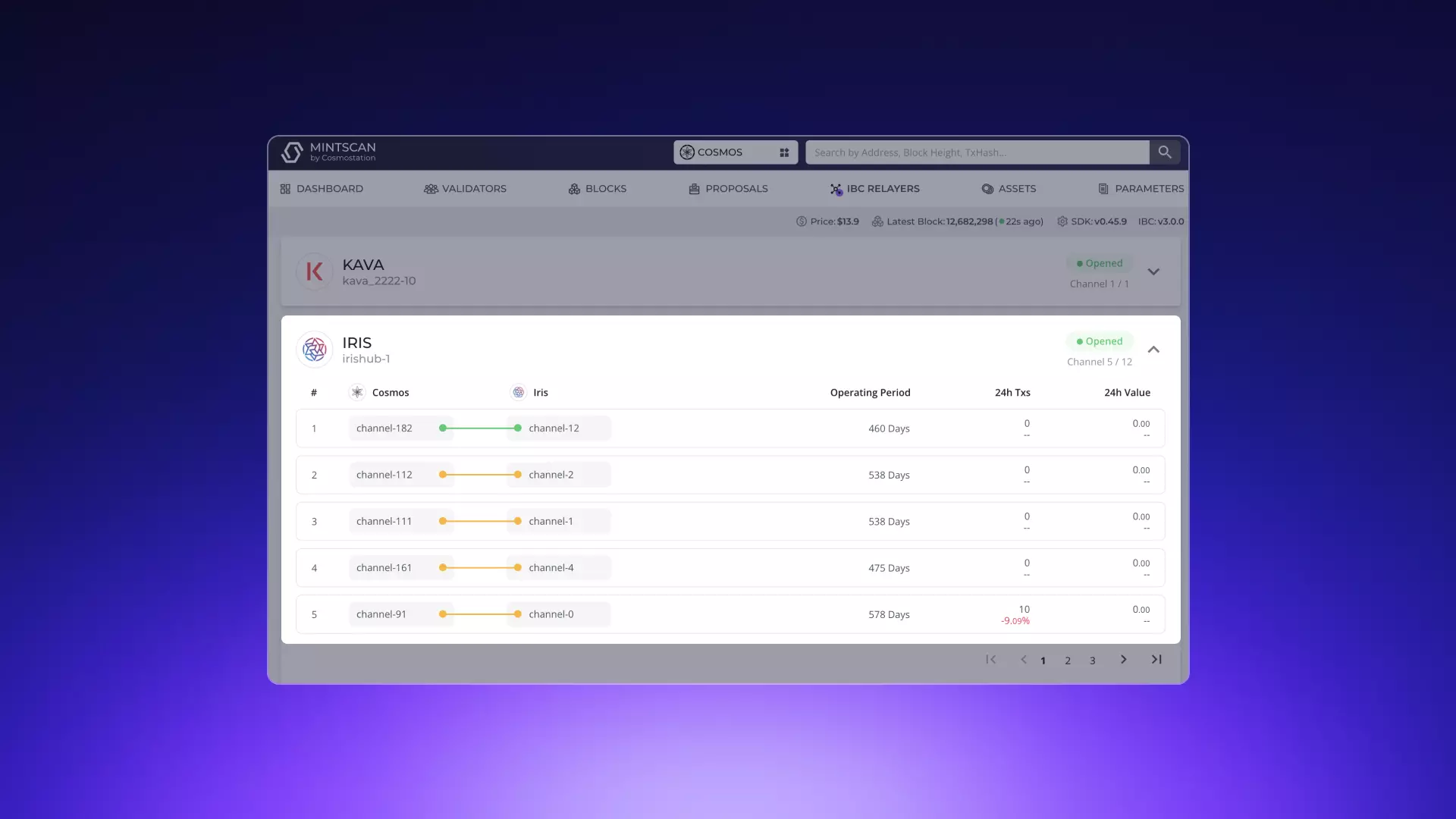
Historically, Keplr was synonymous with the Cosmos ecosystem. But in 2025, the wallet’s devs answered the call for broader support. Now you can add EVM chains directly inside Keplr using the Suggest Chain feature - no more hopping between MetaMask and Keplr or relying solely on block explorers like Mintscan for your transaction records.
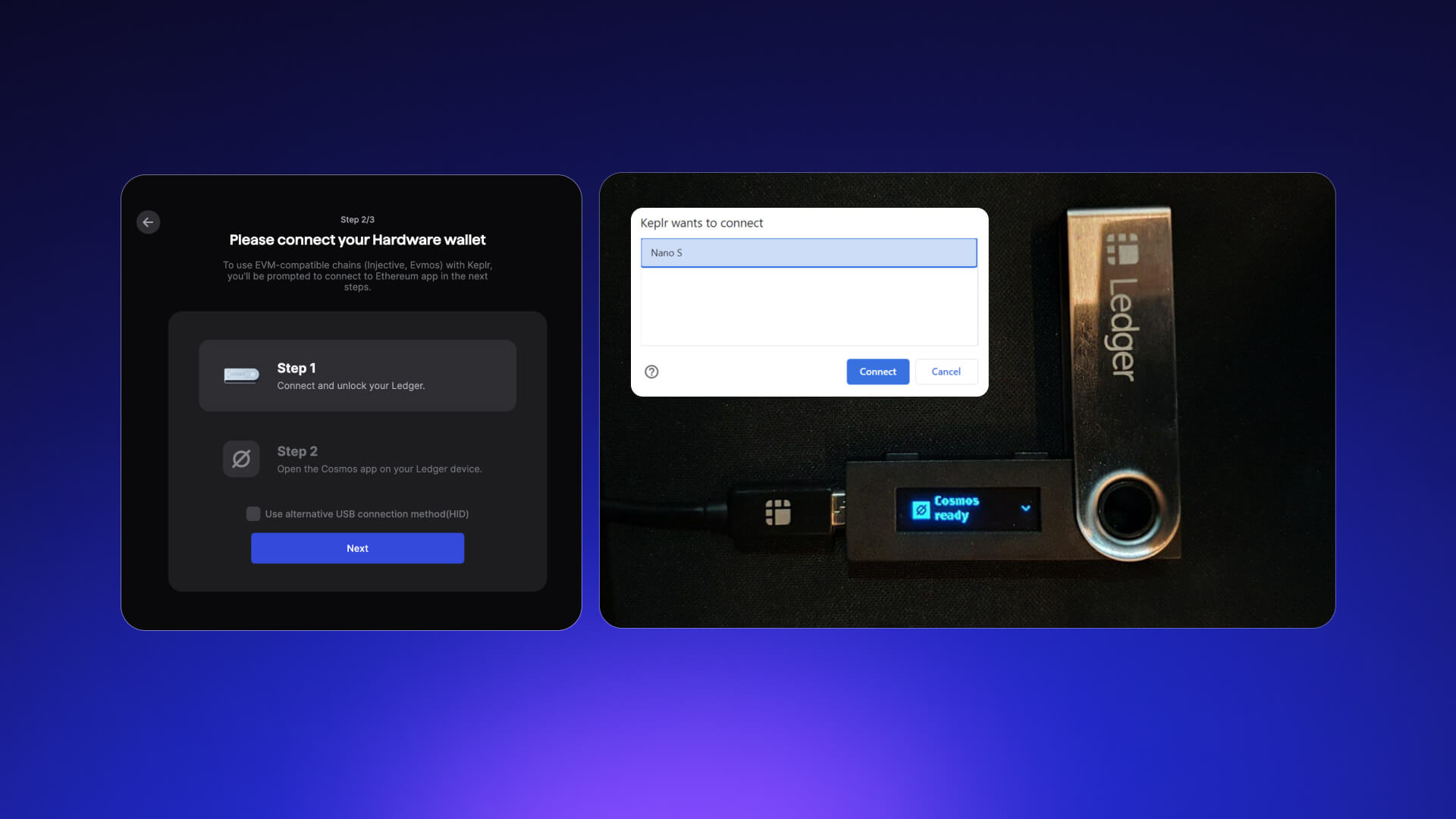
This expansion is not just about convenience. It’s about clarity. With all your EVM transactions visible from the same interface as your Cosmos activity, you get a panoramic view of your portfolio and can react faster to market swings.
The Step-by-Step: How to View EVM Chain Transaction History in Keplr
If you’re new to this feature or just want a refresher, here’s how to get started:
How to Add an EVM Chain & View Transaction History in Keplr Wallet
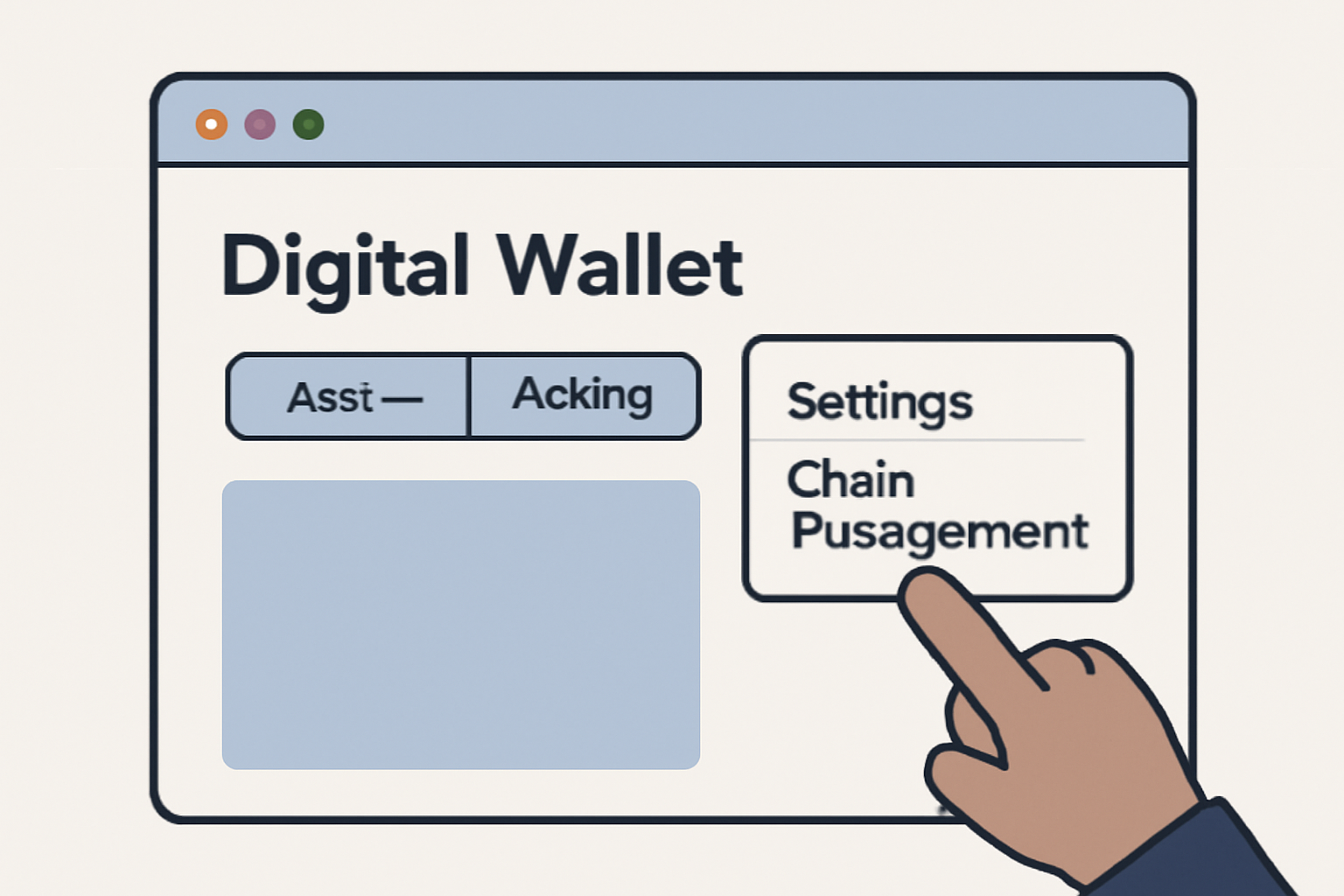
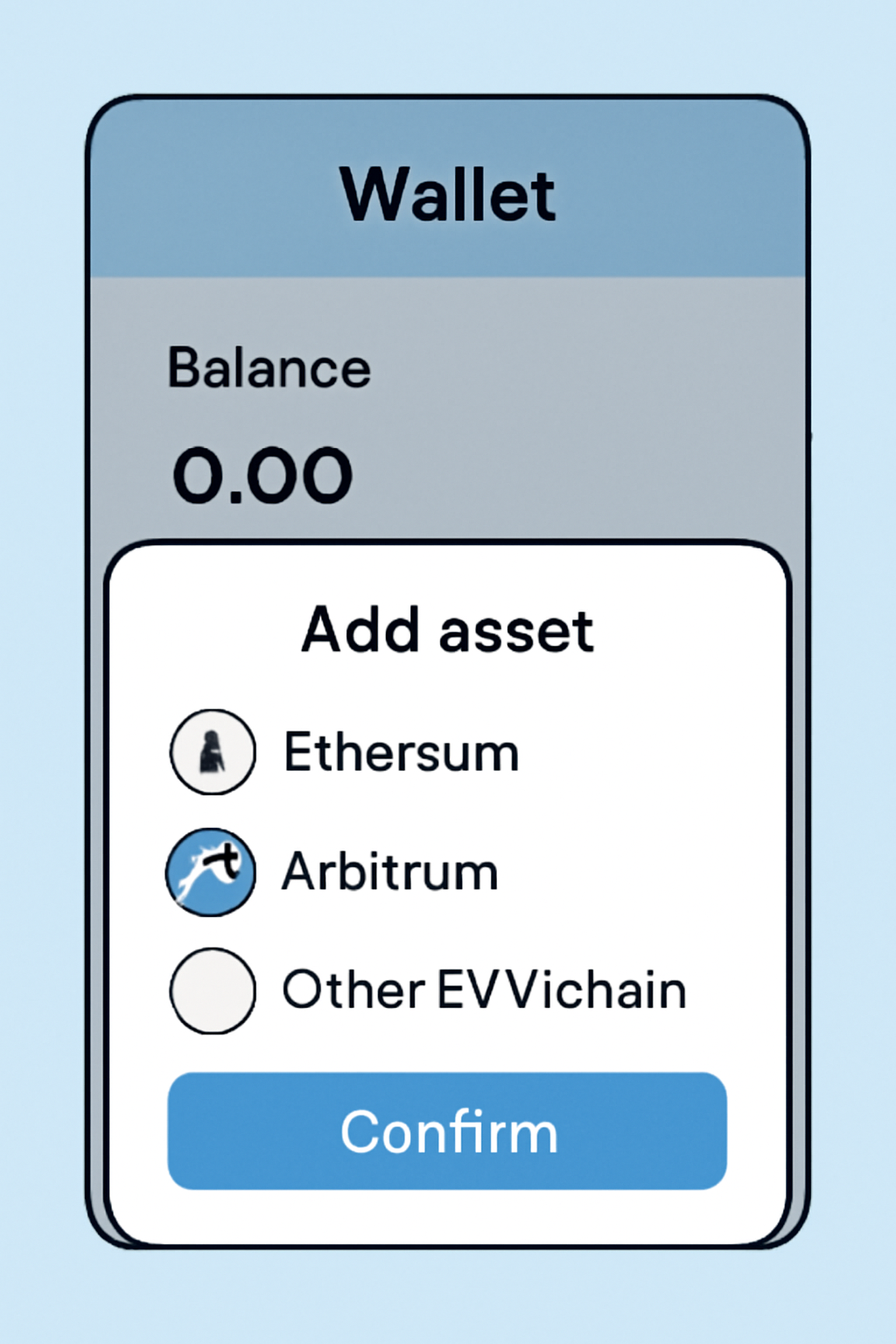
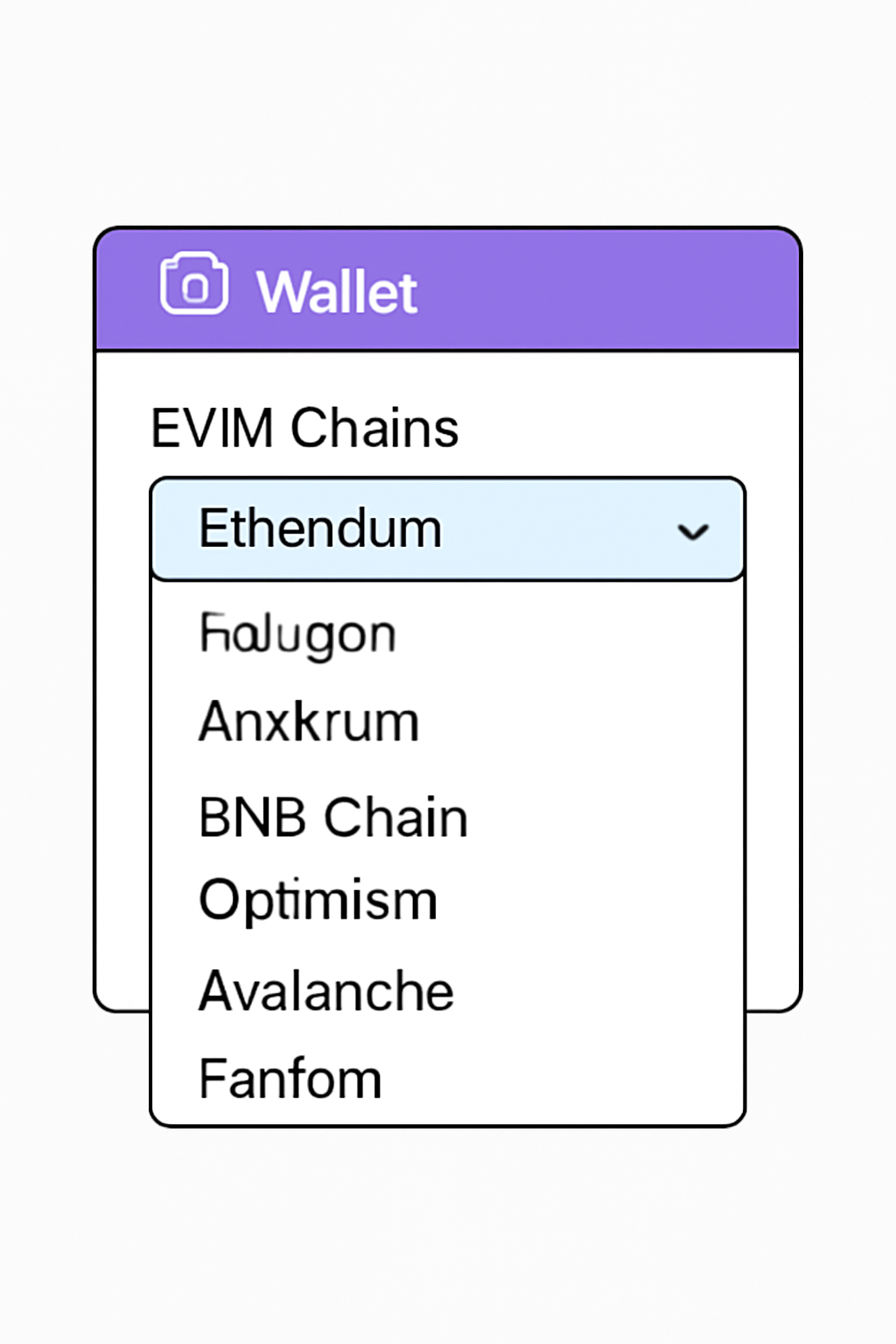
Pro tip: You can add both native and custom EVM chains by pasting in chain details or using dApps with integrated Suggest Chain support (see official docs). Once added, simply select your desired network from the dropdown menu at the top of Keplr.
No More Blind Spots: Why On-Chain History Matters
Your transaction history isn’t just a logbook - it’s your edge. Whether you’re tracking NFT mints on Base or monitoring gas fees on Optimism, having every move logged in one wallet means less time lost cross-referencing addresses across multiple explorers.
Top 5 Reasons to Track EVM Transactions in Keplr
- Unified View Across Multiple Chains: Keplr Wallet lets you monitor your transaction history for both Cosmos SDK and EVM-based chains (like Ethereum, Arbitrum, and Base) in one place, saving you the hassle of juggling multiple wallets or explorers.
- Enhanced Security & Transparency: By tracking all your EVM chain transactions within Keplr, you maintain full oversight of your assets, helping to spot suspicious activity and verify every move directly from a trusted interface.
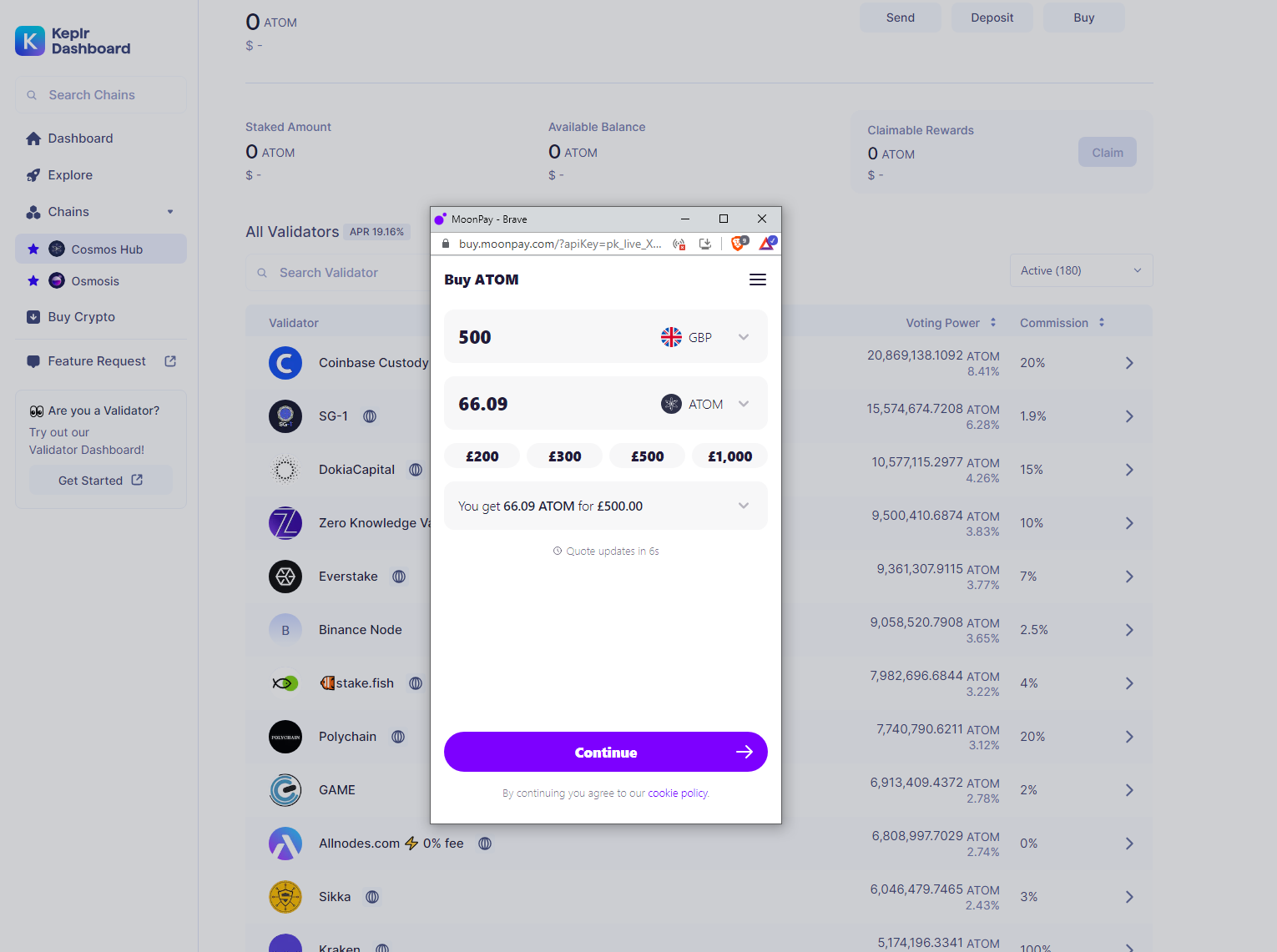
- Streamlined Portfolio Management: Keplr’s integrated dashboard allows you to easily review past transactions, manage token balances, and make informed decisions without switching between different platforms.
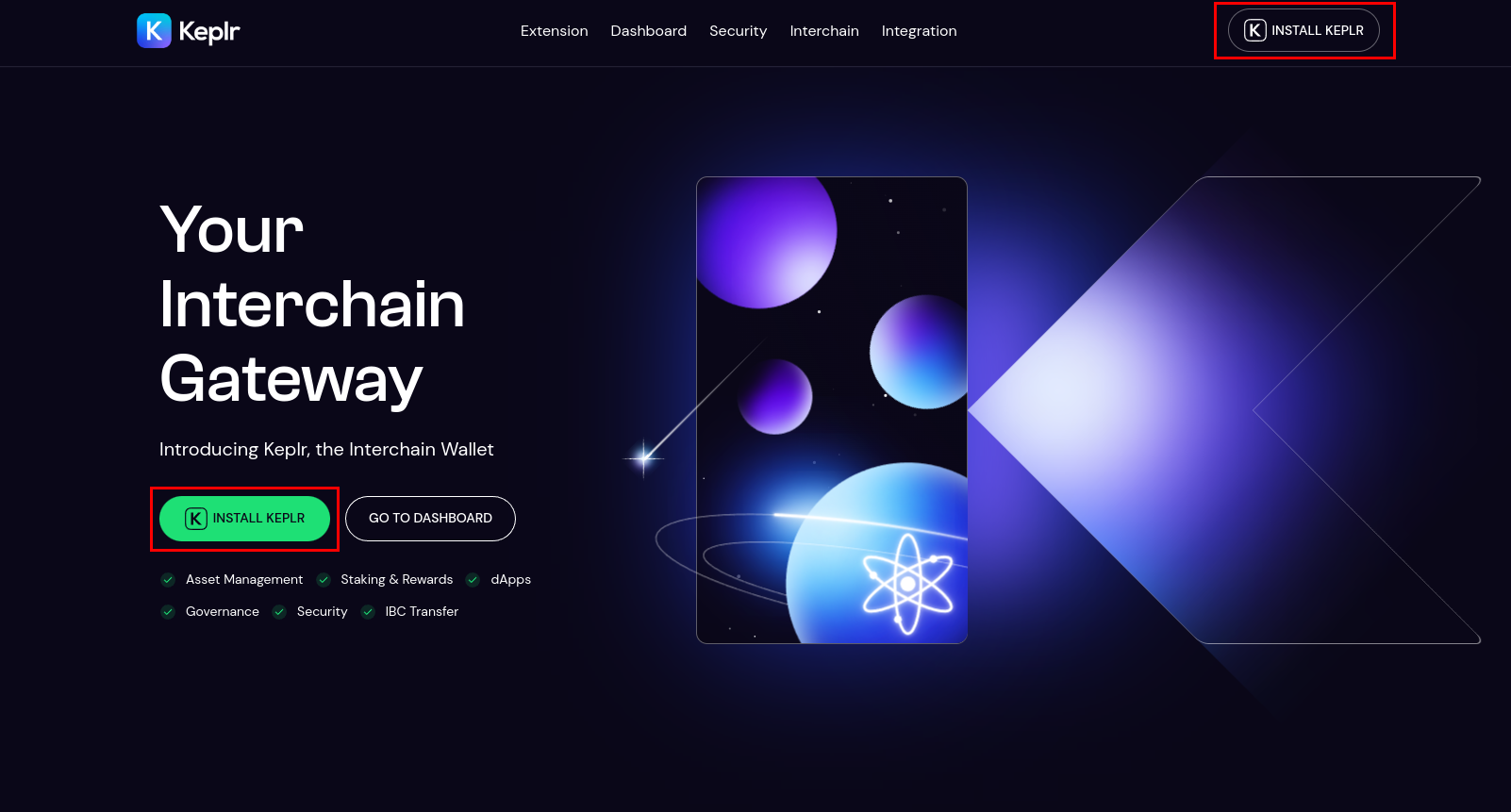
- Effortless Tax & Compliance Reporting: Having a centralized transaction history simplifies generating reports for taxes or compliance, making it easier to export or reference your activity when needed.
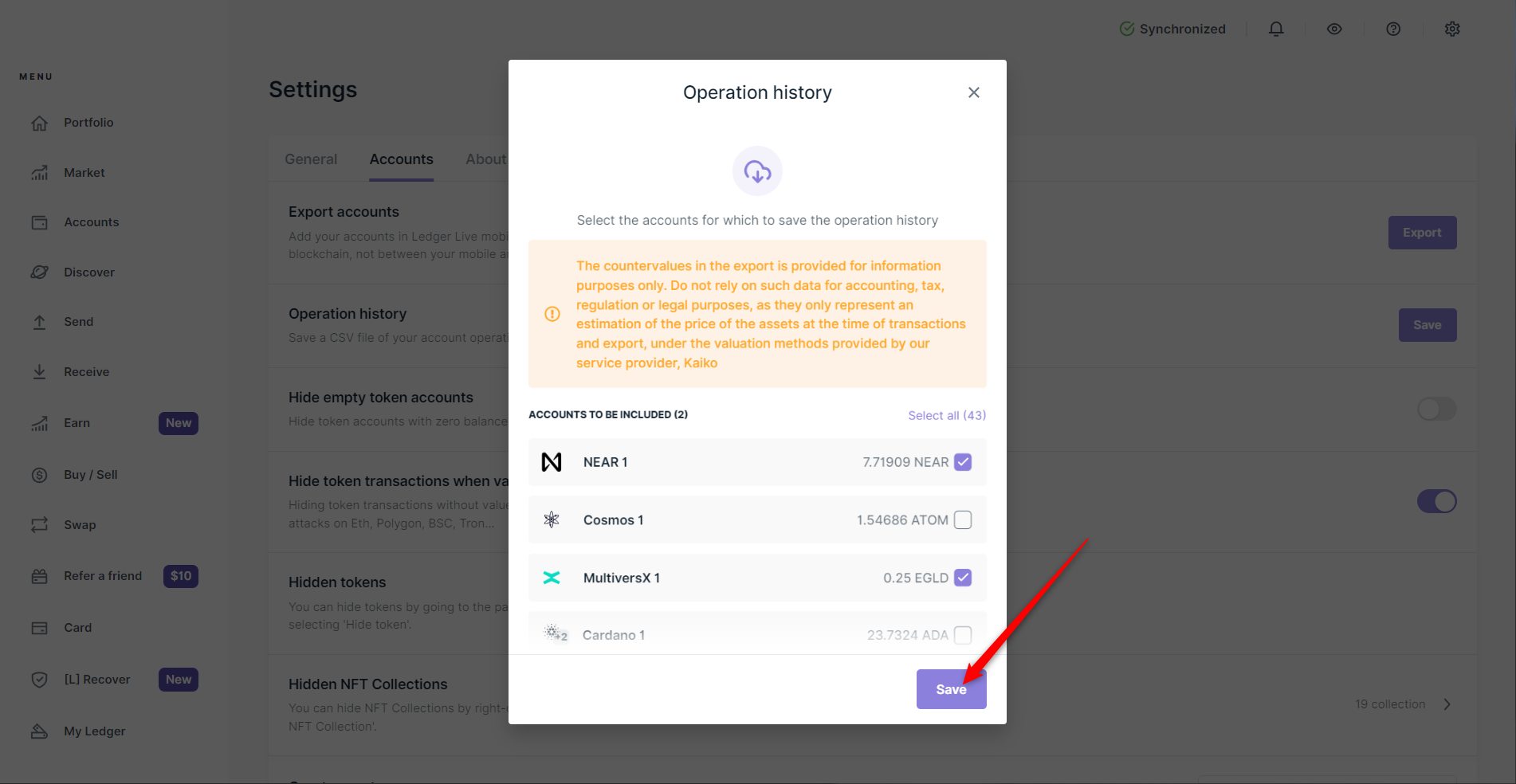
- Seamless User Experience: Keplr’s intuitive interface and support for EVM chains mean you can add new networks, view histories, and interact with dApps—all from a single, user-friendly wallet extension.
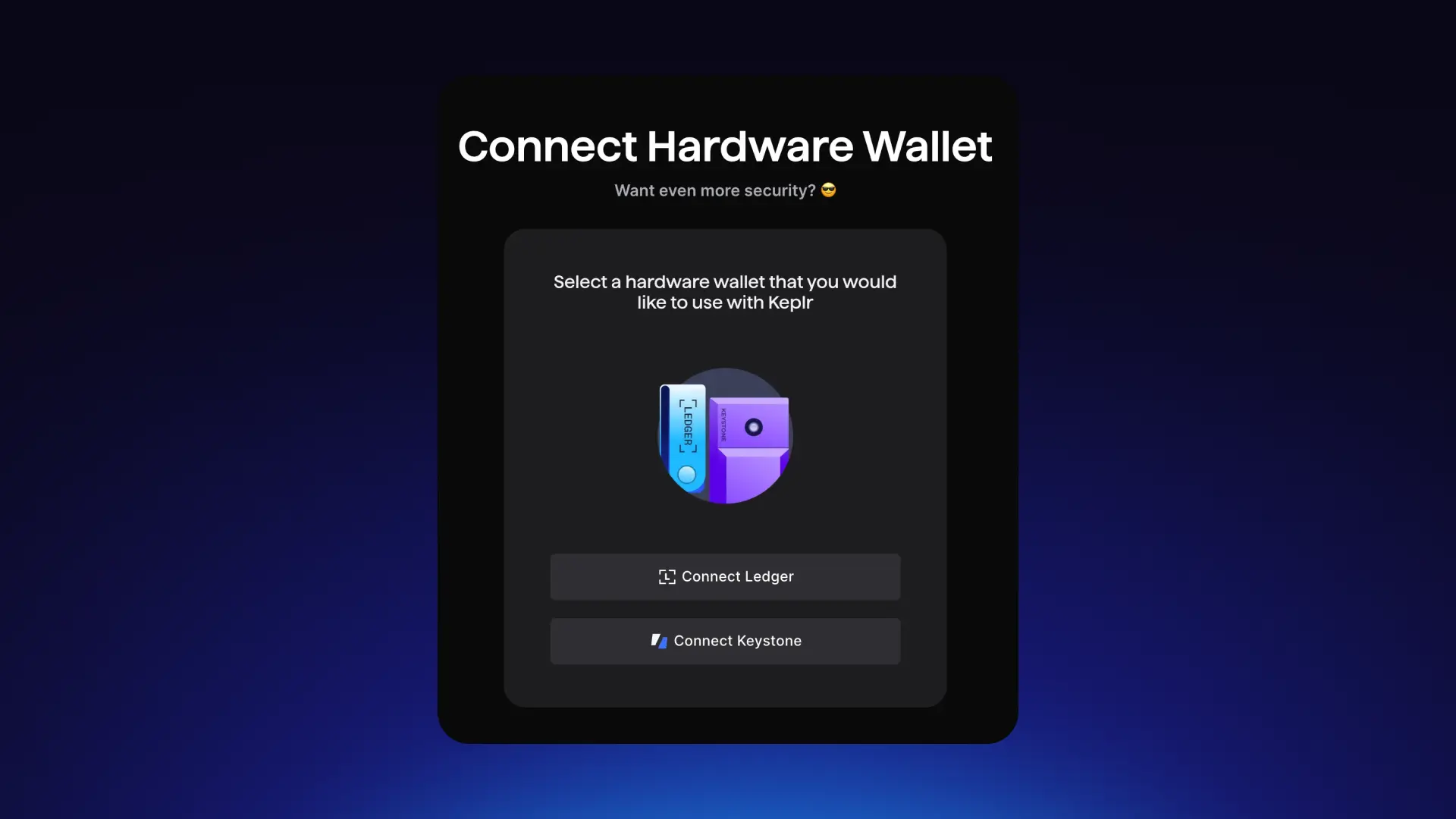
The best part? You don’t need to be a power user to unlock these features. The updated interface is streamlined for both beginners and veterans alike.
Still Need Help?
If you hit any snags along the way - whether adding new chains or finding specific transactions - check out the Keplr HelpDesk. Their guides are regularly updated as new networks roll out support.
For those who thrive on data, Keplr Wallet’s EVM chain integration is a breath of fresh air. No more bouncing between separate dashboards or piecing together fragmented histories. Everything you need to monitor your trades, swaps, and transfers is now just a click away within the same wallet extension.
Unified Tracking: Portfolio Clarity in Real Time
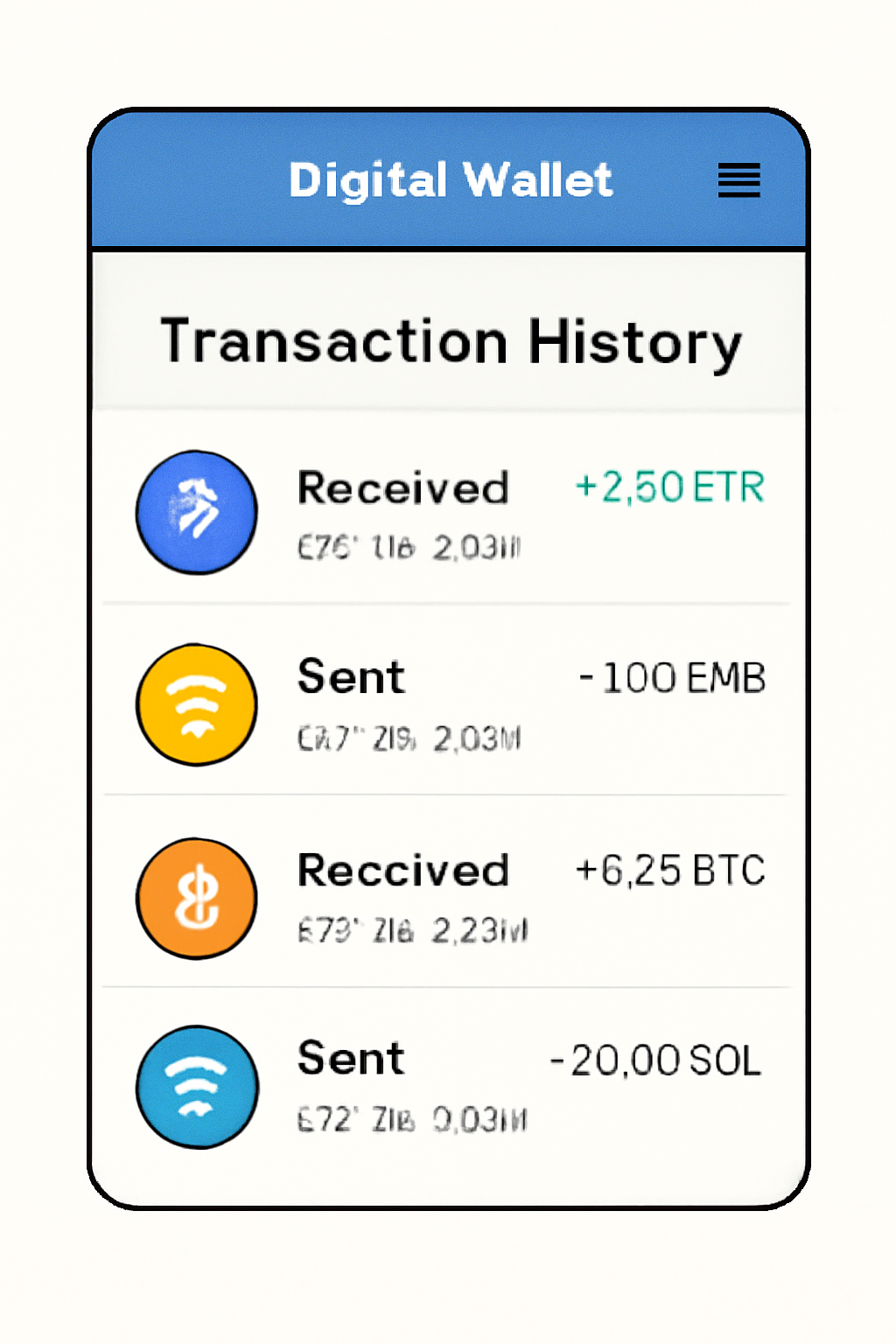
With Keplr Wallet EVM transaction history support, you can instantly review every deposit, withdrawal, and contract interaction across supported networks. This unified view is especially valuable for users active on multiple chains, think Ethereum mainnet for DeFi, Arbitrum for low-fee swaps, or Blast for new token launches. Each transaction is timestamped and detailed right inside the Keplr dashboard.
This isn’t just about convenience, it’s about making informed moves. Say you’re tracking recent NFT acquisitions or analyzing your gas expenditure across L2s; Keplr’s transaction history tab gives you all the granular data without the hassle of opening five different block explorers.
Tips to Maximize Your Multi-Chain Crypto Experience
- Bookmark your most-used chains: Pin them in the chain selector for instant access.
- Export histories: Use CSV export features (when available) to help with tax reporting or portfolio analysis.
- Stay updated: Follow Keplr’s official channels for news on new EVM integrations and UI upgrades.
- Cross-chain bridges: Take advantage of IBC and EVM bridging directly from Keplr as support expands.
FAQ: Your Top Questions Answered
If you’re coming from MetaMask or another single-chain wallet, the difference is night and day. The ability to view all your activity, Cosmos SDK chains plus Ethereum-compatible networks, in one place means fewer mistakes and faster reactions when markets heat up.
The bottom line? Whether you’re a DeFi strategist or just starting your crypto journey, Keplr’s multi-chain support lets you stay agile without sacrificing clarity. For deeper dives into specific features or troubleshooting tips, bookmark the official Keplr Documentation. Ready to level up? Start exploring your full transaction history today, and never miss a beat as new chains join the ecosystem!

No comments yet. Be the first to share your thoughts!