Automating your crypto investments is one of the smartest ways to stay consistent in a volatile market. If you’re looking for a seamless way to dollar cost average (DCA) into your favorite coins, the OKX Wallet recurring buy feature is a game-changer. Whether you want to buy Bitcoin, Ethereum, or diversify across multiple assets, OKX makes it simple to set up scheduled purchases so you can build your portfolio on autopilot.
Why Use Recurring Buys in OKX Wallet?
The beauty of recurring buys is their hands-off approach. Instead of stressing over market timing, you can automate your crypto purchases at fixed intervals - daily, weekly, bi-weekly, or monthly. This not only helps smooth out price volatility but also encourages disciplined investing habits. As of September 2025, OKX lets you set up plans for up to 20 different cryptocurrencies at once. It’s perfect for both beginners and seasoned investors looking to optimize their strategy without constant monitoring.
Top Benefits of OKX Wallet's Recurring Buy Feature
- Automated Investing: Set up daily, weekly, bi-weekly, or monthly crypto purchases—no manual action needed after your plan is in place.
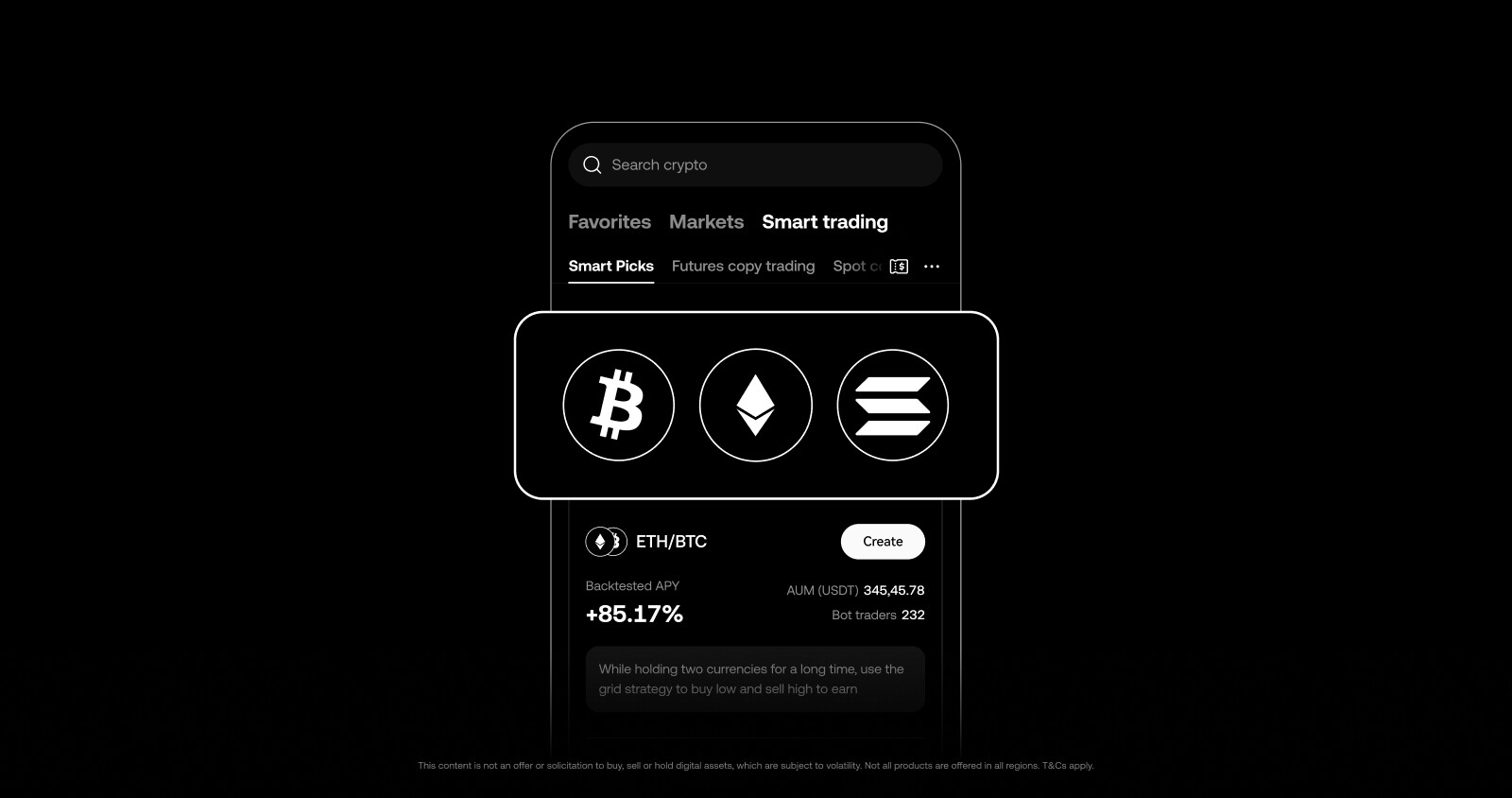
- Supports Multiple Cryptocurrencies: Easily schedule recurring buys for up to 20 different cryptocurrencies at once, all from the OKX app.
- Dollar Cost Averaging (DCA) Made Simple: Smooth out market volatility by investing fixed amounts at regular intervals, helping reduce the impact of price swings over time.
- Flexible Plan Management: Effortlessly pause, resume, or cancel your recurring buy plans at any time directly from the app.
- User-Friendly Mobile Experience: The OKX mobile app makes setting up and tracking recurring buys quick and intuitive, even for beginners.
Quick Glance: What You Need Before You Start
Before diving into the setup process, make sure you have these essentials ready:
- An active OKX account (with identity verification completed)
- Sufficient funds in your funding account (fiat or stablecoin)
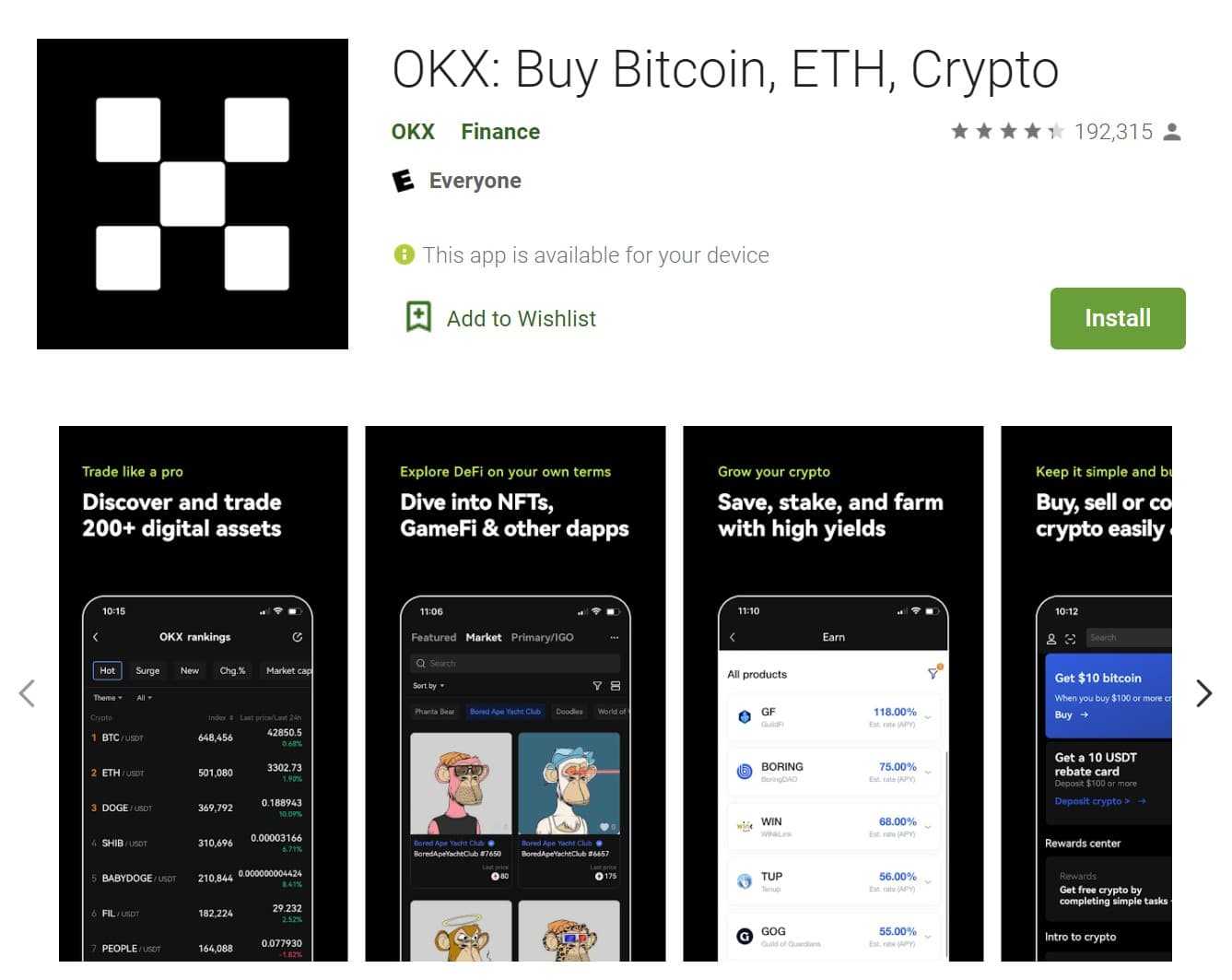
- The latest version of the OKX mobile app
If you don’t have an account yet or want a refresher on wallet setup, check out the official guides and tutorials available from OKX.
Step-by-Step Visual Guide: Setting Up Your First Recurring Buy
Ready to put your investments on cruise control? Here’s how to get started with automated crypto investment using OKX’s Recurring Buy:
Set Up a Recurring Crypto Buy in OKX: Step-by-Step
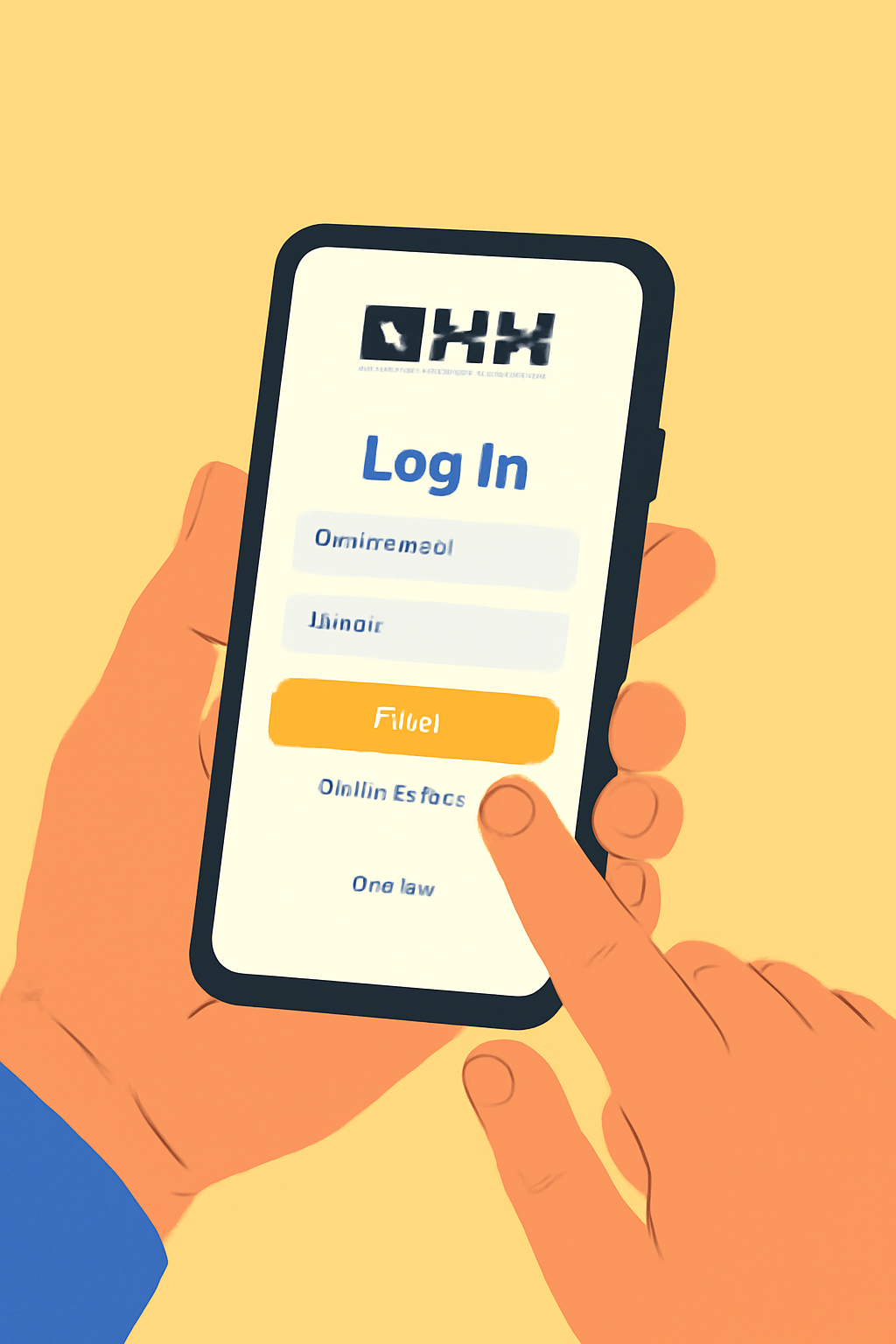
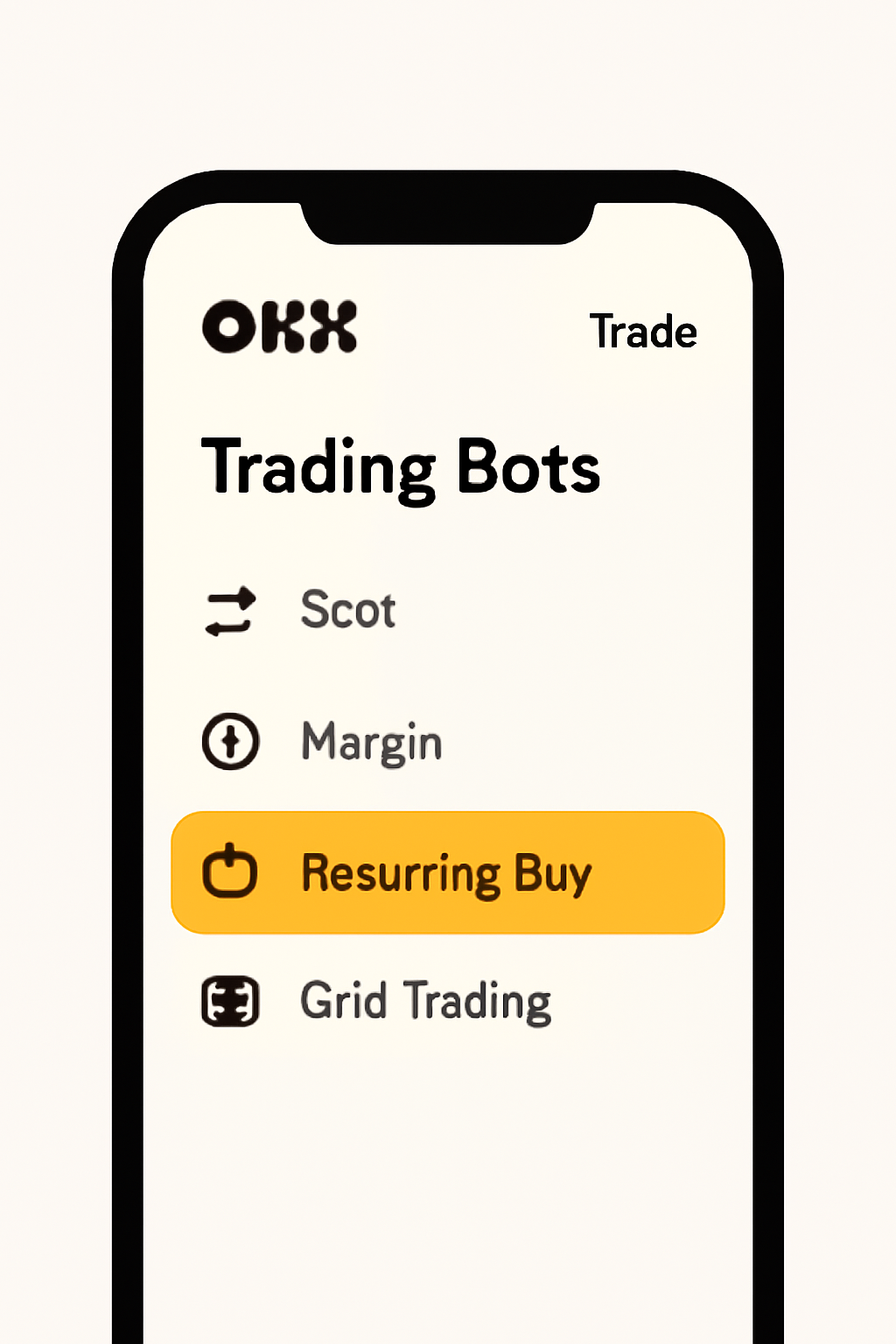
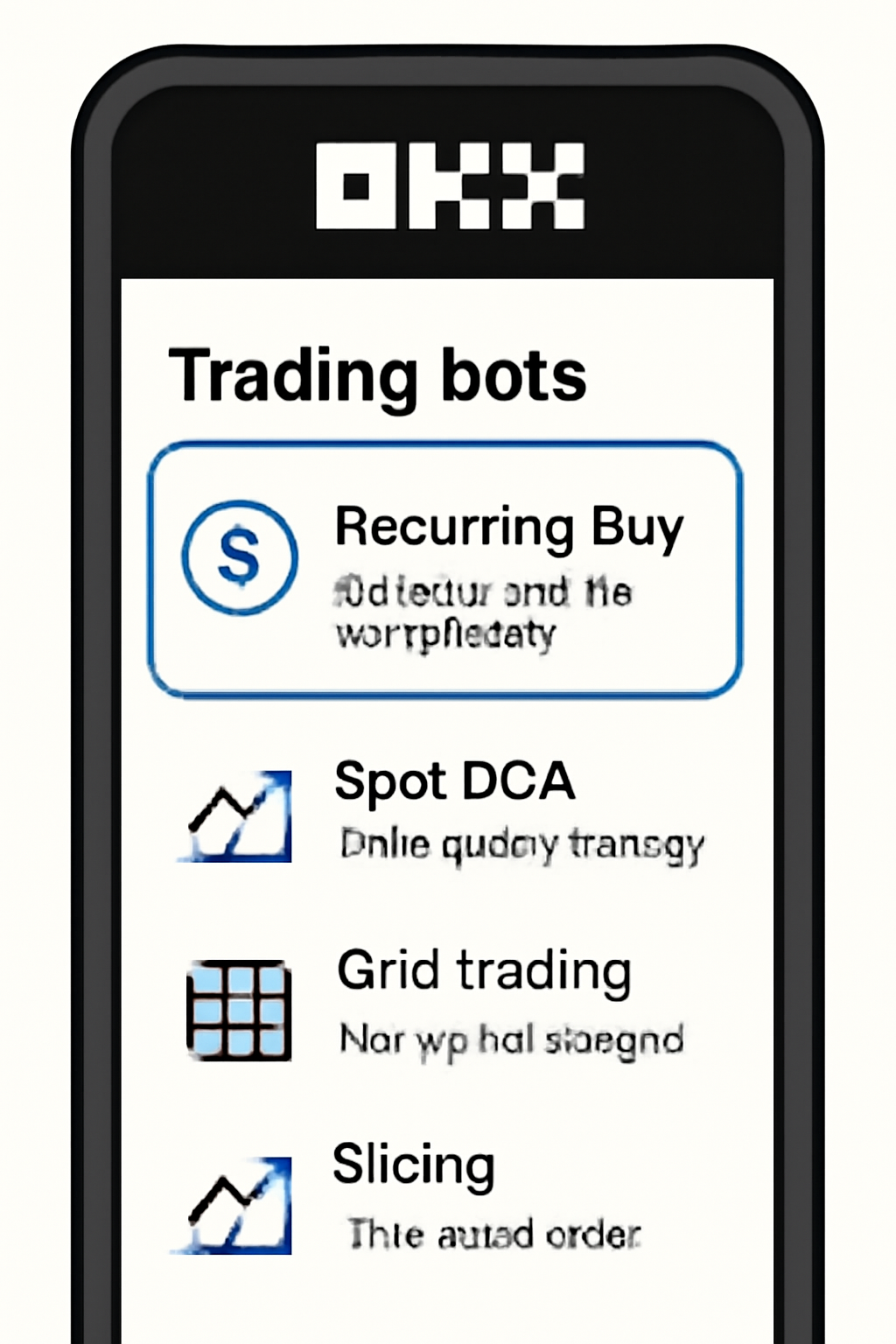
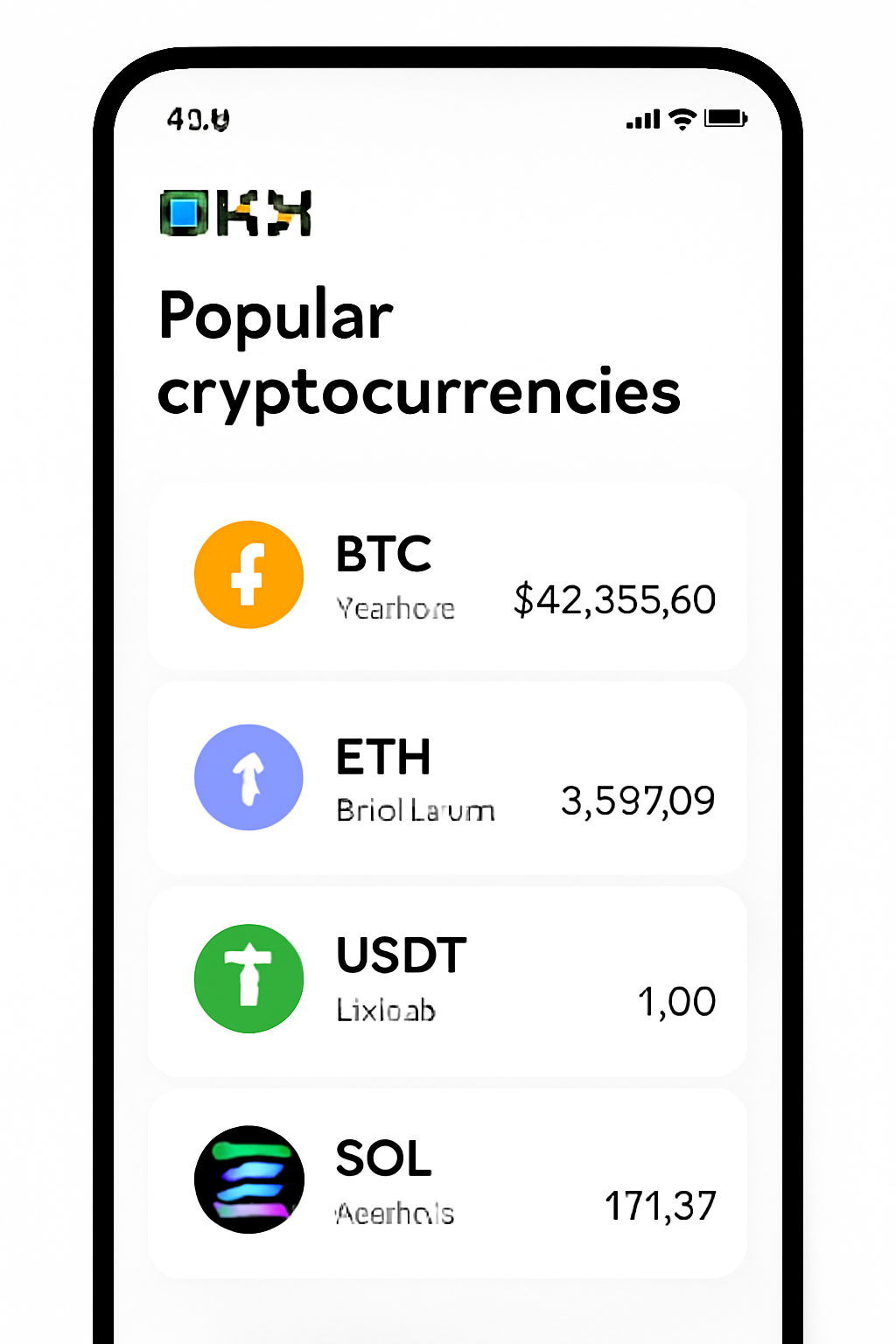
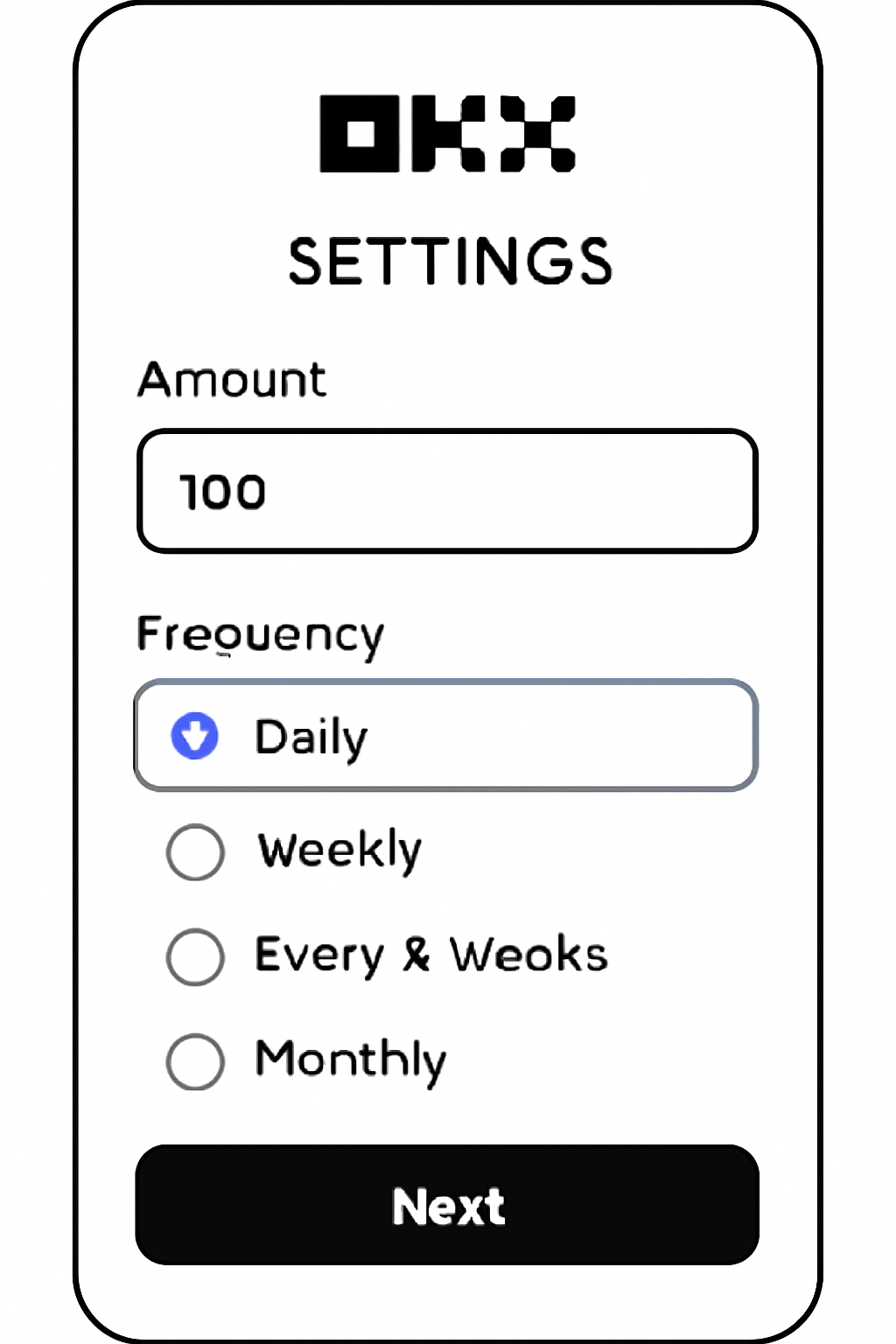
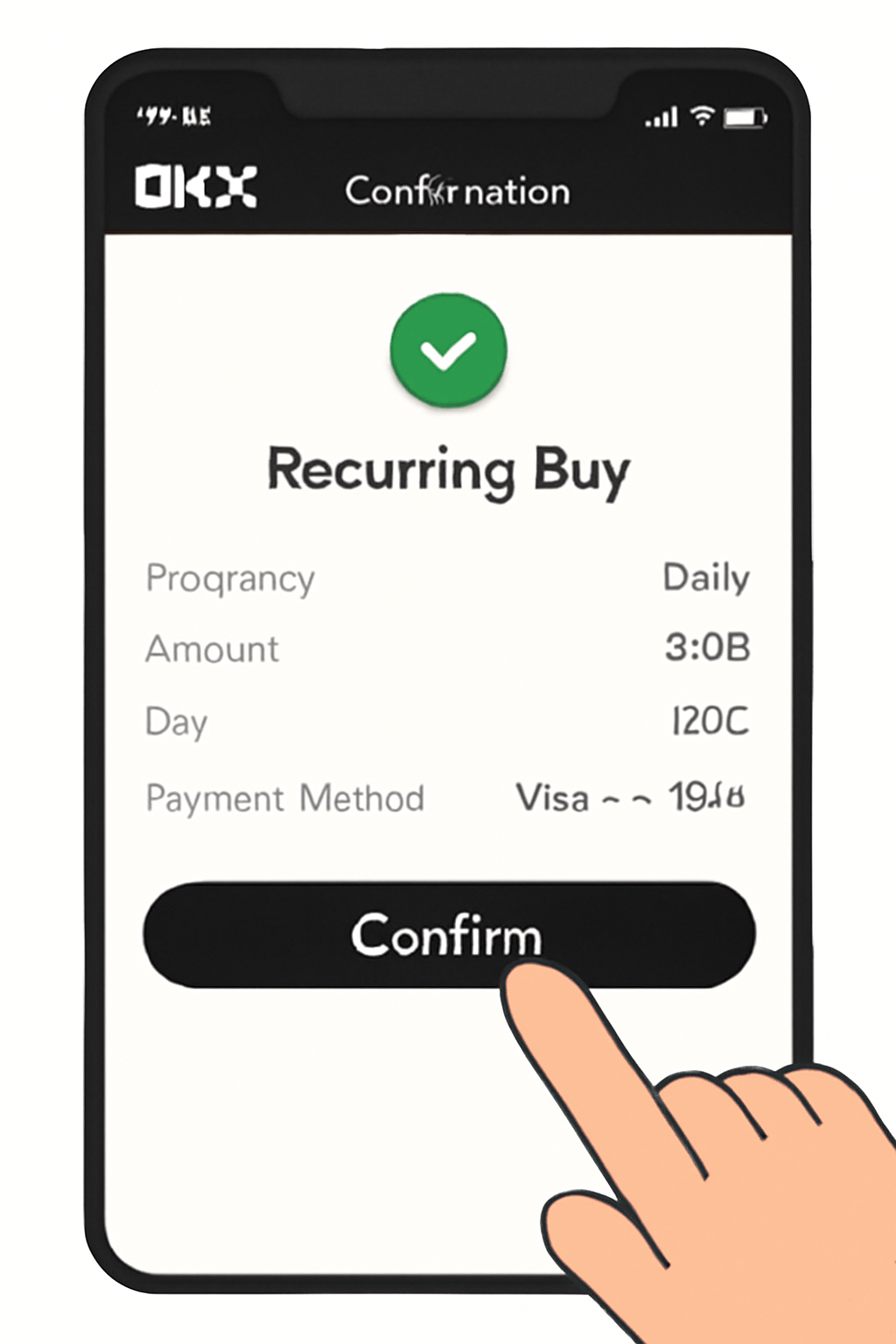
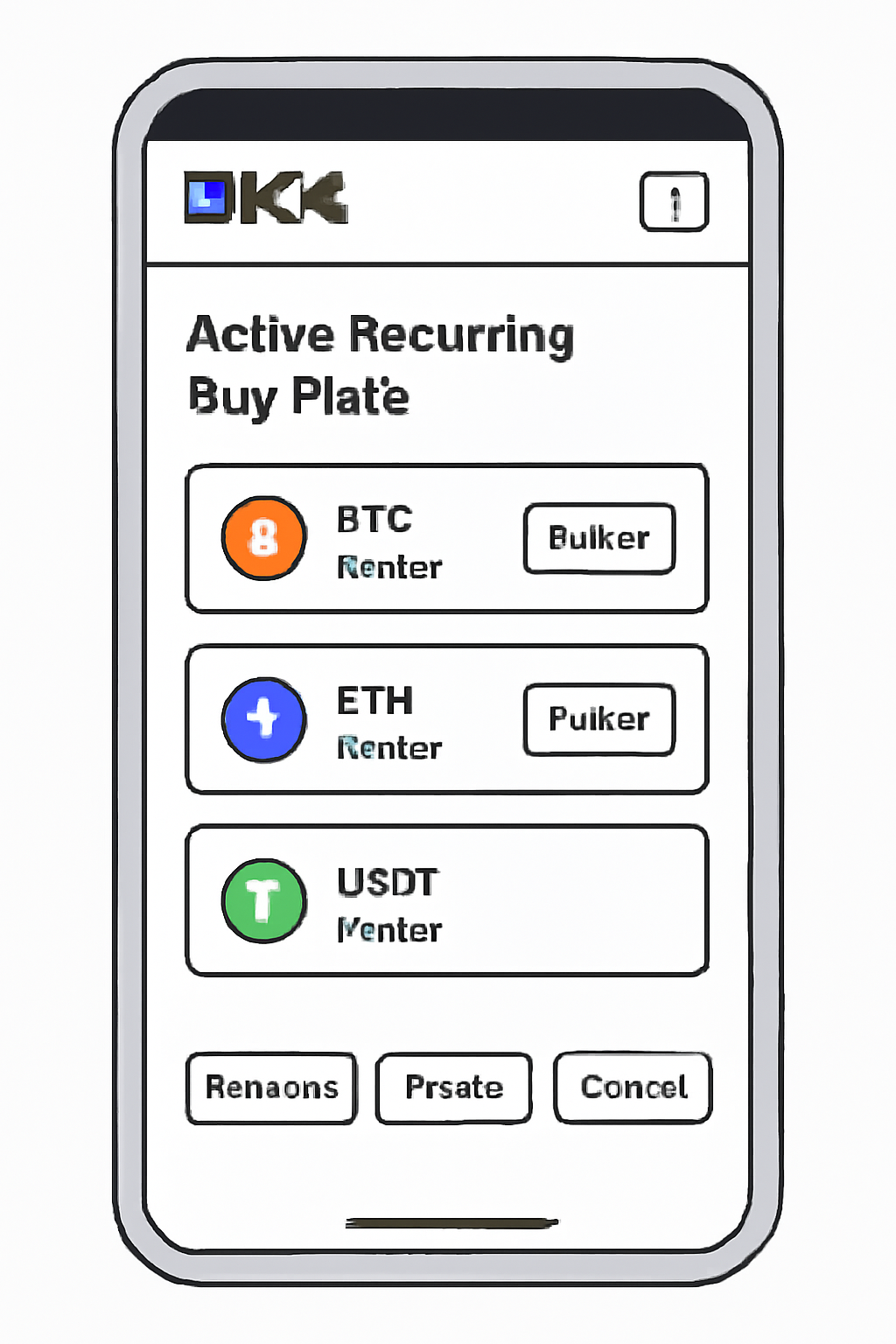
You’ll be prompted to select which cryptocurrencies you want to purchase regularly. With support for up to 20 coins per plan, it’s easy to diversify without extra hassle. Choose your frequency (daily, weekly, bi-weekly, or monthly), set the time and amount for each purchase, then review and confirm your plan details.
Troubleshooting Tips and Common Questions
If your recurring purchase fails or pauses unexpectedly, double-check that there are enough funds in your account before the scheduled time. You can always pause or cancel plans directly from the app if your strategy changes.
Many users wonder if they can tweak their recurring buy plans after creation. The answer is yes - OKX gives you full control. You can adjust the amount, change the frequency, or even switch up your chosen cryptocurrencies at any time. Just head to the 'Recurring Buy' section in your app and tap on the plan you wish to modify. Flexibility like this makes it easy to adapt as your portfolio goals evolve.
Managing and Optimizing Your Recurring Buys
Once your automated crypto investment is up and running, it pays to check in periodically. Review performance, rebalance allocations, or increase your purchase size as your confidence grows. OKX also lets you pause or resume any plan instantly, handy for reacting to market news or personal budget changes.
Here’s a quick checklist for keeping your recurring buy plans on track:
Curious about how others are using this feature? Many investors use recurring buys as part of a disciplined dollar cost averaging (DCA) strategy, a proven method for reducing the impact of market swings over time. By spreading out purchases, you avoid going "all-in" at potentially unfavorable prices.
Security and Best Practices
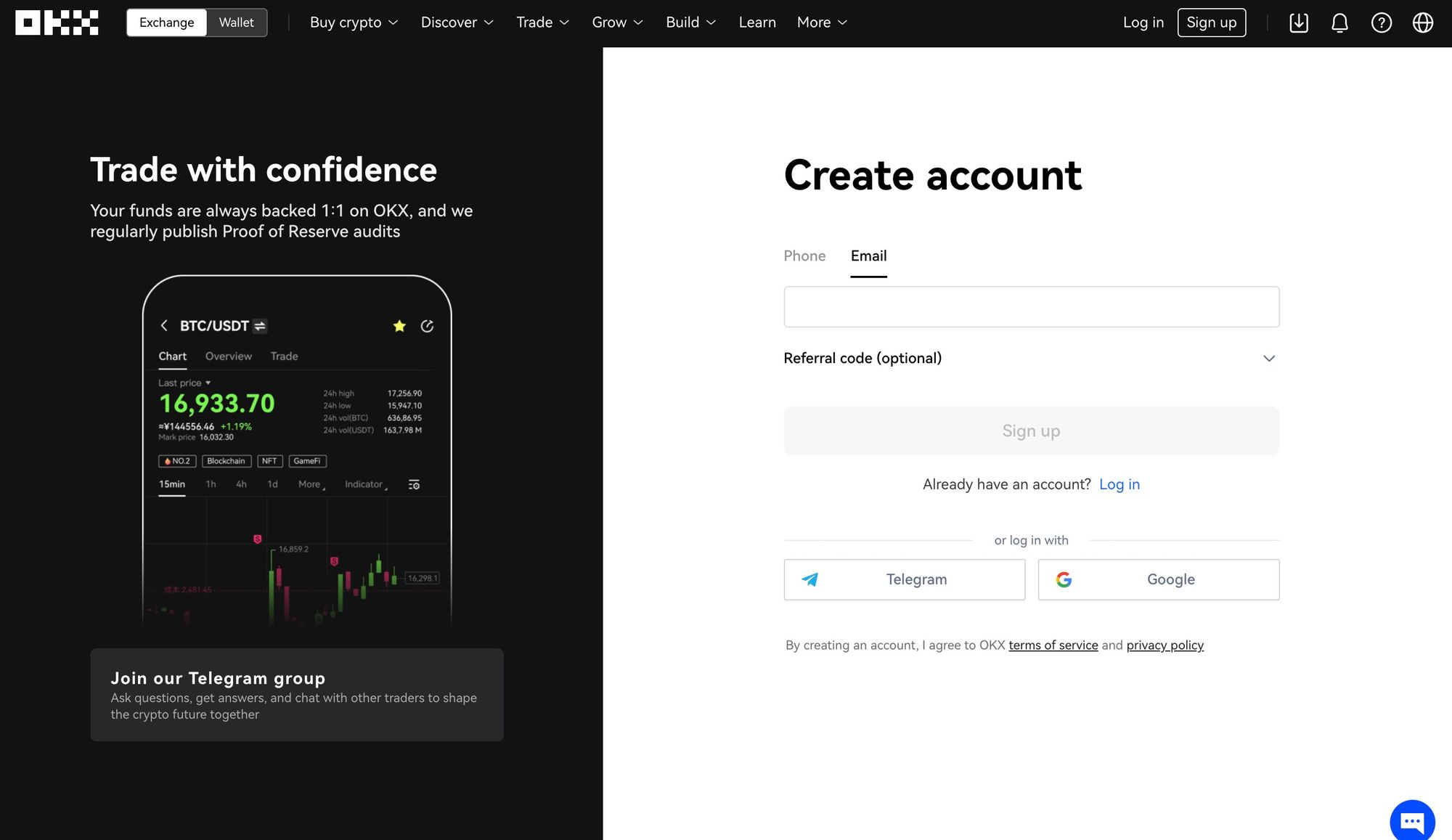
Your safety is paramount when automating crypto purchases. Always enable two-factor authentication (2FA) on your OKX account and consider setting up withdrawal whitelists for added peace of mind. Remember: never share your wallet credentials with anyone, and keep your app updated to access the latest security features.
Top Security Tips for Automated Crypto Investing on OKX
- Enable Two-Factor Authentication (2FA): Always activate 2FA on your OKX account to add an extra layer of protection against unauthorized access.
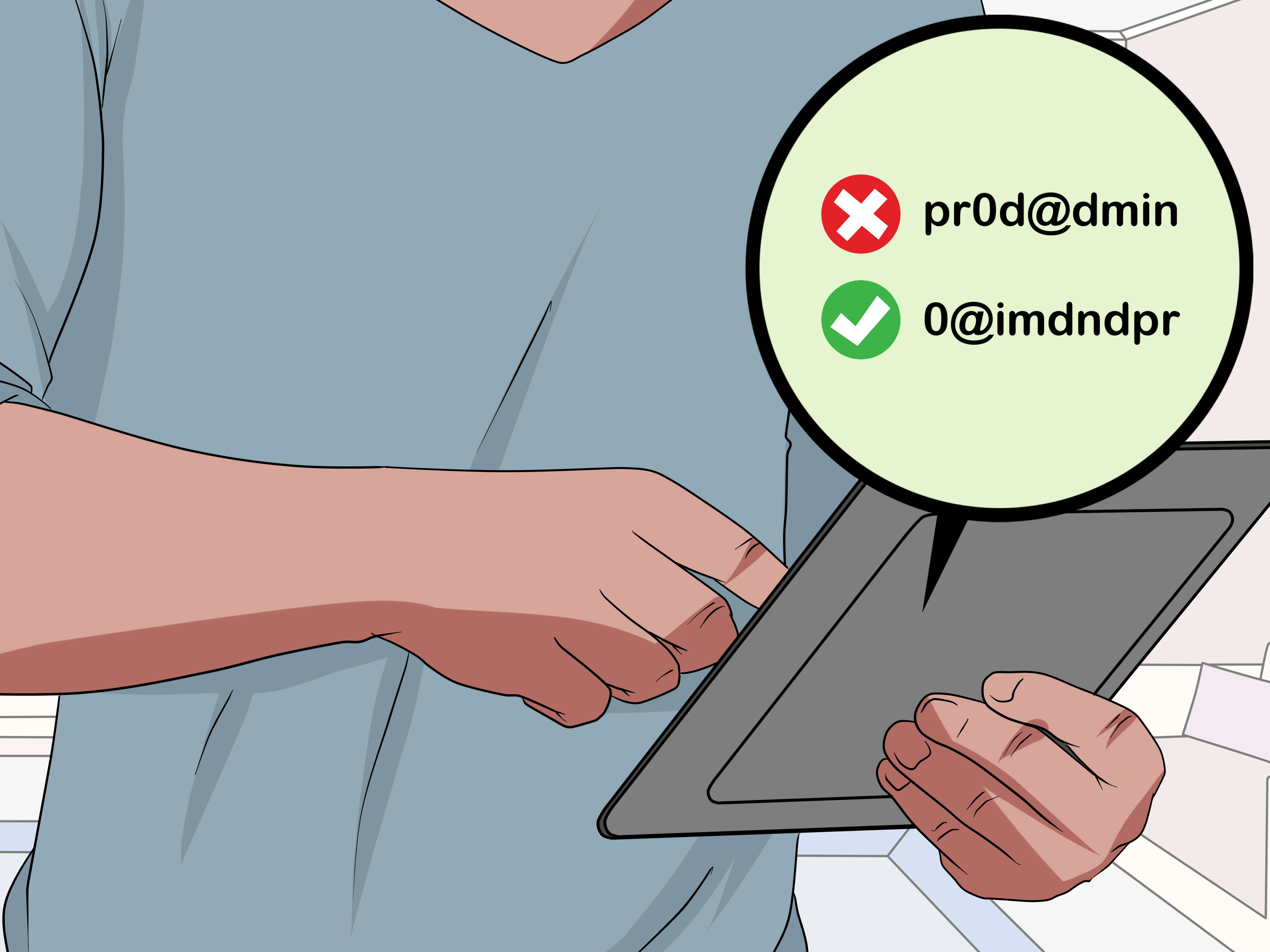
- Use a Strong, Unique Password: Choose a password that is long, complex, and not used on other platforms to minimize the risk of breaches.
- Regularly Review Recurring Buy Plans: Check your active recurring buy schedules and transaction history in the OKX app to spot any unusual activity quickly.
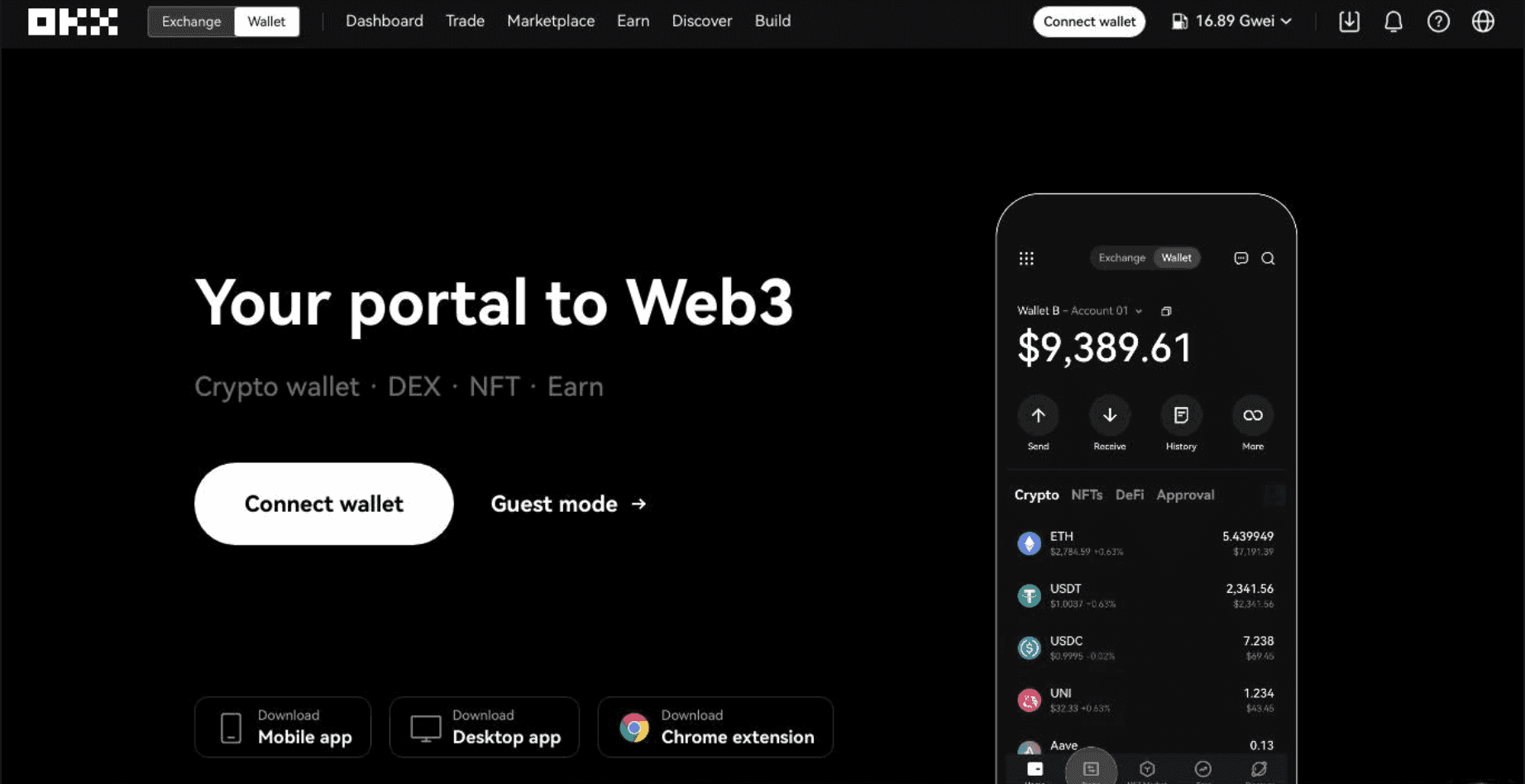
- Keep Your App and Device Updated: Ensure your OKX app and mobile device have the latest security updates to protect against vulnerabilities.
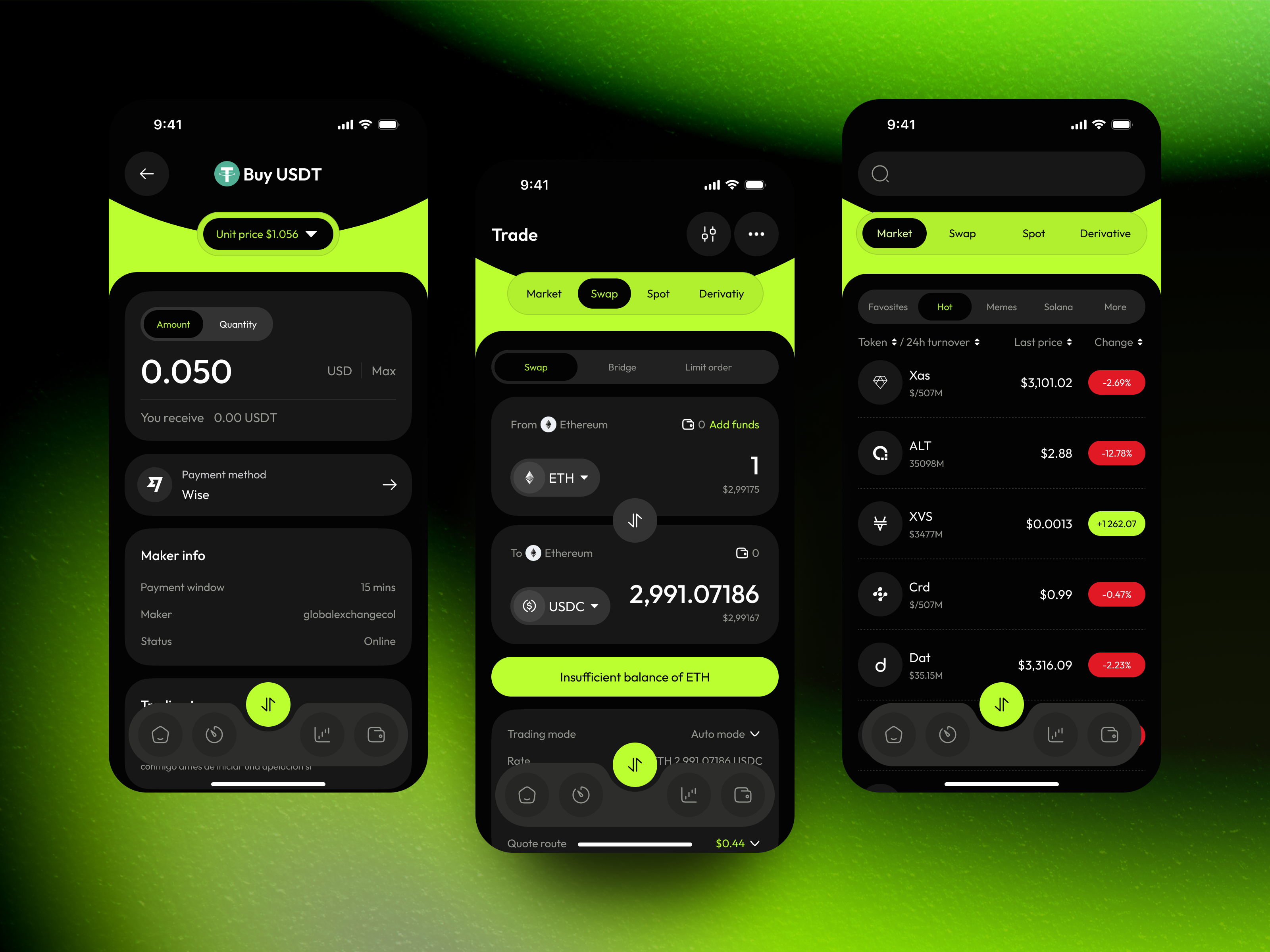
- Be Wary of Phishing Attempts: Only access OKX through official apps or the verified website, and never share your login details or recovery phrases with anyone.
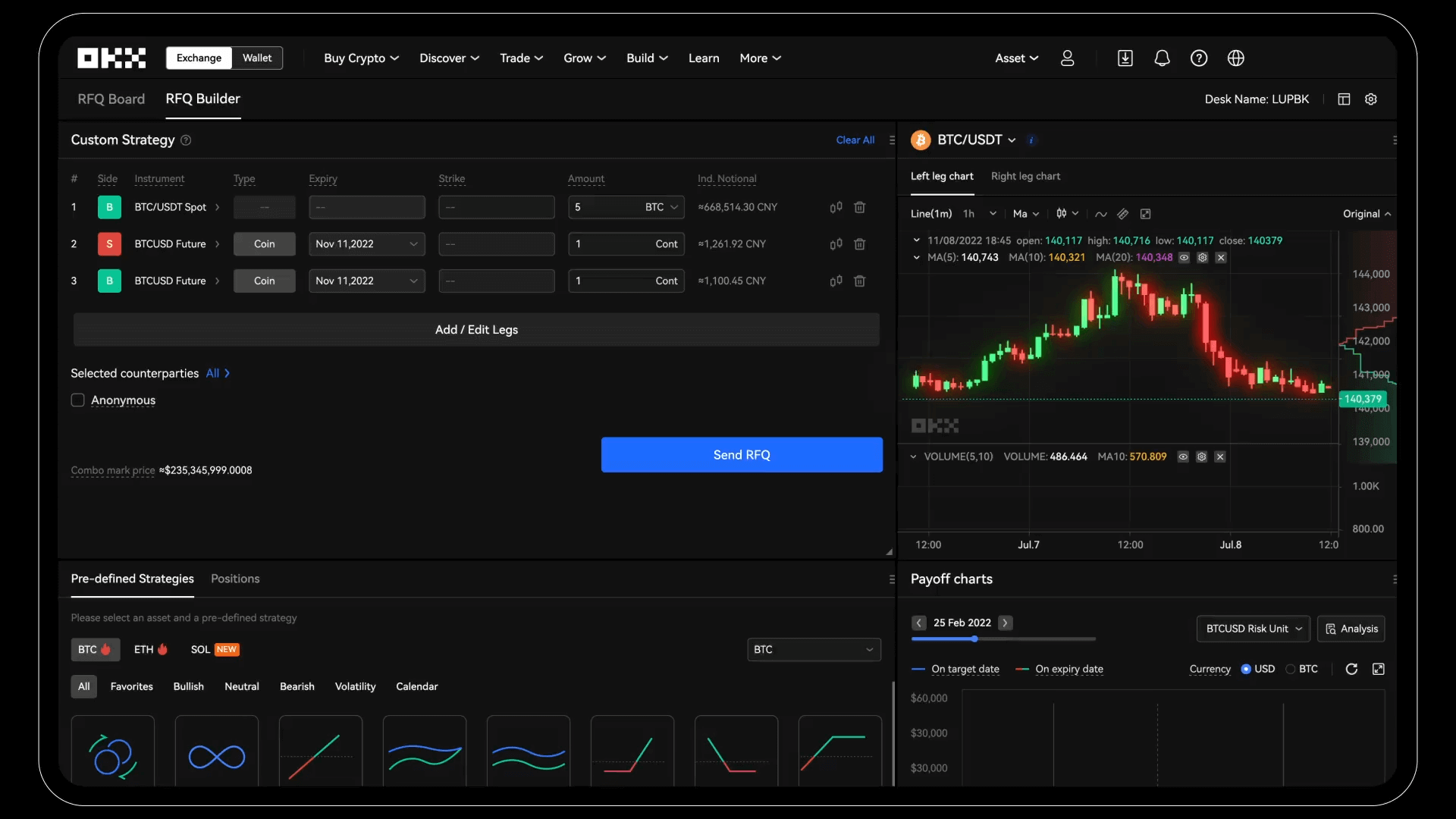
- Monitor Account Notifications: Enable and pay attention to security and transaction alerts from OKX so you’re immediately aware of any account changes.
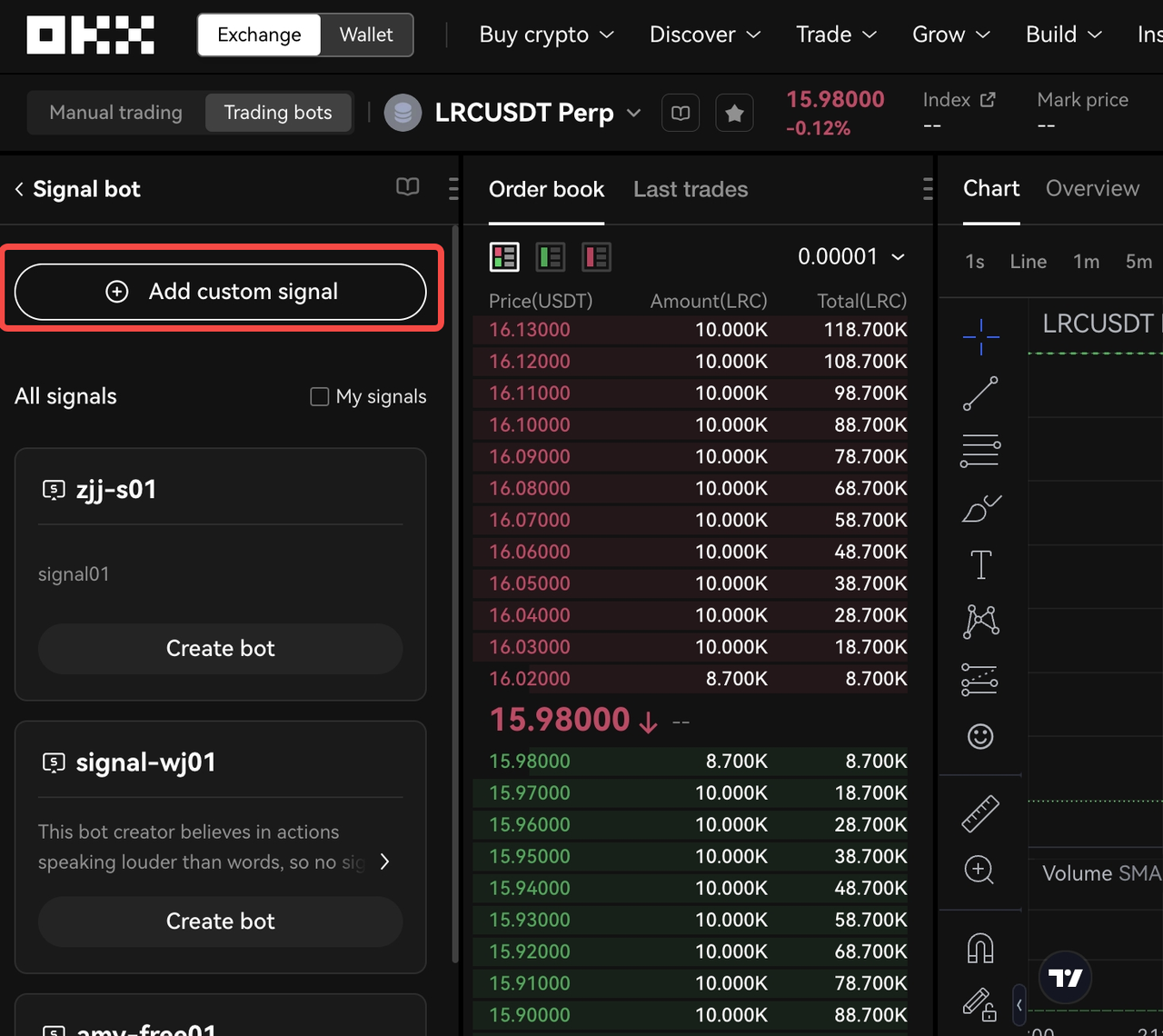
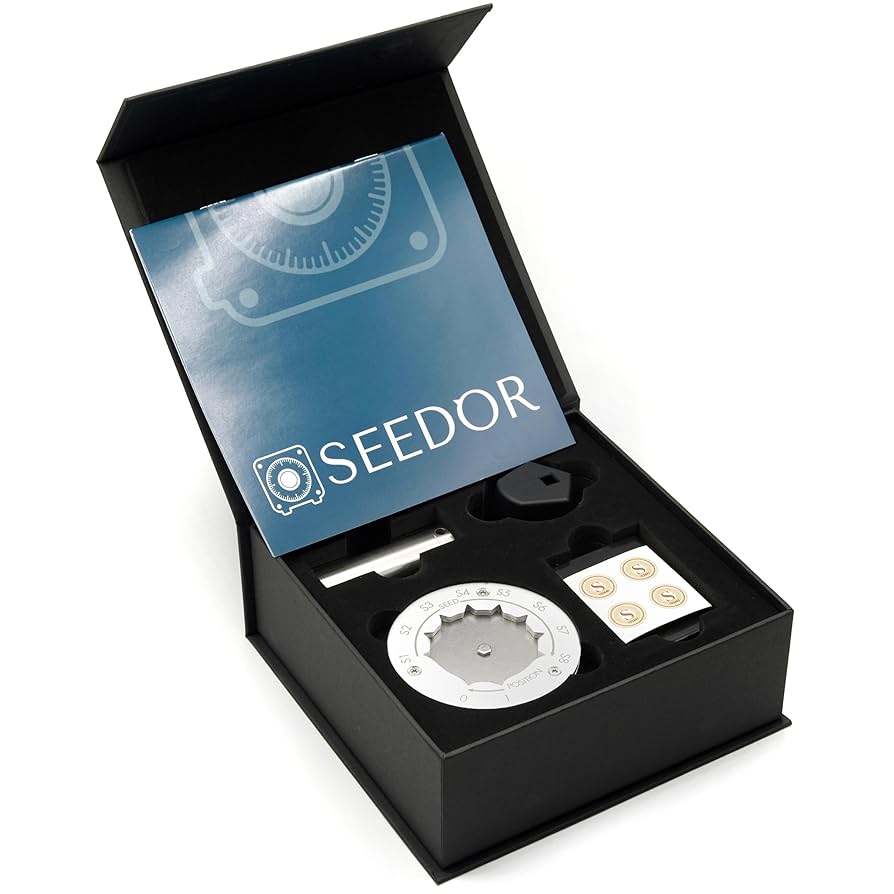
- Secure Your Recovery Phrases: If you use the OKX Wallet, store your seed phrase offline in a safe place—never digitally or in the cloud.
Frequently Asked Questions
If you’re ready to take advantage of automated investing or want more details straight from the source, visit OKX's official recurring buy guide. The platform’s intuitive design means you’ll be set up in minutes, and with features like multi-coin support and flexible scheduling, there’s plenty of room to tailor things just how you like them.
Automating regular purchases isn’t just convenient, it’s one of the most effective ways to build wealth steadily in crypto. Whether you’re stacking sats or building a basket of altcoins, OKX Wallet’s recurring buy feature gives you an edge in today’s fast-paced markets.



No comments yet. Be the first to share your thoughts!