

The Binance Alpha airdrop program has quickly become a focal point for crypto enthusiasts seeking early access to promising new tokens. Unlike traditional airdrops, which often require off-platform tasks or social media campaigns, Binance Alpha streamlines the process directly within the Binance app. If you’re keen to participate in these exclusive events and maximize your Binance wallet rewards, this guide will walk you through every step - from setting up your account to claiming your first airdrop.
Understanding Binance Alpha Airdrops and Points
Before diving into the mechanics of claiming an airdrop, it’s essential to understand what makes Binance Alpha unique. The platform serves as an incubator for early-stage crypto projects, offering vetted users opportunities to earn free tokens before public listings. Participation is based on accumulating Alpha Points, which are earned through asset holdings and trading activity within the Binance ecosystem.
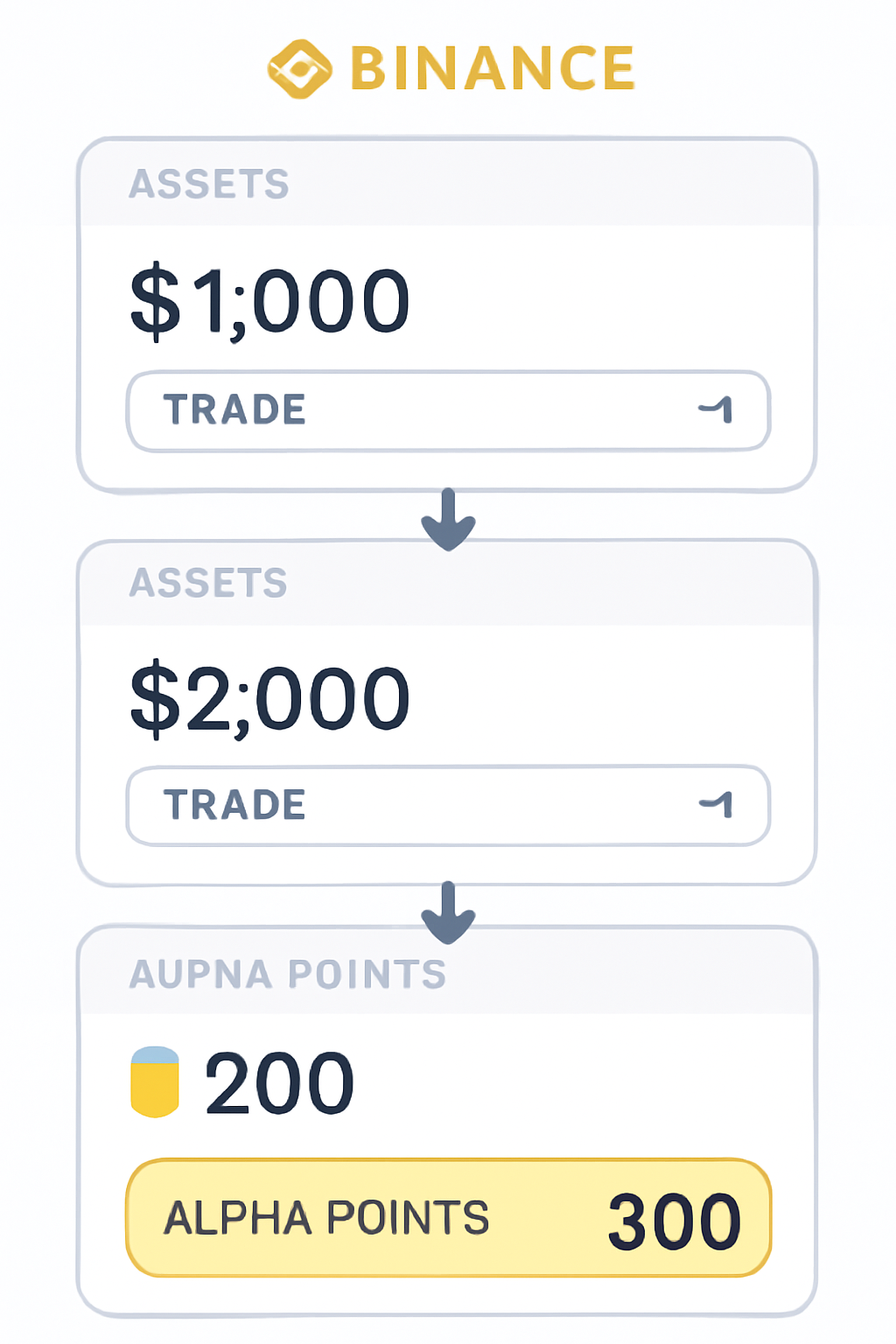
Alpha Points are at the heart of this system. The more points you have, the higher your chances of qualifying for exclusive airdrops. Here’s how points are allocated:
- Asset Holdings: Maintain balances in your Spot, Funding, or Web3 wallets. For example:
- $100–$999: 1 point per day
- $1,000–$9,999: 2 points per day
- $10,000–$99,999: 3 points per day
- Above $100,000: 4 points per day
- Trading Volume: Buy Alpha tokens on Binance Exchange or Wallet. Each $2 purchase earns 1 point; doubling your purchase increases your points accordingly.
- $2: 1 point
- $4: 2 points
- $8: 3 points
- $16: 4 points
- $32: 5 points (and so on)
This structure rewards both long-term holders and active traders - a thoughtful approach that encourages meaningful engagement rather than mere speculation.
Your Step-by-Step Guide to Claiming Binance Alpha Airdrops
How to Claim an Alpha Airdrop in the Binance App: Visual Walkthrough
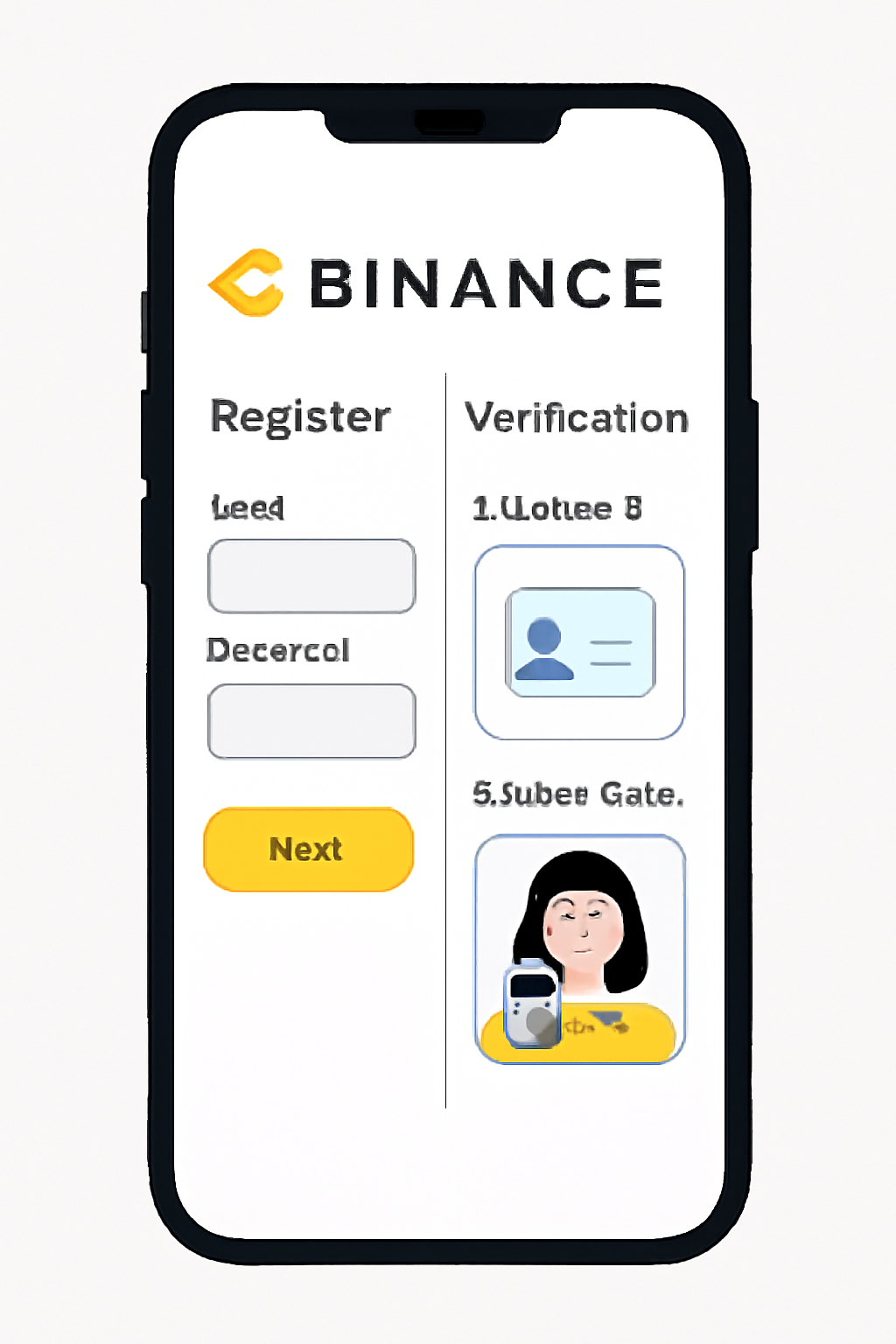
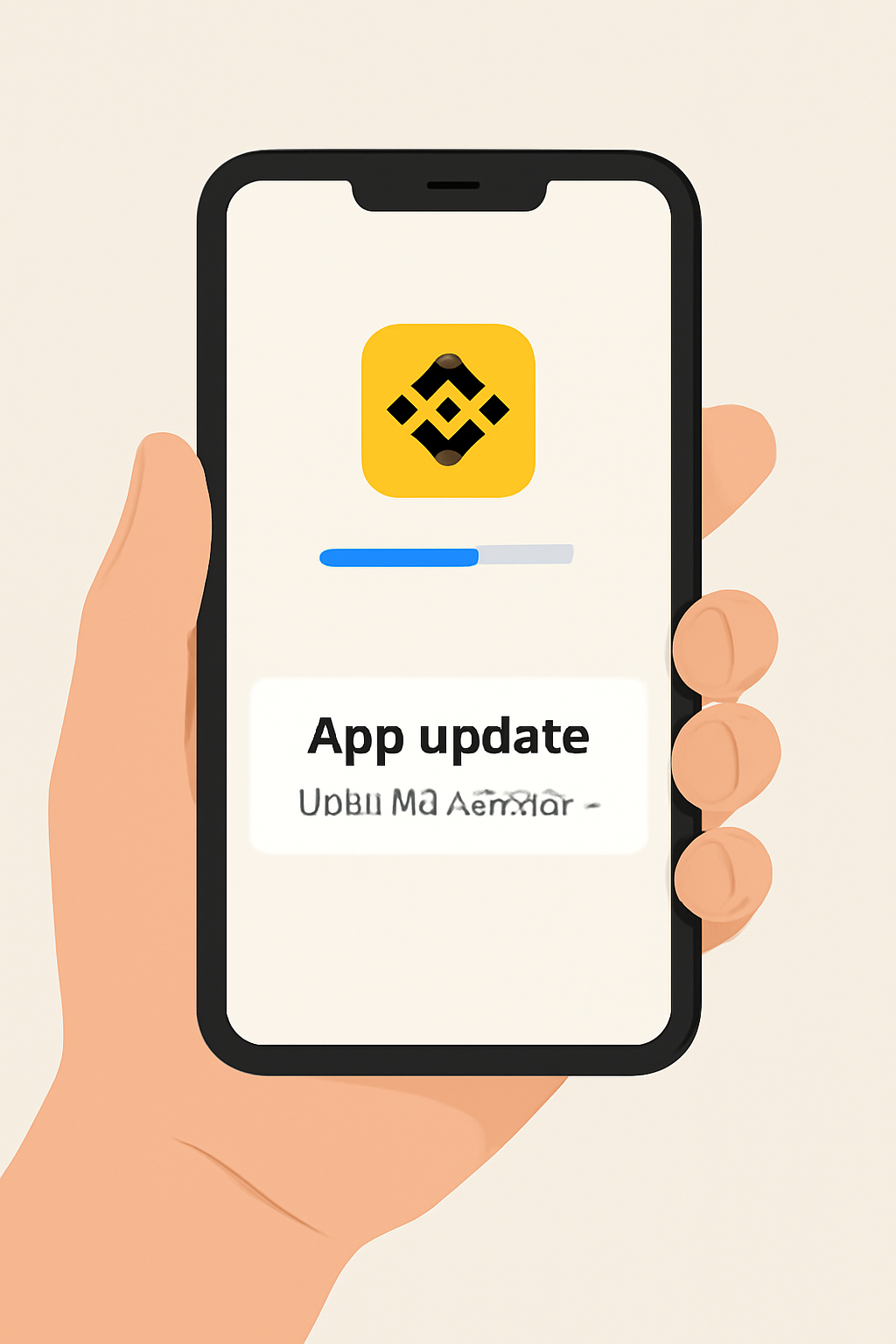
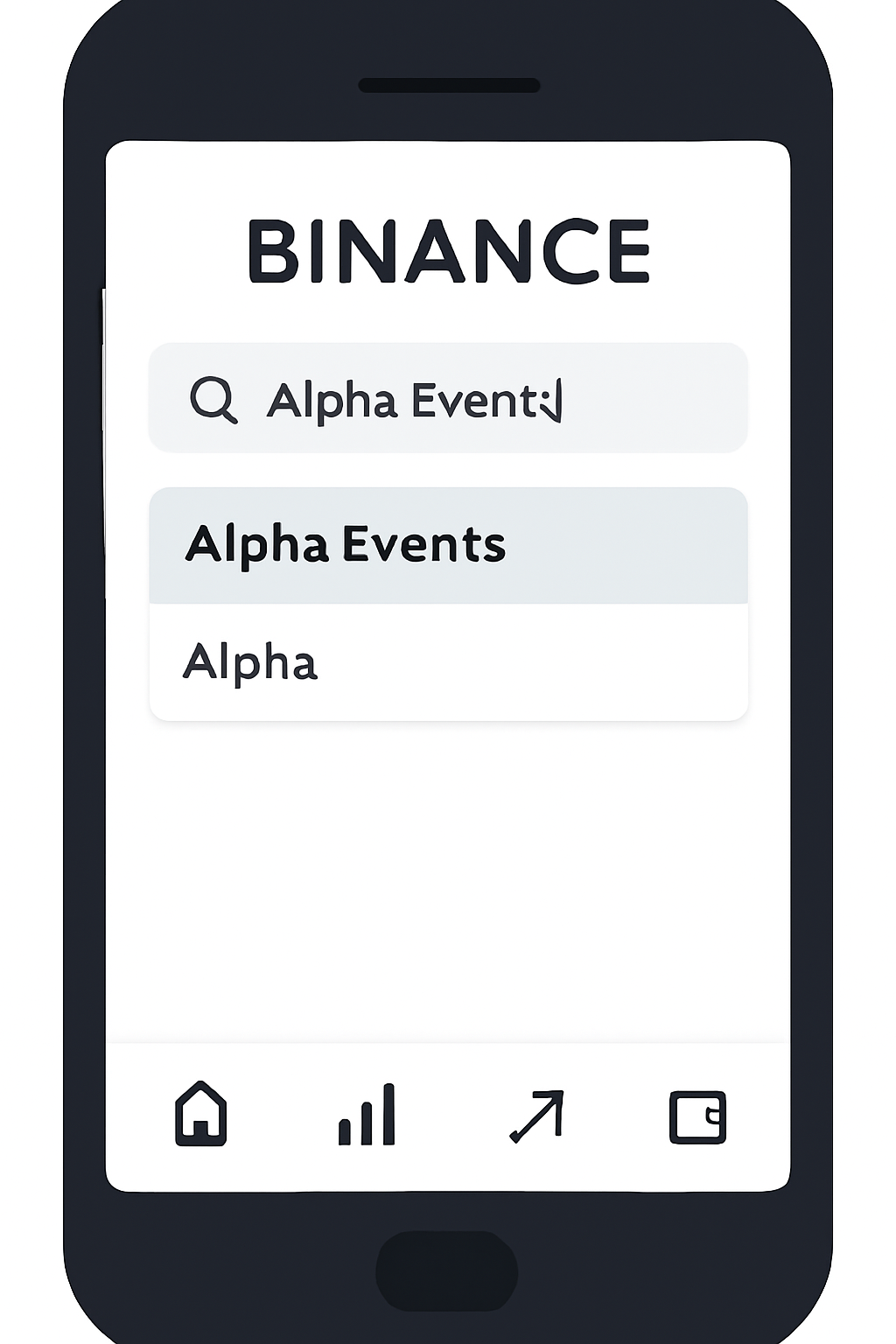
The process is refreshingly simple once you know where to look. Here’s a concise breakdown of each step involved in claiming your first (or next) Binance Alpha airdrop:
- Create and Verify Your Account: Sign up for Binance if you haven’t already and complete KYC verification. This unlocks all platform features necessary for participating in Alpha events.
- Update Your App: Make sure you’re running the latest version of the Binance mobile app so that all new features (including Alpha) are available.
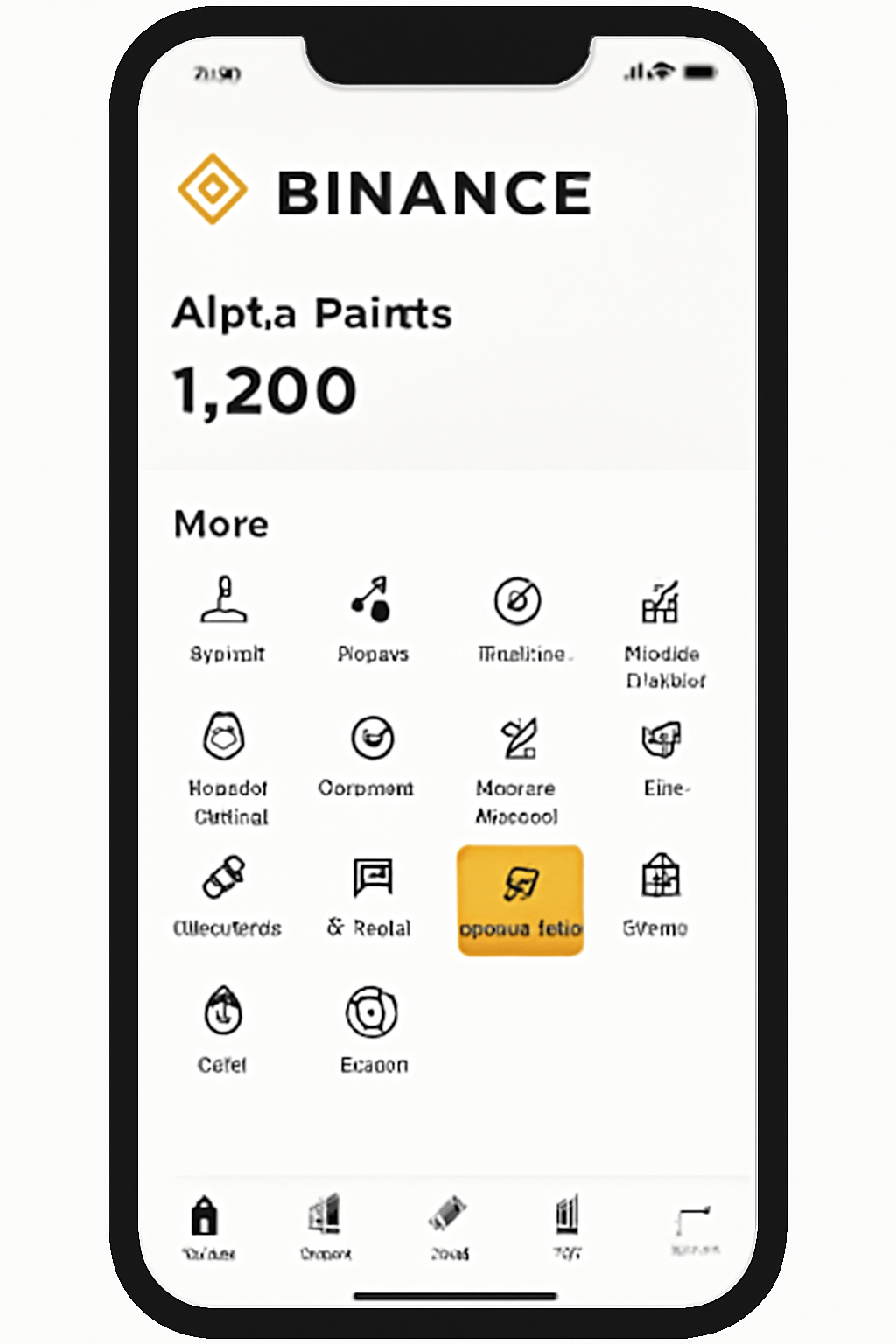
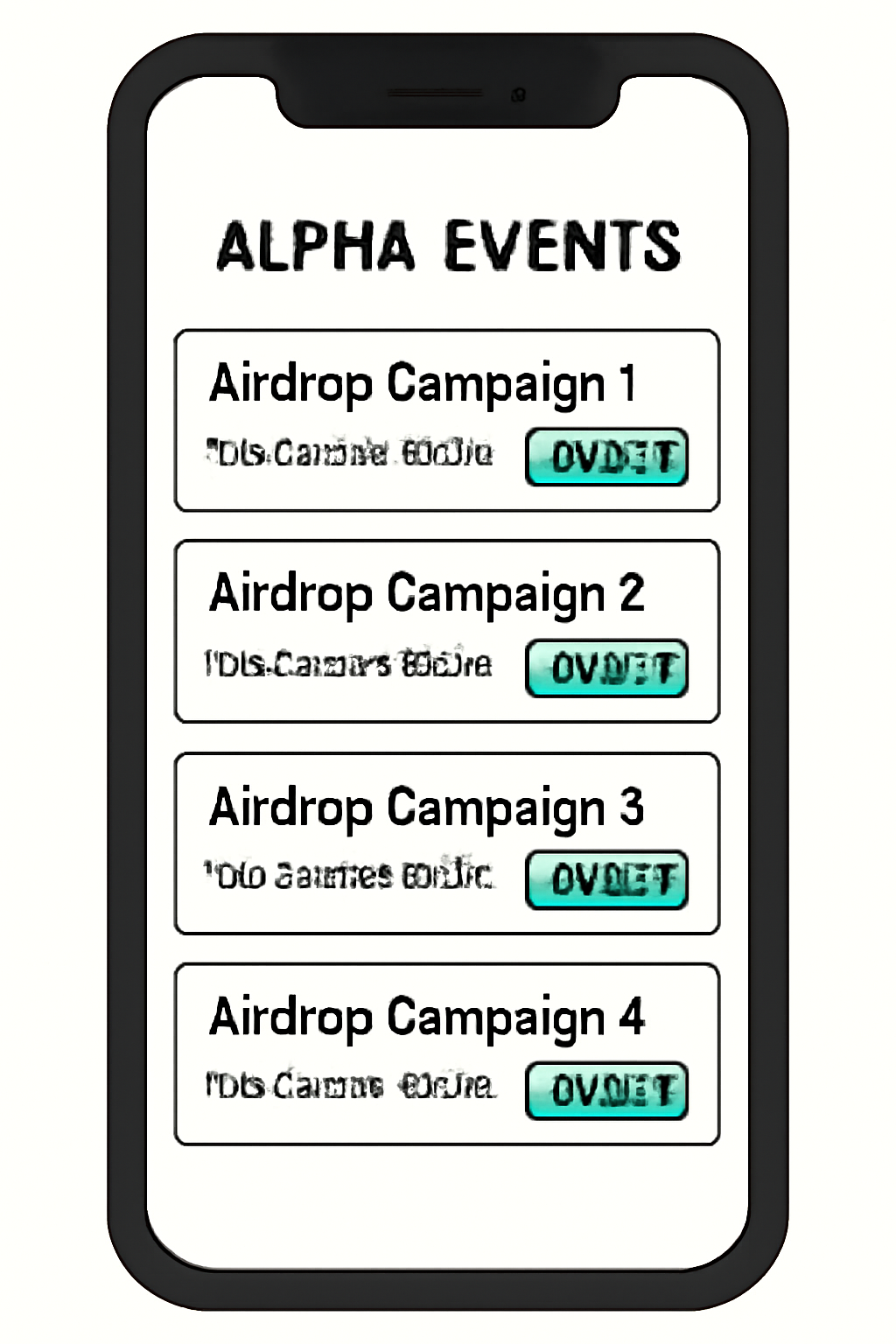
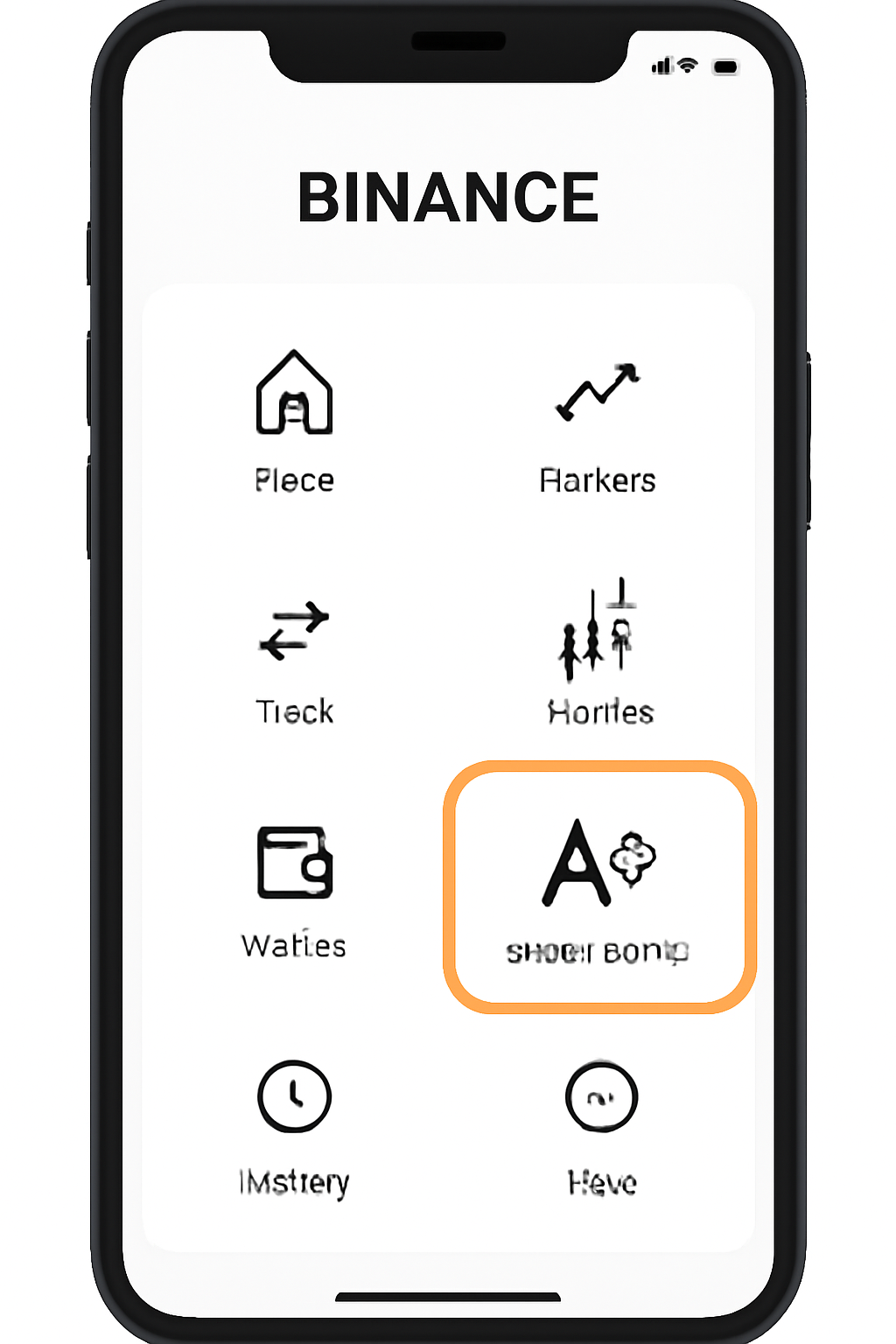
- Access "Alpha Events": Open the app, tap “More, ” then use the search bar at the top to find "Alpha Events. " Enter this section to view current campaigns.
- Track Your Points: On the homepage or under “More, ” select “Alpha Points” to monitor your daily accumulation and eligibility status.
This intuitive workflow ensures that even newcomers can navigate their way from account setup to active participation without friction.
Navigating Airdrop Campaigns and Eligibility Criteria
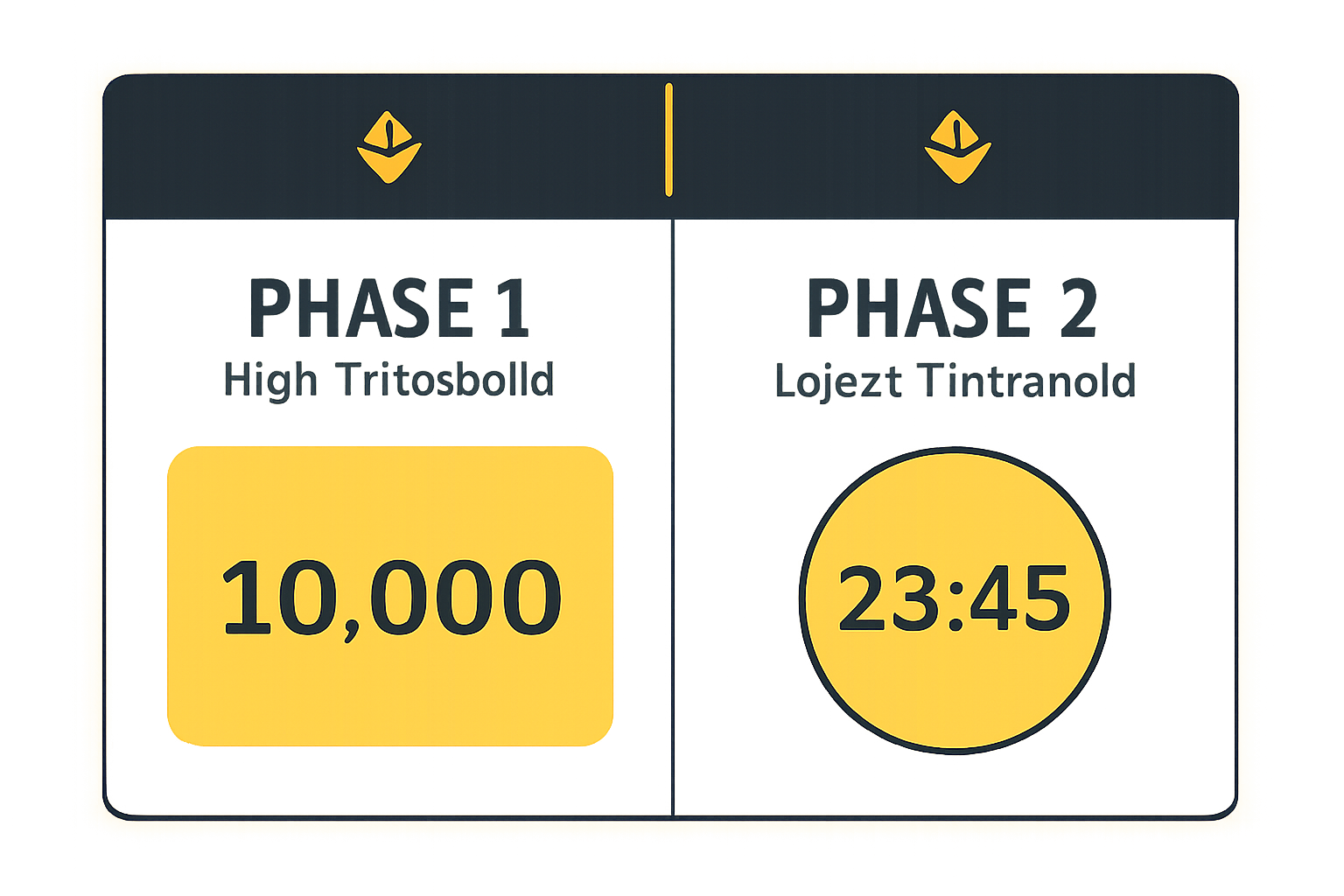
The real excitement begins when new projects announce their token distributions via Alpha Events. Each campaign lists its own requirements - typically including a minimum number of Alpha Points (often around 15) and specific claim windows. Starting June 19,2025, there’s now a two-phase system:
- Phase 1: Higher-point users get early access during an initial period.
- Phase 2: Remaining tokens become available at lower thresholds on a first-come basis until supplies run out or time expires (source here).
This approach rewards both loyalty and speed - so it pays to keep an eye on upcoming events if you want first dibs on new tokens!
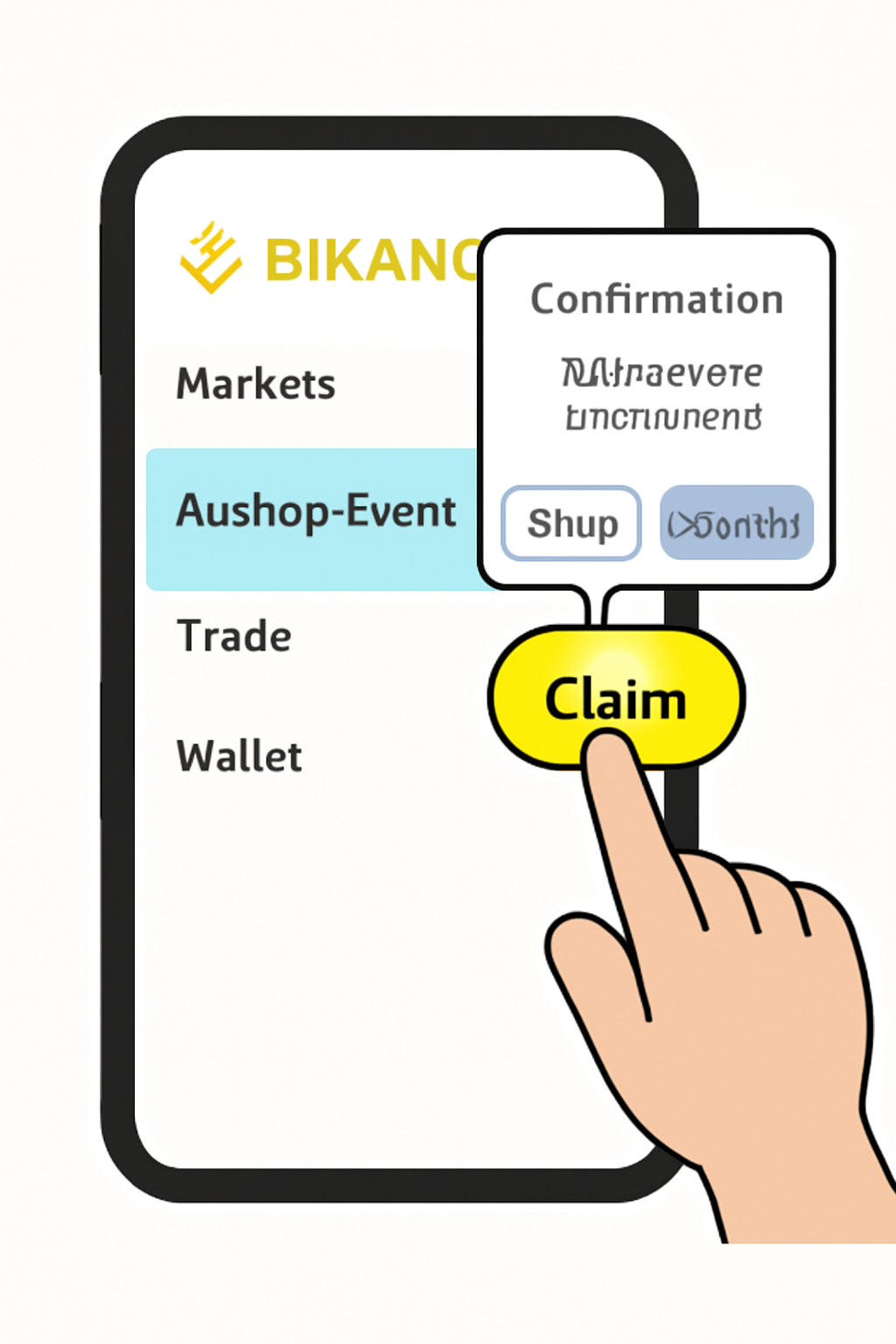
Timing is everything. Each airdrop event on Binance Alpha comes with a clearly defined claim period, often as short as 24 hours. Once you see an active campaign that matches your eligibility, act promptly. Tap into the event details to review the project background, tokenomics, and distribution schedule. If you meet the Alpha Points minimum and KYC requirements, you’ll see a prominent “Claim” button. Confirm your participation and note that your points balance will decrease by the specified amount, typically 15 points per claim.
Top Strategies to Maximize Alpha Points on Binance
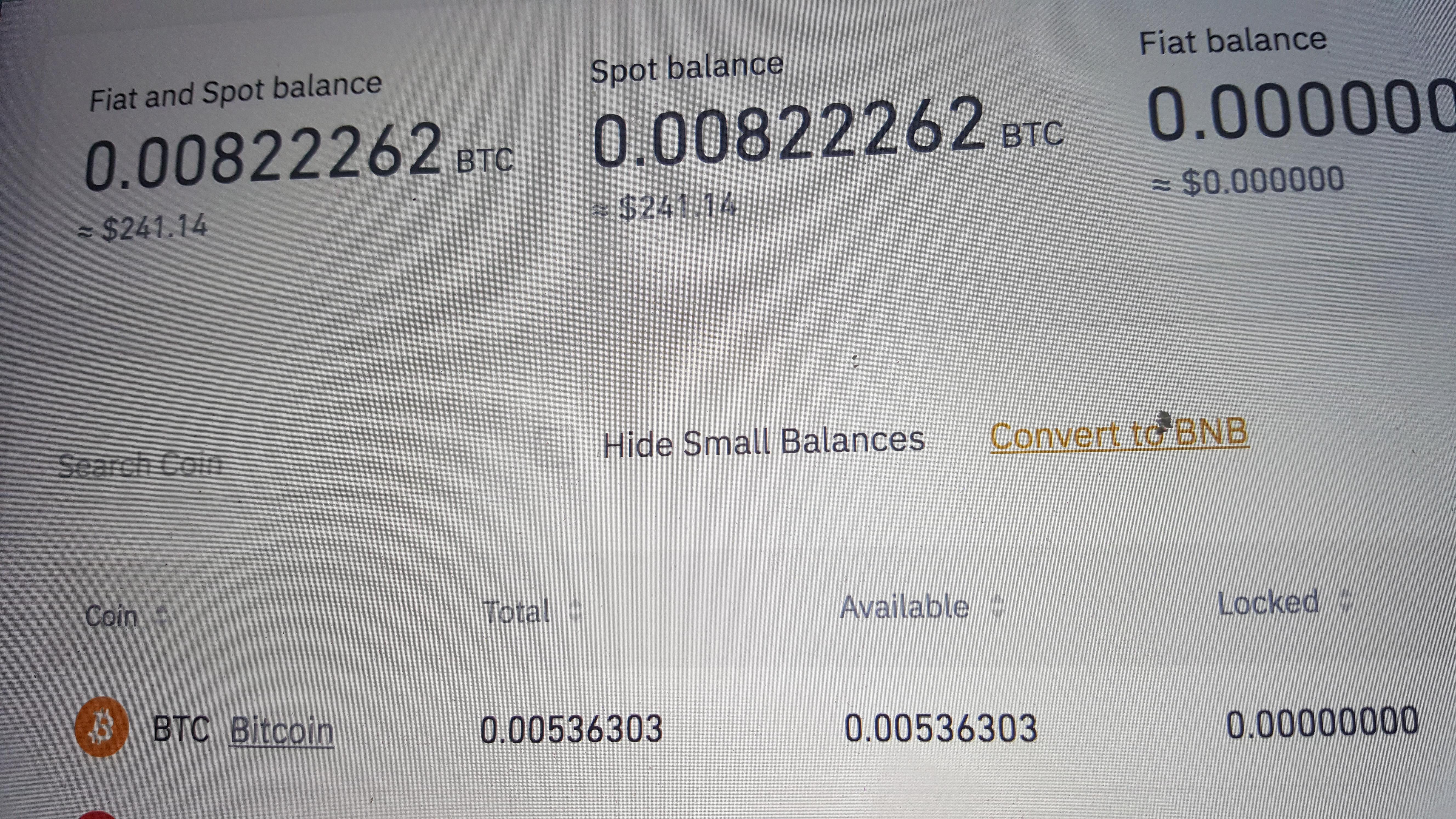
- Maintain Higher Asset Balances: Keep larger balances in your Binance Spot, Funding, or Web3 wallets to earn more Alpha Points daily. For example, holding $10,000–$99,999 earns 3 points/day, while balances above $100,000 earn 4 points/day.
- Increase Eligible Trading Volume: Buy Alpha tokens directly on Binance Exchange or Binance Wallet. Only buy orders count, with every doubling of the purchase amount increasing your points (e.g., $2 = 1 point, $4 = 2 points, $8 = 3 points).
- Claim Airdrops Promptly in Phase 1: Take advantage of the two-phase claiming system by claiming airdrops as soon as you meet the higher Alpha Points threshold in Phase 1 for better chances at allocation.
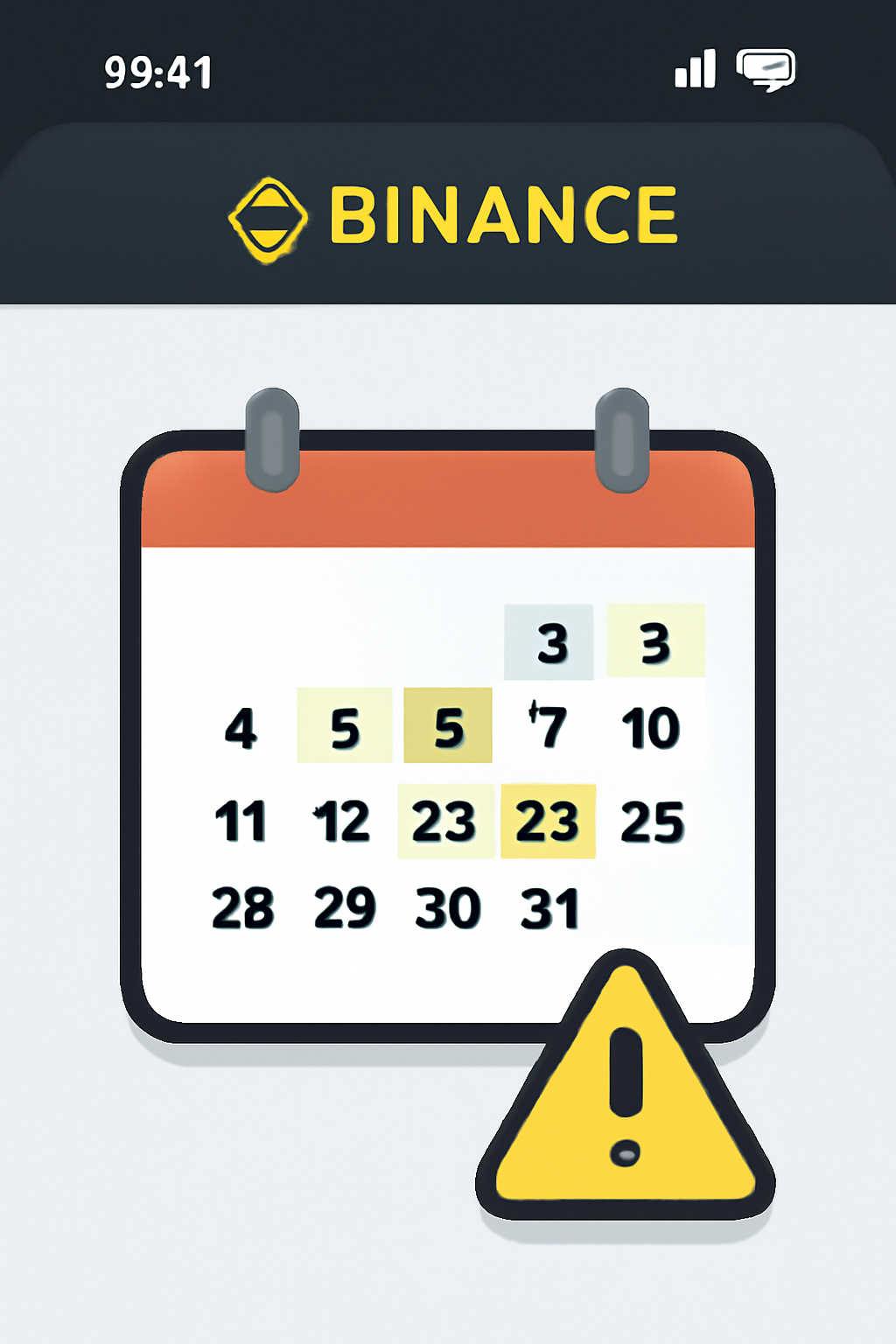
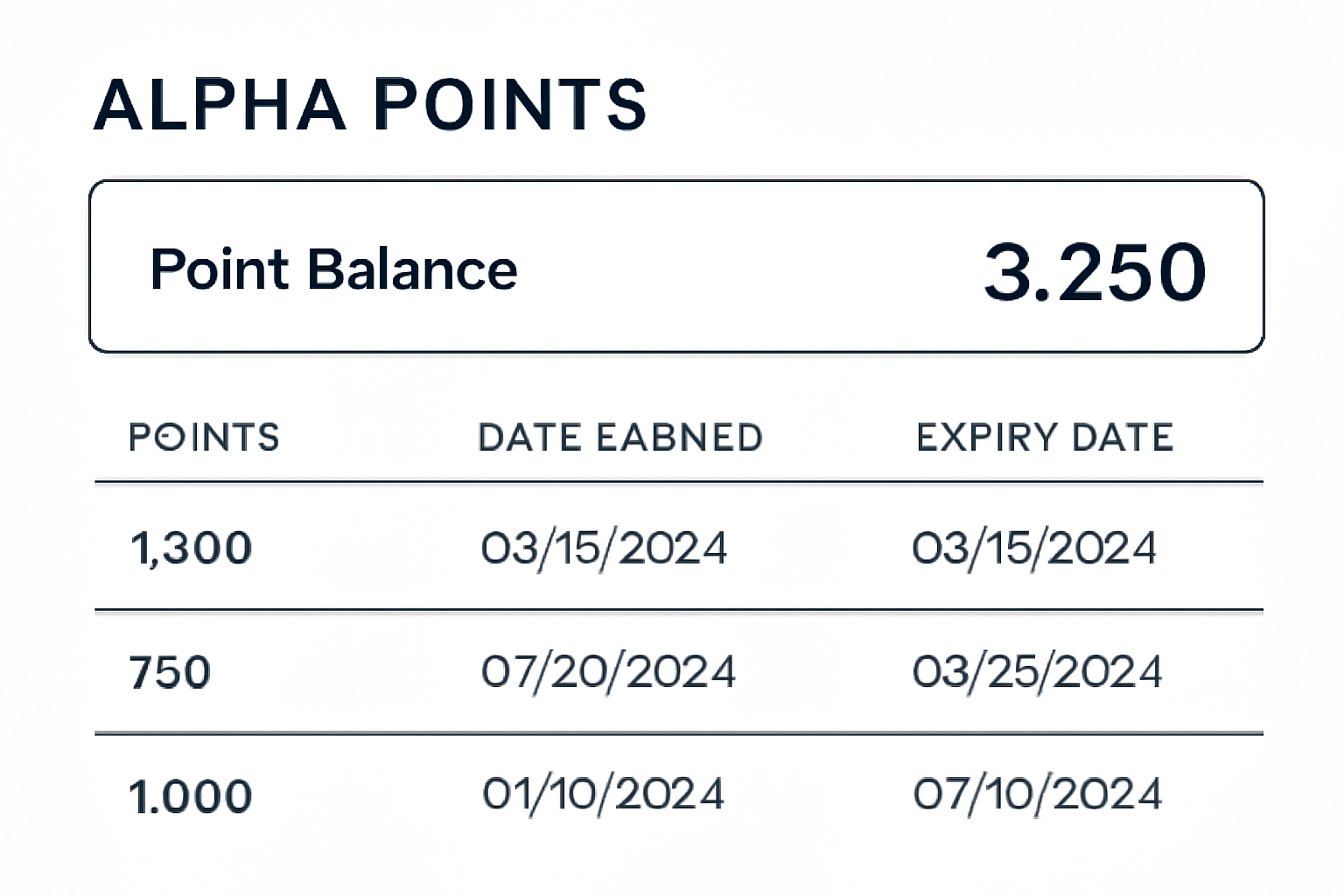
- Monitor and Use Alpha Points Before Expiry: Alpha Points expire 15 days after being earned. Regularly check your balance and participate in airdrops before points are lost.
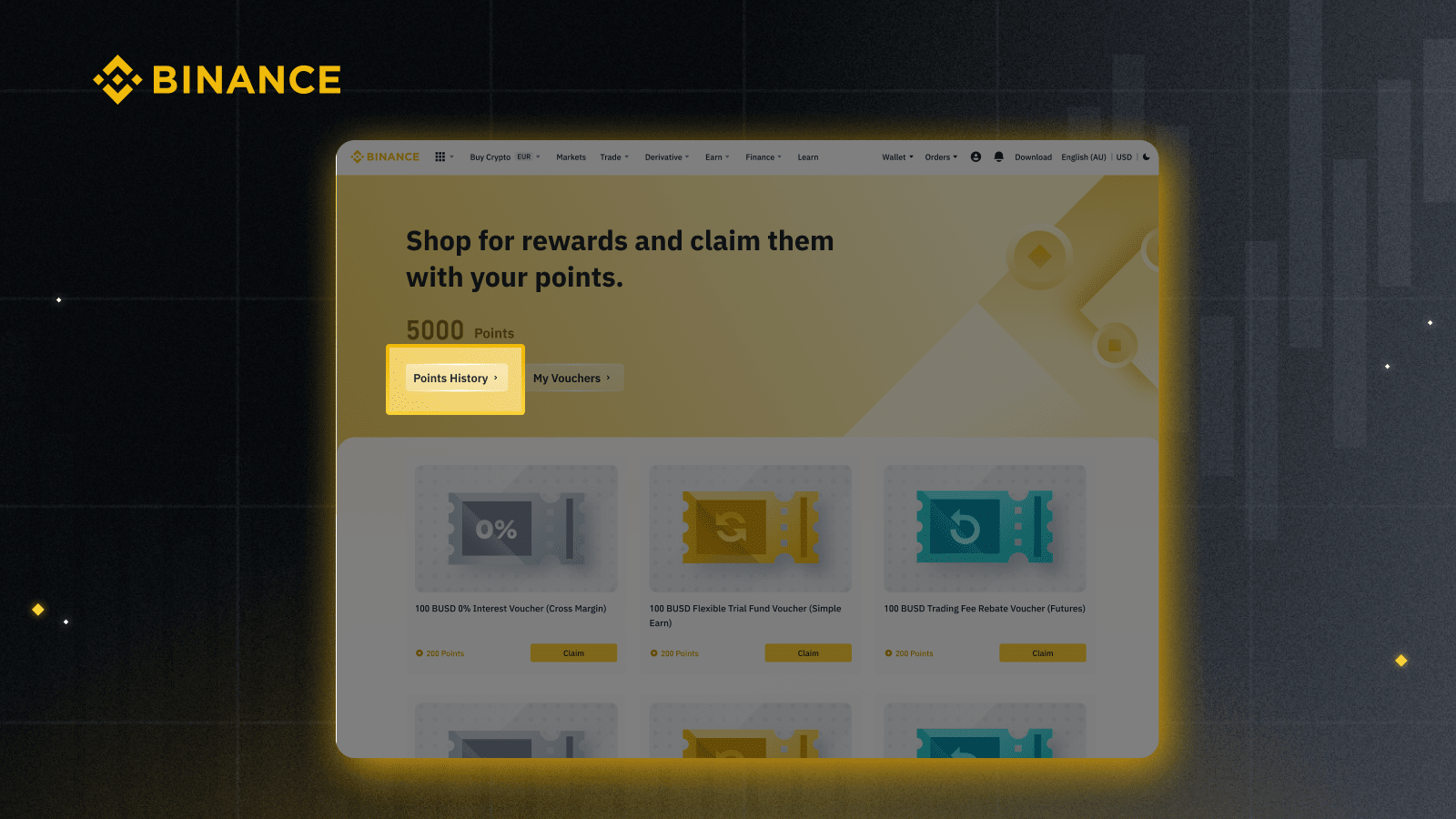
- Participate in Multiple Airdrop Campaigns: Engage with several ongoing and upcoming Alpha airdrop events to diversify your chances of earning tokens from different projects.

- Trade High-Liquidity, Low-Volatility Tokens: Focus on tokens with higher liquidity and lower volatility to minimize losses while accumulating Alpha Points through trading.
- Stay Updated with Event Announcements: Regularly check the Alpha Events page and Binance announcements to catch new airdrop campaigns and changes to point accumulation rules.

It’s important to remember that Alpha Points expire 15 days after they’re earned. This rolling expiry means you should plan your accumulation and claims strategically, hoarding points without regular participation will lead to lost opportunities. Consistency is key for those aiming to participate in multiple campaigns or target larger allocations during Phase 1 of each distribution cycle.
Tips for Maximizing Your Binance Wallet Rewards
If you want to make the most of every airdrop opportunity, consider these practical strategies:
- Diversify Your Asset Holdings: Maintain balances across Spot, Funding, and Web3 wallets to maximize daily point accrual without overexposing yourself to a single asset’s volatility.
- Schedule Regular Trades: Since only buy orders count toward Alpha Points from trading volume, consider setting reminders for periodic purchases, especially when new Alpha token listings are announced.
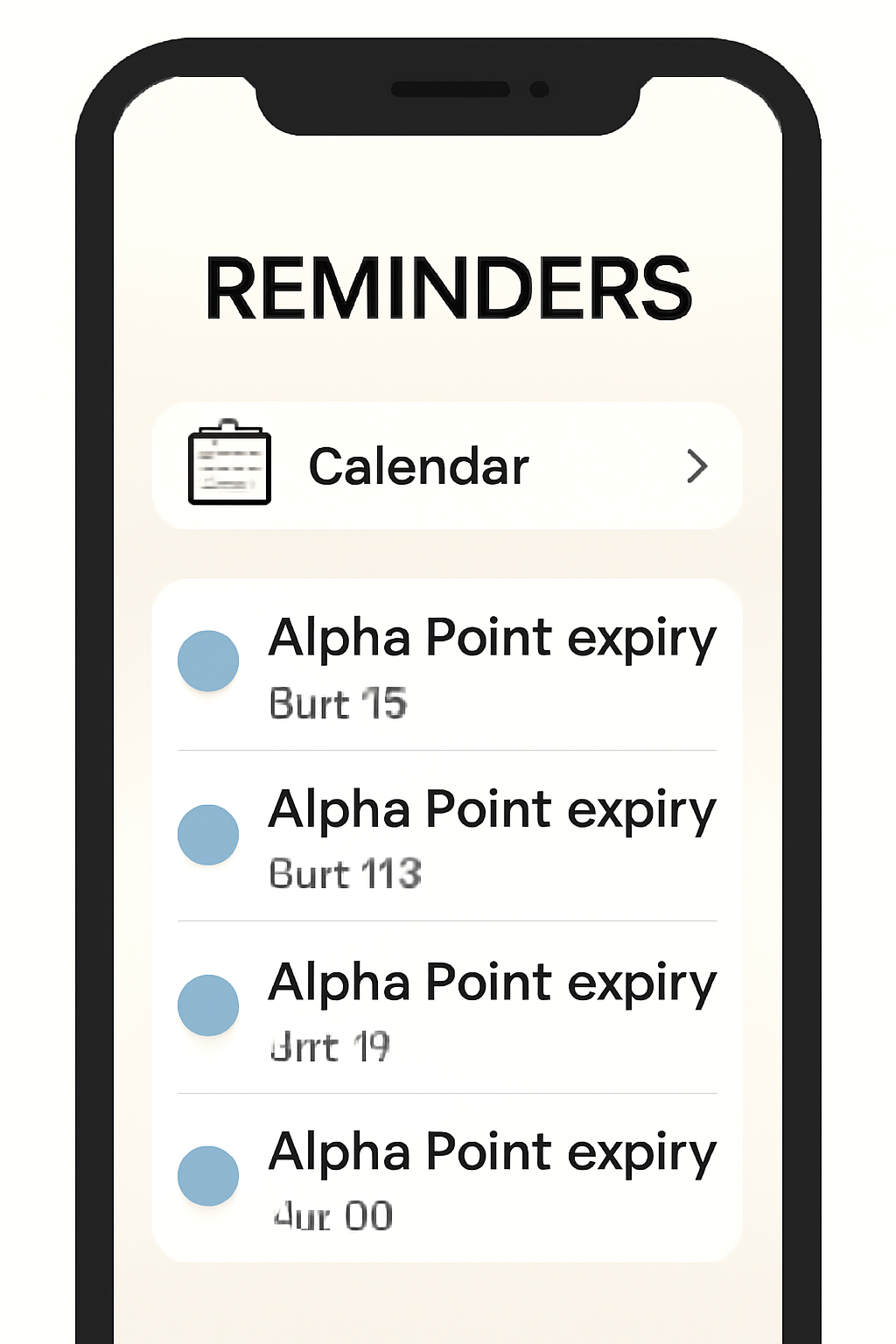
- Monitor Expiry Dates: Use the in-app tracker or personal reminders so your hard-earned points don’t lapse before you can use them.
- Act Fast During Phase 2: When thresholds drop in the second phase of an airdrop, be ready, the remaining tokens often go quickly.
Common Pitfalls and How to Avoid Them
The biggest mistakes users make typically involve missing deadlines or misunderstanding eligibility requirements. Here’s how to sidestep common issues:
- Incomplete Verification: Ensure your KYC is fully approved before participating; partial verification may block access.
- Poor Timing: Don’t wait until the last minute, network congestion or app glitches can prevent timely claims during peak periods.
- Miscalculating Point Expiry: Track when each batch of Alpha Points was earned so you don’t lose them due to rolling expiration cycles (see more here).
- Neglecting Updates: Always keep your Binance app updated; new features and bug fixes are released frequently, especially around major events.
How to Monitor Alpha Point Expiry in the Binance App

The Bigger Picture: Why Participate in Binance Alpha Airdrops?
The appeal of these events goes beyond free tokens. By engaging early with vetted projects on Binance Alpha, users gain exposure to innovative technologies and potential high-growth assets before they hit mainstream markets. The two-phase system introduced in June 2025 further democratizes access, rewarding both loyal long-term holders and nimble newcomers willing to act quickly when opportunities arise.
If you’re committed to building a future-proof crypto portfolio, actively participating in these airdrops can be both educational and financially rewarding. Just remember: patience is essential, but so is vigilance, monitor campaigns regularly, manage your risk sensibly, and never stop learning as this landscape evolves.




No comments yet. Be the first to share your thoughts!