Claiming crypto airdrops is one of the most popular ways to score free tokens and get involved early with new Web3 projects. The Binance Wallet, especially its integrated Web3 features, has made this process more approachable for both crypto newcomers and veterans. If you’re looking to claim the latest airdrops like ASTER or Velora VLR, or simply want a reliable Binance Wallet airdrop guide, you’re in the right place.

Binance Web3 Wallet interface showing available crypto airdrops section

Why Use Binance Wallet for Airdrops?

Binance’s Web3 Wallet consolidates your DeFi, NFT, and token management into one streamlined app experience. Unlike many standalone wallets, it connects directly to your verified Binance account. This means most airdrop rewards are distributed straight to your wallet, no manual claims or risky third-party sites required. As of September 2025, Binance’s Airdrop Portal is the go-to hub for discovering and tracking upcoming campaigns.

Key advantages:

  • Seamless onboarding with built-in KYC (identity verification)
  • No need to manage private keys manually
  • Direct access to current and upcoming airdrops in-app
  • Automatic distribution for many campaigns

Step-by-Step: Setting Up Your Binance Web3 Wallet

If you’re new to crypto wallet onboarding or just haven’t tried the Web3 features yet, here’s how to get started:

Activate & Set Up Your Binance Web3 Wallet: Quick Start Guide
A smartphone screen displaying the Binance app icon being tapped.
Open the Binance App
Launch the Binance app on your mobile device. Make sure you're using the latest version for full Web3 wallet support.
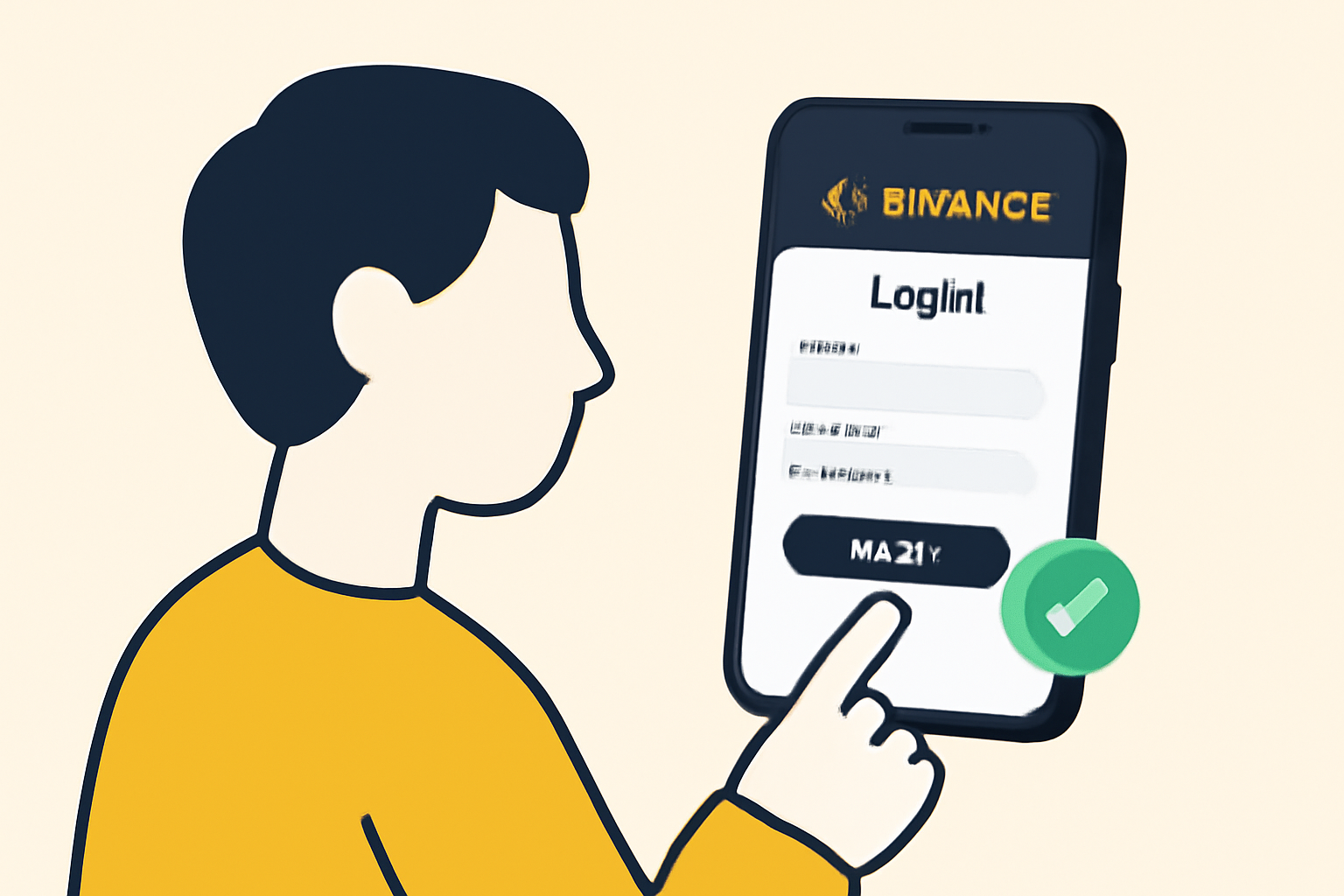
A user entering login details on the Binance app, with a verification checkmark.
Log In or Create a Binance Account
Sign in with your existing Binance credentials, or create a new account if you don't have one yet. Complete identity verification (KYC) to unlock all features.
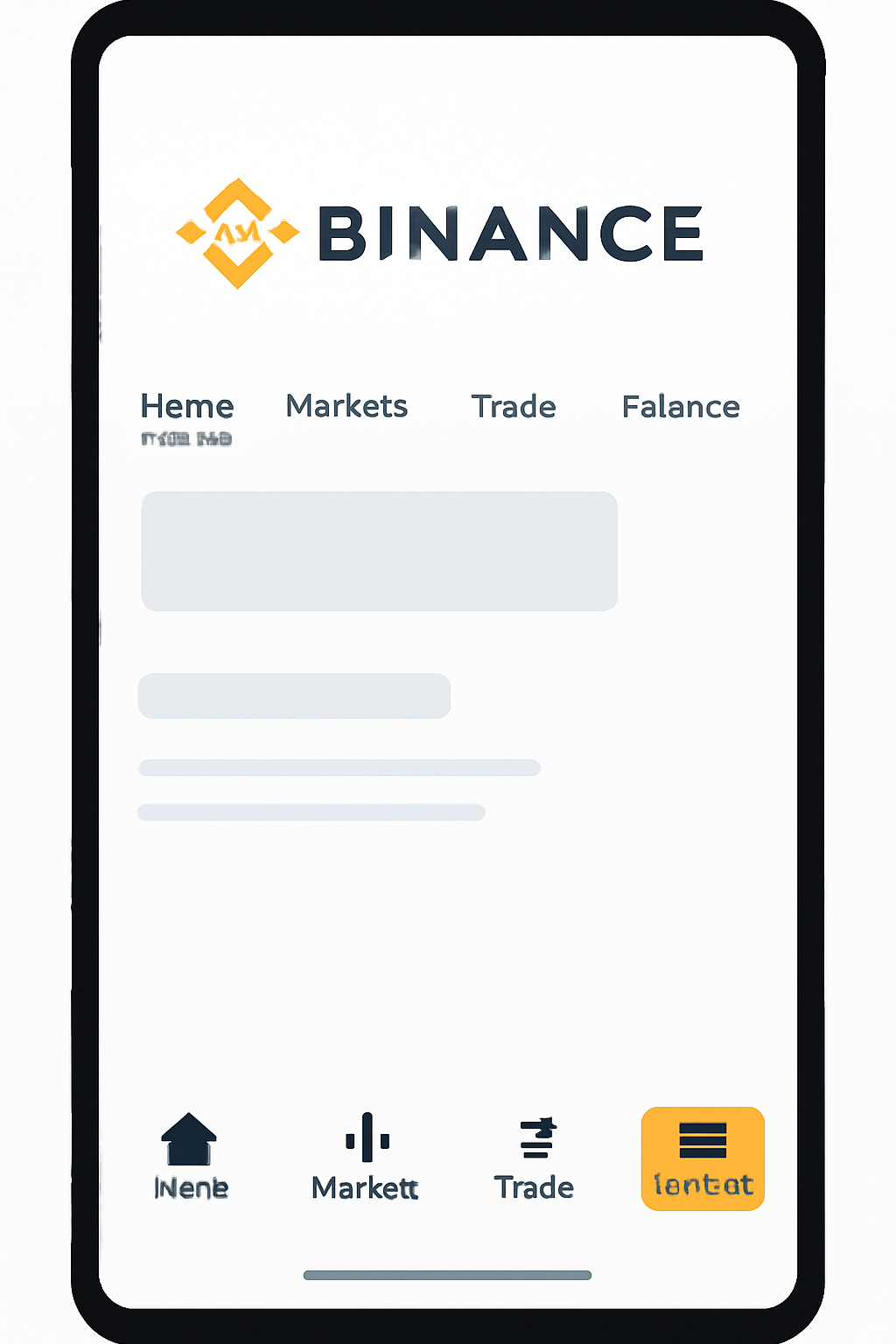
A highlighted 'Wallets' tab at the bottom of the Binance app interface.
Navigate to the Wallets Tab
Tap on the 'Wallets' icon at the bottom of the screen. This is where you manage all your crypto assets within Binance.
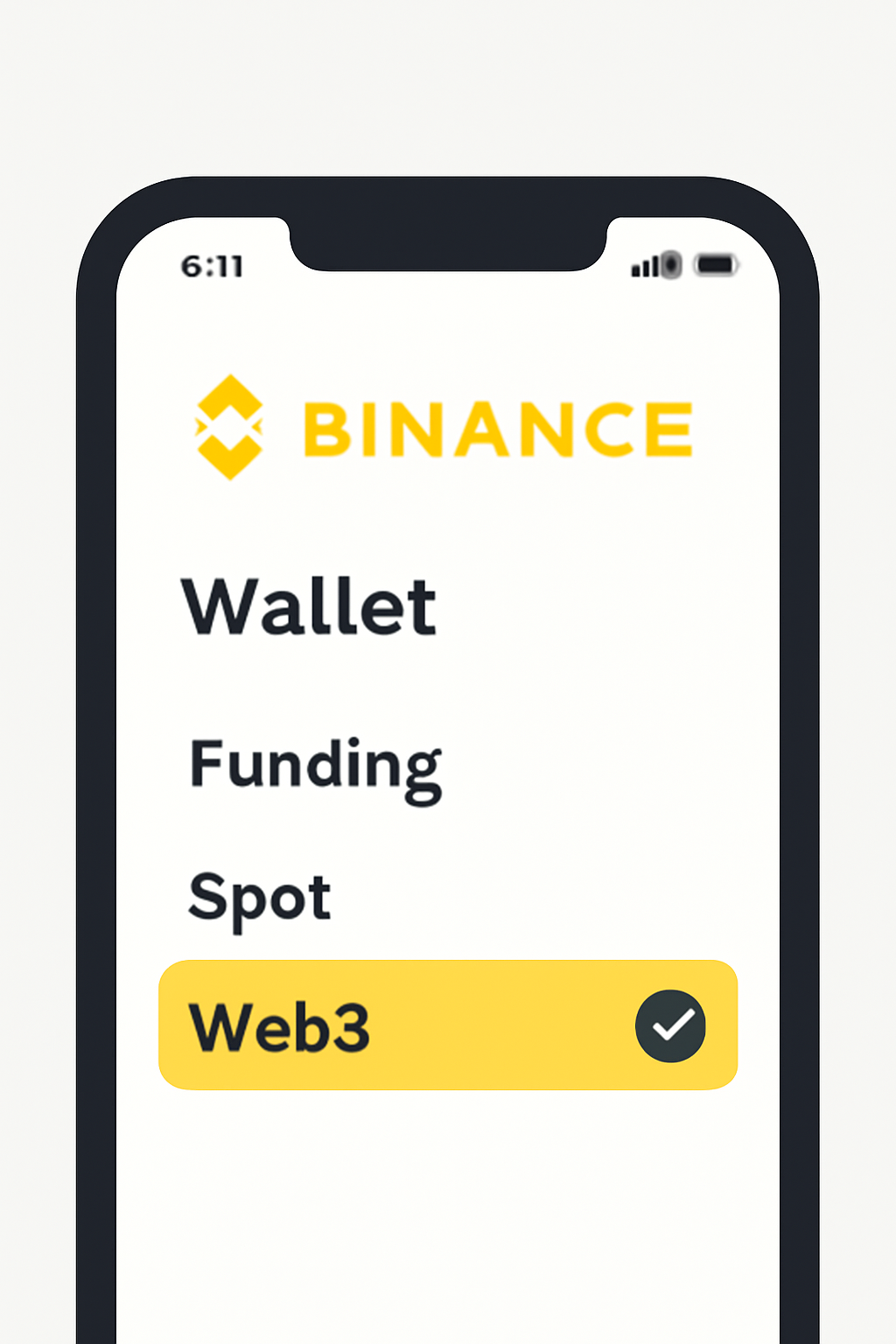
The Binance app screen showing the 'Web3' wallet option clearly selected.
Access the Web3 Wallet Section
Within the Wallets menu, select 'Web3' to enter the dedicated section for decentralized wallet features.
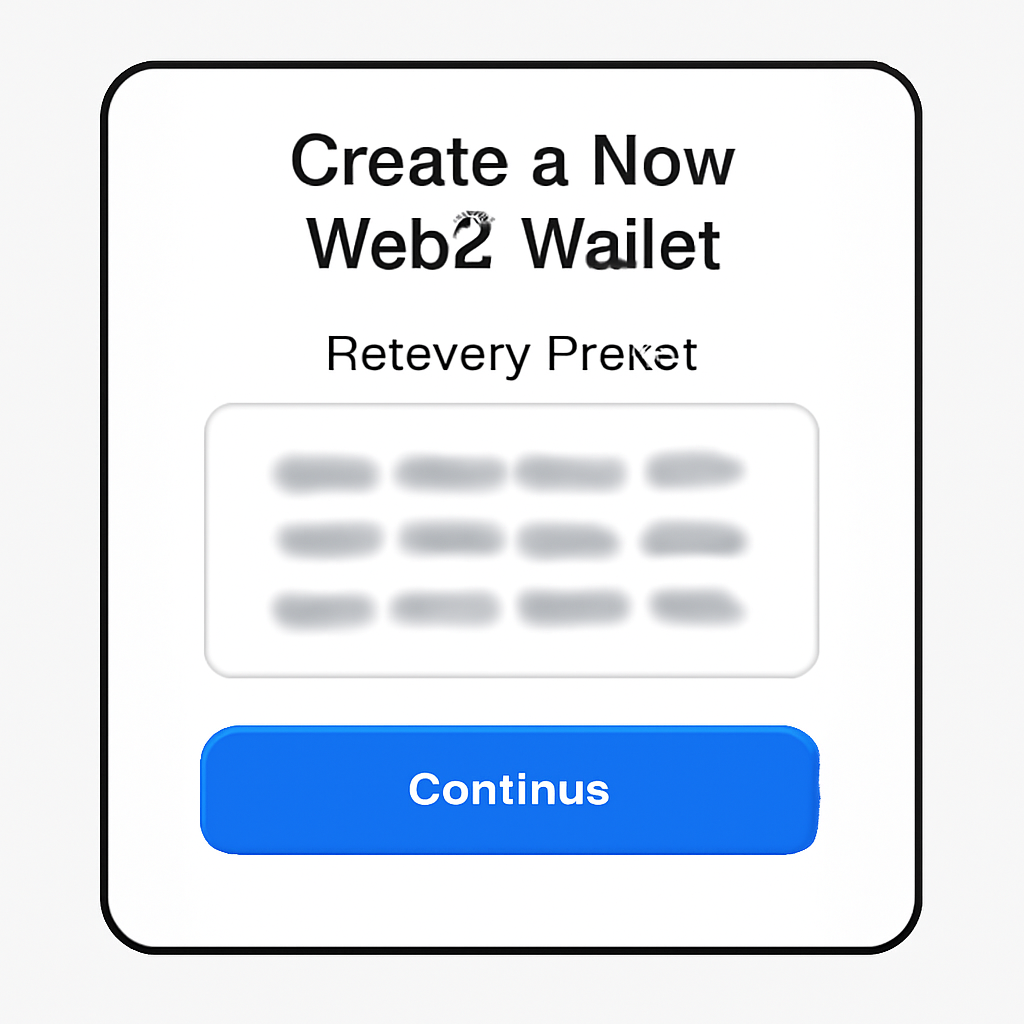
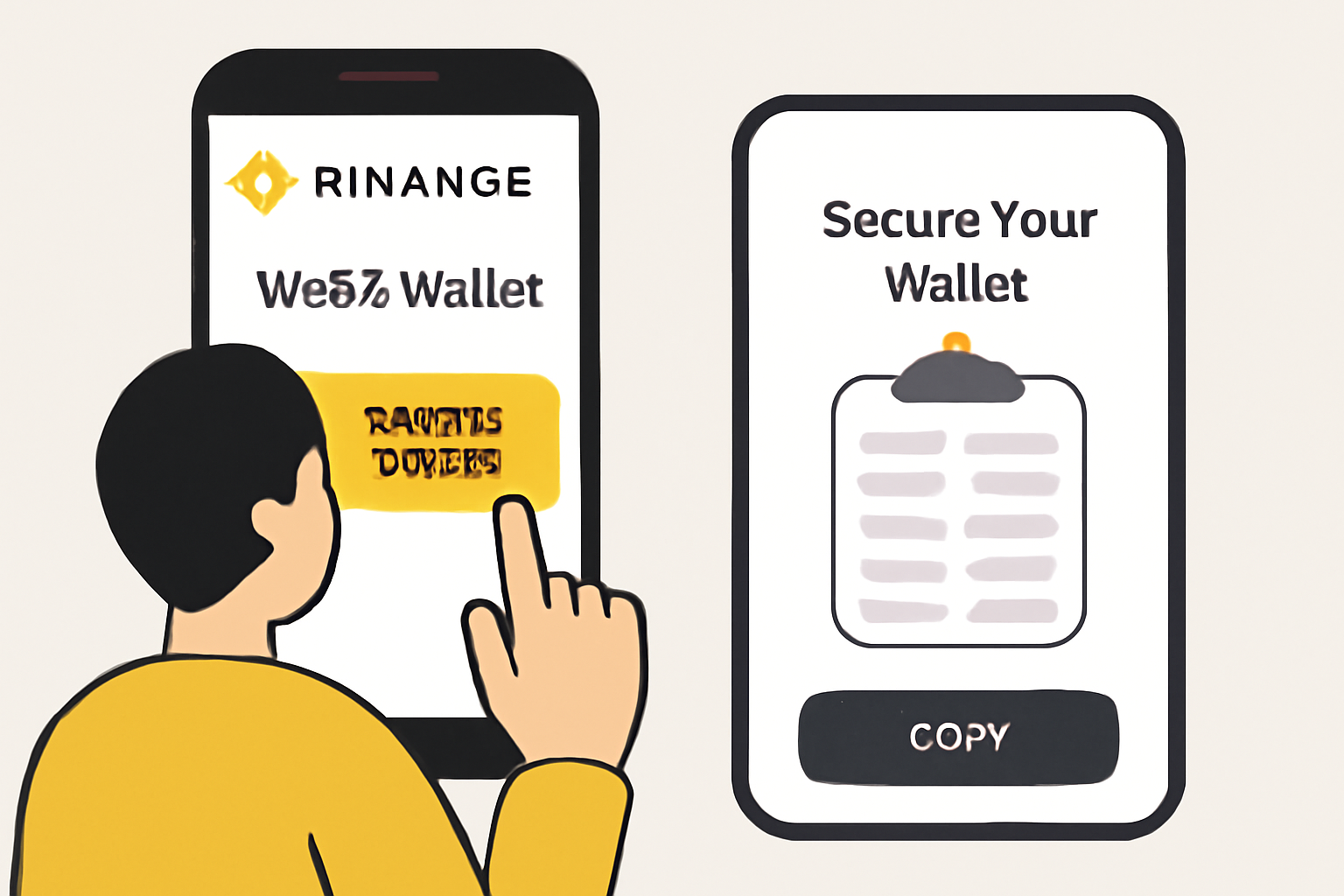
A screen displaying the creation of a new Web3 wallet with a visible recovery phrase (blurred for security).
Create Your Web3 Wallet
Tap 'Create Wallet'. Set a strong password and securely back up your recovery phrase. This phrase is essential for wallet recovery—store it offline and never share it.
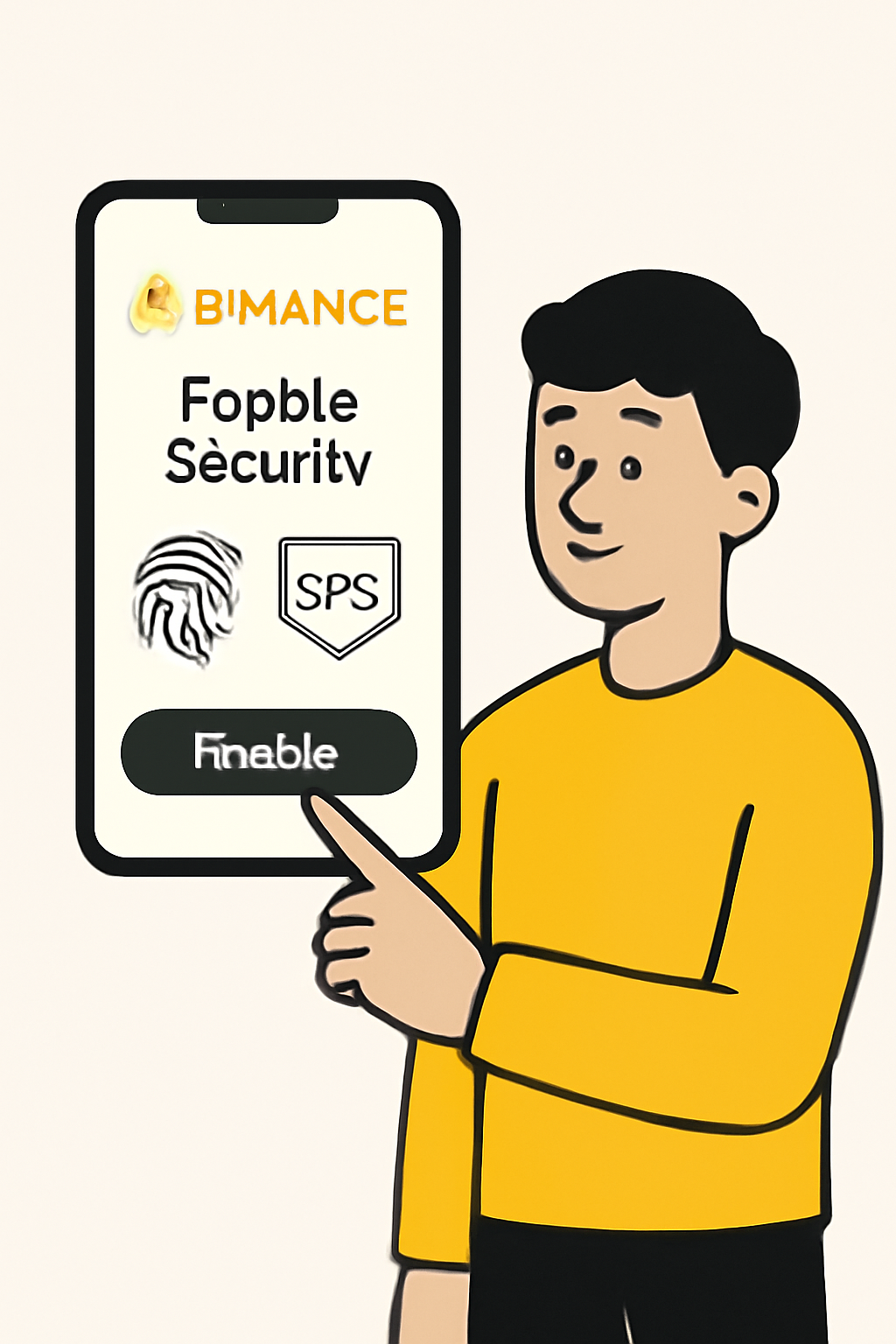
A user enabling biometric or 2FA security settings in the Binance app.
Complete Security Setup
Enable additional security features, such as biometric authentication or two-factor authentication, to protect your wallet from unauthorized access.
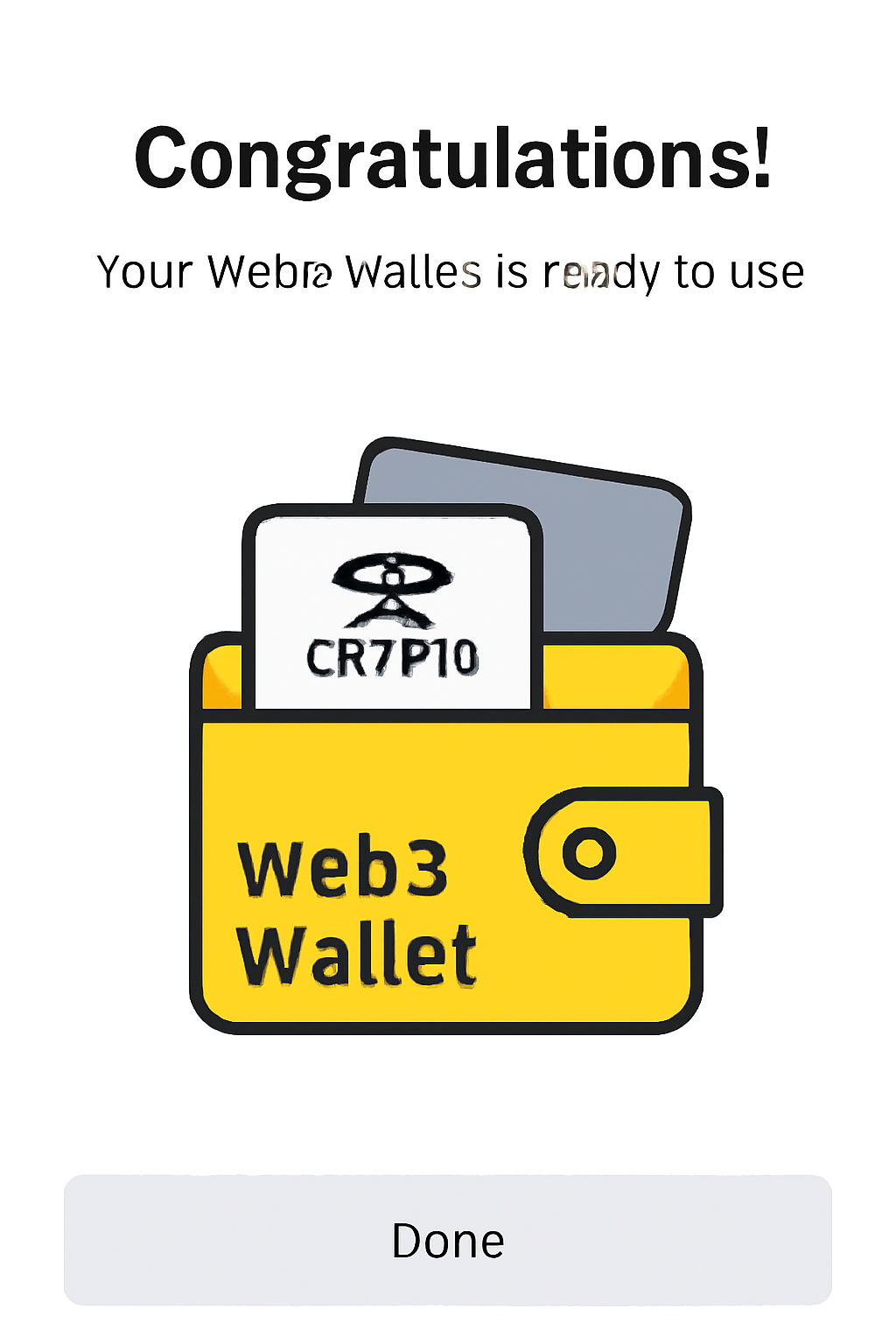
A congratulatory screen in the Binance app, showing a ready and active Web3 wallet.
Your Binance Web3 Wallet is Ready!
You can now explore airdrops, connect to dApps, and manage your crypto assets securely within the Binance app's Web3 wallet.

This sets you up for future airdrop participation, including exclusive campaigns like ASTER and Velora VLR.

Navigating the Airdrop Portal and Eligibility Tips

The Airdrop Portal within the Binance app is regularly updated with new opportunities. Each campaign lists its own eligibility criteria, some require holding specific tokens like BNB or completing simple social tasks. Others may need you to interact with partner dApps using your Web3 wallet. Always check requirements early so you don’t miss out on rewards due to incomplete steps.

Top Tips to Maximize Binance Wallet Airdrop Eligibility

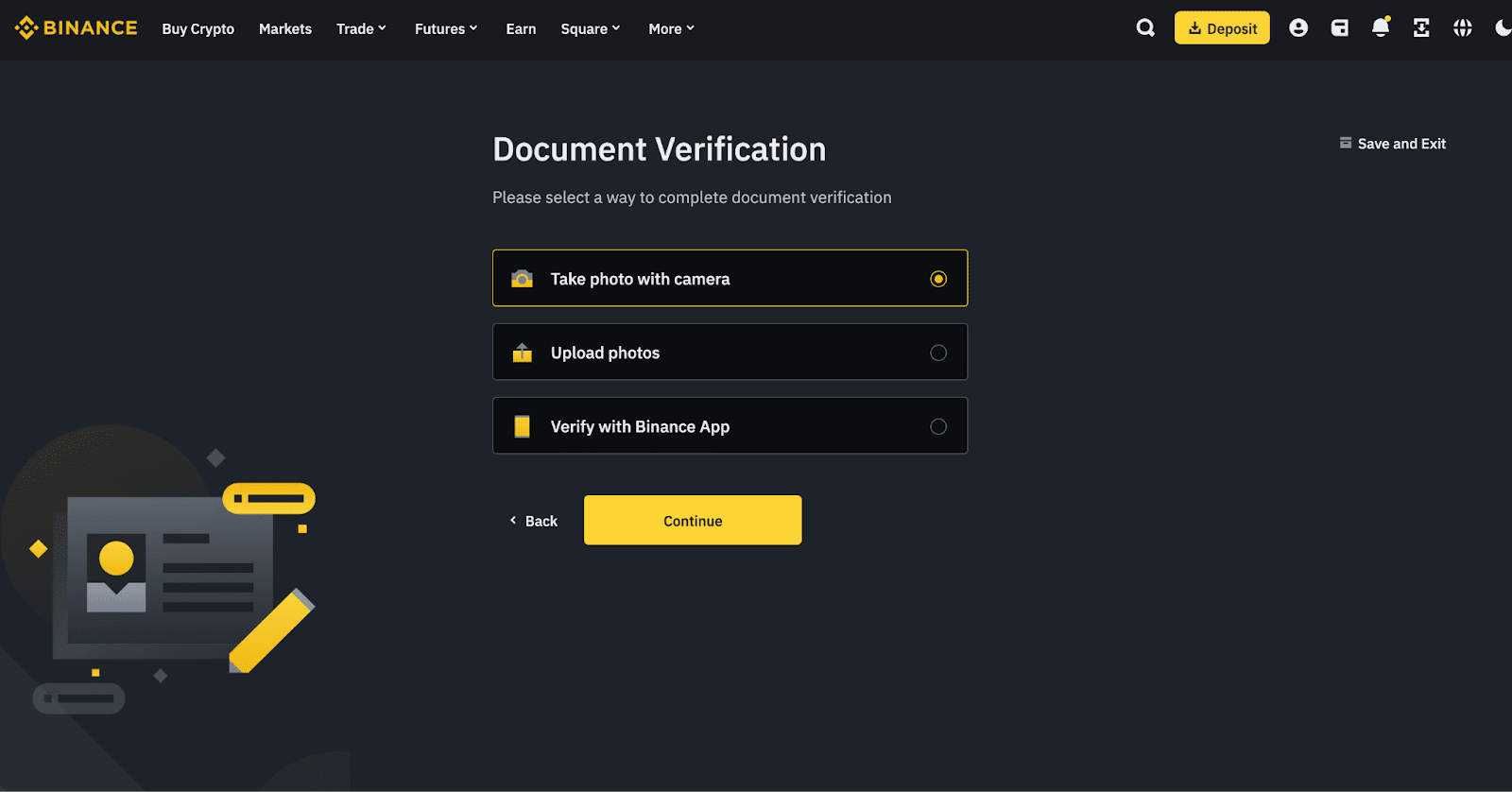
  • Binance KYC verification process screenshot
    Complete Binance Account Verification (KYC): Most airdrops require you to finish identity verification on your Binance account for eligibility.
  • Binance Web3 Wallet activation in app
    Activate and Secure Your Binance Web3 Wallet: Enable the Web3 Wallet in the Binance app and set up strong security features like biometrics or two-factor authentication.
  • Binance Airdrop Portal homepage
    Regularly Check the Binance Airdrop Portal: Stay updated on new and ongoing airdrop campaigns by visiting the official Binance Airdrop Portal frequently.
  • Completing social tasks for Binance airdrop
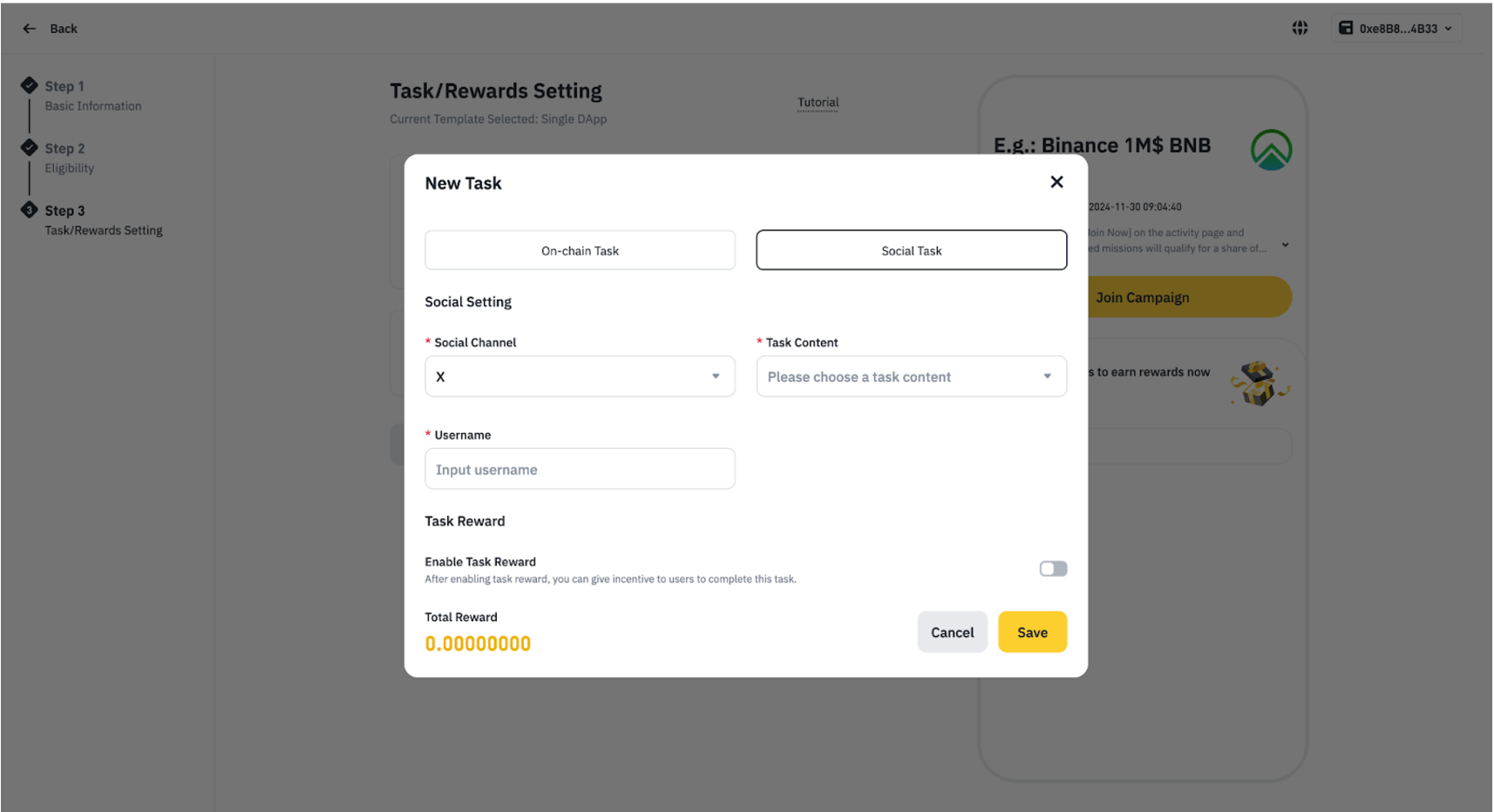
    Participate in Required Social and On-Chain Tasks: Many airdrops ask for simple actions like following official Binance social channels or making small on-chain transactions via your Web3 Wallet.
  • Holding tokens in Binance Web3 Wallet
    Hold Eligible Tokens or NFTs in Your Binance Wallet: Some airdrops are exclusive to users who hold specific cryptocurrencies or NFTs in their Binance Web3 Wallet.
  • Claiming airdrop rewards in Binance app
    Claim Rewards Promptly Before Expiry: Always claim your airdrop rewards before their expiration date to avoid missing out, as unclaimed tokens may be forfeited.

Pro tip: Many users overlook reward expiration dates. Make sure you claim your tokens promptly once they appear in your account dashboard.

How to Claim Your Airdrop: Visual Walkthrough

Once your Binance Web3 Wallet is active and you've met the eligibility requirements for a campaign, claiming your crypto airdrop is straightforward. The process typically unfolds within the Binance app, minimizing exposure to phishing sites or copycat portals. Here’s what you can expect when rewards become available:

How to Claim Crypto Airdrops in Binance Web3 Wallet
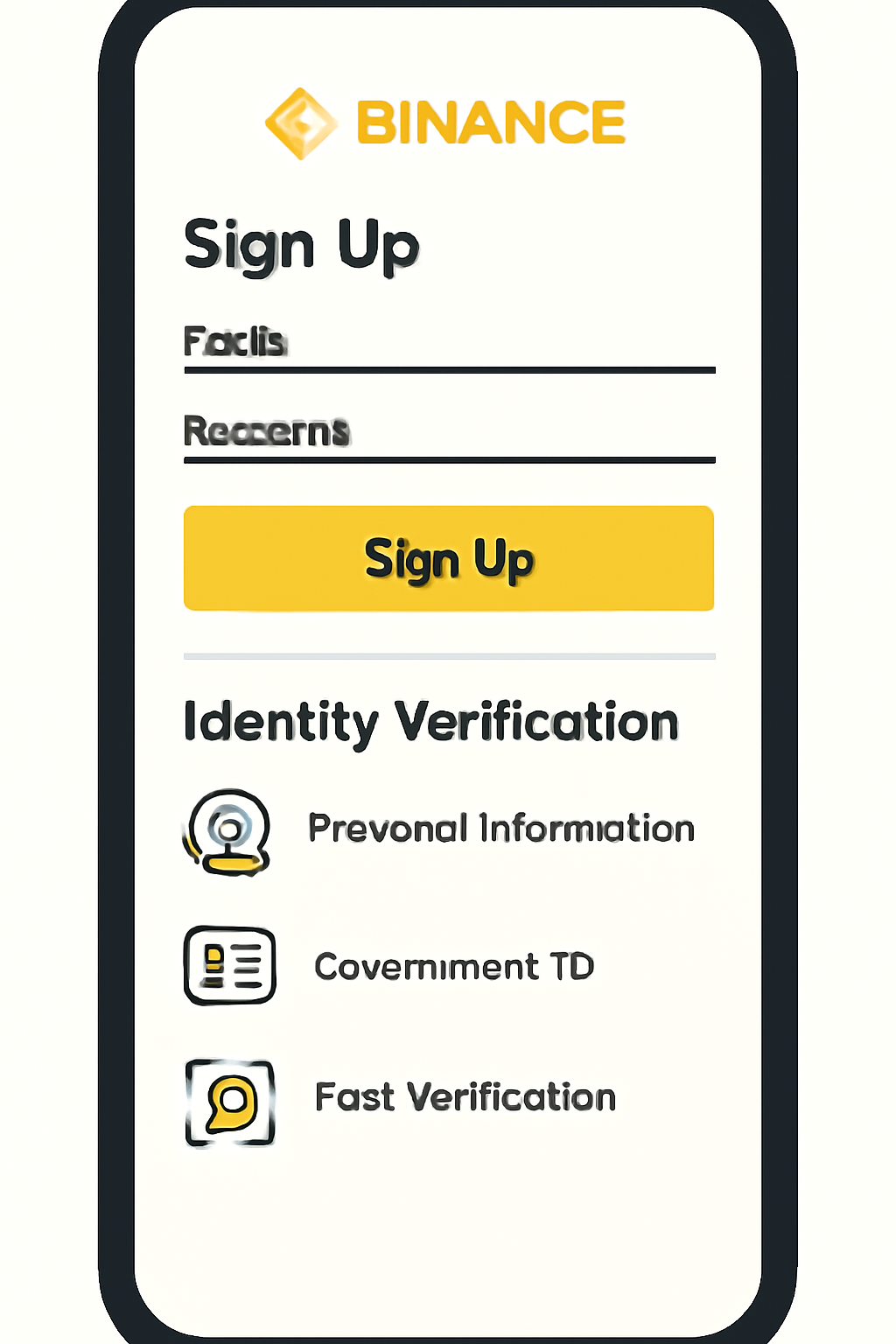
A smartphone displaying the Binance app signup and verification screens, with a focus on identity verification steps.
Create and Verify Your Binance Account
Download the Binance app or visit binance.com. Sign up using your email or phone number, then complete the KYC (identity verification) process. This ensures you are eligible for most airdrop campaigns.
A user activating the Web3 wallet inside the Binance app, showing the 'Create Wallet' button and a secure recovery phrase screen.
Activate Your Binance Web3 Wallet
In the Binance app, tap on [Wallets], then navigate to [Web3]. Select [Create Wallet] and follow the prompts to set up your Web3 wallet. Secure your recovery phrase safely.
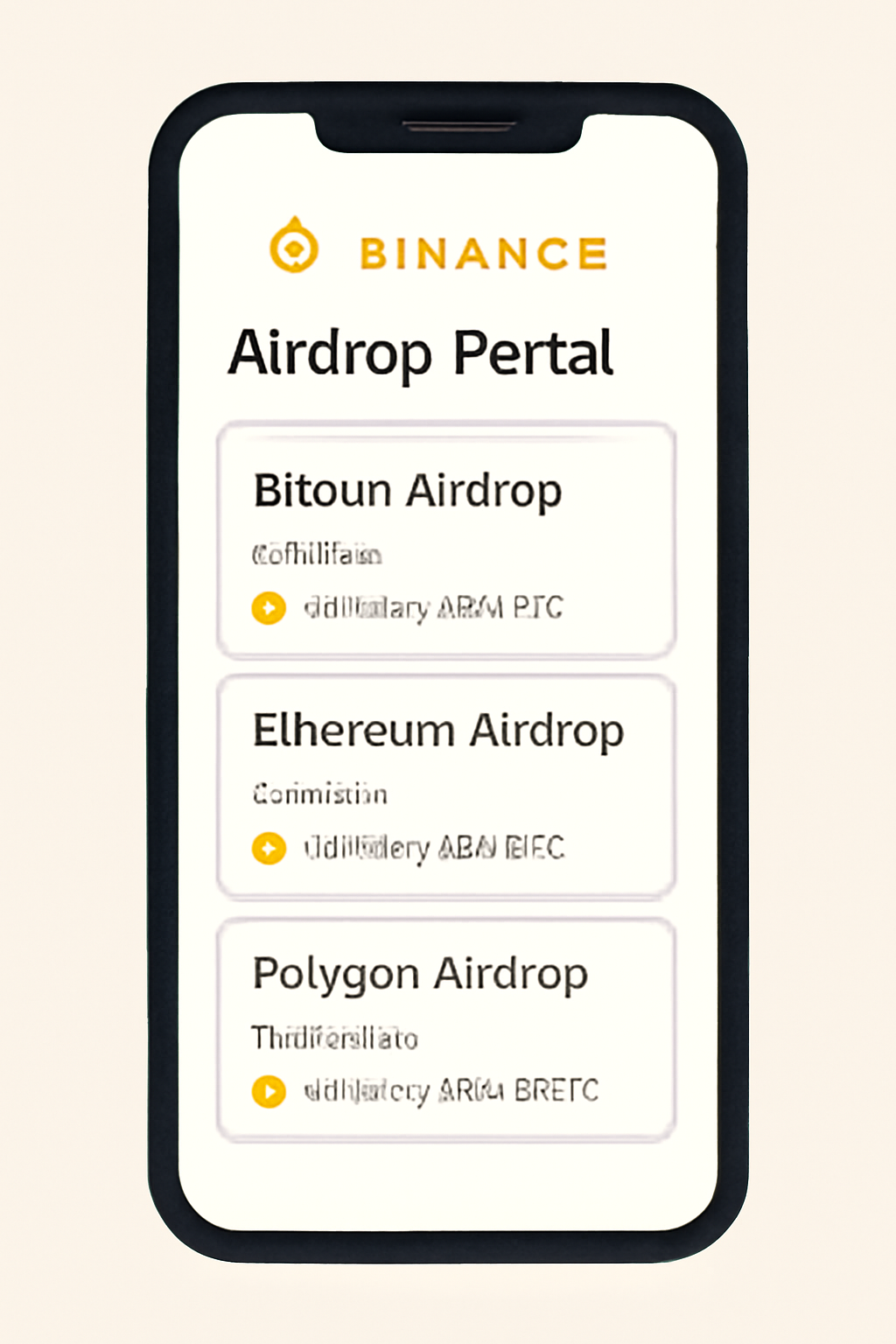
A phone screen showing the Binance Airdrop Portal with a list of ongoing and upcoming airdrops, highlighting eligibility criteria.
Browse the Binance Airdrop Portal
Access the Binance Airdrop Portal from within the app to view current and upcoming airdrop campaigns. Check eligibility requirements for each campaign.
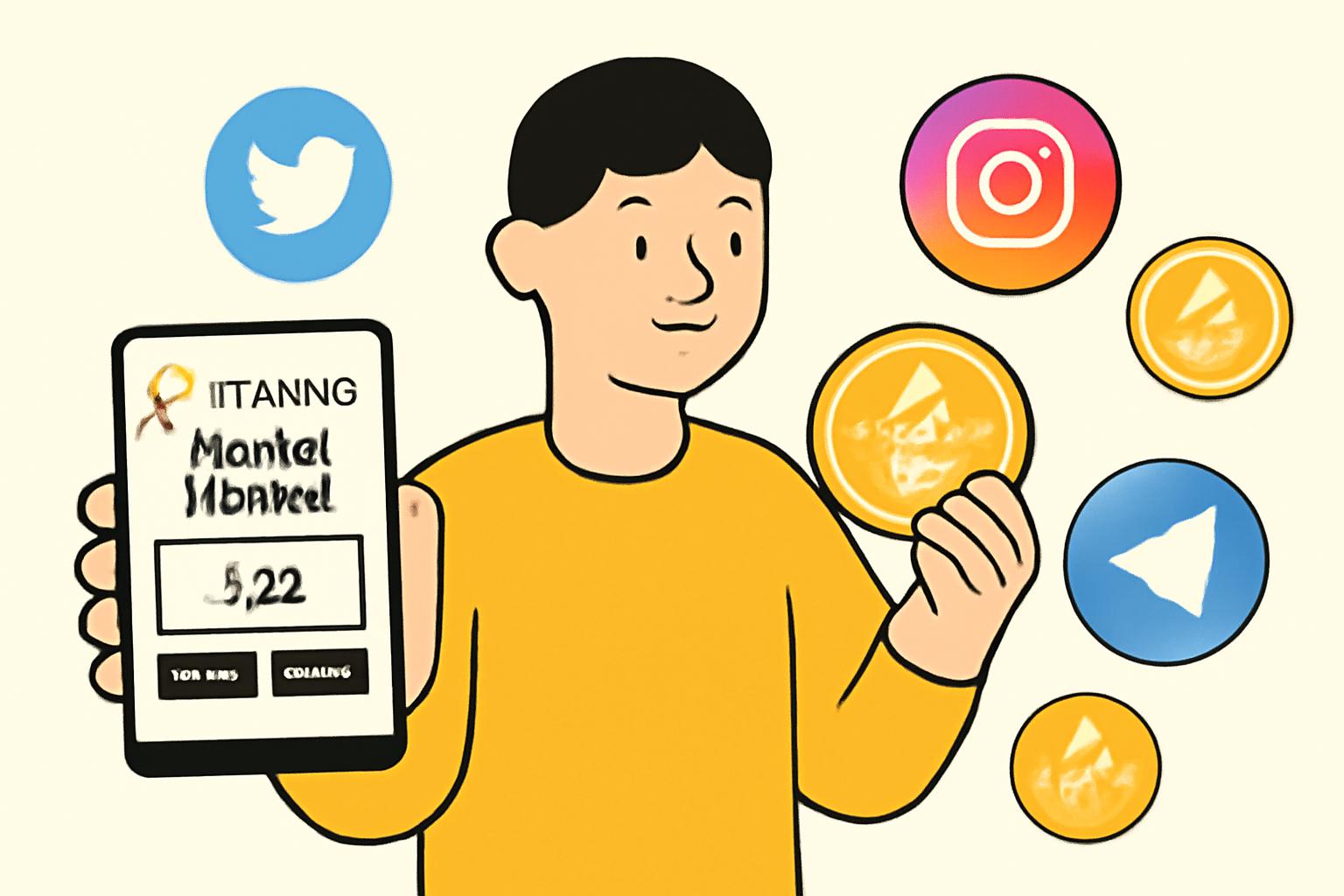
A user completing social media tasks and holding tokens in their Binance Web3 wallet, with icons representing social platforms and tokens.
Participate in Airdrop Campaign Tasks
Select an airdrop campaign and complete any required social or engagement tasks, such as following on social media or joining a community. Some airdrops may require holding specific tokens in your Web3 wallet.
A user connecting their Binance Web3 wallet to a secure airdrop project website, with security icons and a confirmation popup.
Connect Your Wallet to the Airdrop Project Site
Go to the airdrop project's official site and connect your Binance Web3 wallet. Always verify you are on the legitimate site to avoid scams.
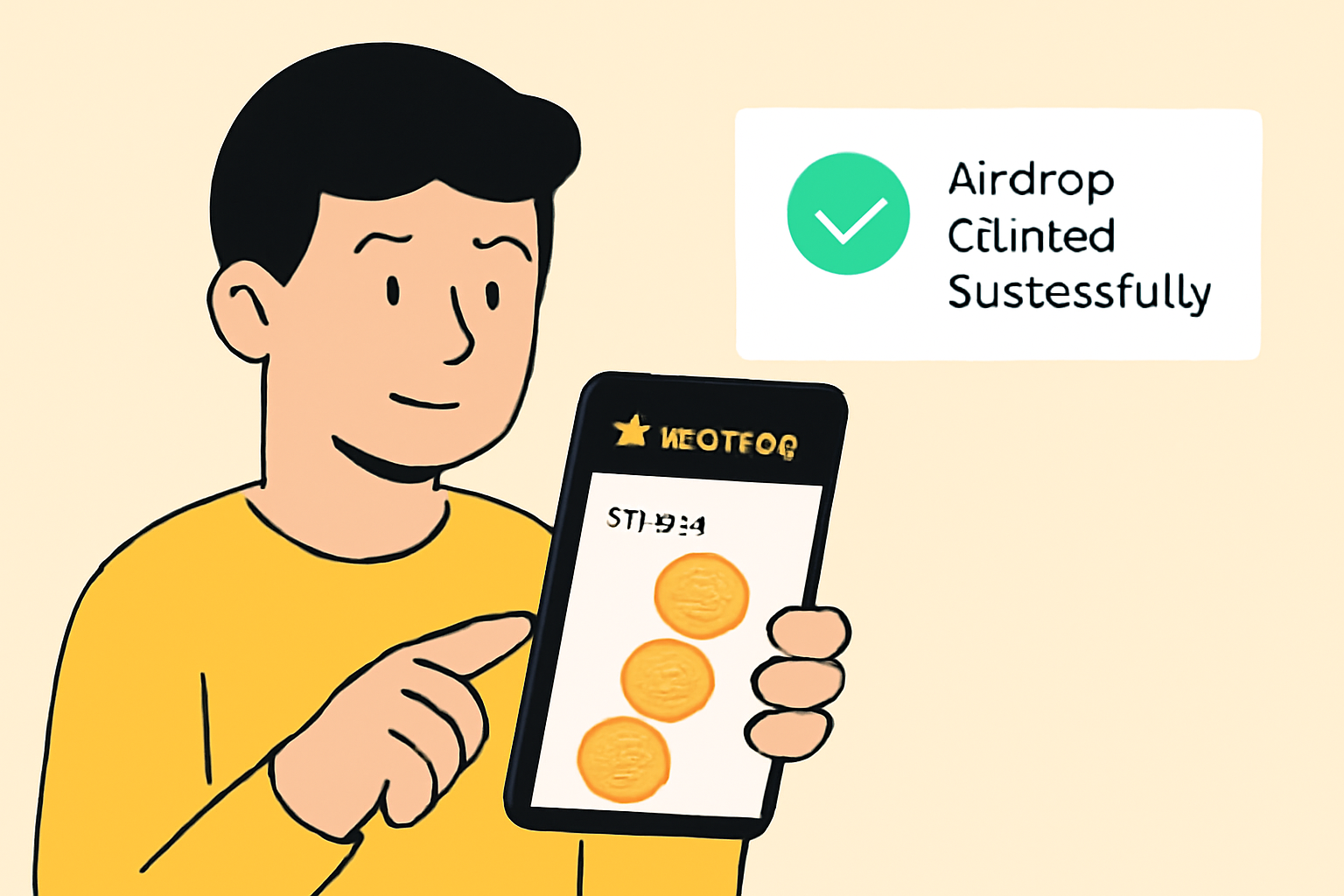
A user claiming airdrop rewards in the Binance app, with tokens appearing in their wallet and a notification of successful claim.
Claim Your Airdrop Rewards
Once eligible, claim your airdrop rewards directly within the Binance app. Rewards are distributed to your Binance account—check your Web3 or Spot Wallet for the new tokens. Remember to claim before the expiration date.
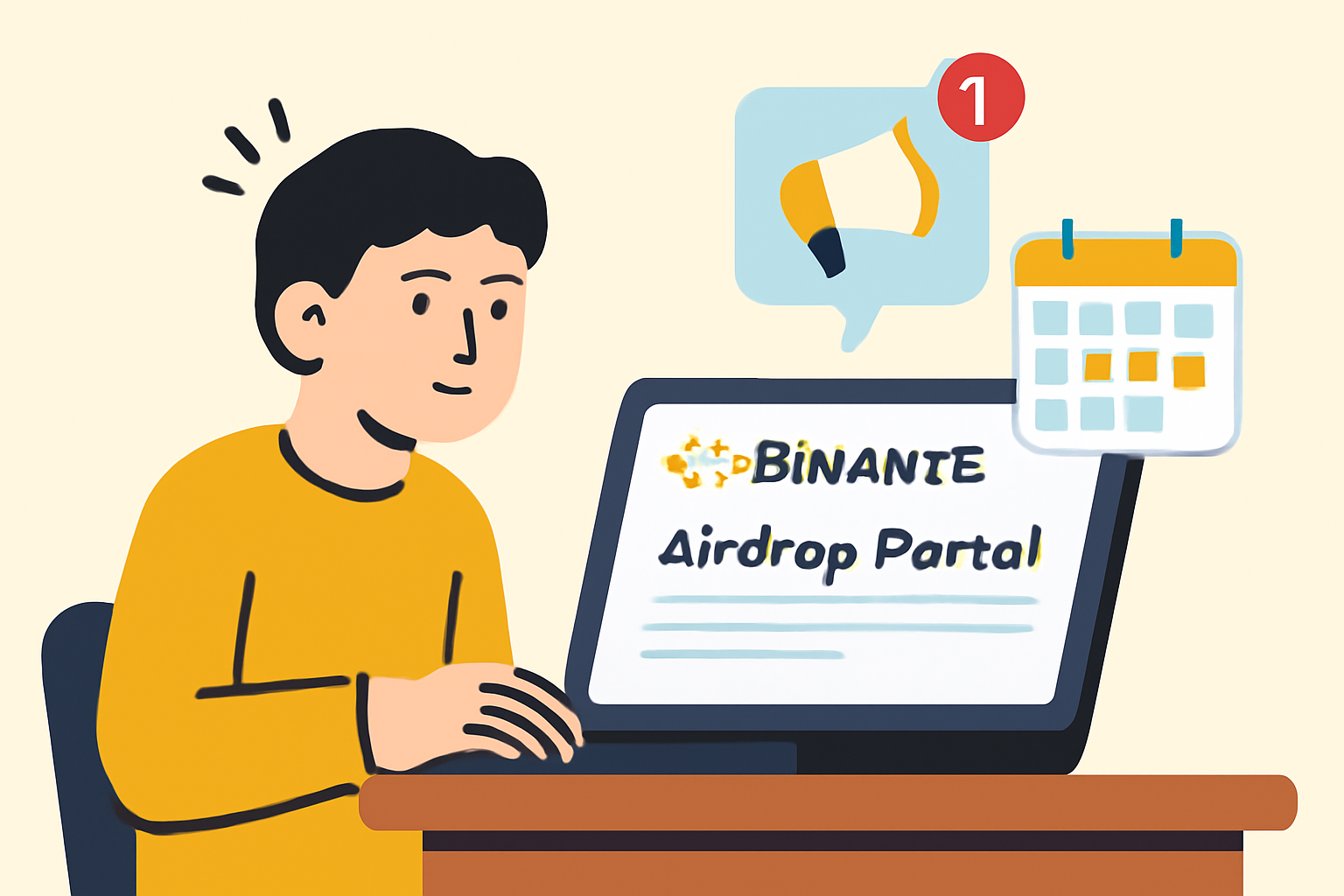
A user checking the Binance Airdrop Portal regularly, with notifications for new airdrop campaigns and a calendar reminder.
Stay Updated on New Airdrops
Regularly check the Binance Airdrop Portal for new opportunities. Ensure your account remains eligible and complete any new tasks promptly to maximize your chances of receiving future airdrops.

For most campaigns, tokens are distributed automatically after the event concludes. However, some require a manual claim, usually just a few taps in-app. Always double-check that you’re on the official Binance platform before interacting with any claim prompts.

Tracking and Managing Your Airdrop Rewards

After claiming, your new tokens will appear directly in your Web3 Wallet balance. You can monitor their value, transfer them to your Spot Wallet for trading, or hold them for potential future utility (such as staking or governance). Binance’s integrated interface makes it easy to:

Steps to Track and Manage Airdrop Tokens in Binance Wallet

  1. Binance Web3 Wallet dashboard screenshot
    Open Your Binance App and Access Web3 WalletLaunch the Binance app, tap on Wallets, then select Web3 to view all your crypto assets, including newly airdropped tokens.

  2. Binance Web3 Wallet transaction history
    Review Recent Token TransactionsIn the Web3 Wallet, check the transaction history to confirm receipt of airdrop tokens and view details like token amount and source.

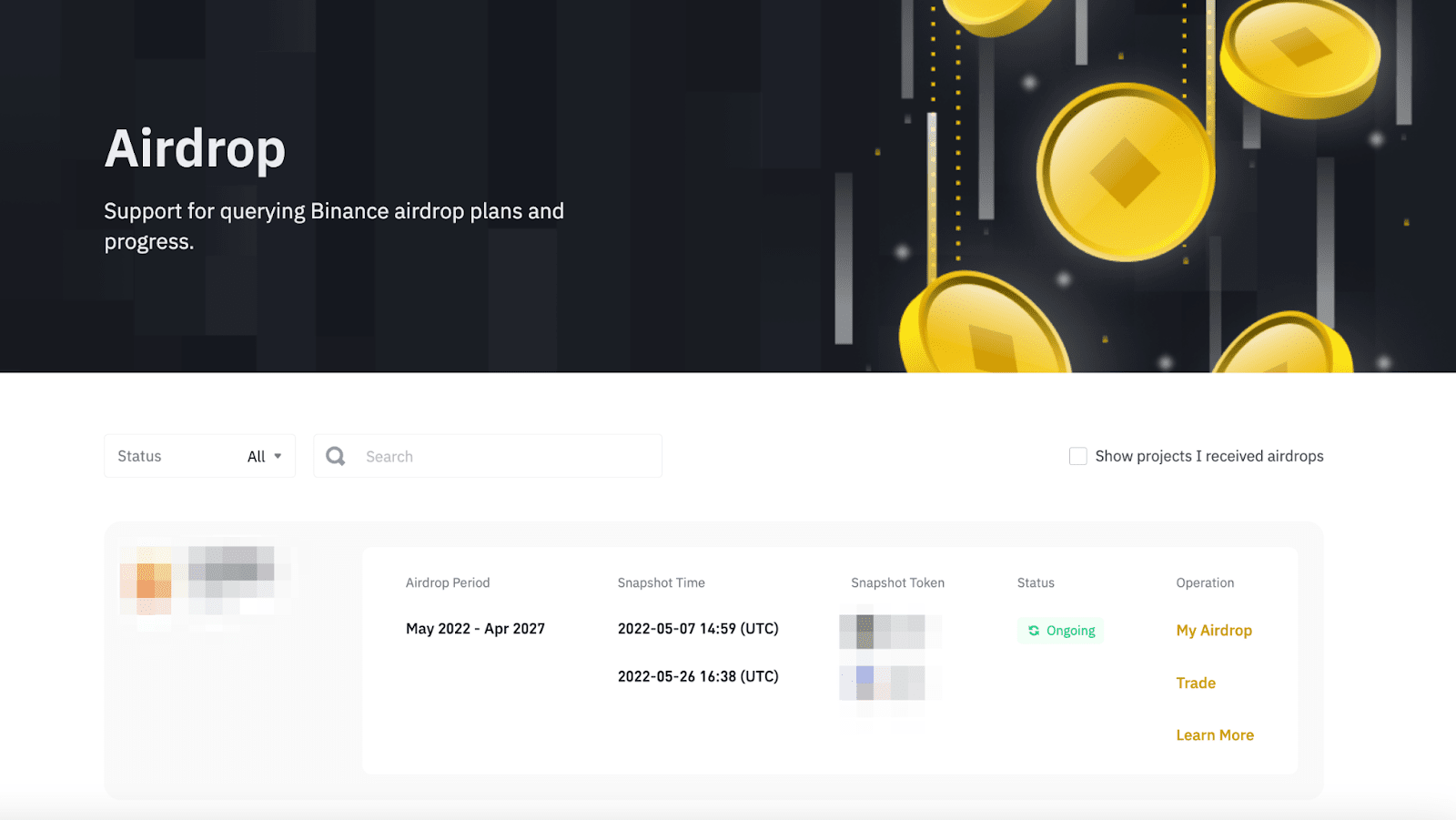
  3. Binance Airdrop Portal interface
    Check the Binance Airdrop Portal for UpdatesVisit the Binance Airdrop Portal regularly to track ongoing and upcoming airdrop events, eligibility status, and claim deadlines.
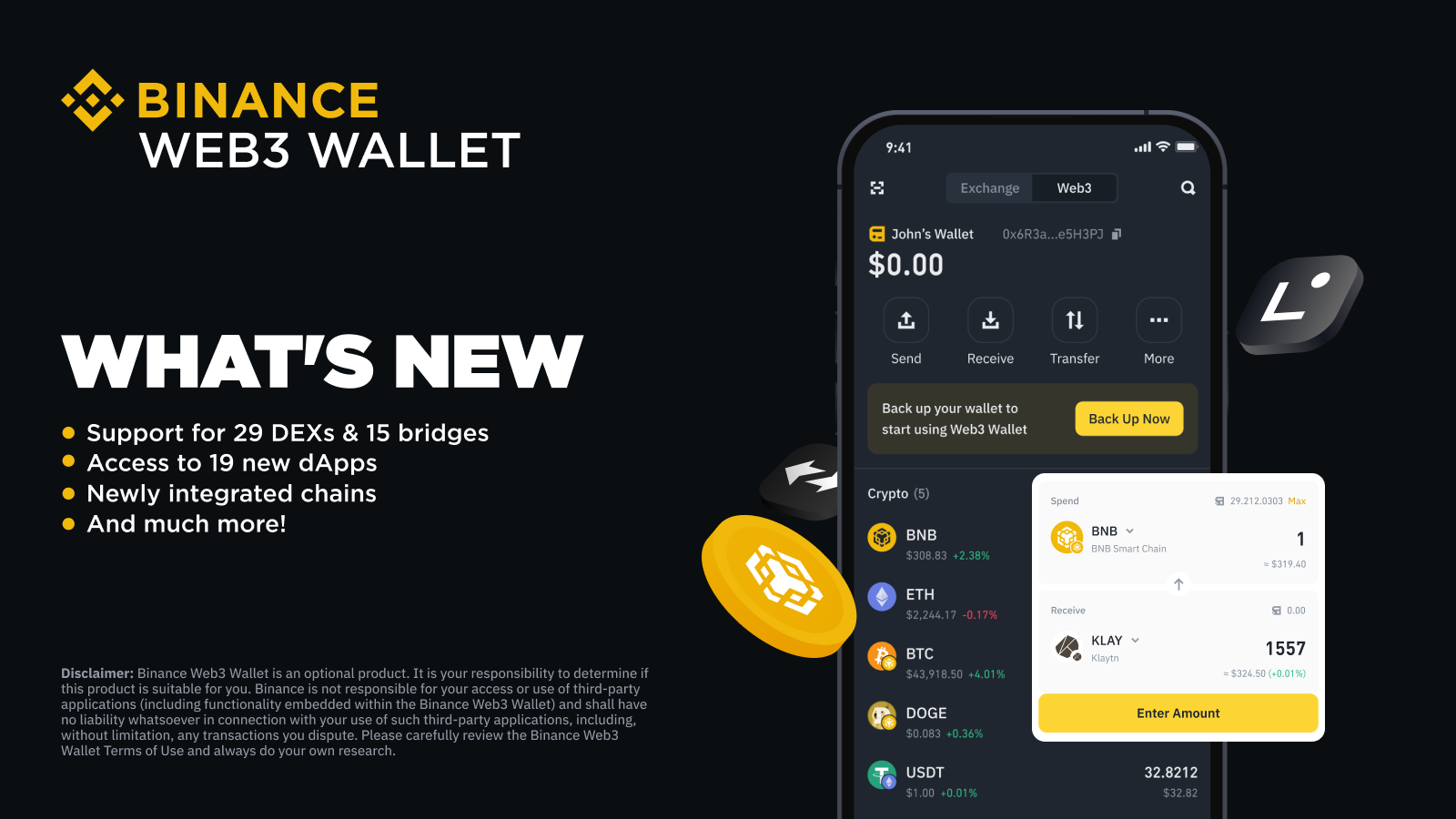
  4. Binance Web3 Wallet token details screen
    Verify Token Balances and DetailsTap on each airdropped token in your Web3 Wallet to view current balances, contract details, and supported networks.
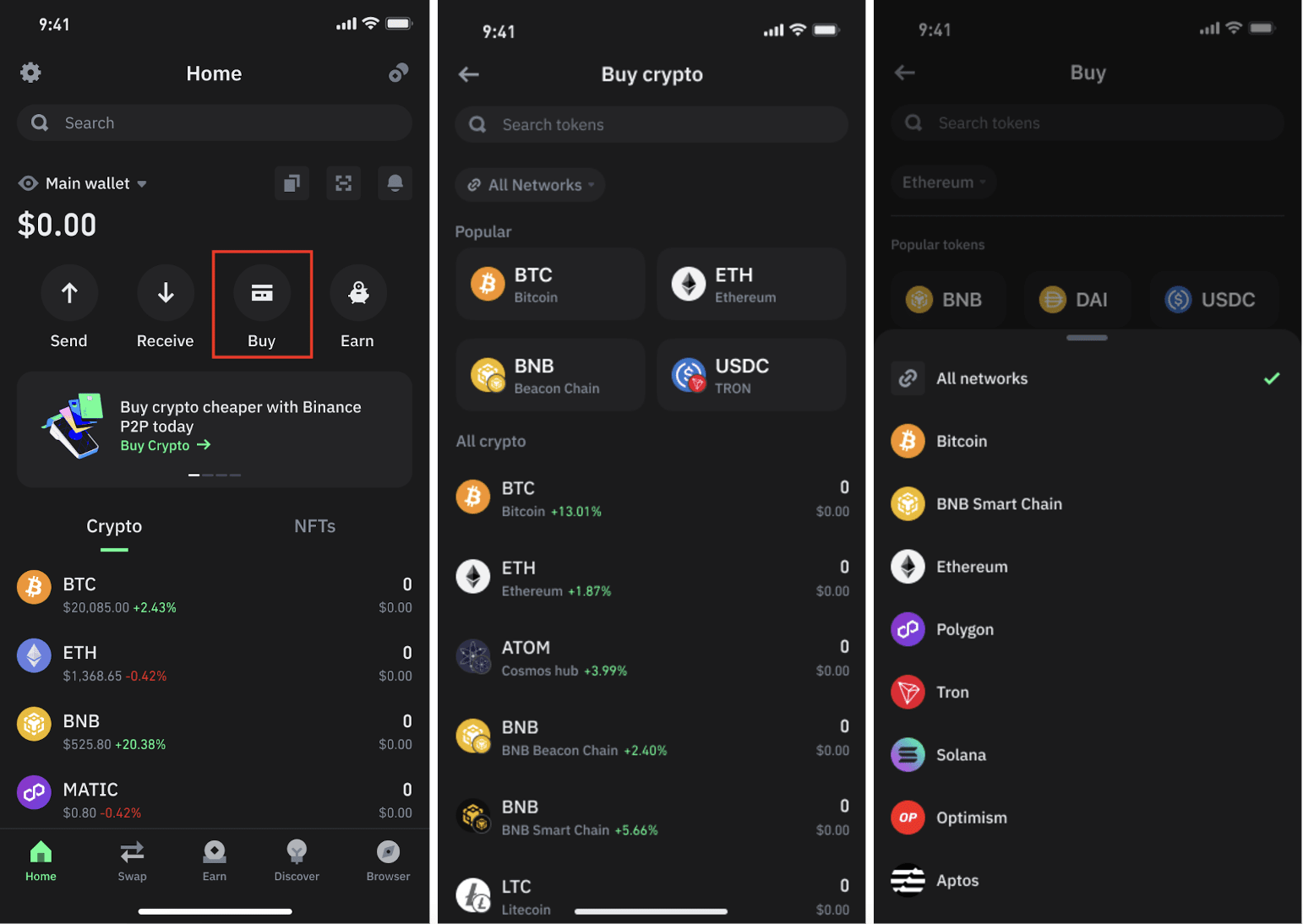
  5. Binance app transfer from Web3 to Spot Wallet
    Transfer Tokens to Spot Wallet (If Needed)For trading or withdrawal, transfer airdropped tokens from your Web3 Wallet to your Spot Wallet within the Binance app.
  6. Binance app price alert setup
    Set Up Price Alerts and Portfolio TrackingUse Binance’s price alert and portfolio tracking features to monitor the value of your airdropped tokens in real time.

If you’re targeting high-profile drops like ASTER or Velora VLR, set up app notifications so you never miss an update on reward distribution or campaign deadlines.

Avoiding Common Pitfalls

While Binance streamlines the process, there are still risks if you’re not vigilant. Here are some practical reminders:

  • Never share your wallet recovery phrases. Even though Binance manages private keys for Web3 wallets, scammers may still attempt social engineering attacks.
  • Beware of fake airdrop links. Only use the official Airdrop Portal inside the Binance app, avoid clicking on links from Telegram groups or unsolicited DMs.
  • Watch out for gas fees. Some cross-chain campaigns may require minimal network fees; always check the details before confirming transactions.

Binance Wallet Airdrops: Your Essential FAQ

How do I claim a crypto airdrop using the Binance Wallet?
To claim a crypto airdrop with your Binance Wallet, first activate your Web3 wallet in the Binance app. Next, visit the official airdrop project site and connect your wallet. Complete any required social or community tasks as specified by the project. If eligible, your airdrop tokens will typically be distributed directly to your Binance account. Always check the Binance Airdrop Portal for the latest campaigns and eligibility details.
🎁
Do I need to complete KYC to participate in Binance airdrops?
Yes, most Binance airdrops require you to have a verified Binance account. This means completing the KYC (Know Your Customer) process, which includes identity verification. This step is crucial to ensure both your eligibility and security. Make sure your account is fully verified before attempting to claim any airdrop rewards.
🛡️
Where can I find information about upcoming or ongoing airdrops on Binance?
You can stay updated on the latest and upcoming airdrop events by regularly checking the Binance Airdrop Portal within the Binance app or website. This portal lists all current campaigns, eligibility requirements, and important deadlines. It's the most reliable source for official airdrop information and helps you avoid missing out on valuable opportunities.
📅
What happens if I miss the airdrop claim deadline?
If you don't claim your airdrop rewards before the expiration date, you may lose your eligibility to receive those tokens. Binance distributes most airdrops directly to your account, but some require manual claiming within a set timeframe. Always monitor the deadlines listed in the Binance Airdrop Portal and act promptly to secure your rewards.
Are there any risks or scams to watch out for when claiming airdrops?
Absolutely. Always use the official Binance app or website and connect your wallet only to verified project sites. Avoid clicking on suspicious links or sharing your seed phrase. Scammers often impersonate airdrop campaigns to steal funds or personal information. Staying within the Binance ecosystem and following official instructions is the safest way to participate in airdrops.
⚠️

Staying Ahead: Upcoming Opportunities and Final Thoughts

The crypto landscape moves fast, airdrops can be announced and completed within days. To maximize your chances of securing future rewards:

  • Bookmark the Binance Airdrop Portal and check it weekly
  • Follow project announcements via official Binance channels
  • Keep your KYC current and maintain some BNB in your account (many campaigns use BNB as an eligibility token)
  • Engage with dApps using your Web3 wallet to qualify for ecosystem-based drops

If you missed out on recent events like ASTER or Velora VLR, don’t worry, the next big drop is always around the corner. Stay informed, act quickly when campaigns open, and leverage the security of Binance’s integrated wallet system for peace of mind as you grow your portfolio.