

Claiming crypto airdrops with the Binance Wallet has become an increasingly popular way for users to receive free tokens from emerging projects. As of September 2025, Binance’s Web3 Wallet streamlines this process, empowering both new and experienced investors to participate in airdrops securely and efficiently. Whether you’re eyeing the $BARD airdrop claim, the Ark of Panda AOP airdrop, or simply want to maximize your rewards, understanding each step is key to success, and safety.

Why Participate in Crypto Airdrops with Binance Wallet?
Binance’s Web3 Wallet stands out for its security, ease of use, and direct integration with major blockchain networks. Participating in an airdrop through this wallet means you’re leveraging robust protection while enjoying seamless access to new tokens. With projects like Ark of Panda (AOP) and $BARD distributing tokens via Binance, it’s never been more important to know exactly how to claim airdrop Binance Wallet offers. Here’s why users are flocking to these opportunities:
Top Reasons to Use Binance Web3 Wallet for Airdrops
- Seamless Integration with Binance Ecosystem: The Binance Web3 Wallet is directly linked to your Binance account, allowing for easy management of both centralized and decentralized assets in one place.

- Access to Exclusive Airdrops: Binance frequently partners with leading crypto projects to offer exclusive airdrop opportunities available only to Binance Web3 Wallet users.

- User-Friendly Claim Process: The wallet provides a dedicated 'Claimable' rewards section, making it simple to view, claim, and track airdrops without navigating complex interfaces.
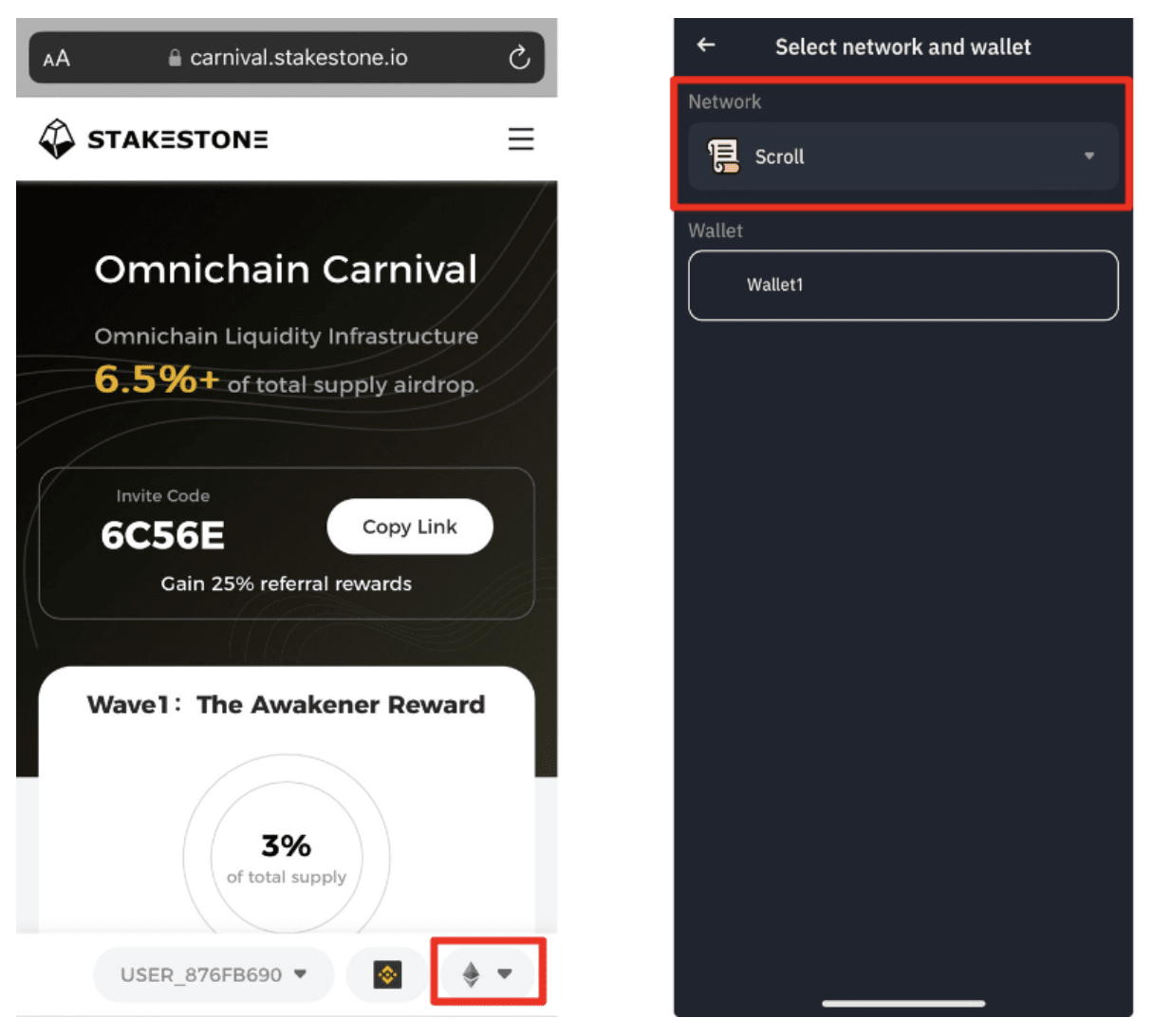
- Enhanced Security Features: Binance Web3 Wallet leverages Binance’s robust security infrastructure, including multi-factor authentication and advanced encryption, to protect your assets during airdrop claims.

- Support for Multiple Blockchains: The wallet supports a wide range of networks, enabling users to claim airdrops from various blockchain projects without needing multiple wallets.

- Transparent Reward Tracking: Users can easily monitor available, claimed, and expired airdrops within the wallet, ensuring they never miss out on rewards.

- Direct Token Utilization: After claiming, tokens are immediately available for trading, staking, or withdrawal within the Binance platform, streamlining the process from claim to use.

Step-by-Step: Claiming Your Crypto Airdrop
Let’s break down the crypto airdrop step by step, so you can confidently navigate your next token claim:
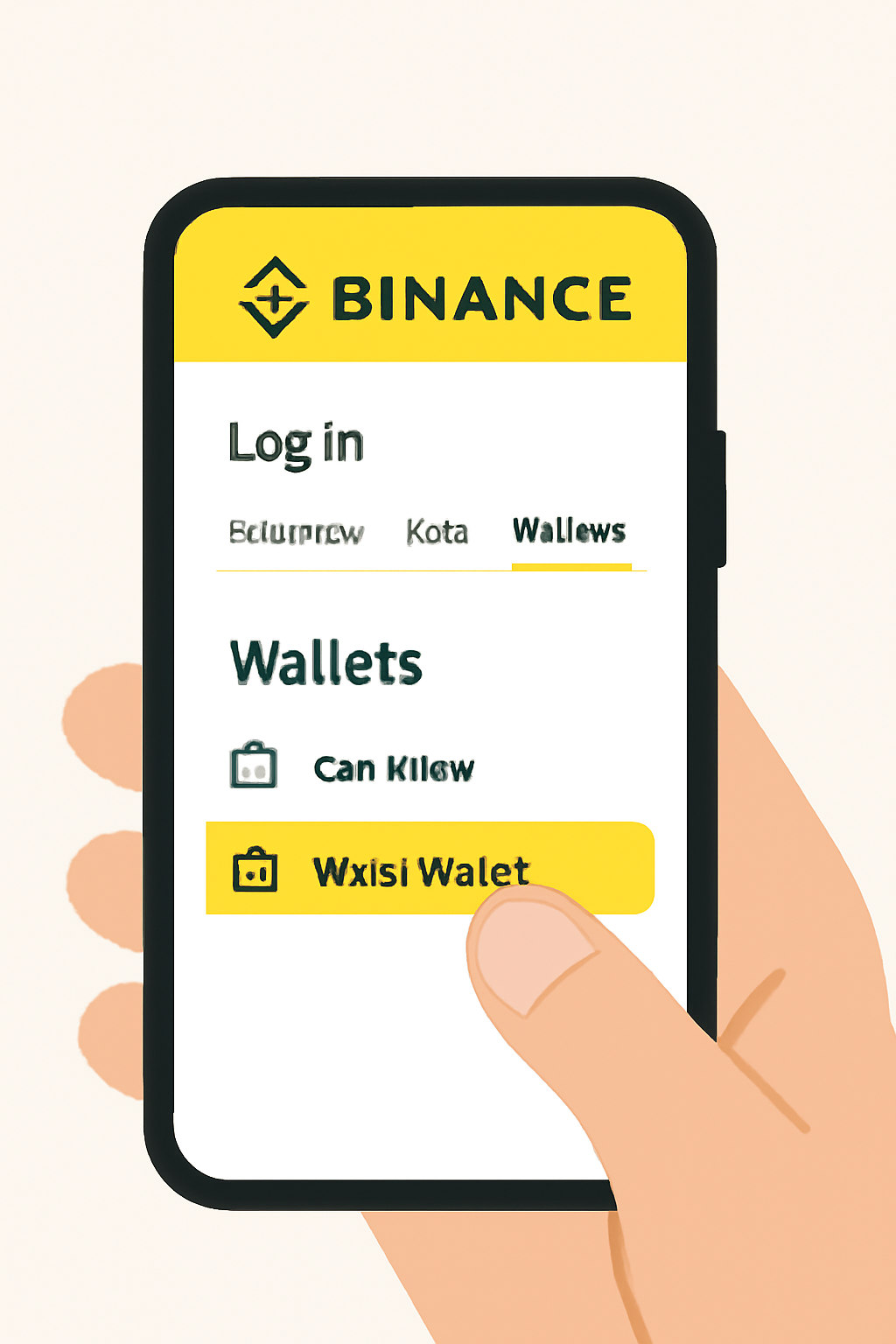
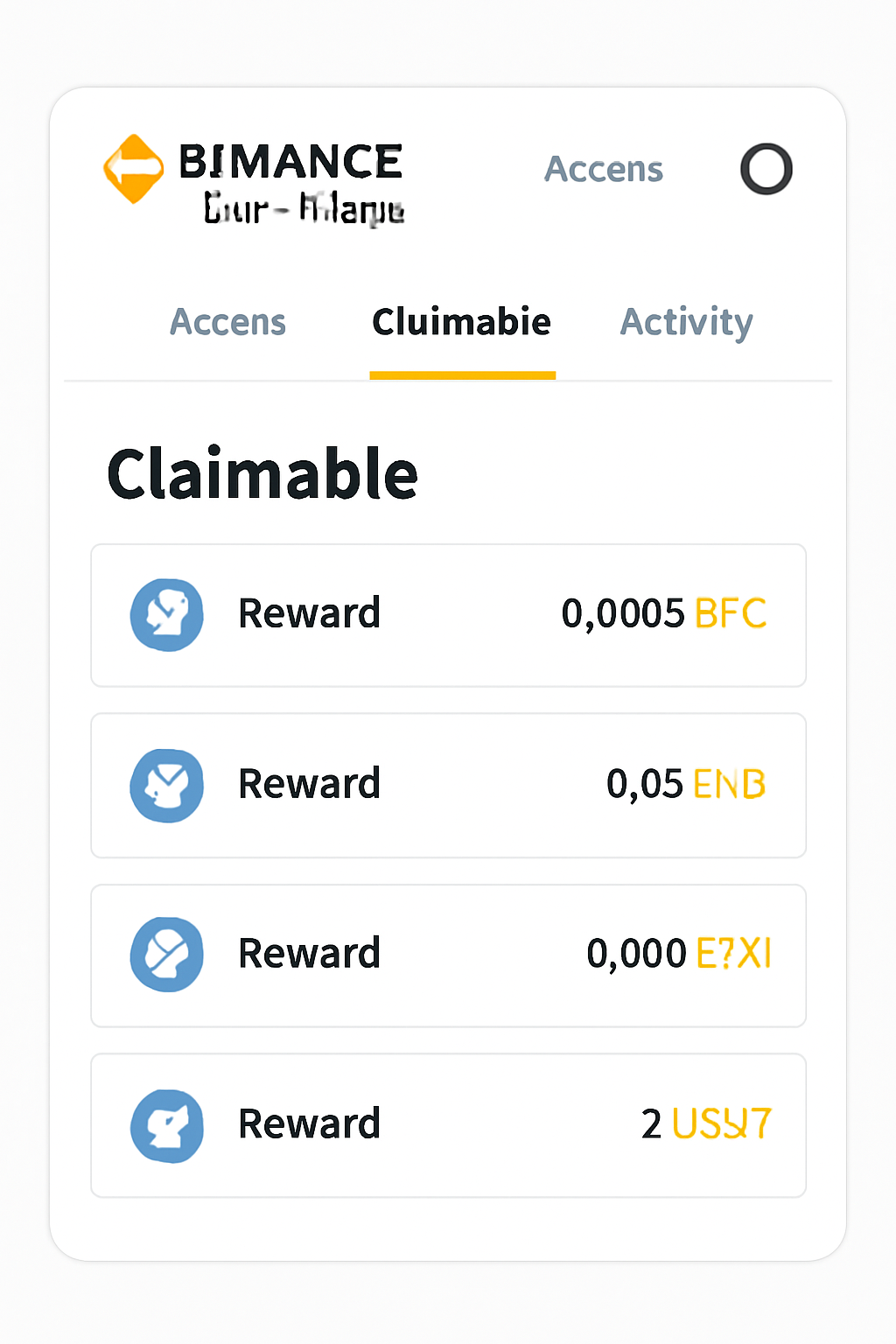
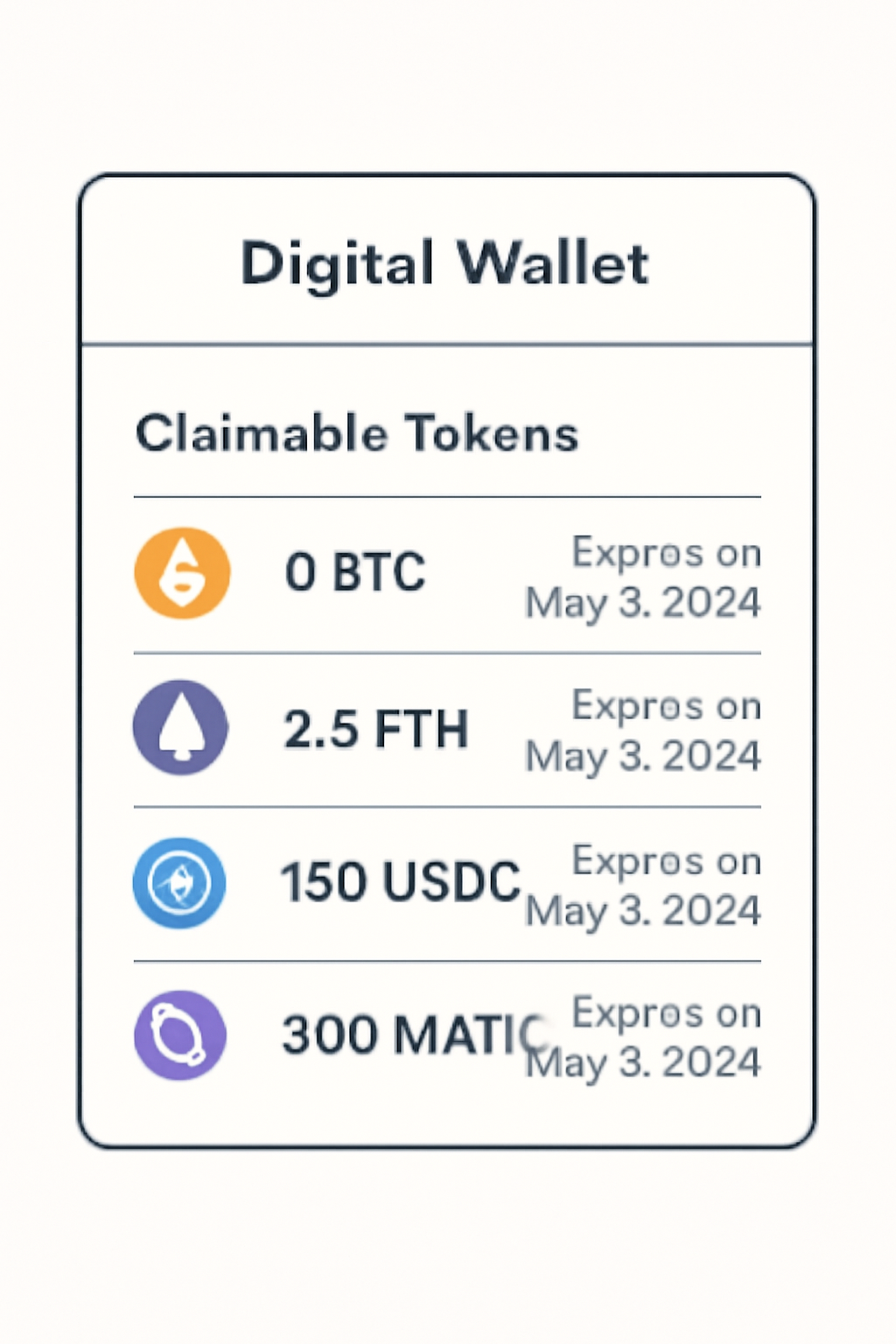
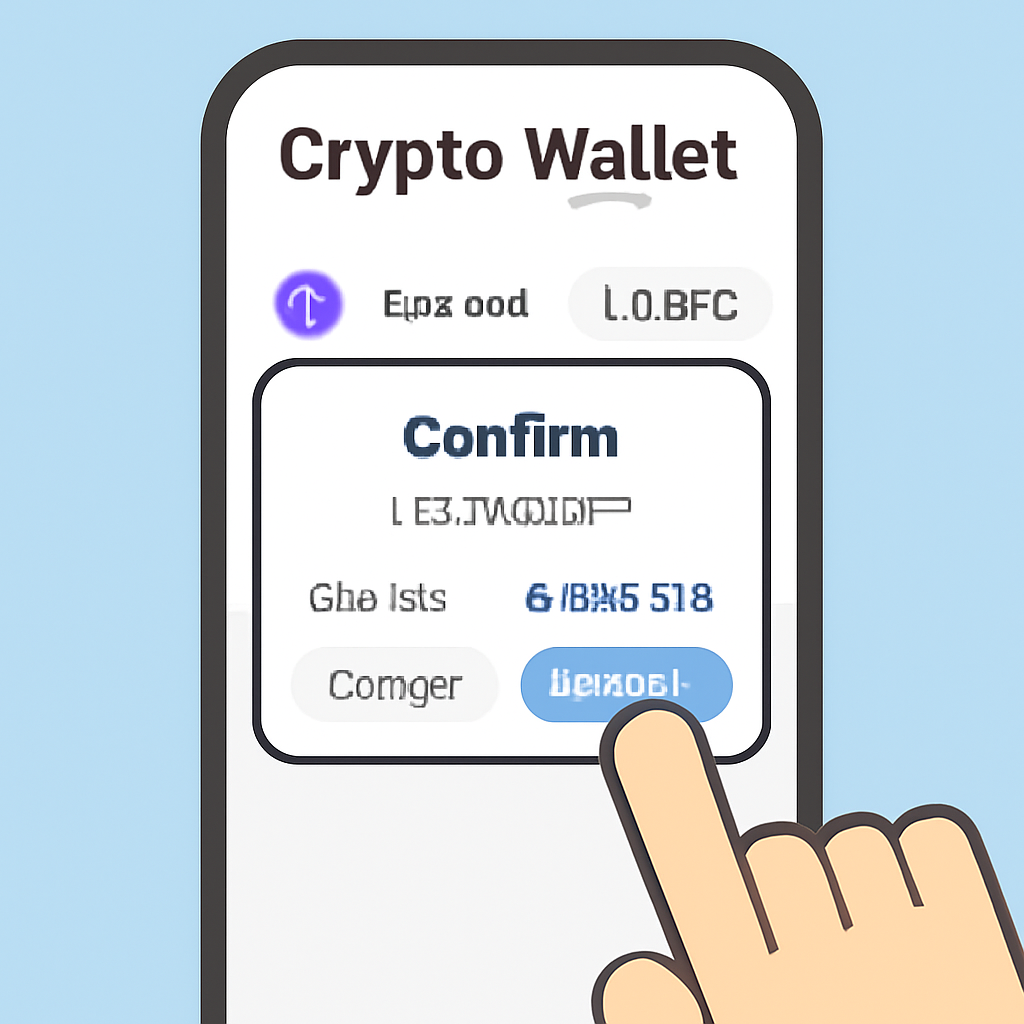
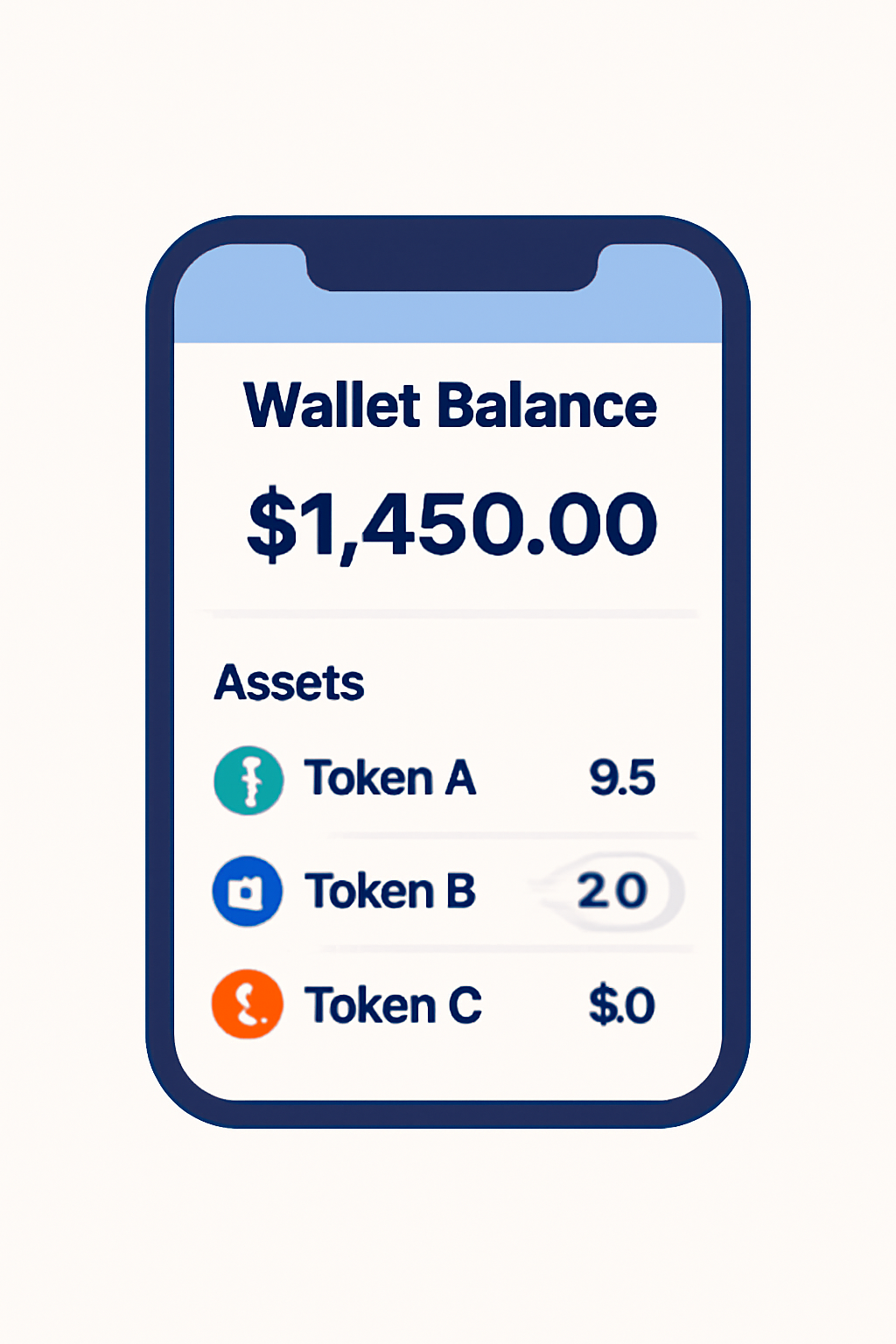
Claiming Crypto Airdrops with Binance Web3 Wallet: A Visual Step-by-Step Guide

Navigating the ‘Claimable’ Rewards Section
The magic starts once you’re inside your Web3 Wallet. Tap on the ‘Claimable’ tab, this is where available rewards and upcoming airdrops are listed. Each entry details the project name (such as $BARD or Ark of Panda), token type, amount eligible for claim, and expiration date.
- Review eligibility: Only tokens you qualify for will appear here.
- Check expiration dates: Each reward has a clear deadline, miss it, and those tokens are gone forever.
- Understand network fees: Some claims may require minor gas fees depending on the blockchain network.
If you’re unsure about your eligibility or worried about missing out, set reminders or check back regularly, the landscape changes quickly as new projects launch their campaigns.
Avoiding Common Pitfalls When Claiming Airdrops
The promise of free tokens often attracts scammers. Always confirm that you are connecting your wallet only through official Binance channels or legitimate project websites. Never share your seed phrase or private keys, Binance will never ask for them during the claim process.
- Double-check URLs: Only use official links provided by Binance or trusted partners.
- Avoid suspicious pop-ups: If prompted for sensitive information outside standard wallet connections, stop immediately.
- Monitor transaction details: Before confirming any transaction (especially if gas fees are involved), review all details carefully.
Staying vigilant is the best defense. If something feels off during your airdrop claim, pause and verify directly on Binance or with the project’s official support. Remember, legitimate airdrops never require you to send funds or disclose sensitive information.
What to Do After Claiming Your Tokens
Once your claim is successful, it’s time to make those tokens work for you. Head back to your Web3 Wallet and check that the new assets have been credited. You can:
- Hold for future growth: Many airdropped tokens gain value as projects expand their ecosystem.
- Trade on Binance: Convert your new tokens into other cryptocurrencies or stablecoins within the Binance trading interface.
- Withdraw externally: Move your tokens to another wallet if you prefer self-custody or plan to interact with decentralized apps outside Binance.
If you’re unsure about the best move, research each project’s roadmap and community sentiment before making decisions. Some airdrops, like $BARD or Ark of Panda (AOP), may offer additional utility such as staking rewards or governance participation, don’t miss out on these perks by leaving tokens idle.
Track upcoming campaigns regularly via the ‘Claimable’ section and subscribe to project updates, timing is everything. Diversifying across multiple projects can also help smooth out volatility and increase your odds of landing valuable allocations.
Frequently Asked Questions: Binance Wallet Airdrops
Final Thoughts: Staying Secure While Seizing Opportunities
The world of crypto airdrops is dynamic, new projects launch, eligibility rules shift, and token values fluctuate. By using the robust features of the Binance Web3 Wallet and following this Binance Wallet airdrop guide, you put yourself in pole position to capture emerging value while minimizing risk.
If you’re seeking more hands-on guidance, community forums and trusted social channels can be invaluable resources for sharing experiences and tips around claims like $BARD or Ark of Panda (AOP).
With every successful claim, your crypto portfolio becomes more diversified, a key pillar of resilience in any investment strategy. Stay curious, stay cautious, and keep building toward your financial goals one opportunity at a time.




No comments yet. Be the first to share your thoughts!