
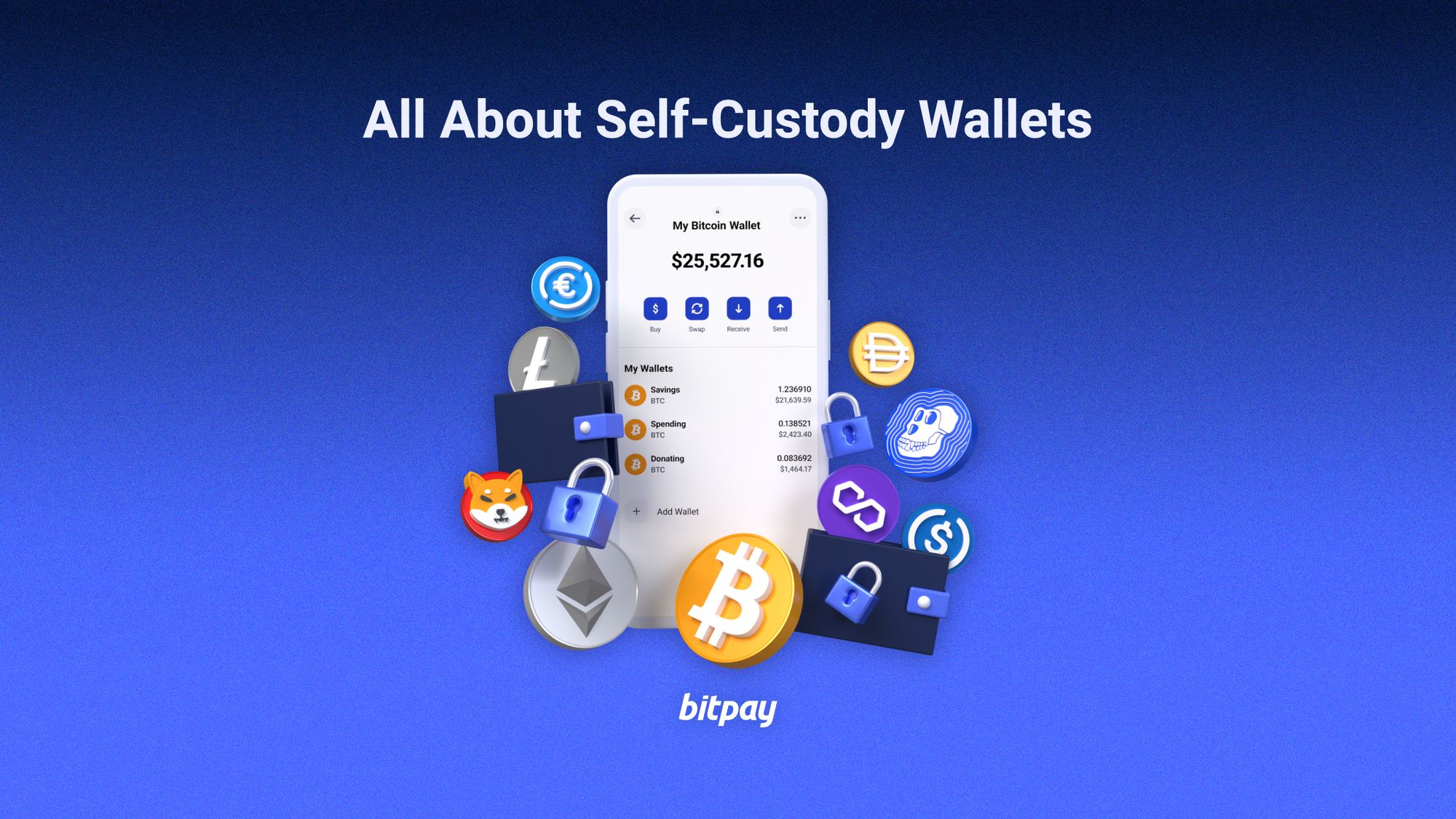
Choosing the right self-custody wallet
In 2026, the distinction between hot and cold wallets remains the primary filter for asset security. A hot wallet connects to the internet, offering convenience for daily transactions but exposing private keys to remote threats. A cold wallet operates offline, keeping those keys isolated from network attacks. For high-stakes holdings, this isolation is not a feature; it is the baseline requirement for survival.
Self-custody means holding the private keys yourself. If you leave your assets on an exchange, you are lending them to a third party. When that party fails, your assets vanish. The industry adage "not your keys, not your coins" is not a slogan; it is a risk assessment. You must verify that the device you purchase actually generates and stores keys offline, without ever exposing them to a connected computer or phone.
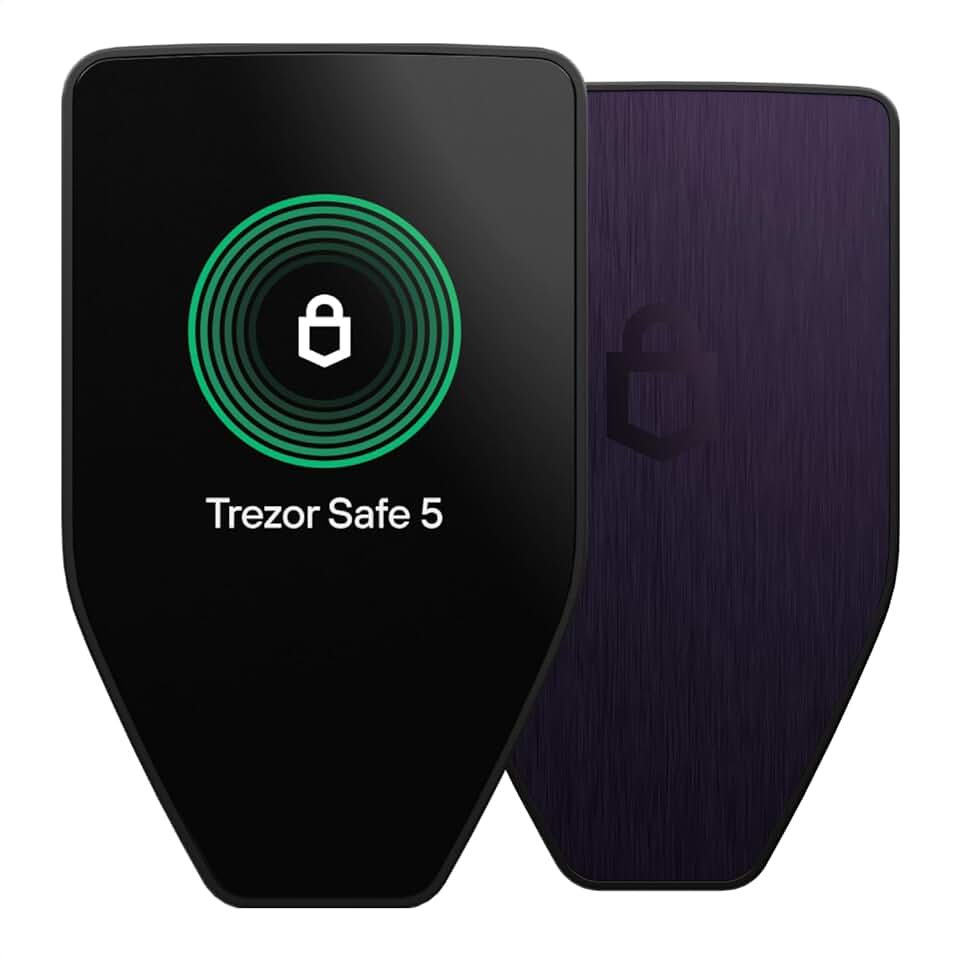
The hardware landscape has matured. Devices like the Ledger Stax and Trezor Safe 7 now offer intuitive interfaces and robust chip-level security, making self-custody accessible without sacrificing safety. However, hardware is only as strong as the user's discipline. You must pair reliable hardware with strict operational security, ensuring your recovery phrase is stored physically and securely, away from digital traces.
For those ready to move their assets off exchanges, selecting the right hardware is the first step. The following products represent the current standard for secure, self-custodied storage.


As an Amazon Associate, we may earn from qualifying purchases.
Best hardware wallets for maximum security
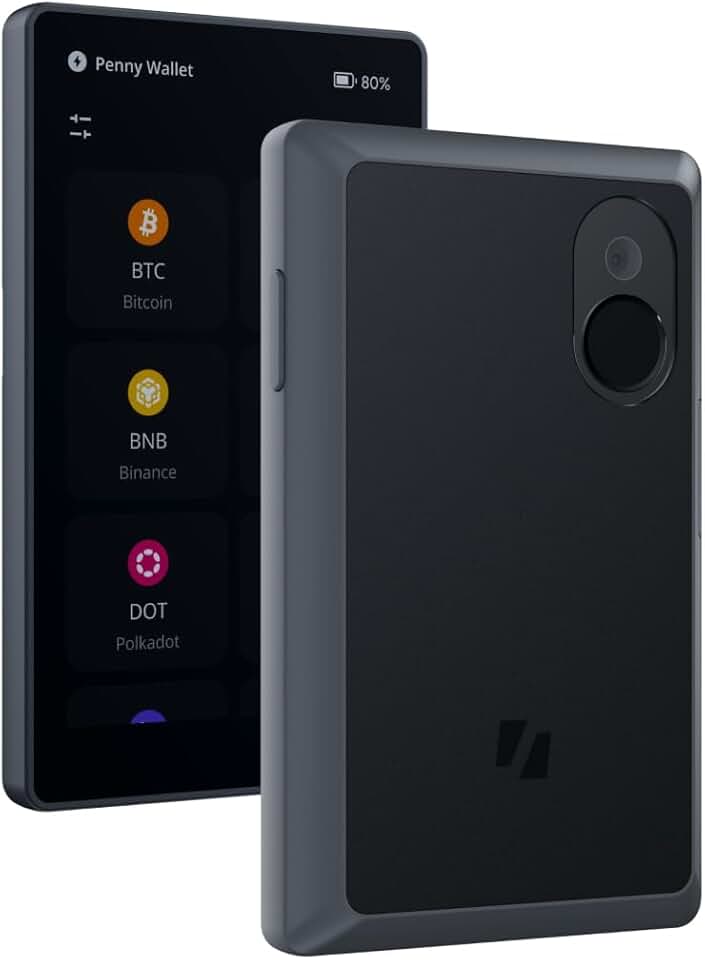
When the stakes involve significant capital, software wallets are insufficient. The gold standard for cold storage relies on dedicated hardware devices that isolate private keys from internet-connected computers. Ledger, Trezor, and Keystone have established themselves as the primary manufacturers of these air-gapped or physically secured devices. Each offers a distinct approach to key isolation, but all prioritize the fundamental requirement: keeping your keys offline.
The Ledger Stax leads this tier with its E Ink curved display and secure element chip. It supports Bluetooth connectivity for mobile use while maintaining a physical disconnect for signing transactions. The Trezor Safe 7 takes a different path, emphasizing open-source firmware and a tactile confirmation button that prevents remote coercion. Keystone 3 Pro goes further by being completely offline; it uses QR codes to communicate with your phone, eliminating any physical or wireless port that could be exploited.
Choosing among these requires matching the device to your threat model. If you need daily convenience with high security, the Ledger Stax or Trezor Safe 7 are appropriate. If you are storing long-term holdings and want to eliminate all electronic attack surfaces, the Keystone 3 Pro’s air-gapped design is the superior choice. Always purchase directly from the manufacturer to avoid supply chain tampering.
| Model | Connectivity | Screen | Supported Coins |
|---|---|---|---|
| Ledger Stax | USB-C, Bluetooth | 4.0" E Ink | 5,500+ |
| Trezor Safe 7 | USB-C | 1.28" Color LCD | 1,800+ |
| Keystone 3 Pro | QR Code (Air-gapped) | 5.46" E Ink | 5,000+ |


As an Amazon Associate, we may earn from qualifying purchases.
Top software wallets for daily trading
Hot wallets are the digital equivalent of keeping cash in your pocket. They live on the internet, offering immediate access to your funds for trading, DeFi interactions, and NFT management. Because they are constantly connected, they carry higher security risks than cold storage solutions. You should only keep the amount you need for daily operations in these wallets.
MetaMask
MetaMask remains the industry standard for Ethereum and Layer 2 networks. It functions as a browser extension and mobile app, allowing you to interact directly with decentralized applications (dApps). Its widespread adoption means it is supported by nearly every major DeFi protocol. However, this ubiquity also makes it a frequent target for phishing attacks. Always verify contract addresses before signing transactions.
Phantom
For users operating in the Solana ecosystem, Phantom is the essential tool. It offers a clean, intuitive interface that simplifies the complex process of managing Solana tokens and NFTs. Beyond Solana, it has expanded to support Ethereum and other chains, making it a versatile choice for multi-chain traders. Its speed and low transaction fees on Solana make it ideal for high-frequency trading.
Coinbase Wallet
Coinbase Wallet provides a self-custody solution that bridges the gap between centralized exchanges and decentralized finance. Unlike the Coinbase exchange app, this wallet gives you full control over your private keys. It is particularly useful for users who want to move assets from a centralized platform to DeFi protocols without withdrawing to a separate cold wallet. It supports a wide range of tokens and integrates seamlessly with popular dApps.

As an Amazon Associate, we may earn from qualifying purchases.
Hardware vs software wallet choices that change the plan
Choosing between a hardware wallet and a software wallet is a decision about risk tolerance, not just convenience. Hot wallets (software) connect directly to the internet, making them ideal for frequent trading but exposing your keys to online threats. Cold wallets (hardware) keep private keys offline, offering superior security for long-term storage but adding friction to daily transactions.
For most investors, the strategy is simple: use a software wallet for active trading funds and a hardware wallet for savings. If you hold significant assets, the security of a device like the Ledger Stax or Trezor Safe 7 is non-negotiable. If you only trade small amounts daily, a software wallet like Phantom or Trust Wallet may suffice.
The table below compares the core tradeoffs. Use it to align your wallet choice with your holding size and activity level.
| Feature | Hot Wallet (Software) | Cold Wallet (Hardware) |
|---|---|---|
| Security Level | Lower (online exposure) | Higher (offline keys) |
| Convenience | High (instant access) | Lower (requires device) |
| Best For | Daily trading, small amounts | Long-term holding, large amounts |
| Examples | Phantom, Trust Wallet | Ledger Stax, Trezor Safe 7 |


As an Amazon Associate, we may earn from qualifying purchases.
If you are just starting out with small amounts, a software wallet is a practical entry point. However, as your portfolio grows, the cost of a potential hack far outweighs the price of a hardware device. Always prioritize security for assets you intend to hold for more than a few weeks.
Frequently asked questions about wallet security
What crypto to hold in 2026?
Bitcoin (BTC) remains the primary asset for cold storage in 2026. The launch of spot Bitcoin ETFs has channeled significant liquidity from traditional markets into the token, reinforcing its status as the flagship digital store of value. For most users, securing BTC in a device like the Ledger Stax or Trezor Safe 7 offers the best balance of security and accessibility.
Can I recover my funds if I lose my Ledger or Trezor?
Yes. Your physical device is merely a tool for signing transactions; it does not hold your funds. Recovery depends entirely on your 24-word seed phrase, which you wrote down on paper during setup. If you lose your hardware, you can restore your assets on any compatible wallet by entering that exact seed phrase. Never store this phrase digitally or share it with support teams.
Is it safe to keep crypto on a hot wallet?
Hot wallets connected to the internet are vulnerable to remote exploits and phishing. While convenient for small, daily transactions, they are not suitable for long-term holdings. For significant assets, use a hardware wallet like the Keystone Pro, which keeps private keys air-gapped from the internet, or keep only what you need for immediate spending in a software wallet.
No comments yet. Be the first to share your thoughts!