
Choosing the right wallet type
The first decision in securing your digital assets is determining whether you need a hot wallet or a cold wallet. This distinction defines how your private keys interact with the internet, which directly impacts your security posture.
Hot wallets are software applications that maintain an active connection to the blockchain. They offer convenience for frequent transactions, such as trading on decentralized exchanges or making daily purchases. However, because they are online, they remain exposed to potential remote attacks, phishing attempts, and malware. For significant holdings, relying solely on a hot wallet introduces unnecessary risk.
Cold wallets, specifically hardware devices, store your private keys on a physical unit that never connects to the internet. This air-gapped approach ensures that even if your computer is compromised, your funds remain secure. For 2026, hardware wallets are the standard recommendation for anyone holding substantial value. Leading models like the Ledger Flex and Trezor Safe 5 provide robust security features while maintaining user-friendly interfaces for managing diverse crypto portfolios.
Selecting the correct type depends on your usage pattern. Use hot wallets for small, liquid amounts needed for daily activity. Reserve cold wallets for long-term storage of your primary wealth. This division of labor balances accessibility with the highest level of protection available.
Top hardware wallets for security
Hardware wallets remain the standard for securing digital assets because they keep private keys offline, isolated from internet-connected devices. This air-gapped approach significantly reduces the attack surface for remote hacks. For 2026, the market leaders have refined their hardware to balance robust security with improved daily usability.
The Ledger Flex has emerged as a strong contender for the best overall hardware wallet. It features a flexible e-ink display that allows for easy transaction verification on the device itself, rather than relying solely on a companion app. This physical confirmation step is critical for preventing man-in-the-middle attacks where a compromised computer might display a false address. Ledger’s long-standing reputation and broad support for thousands of assets make it a reliable choice for most users.
For those prioritizing open-source transparency, the Trezor Safe 5 offers a compelling alternative. Trezor’s commitment to open-source firmware allows independent security researchers to audit the code, providing an extra layer of trust for privacy-focused investors. The Safe 5 model introduces a touchscreen interface, making navigation more intuitive than previous button-based models while maintaining the same rigorous security standards. Its integration with the Trezor Suite software ensures a smooth experience for managing portfolios.
Tangem represents a different approach to hardware security by using card-shaped devices that interact via NFC (Near Field Communication) with smartphones. This design eliminates the need for cables or screens on the device itself. The private keys are stored on secure chips within the cards, and users can sign transactions simply by tapping the card against their phone. This method is particularly appealing for beginners who want a simple, durable, and loss-resistant backup solution without complex setup procedures.


As an Amazon Associate, we may earn from qualifying purchases.
Best software wallets for daily use
Software wallets are the go-to choice for active traders and DeFi users who need immediate access to their assets. Unlike hardware wallets, which require physical interaction for every transaction, software wallets run directly on your smartphone or computer. This convenience comes with a higher security risk because your private keys are stored on an internet-connected device, making them more vulnerable to malware and phishing attacks.
For daily operations, speed and multi-chain support are often more valuable than maximum security. The following wallets are selected for their reliability, interface quality, and ability to handle complex DeFi interactions without constant friction.
Trust Wallet
Trust Wallet is widely recognized as the best multichain wallet for 2026. Owned by Binance, it supports a massive range of assets across multiple blockchains, including Ethereum, Solana, and BNB Chain. Its built-in DApp browser allows users to interact directly with decentralized exchanges and lending protocols, making it a strong contender for DeFi enthusiasts who need a single app for all their on-chain activities.
Exodus
Exodus offers a polished, beginner-friendly interface that simplifies the management of over 250 crypto assets. Available on both desktop and mobile, it features an integrated exchange tool that allows users to swap tokens directly within the app. While it lacks the deep DeFi integration of Trust Wallet, its clean design and robust security features make it an excellent choice for users who prioritize ease of use and visual clarity.
MetaMask
MetaMask remains the industry standard for Ethereum and EVM-compatible chains. It is the default wallet for most decentralized applications, from NFT marketplaces to yield farming platforms. While it primarily focuses on the Ethereum ecosystem, its browser extension and mobile app provide the essential infrastructure needed to manage the broader DeFi landscape. Users should be aware that its interface can feel technical to newcomers.
| Wallet | Primary Chains | Best For |
|---|---|---|
| Trust Wallet | Multi-chain (ETH, SOL, BSC) | DeFi and multi-chain trading |
| Exodus | 250+ assets (Multi-chain) | Beginners and portfolio tracking |
| MetaMask | Ethereum and EVM-compatible | DeFi and DApp interaction |
How to set up a hardware wallet
Setting up a hardware wallet like the Ledger Flex or Trezor Safe 5 is a one-time process that secures your private keys offline. The goal is to generate a unique seed phrase that only you can access, ensuring that even if the device is lost or stolen, your assets remain safe. Follow this workflow to initialize your device securely.
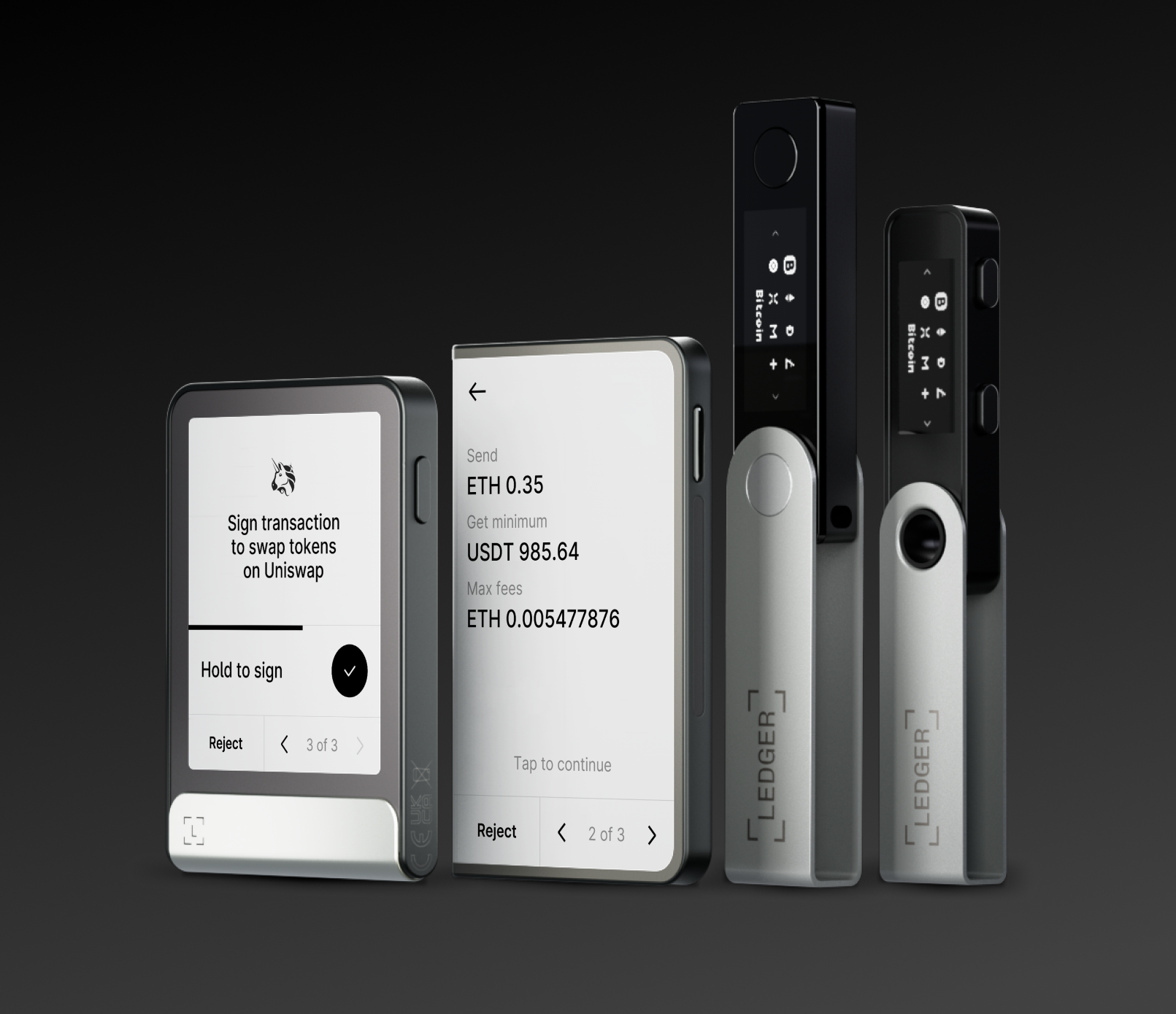
Never purchase a hardware wallet from third-party marketplaces like Amazon or eBay, where devices may be tampered with before shipping. Always order directly from the manufacturer’s official website (Ledger.com or Trezor.io) or an authorized reseller. This ensures the device arrives in a sealed, untampered package.

Before connecting the device, inspect the packaging for any signs of resealing. Check that the security stickers are intact and that the device model matches your order. If anything looks suspicious, do not proceed. Contact the manufacturer immediately for a replacement.
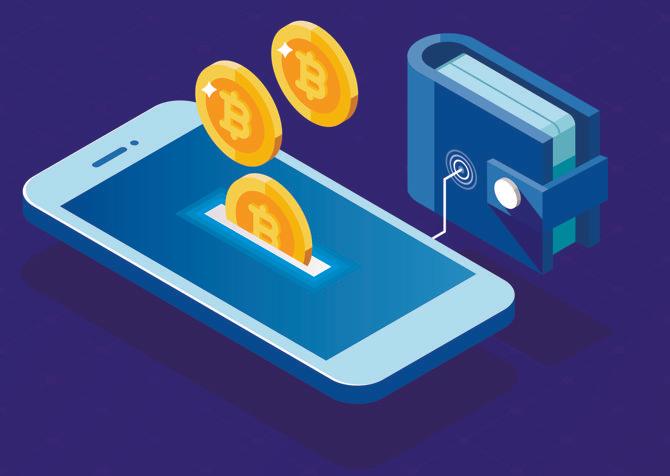
Connect your hardware wallet to a trusted, malware-free computer. Download the official companion software (Ledger Live or Trezor Suite) directly from the vendor’s site. Avoid using public computers or browsers with active extensions that could log keystrokes during the setup process.
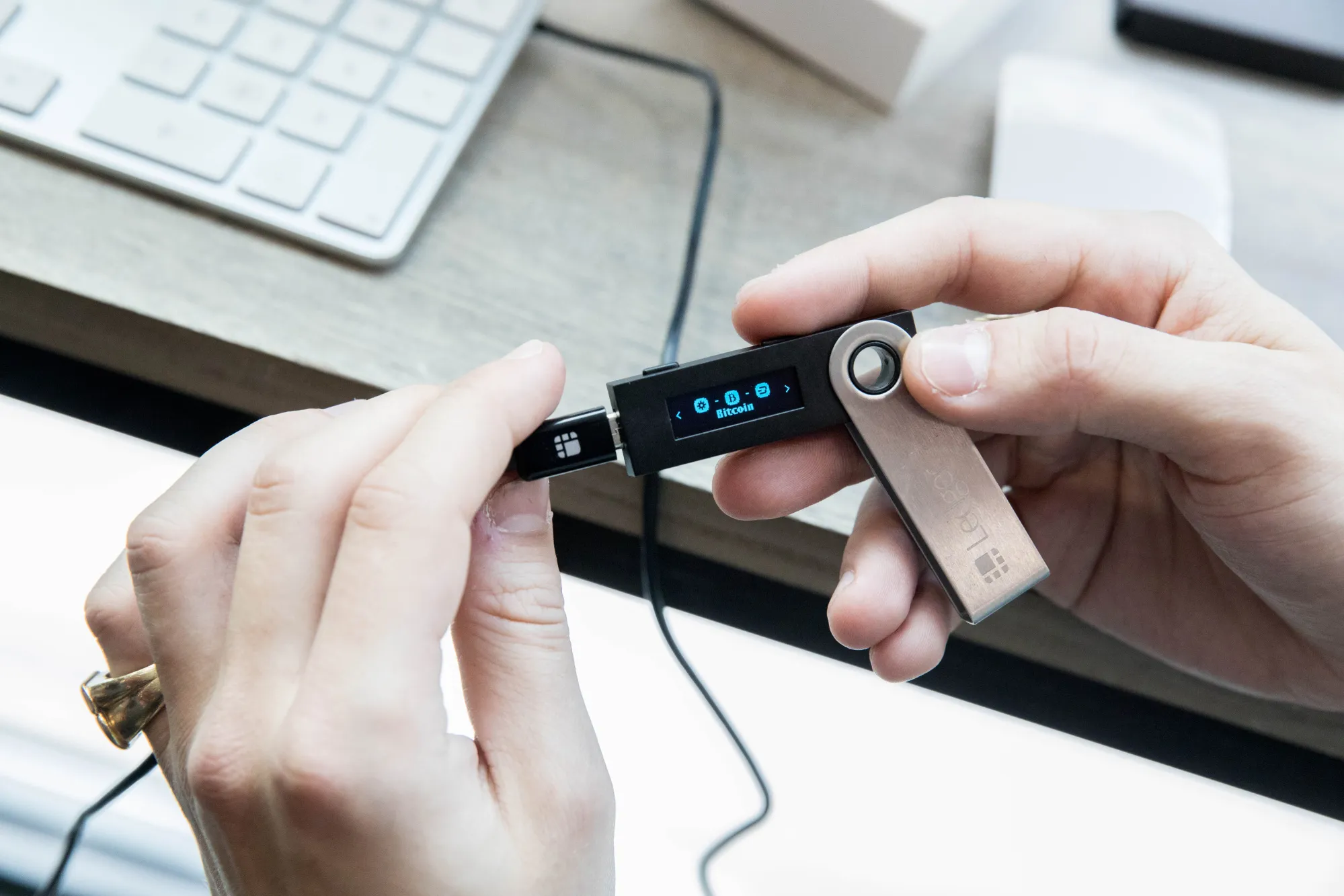
During initialization, the device will generate a 24-word recovery phrase. Write these words down on the provided card or a high-quality paper backup. Never store this phrase digitally—no photos, no cloud notes, no text files. This phrase is the only way to recover your funds if the device is lost or damaged.
The software will ask you to re-enter specific words from your seed phrase to confirm you recorded them correctly. Do not rush this step. Double-check each word’s spelling and order. A single mistake here means you cannot recover your assets later.
Set a strong PIN code on the device itself. This protects your wallet if the physical device is stolen. Consider enabling a passphrase (BIP39) for additional security, which adds a hidden layer of encryption to your seed phrase, effectively creating a second wallet.
Once setup is complete, you can download your companion app and sync your accounts. Remember: your seed phrase is the master key. If you lose it, your funds are gone forever. Keep it in a fireproof, waterproof safe or a bank deposit box.
No comments yet. Be the first to share your thoughts!