Binance Alpha airdrops have become a hot topic for crypto enthusiasts in 2025, thanks to their generous token rewards and streamlined claiming process. With BNB trading at $1,081.70 as of October 19,2025, and new projects like Merlin Chain (MERL) and SavannaSurvival (SVSA) launching regular campaigns, knowing exactly how to claim these airdrops can give you a real edge. This guide will walk you through the precise steps, including eligibility checks, task completion, and how to claim and document your rewards, screenshots included for every stage.
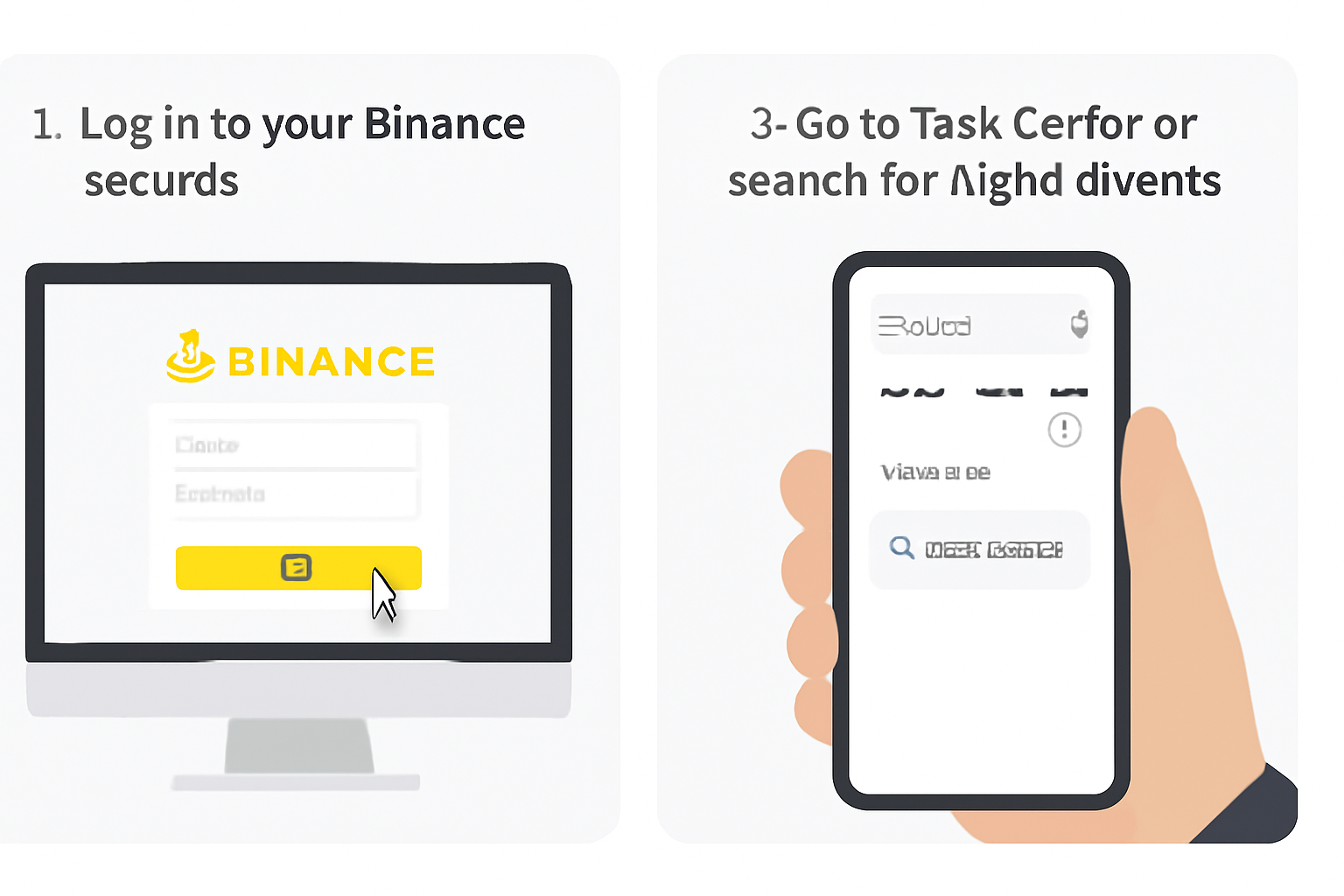
Step 1: Log In and Locate Alpha Events or Task Center
Begin by logging into your Binance account. From the homepage, either navigate to the Task Center or use the search function to find Alpha Events. This is your hub for discovering ongoing and upcoming airdrop campaigns.

Tip: Bookmark the Alpha Events page for easy access, as new airdrops, sometimes available almost daily, are posted here first. This is where you’ll find campaigns for tokens like Merlin Chain MERL and SavannaSurvival SVSA.
Step 2: Verify Your Eligibility for the Airdrop
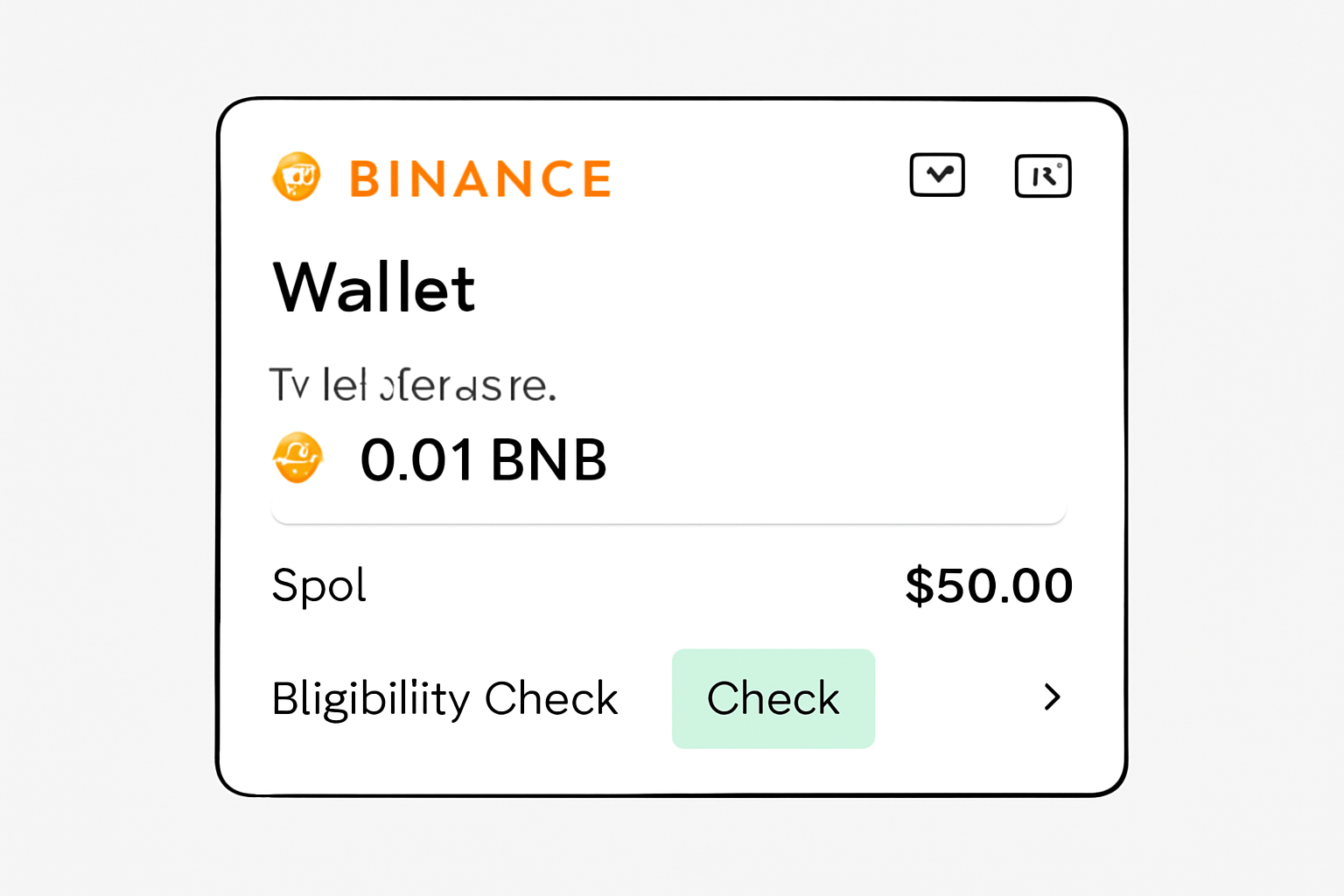
Eligibility is straightforward but essential. To participate in any Binance Alpha airdrop, you must:
- Hold at least 0.01 BNB in your Binance account or
- Have traded at least $50 in spot markets during the campaign period
Check your balances and trading history to confirm you meet these requirements. If you’re unsure, the Task Center will often display your current status for each campaign.
Don’t skip this step, if you don’t meet the minimums, you won’t be able to proceed with claiming the airdrop.
Step 3: Complete the Required Tasks for the Specific Campaign
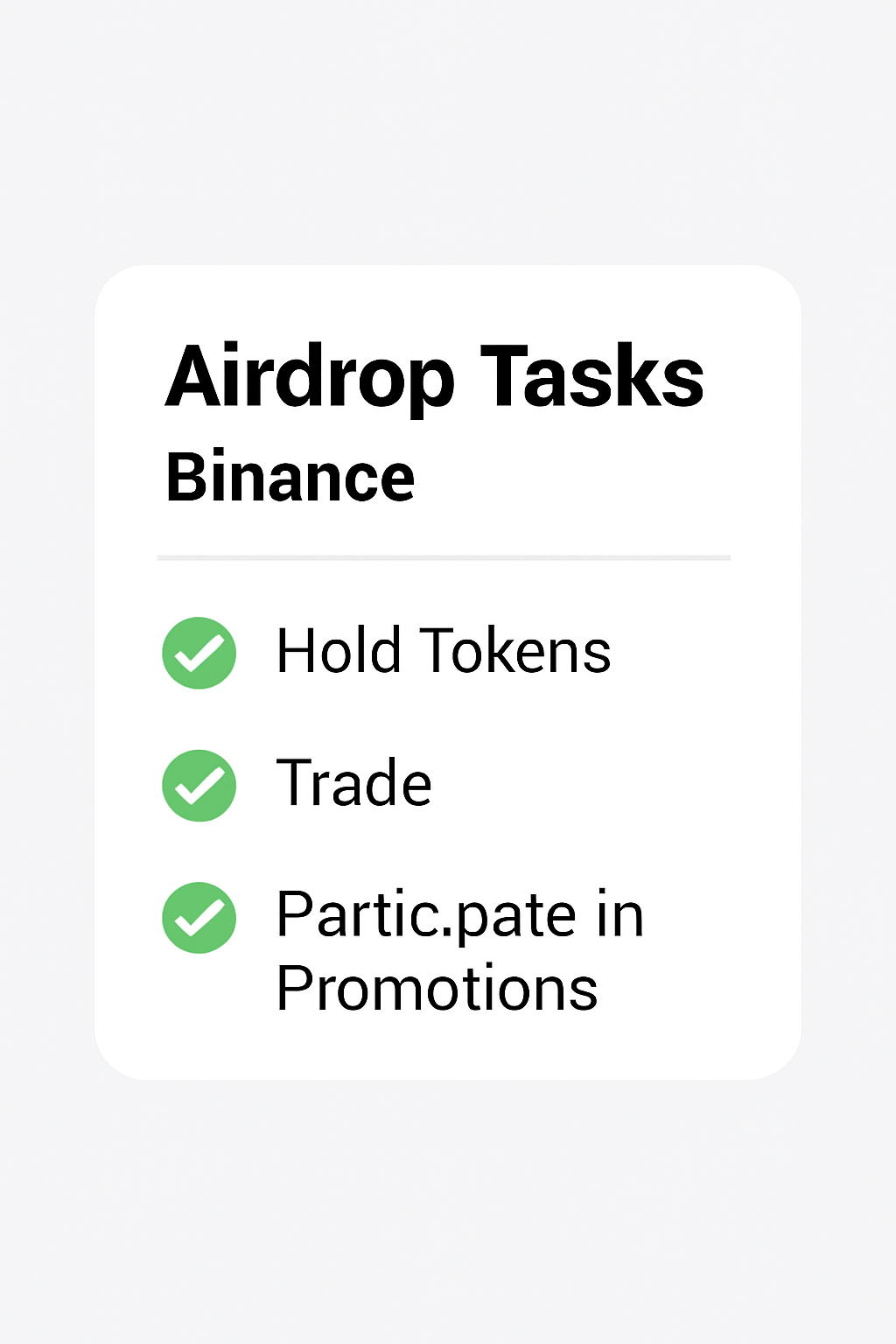
Each Alpha airdrop campaign, such as Merlin Chain MERL or SavannaSurvival SVSA, will have its own set of tasks. These can include:
- Holding a certain asset (e. g. , 0.01 BNB)
- Trading a minimum volume (e. g. , $50 and in spot)
- Participating in promotional activities or quizzes
Carefully follow the instructions listed in the campaign details on the Alpha Events or Task Center page. As you complete each task, take a screenshot for your records, this can help resolve any disputes or issues with reward distribution.
Step 4: Claim Your Alpha Points or Airdrop Allocation
Once all tasks are completed, return to the Alpha Events or Task Center page. You’ll see a “Claim” button next to the relevant airdrop campaign. Click it to claim your Alpha Points or directly reserve your token allocation, depending on the campaign’s structure.
For most airdrops, this action will:
- Deduct the required Alpha Points from your balance
- Lock in your eligibility and reserve your tokens
Be sure to take a screenshot of the confirmation page for proof of claim.
Step 5: Check Your Binance Wallet for Credited Tokens
After the claim period ends, airdropped tokens are typically credited to your Binance Spot Wallet within 24, 48 hours. Open your wallet, locate the new tokens, and review the transaction details. Again, take a screenshot for your records, this is especially important for tracking and future reference.
For a detailed visual walkthrough, see our extended guide: How to Claim Binance Alpha Airdrops: Step-by-Step Guide With Visuals.
How to Claim Binance Alpha Airdrops: A Visual Step-by-Step Guide

Now that you’ve claimed your airdrop, it’s crucial to double-check the credited tokens and keep your process well-documented. With BNB currently at $1,081.70, even small airdrop allocations can add up, especially as new projects like Merlin Chain MERL and SavannaSurvival SVSA gain traction. Staying organized ensures you maximize your rewards and are prepared for future campaigns.
Pro Tips for Ongoing Success With Binance Alpha Airdrops
To consistently benefit from Binance Alpha airdrops, adopt these best practices:
Steps to Maximize Binance Alpha Airdrop Rewards
- Log in to your Binance account and navigate to the 'Task Center' or search for 'Alpha Events' on the homepage.Tip: Take a screenshot of your dashboard for proof of login and navigation.
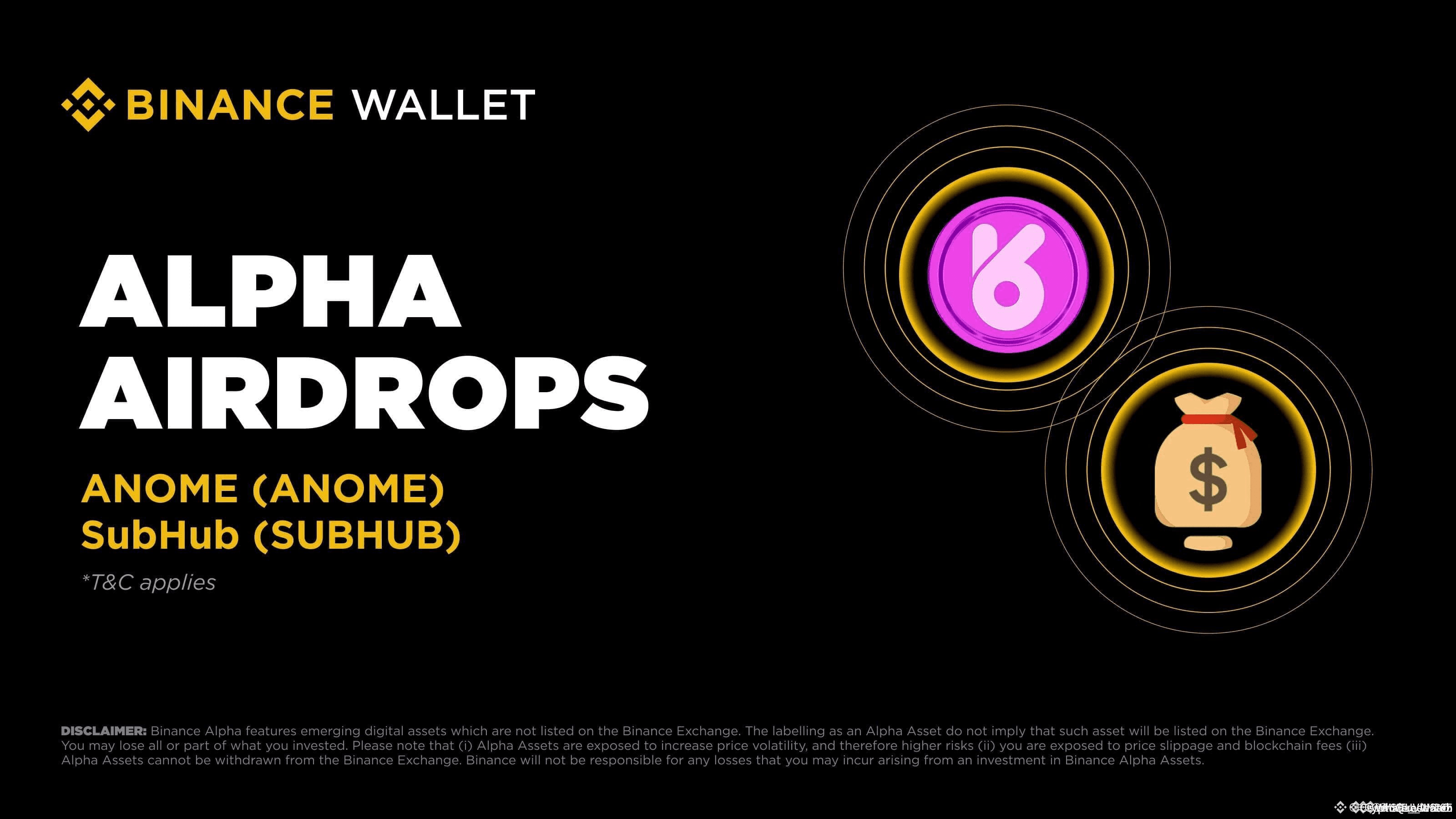
- Verify your eligibility by ensuring you hold at least 0.01 BNB (currently $1,081.70) or have traded $50+ in spot within the campaign period.Tip: Capture a screenshot of your BNB balance or recent trades as evidence.
- Complete required tasks for the specific Alpha airdrop campaign (e.g., Merlin Chain (MERL), SavannaSurvival (SVSA)), such as holding assets, trading, or participating in promotions.Tip: Document your task completion with a screenshot for each step.

- Claim your Alpha Points or airdrop allocation by clicking the 'Claim' button on the Alpha Events or Task Center page once tasks are completed.Tip: Screenshot the claim confirmation for your records.
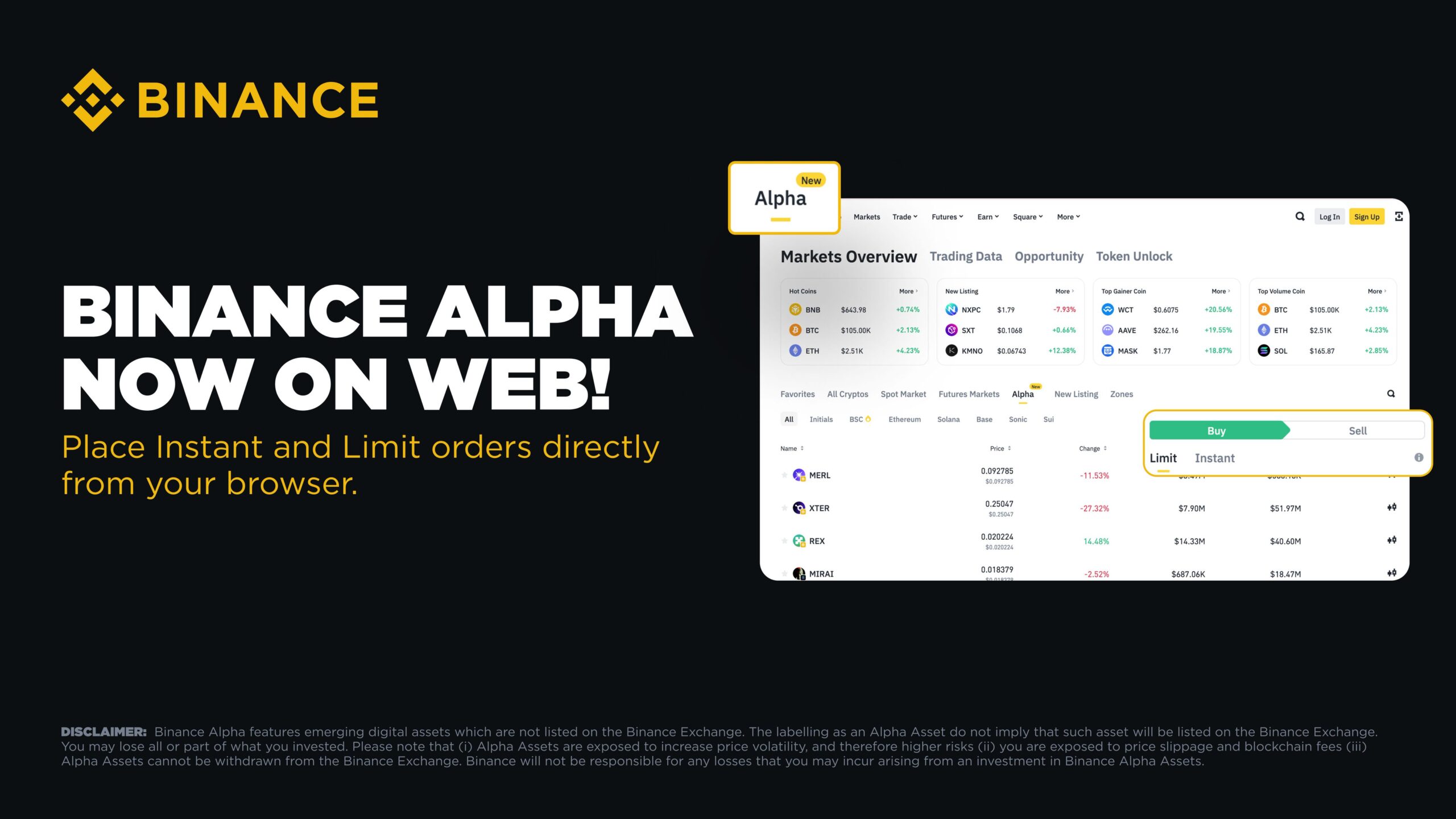
- Check your Binance wallet for the credited tokens and review transaction details; take screenshots at each step for your records to ensure you have proof of participation and rewards.

1. Monitor Alpha Events Daily: Campaigns can appear with little notice and may fill up quickly, especially in Phase 2 when thresholds drop hourly. Make checking the Task Center or Alpha Events part of your daily crypto routine.
2. Complete Tasks Promptly: Don’t wait until the last minute, tasks like holding 0.01 BNB or trading $50 and in spot markets are simple but must be completed before the claim window closes.
3. Maintain Screenshot Records: Take clear screenshots at every stage: eligibility check, task completion, claim confirmation, and wallet credit. These serve as proof if there’s ever a dispute or technical issue.
Why Screenshots Matter: Your Safety Net
Binance processes millions of transactions daily, so keeping visual records is smart risk management. If an airdrop isn’t credited as expected, or if you’re audited during a campaign, screenshots of each step (especially the eligibility check and claim confirmation) can expedite support requests and ensure you don’t miss out on rewards.
What to Do If You Don’t See Your Tokens
If your tokens aren’t credited within 48 hours after the claim window closes:
- Review your screenshots to confirm you completed all steps
- Double-check your Spot Wallet transaction history
- Contact Binance support with your screenshots attached
This proactive approach often results in faster resolutions.
Staying Ahead in the Evolving Airdrop Landscape
The two-phase claiming system introduced in June 2025 means timing is everything. In Phase 1, users with higher Alpha Points (such as 240 and ) get early access; in Phase 2, thresholds drop (down to 200 and or lower), and remaining tokens go fast. To stay competitive:
- Keep earning Alpha Points through eligible activities
- Act quickly when new campaigns launch
- Regularly check for updates on campaign rules or point requirements
The crypto landscape is dynamic, projects like Merlin Chain MERL and SavannaSurvival SVSA are just the beginning. Stay vigilant and flexible to capture future opportunities.
Diversification is the cornerstone of resilience. By participating in multiple campaigns and documenting each step, you’re building both opportunity and security into your crypto strategy.
If you want an even more detailed walkthrough with annotated visuals, see our expanded guide: How to Claim Binance Alpha Airdrops: Step-by-Step Guide With Visuals.




No comments yet. Be the first to share your thoughts!