Budget crypto wallets for 2026
Self-custody doesn't require a premium price tag. The 2026 market splits clearly between entry-level hardware for basic storage and mid-tier devices with advanced interfaces. Choosing the right tier depends on how many assets you hold and whether you need a color screen or just a simple confirmation button.
For beginners, the Trezor One offers the lowest barrier to entry. At approximately $49, it supports over 1,000 cryptocurrencies and provides essential cold storage security without the complexity of higher-end models. It is the practical choice for storing modest amounts of Bitcoin and Ethereum without sacrificing private key protection.
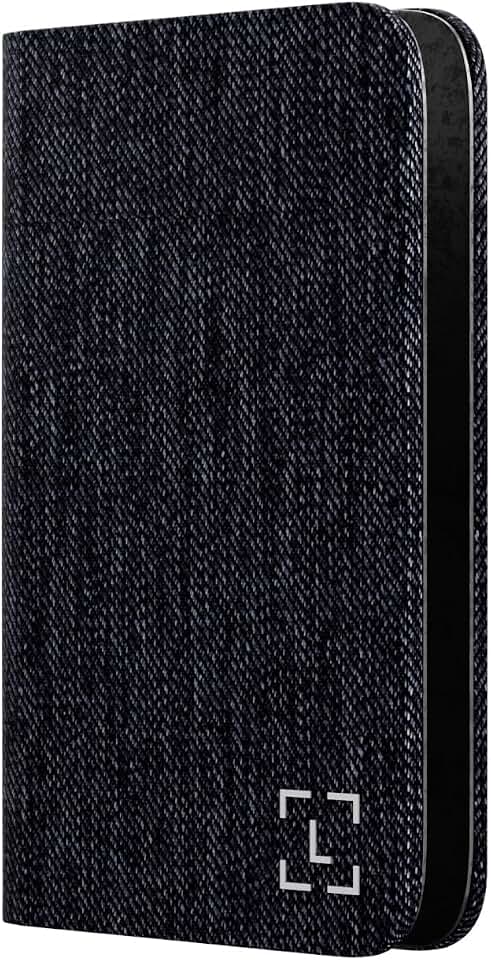
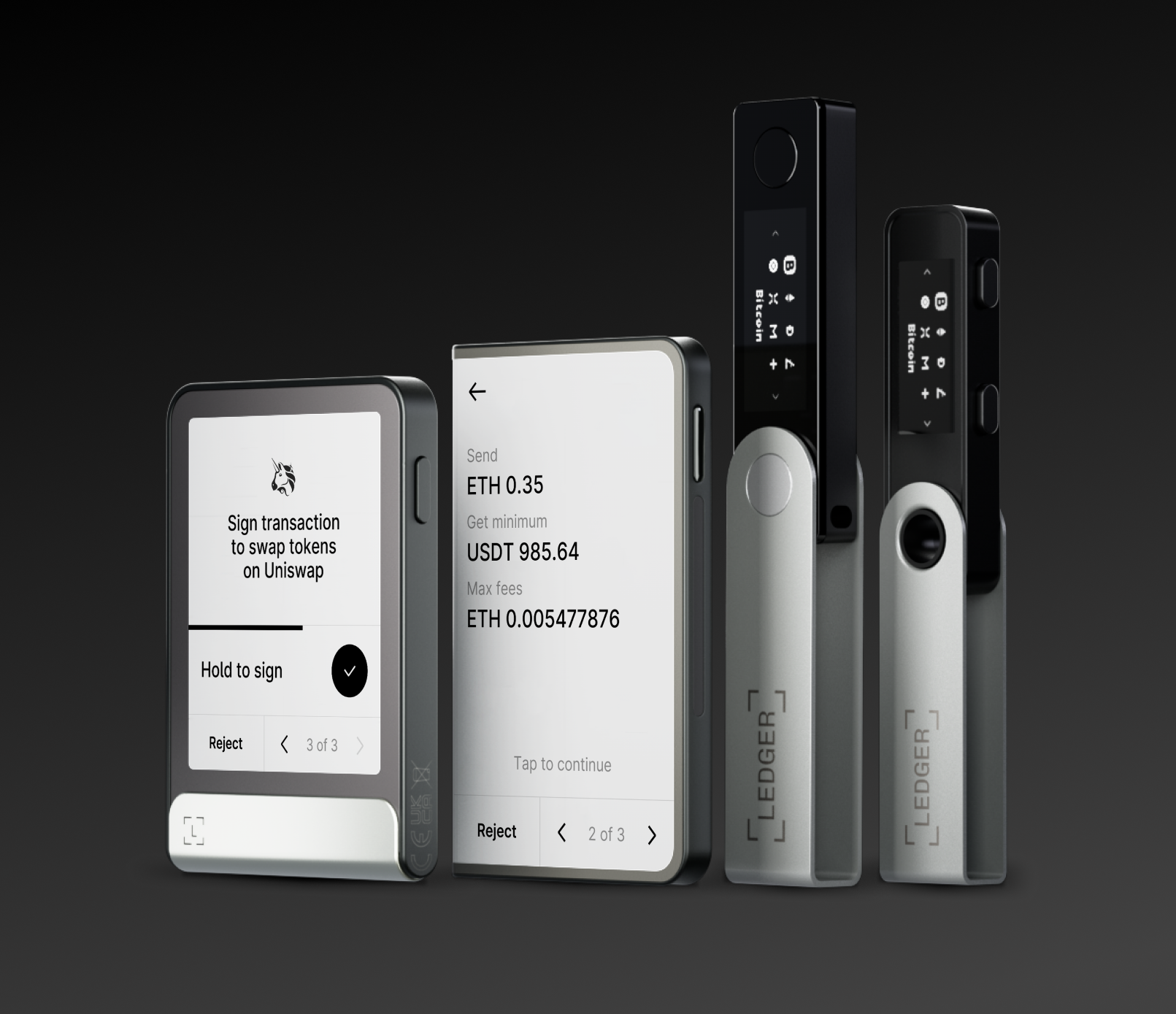
If you want a better interface without breaking the bank, the Ledger Stax stands out as the best overall value in 2026. It combines offline key storage and secure element hardware with an e-ink touchscreen that is easier to read than older models. This balance of security and usability makes it a strong contender for users ready to upgrade from software wallets.

As an Amazon Associate, we may earn from qualifying purchases.
When evaluating budget options, focus on the chip's security rating and the company's track record rather than screen size. A $49 device with a proven secure element is safer than a $150 device with a flashy but unverified interface. Always verify the seller is official to avoid tampered hardware.
Shortlist real options
Choosing the best crypto wallet for 2026 means picking the right tool for your specific needs, whether that is daily trading or long-term storage. The market has split into distinct categories: hardware wallets for maximum security and software wallets for convenience. Below, we compare the strongest contenders across both types.
Hardware Wallets
Hardware wallets keep your private keys offline, making them the most secure option for holding significant assets. They require physical confirmation for every transaction, protecting you from online hacks.
Ledger Stax
The Ledger Stax stands out for its curved E-ink touchscreen, which allows you to verify transaction details visually before signing. It uses a secure element chip to isolate your keys from the connected device. This model is ideal for users who want the highest security without sacrificing modern usability. It supports a wide range of assets and integrates with the Ledger Live app for portfolio management.
Trezor Model T
Trezor offers a transparent, open-source approach to hardware security. The Model T features a color touchscreen and supports password management, making it a versatile tool for crypto enthusiasts. It is known for its robust community support and compatibility with many third-party wallets. If you prioritize software transparency and open-source verification, Trezor is a strong choice.
Software Wallets
Software wallets are free to use and accessible on your phone or browser. They are best for smaller amounts or frequent trading, though they are more vulnerable to malware than hardware options.
MetaMask
MetaMask is the standard for interacting with Ethereum-based decentralized applications (dApps). It is a browser extension and mobile app that makes it easy to swap tokens and manage ERC-20 assets. While convenient for DeFi users, it is less suitable for holding large amounts of Bitcoin or other non-EVM chains.
Trust Wallet
Trust Wallet is a popular mobile-first option that supports over 70 blockchains. It is user-friendly and integrates a built-in DApp browser for easy access to various crypto services. It is a good entry point for beginners who want a single app for multiple types of crypto assets.
| Wallet | Type | Best For | Cost |
|---|---|---|---|
| Ledger Stax | Hardware | High-value storage | $249 |
| Trezor Model T | Hardware | Open-source users | $169 |
| MetaMask | Software | DeFi & Ethereum | Free |
| Trust Wallet | Software | Multi-chain mobile | Free |


As an Amazon Associate, we may earn from qualifying purchases.
When deciding between these options, consider how often you trade. If you are buying and holding, a hardware wallet like the Ledger Stax or Trezor Model T provides the best protection. For active traders who need quick access to decentralized finance, MetaMask remains the industry standard.
How to inspect expensive failure points
Crypto wallets are high-stakes tools. A single hardware fault or software vulnerability can erase years of gains. Because self-custody means you are your own bank, you must verify every expensive component before trusting it with your private keys. This inspection checklist focuses on the parts that fail most often and cost the most to replace.
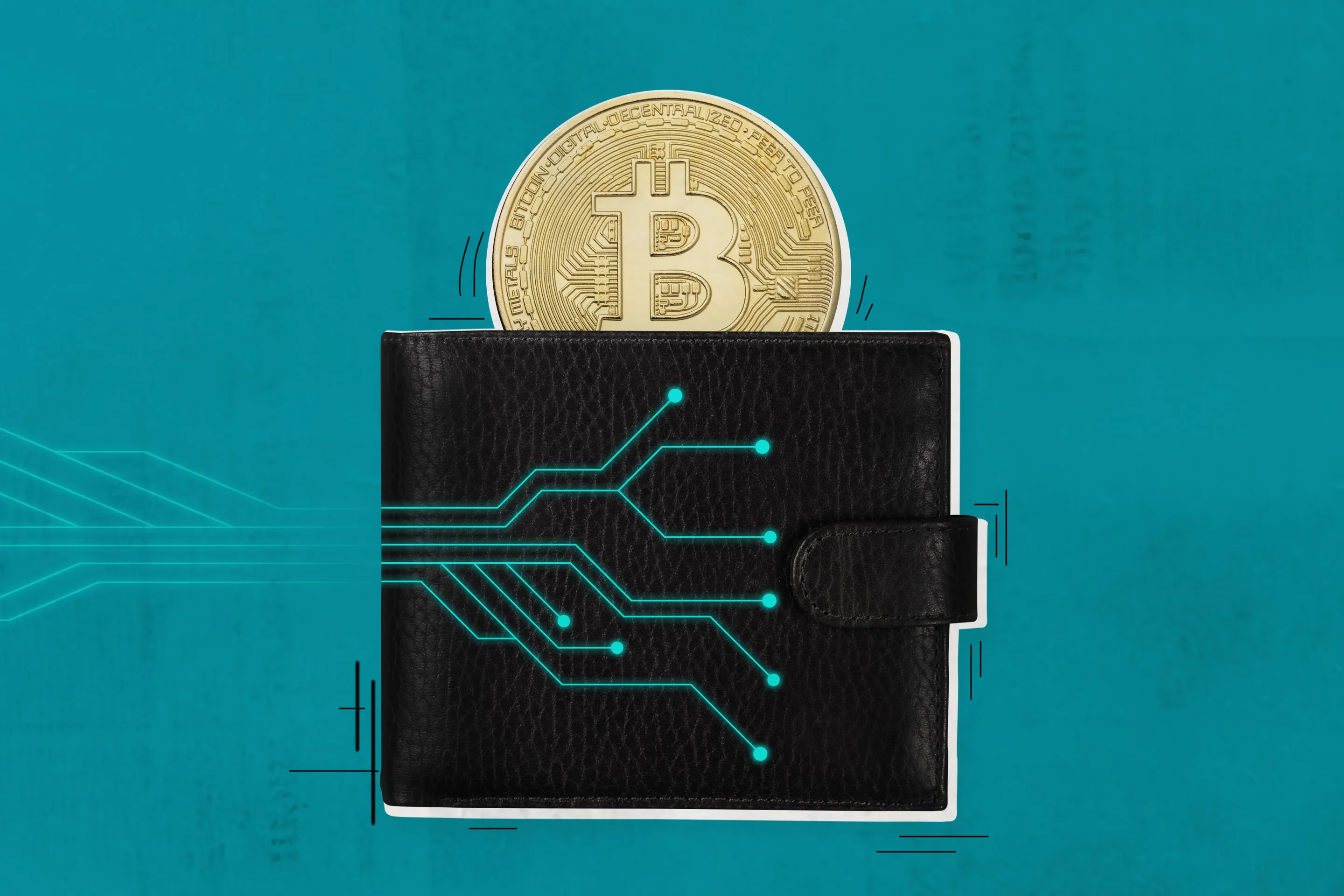
The secure element is the physical chip that stores your private keys. It is the most critical component in any hardware wallet. If this chip is compromised or counterfeit, your funds are gone. Look for wallets like the Ledger Stax, which uses a certified secure element similar to those in passports. This hardware-level isolation ensures that even if your computer is infected with malware, the private keys never leave the device.
Your 12 or 24-word recovery phrase is your only escape hatch. Standard paper backups are vulnerable to fire, water, and theft. Inspect whether the wallet supports metal seed backups, such as those from Billfodl or Cryptosteel. These steel plates resist physical destruction and corrosion. A robust backup strategy should include at least two separate metal backups stored in different secure locations, ensuring you can recover your assets even if one backup is destroyed.

The physical connection point is a frequent point of failure. Cheap USB-C ports can become loose or corroded, preventing your device from communicating with your computer. This can lock you out of your funds until you find a repair shop. Check if the device uses a reinforced port or if it offers alternative connection methods, such as Bluetooth for wireless transactions. For devices like the Trezor One, which often uses older micro-USB or standard USB-C, ensure the cable is high-quality and not prone to fraying.
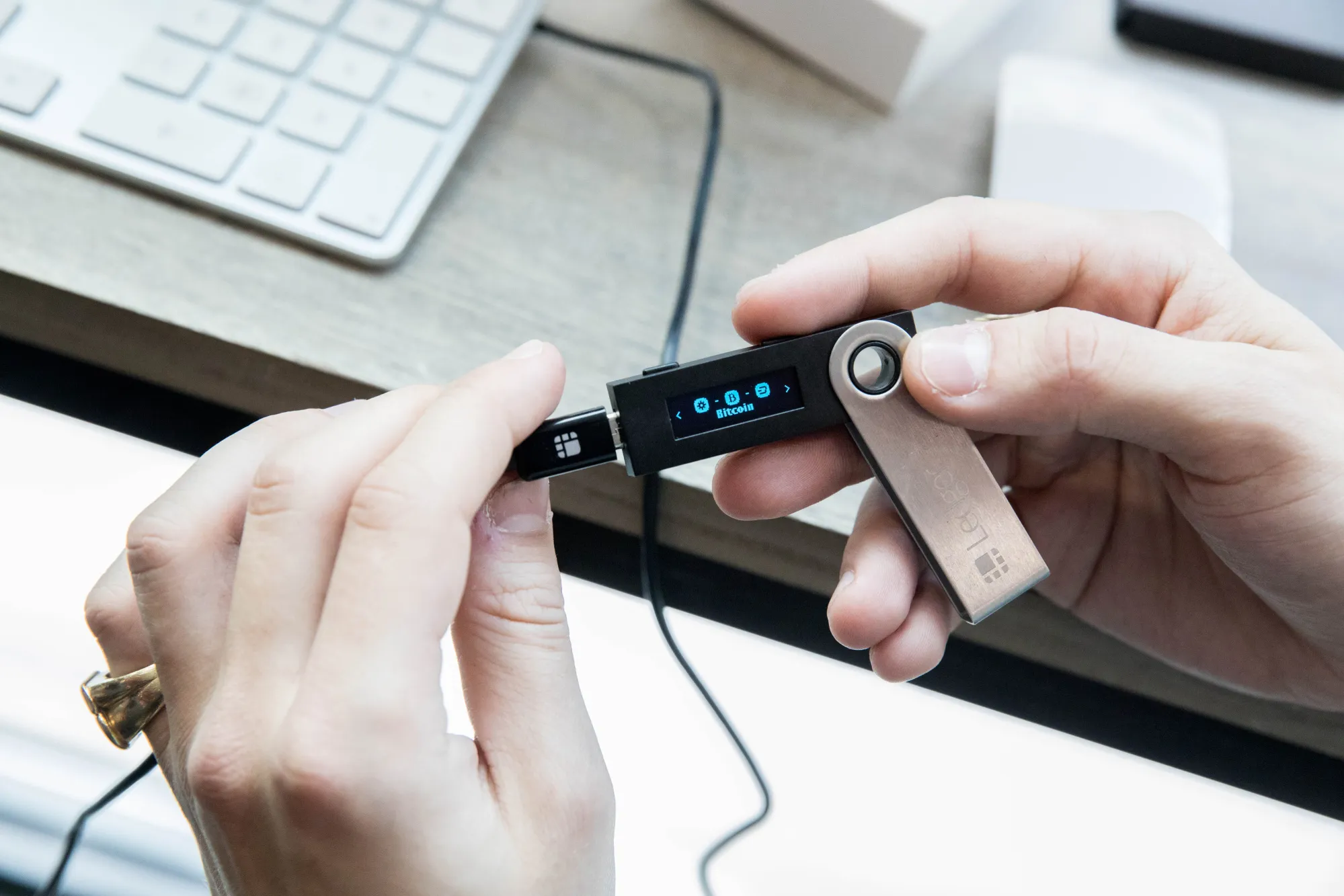
Security threats evolve daily. A wallet that cannot receive firmware updates is a liability. Ensure the device allows for easy, verified firmware updates directly from the manufacturer. Avoid wallets that require complex manual flashing procedures or rely on outdated software. The Ledger Stax and Trezor models both support straightforward updates through their respective desktop applications, ensuring you have the latest security patches against known exploits.
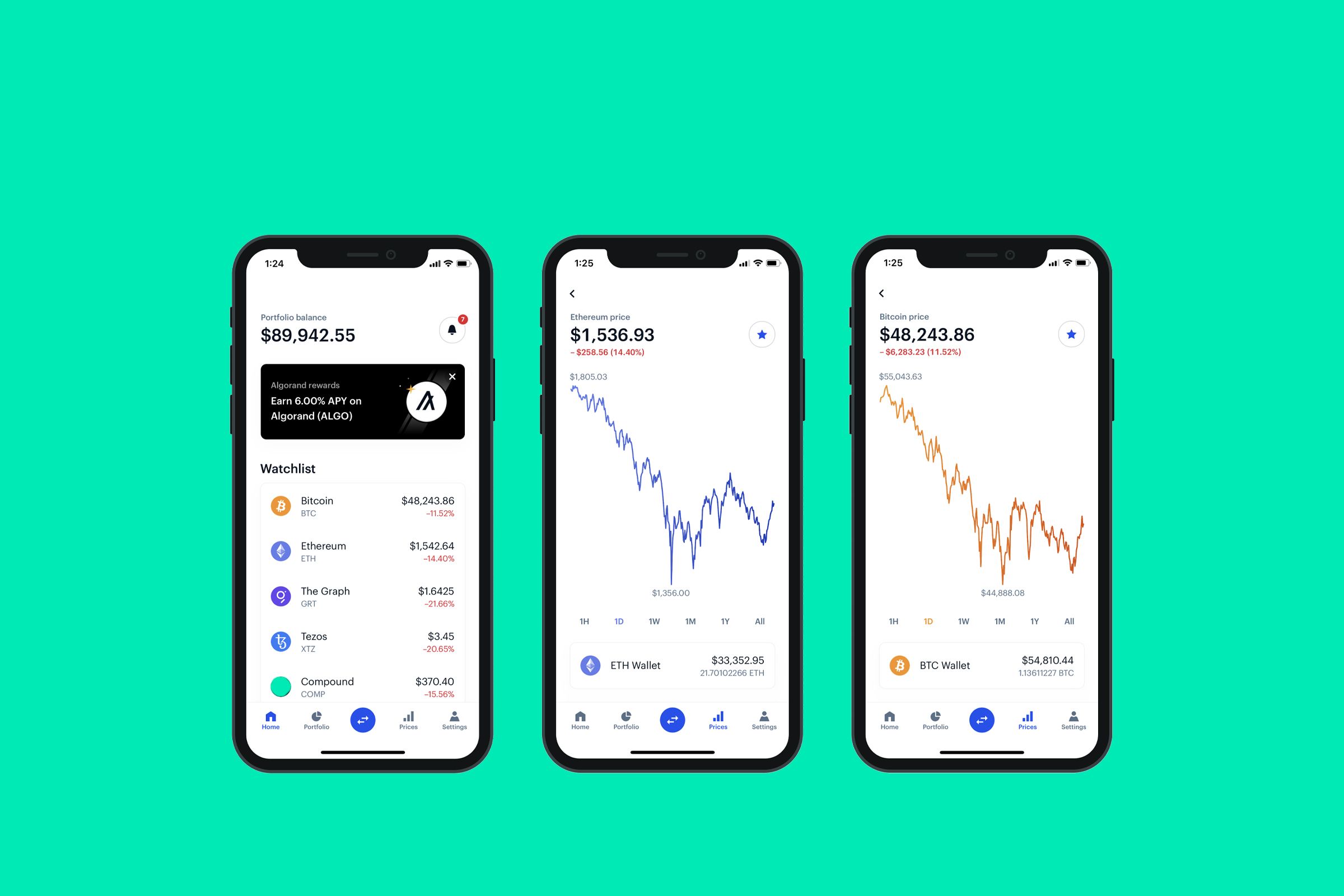
Drop tests are not part of the spec sheet, but they are part of real-world usage. A wallet that feels flimsy or has loose buttons may fail after a few months of handling. Look for devices with sturdy casings and tactile, responsive buttons. The physical interface is your primary defense against screen-spoofing attacks. If the buttons feel mushy or the screen is hard to read in low light, the device is not ready for serious self-custody.
Ownership Costs and Maintenance Surprises
A cheap purchase price rarely tells the whole story of a crypto wallet’s true cost. While hardware wallets like the Trezor One offer a low entry point around $49, the real expenses often emerge through subscriptions, replacement fees, and the hidden cost of complexity. When evaluating self-custody solutions, you must look beyond the initial sticker price to understand what it costs to keep your keys safe over the long term.
Subscription models have become a significant hidden cost in the self-custody space. Many popular software wallets bundle portfolio tracking, tax reporting, and staking dashboards into monthly fees. While these tools add convenience, they create recurring expenses that can outweigh the value if you only need basic storage. For pure cold storage devices like the Ledger Stax, there are no monthly fees, but you may pay for premium insurance services or extended warranties that are often marketed as essential.
Maintenance and replacement costs are another area where budget-conscious buyers get caught off guard. Hardware devices have finite lifespans; batteries degrade, screens crack, and firmware updates eventually stop supporting older models. If you rely on a device for years, you should budget for a replacement unit or a seed phrase backup service. Additionally, some wallets require specialized accessories, such as proprietary cables or screen protectors, which add up quickly if you buy multiple devices.
The most expensive wallet is often the one you lose access to because it was too complex to maintain. If a device requires frequent software updates, complex password resets, or expensive technical support, the friction becomes a cost in itself. Choose a wallet that aligns with your technical comfort level and long-term storage goals, not just the lowest upfront price.


As an Amazon Associate, we may earn from qualifying purchases.
No comments yet. Be the first to share your thoughts!