

Ready to pit two of the most talked-about hardware wallets head-to-head? If you’re searching for a visual crypto wallet review that cuts through the noise, you’re in the right place. While rumors swirl about a Trezor Safe 7, as of October 2025 it’s not on the market. Instead, the current showdown is between the Trezor Safe 3 and the Ledger Nano X: the real contenders in cold wallet security comparison territory.
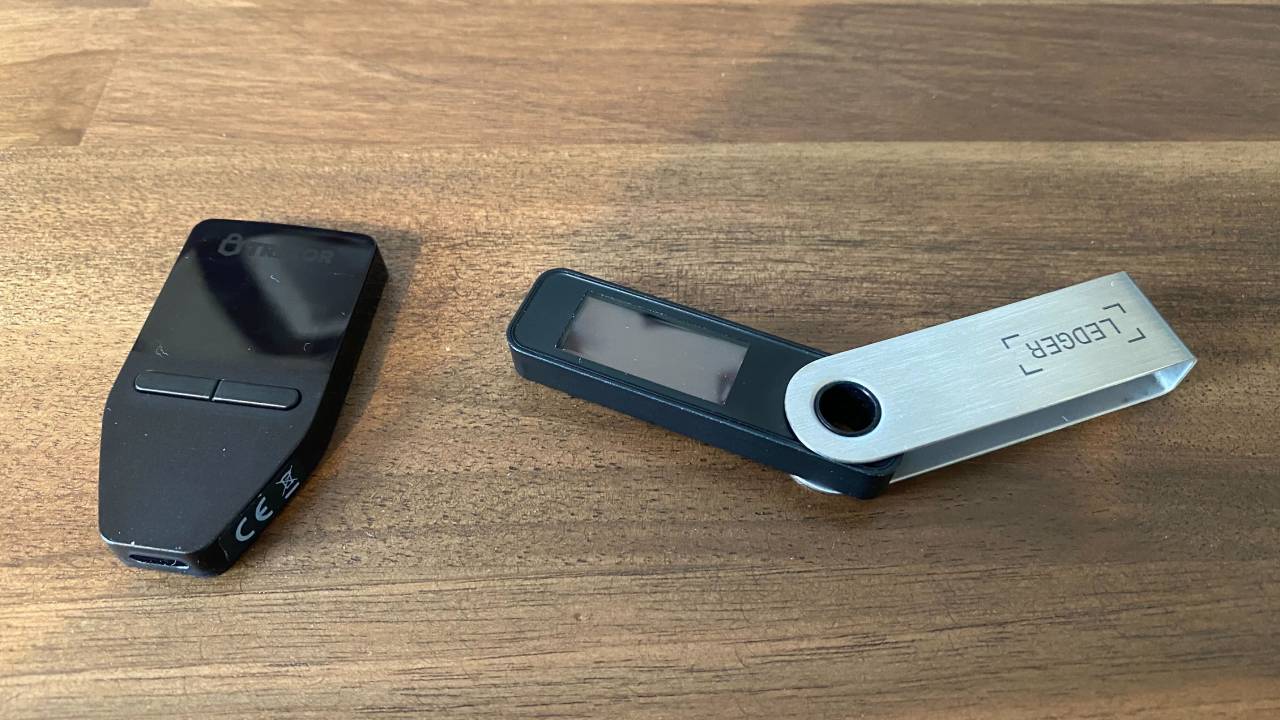
Design Showdown: Plastic vs. Steel
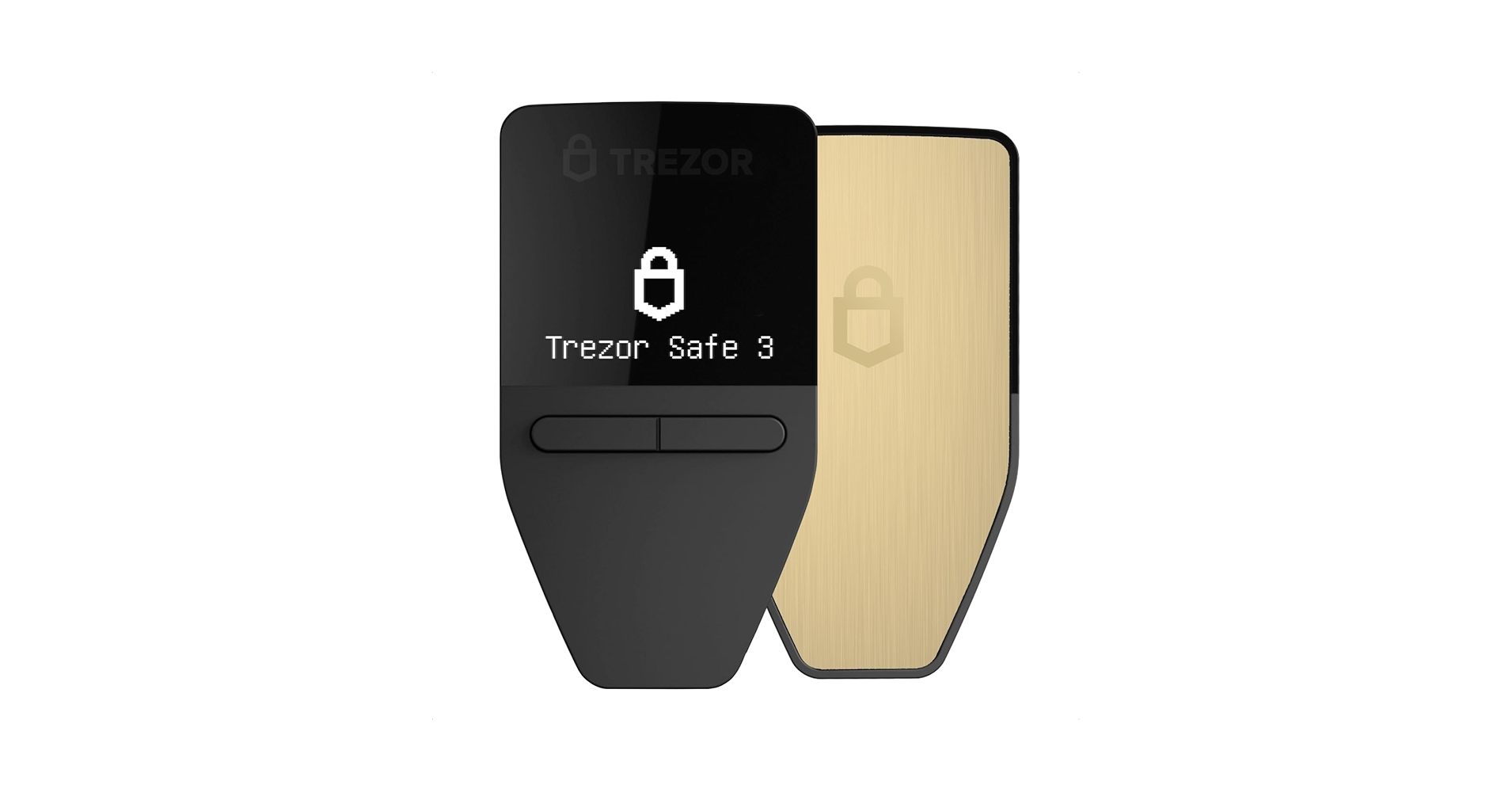
The first thing you’ll notice is the material difference. The Trezor Safe 3 comes in a lightweight plastic shell, keeping things minimalist and ultra-portable. Its rectangular shape fits easily in your palm or pocket, a major plus for traders on the move. By contrast, the Ledger Nano X flexes its premium feel with a stainless steel swivel cover paired with a plastic base, giving it that iconic flash drive look and extra durability.
If you’re all about gear that can take a beating in your trading bag, Ledger’s robust build is hard to beat. But if weight and simplicity are your jam, Trezor’s design still holds its own.
Display and Navigation: Clarity Meets Control
Both devices sport a crisp 128×64 pixel OLED screen. This ensures transaction details pop with clarity, no squinting required when confirming addresses or amounts. But there’s nuance in navigation:
- Trezor Safe 3: Front-facing physical buttons for direct thumb access.
- Ledger Nano X: Top-mounted buttons that work seamlessly with its swivel cover.
This button placement isn’t just cosmetic, it changes how quickly you can approve or reject transactions mid-trade. Fast fingers might prefer Ledger’s layout, but Trezor keeps things intuitive for newcomers.
Portability and Everyday Use: On-the-Go Security
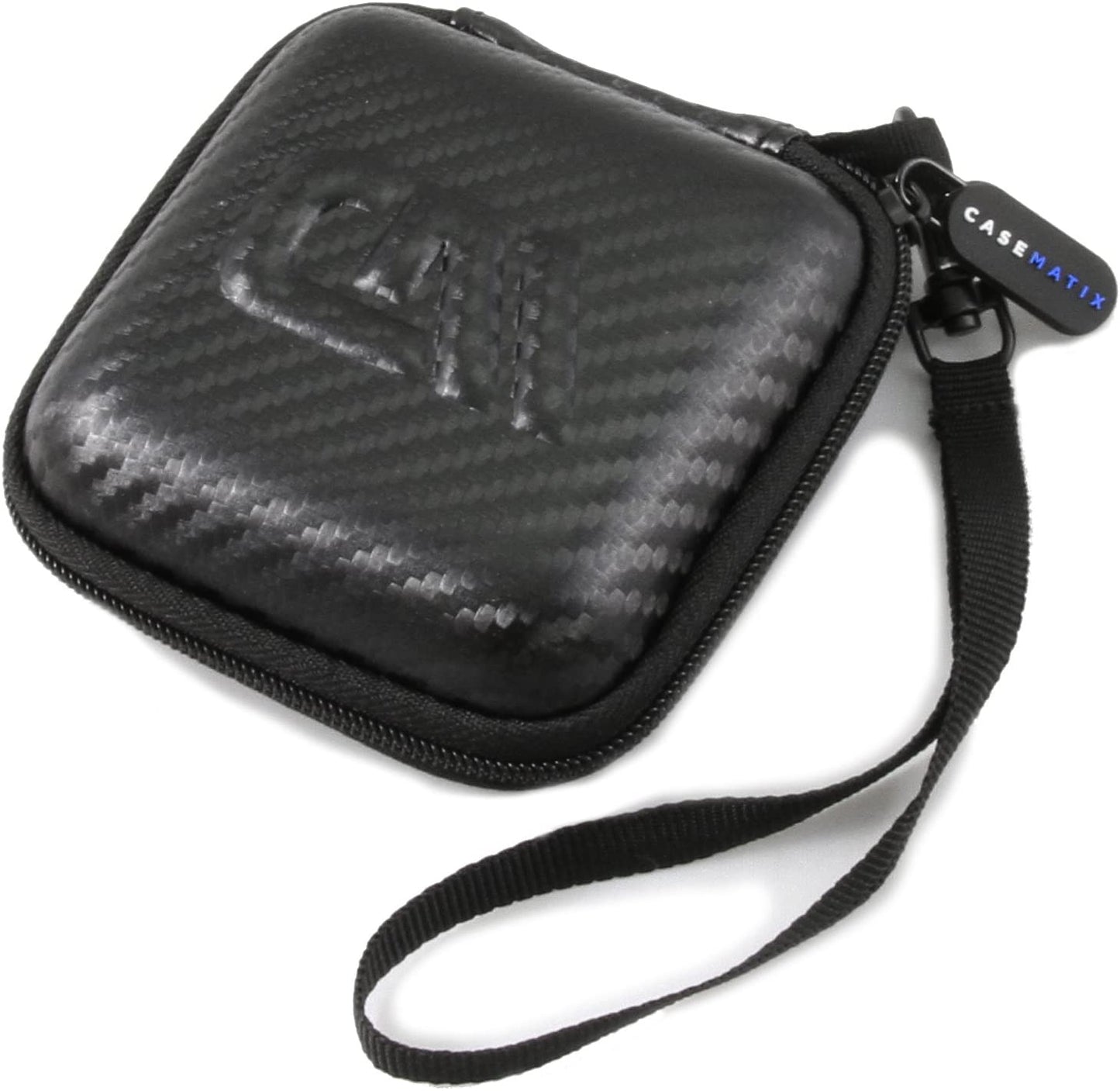
If your wallet needs to travel as fast as you do, both options deliver, but with different strengths. The Trezor Safe 3’s featherweight build makes it almost unnoticeable in your pocket or keychain pouch. Meanwhile, the Ledger Nano X’s swivel cover isn’t just stylish, it shields your screen and buttons from scratches or accidental presses during transit.
Portability & Build: Trezor Safe 3 vs Ledger Nano X
- Trezor Safe 3: Lightweight Plastic Build – Features a compact, rectangular design made entirely of durable plastic, making it extremely light and easy to carry in any pocket or bag.
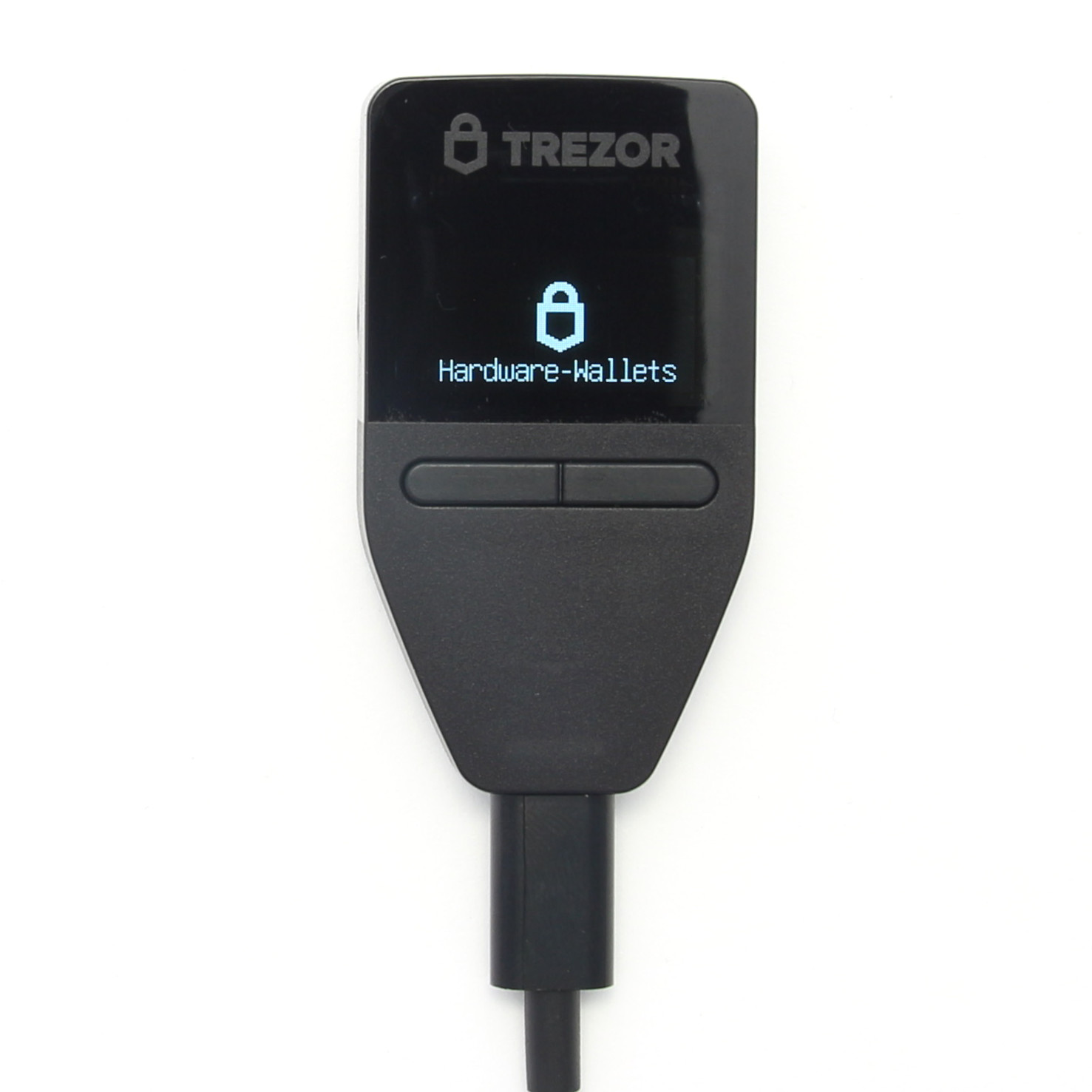
- Ledger Nano X: Premium Metal Protection – Combines a robust stainless steel swivel cover with a plastic body, offering enhanced durability and a premium feel compared to all-plastic wallets.
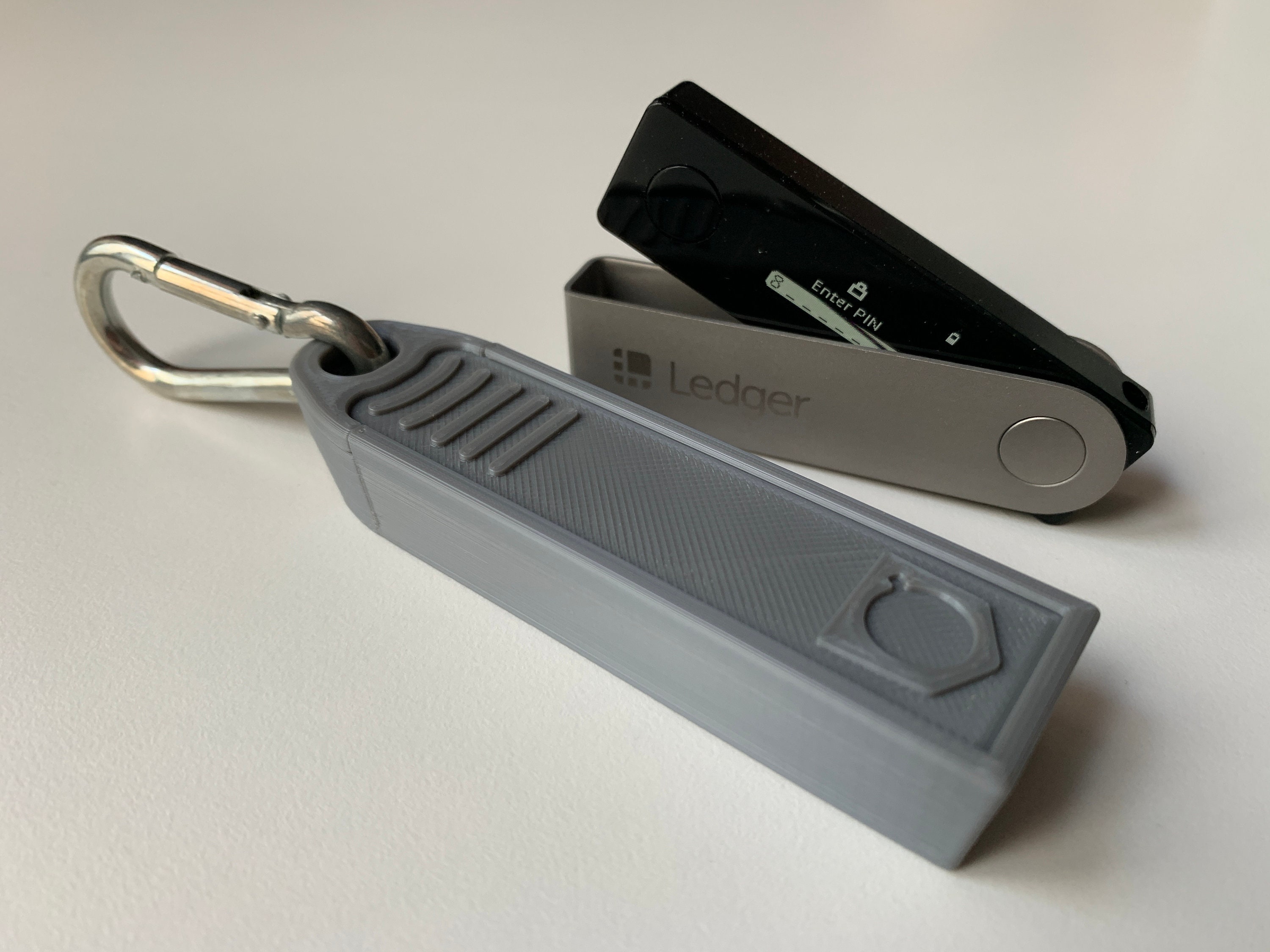
- Screen & Display – Both devices sport a 128×64 pixel OLED screen, ensuring clear transaction details, but the Ledger Nano X’s cover protects the display when closed.
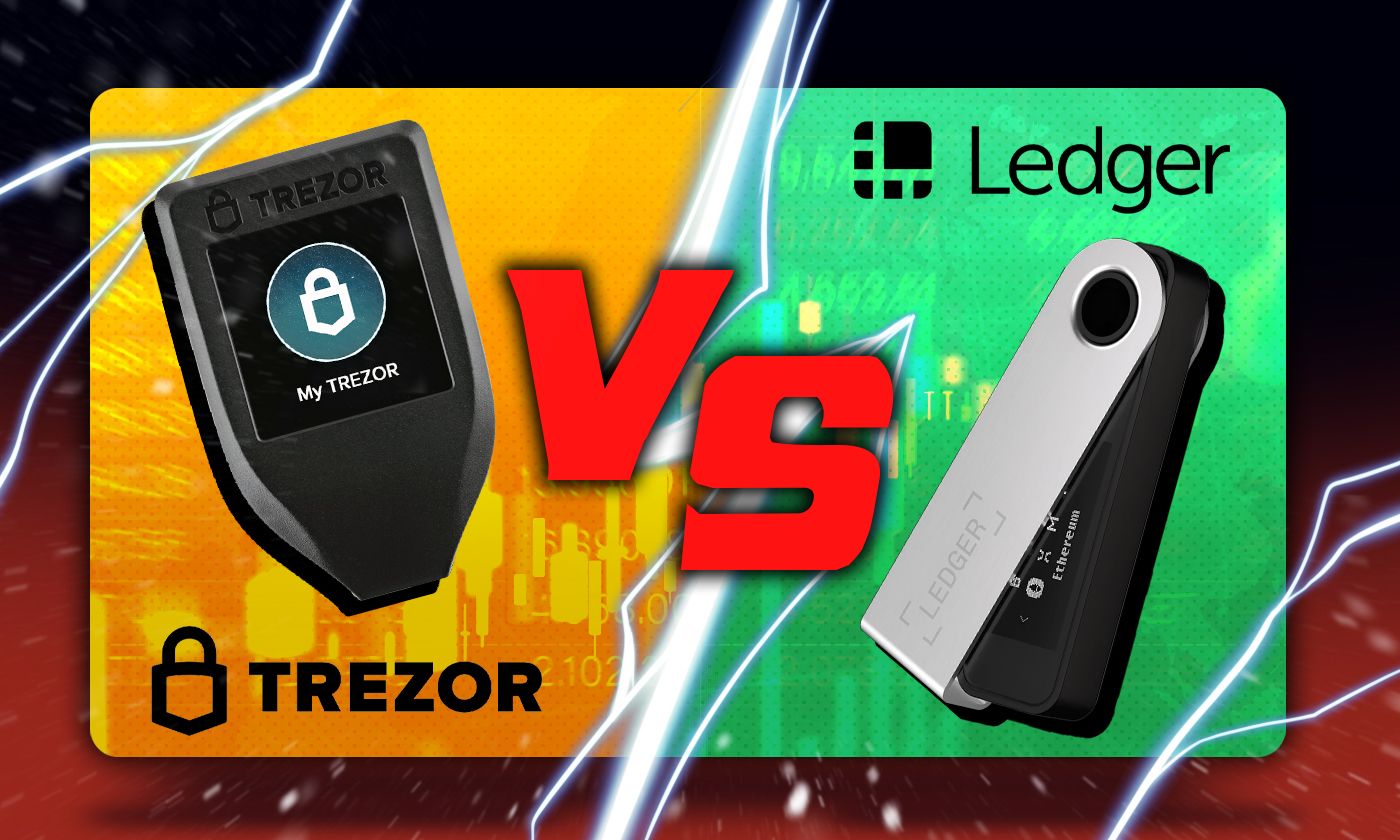
- Button Placement & User Interface – Trezor Safe 3’s navigation buttons are on the front, while Ledger Nano X places them on the top, affecting how each device is held and operated.
- Portability Factor – Both are pocket-sized, but the Ledger Nano X’s swivel cover adds an extra layer of on-the-go protection, making it ideal for travel or daily use.
No matter which camp you fall into, minimalist or maximalist, these wallets offer strong cold storage security without sacrificing convenience. For deeper dives into feature-by-feature breakdowns, check out our detailed guides like Ledger vs Trezor: Comparing the Latest Hardware Wallet Innovations for 2025.
Ecosystem and Compatibility: Where Flexibility Wins
Let’s talk real-world usability. The Ledger Nano X flexes hard here, supporting over 5,500 cryptocurrencies. That’s a powerhouse advantage for anyone running a diversified portfolio or dabbling in lesser-known altcoins. Ledger’s Bluetooth connectivity also lets you manage assets via your smartphone with the Ledger Live app, no cables required. This is a game-changer for high-frequency traders who need to move fast and stay mobile.
The Trezor Safe 3 isn’t far behind in simplicity but supports around 1,500 coins. It sticks to a classic USB-C connection, rock solid for security purists who want zero wireless exposure. While its coin coverage is narrower, Trezor’s open-source firmware and compatibility with third-party wallets (like Exodus and Electrum) keep it flexible for advanced users.
Security Stack: Cold Wallet Confidence
Both wallets deliver on the cold storage promise, your private keys never leave the device. Here’s where they diverge:
- Trezor Safe 3: Leverages open-source firmware, so its code can be audited by anyone. No Bluetooth means fewer remote attack vectors, which appeals to hardcore security maximalists.
- Ledger Nano X: Uses a proprietary secure element chip (CC EAL5 and certified) for hardware-level protection and gives you the option of encrypted Bluetooth transactions. The closed-source approach means you trust Ledger’s internal audits, but their long track record speaks volumes.
If you’re looking for transparency above all else, Trezor leads. If you want maximum convenience without sacrificing robust security certifications, Ledger wins out.
Price and Value: Is Premium Worth It?
The current price tags are clear: the Ledger Nano X is $149, while Trezor Safe 3 typically comes in lower (check manufacturer sites for live updates). For that extra spend, Ledger brings more coin support and wireless flexibility into play. Trezor keeps things lean, perfect if your focus is on core assets like Bitcoin or Ethereum and you want no-fuss security.
User Experience: Setup and Daily Flow
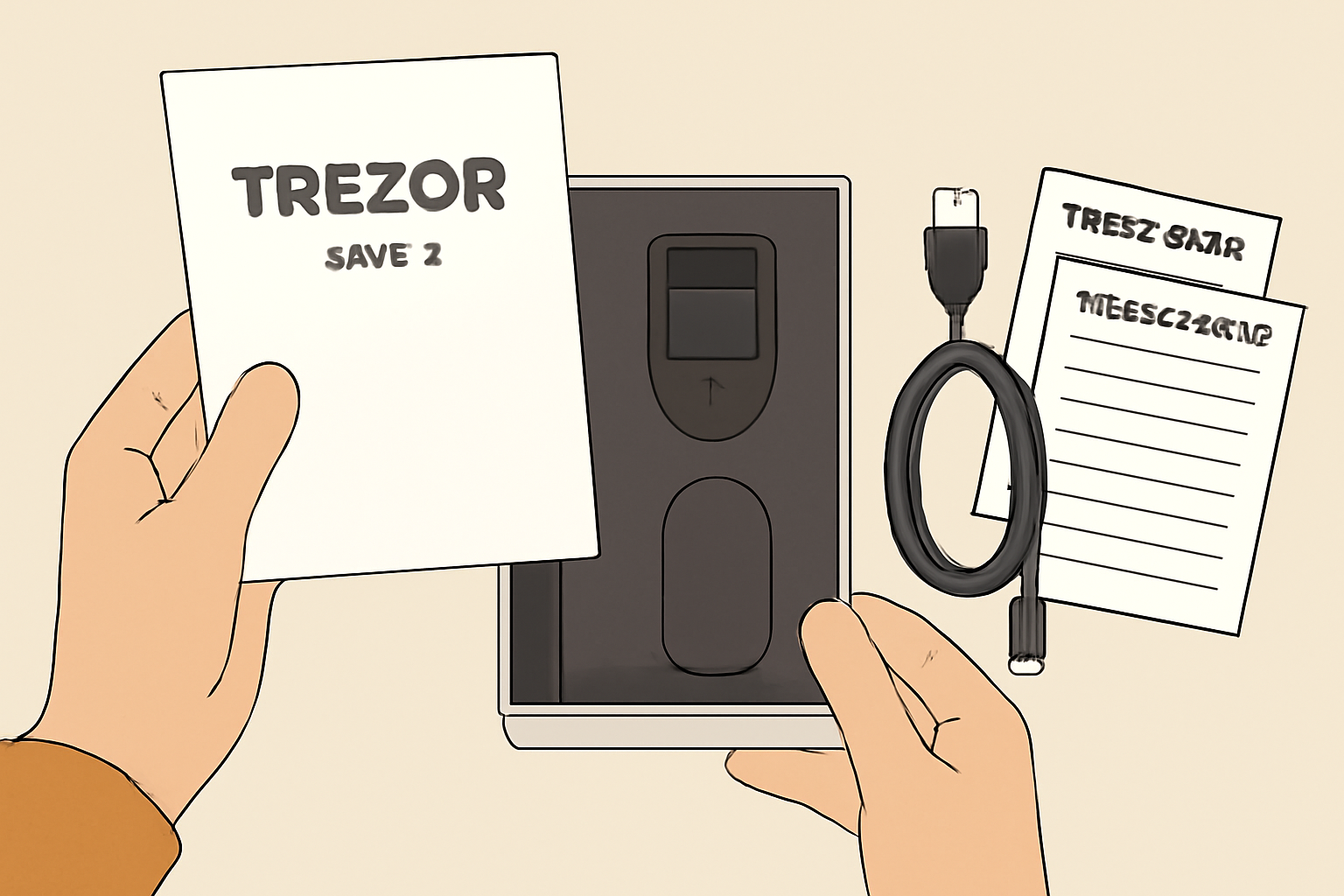
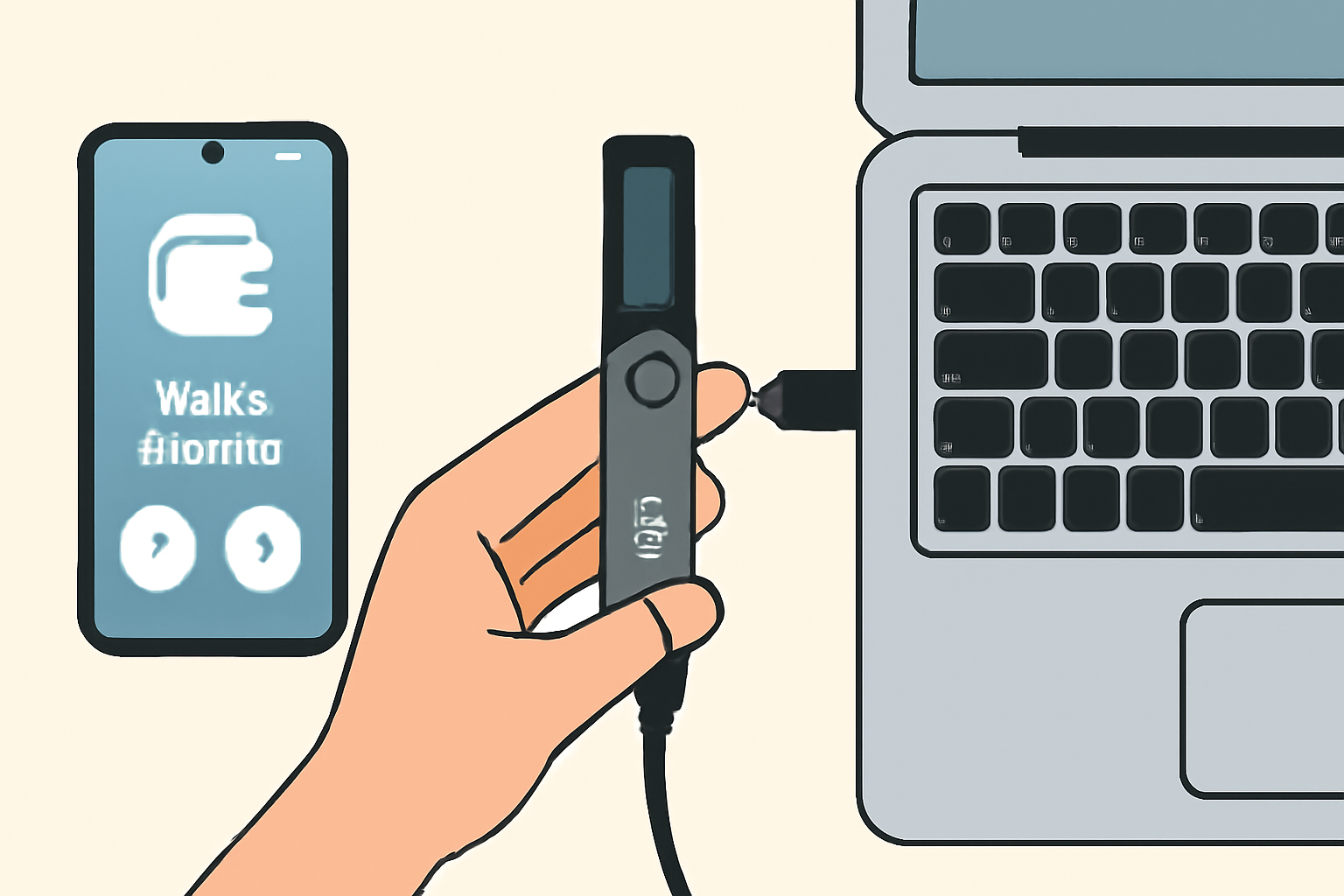
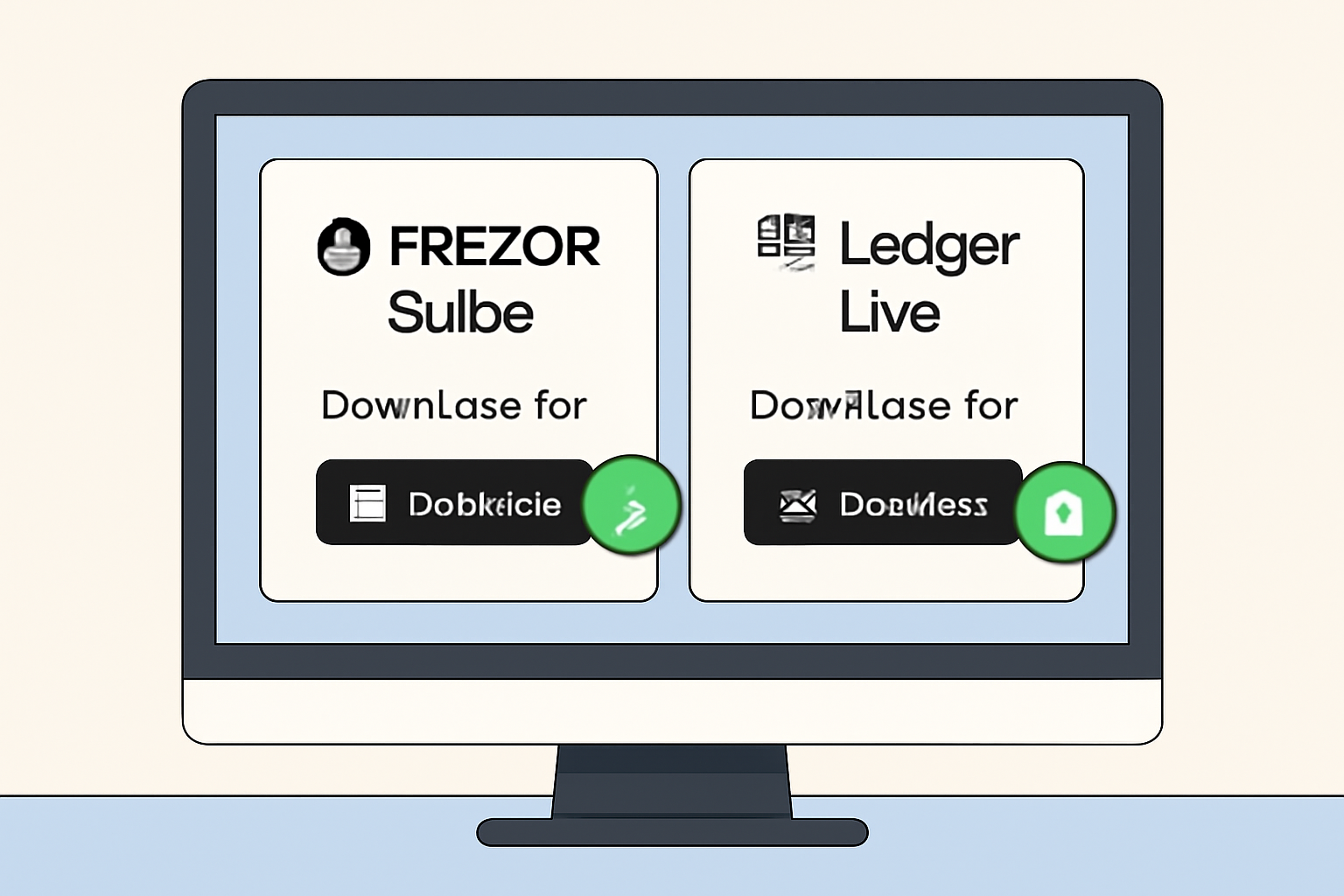
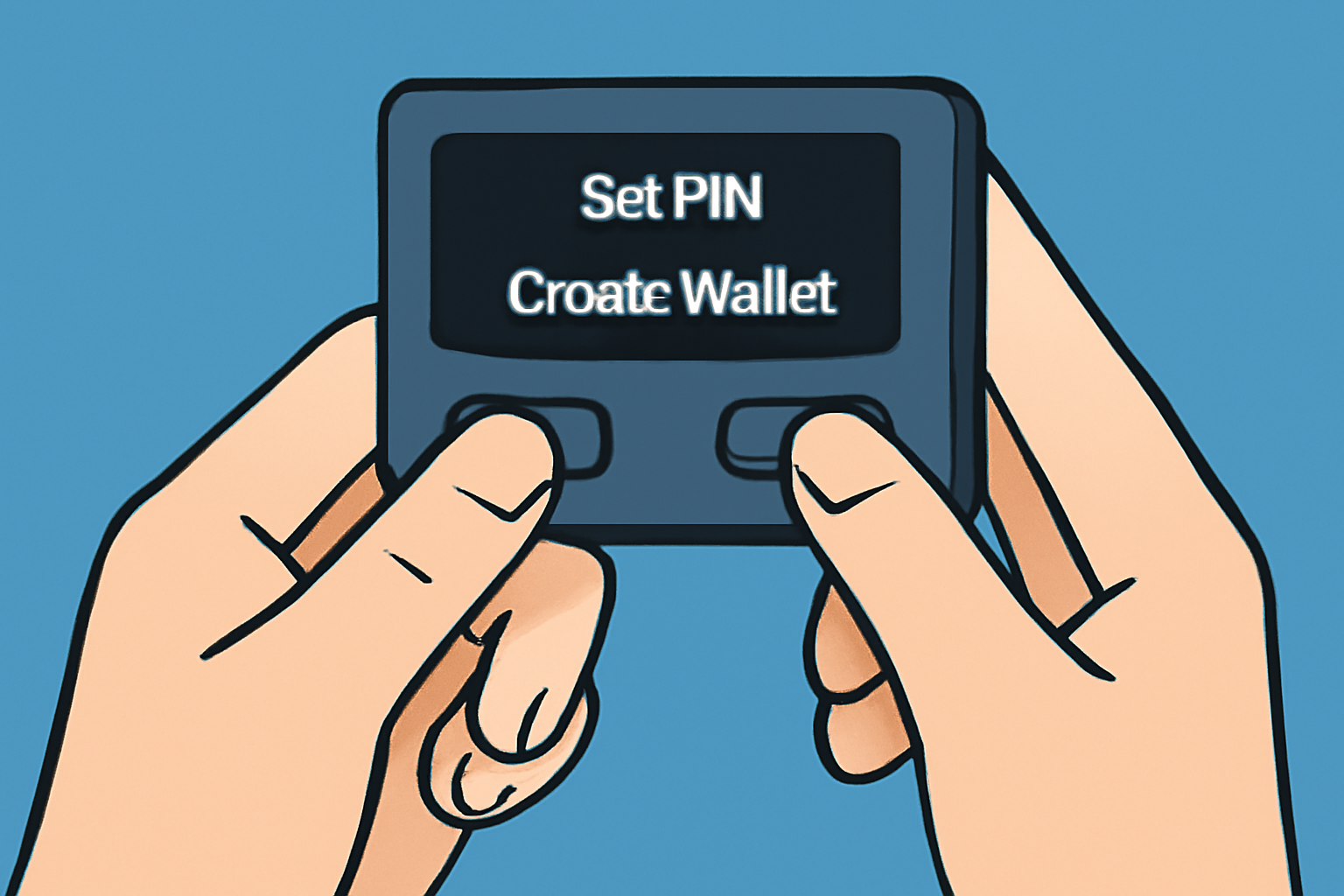
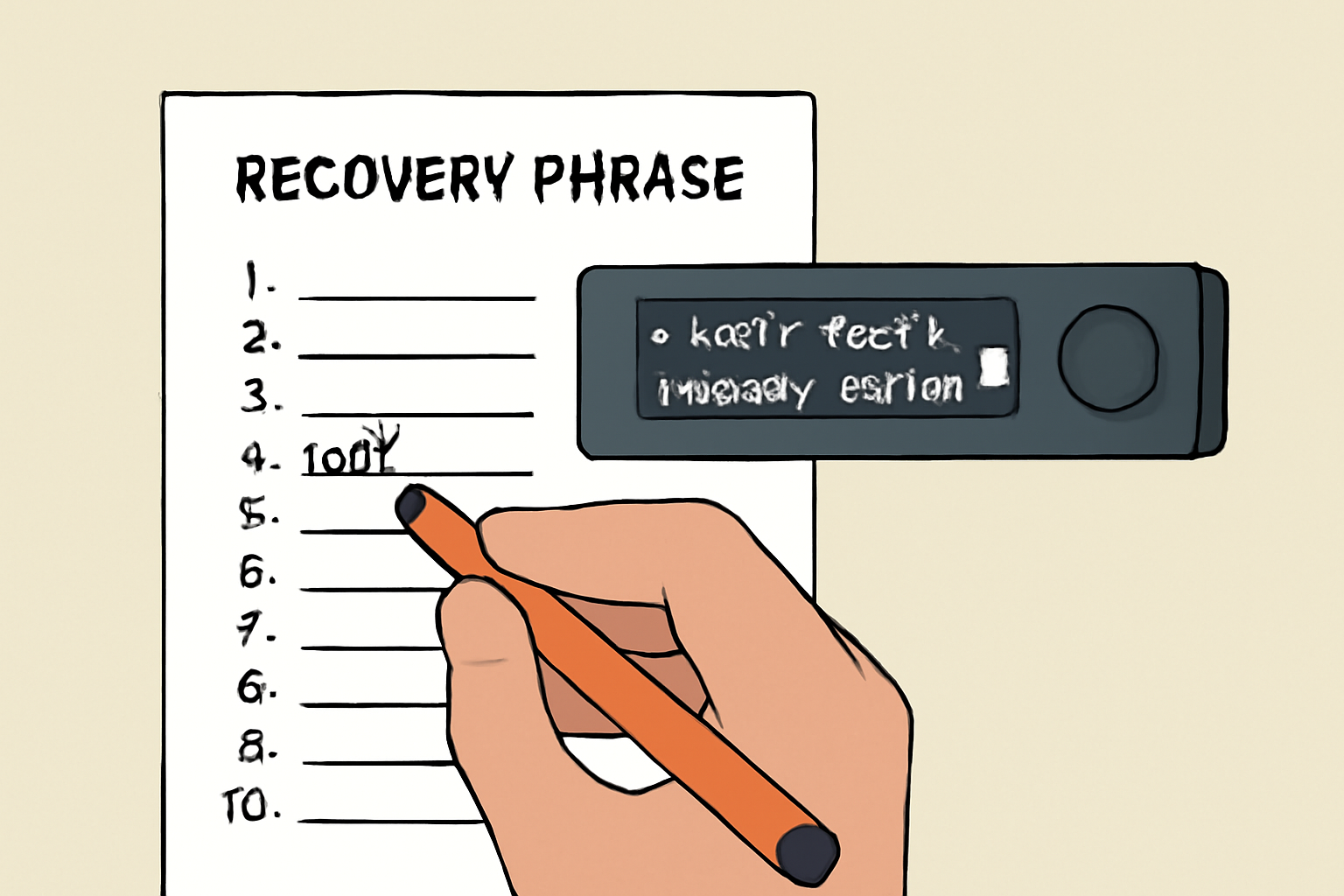
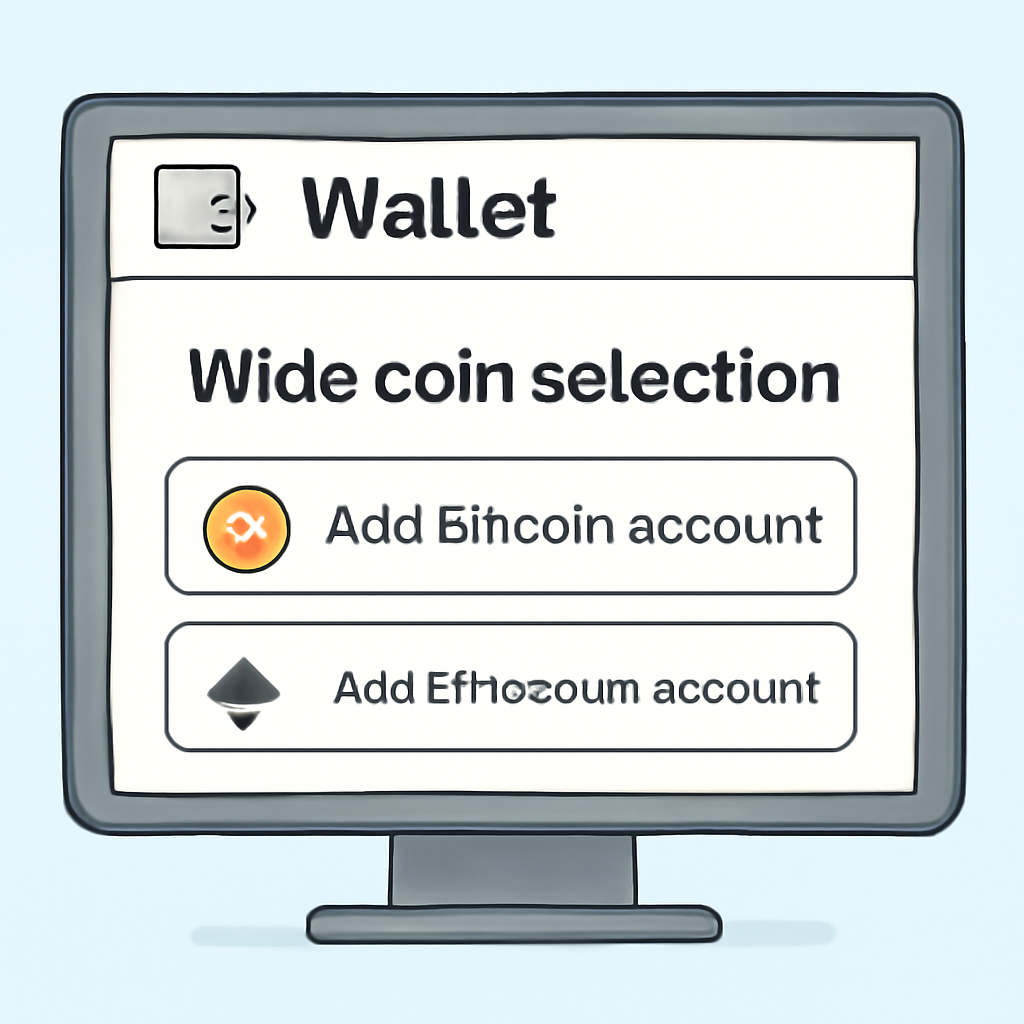
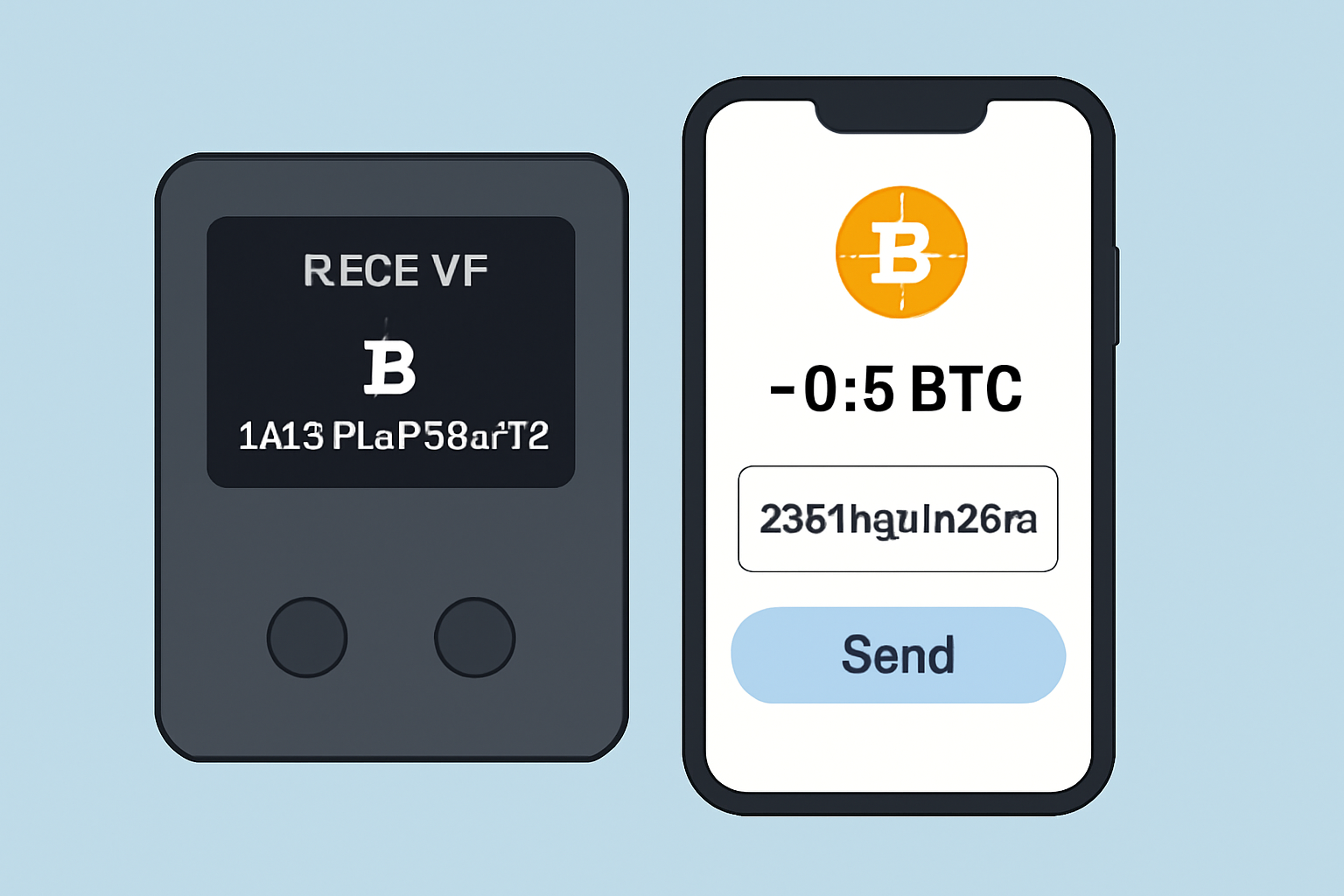
Breeze through setup with either device, a few minutes and you’re ready to store or swap coins. Trezor’s onboarding is famously beginner-friendly with clear step-by-step instructions on its OLED screen. Ledger takes a slightly more technical route but rewards power users with advanced features like staking directly from the app.
Set Up Your First Hardware Wallet: Trezor Safe 3 or Ledger Nano X
What Should You Choose?
If your strategy relies on speed, multi-asset support, or mobile management, the Ledger Nano X will feel like an upgrade worth every dollar. If open-source transparency and minimal attack surface are non-negotiables, Trezor Safe 3 is your go-to cold wallet companion.
The bottom line? Both wallets stand at the front of the hardware wallet comparison 2025 pack, pick based on what matters most to your crypto journey.



No comments yet. Be the first to share your thoughts!