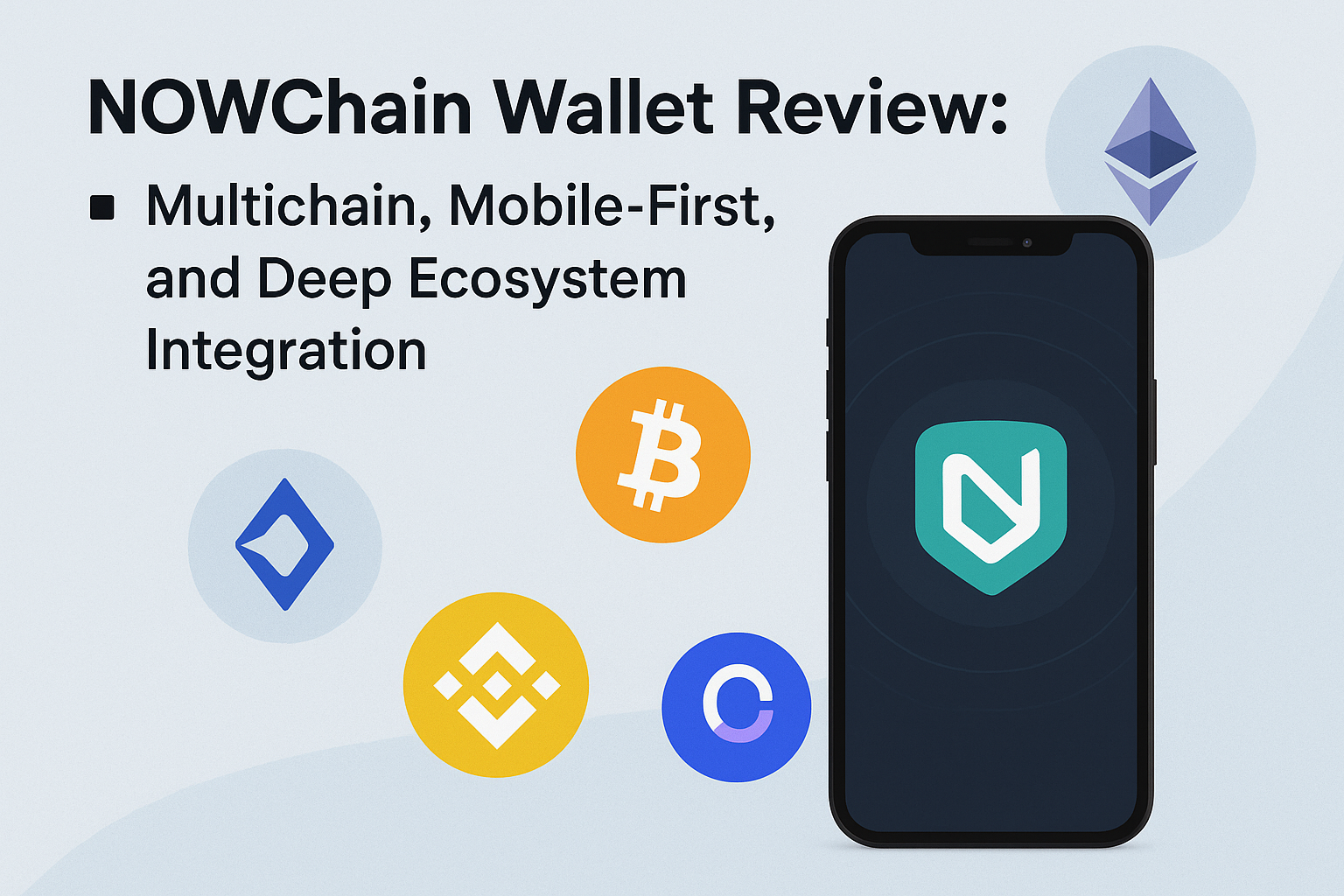
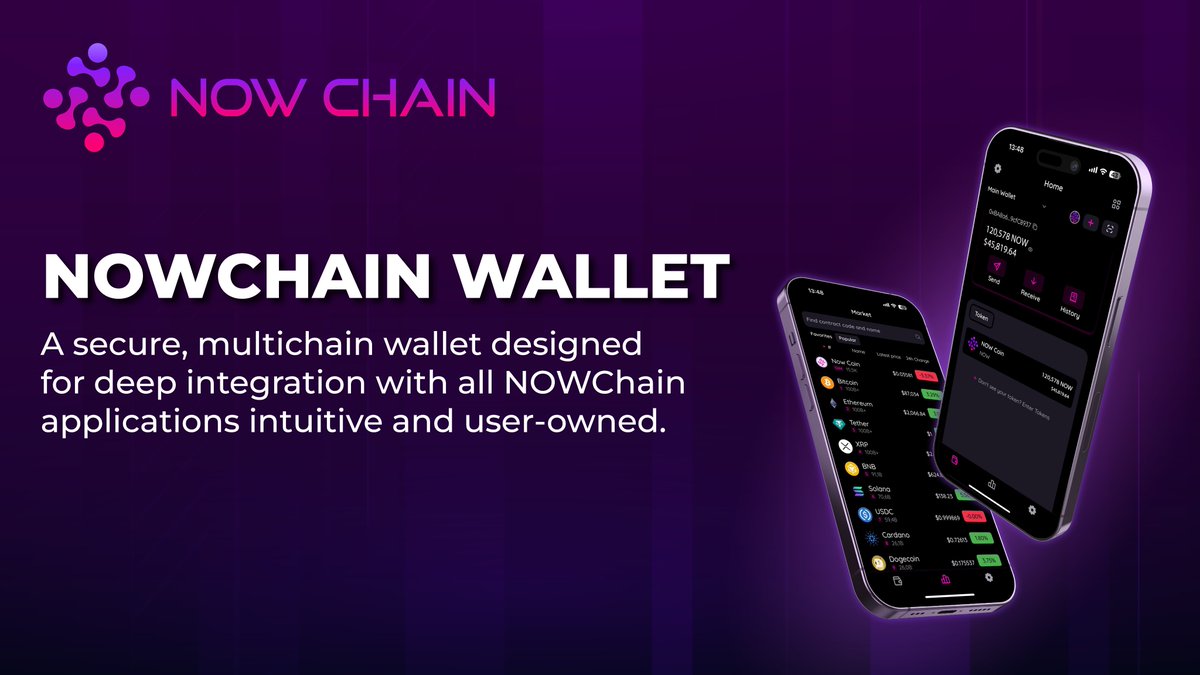
For anyone who’s spent time navigating the fragmented world of crypto wallets, the promise of a truly multichain, mobile-first experience is tantalizing. NOWChain Wallet positions itself as a next-gen solution for users who demand seamless asset management across dozens of blockchains, deep ecosystem integration, and on-the-go accessibility. But does it deliver on these ambitious claims?
Multichain Support: Beyond the Basics
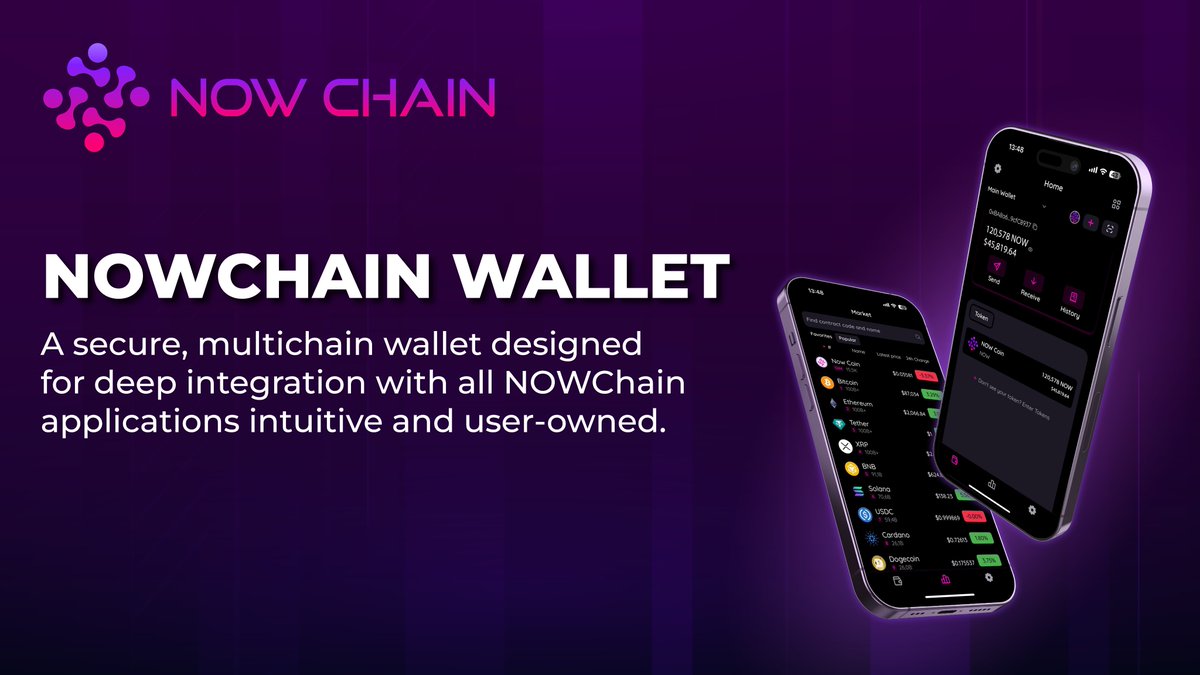
The most immediate standout feature is NOWChain Wallet’s broad multichain support. With compatibility for over 70 blockchains and 1,500+ tokens—including not just Ethereum and Bitcoin but also niche assets—this wallet goes far beyond what most single-chain or limited multi-asset wallets offer. For users accustomed to juggling multiple apps or browser extensions just to keep tabs on their portfolios, this level of consolidation is a game-changer.
Key Advantages of Multichain Crypto Wallets
- Unified Asset Management: Manage multiple cryptocurrencies from different blockchains in a single wallet, reducing complexity and saving time.
- Seamless Cross-Chain Transactions: Easily swap and transfer assets across supported blockchains without needing multiple wallets or exchanges.
- Enhanced Flexibility: Access a wider range of tokens and decentralized apps (dApps) thanks to support for various blockchain networks.
- Cost and Time Efficiency: Avoid multiple transaction fees and lengthy transfer processes by consolidating activities within one wallet.
- Deep Ecosystem Integration: Benefit from integrated services such as staking, swapping, and portfolio tracking within the wallet environment.
NOWChain’s architecture enables fast and unlimited cross-chain swaps directly within the app, eliminating many of the pain points associated with moving assets between networks. The integration with NOWDEX (the wallet’s decentralized exchange) further streamlines trading and liquidity access without leaving your wallet environment.
A Mobile-First Design Philosophy
Unlike legacy desktop wallets or clunky browser plugins, NOWChain Wallet is unapologetically mobile-first. The app feels purpose-built for smartphones—navigation is intuitive, onboarding is swift (with clear prompts for importing or creating new wallets), and biometric security features are front-and-center. This focus on mobile usability aligns with broader trends in crypto adoption; increasingly, users want to manage their digital assets while on the move rather than being tethered to a desktop interface.
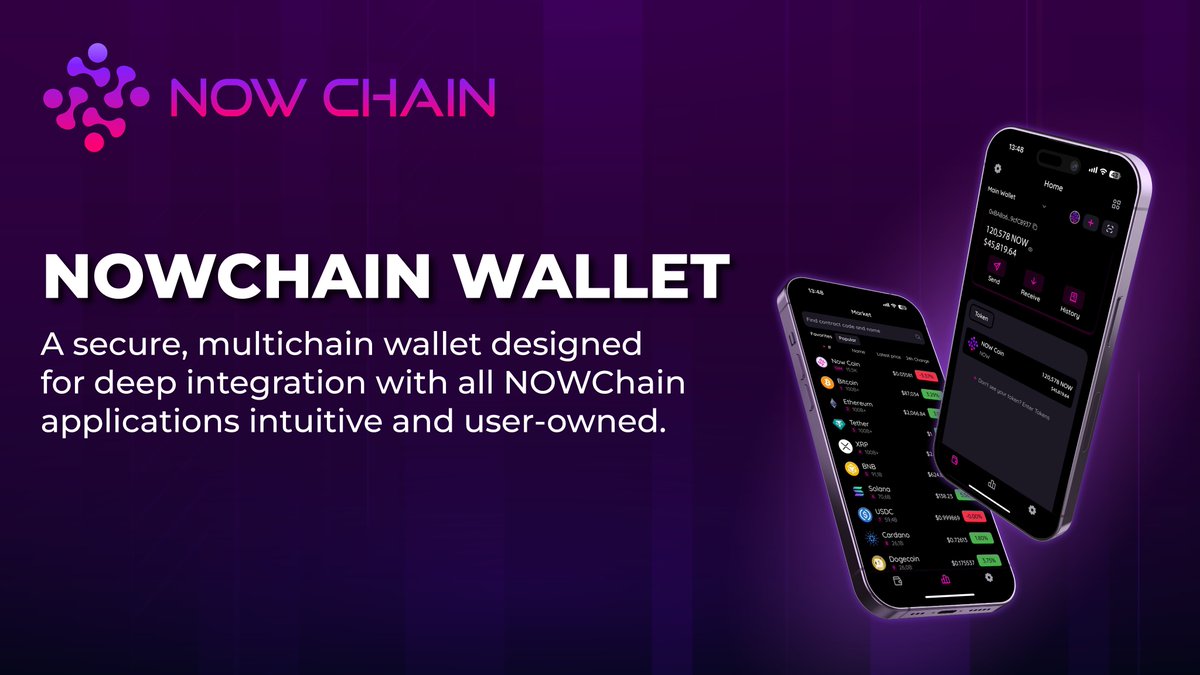
What’s especially notable is how well the wallet integrates advanced features without overwhelming less technical users. For example, optional transaction nonce settings cater to power users wanting granular control over Ethereum transactions—a rarity in mainstream mobile wallets.
Ecosystem Integration: Staking, Swaps & More
The deep ecosystem integration sets NOWChain apart from generic multi-asset wallets. Not only does it support in-app staking for select tokens (enabling users to earn passive income securely), but it also offers direct access to the NOWDEX platform and real-time portfolio analytics. This convergence means fewer logins, less friction, and a genuinely unified user experience.
For those interested in maximizing yield or experimenting with DeFi strategies, these integrations are more than just nice-to-haves—they’re foundational tools that can save considerable time and reduce exposure to phishing risks associated with jumping between platforms.



No comments yet. Be the first to share your thoughts!