
The intersection of Apple’s iPhone ecosystem and MetaMask, one of the world’s most popular crypto wallets, is reshaping expectations for crypto wallet security on iOS. With MetaMask now boasting over 100 million users and a growing toolkit for digital asset management, the recent updates to its iOS integration are more than just technical upgrades - they represent a pivotal moment for mainstream crypto adoption and user safety.
MetaMask and iPhone: A New Era for Self-Custody
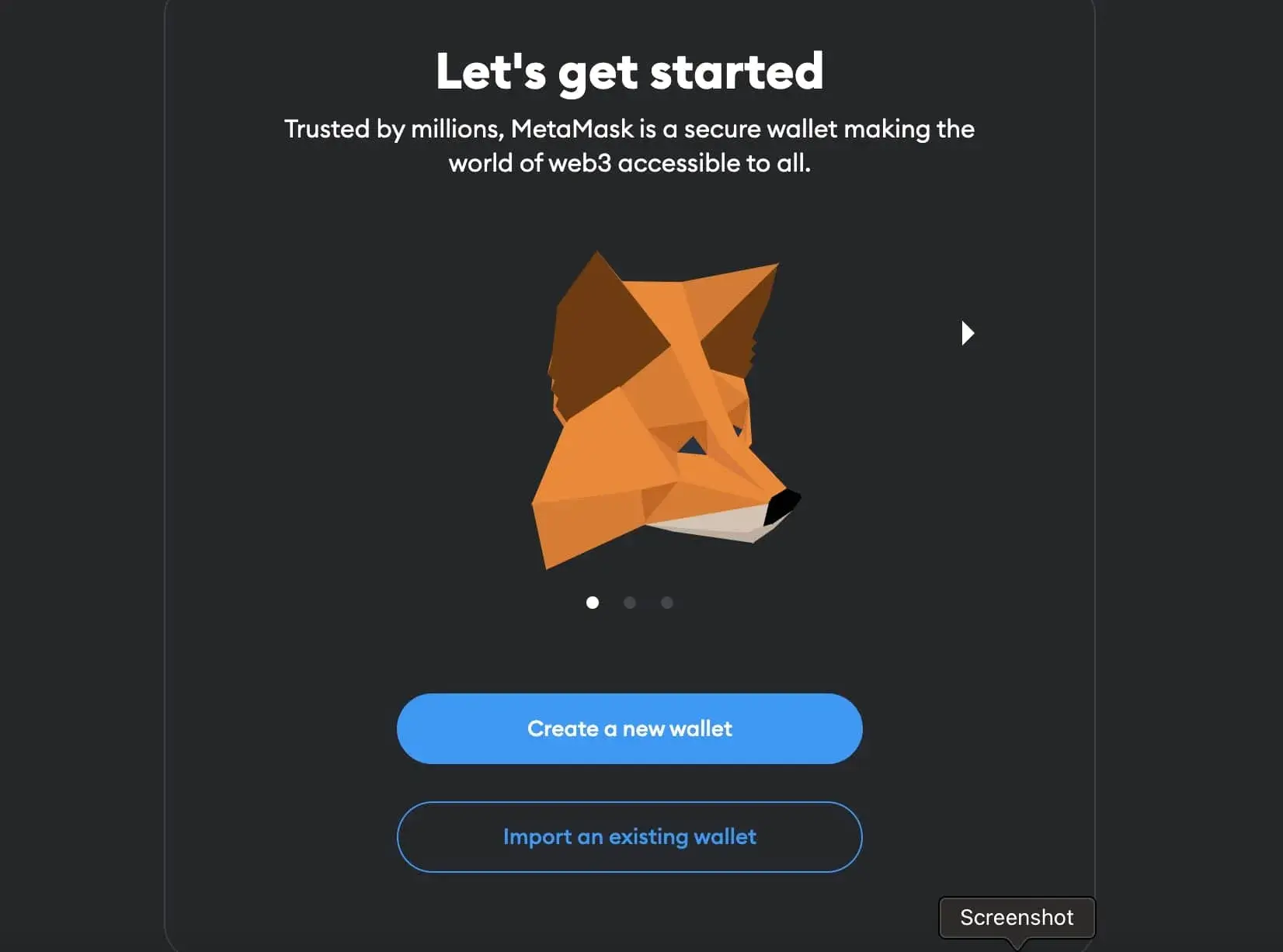
Since its debut on the Apple App Store in 2020, MetaMask has offered iPhone users a reliable gateway to Ethereum-based assets and decentralized applications. But the partnership’s evolution is most visible in two key areas: simplified onboarding and enhanced security protocols. In August 2025, MetaMask introduced a social login feature, allowing users to create or restore wallets using their Apple accounts. This bypasses the traditional requirement to manually write down and store a 12-word secret recovery phrase, aiming to make blockchain technology more accessible for everyday users.
This update is significant because it leverages Apple’s robust authentication systems - Face ID, Touch ID, and device-level encryption - while still preserving MetaMask’s self-custodial ethos. For new entrants to crypto, this means fewer hurdles between downloading an app and securely holding digital assets.
Security Trade-Offs: Convenience Versus Control
The question on every security-conscious user’s mind: does integrating with Apple accounts make MetaMask wallets safer or more vulnerable? The answer is nuanced. On one hand, utilizing your Apple ID enables advanced encryption methods; MetaMask encrypts your Secret Recovery Phrase (SRP) and shards it across five nodes, accessible only via your authenticated account. This adds layers of protection against brute-force attacks or device theft.
However, history offers cautionary tales. In April 2022, MetaMask warned users about the risks of automatic iCloud backups inadvertently storing sensitive wallet data online - an issue that could expose funds if iCloud credentials were compromised (source). The lesson? While Apple’s infrastructure is secure by design, it introduces new attack surfaces unique to cloud-based ecosystems. Disabling unnecessary backups remains best practice for maximum wallet safety.
Regulatory Headwinds and User Confidence
No discussion about crypto wallets in 2025 is complete without mentioning regulatory scrutiny. In June 2024, Consensys - the developer behind MetaMask - faced a lawsuit from the U. S. SEC alleging violations related to decentralized exchange services within the app (source). While Consensys maintains that software interfaces like MetaMask should not fall under SEC jurisdiction, this legal uncertainty underscores how regulatory frameworks are playing catch-up with technological innovation.
Despite these headwinds, user confidence in both Apple and MetaMask remains robust. At the time of writing, Apple Inc (AAPL) trades at $234.35, reflecting continued market strength even as tech giants navigate shifting regulatory landscapes.
Simplified Crypto Onboarding with Apple Pay Integration
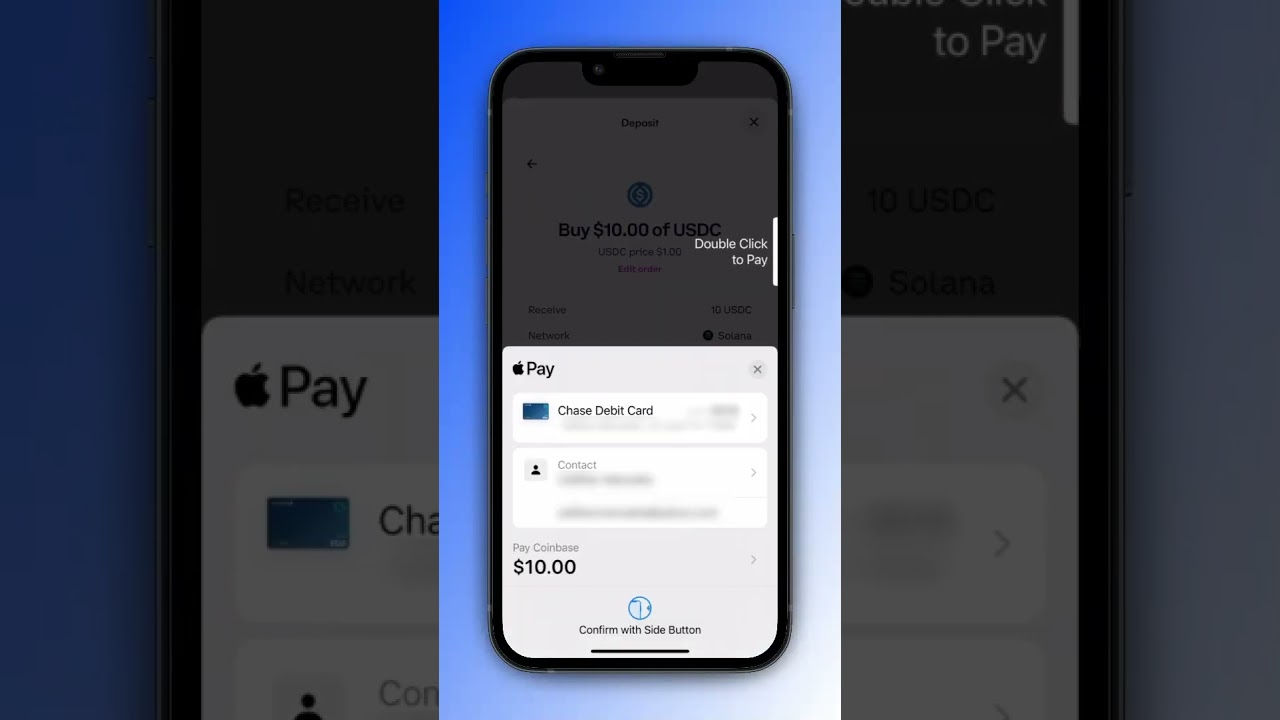
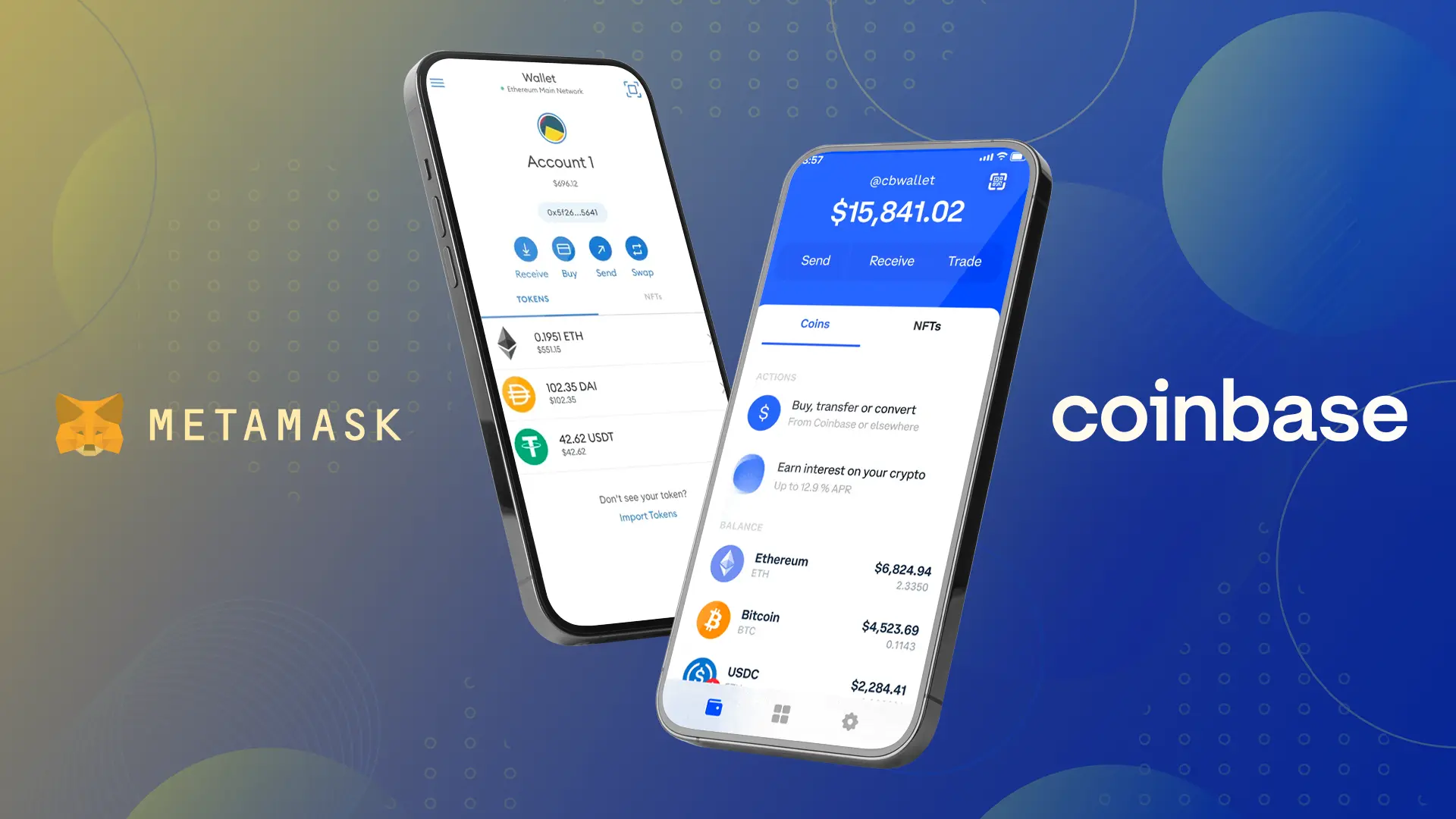
Another major milestone for iOS users is MetaMask’s integration with Apple Pay - allowing seamless purchases of crypto assets using debit or credit cards directly within the app interface. This removes friction from initial onboarding and supports faster adoption among mainstream audiences who expect familiar payment experiences when entering new financial frontiers.
For those new to digital assets, the ability to buy crypto through Apple Pay within MetaMask is a game-changer. It eliminates the need for third-party exchanges or complex transfer processes, letting users acquire tokens in just a few taps. This integration is not only about convenience but also about trust, as many consumers already rely on Apple’s payment security and privacy standards in their daily lives.
However, users should remember that while Apple’s ecosystem provides excellent security features, it is not infallible. Phishing attempts targeting iCloud credentials remain a risk, and users must stay vigilant against social engineering attacks. For those managing significant assets or wishing for maximum control, manually storing secret recovery phrases offline and using hardware wallets are still considered best practices.
Best Practices for iOS Crypto Wallet Security
To maximize safety when using MetaMask on your iPhone, consider these essential steps:
Top Security Tips for MetaMask Users on iOS
- Disable iCloud Backups for MetaMask: Prevent your wallet's secret recovery phrase from being stored online by turning off iCloud backups for MetaMask in your iPhone settings. This reduces the risk of remote hacks if your Apple credentials are compromised.
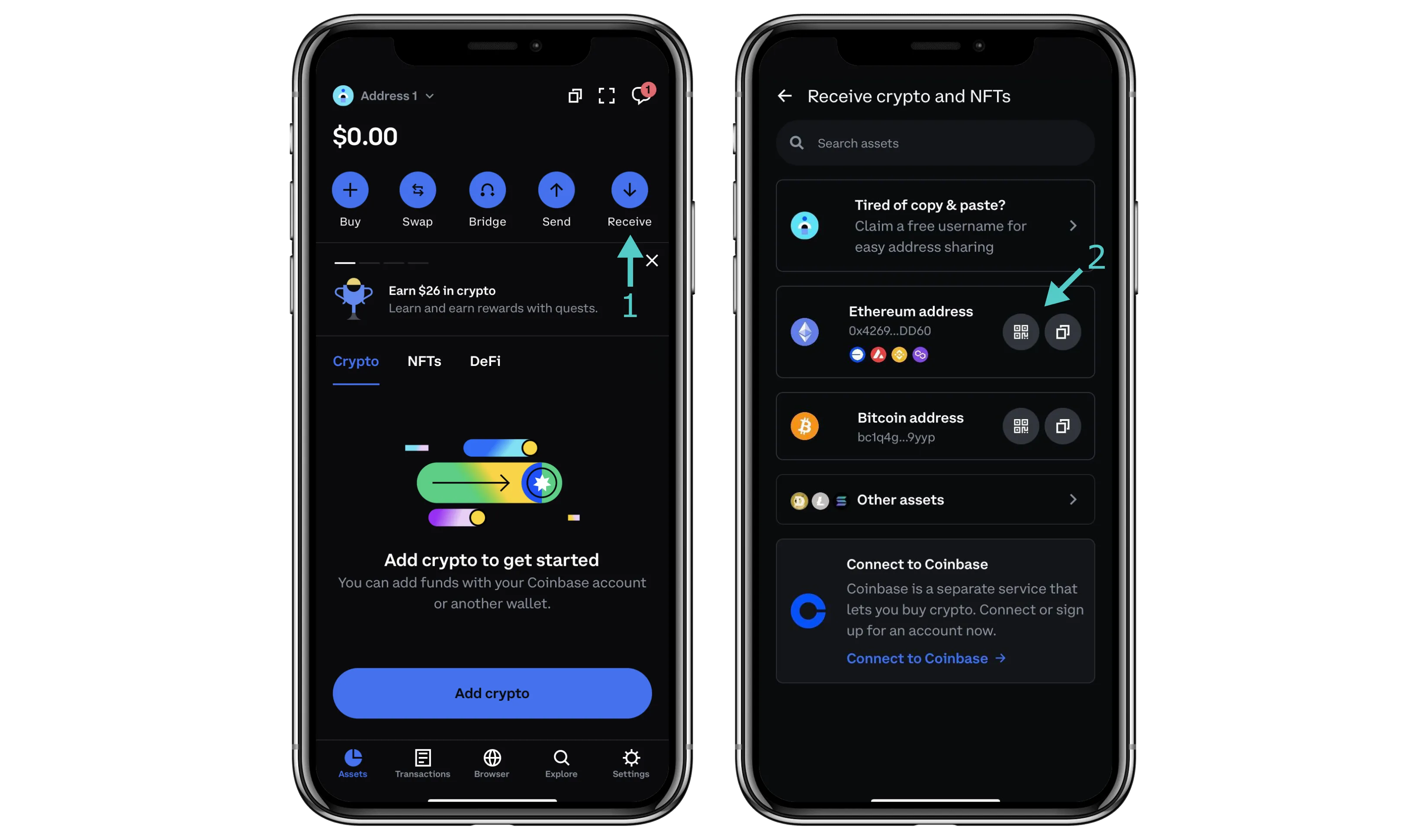
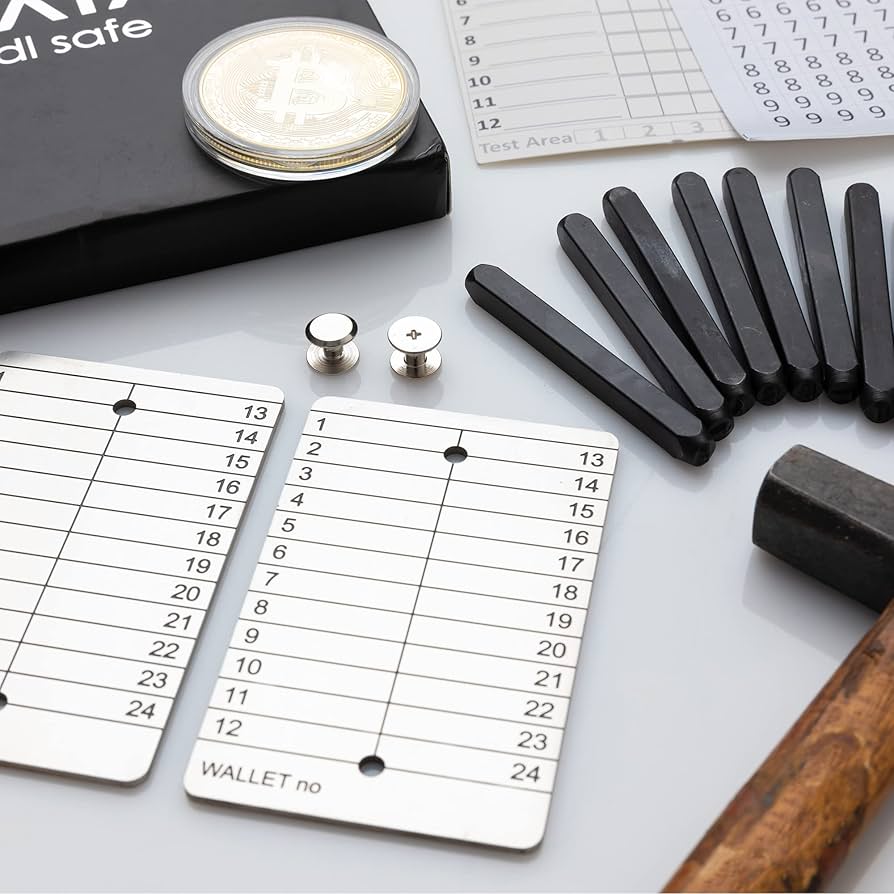
- Safeguard Your Secret Recovery Phrase (SRP): Write down your SRP and store it offline in a secure location. Never share it digitally or with anyone. Remember: MetaMask will never ask for your SRP via email or support chat.
- Use Biometric Authentication: Enable Face ID or Touch ID for MetaMask on iOS to add an extra layer of security when accessing your wallet.
- Be Cautious with Social Login Features: If you use MetaMask’s Apple or Google social login, ensure your associated account has strong, unique passwords and two-factor authentication enabled.
- Regularly Update MetaMask and iOS: Keep both your MetaMask app and iOS operating system updated to the latest versions to benefit from the newest security patches and features.
- Verify App Authenticity Before Downloading: Only download MetaMask from the official Apple App Store to avoid phishing or malicious clones.
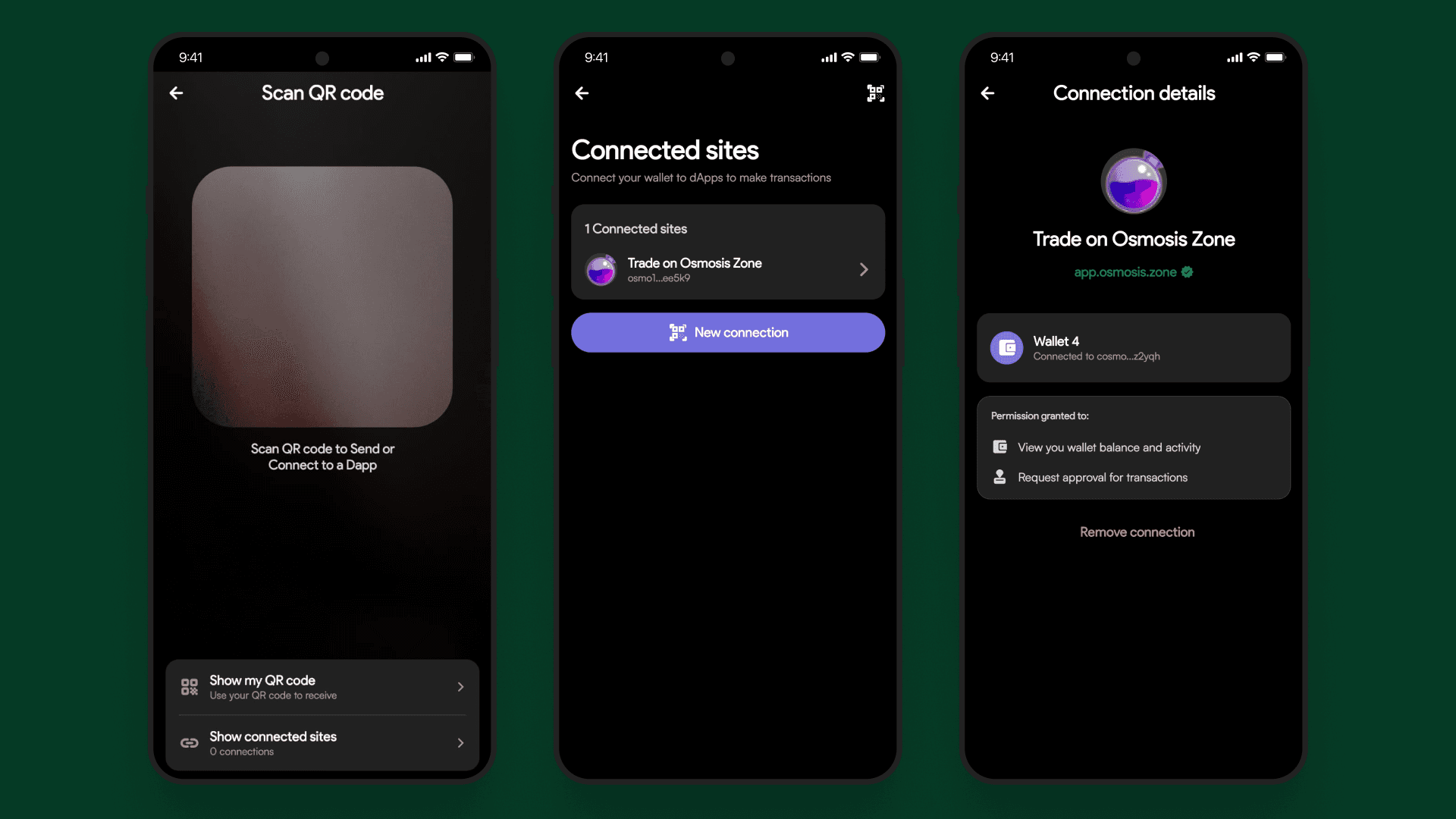
- Review Connected Sites and Permissions: Regularly check which decentralized apps (dApps) have access to your MetaMask wallet and revoke permissions for any you no longer use.
- Watch for Phishing Attempts: Be wary of unsolicited emails, pop-ups, or messages claiming to be MetaMask support. Always verify URLs and never enter your SRP on suspicious sites.
By following these guidelines, you can better protect your digital assets against both technical exploits and human error.
What Apple x MetaMask Means for the Future of Crypto Wallets
The collaboration between Apple and MetaMask signals a broader trend: mainstream technology companies are embracing crypto infrastructure while striving to balance usability with self-custody principles. This partnership could set new benchmarks for wallet design and onboarding across the industry, especially as regulatory clarity slowly emerges.
Looking ahead, expect further innovations that leverage device-level biometrics and secure enclave technologies. The goal will be to make crypto ownership as intuitive - and as safe - as managing any other financial account on your phone. For now, the combination of simplified onboarding via social login and payment integration with Apple Pay represents a step forward in making decentralized finance accessible to millions more.
Patience remains crucial: As always in tech-driven markets, moving too quickly can expose users to unforeseen risks. Stay informed about updates from both MetaMask and Apple to ensure you’re benefiting from the latest security enhancements.
The intersection of trusted mobile platforms like iOS with advanced crypto wallets such as MetaMask offers both promise and complexity. By staying proactive about security settings and understanding evolving features, iPhone users can confidently participate in the digital asset ecosystem, on their own terms.

No comments yet. Be the first to share your thoughts!